Pipeline CRM Pricing: Three Plans, Two Deal Ceilings
Pipeline CRM publishes its whole ladder at both billing states. The active deal ceilings, the flat add-ons and the onboarding packages are what decide the bill.
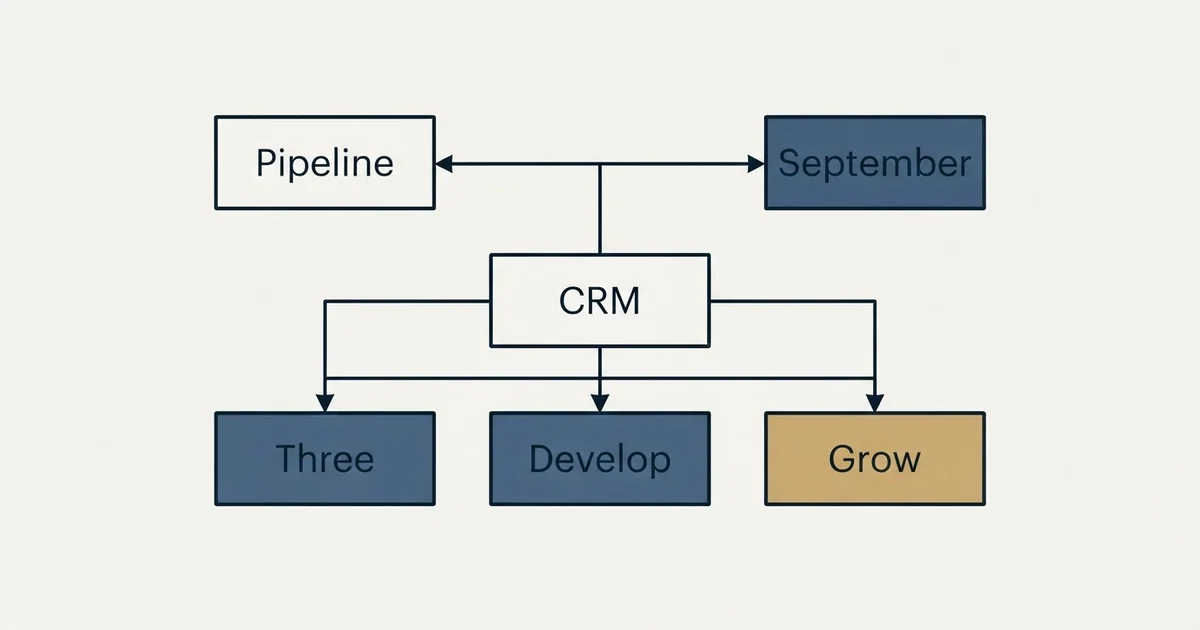
As published on Pipeline CRM's pricing page on 4 September 2026, Start is $25, Develop $33 and Grow $49 per user per month billed annually, or $29, $39 and $59 monthly, with Enterprise custom. Start caps active deals at 250 and exports at five a month, which is why an outbound team usually lands on Develop.
Key takeaways
- Three published tiers at both billing states, with the annual saving close to proportional across them, so the billing state changes the commitment rather than which tier is the better deal.
- The active deal ceiling of 250 on Start and 2,500 on Develop, plus the five export cap on Start, select the tier for a list building team before the seat rate does.
- Data enrichment, email validation and managed integrations are flat per account lines on top of the subscription, cheap on a large team and expensive on a solo seat.
- The trial runs on Grow with unlimited seats and cannot be switched, so a team that trials the top tier and buys the entry one meets ceilings it never saw.
Reviewed and updated October 1, 2026
Pipeline CRM prints its whole ladder in one sentence at the top of its pricing page, which is rarer than it sounds in a category where most vendors make you toggle, scroll and hover to assemble the same information. The sentence is accurate. It is also the least useful part of the page for a team that runs outbound, because the number that decides which plan they land on is not a price at all. It is the ceiling on active deals, and the entry plan's ceiling is one list build away.
Everything below was read from Pipeline CRM's own pricing page on 4 September 2026, with the figures attributed to that page and dated, and the add-on and onboarding lines that the ranking third-party pages leave out.
The three plans at both billing states
As published on Pipeline CRM's pricing page on 4 September 2026, the page opens with the line "Three straightforward plans, priced per user." and then states its own summary in prose: Start at $25, Develop at $33 and Grow at $49 per user per month billed annually, with monthly billing at $29, $39 and $59 per user per month, and Enterprise priced custom. Every plan starts with a 14 day trial of the Grow plan, no card required.
The page carries an Annual billing and Monthly billing toggle with the annual state active by default, and both states are rendered into one document, so the figures a scraper reads depend on which of the two it happened to keep. The annual chips on the same page put the saving at $48 per user per year on Start, $72 on Develop and $120 on Grow, which the page rounds up into a single line reading "Save up to $120 per user per year with annual billing".
Those three savings are worth reading as a shape rather than a headline. The annual discount is close to proportional across the three tiers, roughly a seventh off in each case, so unlike several CRMs in this bracket the billing state does not change which tier is the better deal. It changes only whether you are committing for a year.
The Enterprise card carries a contact sales button in place of a figure. It lists flexible terms, a success support manager, enterprise grade security and twenty sales pipelines, and routes to a contact form. That is the one tier on the page a buyer cannot price alone.
The ceiling that selects the tier
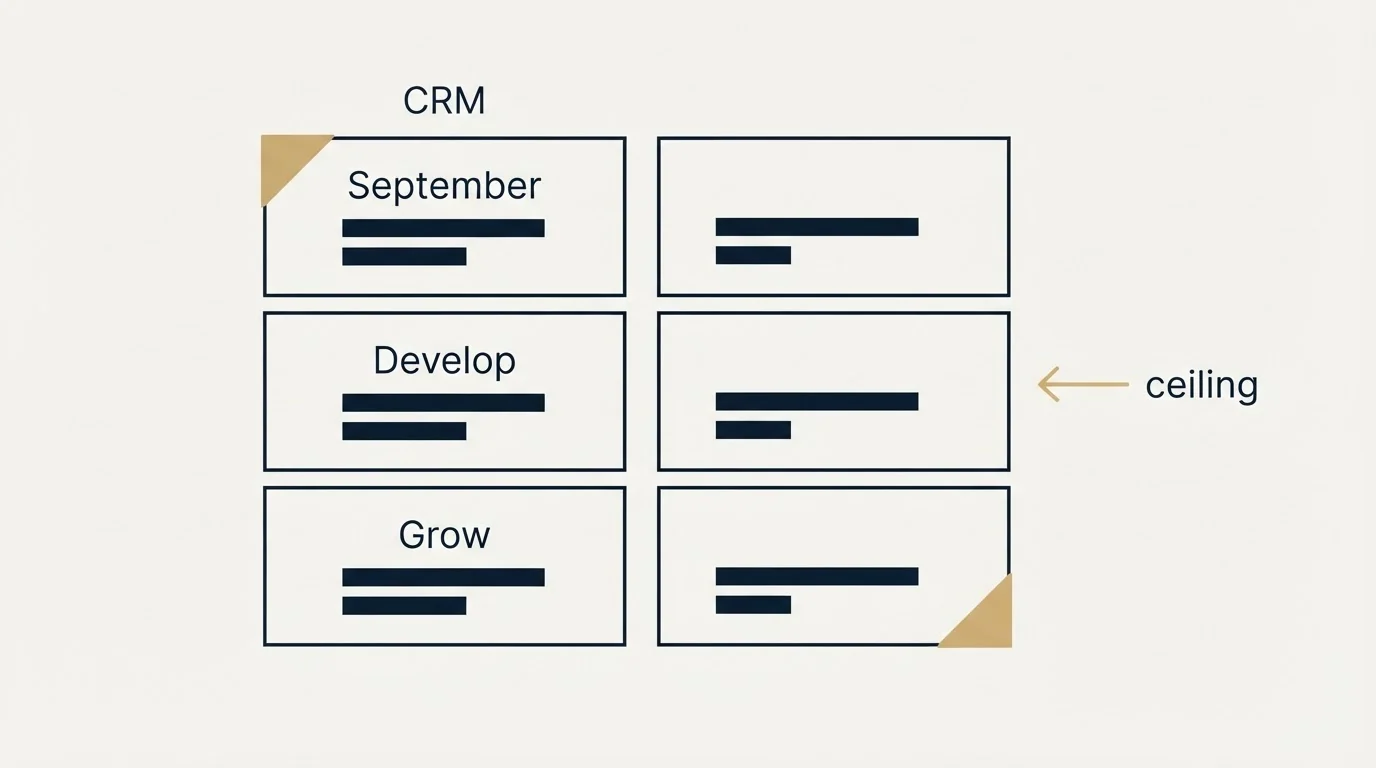
The per user rates are the number everybody quotes and the record limits are the number that decides the tier, and on this page the limits are published in the plan comparison table rather than hidden in a help centre.
As published on the same page on 4 September 2026, Start holds one sales pipeline and 250 active deals per account, Develop holds two pipelines and 2,500 active deals, and Grow holds five pipelines with unlimited active deals. Custom fields run 25, 35 and unlimited. Exports are capped at five per user per month on Start and unlimited above it. Automations run one, ten, twenty and a hundred across the four tiers, and free read-only users run zero, two, two and five.
The active-deal ceiling is the one to size before anything else. A team whose opportunities arrive by referral will take a year to fill 250 open deals. A team running cold outbound against a segment of any size creates open records faster than it closes them, and the entry plan's ceiling is reached in the first serious quarter. The practical entry point for an outbound team is therefore Develop rather than Start, and the comparison to run against a rival is at Develop's rate, not the headline one. The same two-meter shape appears on Copper's pricing page, where the contact ceiling does the selecting and the seat rate does the advertising.
Two more rows in that table matter for an outbound motion specifically. Email tracking is capped at 250 per user on Start and unlimited above it, and the export cap of five per user per month on Start is the one that bites a team that builds suppression lists from its CRM every week.
- One sales pipeline
- 250 active deals per account
- 25 custom fields
- Five exports per user per month
- One automation
- 250 email trackings per user
- No free read-only users
- Two sales pipelines
- 2,500 active deals per account
- 35 custom fields
- Unlimited exports
- Ten automations
- Unlimited email tracking
- Two free read-only users and external sharing
- Five sales pipelines
- Unlimited active deals
- Unlimited custom fields
- Twenty automations
- Email templates, bulk email and drip campaigns
- Projects, eSign and advanced de-duplication
- Unlimited teams and two free read-only users
What Grow adds, and what an outbound team should weight at nothing
Grow is the tier the trial runs on, and the page describes it as the plan for teams that want to automate processes and use advanced analytics and email tools. Read down the table and Grow is where email templates, bulk emails and email drip campaigns appear, alongside eSign, conditional formatting, advanced de-duplication, projects with milestones and Gantt views, and the three reporting features the page names as Performance Pulse, Hindsight and Deal Intelligence Fields.
The de-duplication row deserves more attention than it gets. A CRM that is the authority on who is already a customer, already in an open deal or already owned by a colleague is the thing an outbound programme suppresses against before every send, and duplicate records are how a prospect gets enrolled twice under two spellings of one company name. Advanced de-duplication sitting on Grow only is a real reason to be on Grow for a team that builds lists, and it has nothing to do with the email features that sit beside it.
Those email features are the ones to weight at nothing if you run outbound the way this site does. Drip campaigns are multi-step sequences by design. RevenueFlow sends one message per campaign, with no bumps and no thread replies. A CRM's sequencer is not where cold volume should run in any case, because cold sending belongs on separate domains from the mail that carries a company's real relationships. The full argument is in why we stopped using follow-ups, and the consequence here is that Grow's most advertised additions are the least relevant ones for this reader.
The four flat lines under the subscription
Beneath the plan cards the page publishes three premium add-ons and two onboarding packages, and this is the part every ranking third-party page omits.
As published on Pipeline CRM's pricing page on 4 September 2026, data enrichment is sold in three credit bands at flat monthly rates, 250 credits for $19, 500 for $37 and 1,000 for $69, with the page stating "Only pay for successful enrichments; no overage charges". The page prices email validation at a flat $25 per month for 10,000 validation requests a month, available to every user on the account at any tier. Pipeline Connect, a managed integration service where the vendor builds, hosts and monitors each connection, is $99 per month for up to five integrations or $249 per month for up to fifteen, with no setup fee and no contract, and the page says most integrations are live within five business days.
The onboarding lines are one-time. Standard onboarding is listed on the page from $750 and Premium onboarding from $1,500, both described as guided setup, data import assistance and one-on-one training by an onboarding manager. The estimator on the same page adds a note that reads "Competitor list prices as of July 2026." beside its comparison field, which is the vendor dating its own competitor figures, a courtesy worth noticing because almost nobody in this category does it.
Two things follow for a budget. The add-ons are flat and per account rather than per user, so a five seat team and a fifteen seat team pay the same for enrichment and validation, which makes them cheap on a larger team and expensive on a solo one. And the enrichment bands are usage meters riding on top of a seat price, so the bill responds to headcount and to list-building volume independently.
- Step 1Fix the billing state
The page loads annual. Decide whether you are comparing annual or month to month and hold every vendor to the same one.
- Step 2Size the active-deal ceiling
Project open records at month six against the Start and Develop limits before reading a rate.
- Step 3Count seats and read-only users
Read-only seats are free but capped by tier, and every paid seat is the tier rate.
- Step 4Add the flat lines
Enrichment, validation and managed integrations are per account, so they weigh differently on a solo seat and a fifteen seat team.
- Step 5Add onboarding once
Two one-time packages with from prices, outside the subscription.
Trial, billing and currency terms the page states
The trial runs on Grow for fourteen days with an unlimited number of seats, and the FAQ states that you cannot switch to a different plan during the trial. That is a fair design and a small trap: a team that trials on Grow experiences unlimited deals and unlimited exports, then buys Start and meets the 250 deal and five export ceilings in production.
Payment is by card monthly or annually, with annual invoicing available. The platform is in English only, and the FAQ states that more than sixty currencies can be chosen on the Grow plan, which is the multi-currency line a team billing in two currencies should read before assuming it comes with the entry tier. The vendor's sales team is in Seattle and Atlanta, and support runs on US based live chat.
Add-ons bill together with the subscription and can be added or cancelled at any time. The page states no minimum seat count on any published tier, which separates it from the CRMs in this bracket that put a user floor under the entry plan.
Who the page says it is for
Pipeline CRM's industries page, read on 4 September 2026, describes the product as "Pipeline CRM is a sales CRM for small and mid-size B2B teams" and lists thirteen industry configurations: construction and the trades, manufacturing and distribution, transportation and logistics, professional services, property developers, marketing agencies and financial services. Its customer stories page carries twenty-five named companies in the same segments, and the structured data on its homepage still carries the former name, describing the product as formerly PipelineDeals, which is why several directories file it under that name.
That is a B2B sales buyer with a field or trade flavour, and it explains the map views row in the table, which is priced in routes per user per month (five on Start, fifteen on Develop, forty-five on Grow, a hundred on Enterprise). A team that never leaves the office will never use that allowance. A distributor's rep who plans a route each morning will hit it.
For the broader question of which layer of the stack a pipeline tool belongs to, pipeline management tools separates the CRM from the execution and intelligence layers that answer the same search. For what a CRM has to record before any of its reporting means anything, pipeline management in a CRM is the discipline underneath the tier choice.
Why the ranking pages disagree with the page
Search the query and most of the results belong to the vendor, with two independent explainers beside it. The independent pages quote the three annual rates and stop, and several directories still file the product under a former name. What none of them carries is the billing state beside the figure, the active-deal ceilings, the flat add-on rates or the onboarding packages, which between them decide more of a real bill than the seat rate does.
The vendor's own comparison pages are the other half of the SERP, and they are worth reading as what they are. A comparison page written by one vendor about another is a claim, and the rival's rates belong to the rival's own page. Pipedrive's pricing page is the ladder most of those comparisons are written against, and half the figures circulating for it describe plans it has retired.
- Yes: Confirm whether your quote is the annual or the monthly rate, since both are on the page
- Yes: Project active deals at month six against the 250 and 2,500 ceilings
- Yes: Check the export cap if suppression lists come out of the CRM weekly
- Yes: Decide whether de-duplication on Grow is worth the step up for a list-building team
- Yes: Price the flat add-ons per account, not per seat
- Depends: Confirm multi-currency sits on the tier you are buying
- No: Assume the plan you trialled is the plan you will buy
Where this leaves an outbound team
Pipeline CRM is a pipeline-first CRM sold to small and mid-size B2B teams with a trade and field flavour, and its pricing page is one of the more complete in the bracket: both billing states, the ceilings, the add-ons and the onboarding packages are all on one page and dated by the vendor's own estimator note. For an outbound team the tier decision is made by the active-deal ceiling and the export cap rather than by the seat rate, which puts the practical entry at Develop, and the Grow features worth paying for are de-duplication and unlimited deals rather than the drip campaigns beside them.
For a wider field, the site's own Pipeline CRM alternatives page sets the product against the rest of the category, and the checklist above is the shorter list of things to settle before signing any of them.
If the constraint is the number of qualified conversations reaching the pipeline rather than where they get recorded, that is a different purchase. See what a first campaign produces against a qualification standard agreed in writing before launch.
Plan rates, ceilings, add-on and onboarding figures and quoted lines above were read from Pipeline CRM's pricing page and industries page on 4 September 2026. Verify current terms with the vendor before relying on them.
Frequently asked questions.
Frequently asked questions- How much does Pipeline CRM cost per user?
- As published on Pipeline CRM's pricing page on 4 September 2026, Start is $25, Develop $33 and Grow $49 per user per month billed annually, with monthly billing at $29, $39 and $59. Enterprise carries no published figure and routes to a contact form. The page loads in its annual state and both states sit in one document.
- Which Pipeline CRM plan does an outbound sales team need?
- Usually Develop or above. Start holds one pipeline, 250 active deals and five exports per user per month, which a cold outbound list build exhausts in a quarter. Develop lifts the deal ceiling to 2,500 and removes the export cap, and Grow adds unlimited deals and advanced de-duplication, which is the feature that keeps suppression lists honest.
- What do the Pipeline CRM add-ons cost?
- On the pricing page read on 4 September 2026, data enrichment is $19, $37 or $69 a month for 250, 500 or 1,000 credits, email validation is a flat $25 a month for 10,000 requests, and the Pipeline Connect managed integration service is $99 a month for up to five integrations or $249 for up to fifteen. All three are per account rather than per seat.
- Does Pipeline CRM charge for onboarding?
- It sells two optional one-time packages rather than requiring one. The pricing page lists Standard onboarding from $750 and Premium onboarding from $1,500, both described as guided setup, data import assistance and one-on-one training with an onboarding manager. Self-serve setup with US based live chat support is included at no charge on every plan.
About the author.

B2B cold email experts helping companies generate qualified leads through done-for-you outreach campaigns.
RevenueFlow Team
Explore more.
Ready to scale your outreach?
We build GTM engines that book real meetings. See the receipts.
Related articles.
Salesflare Pricing: Three Seat Rates, Two Currencies
Salesflare's cards switch between monthly and annual billing and between dollars and euros. The seat rates, the five user Enterprise floor, credit packs and proration.
Pipeliner CRM Pricing: Now Coevera, Two Ladders by Location
Pipeliner CRM became Coevera in 2026 and its pricing page serves a dollar or pound ladder by location. Both ladders, the three seat floor and the billing condition.
Capsule CRM Pricing: Five Tiers, Priced by Where You Stand
Capsule's pricing URL redirects to a signup page that draws dollars or pounds by location. Both annual ladders, the contact ceilings, the add-on and the downgrade rule.
Less Annoying CRM Pricing: One Rate, Changed Once Since 2009
Less Annoying CRM publishes a single per user rate with everything included. What it covers, the settled terms, the no discount answer and the one price change.
folk Pricing: Per Member Rates and a Two Week Trial
folk's page title promises a free plan its table does not carry. The per member rates in dollars and euros, the meters between tiers, and the trial that ends blocked.
Agile CRM Pricing: The Card Shows the Two Year Rate
Agile CRM's cards headline the two year prepaid rate and keep the monthly one in a hover tooltip. The full ladder, the tier meters, the email overage and two FAQs.