Pipeline Management in a CRM: Records That Mean Something
A CRM reports a healthy pipeline made entirely of deals nobody is working, because every field was typed in by the person it describes. What to configure instead.
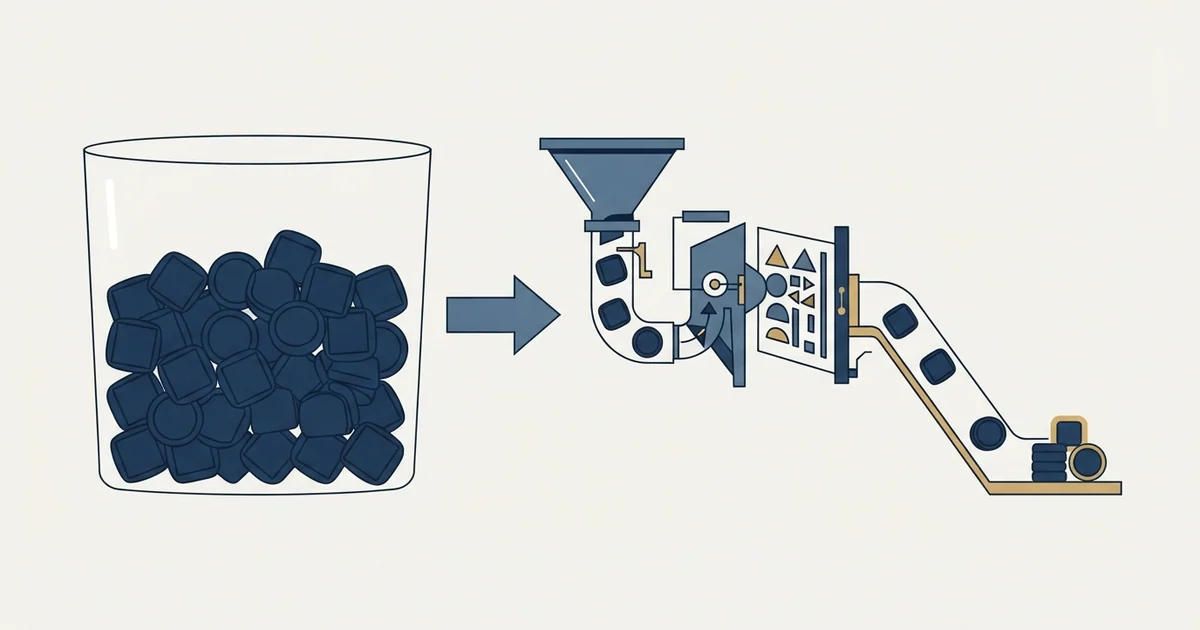
Managing a sales pipeline in a CRM means making its claims closer to facts. Require the evidence field at each stage transition, put a dated next step on every open deal, permit and report backward movement, and read age in stage and stage movement rather than count and value.
Key takeaways
- Value, close date and stage are claims supplied by the person the report describes; only the owner field is reliably correct.
- Requiring the evidence field at a stage transition is the mechanism that converts a written exit criterion into a practised one.
- Age in stage compared against the age at which deals historically converted is the view that turns stalls into signals before they become surprises.
- Clean the pipeline on a fixed schedule divorced from the reporting calendar, so an honest pipeline never looks like a collapsing one.
Reviewed and updated September 1, 2026
A CRM will happily report a healthy pipeline made entirely of deals nobody is working. It has no way to tell the difference, because everything it knows about a deal was typed in by the person whose performance the deal describes. That single property explains most of what goes wrong with pipeline management inside a CRM, and most of what a manager has to do about it.
Managing a sales pipeline in a CRM is three jobs running at once: keeping the records honest, reading them for where deals are stuck, and deciding what to do about it. The software does the first badly, the second well once configured, and none of the third.
Deal management is the label most CRM vendors put on those same three jobs, and buying the feature does not settle which of them the software is actually doing for you.
The same reasoning applies whether the pipeline lives in a dedicated CRM or in a work platform such as monday.com, where a sales pipeline is a board with stages rather than a separate product.
Most CRMs call this object a deal pipeline rather than a sales pipeline, and the naming matters only because the same words are used for venture and property dealflow, which is a different practice entirely.
An opportunity pipeline is that same object viewed as a set: every open opportunity arranged by the stage it sits in, which is the view the CRM ships and the one every report below is built from.
The opportunity record, and what it is claiming
Every CRM calls it something slightly different. Salesforce and Zoho call it an opportunity, HubSpot and Pipedrive call it a deal, and the object is the same: one potential purchase, attached to an account, carrying a value, a close date, a stage and an owner.
That is what an opportunity in a CRM is, and what separates it from a lead is that somebody has now attached a number and a date they will be asked about.
Pipedrive deal records also deserve a backup plan of their own, and what Pipedrive actually backs up for you explains the manual export you still need to run yourself.
Zoho's own page for the object describes deals as "the sales opportunities you've opened up by qualifying your prospects", which is a fair summary of the intent and slightly generous about the practice. In most instances the record is created earlier than that, because creating one is how a seller signals they are working something.
Four fields carry the entire weight of pipeline reporting, and each is a claim rather than an observation.
- Value
- Close date
- Stage
- Owner
- Somebody's estimate of what this will be worth, frequently the list price of an assumed configuration
- A prediction, usually anchored on the quarter the seller would like it in
- That an event happened, which nobody has verified unless the stage has an exit criterion
- Whose forecast it counts in, which is the one field that is reliably correct
Opportunity management in a CRM is largely the discipline of making the first three of those closer to facts. The tooling for that is unglamorous: required fields at stage transitions, validation rules, a next step with a date on every open deal, and a report that lists deals violating any of those. What separates a sales qualified opportunity from a hopeful record is a written entry test, and the boundary two teams negotiate covers what that test has to settle before the stage carries any information at all.
Stage hygiene is the whole game
Pipeline tracking that has become disorganised is almost never fixed by the rebuild people reach for first, because the records were not wrong about the fields, they were wrong about the stage: rebuilding the dashboard on top of the same stage definitions reproduces the problem with better formatting.
The reports are only as good as the stage definitions underneath them, and stage design is a separate discipline covered in pipeline stages that earn their place. The CRM-side question is narrower: how to make the definitions bite.
Three mechanisms do almost all of the work.
Required evidence at transition. Configure the stage change to require the field that proves the criterion. If the exit criterion for discovery is that the buyer's current process and its cost are recorded, then a text field carrying that has to be filled before the stage advances. This is mildly annoying and it is the only thing that reliably converts a written criterion into a practised one.
A dated next step on every open deal. A deal without one is stalled by definition, whatever stage it sits in. A saved view of open deals with no next step, or a next step date in the past, is the single most useful report in most CRMs, and it takes minutes to build.
CRM task management for a selling team reduces to that one field: every open deal carries a dated next step, and the saved view listing the deals without one is the report worth building before any other.
Backward movement permitted and visible. If your configuration or your culture prevents a deal moving back a stage, the stages have no failable criteria and every forecast built on them is a measurement of optimism. Report backward movements rather than punishing them.
Reading the pipeline rather than counting it
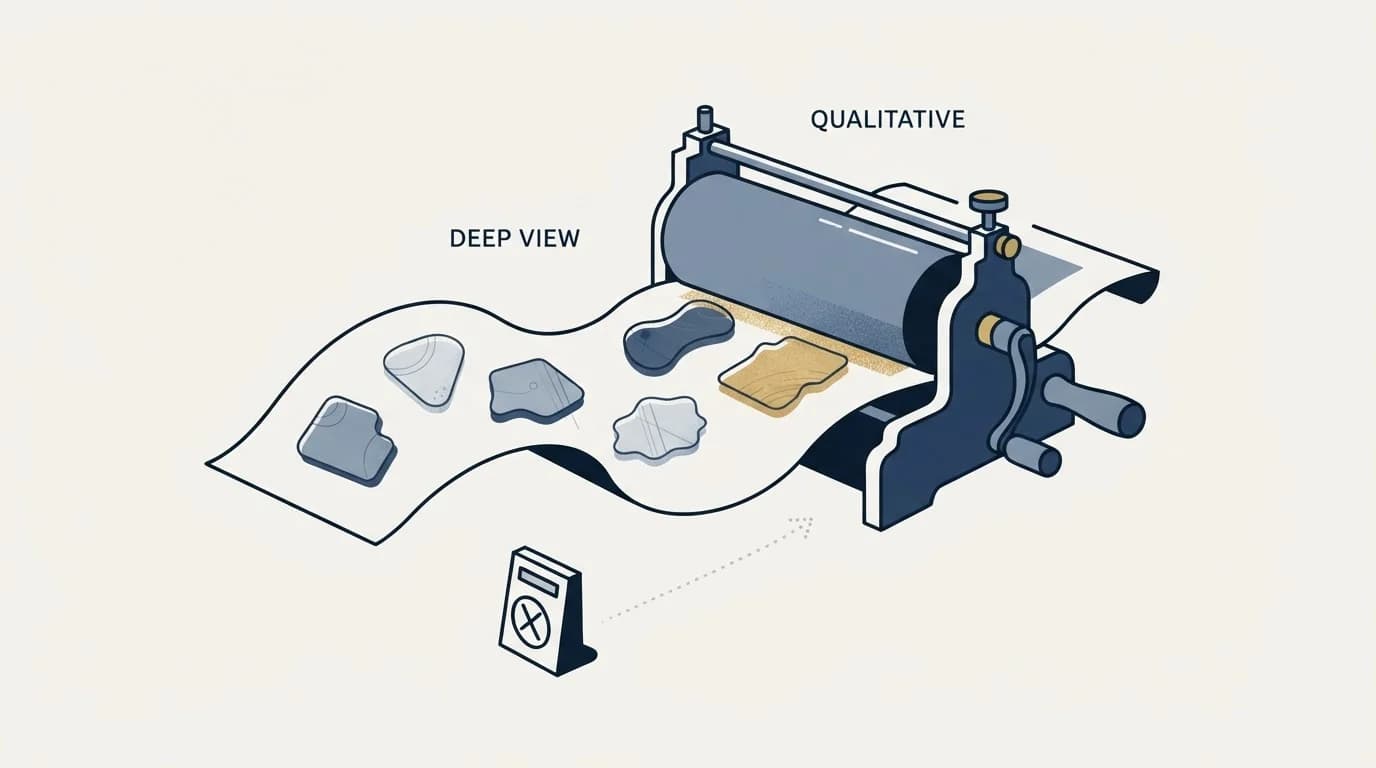
Most CRM dashboards default to count and value by stage, which answers how much is in there and almost nothing else.
Pipeline visibility is the name usually given to what those defaults fail to provide, and the three views below are the version of it that needs no purchase.
Three views answer more, and all three are configurable in any mainstream CRM without additional tooling.
Age in current stage, compared against the age at which deals historically converted out of that stage. This is where stalls become visible before they become surprises.
Movement over a period, meaning which deals entered and left each stage, rather than the standing balance. A stage whose population is stable can be flowing healthily or frozen solid, and the standing count cannot tell you which.
Created date against close date, which catches the deals that cannot physically close in the window they are forecast to. If your cycle runs four months, a deal created three weeks ago with a close date inside this quarter is a wish. Pipeline coverage works through why the resulting ratio misleads and what to pair it with.
- Yes: Every stage has an exit criterion naming something the buyer did
- Yes: The evidence field for that criterion is required at transition
- Yes: Every open deal carries a next step with a date
- Yes: A saved view lists deals with no next step or an overdue one
- Yes: Stage age is reported against historical converted age
- Yes: Stalled is a flag with a revisit date, not a stage
- Depends: Close dates are validated against your own measured cycle length
The cleaning problem nobody schedules
Pipelines degrade continuously and get cleaned reactively, which produces a specific and avoidable pattern: the number collapses in the week somebody finally looks, and the collapse gets attributed to the market.
The mechanism is straightforward. Nothing in a CRM removes a dead deal. Close dates get pushed rather than deals being closed out, because closing one as lost is a visible act and pushing a date is not. Over two quarters this accumulates into a pipeline where a substantial share of open value belongs to deals nobody has spoken to in months.
Teams searching for CRM issues almost always arrive holding one of five: stale close dates, duplicate accounts, stages with no failable criterion, a field set nobody has pruned, and an automation firing twice on the same record.
The fix is a schedule rather than an initiative. Review at a fixed interval that has nothing to do with when the number is being presented, apply one rule consistently, and let the number be what it is. A workable rule: any deal whose close date has moved more than twice, or that has had no buyer-side activity for longer than a stage's typical duration, gets a decision rather than another push. Some of those decisions will be to keep it, with a stated reason and a revisit date.
The reason to divorce the schedule from the reporting calendar is that a pipeline cleaned the week before a board meeting looks like a business that shrank, and a pipeline cleaned every month looks like a business that is honest.
What automation should and should not touch
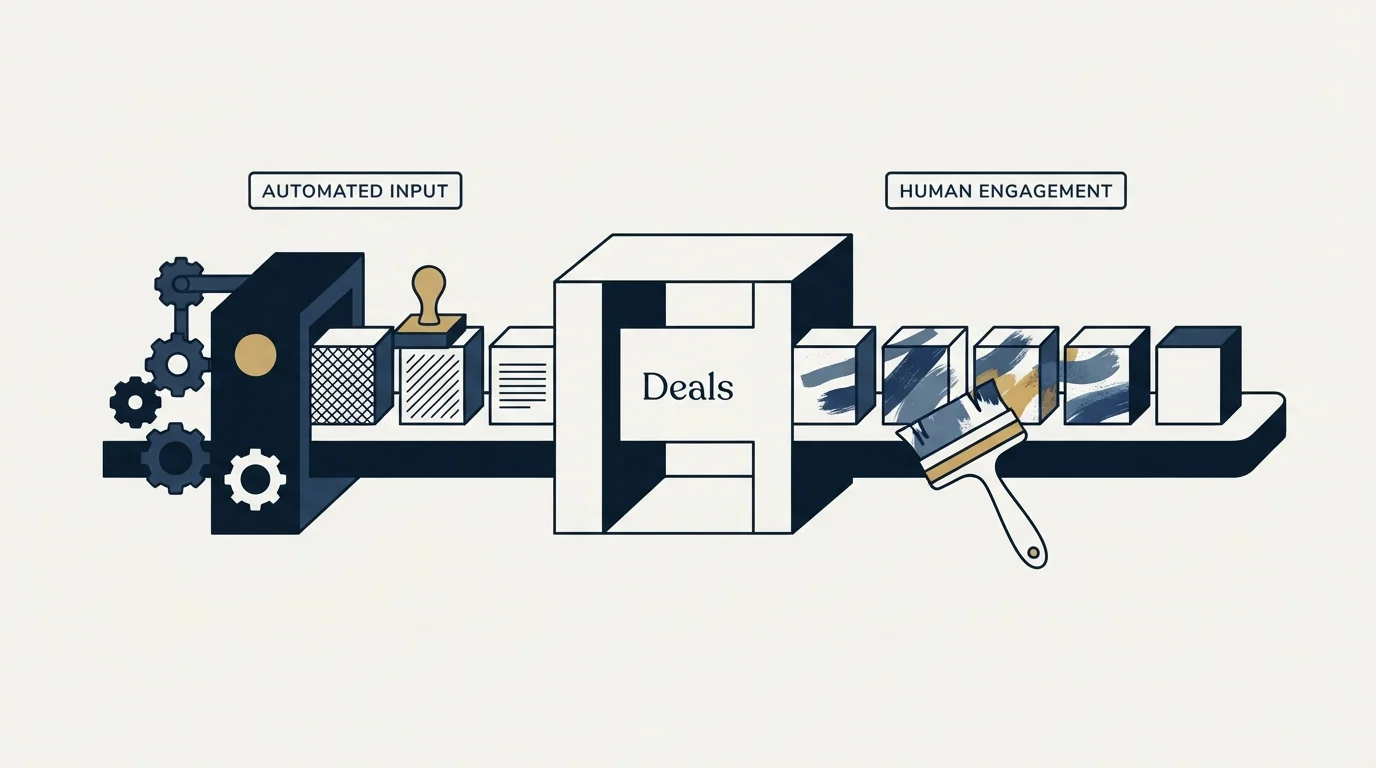
CRMs sell automation, and pipeline management is where the temptation to over-automate is highest.
Automate the mechanical and reversible: creating tasks, alerting an owner when a deal ages past its threshold, standardising fields, assigning ownership, logging activity, flagging deals with no next step. A mistake in any of those costs cleanup time.
Leave manual the judgements: whether a stage criterion has actually been met, whether a deal is genuinely dead, what a deal is worth. And be particularly careful with anything that reaches the buyer. An automation that sends a message when a deal changes stage will eventually render whatever a merge field actually contains to a real person, and those errors are individually rare enough that no percentage-based quality check catches them.
There is a category of vendor advice worth flagging plainly. Pipeline and CRM tools commonly describe multi-step follow-up sequences as a core automation, and that is an accurate description of what the software does. Our own practice differs, and this page should not be read as recommending it: we send one message per campaign, with no bumps and no thread replies, and a second approach is a new campaign with a genuinely different premise rather than another step under the first. The reasoning is mechanical rather than moral, and it is set out in full in why we stopped using follow-ups.
Choosing where the pipeline lives
Teams routinely conclude that the CRM is the problem when the definitions are the problem, and the tell is easy to check: if the stages have no exit criteria, a new platform will reproduce the same pipeline with better styling in about six weeks.
Where those criteria were never written in the first place, the earlier decisions are the ones to make first, and CRM setup for an outbound team covers the object model, the required field set and the campaign write-back loop in the order they constrain each other.
Teams debating whether to replace their CRM outright should first see how the three layers of pipeline software divide record keeping, execution, and intelligence.
The genuine platform questions are narrower. Whether the object model matches how you sell, particularly if one account can carry several concurrent purchases. Whether the reporting can express age in stage and stage movement without an export to a spreadsheet. Whether the sellers will actually use it, which is a real criterion and is why lighter tools win in teams that have failed with heavier ones. And whether the things upstream and downstream can write to it reliably.
Deal management software is sold against those same questions, with the caution that the label also covers property and private-capital dealflow products answering a completely different one.
Vendors position themselves on different halves of that. Pipedrive's homepage leads on tracking the pipeline and automating the process, and states it is used by over 100,000 companies with 500 integrations. Close describes itself as a CRM built for teams that sell, combining calling, email, SMS, pipeline management and reporting in one platform. Salesloft's pipeline software is organised around named capabilities including Cadence, Deals, Forecast and Conversation Intelligence, which is a different shape: an execution layer that assumes a CRM underneath rather than replacing it. Gong's pipeline page positions against manual CRM entry directly, arguing that capturing customer interactions automatically produces a view the CRM fields cannot. If the platform question is genuinely open, the CRM comparison for SDR teams covers the shortlist.
The short version
A CRM pipeline is a set of claims, not observations, and managing it is the work of making the claims closer to facts. Require the evidence field at each stage transition, put a dated next step on every open deal, permit and report backward movement, and read age in stage and stage movement rather than count and value.
Clean on a schedule divorced from the reporting calendar, so an honest pipeline never looks like a collapsing one. Automate the mechanical and keep judgement and anything reaching a buyer manual. And before changing platform, check whether the stage definitions would survive the move, because a CRM cannot supply criteria that nobody has written.
When the pipeline is clean and simply too small, the constraint is supply rather than management: see what a first campaign produces for your market.
Vendor positioning and platform claims verified against each vendor's own pages as of mid-2026, with dated snapshots retained. Verify current terms with the vendor before relying on them.
Frequently asked questions.
Frequently asked questions- What is opportunity management in a CRM?
- It is the work of maintaining one record per potential purchase, carrying a value, a close date, a stage and an owner, so that reports built on those fields describe reality. The object is called a deal in some platforms and an opportunity in others. The management part is almost entirely about making the first three fields verifiable rather than aspirational.
- Which pipeline reports are worth building first?
- Three. Age in current stage against the age at which deals historically converted out of it, which finds stalls. Movement in and out of each stage over a period, since a stable standing count can mean healthy flow or a frozen stage. And created date against close date, which catches deals that cannot physically close in the window.
- How often should a pipeline be cleaned?
- On a fixed schedule that has nothing to do with when the number is presented. Nothing in a CRM closes a dead deal, and pushing a close date is invisible while closing one as lost is a visible act, so pipelines accumulate. Any deal whose date has moved more than twice needs a decision rather than another push.
- Do we need a different CRM to fix pipeline management?
- Usually not. If the stages have no exit criteria, a new platform reproduces the same pipeline with better styling within about six weeks. The genuine platform questions are whether the object model matches how you sell, whether reporting can express age in stage without an export, and whether sellers will actually use it.
About the author.

B2B cold email experts helping companies generate qualified leads through done-for-you outreach campaigns.
RevenueFlow Team
Explore more.
Ready to scale your outreach?
We build GTM engines that book real meetings. See the receipts.
Related articles.
CRM Setup: The Objects, Stages and Write-Back Loop
A vendor neutral CRM setup for an outbound team: the object model, stage exit criteria, the required field set, ownership rules and the campaign write-back loop.
Account Planning in Salesforce: The Native Object's Gap
Salesforce now ships an Account Plans object with SWOT, objectives and a relationship map. What it gives you, and why the measurement that matters is contact depth.
Salesforce Lead Routing: Rule Order Is the Policy
Assignment rules stop at the first matching entry, so sort order is your routing policy. Salesforce ships no round robin, so fair distribution is a build.
Sales Automation Software for Small Business: Four Buys
One search returns four unrelated products, and on at least one vendor's published plan list the automation is gated above the tier a small team buys.
Sybill: The Credit Meter Is the Number to Model
Sybill meters by credits per week rather than by seat, and its pricing page carries three different figures for the same two plans. Both facts change the model.
The Attio API: Two Rate Limits, Only One Behaves
Attio caps its API at 100 reads and 25 writes per second, then prices list queries by complexity score. That second limit grows as your workspace does.