Pipedrive Smart Docs: Your Documents Live in Your Drive
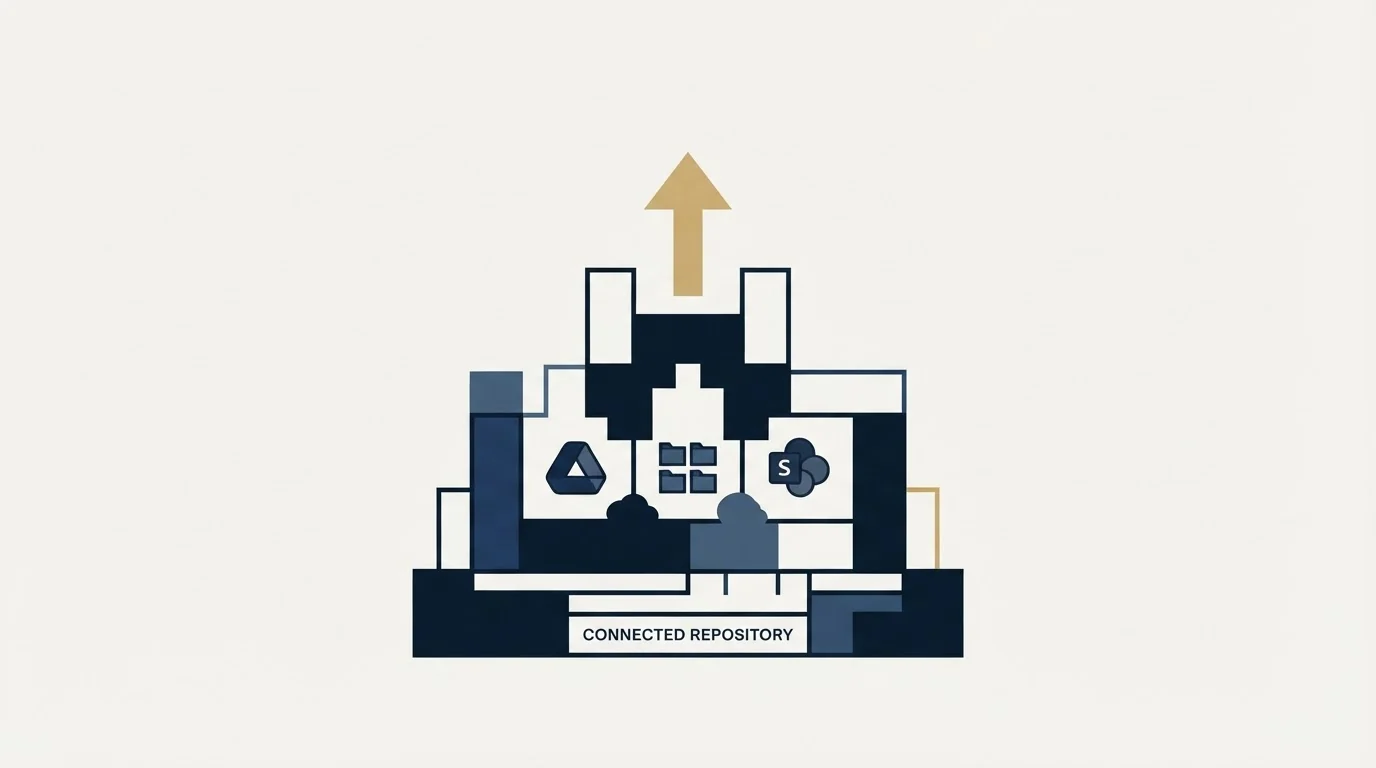
Smart Docs saves every document to the Google Drive, OneDrive or SharePoint account you connect. Template access, versions and backups all follow from that.
Pipedrive Smart Docs is included on Premium and Ultimate and sold as an add-on on Lite and Growth, listed from £32.50 on the pricing page as served in pounds. Every document saves to the Google Drive, OneDrive or SharePoint you connect, so template access needs permission in both Pipedrive and the drive.
Key takeaways
- Smart Docs is included on Premium and Ultimate; Lite and Growth buy the add-on, which Pipedrive's pricing page lists from £32.50 as served in pounds.
- The add-on includes a 14-day free trial with five signature requests, and billing details are required to start it.
- Documents save to your connected Google Drive, OneDrive or SharePoint, so a user needs access to the template file there as well as in Pipedrive.
- Sharing a link creates a read-only version; corrections go into the original and a new link, and the old link stays live until disabled.
Reviewed and updated September 21, 2026
Smart Docs will not create a single document until you connect a cloud storage account, and that requirement is the architecture of the whole feature rather than a step in its setup. Pipedrive's own knowledge base states that new documents automatically save to your selected drive, which means your quotes, proposals and signed contracts live in your Google Drive, OneDrive or SharePoint, and Pipedrive holds the link to them.
Almost everything teams find surprising about the feature follows from that one design decision, including who can open a template, why a shared document suddenly cannot be edited, and why the documents are missing from a Pipedrive export.
Pipedrive documents are managed from the Documents tab on a deal or contact, and Smart Docs is the feature behind that tab: templates, field population, trackable links, versions and eSignatures all sit there rather than in a separate documents area.
Teams standardised on DocuSign keep it: Pipedrive documents a DocuSign integration and two marketplace apps carry it, which routes the signed file back to the deal while the document itself stays in the signing vendor's account rather than your Drive.
What the Smart Docs add-on costs, and who needs it
Pipedrive's Smart Docs article opens with the plan boundary. Smart Docs is available on the Premium and Ultimate plans. Users on Lite and Growth can purchase the Smart Docs add-on, only users with account settings access can buy it, and the add-on includes a 14-day free trial with five signature requests, with billing details required to start the trial.
The add-on's price sits on a different page. Pipedrive's pricing page lists it among the add-ons as "Smart Docs add-on", "Starting from £32.50", beside Campaigns from £13.33 and Web Visitors from £41. That page served pounds to this connection and the card does not state its billing unit, so confirm the currency and whether the figure is per company or per seat in the purchase flow before setting it against a plan upgrade.
That matches Pipedrive's published plan feature table, which lists Smart Docs as a paid add-on on Lite and Growth and included on Premium and Ultimate. The same table shows Projects and LeadBooster following exactly the same pattern, which is the structural point worth carrying into a plan comparison: three of Pipedrive's add-ons stop being separate purchases at the same rung, so pricing a lower plan against a higher one on the seat rate alone will reliably get the answer wrong when you need two of the three.
The eSignature half carries its own note, and it is stricter than the feature note above it. Pipedrive states that eSignatures are available on the Premium and Ultimate plans, and only for users trialing those plans with valid billing details entered, while Lite and Growth users reach eSignatures through the Smart Docs add-on. A trial without billing details on file is a trial without signatures, which is worth knowing before somebody schedules an evaluation around getting a contract signed.
The storage connection is a permissions decision
Smart Docs supports Google Drive, Microsoft OneDrive and SharePoint. You connect from a deal or contact by opening the Documents tab and clicking Connect cloud storage, or from Tools and apps, then Documents, where you can add another provider or disconnect one. Pipedrive notes that connecting your Google account for Smart Docs is a different thing from setting it up for the Google Drive sync feature, which is the kind of distinction that produces a support ticket roughly once per rollout.
On Google Drive, Pipedrive automatically assigns a default shared drive folder for your company, and you can select a different one or create a new one from Google Drive's Shared drives tab and then point Smart Docs at it. Whether you take that default seriously is the decision that matters, because of what happens to templates.
Template sharing has two permission levels in Pipedrive: can use this template, which lets a user view and use it to create documents but not edit or delete it, and can edit this template, which allows all four. Then comes the sentence that catches teams out. Pipedrive states that users must also have access to the original template file in the connected storage provider, and recommends for that reason that all templates and documents be stored in a shared drive.
So access is a conjunction of two systems. A rep with the Pipedrive permission and no access to the file in Drive gets a template they cannot open, and nothing in the Pipedrive interface explains why. Creating templates has its own gate on top: the required Pipedrive permission is named as "Add and import Smart Docs templates", and only users holding it can create templates at all.
Inside Pipedrive
- Premium or Ultimate, or the add-on bought on Lite or Growth
- Billing details on file for the eSignature trial
- The "Add and import Smart Docs templates" permission for builders
- "Can use" or "can edit" on each template
In the storage provider
- A shared drive, not one person's drive
- Access to each template's original file
- Pop-ups allowed in the browser, for OneDrive
- Spreadsheets and presentations need Google Drive
The two providers are not the same product

Pipedrive's documentation describes several behaviours that differ by storage provider, and the differences are large enough to affect which one you connect.
Creating templates and documents as a spreadsheet or presentation is only available for Google Drive users. OneDrive gets documents. If your quoting process depends on a spreadsheet with working arithmetic, that is a provider requirement rather than a preference.
Sharing works differently too. On Google Drive, the Share button inside the document editor offers three actions in one place: share as a link to a read-only PDF, request signatures, or download the PDF. On OneDrive and SharePoint you close the editor first, then use the three-dot menu on the document in the detail page to create a shareable link.
And OneDrive opens the file picker, template editor and document editor in new pop-up windows, which Pipedrive flags directly with instructions to enable pop-ups for Pipedrive in the browser. A first-run failure that looks like a broken integration is often a browser setting.
How fields populate, and why the first document is a data audit
Templates carry Pipedrive fields, and the mechanism is deliberately plain. You copy a field from the right-hand panel and paste it into the template body, where it appears in brackets in the form [Deal title (deal title)]. When a document is generated from that template, Smart Docs replaces the brackets with real data. Deal, contact, product, project and time-based fields are all available.
That is a more demanding use of CRM data than any report, because a report averages errors and a document displays them to a customer. A person stored with a full name in the first-name field, an organisation held under a trading name rather than the legal entity, a product priced indicatively for internal reporting: none of those are visible in a pipeline view and all of them appear in a proposal.
The cheap version of the audit is to generate documents from three real deals of different shapes before anybody sends one, and read every populated field rather than skimming the layout. Whatever is wrong in three is wrong across the pipeline. The structural fix, once you find the errors, is to decide which fields are allowed to feed a customer-facing document at all and keep the rest out of templates, because a document that pulls four verified fields and states the rest in prose is more robust than one that pulls twenty and is wrong about three. The identity question underneath the bad records is record matching, and it is worth settling in the CRM before it reaches a customer's inbox.
Versions are created by sharing, and they are immutable
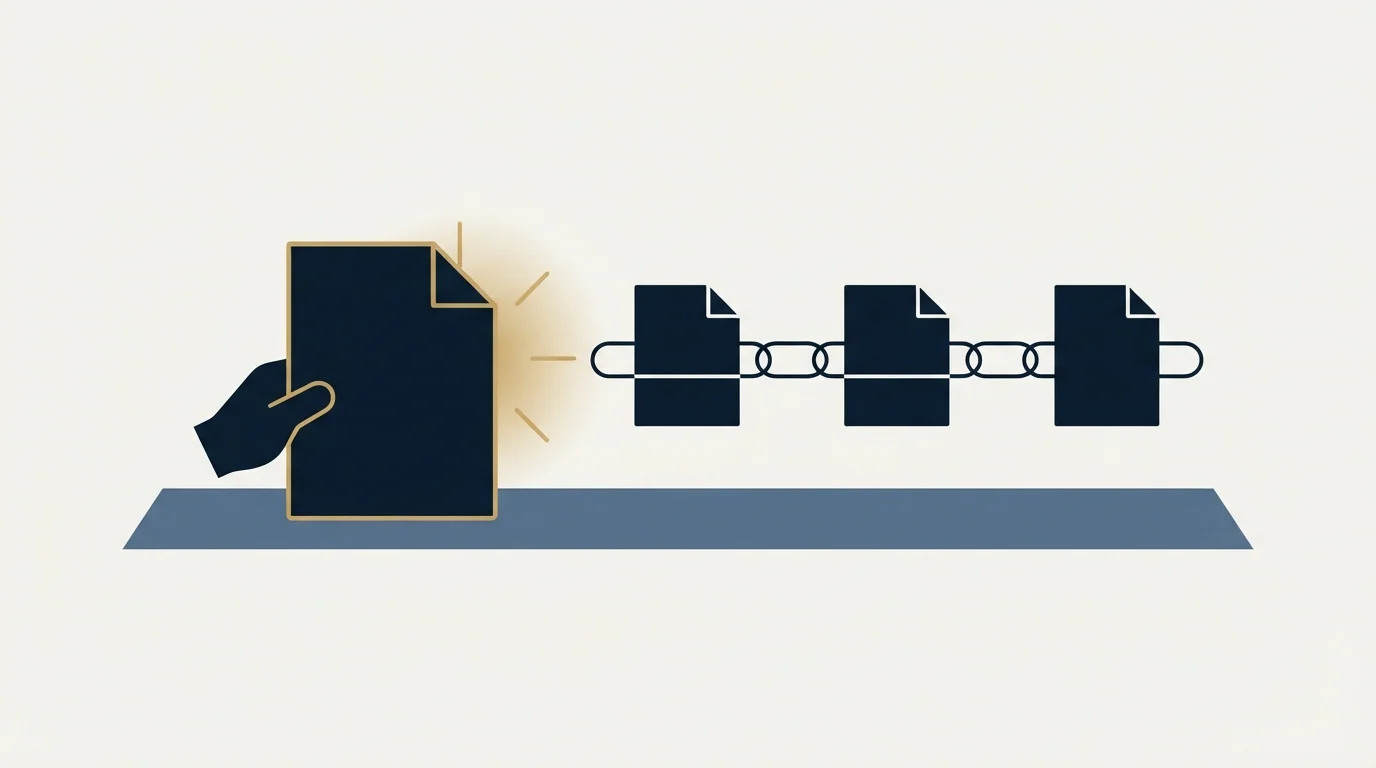
This is the behaviour most likely to be read as a bug, so it is worth stating exactly as Pipedrive documents it.
Each time you generate a shareable link, Smart Docs creates a new version of the original document, including the number of views and the creation time. Once a version is shared, that version becomes read-only and cannot be edited. To update a document you open the original, make the change, and generate a new link, which appears as Version 2, Version 3 and so on beneath the original. Pipedrive recommends disabling older links where several versions exist, by opening the three-dot menu on the old version, choosing Share as link, and toggling off Enable link.
The model is a good one and it has a sharp operational consequence: a superseded quote stays reachable at its old link until somebody switches it off. Whoever sends a corrected price is responsible for disabling the version carrying the old one, and that step lives in a menu rather than in the send flow.
Tracking sits on the same mechanism. When generating a link you can enable view tracking and choose to be notified the first time the document is opened, every time it is opened, or never. Pipedrive states its document tracking feature is GDPR compliant and points to a separate article for the detail. Where your recipients are in the EU or UK, the wider question of what you may collect and on what basis is covered in GDPR for B2B outbound.
What Smart Docs does not do
It does not put your documents inside Pipedrive. They are in the drive you connected, which has a consequence people meet at the worst moment: Pipedrive's export documentation states that files stored in Google Drive are not exported during global export. If your contracts are Smart Docs on Drive, backing up Pipedrive does not back them up, and that job belongs to whoever administers the storage provider.
It does not shorten the part of the sales cycle before a document exists. A quoting tool compresses the time between agreement and signature, which is real and narrow. Deals that stall in evaluation were never held up by the paperwork, and the stall usually starts earlier, in what was and was not established on the first call, which is the subject of running a discovery call.
And it does not fix a stage model that counts seller actions. A document sent is something you did, not something a buyer did, and a pipeline treating it as progress will report movement nobody caused. The distinction, and why every stage exit should be verifiable from the record by a third party, is worked through in defining SaaS funnel stages.
| Question | Smart Docs fits when | Look further when |
|---|---|---|
| Source | Quotes built from CRM fields you maintain | Approval routing and redlining matter most |
| Plan | You are on Premium or Ultimate | You would buy the add-on for one feature |
| Storage | You already run Drive, OneDrive or SharePoint | Files must sit inside the CRM's backup scope |
| Formats | Documents, or Google Drive for sheets and slides | You need spreadsheets on OneDrive |
| Access | One admin can manage both systems | Template access must live in one system |
Where we sit
RevenueFlow does not sell Pipedrive, resell it, or earn anything from a signup. We run cold email and LinkedIn outbound on Email Bison and HeyReach, and the account above is a documentation-grounded read of a feature we do not operate for ourselves.
It is worth writing anyway because quoting tools get bought to fix a symptom that starts further upstream. If deals close slowly because there are too few of them, the document layer is not where the time is going. Our campaigns send one message per prospect with nothing scheduled behind it, priced per qualified meeting against criteria agreed in writing before launch, and you can see what that looks like on your own market with a free campaign.
If the platform decision is still open, the Pipedrive alternatives roundup covers the field and Pipedrive against Salesforce is the head-to-head buyers run most, while Pipedrive integrations covers the ownership question every connected system raises.
Since Pipedrive itself sits within a broader stack, how Lead411 complements Pipedrive explains why data enrichment and pipeline management are usually paired rather than compared.
Plan availability, the add-on trial terms, storage provider support, template permissions, field population, the version and tracking model, eSignature availability and the Google Drive export exclusion are per Pipedrive's own knowledge base, and the add-on price is from its pricing page as served in pounds. Verify current terms with the vendor before relying on them.
Frequently asked questions.
Frequently asked questions- How much is the Pipedrive Smart Docs add-on?
- Pipedrive's pricing page lists the Smart Docs add-on as starting from £32.50, served in pounds on the connection used for this article, and the card does not state whether that is per company or per seat. It is only needed on Lite and Growth; Premium and Ultimate include Smart Docs. Confirm the currency and unit in the purchase flow.
- Which Pipedrive plans include Smart Docs?
- Pipedrive's knowledge base states Smart Docs is available on the Premium and Ultimate plans, and users on Lite and Growth can purchase the Smart Docs add-on. Only users with account settings access can buy it, and it includes a 14-day free trial with five signature requests once billing details are entered.
- Where does Pipedrive store Smart Docs documents?
- In the cloud storage you connect: Google Drive, Microsoft OneDrive or SharePoint. New documents save automatically to the selected drive and Pipedrive holds the link. Pipedrive's export documentation states files stored in Google Drive are not exported during a global export, so back them up in the storage provider.
- Why can't a user open a Smart Docs template?
- Template access needs two permissions. Pipedrive's own template permission, can use or can edit, is not enough on its own: the user must also have access to the original template file in the connected storage provider. Pipedrive recommends keeping templates and documents in a shared drive for that reason.
About the author.

B2B cold email experts helping companies generate qualified leads through done-for-you outreach campaigns.
RevenueFlow Team
Explore more.
Ready to scale your outreach?
We build GTM engines that book real meetings. See the receipts.
Related articles.
Pipedrive Calling: Native Surfaces, Marketplace Dialers
Pipedrive's knowledge base says it has no built-in calling integration. What ships natively is a set of shortcuts to your phone, and the dialer is a second subscription.
Pipedrive Sequences: A 250-Item Cap and What the Tool Is For
Ten steps, 250 items and a per-sequence sending authorisation. Pipedrive's caps describe the audience the feature was designed for more clearly than its feature list.
Pipedrive and PandaDoc: The Two Plan Gates
PandaDoc places its Pipedrive integration on Business and Enterprise plans and requires each user to install it individually. Both facts precede any configuration.
Airtable vs Pipedrive: A Database You Shape, a CRM You Don't
One product has no opinion about what a deal is and one has it pre-installed. Published prices, the currency trap on the comparison pages, and the test that decides.
CRM Setup: The Objects, Stages and Write-Back Loop
A vendor neutral CRM setup for an outbound team: the object model, stage exit criteria, the required field set, ownership rules and the campaign write-back loop.
Sales Automation Software for Small Business: Four Buys
One search returns four unrelated products, and on at least one vendor's published plan list the automation is gated above the tier a small team buys.