Fathom AI Note Taker: What It Records and Where Notes Land
Fathom records, transcribes and summarises calls, and hides a conversation intelligence product on its upper tier. What it publishes, and the decisions to make first.

Fathom is an AI note taker that joins video calls, records and transcribes them, and produces summaries with action items. Its pricing page publishes a free tier plus paid individual and team plans, with coaching metrics and scorecards on the higher team tier. The decisions that matter are recording policy and where the notes land.
Key takeaways
- Fathom AI Notetaker and Fathom AI note taker are the same product; the vendor uses the closed spelling in its Zoom and HubSpot marketplace listings.
- The commercially significant jump is Team to Business, because that is the tier where coaching metrics and scorecards turn a note taker into conversation intelligence.
- Recording a sales call is a consent decision that differs by jurisdiction, so the policy belongs in writing before rollout rather than in a per-call settings choice.
- Summaries capture explicit statements well and lose hesitation, repeated questions and avoided topics, so treat the summary as an index to the recording rather than as the record.
Reviewed and updated September 2, 2026
A rep finishes a discovery call, and the next fifteen minutes decide whether anything from it survives. Written up immediately, the call becomes a usable record. Written up on Friday from memory, it becomes four bullet points that could describe any conversation. An AI note taker exists to remove that fifteen minutes, and Fathom is one of the products people mean when they say the category name.
The interesting question is not whether the transcription works. It does, across this whole category. The questions worth asking are what the tool does with the transcript, where the output lands, and what the recording obligation costs you in a sales context.
Fathom ships as more than one surface, and they are not interchangeable: the desktop app captures audio on the machine, while the meeting-platform apps join the call as a visible participant, and only the second one announces itself to the other side.
Fathom is marketed as an AI meeting assistant and an AI notetaker interchangeably; both names describe the same product and the same recording behaviour.
What Fathom is
Fathom is a meeting recorder and AI note taker: it joins video calls, records and transcribes them, and produces a summary with action items afterward. The product is written both ways in the wild, as note taker and as notetaker, and the vendor uses the closed spelling itself: its Zoom marketplace listing is titled AI Notetaker by Fathom and its HubSpot marketplace listing is Fathom AI Notetaker. They are the same product and the spelling carries no meaning. The company's own site, captured on 16 August 2026, describes unlimited recordings and transcriptions, instant AI call summaries, clips and playlists, and search across calls, with a choice of capture method rather than only a meeting bot.
It sells to two audiences from the same product. Individuals get recording, transcription and summaries. Teams get the collaboration layer on top: comments, folders, keyword alerts, and on the higher tier what the pricing page calls coaching metrics and AI scorecards. That second group is where the product stops being a note taker and starts being conversation intelligence, which is a different purchase with different implications.
Its published integration list, taken from the same capture, names Asana, ChatGPT, Claude, HubSpot, Salesforce and Zapier, along with a public API and MCP access. Marketplace listings for the product exist on Zoom and HubSpot, and HubSpot's listing files it under conversation intelligence and sales enablement rather than under productivity, which is a fair description of where it sits once a team is using the scorecards.
- Recording, transcript and summary
- Action items the owner acts on
- Nobody else reads the call unless shared
- Calls searchable across the team
- Keyword alerts on what was said
- Coaching metrics and scorecards on reps
What it costs, as published
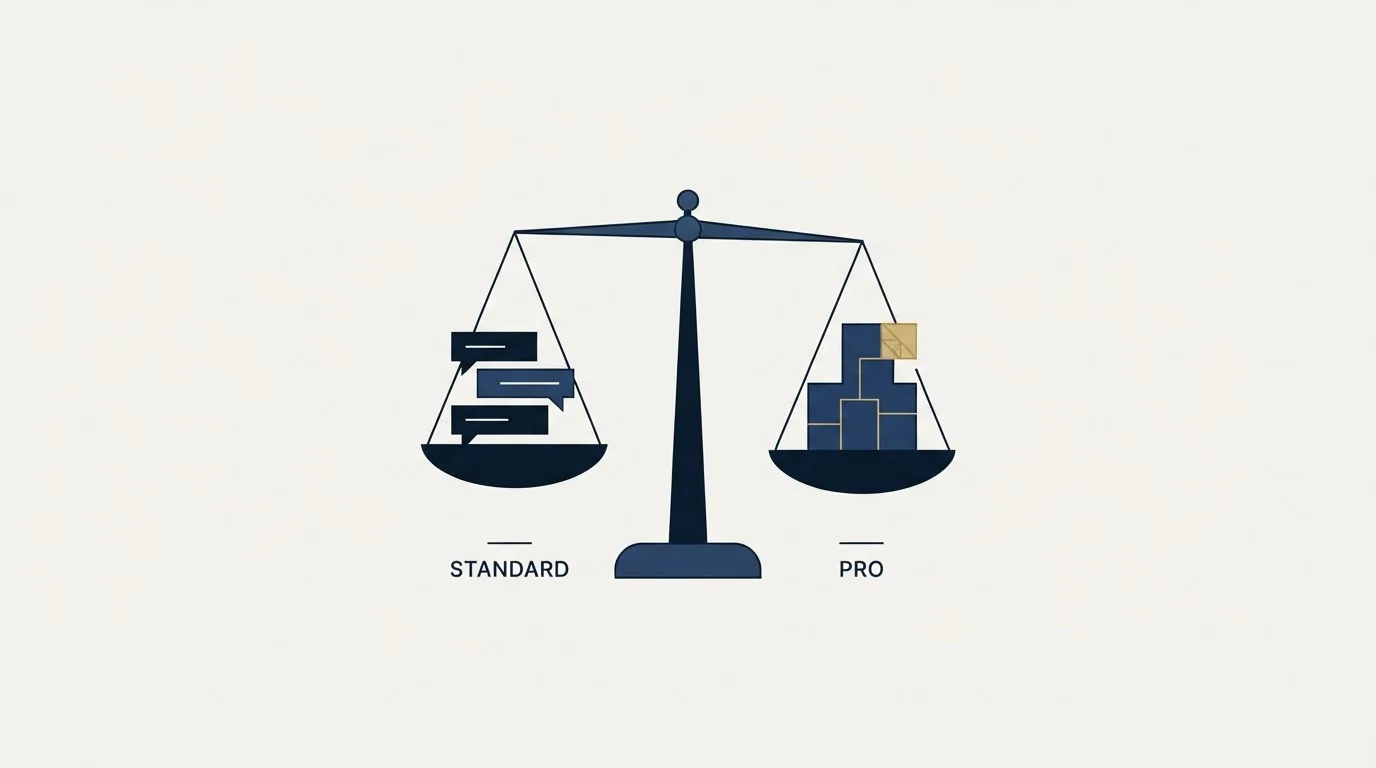
Fathom's pricing page separates plans for individuals from plans for teams and carries a Monthly and Annually toggle, with both states rendered into the same document. Read against a snapshot taken on 16 August 2026, the page publishes a free plan at $0, described as free forever with unlimited recordings and transcriptions. For individuals, Premium shows $20 and $16 per user per month. For teams, Team shows $19 and $15 per user per month with a two user minimum, Business shows $34 and $25 per user per month on the same minimum, and Enterprise is a talk-to-sales tier. The page also advertises a 90 day guarantee on the paid tiers.
Two things follow from that structure. The free tier is unusually capable for the category, which is why the product spreads inside companies without a purchase decision. And the jump that matters commercially is not free to paid but Team to Business, because that is where the coaching metrics and scorecards arrive.
Where the meaningful jump sits varies by vendor, and Sybill meters credits rather than seats, which makes the credit allowance the number to model instead of the headline rate.
Pricing and features verified as of mid-2026. Verify current terms with the vendor before relying on them.
Recording a sales call is a consent decision, not a settings decision
The category ships with a default that quietly makes a legal and relationship choice on your behalf. Recording rules differ by jurisdiction, and in some of them every participant has to consent rather than just one. A bot that joins and announces itself is doing part of that work; a silent desktop capture is not.
The practical version for a sales team is to decide the policy once, in writing, rather than per call. Who records, what is said at the start of the call, where recordings are stored, how long they are retained, and what happens when a prospect asks you to stop. Getting that written down takes an afternoon. Discovering it during a procurement review, after eighteen months of recorded prospect calls, takes considerably longer.
Calendly's published security documentation shows a similar pattern of encryption and audit claims sitting alongside controls locked to higher-tier plans, worth weighing when writing a recording policy.
There is also a softer cost that does not appear in any policy. Some prospects speak differently once a recorder joins, and the parts of a discovery call that are most useful are often the least guarded. That is a real tradeoff against having the transcript, and it is worth making deliberately rather than by default.
- Yes: Written recording policy covering consent in every region you sell into
- Yes: A named retention period, and someone who owns deleting old recordings
- Yes: Agreement on who can search other people's calls
- Yes: A rule for what happens when a prospect declines recording
- No: Scorecards enabled before anyone has agreed what good looks like
Where the notes should land
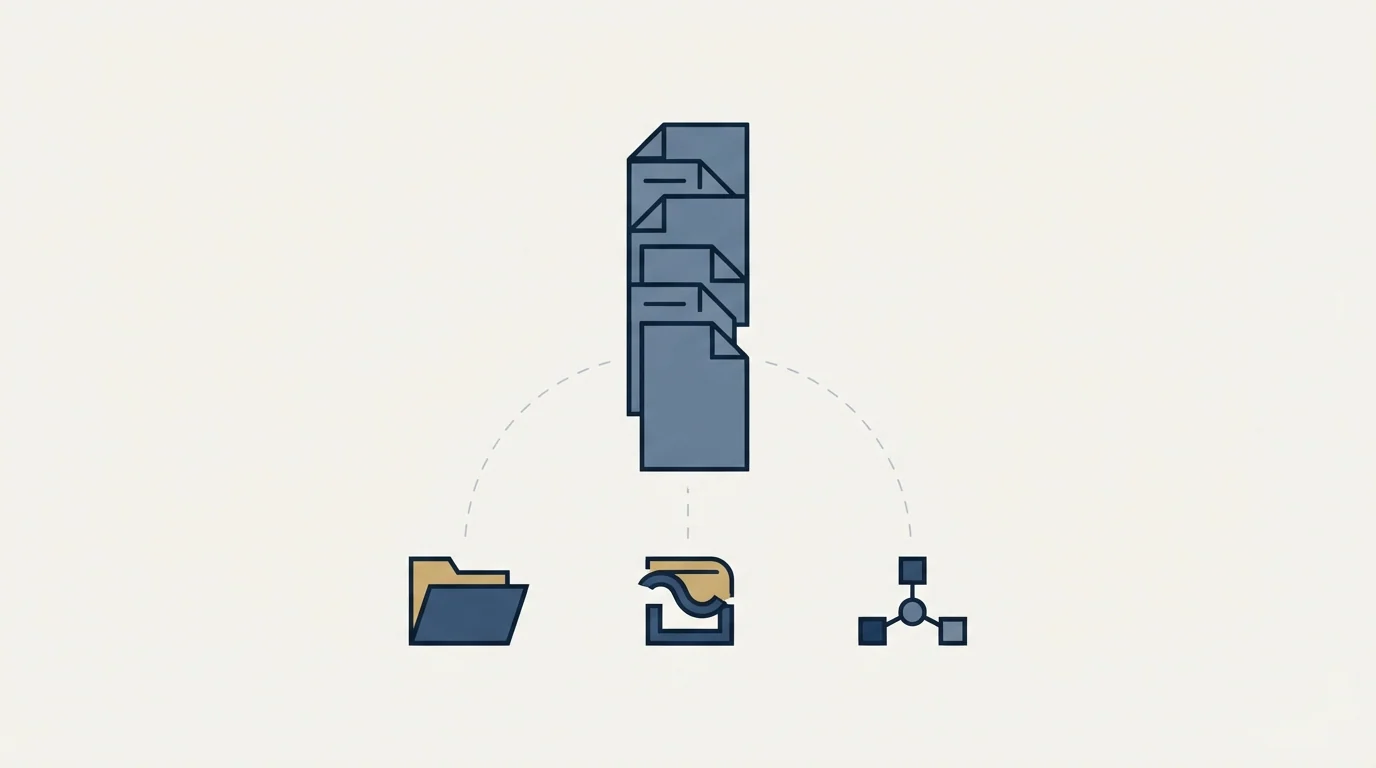
An AI note taker produces text. That text is worth nothing until it reaches the place where a decision gets made, which is almost never the note taker's own interface.
That destination is exactly what separates the products, and Circleback treats its automations as the product, writing into Linear, Notion, HubSpot, Salesforce and Attio.
The useful test is to name the destination before rolling the tool out. If the answer is the CRM, then someone has to decide which field receives what, and whether a summary paragraph pasted into a note is genuinely more useful than the three structured facts a rep would have typed. If the answer is a shared folder, expect it to be read for the first month and ignored afterwards, because searchable archives are only searched by people who already know something is in there.
The highest-value destination is usually the smallest one: a short structured update on the deal, derived from the call, in the system the pipeline lives in. Everything else is archive, which has value when a deal is contested and very little value week to week.
What a summary is good at, and what it quietly loses
An AI summary is reliably good at three things: what was said, what was agreed, and what someone committed to do next. Those are the parts of a call that exist as explicit statements, and extracting explicit statements is exactly what the technology does well.
It is less reliable on the parts that carry the most sales information. Hesitation before an answer, the question the buyer asked twice, the topic they steered away from, the moment a second stakeholder went quiet. None of that is a statement, so none of it reliably survives into a summary, and a rep who reads only the summary loses the signals a rep who was present would have kept.
The practical consequence is about who reads what. A manager reviewing coverage can work from summaries. A rep preparing for the next conversation on a deal they are running should go back to the section of the recording where the buyer described their problem, because the wording matters and the summary has already smoothed it. Treating the summary as the record rather than as an index is the most common way this tooling makes a team slightly worse at deals while making everyone feel more organised.
Adoption usually happens before the decision
The free tier is capable enough that this category tends to arrive in a company from the bottom up. One rep starts using it, then three, and the calls of a sales team are being recorded and stored on an account nobody in the business chose. By the time a policy conversation happens there is an archive.
That is worth pre-empting rather than policing. A short written standard covering which tool is sanctioned, what gets recorded and where it lives is cheaper than an audit later, and it does not require blocking anything. The teams that handle this well pick the tool deliberately, then let it spread. The teams that handle it badly discover the archive during a security questionnaire.
Where it fits in an outbound motion
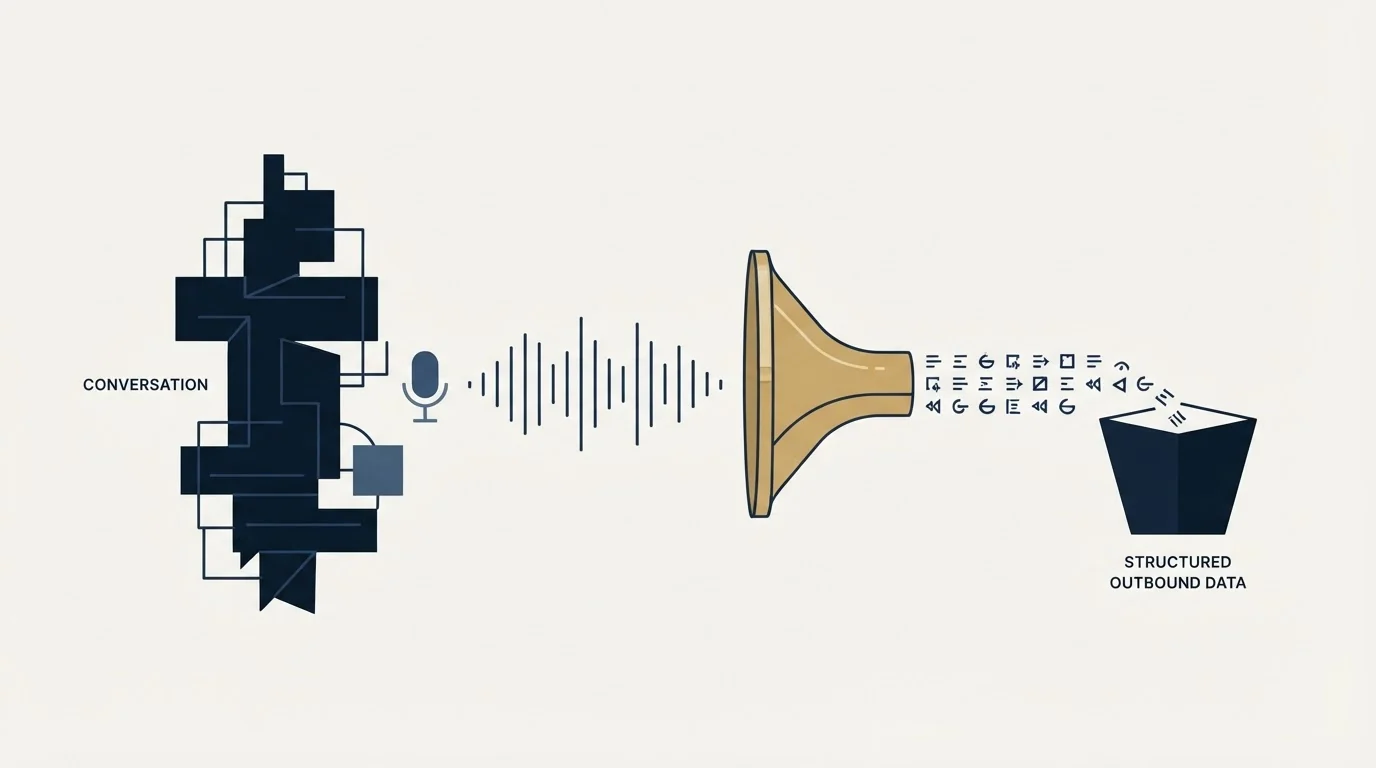
For a team running outbound, the note taker sits on the far side of the booking. Everything upstream of the meeting is list building, message and qualification. What happens on the call is where the recording starts mattering, and there are two honest uses for the output.
The first is deal continuity: what was promised, what the buyer actually said their problem was, and who else has to be involved. The second is pattern-finding across calls, which is where the conversation intelligence layer earns its price. Both depend on someone reviewing the material, which is why the tool is a complement to a coaching habit rather than a substitute for one.
Pattern-finding across calls raises a similar question for outbound copy, where an AI email copywriter can only write well if it can read the lead record it is generating from.
What counts as a meeting worth recording in the first place is a separate question, and one worth settling before launch: our guide to qualified appointments covers the criteria, and b2b appointment setting covers the motion that produces them. What a rep should be doing during the conversation the tool is capturing is in discovery calls, and the wider category of tooling that analyses calls is covered in our Gong and ZoomInfo comparison.
The honest summary
Fathom is a competent note taker with an unusually generous free tier and a real conversation intelligence product hiding on its upper tier. The transcription is not the decision. The decisions are whether your recording policy is written down, where the notes are supposed to land, and whether anyone is going to read them.
A team that answers those three questions gets a genuine gain in deal continuity. A team that installs it because the free plan is free gets a growing archive nobody opens, which is a smaller loss than most software mistakes and still not the point.
Want the meetings on the calendar before you worry about who is taking notes in them? Start with a free campaign.
Frequently asked questions.
Frequently asked questions- What does Fathom actually do?
- It joins video meetings, records and transcribes them, and produces an AI summary with action items afterwards. Its own site describes unlimited recordings and transcriptions, clips and playlists, and search across calls. On team plans it adds collaboration features, and on the higher team tier coaching metrics and scorecards.
- Is Fathom free?
- Its pricing page publishes a free plan described as free forever, covering unlimited recordings and transcriptions with instant AI call summaries, alongside paid individual and team tiers. That unusually capable free tier is why the product tends to spread inside a company before anyone makes a purchase decision. Check the vendor's page for current terms.
- Do you need consent to record a sales call?
- It depends on jurisdiction, and in some places every participant must consent rather than only one. A bot that joins and announces itself does part of that work and a silent desktop capture does not. Decide the policy once, in writing, covering consent, storage, retention and what happens when a prospect asks you to stop recording.
- Where should AI meeting notes go?
- Into the system where the next decision gets made, which is usually the pipeline rather than the note taker's own interface. Name the destination before rollout and decide which fields receive what. A shared archive gets read for about a month and then only when a deal is contested, so the smallest structured update is worth more than the fullest transcript.
About the author.

B2B cold email experts helping companies generate qualified leads through done-for-you outreach campaigns.
RevenueFlow Team
Explore more.
Ready to scale your outreach?
We build GTM engines that book real meetings. See the receipts.
Related articles.
Calendly Booking App: Where It Loses Meetings
Calendly turns an agreed meeting into a calendar entry. What its pricing page publishes, how the booking link behaves, and the three failures that lose bookings.
Sybill: The Credit Meter Is the Number to Model
Sybill meters by credits per week rather than by seat, and its pricing page carries three different figures for the same two plans. Both facts change the model.
Circleback: The Automations Are the Product, Not the Notes
Circleback publishes real prices and an unusually wide automation surface. What the notes contain matters less than where they land and who maintains the rules.
Avoma Pricing: Recorder Seats, Free Viewers, and the Add-Ons
Avoma charges only for people whose meetings get recorded and makes viewers free, so the seat count to price is smaller than the team and the add-ons are larger.
Conversation Intelligence: What the Recording Layer Misses
Talk ratio is arithmetic. Sentiment is a guess about words. And the biggest blind spot is the calls that never happened, which no recorder can see.
Sales Automation Software for Small Business: Four Buys
One search returns four unrelated products, and on at least one vendor's published plan list the automation is gated above the tier a small team buys.