Is Calendly Safe? What Its Security Page Answers
Three different questions arrive at this search: vendor risk, whether a booking link is safe to send, and a fraud pattern that only borrows the brand.
Calendly's security page publishes TLS 1.2 or above in transit, AES-256 at rest, semi-annual penetration testing and attestations covering SOC 2 Type 2, SOC 3, ISO/IEC 27001 and CSA STAR Level One. The full SOC 2 report requires an NDA, and several account controls sit on higher plans.
Key takeaways
- The vendor's security page names SOC 2 Type 2, SOC 3, GDPR and CCPA management, CSA STAR Level One and ISO/IEC 27001, and does not name HIPAA.
- The full SOC 2 report is gated behind an NDA through the vendor's Whistic security centre, which makes it a legal step that paces the whole review.
- Single sign-on, SCIM provisioning, audit logging and the data deletion API sit on the add-on and Enterprise tiers, so a bottom-up rollout can pass every functional test and still fail a security review.
- The fraud pattern that borrows this brand is social engineering rather than a product flaw, so judge the sender and the request rather than the scheduling domain in the link.
Reviewed and updated September 1, 2026
Three different worries arrive at the same search. A buyer running a vendor review wants to know whether Calendly's security posture will clear procurement. A seller wants to know whether putting a booking link in an email will get the message flagged or the link blocked by the recipient's IT department. And somebody who just received a Calendly invitation from a stranger wants to know whether it is a scam. Only the first is a question about Calendly, and the answers are different enough that mixing them produces a bad decision.
Here is what the vendor publishes, what an outside reader can verify, and which parts stay your problem whatever Calendly does.
The spam and phishing complaints are the same pattern seen from two sides: a stranger's Calendly invitation arriving unrequested, which is a report-abuse question for the vendor rather than a deliverability question about your own sending.
What Calendly publishes about its own security
Calendly's security page sets out the controls it claims, and the list is specific enough to be useful in a review. Fetched on 16 August 2026, it names encryption in transit at TLS 1.2 or above and encryption at rest with AES-256, logical tenant separation, domain control and account oversight, network and perimeter protection, a web application firewall, distributed denial of service protections, regular vulnerability scanning and semi-annual penetration testing. On the organisational side it lists 24/7 monitoring and incident response, vendor risk management, business continuity planning and security awareness training.
The certifications block is the part a procurement questionnaire actually consumes. That page names a SOC 2 Type 2 report, a SOC 3 report, GDPR and CCPA compliance management, a CSA STAR Level One attestation and an ISO/IEC 27001 report.
Two observations about that list, both of which matter more than the list itself.
The full report is gated. Calendly's SOC compliance help article states that access to the full SOC 2 report, along with its other security and compliance documentation, requires signing an NDA through its Whistic security centre. That is standard practice and it is worth planning for: the artifact your security reviewer wants is not downloadable, so somebody has to request it and somebody has to sign for it. Start that early, because it is a legal step rather than a technical one and it sets the pace of the whole review.
HIPAA is not on that page's list. The certifications block enumerates SOC 2, SOC 3, GDPR, CCPA, CSA STAR and ISO/IEC 27001, and it does not name HIPAA. Third-party pages discussing Calendly and HIPAA rank prominently for this search, which is exactly the situation where the vendor's own surface should settle the question rather than a blog post. If you are in a covered entity and need a business associate agreement, treat that as a question to put to Calendly in writing rather than one to infer from a comparison article.
- TLS 1.2+ in transit
- AES-256 at rest
- Logical tenant separation
- Web application firewall
- DDoS protections
- Semi-annual penetration testing
- SOC 2 Type 2 report
- SOC 3 report
- ISO/IEC 27001 report
- CSA STAR Level One
- GDPR and CCPA compliance management
- Full report via NDA on Whistic
- SSO and SCIM user lifecycle
- Real-time audit log
- PII data deletion management
- Domain control and oversight
- Flexible admin roles
- Bot prevention and login notifications
The controls your reviewer wants are tier-gated

This is the finding that changes a rollout plan. Several of the account-protection controls in that list are not available on every plan. Calendly's pricing page shows single sign-on with SAML as an add-on alongside the Teams plan, and lists SSO and SAML, automated user provisioning via SCIM, group provisioning, domain control and account oversight, audit log compliance, a data deletion API and security and legal reviews under Enterprise.
The practical consequence is that a company can adopt Calendly bottom-up on individual paid seats, pass every functional test, and then discover at security-review time that the controls the reviewer requires, single sign-on, provisioning, an audit log and a documented deletion path, arrive with a different commercial conversation. Budget the review before the rollout rather than after it. The plan ladder those controls sit on is broken down in Calendly pricing.
The question the seller is actually asking
Whether it is safe to put a booking link in outbound email is a different question, and the honest answer has three parts.
Calendly links are not inherently a deliverability problem. A link to a widely used scheduling domain is not treated the way a shortened or newly registered domain is. What causes trouble is the surrounding pattern: a first cold message that is mostly a link, sent at volume, to people who did not ask.
Some recipients cannot open it regardless. Calendly's own community carries threads from users whose workplace IT has blocked the domain outright. That is a real and unfixable-by-you condition in some enterprises and public sector bodies, and it means a booking link can never be the only path to a reply. Give a human alternative in the same message.
A booking link exposes your availability. That is the point of it, and it is also a small information disclosure: anyone holding the link can see the shape of your working week. For most sellers that is a fair trade. For an executive whose calendar patterns are sensitive, the mitigation is a single-use or narrowly scoped event type rather than a permanent personal link.
None of this makes a link a substitute for the qualification step. What a scheduling link cannot do is decide whether the person booking should be in your calendar at all, which is the failure a routing layer exists to prevent, and which is worked through in the wider chain in B2B Appointment Setting.
The scam question, which is not about Calendly
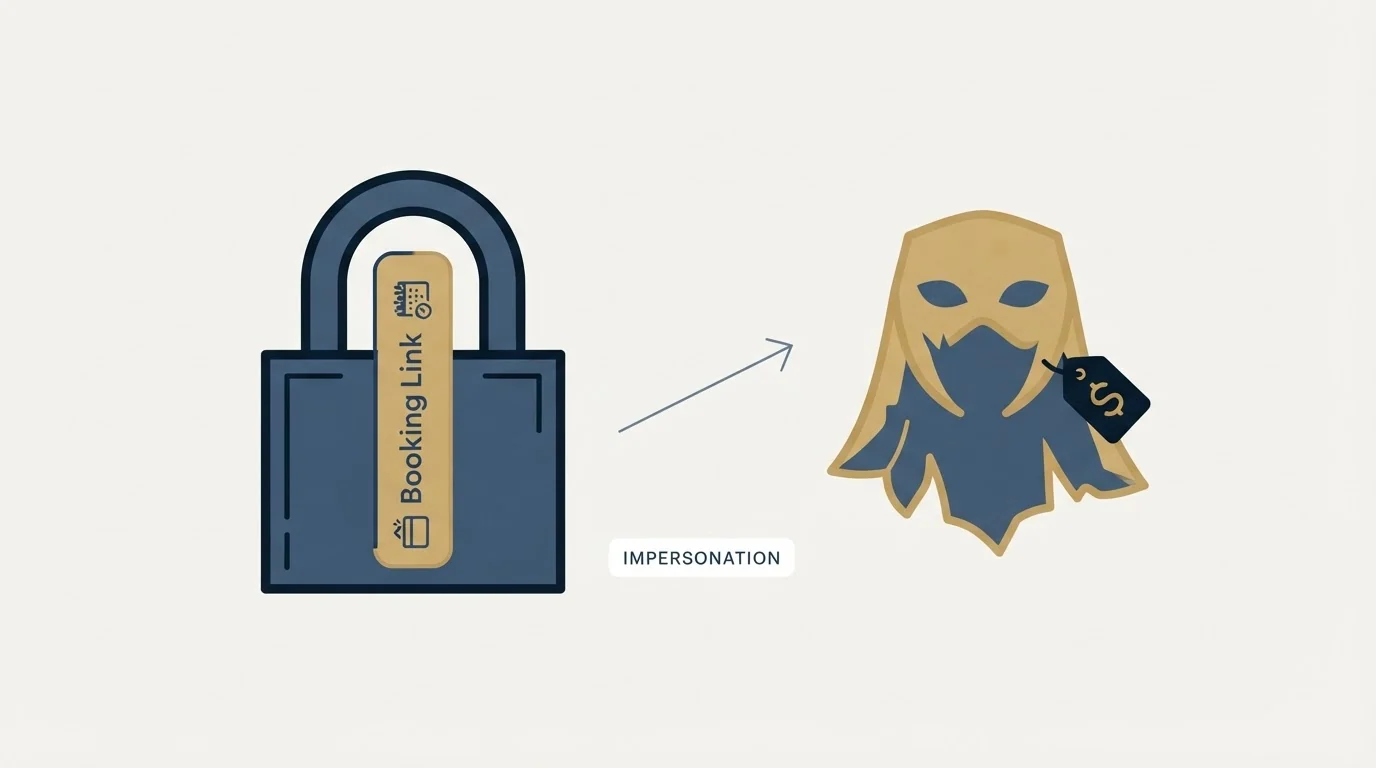
There is a real fraud pattern that borrows this brand, and it is worth naming precisely because it is the loudest result on the search. The pattern is social engineering, not a product vulnerability: an attacker sends a meeting invitation that looks routine, and the payload is what happens next, an off-platform link, a request to install something, a fake payment step, or a meeting that exists purely to build trust for a later ask.
The mechanism to teach a team is boring and effective. The safety of an invitation is determined by who sent it and what they are asking for, never by the scheduling brand in the URL. A booking page that asks you to install software, pay a fee to attend, or move immediately to a different platform is the signal. The brand on the page is not evidence of anything, because anyone can create an account on any scheduling tool.
That reasoning generalises. A vendor trust page is a claim by the vendor, and a familiar logo is a claim by whoever put it there. The same three-question split, what does the vendor publish, what can a third party confirm, and what stays with you, is applied to a data vendor in Is ZoomInfo Legit, and the method transfers to any tool a security questionnaire lands on.
- Yes: Request the SOC 2 report through Whistic and get the NDA moving first, since it is the slowest step
- Yes: Confirm which plan carries SSO, SCIM, audit log and the deletion API before rollout
- Yes: Ask the vendor in writing about any framework absent from its published list, HIPAA included
- Yes: Check whether your own IT blocks the domain, and give recipients a non-link path to reply
- Yes: Decide who may connect which calendar account, and to which event types
- No: Treat a third-party blog as evidence about compliance status
What stays your problem
Every control on the vendor's page protects the platform. Four things it cannot touch stay with you.
Calendar scope. Connecting a calendar grants an application visibility over what is on it. Decide deliberately whose calendars are connected and what those event types expose, rather than letting each new user make that call individually.
Beyond calendar scope lies a separate question of mechanics, covered in how Calendly settings shape bookings, which explains how open slots get shown and how event-type rules govern buffers and notice periods.
Booking-form data. Whatever you ask an invitee for before they book is data you now hold, and adding questions is easy enough that forms accumulate fields nobody needed. Ask for what qualifies the meeting and nothing more, because every extra field is both a conversion cost and a retention obligation.
Where the booking data goes next. A booking that syncs into a CRM has left the scheduling tool, and the controls that apply from that point are the CRM's. The integration surface and the scopes it requires are covered in Calendly API, and scope decisions there are the ones that quietly widen access.
Offboarding. A departing employee's booking links keep working until somebody deactivates them, and a live link pointing at a dead calendar is a lost meeting rather than a security incident, which is exactly why nobody notices. The user lifecycle tooling that automates this sits on the higher tiers, which brings the plan question back around.
The short version

Calendly publishes a specific and checkable security posture: TLS 1.2 or above in transit, AES-256 at rest, semi-annual penetration testing, and attestations covering SOC 2 Type 2, SOC 3, ISO/IEC 27001 and CSA STAR Level One, with the full SOC 2 report available under NDA through Whistic. HIPAA is not among the frameworks that page names, so ask rather than assume.
For a security review, the plan tier matters as much as the posture, because SSO, SCIM, audit logs and the deletion API sit on the paid and enterprise steps. For a seller, the link is safe enough to send and can still be blocked at the other end, so never make it the only way to reply. And for the scam question, judge the sender and the ask, since the brand in the URL proves nothing at all.
Teams that already accept the plan-tier tradeoffs above will find a per-seat pricing comparison useful when weighing whether unlimited users elsewhere changes the calculus.
If what you are really weighing is how many meetings a scheduling link is worth, that depends on how many qualified conversations exist to schedule. See what a campaign built on your ICP would produce.
Security documentation and plan features verified as of mid-2026. Verify current terms with the vendor before relying on them.
Frequently asked questions.
Frequently asked questions- Is Calendly secure enough for a company vendor review?
- Its security page publishes the controls a reviewer usually asks for, including TLS 1.2 or above in transit, AES-256 at rest, semi-annual penetration testing, a web application firewall and a SOC 2 Type 2 report. The report itself is available under NDA through Whistic, so request it early because that step is legal rather than technical.
- Is Calendly HIPAA compliant?
- The certifications block on its security page names SOC 2, SOC 3, GDPR, CCPA, CSA STAR and ISO/IEC 27001, and does not name HIPAA. Third-party articles on this question rank prominently, which is exactly when the vendor's own surface should decide it. If you need a business associate agreement, ask Calendly directly in writing.
- Are Calendly links safe to send in cold email?
- The link itself is not the problem, and a first message that is mostly a link sent at volume can be. Some corporate IT departments block the domain outright, so a booking link should never be the only way to reply. Give a plain human alternative in the same message for recipients who cannot open it.
- What is the Calendly scam and how do I spot it?
- It is social engineering that borrows a familiar brand rather than a flaw in the product. An invitation arrives looking routine and the payload is what follows: a request to install something, a fee to attend, or an immediate move to another platform. Judge the sender and the ask, because anyone can create a scheduling account.
About the author.

B2B cold email experts helping companies generate qualified leads through done-for-you outreach campaigns.
RevenueFlow Team
Explore more.
Ready to scale your outreach?
We build GTM engines that book real meetings. See the receipts.
Related articles.
Calendly Workflows: Seven Triggers and One Boundary
Calendly Workflows fire automated email and text on seven published triggers. The limits that catch people out, and the line between correspondence and bumping.
Calendly vs Setmore: Per Seat Against Unlimited Users
Setmore prices Pro at $5 USD per user a month on annual billing; Calendly charges per seat for routing and CRM sync. Free tiers, prices and which problem each solves.
ScheduleOnce vs Calendly: The Product Is Now OnceHub
ScheduleOnce is OnceHub now, and its tiers bundle phone numbers Calendly does not sell. Published prices, where routing sits, and what a security review costs on each.
Calendly API: What You Can Automate and What You Cannot
Read access runs on any plan, webhooks need a paid one, and programmatic deletion is Enterprise-only. The scope decision that quietly breaks integrations, first.
Zoom Scheduler vs Calendly: Round-Robin, Routing, CRM Sync
Both tools book meetings the same way. The difference is packaging: round-robin, routing forms and Salesforce sync sit on Calendly Teams and on Zoom's entry paid tier.
Calendly Alternatives: What to Move To, and What You Give Up
Cal.com, TidyCal and SavvyCal sorted by the job you are hiring a scheduler for, with each vendor's own published rates and what the free tiers really cover.