How Calendly Works: The Settings That Decide the Meeting
Calendly shows a stranger your open slots without exposing your calendar. What it connects, what each event-type setting controls, and where the tool stops.
Calendly reads the calendars you connect, shows an invitee only your open slots without revealing what fills the rest, and writes the booking back to your calendar. Event types carry the rules that matter: duration, how far ahead people can book, buffers either side, and a minimum notice period before a slot becomes available.
Key takeaways
- Calendly reads your complete schedule to find open slots and shows invitees only those slots, in their own time zone, without exposing what fills the rest of the calendar.
- The free plan connects one calendar and all paid plans connect up to six, and the multi-host event types (Group, Round Robin and Collective) sit on the paid plans.
- Minimum notice, buffers, the booking window and meeting limits are configured per event type, and they decide attendance more than the plan tier does.
- The tool converts demand that already exists into a calendar slot, so it neither creates demand nor qualifies the person who booked.
Reviewed and updated September 2, 2026
Calendly's own getting-started guide describes the mechanism in one sentence: when you connect your calendar, it "looks at your complete schedule and only shows your open time slots on your booking page". The guide adds the reassurance that matters to anyone connecting a work calendar, which is that "no one can see the details of your whole calendar" and Calendly only shows the times you are available.
That is the whole product in outline. Everything else is a setting that decides which of your open slots a stranger is allowed to take, and those settings are where a booking flow either works or quietly leaks meetings.
A prospect picking a time from a booking link never sees your schedule: they see the subset of it your availability window and event-type rules expose, which is why an unattended booking page is a policy rather than a calendar.
Calendly appointment booking, described plainly, is a permission system wearing a calendar's clothes. The invitee never sees your schedule. They see the subset of it you have decided to expose, filtered by rules you wrote in advance, and the only thing they can do is take one of the slots that survived those rules.
How to set up Calendly takes about ten minutes: connect a calendar, define one event type, set the availability window, and paste the link, and the setup decisions that matter later are the buffer, the notice period and who the round-robin includes. Asking how to use Calendly day to day comes down to three habits: one event type per real meeting shape, availability that reflects the week you actually have, and a link placed where the reply already is.
Availability windows are the setting doing the real work: they are what Calendly reads against your connected calendar before it offers anyone a slot.
How to make a Calendly comes down to three steps: create a Calendly account, connect a calendar and define an event type, then share the link, and the settings that decide whether the meeting happens are all in step two.
A one-off meeting is a single-use link generated outside your event types, which is what to send when the standard booking page would offer the wrong slots to one particular person.
Three questions cover most confusion: 'no times available' means the connected calendar shows no free slots inside your availability window; Calendly reads only free or busy status, never event details; and to find someone on Calendly you need their link, because there is no public directory.
Availability has an escape hatch, and it is the setting people search for most often once they are live: date-specific hours, which the product used to call date overrides, let one day depart from the weekly pattern without editing the pattern, and the related control for booking over an existing calendar event sits in the event's own free and busy rules rather than with availability. Most guides to using Calendly are four steps long, and that is a fair description of the setup rather than of the product: connect a calendar, set availability, create an event type, share the link. The four connections below are what those steps are actually establishing, and knowing which one has broken is the difference between a fix and a rebuild.
The four things that have to be connected
The guide lays the setup out in four steps, and each one changes what the booking page can do.
Your calendar. Calendly reads availability from the calendars you connect, and writes scheduled meetings back to them automatically. The guide names Outlook, Google Calendar and Exchange as the calendars it integrates with, and it is explicit about the tier boundary: the free plan lets you connect one calendar to your account, while users on all paid plans can connect up to six.
That one-against-six gap is more consequential than it sounds. A person with a work calendar and a personal calendar who connects only the work one is bookable during the school run, and the double-booking the product exists to prevent happens anyway.
Your available hours. Connecting a calendar tells Calendly when you are busy. It does not tell it when you are willing. Those are different sets, and the second one is a policy decision about your week rather than a reflection of it.
Your event types. The guide describes these as meeting templates you use repeatedly, and this is the object most of the configuration hangs off. Alongside the name, duration and location, the guide lists the settings applied per event type: how many days into the future invitees can schedule, buffers before or after meetings, and a minimum notice period.
The standard shape is the One-on-One event type. For anything involving more than one host, the guide names Group, Round Robin and Collective event types and states they are available on all paid plans, which is the real boundary between a personal booking link and a team booking system.
Your video conferencing tool. With the tool connected and set as the event location, Calendly generates the conference details when someone books, so the joining link exists from the moment the meeting does.
- Step 1You connect calendars
Calendly reads your complete schedule to find open slots. The free plan allows one calendar connection; all paid plans allow up to six.
- Step 2You define an event type
Duration, location, how far ahead people can book, buffers either side, and a minimum notice period. Group, Round Robin and Collective types sit on the paid plans.
- Step 3An invitee opens the link
They see only your open slots, shown automatically in their own time zone, with none of your calendar's detail exposed.
- Step 4They pick a slot
The meeting is written to your connected calendar, conferencing details are generated if a video tool is set as the location, and the slot closes.
The settings that decide whether the meeting happens
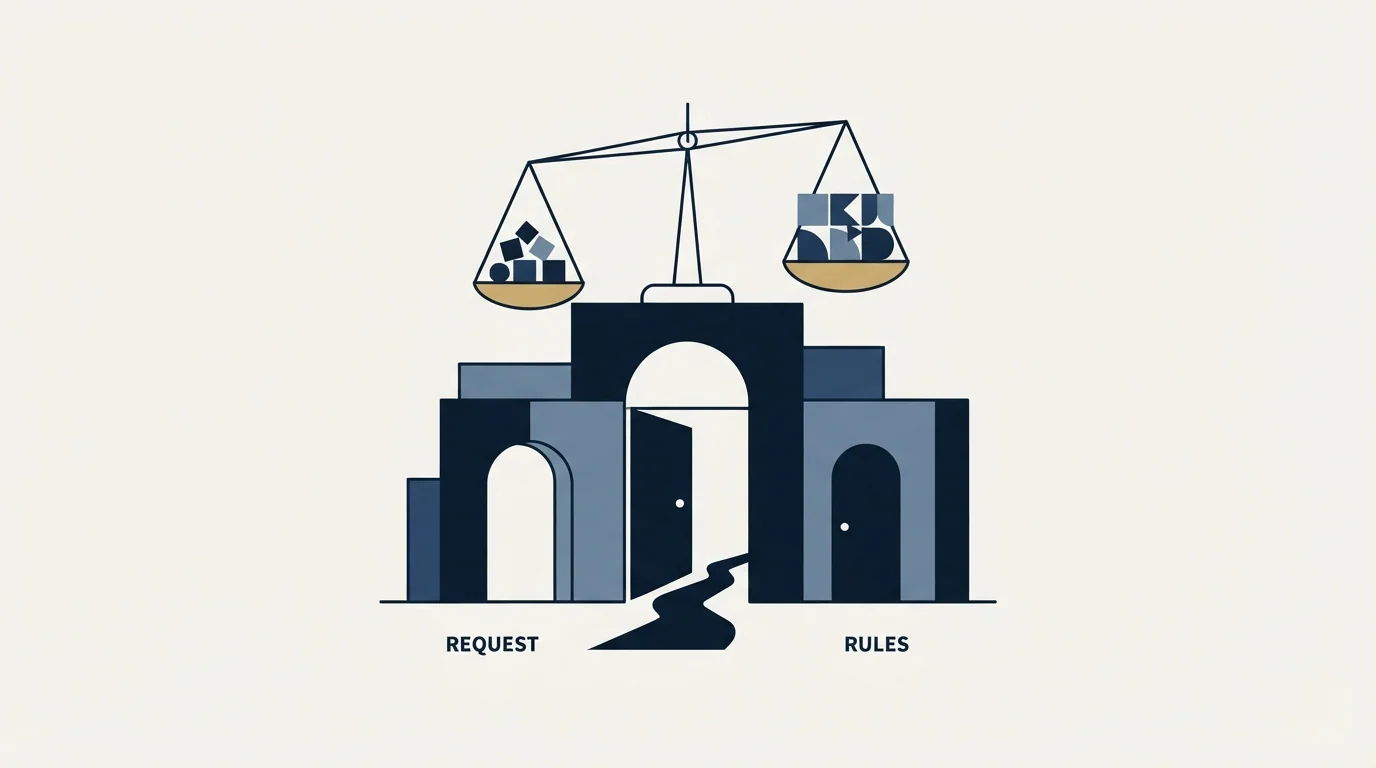
A booking page that works and a booking page that produces meetings people attend are different achievements, and the gap between them lives in a handful of per-event-type controls.
Minimum notice. Without it, a booking page accepts a meeting twenty minutes from now, which is how a prospect books a slot the host is already driving to another appointment for. With too much of it, an interested buyer who wanted to talk today is told the earliest is Thursday, and Thursday is when interest goes to die.
Buffers. Set before and after a meeting, they stop the back-to-back stacking that turns an eleven o'clock into a late start for the twelve. The guide describes them as time added before or after meetings, configured under the event type's own limits.
How far ahead people can book. A long window fills a calendar with meetings booked while the reason for them was fresh and attended while it is stale. A short window is the single cheapest intervention against no-shows, and it costs nothing.
Meeting limits. Calendly's help documentation describes limiting how many times an event type can be booked per day, week or month. On a team running outbound this is the control that stops one good day from consuming a week of capacity.
Which calendars are checked. Availability is only as honest as the set of calendars connected, which brings the tier boundary back into play for anyone splitting their life across two accounts.
Plan tiers gate the programmatic side too, where Calendly's token scope and plan gated endpoints decide what an integration can read and delete.
Time zones, which the product handles and people still get wrong. The guide states that available times are automatically shown in the invitee's own time zone, so nobody has to do the mental arithmetic. That removes the classic failure where a prospect books what they think is nine in the morning and arrives at a meeting that started overnight. What it does not remove is the host's side of the problem: available hours set once, in one time zone, quietly become unsuitable for a territory in another. A booking page that offers a London afternoon to a west-coast buyer is technically correct and commercially useless.
None of these is a growth feature and all of them are attendance features. A meeting that gets booked and not attended has cost the same to produce as one that gets attended, which is why the arithmetic that matters downstream is the cost of a booked appointment rather than the cost of the software.
The back and forth that makes scheduling feel like a time suck is removed by exactly these settings rather than by the booking link itself, which is why a link shared without them still produces the negotiation it was meant to end.
Where the tool ends
Calendly converts demand that already exists into a slot on a calendar. It is worth being precise about the boundary, because a scheduling tool is regularly bought to fix a problem it cannot reach.
It does not create demand. Every mechanism described above operates on a person who already decided they want to talk to you. If the constraint is the number of people making that decision, a better booking page moves nothing.
It does not qualify anyone. A slot taken is a slot taken. Whether the person who took it can buy, and whether the meeting counts as one, is a judgement the tool does not make. Routing forms can direct a booking based on answers a person typed, which is a real capability and a different thing from verification: the answers are claims. The written standard for what counts is a qualified appointment, and it belongs in an agreement rather than in a form.
Routing based on account data works differently inside Salesforce, where the Calendly Salesforce integration installs a managed package and gates lookup based routing behind a separate plan.
It does not decide who should take the meeting beyond the rules you gave it. Round-robin distributes; it does not know who is best placed. Round-robin assignment and lead routing cover what those rule sets can and cannot settle.
It does not stop a no-show. The meeting reminders it sends help, the settings above help more, and neither is the same as the person still wanting the meeting on the day. The no-show follow-up is a separate piece of work.
Those automated reminders are only one trigger among several covered by the automated triggers behind Calendly Workflows, which range from a fresh booking to a no-show being marked.
- Yes: Connect every calendar that holds a real commitment, not only the work one.
- Yes: Set available hours as a policy about your week rather than whatever is currently free.
- Yes: Set a minimum notice that protects the day without pushing an interested buyer into next week.
- Yes: Add buffers either side so a meeting that runs over does not damage the next one.
- Yes: Shorten how far ahead people can book, which is the cheapest thing you can do about no-shows.
- Depends: Set meeting limits per day or week so one busy day cannot consume the capacity.
- Yes: Set the video tool as the event location so joining details exist from the moment of booking.
Sharing the link, and the three ways it travels
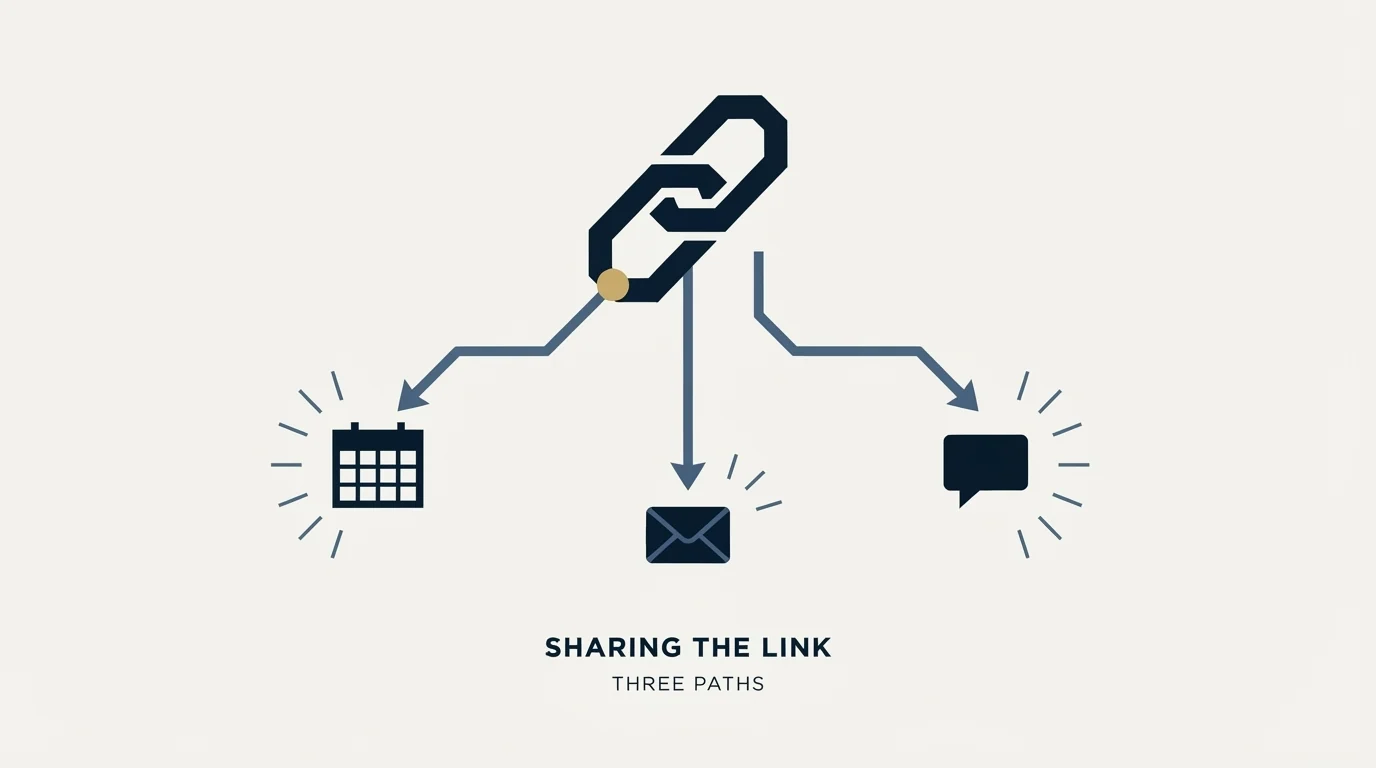
The guide names three sharing routes and they behave differently in an outbound context.
The scheduling link is the URL that takes someone to your booking page. It is the default and it is fine in a thread where a conversation is already running.
Clickable available dates and times embedded in an email are the second route. In a first-contact message they read as a tool talking, which is worth weighing against the convenience.
The website embed puts the booking page on your own site, which is the route that matters for inbound: someone who arrived interested can book without a second decision, and a booking that requires a second decision is a booking that sometimes does not happen. That is where scheduling earns its keep, and where it joins inbound lead generation rather than sitting beside it.
Our own practice on the outbound side is one message per campaign, with no bumps and no thread replies, so a link goes out once against a stated reason. Re-approaching a company that did not reply is a new campaign against a new reason rather than a second message under the first, which changes what the booking layer has to remember: both the previous contact and the trigger that justifies the new approach.
What to take away
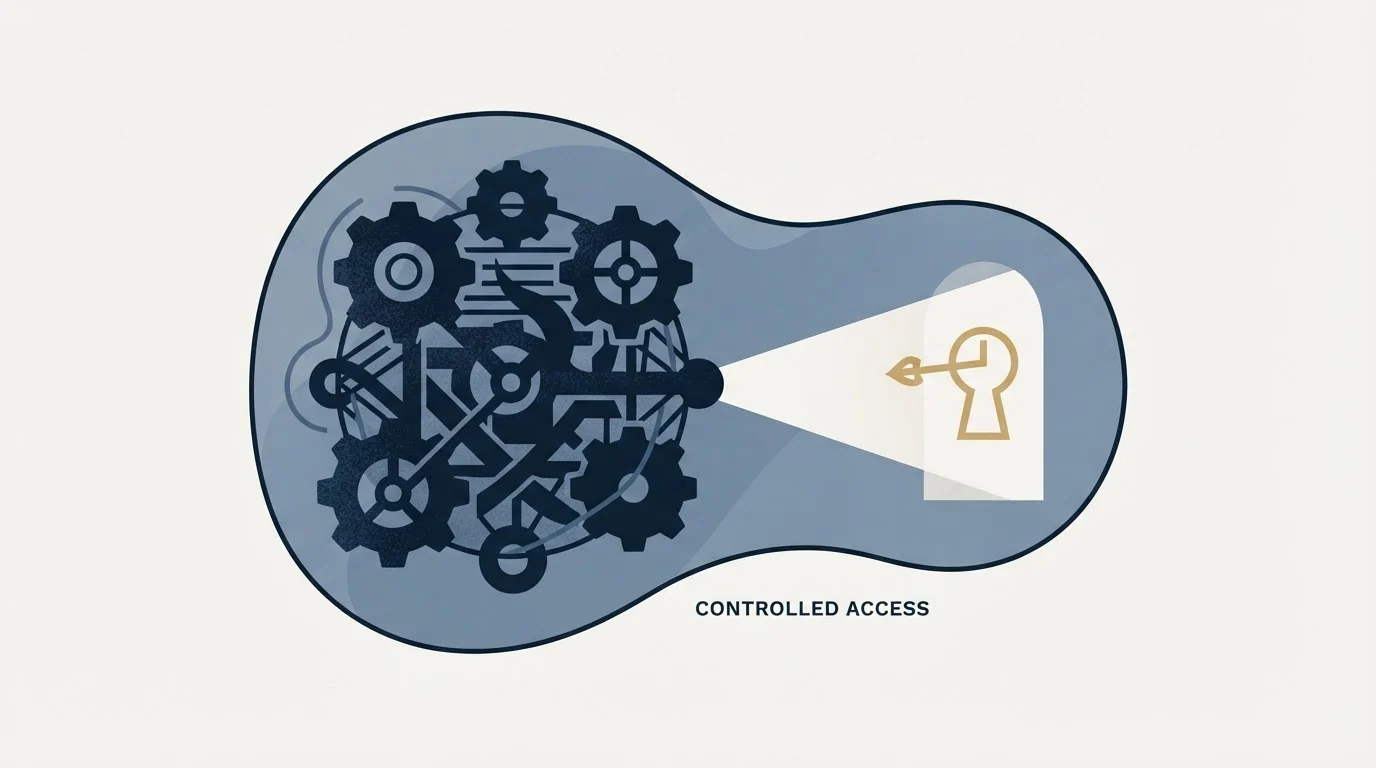
Calendly reads your connected calendars, shows a stranger only your open slots without exposing the detail behind them, and writes the booking back when someone takes one. The free plan connects one calendar and all paid plans connect up to six, and the multi-host event types (Group, Round Robin and Collective) sit on the paid plans.
The settings that decide whether those meetings actually happen are minimum notice, buffers, how far ahead people can book, and meeting limits. All four live per event type, all four take minutes, and none of them is the reason anyone upgrades.
The tool receives meetings. It does not produce them. Where the constraint is the number of companies willing to take one, RevenueFlow books qualified meetings on a pay-per-meeting basis, against criteria agreed in writing before launch, and the b2b appointment setting guide sets out how that work is structured.
Product behaviour and plan boundaries verified as of mid-2026 against Calendly's own getting-started guide and help centre as served. Verify current terms with the vendor before relying on them.
Frequently asked questions.
Frequently asked questions- How does Calendly know when I am free?
- It reads the calendars you connect to the account. Calendly's own getting-started guide says it looks at your complete schedule and shows only your open time slots on the booking page, and that no one can see the details of your whole calendar. Availability is therefore only as accurate as the set of calendars you actually connected.
- What is an event type in Calendly?
- A reusable meeting template. It holds the name, duration and location plus the rules that govern booking: how many days into the future invitees can schedule, buffers before or after the meeting, and the minimum notice required. One-on-One is the common shape, and Group, Round Robin and Collective types are available on the paid plans.
- Can I use Calendly for free?
- Yes, with limits that matter for a team. The free plan allows one calendar connection, while all paid plans allow up to six, and the event types built for more than one host sit on the paid tiers. A single person booking their own meetings is well served by the free plan; distributing meetings across several people is where the meter starts.
- Does Calendly reduce no-shows?
- Some settings help and none of them is a guarantee. Shortening how far ahead people can book is the cheapest intervention, because a meeting booked while the reason was fresh gets attended more reliably than one booked three weeks out. Buffers and minimum notice protect the host's day. Whether the person still wants the meeting is outside the tool.
About the author.

B2B cold email experts helping companies generate qualified leads through done-for-you outreach campaigns.
RevenueFlow Team
Explore more.
Ready to scale your outreach?
We build GTM engines that book real meetings. See the receipts.
Related articles.
Calendly Workflows: Seven Triggers and One Boundary
Calendly Workflows fire automated email and text on seven published triggers. The limits that catch people out, and the line between correspondence and bumping.
Zoom Scheduler vs Calendly: Round-Robin, Routing, CRM Sync
Both tools book meetings the same way. The difference is packaging: round-robin, routing forms and Salesforce sync sit on Calendly Teams and on Zoom's entry paid tier.
Calendly vs Setmore: Per Seat Against Unlimited Users
Setmore prices Pro at $5 USD per user a month on annual billing; Calendly charges per seat for routing and CRM sync. Free tiers, prices and which problem each solves.
ScheduleOnce vs Calendly: The Product Is Now OnceHub
ScheduleOnce is OnceHub now, and its tiers bundle phone numbers Calendly does not sell. Published prices, where routing sits, and what a security review costs on each.
Calendly API: What You Can Automate and What You Cannot
Read access runs on any plan, webhooks need a paid one, and programmatic deletion is Enterprise-only. The scope decision that quietly breaks integrations, first.
Calendly Alternatives: What to Move To, and What You Give Up
Cal.com, TidyCal and SavvyCal sorted by the job you are hiring a scheduler for, with each vendor's own published rates and what the free tiers really cover.