Salesloft vs ZoomInfo: Cross-Category Comparison
Compare Salesloft (sales engagement platform) and ZoomInfo (data enrichment tool) side by side. Understand how these tools fit different stages of your sales workflow.
ZoomInfo and Salesloft are partners as much as rivals: a Salesloft release says ZoomInfo resells Salesloft to commercial and mid-market customers. ZoomInfo documents a native integration, set up by admins on both sides via OAuth, that creates contacts one way into Salesloft, with engagement signals returning only through Salesforce or HubSpot.
Key takeaways
- A Salesloft newsroom release says ZoomInfo will represent Salesloft in commercial and mid-market deals, and ZoomInfo customers can buy Salesloft through their account managers.
- ZoomInfo's own write-up says the Salesloft integration is set up via OAuth in ZoomInfo's settings, needs admins on both sides, and creates contacts one way into Salesloft.
- First name, last name, email, title, company and phone sync natively; LinkedIn URL needs a custom field, Department needs mapping, and opens and replies need a CRM between them.
- Neither side showed a price: Salesloft's pricing address redirects to a Talk to Sales page and ZoomInfo's pricing page returned HTTP 403.
Reviewed and updated September 21, 2026
ZoomInfo and Salesloft are partners as well as neighbours in the stack. A Salesloft newsroom release on their expanded partnership says ZoomInfo will represent Salesloft in deals with commercial and mid-market customers, and that ZoomInfo customers can buy Salesloft through their ZoomInfo account managers. So the useful Salesloft vs ZoomInfo question is how the two connect, and ZoomInfo documents that connection in unusual detail. Neither company, though, would show this comparison a price: ZoomInfo's pricing page refused every request, and Salesloft's pricing address now redirects to a Talk to Sales page.
ZoomInfo and Salesloft: the Short Answer
ZoomInfo is where the list and the buying signals come from, and Salesloft is where a rep works them. The native integration runs one way for contact creation, from ZoomInfo into Salesloft, and engagement signals only flow back through Salesforce or HubSpot. Buy ZoomInfo when the list is the gap and Salesloft when working it is, then set the integration up.
Buyers weighing an all-in-one platform against a specialist tool face a similar question with other pairings, as explored in this comparison of multi-channel outreach versus cold email tools.
Salesloft describes its own platform in its site navigation: Cadence to build and nurture pipeline, Conversation Intelligence, Deals and Rhythm to prioritise the workflow, with Clari Forecast for forecast accuracy. Its login menu now lists Salesloft, Clari Forecast, Conversations, Drift and Groove.
Freshsales vs Salesloft comparison examines how a CRM built for pipeline tracking pairs with an outreach orchestration platform for complementary revenue workflows.
ZoomInfo sells data first. Its Sales product page claims 420M+ global contacts including 120M+ direct dials and 145M+ companies, with lists built on 300+ attributes such as technology stack and funding data. Its own blog post on the Salesloft integration cites a different count, 500M contacts and 100M companies, so treat any single database size as the vendor's claim of the day.
Choosing between a CRM and a data enrichment tool comes up elsewhere too, as this look at CRM versus lead data provider shows.
ZoomInfo's site navigation also lists sales automation and conversation intelligence of its own, so the overlap runs further than the category labels suggest. Its Salesloft page still frames the two as a pair: "ZoomInfo and Salesloft give your sales team the right data, better workflows, and multi-touch engagement tools to turn insights into action."
How the ZoomInfo Salesloft Integration Works
ZoomInfo's own write-up says it offers a native direct integration with Salesloft, available on most plan tiers, connected via OAuth in ZoomInfo's Settings under Integrations. Data flows one way for contact creation, from ZoomInfo to Salesloft. The full loop needs a CRM in the middle: ZoomInfo enriches a contact, Salesloft works it through a cadence, Salesforce or HubSpot captures the outcome, and ZoomInfo refreshes stale data from the CRM record. Without that CRM, the write-up says, engagement signals disappear after each cadence ends.
The partnership release names three capabilities on top of that connection. Sellers can push ZoomInfo buying signals into Salesloft Rhythm, which assigns the next best action; draft an AI email from ZoomInfo's buyer insight and send it through Salesloft; and build targeted lists in ZoomInfo and export them to Salesloft. ZoomInfo's Chrome extension also shows a Salesloft button for pushing contacts while browsing.
What the export carries matters more than the feature list, and ZoomInfo publishes a field mapping table for it.
| Field | Syncs natively | What to do first |
|---|---|---|
| First name, last name, email | yes | Nothing |
| Title, company, phone | yes | Nothing |
| LinkedIn URL | no | Create a custom field in Salesloft |
| Department | partial | Map it, or it lands null |
| Opens, replies, opt-outs | no | Needs Salesforce or HubSpot between them |
Setting Up the Integration Without Silent Failures
ZoomInfo's write-up lists the prerequisites and the failures they prevent. The connecting Salesloft user needs the admin role with API access, because a User role lets the integration look connected while writing no new person records. OAuth tokens expire, so exports that worked can start failing quietly until the connection is re-authorized. And the ZoomInfo plan tier has to include the Salesloft integration in the first place.
Admins on both sides
A ZoomInfo admin, and a Salesloft admin whose role has API access; a User role writes nothing.
Connect in ZoomInfo
Settings, Integrations, Salesloft under Sales Engagement, Connect, then authorize via OAuth.
Pick a default cadence
Without one, exported contacts land in Salesloft People and enroll in nothing.
Map the fields
LinkedIn URL needs a custom field; Department needs an explicit mapping.
Test one known contact
Catch a field problem at one record before a bulk export.
What Each Side Actually Does in a Cold Outbound Run
Four things have to happen before a meeting exists. The first belongs to nobody in the stack: somebody decides which companies are worth writing to, and getting that wrong makes better data produce a bigger wrong list.
The second stage is ZoomInfo's. A list gets assembled against filters, which its Sales page says can draw on 300+ attributes, and every person on it gets a contact record before anybody writes a word.
The third stage is Salesloft's: Cadence, which its navigation describes as building and nurturing pipeline, with Rhythm prioritising what each rep does next. RevenueFlow runs one message per campaign, so nothing on that side is a bump step or a thread reply waiting for a timer. Somebody who stays quiet gets approached later through a fresh campaign with a different angle rather than a second message stacked under the one they ignored, and on LinkedIn that second message is not sent at all.
The fourth stage is a person reading a reply and a person booking a meeting, against criteria written down before launch. Neither product decides that.
Pricing Comparison
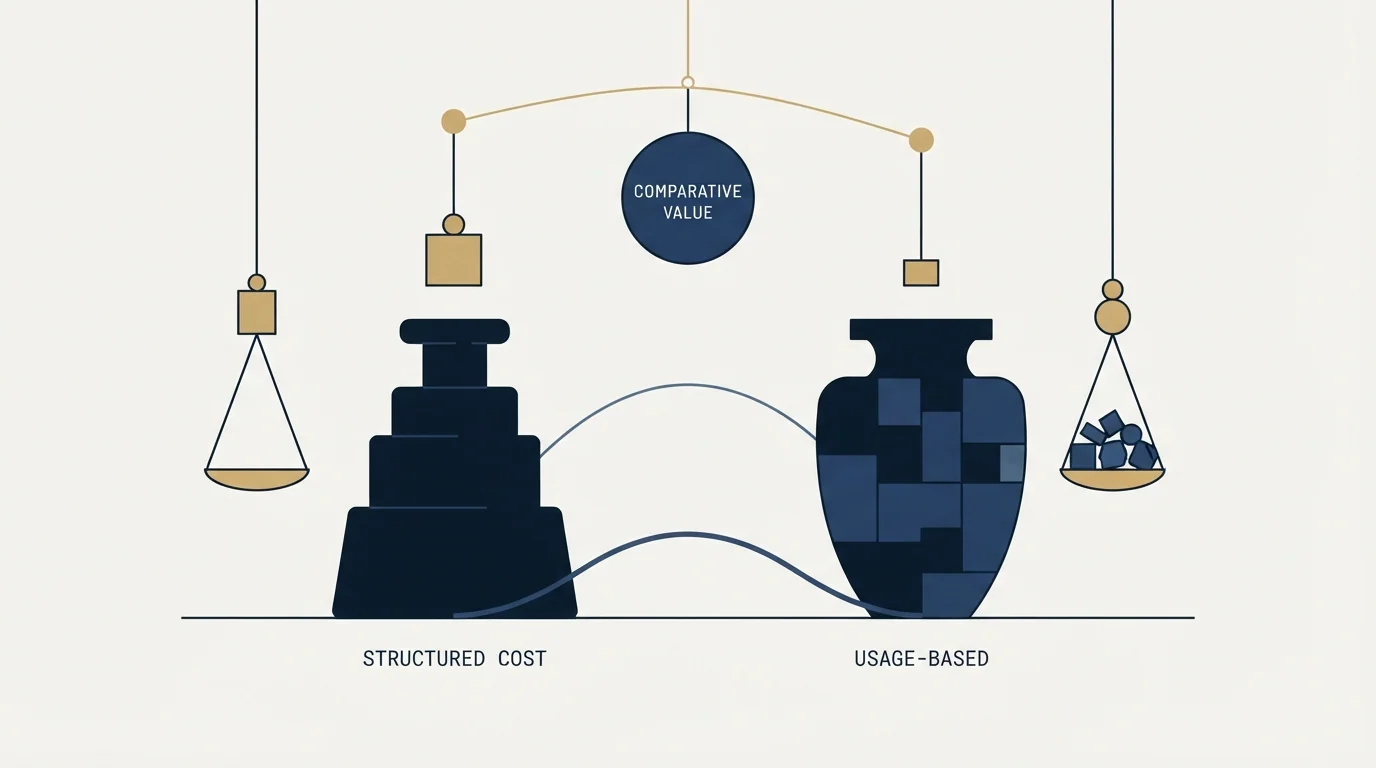
How Does Salesloft Pricing Compare to ZoomInfo?
Neither side publishes a figure this comparison could read. Salesloft's pricing address now redirects to a Talk to Sales page. ZoomInfo's pricing page answered HTTP 403 to a plain request and was refused to a headless browser, and so was its homepage, so no ZoomInfo price is repeated here, including the tier figures an earlier version of this page carried forward.
ZoomInfo's own Salesloft write-up does describe its model in one line: ZoomInfo "is free to start with consumption credits based on usage." And the partnership release adds a buying path worth knowing: ZoomInfo customers can buy Salesloft through their ZoomInfo account managers. A team buying both can therefore ask one account manager for both numbers in the same conversation.
Source: ZoomInfo and Salesloft and Salesloft newsroom
What to Ask For in Writing
A written quote is the only current number on either side. From ZoomInfo, get the seat count, the credit allowance, and confirmation that the plan tier includes the Salesloft integration, since ZoomInfo's own prerequisites say it has to. From Salesloft, get the seat count and which of Cadence, Conversation Intelligence, Deals, Rhythm and Clari Forecast the quote covers. Ask both for contract length in the same email, because those numbers move the total further than any headline would.
What One Year of This Stack Actually Costs
Take an invented but ordinary case: one SDR working a named account list at roughly a hundred new contacts a month. With no published rate on either side, the honest plan is quantities: a hundred records a month exported into Salesloft, one seat on each platform, and a CRM in the middle so replies and opt-outs are not lost when each cadence ends.
That last line is the one teams forget to budget. ZoomInfo's write-up is plain that engagement signals need Salesforce or HubSpot between the two, so a team without either CRM is buying a loop with a gap in it.
When to Choose Which
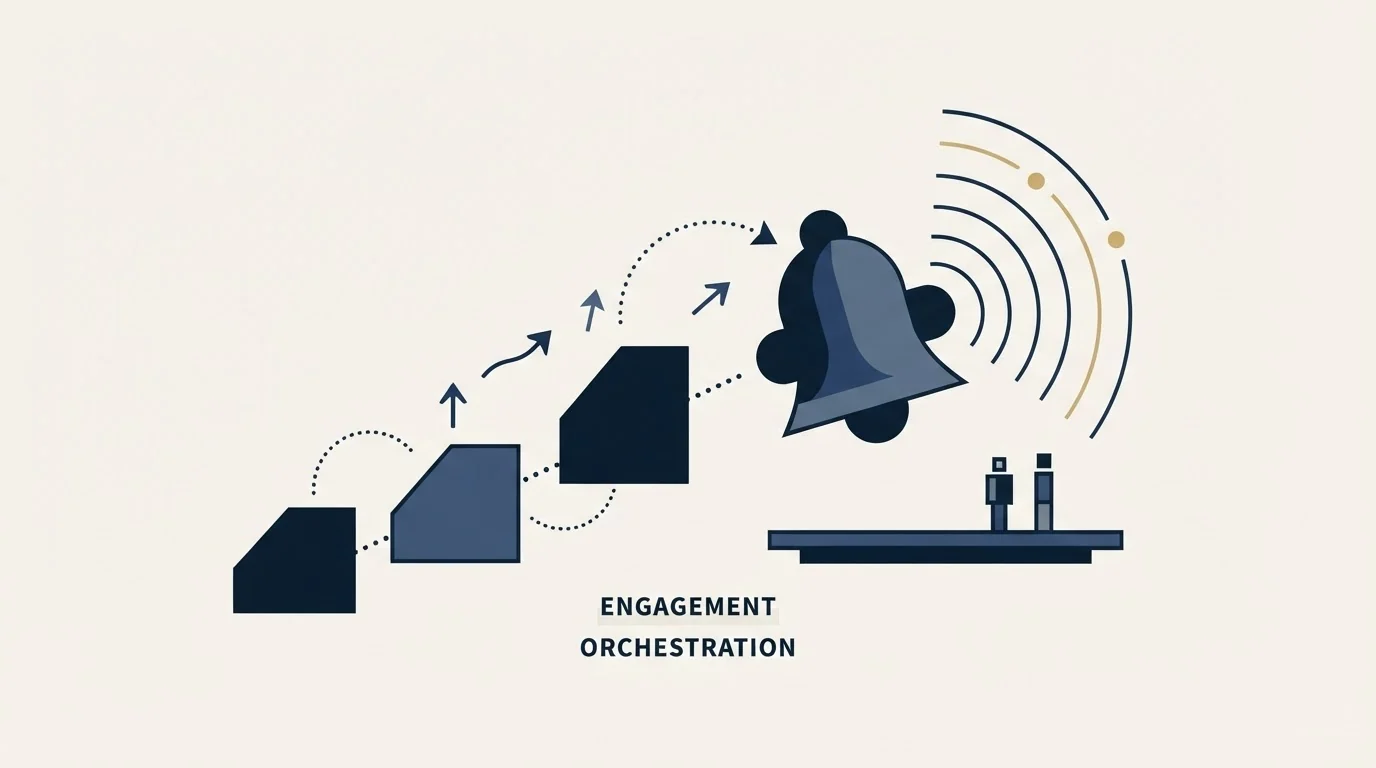
Choose ZoomInfo when the list is the gap: a territory that runs out of named people, or contact records too thin to start a campaign. Choose Salesloft when contacts sit unworked: records exist but nobody's day is organised around them, which is the job its Cadence and Rhythm are described as doing.
Read that split as a question about which gap is open rather than about which product is better. A team that names the wrong gap buys a capable tool and changes nothing about the number of meetings on the calendar.
Do You Need Both, and in Which Order?
Teams that keep outbound running tend to end up with both, and the order they arrive in matters more than the choice between them. Excellent sending over a thin list produces very little, and an excellent list with no reliable sending produces nothing at all.
Start with whichever gap is currently costing meetings, then treat the second purchase as a quote to negotiate. Neither ZoomInfo nor Salesloft publishes a number, so both are conversations. Because ZoomInfo's account managers can sell Salesloft, one conversation can price both; ask for each line separately so a bundle does not hide either.
The integration ZoomInfo documents runs contacts one way into Salesloft, and engagement signals come back only through Salesforce or HubSpot, so the CRM is the record both purchases inherit. One question is worth asking before either: who reads the replies, because neither product books a meeting.
Using Both Together

Teams that run both give each one a side of the handoff: ZoomInfo supplies the list and the buying signals, and Salesloft is where reps work them.
Teams weighing similar complementary setups may also want to see how Groove, whose product pages now redirect to Salesloft, stacks up against a cold email specialist in outreach platform versus cold email tool comparison.
ZoomInfo documents a native connection to Salesloft, set up from ZoomInfo's side by admins on both platforms.
Rolling It Out Without Breaking the Run
Get the ZoomInfo seat count, the credit allowance and the integration tier in writing before treating any figure as a rate, because the quote is the only current number and ZoomInfo's own prerequisites put the Salesloft integration behind the plan tier.
Then test the export the way ZoomInfo's write-up says to: one known contact first, with the default cadence set and the LinkedIn URL and Department fields mapped, before any bulk push.
Keep the sending inventory out of whichever change goes first. Sender domains, mailbox warmup and daily caps are a project of their own, and a stack change made in the same week as a sending change leaves nothing to attribute a bounce rate to. Move one layer, let a full wave run, then move the next.
Run the trial on the accounts being sold to. Coverage is a property of a segment and not of a database, so a provider that looks thin on a random sample can be excellent on the two hundred companies that matter.
The Short Version
Neither page carries a rate, so both lines in this budget are quotes, and ZoomInfo's account managers can sell both. The integration is ZoomInfo's to set up: admin rights on both sides, OAuth, a default cadence, mapped fields and a one-contact test.
Then pick the order by symptom. A list that runs out before the month does points at ZoomInfo. Contacts sitting unworked point at Salesloft. A team that can name neither has a targeting problem rather than a tooling one, and no purchase on this page fixes that.
Related Reading
If you would rather have this run for you, RevenueFlow books qualified meetings on a pay-per-meeting basis and publishes client results.
Pricing and features are taken from the vendors' own pages. Verify current terms with the vendor before relying on them.
Frequently asked questions.
Frequently asked questions- How does the Salesloft ZoomInfo integration work?
- ZoomInfo's own write-up describes a native integration connected via OAuth under Settings, Integrations in ZoomInfo, with admin rights needed on both platforms. Contacts flow one way, from ZoomInfo into Salesloft, landing in a default cadence if one is set. Replies, opens and opt-outs only return to ZoomInfo through Salesforce or HubSpot sitting between the two.
- What is the ZoomInfo Salesloft partnership?
- A Salesloft newsroom release describes an expanded partnership in which ZoomInfo represents Salesloft in deals with commercial and mid-market customers, and ZoomInfo customers can buy Salesloft through their ZoomInfo account managers. It names three capabilities: ZoomInfo buying signals synced into Salesloft Rhythm, AI-drafted emails sent through Salesloft, and lists exported from ZoomInfo into Salesloft.
- How does Salesloft pricing compare to ZoomInfo?
- Neither published a figure that could be read for this comparison. Salesloft's pricing address redirects to a Talk to Sales page, and ZoomInfo's pricing page returned HTTP 403, plain and headless. ZoomInfo's own blog says it is free to start with consumption credits based on usage. Ask one ZoomInfo account manager for both quotes, since the partnership lets them sell Salesloft.
- Why do exported ZoomInfo contacts not show up in a Salesloft cadence?
- ZoomInfo's integration write-up gives two common causes. If no default cadence was selected at setup, exported contacts land in Salesloft People but enroll in nothing. If the connecting Salesloft user lacks the admin role with API access, the integration can look connected while writing no new person records at all.
About the author.

Tim Carden is CMO / CTO at RevenueFlow, which builds and operates outbound revenue engines for B2B companies. Studied at McGill University.
Tim Carden · CMO / CTO
Connect on LinkedIn →Explore more.
Ready to scale your outreach?
We build GTM engines that book real meetings. See the receipts.
Related articles.
MyEmailVerifier vs Salesloft: Data Enrichment Tool vs Sales Engagement Platform Comparison
Compare MyEmailVerifier (data enrichment tool) and Salesloft (sales engagement platform) side by side. See pricing, features, and integrations to decide which one, or both, your stack needs.
AroundDeal vs Leadspicker: Data Enrichment Tool vs Sales Engagement Platform Comparison
Compare AroundDeal (data enrichment tool) and Leadspicker (sales engagement platform) side by side. See pricing, features, and integrations to decide which one, or both, your stack needs.
Gong vs NeverBounce: Sales Engagement Platform vs Data Enrichment Tool Comparison
Gong vs NeverBounce: what Gong's own pages say about enrichment, what NeverBounce's API returns about an address, and how each vendor prices.
ContactOut vs Luru: Data Enrichment Tool vs Sales Engagement Platform Comparison
Compare ContactOut (data enrichment tool) and Luru (sales engagement platform) side by side. See pricing, features, and integrations to decide which one, or both, your stack needs.
Enrich Layer vs La Growth Machine: Data Enrichment Tool vs Sales Engagement Platform Comparison
Compare Enrich Layer (data enrichment tool) and La Growth Machine (sales engagement platform) side by side. See pricing, features, and integrations to decide which one, or both, your stack needs.
Leadspicker vs NeverBounce: Sales Engagement Platform vs Data Enrichment Tool Comparison
Compare Leadspicker (sales engagement platform) and NeverBounce (data enrichment tool) side by side. See pricing, features, and integrations to decide which one, or both, your stack needs.