YAMM Pricing: Priced by the Google Account You Send From
YAMM prices by whether you send from a consumer Gmail or a Workspace account, then by seats. The three tabs, the daily quotas and their conditions, and the refund rules.

YAMM pricing starts free, at $0 for up to 20 recipients a day. Pro costs $6 a month for a consumer @gmail.com account, $72 billed annually, for 400 a day, or $12 a month for a Google Workspace account, $144 billed annually, for 1,500 a day. Teams pay $12 per user per month.
Key takeaways
- YAMM's free plan allows up to 20 recipients a day with no branded footer; Pro allows 400 a day on a consumer Gmail address and 1,500 on a Workspace address.
- Pro costs $6 a month or $72 billed annually for @gmail.com, and $12 a month or $144 billed annually for Google Workspace.
- The Team tab charges $12 per user per month on one Workspace domain, from 2 to 100 users, so 10 users cost $120 a month or $1,440 billed annually.
- A new Workspace account is held at 400 a day through Google's trial and a warm-up period that ends only after $100 of billing and 60 more days.
Reviewed and updated October 1, 2026
Yet Another Mail Merge, which its vendor calls YAMM, prices by the Google account you send from rather than by the number of people you send to. YAMM pricing runs from a free plan to a quote: the pricing page has three tabs. The first prices one person by whether their address is a consumer Gmail account or a Google Workspace one, the second prices a team by the number of Workspace users, and the third has no figure at all. The daily recipient quota is the thing that changes as you move up, and the vendor attaches four conditions to the largest one.
Everything below is taken from YAMM's pricing page, with the Team tab figures captured after selecting it in a browser, and from its quota documentation.
YAMM pricing at a glance
YAMM pricing has three levels. Free costs $0 for up to 20 recipients a day. Pro costs $6 a month for a consumer @gmail.com account, $72 billed annually, for up to 400 a day, or $12 a month for a Google Workspace account, $144 billed annually, for up to 1,500. Teams pay $12 per user per month, and above 100 users YAMM sends a quote.
Is YAMM free? Its FAQ says yes: you can use YAMM up to 20 recipients per day completely free of charge, and the free plan carries no branded footer. That free limit is the whole difference from Pro, because every card lists the same features: open, click and response tracking, unsubscribe and bounce tracking, and scheduling.
The Individual tab
As published on YAMM's pricing page, the Individual tab carries three cards. Free is $0 a year on the page for either a consumer Gmail or a Workspace account, with all basic features, tracking of opens, clicks and responses, unsubscribe and bounce tracking, scheduling, no branded footer, up to 20 recipients a day and one user, on best effort support. Pro for a consumer gmail.com account is $6 a month on the page, shown as $72 billed annually, with the same features and up to 400 recipients a day. Pro for a Google Workspace account is $12 a month on the same page, shown as $144 billed annually, with up to 1,500 recipients a day.
Each card carries the same footnote about that 1,500 figure, and it deserves a full reading because it is the number a Workspace buyer is paying for. The quota applies only to Workspace accounts that are past their trial and on an active subscription, that are not on a free legacy edition, that have not sent more than 500 emails in the last 24 hours, and that Google has not rate limited. Miss any one of those and the effective daily limit is lower, which is a Google limit rather than a YAMM one, but it is YAMM's price that is attached to it.
YAMM's quota documentation spells out what a new Workspace account actually gets. During Google's 14-day free trial the limit is 400 recipients per 24 hours, and it stays at 400 through a warm-up period that ends automatically only when the domain has been billed USD 100 and at least 60 days have passed since it reached that threshold. The same page lists what else shrinks the quota: cc and bcc recipients count toward it, other add-ons and scripts share it, the old Google Apps legacy free edition is limited to 100 recipients per user per day, and personalised attachments cap Free, Pro gmail.com and trial or warm-up accounts at 100 recipients a day. The FAQ adds that anyone needing more than 1,500 a day has to use multiple Workspace accounts.
Beneath the cards the page states that prices vary by billing country and are shown excluding taxes, and that custom legal agreements or a vendor security assessment carry other prices.
The Team tab
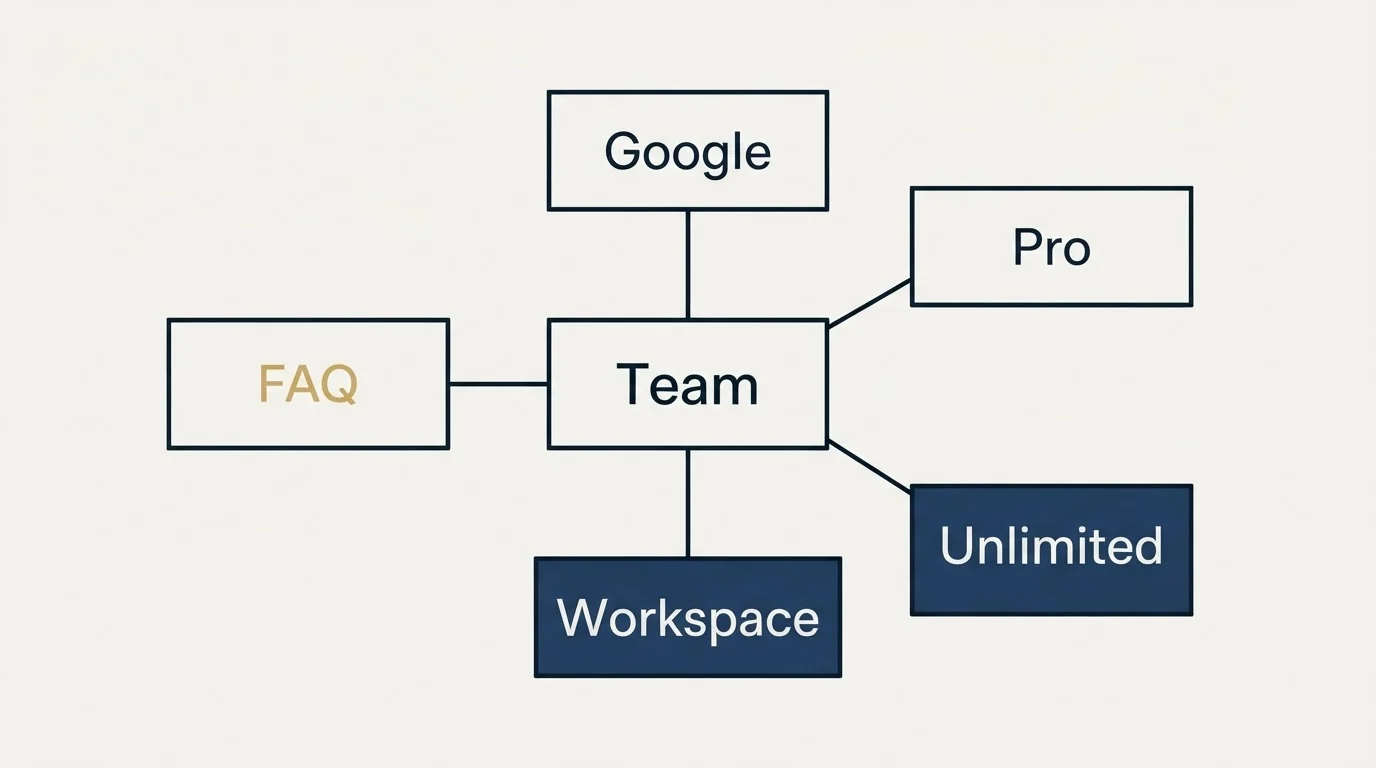
The Team tab does not render in the page as served; it appears after a click, and the figures below were captured that way. With the team size control at its default, the card on the page reads $12 per user per month for a Google Workspace domain, shown as $60 a month and $720 billed annually, which is the default of five users at the Workspace Pro rate. The card lists up to 1,500 recipients a day per user, the same footnote, and priority support. So the Team tab is the Workspace Pro price multiplied by a seat count, billed annually as one licence pool on one domain, rather than a differently priced tier. The team size control runs from 2 to 100 users, and moving it moves the total in straight lines.
The Unlimited tab carries no figure of any kind, in either state. It asks whether you need more than 100 users and offers a custom quote, with the same 1,500 per user quota and unlimited users, on a contact sales button. The FAQ repeats the threshold: more than 100 users means contacting the vendor.
| Workspace users | A month | Billed annually |
|---|---|---|
| 2 | $24 | $288 |
| 5 | $60 | $720 |
| 10 | $120 | $1,440 |
| 25 | $300 | $3,600 |
| More than 100 | Custom quote | |
Each user gets up to 1,500 recipients a day, on the same four conditions.
The terms in the FAQ
The page's FAQ settles the commercial mechanics. Payment is by most major cards, Apple Pay or Google Pay, and the vendor accepts purchase orders and sends quotes for orders over $1,000. A cancelled subscription stays active until the end of its original term and there are no prorated refunds. Refunds are not provided except in extraordinary circumstances, with an upgrade from an individual to an enterprise plan given as an example, and never on subscriptions older than 90 days. Licences renew automatically with a reminder beforehand and can be set not to. A licence can be transferred only within the same domain, when someone with a licence leaves and it is reassigned. Education and nonprofit discounts exist for organisations with 25 or more users, on request.
One inconsistency is worth flagging. The FAQ's answer on daily limits still names a Personal plan limited to 400 recipients a day and Professional or Team plans at 1,500, while the cards above it are labelled Free, Pro for gmail.com and Pro for Google Workspace. The quotas match; the names do not. A buyer reading a third party page that uses the old names is reading the same ladder under its earlier labels.
The vendor is Talarian, a Swiss company, and the page's security section states that YAMM does not store Gmail drafts, recipient addresses or spreadsheet content in its database.
Who the page says it is for
YAMM's homepage positions the product as personalised mail merge from Gmail in 3 steps, and lists lead generation campaigns, event invitations, promotions, newsletters and surveys as the uses. It names CRM imports from Salesforce, HubSpot and Copper as a lead generation path, and the pricing page says 150,000 organisations and 10+ million users use it, which is the vendor's own figure rather than one this site has checked.
That audience statement matters for the price, because a tool that sends from the buyer's own Gmail account is priced on the assumption that the account is a real person's working mailbox with Google's sending limits on it. The 1,500 figure and its four conditions are Google's ceiling for a healthy Workspace account, and YAMM sells the tooling up to that ceiling rather than any sending capacity of its own.
To get a comparable YAMM number from the vendor's own page:
- Identify the sending account, since consumer Gmail and Workspace addresses carry different rates and different daily quotas.
- Check the four quota conditions: an account in trial, on a legacy edition, over 500 sends in a day or rate limited does not get 1,500.
- Count Workspace seats, because the Team tab multiplies the Workspace Pro rate by seats and bills the pool annually on one domain.
- Read the refund rule: no prorated refunds, none after 90 days, and automatic renewal on by default.
- Above 100 users, ask, because the Unlimited tab is a quote form.
What an outbound team should weight at nothing
YAMM is a mail merge tool rather than a sequencer, and its feature list includes automatic over-quota splitting, which spreads a merge across days when the list is longer than the daily limit; its quota documentation says a Pro plan schedules the remaining emails for when the quota resets, while a Free plan has to relaunch the merge 24 hours later. That is the right tool for a one-time personalised send to a list that has a reason to hear from you, and it is the wrong tool for cold volume, for the reason the page's own architecture states: it sends from the mailbox you log into.
RevenueFlow sends one message per campaign, with no bumps and no thread replies. YAMM's feature list does include follow-up campaigns, filtered follow-ups and following up in the same thread; by this site's standard those are features to leave unused. What it does not solve is the separation of cold volume from the mailbox a company's real relationships run through, and that is the reason a cold programme runs on separate sending infrastructure with its own domains and inboxes. The layout is set out in what to evaluate in cold email software beyond features, and the reasoning for the one-message position is in why we stopped using follow-ups.
What the ranking pages miss
Search the query and the results are the vendor's page, its help centre, comparison pages from competitors and a set of reviews, several of which still carry the Personal, Professional and Team names from the FAQ. What almost none of them carry is the four-condition footnote on the 1,500 quota, which is the difference between the plan a Workspace buyer thinks they bought and the sends they get in the first week. The site's own read of GMass's pricing page is the direct comparison, since the two products sell the same Gmail-native merge on different meters, and the cold email pricing guide carries the platforms that sell sending capacity of their own.
Before a YAMM licence, settle these from its own page:
- Confirm whether the sending account is consumer Gmail or Workspace before reading a rate.
- Check the four conditions on the 1,500 quota against the actual account, and its age against the warm-up rule.
- Turn off automatic renewal if the merge is a one-off.
- Use a purchase order if the order clears the vendor's $1,000 threshold.
- Ask about the education or nonprofit discount at 25 users or more.
- Keep cold volume off a licence on the company's working mailbox.
The short version
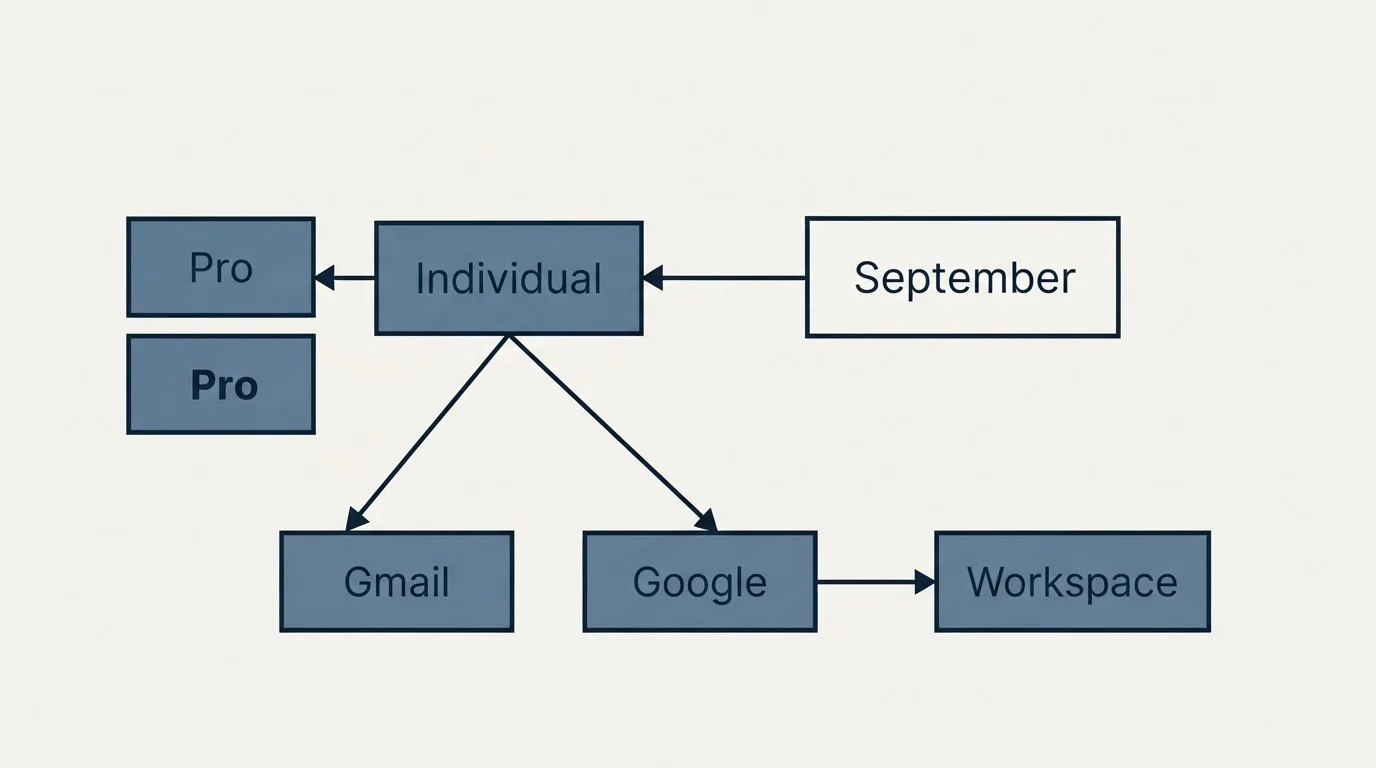
As published on YAMM's pricing page, the Individual tab prices Free at $0 a year for 20 recipients a day, Pro for a consumer Gmail address at $6 a month or $72 billed annually for 400 a day, and Pro for a Google Workspace address at $12 a month or $144 billed annually for 1,500 a day on four conditions. The Team tab, captured after selecting it, prices a Workspace domain at $12 per user per month billed annually as a pool, shown at the default team size as $60 a month and $720 a year, and the Unlimited tab is a quote form above 100 users. There are no prorated refunds, none after 90 days, and renewal is automatic.
For the field around it, the site's own YAMM alternatives page sets the product against the rest of the category. If the constraint is the number of qualified conversations rather than the tool that merges the first email, see what a first campaign produces against a qualification standard agreed in writing before launch.
Pricing and features are taken from the vendors' own pages. Verify current terms with the vendor before relying on them.
Frequently asked questions.
Frequently asked questions- Is YAMM free?
- Yes, up to a limit. YAMM's FAQ says you can use it for up to 20 recipients per day completely free of charge, and the free plan adds no branded footer. It carries the same tracking of opens, clicks, responses, unsubscribes and bounces as Pro, with best effort support. More recipients need Pro, at $6 a month for Gmail or $12 for Workspace.
- What is the YAMM free limit?
- 20 recipients a day. Every recipient counts, including cc and bcc addresses, and the quota is shared with other add-ons and scripts on the same Google account. When a merge is larger than the remaining quota, the free plan sends what it can and has to be relaunched 24 hours later, while a paid plan schedules the rest automatically.
- How much does YAMM cost for a team?
- The Team tab charges $12 per user per month on a Google Workspace domain, billed annually. The default of 5 users shows $60 a month and $720 a year, 10 users $120 and $1,440, and the control runs from 2 to 100 users. Above 100 users the Unlimited tab asks you to contact sales for a quote.
- Can I get a refund on a YAMM subscription?
- Rarely. YAMM's FAQ says it does not provide refunds unless extraordinary circumstances warrant them, such as upgrading from an individual to an enterprise plan, and never on subscriptions older than 90 days. A cancelled subscription stays active until its original end date, with no prorated refund, and licences renew automatically unless you turn renewal off.
About the author.

Ben Carden is CRO at RevenueFlow, which builds and operates outbound revenue engines for B2B companies. Previously at Gartner Enterprise. Studied at London School of Economics.
Ben Carden · CRO
Connect on LinkedIn →Explore more.
Ready to scale your outreach?
We build GTM engines that book real meetings. See the receipts.
Related articles.
Growbots Pricing: Every Volume Step, Package and Credit
Growbots prices outreach by emails a day in six steps on two packages, sells database leads as a monthly line, and its help centre still documents the ladder it retired.
Klenty Pricing: Starter Is Per Month, the Rest Per User
Klenty prices Starter per month for the account and Growth and Plus per user, at annual and quarterly states. The units, the minutes and the separate dialer ladder.
Saleshandy Review: The Meter Is Prospects, Not Seats
Every Saleshandy Outreach tier includes unlimited email accounts and no per-seat fee. What it meters instead is active prospects and monthly email volume.
Lemlist API: What You Can Automate, and What You Cannot
The lemlist API uses HTTP Basic auth with a leading colon, limits every route to 20 requests per 2 seconds per key, and ships on every published plan.
QuickMail Review: The Warm-Up It Handed Off
QuickMail retired its own warmer for a MailFlow integration and sends through your provider's servers. Two documented facts that decide the fit faster than a rating.
GMass Review: What the 4.8 Rating Measures
GMass carries a 4.8 from 9.2K Chrome Web Store ratings, and its own FAQ says subscribing cannot raise Gmail's limits. Both facts belong in the same review.