Lemlist API: What You Can Automate, and What You Cannot
The lemlist API uses HTTP Basic auth with a leading colon, limits every route to 20 requests per 2 seconds per key, and ships on every published plan.

The lemlist API authenticates with HTTP Basic rather than Bearer, using an empty username and your API key as the password with a leading colon. Every route is limited to 20 requests per 2 seconds per key. The pricing page lists API access as included in all plans.
Key takeaways
- Authentication is HTTP Basic, not Bearer: the username is empty, the password is the API key, and the string you Base64 encode starts with a colon.
- The documented rate limit is 20 requests per 2 seconds, applied on all routes and counted per API key, so two integrations sharing a key share the window.
- The X-RateLimit-Reset header is served as a human-readable date string rather than a Unix timestamp, which breaks clients that assume an integer at exactly the wrong moment.
- Lemlist's pricing page lists both the API key and developer tools under blocks headed included in all plans, so API access is not gated behind a tier upgrade.
Reviewed and updated August 28, 2026
The lemlist API has one detail that breaks more integrations than any rate limit ever will, and the documentation shouts about it in red text. Authentication is HTTP Basic, not Bearer. The username is always empty, the password is your API key, and there is a colon at the start of the string you Base64 encode. Miss that colon and every request fails with an authentication error that looks exactly like a bad key.
Once past that, the API is broad, well documented and gated by almost nothing. What it will not do for you is the interesting part, and it comes down to one number.
Access is not the gate
On the lemlist pricing page fetched on 16 August 2026, the plan comparison groups features into categories, each headed "Included in all plans." Under Chrome Extension and Integrations sits "lemlist API key & documentation." Under Operations and Scaling sits "Developer tools (API, CLI & MCP)." Both are inside all-plan blocks, across the Email tier from $55 per user per month, the Multichannel tier from $87 per user per month, and Enterprise at a custom price.
That is unusual and worth stating plainly. Several platforms in this category put API access behind the top tier or behind an add-on. On the published lemlist table, the entry plan carries the same API key as the enterprise one. If your integration plan was waiting on a tier upgrade, the pricing page says it does not need one. The full tier breakdown is in our lemlist pricing read.
The number that shapes every integration
The documented rate limit is 20 requests per 2 seconds. It applies on all routes and it is counted per API key, separately.
That is ten requests per second, which is generous for a webhook-driven integration and restrictive for a bulk one. Every response carries the headers you need to stay inside it:
| Header | What it carries |
|---|---|
Retry-After | Seconds until you may retry |
X-RateLimit-Limit | Maximum requests in the window |
X-RateLimit-Remaining | Requests left in the current window |
X-RateLimit-Reset | When the window resets |
One quirk in that set deserves a note, because the documentation flags it too. X-RateLimit-Reset is served as a human-readable date string rather than a Unix timestamp, in the style of Tue Feb 16 2021 09:02:42 GMT+0100 (Central European Standard Time). A client that assumes an integer will throw on the parse rather than back off, and it will do so at exactly the moment you most need the backoff to work.
On all routes, counted per API key
Empty username, API key as password, leading colon
Retry-After plus three X-RateLimit values
What the endpoints actually cover
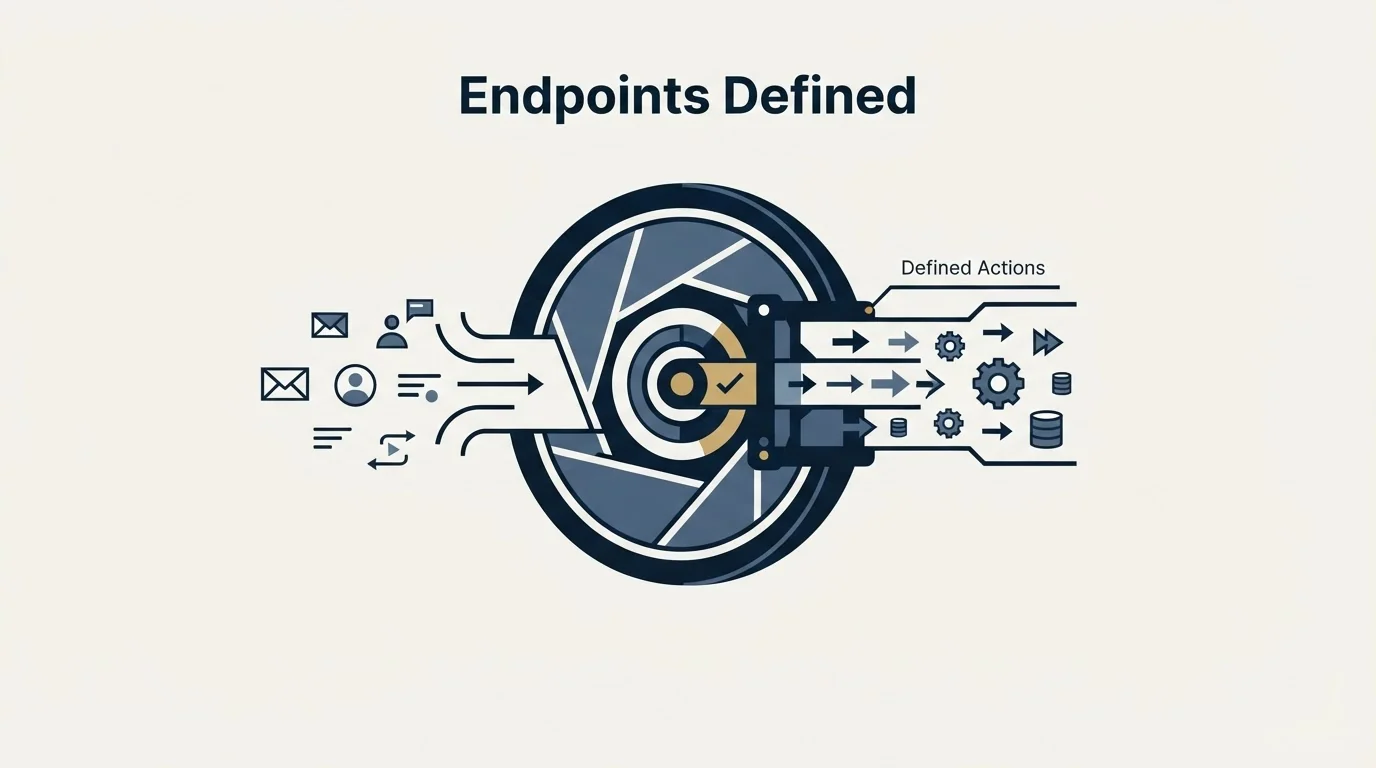
The reference is organised by resource, and the list is wide enough that the shape of an integration is usually a question of which resource you start from rather than whether the route exists. The documented endpoint groups cover team and users, email accounts, campaigns, sequences and schedules, leads, companies and contacts, the unified inbox, tasks and activities, CRM connections, unsubscribes, webhooks, the people database, enrichment, lemwarm, signal agents and deliverability alerts.
Every route lives under https://api.lemlist.com/api, so an endpoint documented as campaigns is reached at that base plus the path.
For outbound work, four of those groups do most of the load.
- Leads and campaigns carry the operation most teams automate first: create a lead inside a campaign, which the documentation lists among its popular resources.
- Webhooks are what turn a sending platform into a system of record for the rest of your stack. Registering one is a documented POST.
- Enrichment and the people database put the data side behind the same key as the sending side, which removes a whole category of glue code.
- Unsubscribes are the one most integrations neglect and the one most likely to matter, because a suppression list that lives in only one system is a compliance problem waiting for a second sending tool to appear.
What you cannot automate around
Three limits are structural rather than accidental, and no amount of API work moves them.
The rate limit is per key, not per account. Two integrations sharing a key share the window. If a nightly sync and a live webhook consumer both run against the same credential, the sync will starve the consumer at exactly the wrong time. Separate the keys before you tune the backoff.
The key is shown once. The documented flow is Settings, then the Integrations tab, then Generate a new API key, and the docs warn plainly that "you won't be able to see it again." That makes key rotation an operational event with a small window, not something to improvise during an incident.
Sending limits are the platform's, not the API's. An API that can create a thousand leads in a campaign has not raised what those mailboxes can send. Deliverability constraints, sending schedules and per-mailbox caps live in the product and apply identically whether the lead arrived through the UI or through a POST. Treating the API rate limit as a sending capacity figure is the single most common modelling error in this area.
Lemlist's identity as a cold email execution platform contrasts with sales engagement suites, and where lemlist and Gong diverge explains why teams often run both together.
- Yes: Base64 encode :YourApiKey with the leading colon, and send it as Basic
- Yes: Parse X-RateLimit-Reset as a date string, never as an integer timestamp
- Yes: Give each consumer its own key so they do not share the 20-per-2-seconds window
- Yes: Store the key at generation time; it is not retrievable afterwards
- Depends: Register a webhook rather than polling for reply and bounce events
- No: Assume the API raises what the mailboxes can send
Designing around ten requests per second

Ten requests per second sounds ample until an integration meets a real list. The distinction that matters is between event-driven work and bulk work, and they want different designs.
Event-driven work fits comfortably. A webhook fires, your handler makes two or three calls to enrich and route the record, and the window is never close to full. Nothing clever is required beyond honouring Retry-After when it appears.
Bulk work needs deliberate pacing. Pushing a few thousand leads into a campaign at ten requests per second is several minutes of sustained traffic against a shared ceiling, and any other consumer on the same key is competing for it the whole time. Three habits keep that manageable. Read X-RateLimit-Remaining on every response and slow down before the window empties rather than after. Treat a rate-limit response as an expected outcome with a queue behind it, not an error to log and drop. Run bulk imports on a schedule that does not overlap your live event traffic, or on a separate key entirely.
The second habit is the one most often skipped, and it produces the failure mode where an import reports success while silently losing the tail of the file.
The documentation is built for machines
Two details make this docs site noticeably easier to work against than most.
The site publishes an llms.txt index and states at the top of every page that fetching it will list all available pages. Appending .md to a documentation URL returns clean markdown rather than a JavaScript-rendered page, which turns a heavy documentation site into something a script or an assistant can read directly. The rate limits page fetched that way is under two kilobytes and carries the full header table intact.
The vendor also ships an MCP server and a CLI alongside the API, presented as a lower-effort path for the same operations. That is a genuinely different integration surface with its own tradeoffs, and it deserves its own treatment rather than a paragraph here.
A different angle worth weighing is how lemlist's cold email focus compares with a Salesforce-native multi-channel platform, covered in Groove versus Lemlist comparison.
Where an API fits an outbound programme
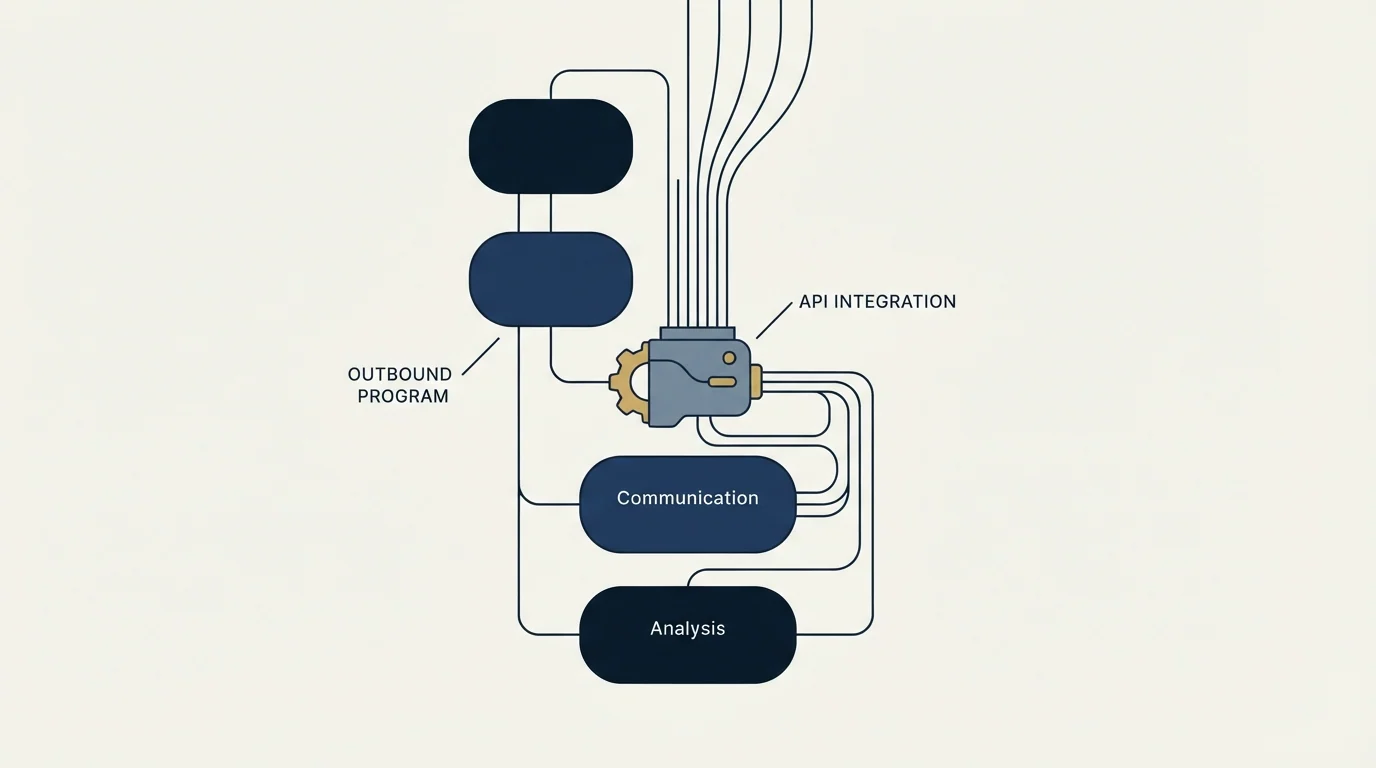
Automation earns its place in outbound at two points, and neither of them is message generation.
The first is the entry condition. A lead should enter a campaign because something happened: a form filled, a signal fired, a CRM stage changed. Wiring that trigger through the API is what makes the campaign responsive rather than batch-scheduled, and it is the integration with the clearest return.
The second is the exit condition. Replies, bounces and unsubscribes need to leave the sending platform and reach the CRM and the suppression list, reliably, without a human exporting a CSV. Webhooks are the correct tool and polling is the fallback that quietly drifts.
Our own operating model shapes what we automate. We run one message per campaign, with no bumps and no thread replies, and re-engagement is a new campaign on a new angle rather than another step in an old sequence. Under that model the sequence-editing endpoints matter far less than the lead, webhook and unsubscribe routes, because the automation worth building is the one that moves people between campaigns on a signal rather than the one that schedules another touch.
For the comparable surfaces on neighbouring platforms, see the Smartlead API and the Instantly API. If you are weighing lemlist against the field first, the best lemlist alternatives and the wider cold email software map are the places to start.
If the reason you are reading API documentation is that the campaign itself has not proven out yet, that is worth settling first. Our free campaign does that with a live list and live copy, before any integration work is committed.
Pricing and features verified as of mid-2026. Verify current terms with the vendor before relying on them.
Frequently asked questions.
Frequently asked questions- How do I authenticate with the lemlist API?
- With HTTP Basic authentication, not a Bearer token. The documentation is emphatic about this. Build the string consisting of a colon followed by your API key, Base64 encode it, and pass the result in the Authorization header with the Basic prefix. Omitting the leading colon produces an authentication failure that looks exactly like a bad key.
- What is the lemlist API rate limit?
- Twenty requests per 2 seconds, documented as applying on all routes and counted separately for each API key. Responses carry Retry-After plus X-RateLimit-Limit, X-RateLimit-Remaining and X-RateLimit-Reset so a client can pace itself. Because the count is per key, giving each consumer its own key stops a bulk import starving a live webhook handler.
- Which lemlist plan includes API access?
- All of them, according to the pricing page fetched in mid-2026. The comparison table groups features into blocks headed included in all plans, and both the lemlist API key with documentation and developer tools covering the API, CLI and MCP server sit inside those blocks, across the Email, Multichannel and Enterprise tiers.
- Can the API send more email than the platform allows?
- No, and assuming otherwise is the most common modelling error here. The API controls what enters campaigns and what leaves them as events. Sending schedules, per-mailbox caps and deliverability constraints live in the product and apply identically whether a lead arrived through the interface or through a POST request.
About the author.

Ben Carden is CRO at RevenueFlow, which builds and operates outbound revenue engines for B2B companies. Previously at Gartner Enterprise. Studied at London School of Economics.
Ben Carden · CRO
Connect on LinkedIn →Explore more.
Ready to scale your outreach?
We build GTM engines that book real meetings. See the receipts.
Related articles.
Saleshandy Review: The Meter Is Prospects, Not Seats
Every Saleshandy Outreach tier includes unlimited email accounts and no per-seat fee. What it meters instead is active prospects and monthly email volume.
GMass Review: What the 4.8 Rating Measures
GMass carries a 4.8 from 9.2K Chrome Web Store ratings, and its own FAQ says subscribing cannot raise Gmail's limits. Both facts belong in the same review.
The lemlist MCP Server: When the Agent Can Launch Campaigns
lemlist's MCP server can create, start and pause campaigns, not just read them. The OAuth path, the credit meter, and the three database figures its pages disagree on.
Is GMass Free? The Trial Cap and the 2026 Prices
GMass has a free trial rather than a free plan: seven days, 50 messages a day, no external SMTP. Here is what the paid plans cost per mailbox after January 2026.
Mailshake Pricing: You Buy Users to Get Mailboxes
Mailshake prices per user and attaches the mailbox allowance to those users, so a two-person team needing four sending inboxes has to buy a four-user plan.
Saleshandy Pricing: Four Tiers, Two Ceilings
Saleshandy publishes four Outreach tiers from $25 to $209 a month on the annual term, each with an active-prospect ceiling and a monthly email ceiling.