Is GMass Free? The Trial Cap and the 2026 Prices
GMass has a free trial rather than a free plan: seven days, 50 messages a day, no external SMTP. Here is what the paid plans cost per mailbox after January 2026.
GMass pricing is $29.95, $39.95 and $59.95 a month for Standard, Premium and Professional on monthly billing, or $20.75, $29.08 and $49.92 a month billed annually, per Gmail account, after the January 2026 change. GMass is not free: the trial lasts seven days at 50 messages a day, and the first 10,000 SMTP-routed emails are free once you pay.
Key takeaways
- GMass has a free trial rather than a free plan: seven days, 50 messages per rolling 24 hours with test sends counted in, and no third-party SMTP connection until you subscribe.
- The vendor's January 2026 post prices Standard at $29.95, Premium at $39.95 and Professional at $59.95 a month, or $249, $349 and $599 a year, calling it the third increase in ten years.
- Every figure is per user, and a user is a Gmail or Google Workspace account, so a cold outbound team pays per sending mailbox plus the Workspace licence behind it.
- Team tiers run from $35 per user at five users, and the published overage per extra seat sits above the tier's own rate, so seat count is a planning decision rather than a dial.
Reviewed and updated September 18, 2026
GMass installs from the Chrome Web Store without a card, which is where the "is it free" question comes from. The honest answer to the GMass pricing question sits on GMass's own pages, and it has three parts: a trial that is free and short, a sending allowance that is free and metered, and a subscription that is neither.
Getting those three apart matters more for cold outbound than for a one-off announcement, because the thing that decides the bill is how many mailboxes you send from rather than how many emails you send.
GMass's pricing FAQ answers the footer question as a pricing one: the GMass-branded footer belonged to the discounted Minimal plan, which the FAQ says was removed on 9 December 2020 partly because users did not expect a footer appended to their emails.
GMass pricing: how much does it cost?
GMass pricing after the January 2026 change is $29.95 a month for Standard, $39.95 for Premium and $59.95 for Professional on monthly billing, or $20.75, $29.08 and $49.92 a month billed annually as $249, $349 and $599. Team plans start at $35 per user per month for five users. Every figure is per Gmail account, and the free tier is a seven day trial rather than a plan.
What GMass gives away
GMass's pricing FAQ, fetched on 16 August 2026, states the trial terms directly. Free trials last seven days and are limited to sending 50 email messages per day. All other features work during the trial. After the trial expires, the page says, you need to subscribe to a paid plan to continue using GMass.
Two details in that FAQ change how the cap behaves in practice. The count runs on a rolling 24-hour basis rather than resetting at midnight, and the page is explicit that it includes test emails and any messages generated by the Spam Solver tool. Teams that spend the first day of a trial testing deliverability against their own inboxes can reach the ceiling without having contacted a single prospect.
The FAQ also names the one feature the cap disables. You cannot connect a third-party SMTP server on a free trial, and it gives the reason plainly: the 50-email limit makes it pointless. Since connecting an external sending route is the whole reason a serious sender evaluates GMass, the trial cannot test the configuration a cold-email team would actually run.
There is a second free allowance and it is easy to miss. On usage-based billing for SMTP, the vendor's January 2026 pricing post states that the first 10,000 emails sent through an SMTP service, whether your own account or GMass's in-house server, are free, and that beyond that the price is $5 per 10,000 emails sent through the SMTP service. That allowance sits on top of the subscription rather than replacing it.
What the plans cost after January 2026
GMass's own pricing page localises its currency to the reader, stating that the prices shown are in the currency of the detected country, and served pounds sterling to the fetch behind this article, at £23, £31 and £46 a month for the three individual plans. The dollar figures are published in a post by founder Ajay Goel dated 10 December 2025, announcing a price change effective 1 January 2026 and describing it as only the third increase in the product's ten-year history.
That post publishes the before and after for all three individual plans. Standard moved from $25 to $29.95 per month on monthly billing, with the annual rate moving from $18.75 per month, billed as $225, to $20.75 per month, billed as $249. Premium moved from $35 to $39.95 per month, with annual moving from $27.08 per month, billed as $325, to $29.08 per month, billed as $349. Professional moved from $55 to $59.95 per month, with annual moving from $43.75 per month, billed as $525, to $49.92 per month, billed as $599.
Team plans changed on the same date, and the post says their features are an exact match for the individual Professional plan, naming high-priority support and MultiSend for inbox rotation among them. The five-user monthly tier moved from $29 to $35 per user per month, billed as $175, with per-user overage published at $38. The ten-user monthly tier moved from $26.50 to $29.50 per user, billed as $295. The hundred-user monthly tier moved from $18 to $22 per user, billed as $2,200.
The per-user overage figures in that table are the ones to read twice, because they are how a team plan behaves when it grows between tiers rather than at one. The published overage on the five-user monthly tier is $38 per user per month, which is above the $35 per-user rate inside the tier itself, and the ten-user tier's published overage of $35 sits above its own $29.50 rate. Adding a mailbox mid-cycle therefore costs more per mailbox than buying the next tier outright, which makes the seat count a planning decision rather than something to adjust as you go.
One caution about that pricing FAQ page as a source. Its comment thread runs for years and is full of subscribers quoting what they pay, at figures like $6.95, $12.95 and $19.95. Those are readers describing legacy plans, not the vendor publishing a price, and anyone grepping that page for dollar signs will pull them out looking exactly like current rates. The post above is the surface that carries the vendor's own numbers.
Monthly billing
| Plan | Before | After |
|---|---|---|
| Standard | $25 | $29.95 |
| Premium | $35 | $39.95 |
| Professional | $55 | $59.95 |
Annual billing, per month (total)
| Plan | Before | After |
|---|---|---|
| Standard | $18.75 ($225) | $20.75 ($249) |
| Premium | $27.08 ($325) | $29.08 ($349) |
| Professional | $43.75 ($525) | $49.92 ($599) |
The post calls this the third price increase in the product's ten-year history.
Per inbox is the number that matters
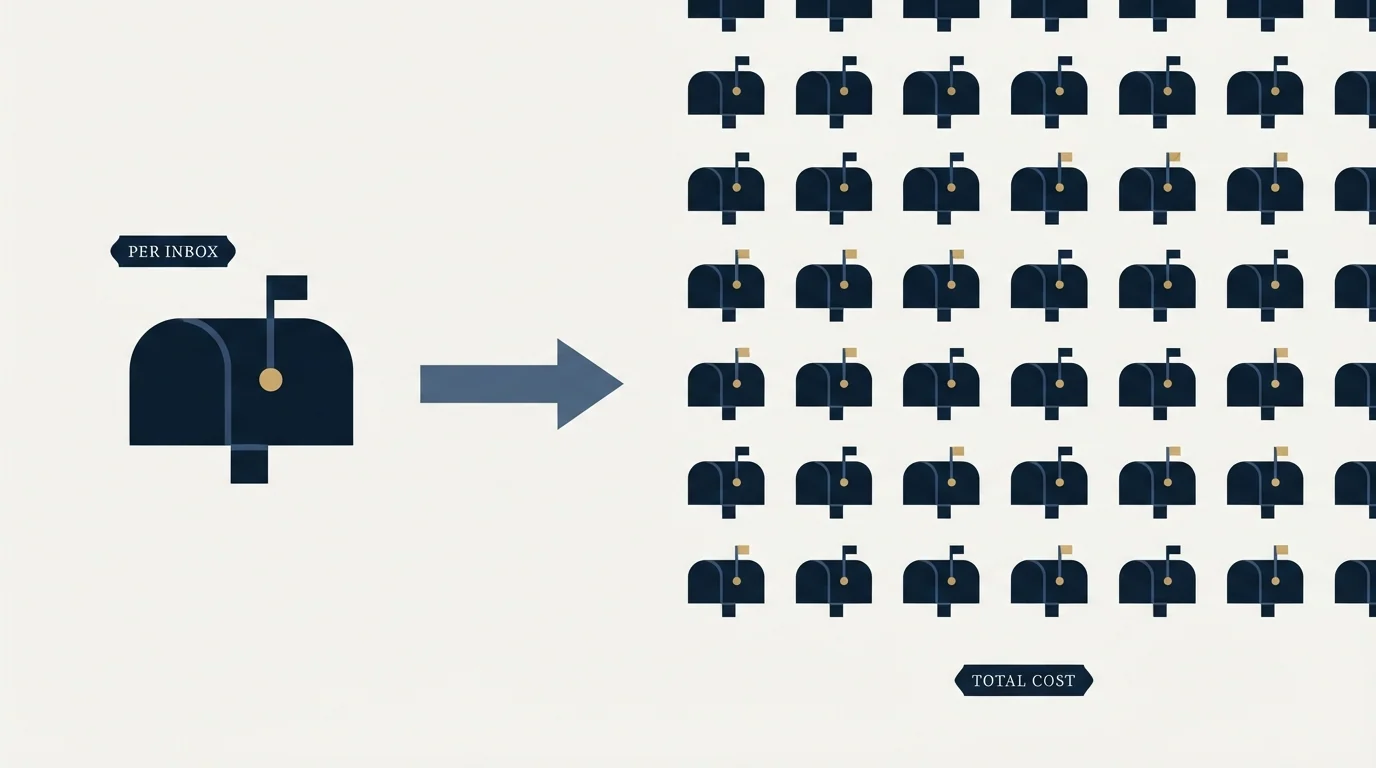
Every figure above is per user, and a user in GMass is a Gmail or Google Workspace account. That is the pricing dimension a cold-email team has to model, because the sending architecture that keeps volume safe is many mailboxes each sending modestly, not one mailbox sending hard.
Since per-mailbox pricing shapes the real cost of scaling outbound, a platform pricing comparison sets GMass's per-user model against a Gmail-based rival with a different structure.
Work an illustrative example, invented here purely to show the shape of the arithmetic rather than drawn from any campaign. A team decides it wants twelve sending mailboxes. Taking the published ten-user monthly team tier at $295 and adding two seats at the published $35 per-user overage gives $365 a month. Buying the same twelve mailboxes as individual Professional subscriptions at $59.95 each gives $719.40, close to double. Both of those totals are arithmetic performed here on GMass's published rates rather than quotations. The lesson generalises past the specific numbers: seat-priced tools reward consolidating users onto a team plan and punish the mailbox-spreading pattern that cold outbound depends on, and the tier boundaries decide more of the bill than the sending volume does.
Add the Google Workspace licence behind each of those mailboxes, since GMass sends through Gmail rather than replacing it, and the per-inbox cost is the licence plus the seat plus any SMTP overage past the first 10,000 messages. Modelling that properly is the same exercise as any other channel cost, and our guide to cost per lead in B2B walks the denominator side of it. Gmail's own ceilings, which are what MultiSend and the SMTP route exist to work around, are catalogued in our roundup of sending limits by provider.
Spending seven days and 50 sends a day well
The trial's shape rewards a plan. Fifty messages per rolling 24 hours across seven days is enough to answer real questions if you decide the questions first, and nowhere near enough to run a campaign, so treating it as a small campaign wastes it.
Clay's free tier has the same three-part shape, a permanent free plan, a trial and a no-charge rule, and is Clay free takes it apart the same way.
The questions worth spending it on are the ones a feature list cannot answer. Does the merge behave the way you need on your actual spreadsheet, including the conditional cases. Does reply detection surface responses where your team will see them. Does the unsubscribe handling match what your compliance position requires. Where do messages land when sent from the mailbox you plan to use, tested against a seed set rather than against your own inbox. Reserve the last two days for a send to a small live segment, because everything before that is testing the tool and only that tests the setup.
Where the feature list and our doctrine part company

GMass markets unlimited automatic follow-up stages and a send-as-replies option that threads a new campaign under a prior message. Both are ordinary practice across the cold-email tooling market, and describing them is not the same as recommending them.
Our documented position is one message per campaign. We do not send bumps and we do not send thread replies, on either email or LinkedIn. Re-touching an audience that did not reply is a new single-message campaign with a genuinely different angle, usually triggered by a new signal rather than by a timer. A tool that makes five-step sequences effortless makes it easy to spend your domain reputation proving that the second, third and fourth messages perform worse than the first, and the deliverability consequences are the part nobody measures until placement drops. Our cold email deliverability guide covers what that costs.
The inbox rotation capability is a different matter and it is genuinely useful. Spreading a day's volume across mailboxes is the correct architecture. The question to ask of any tool offering it is whether the rotation is priced per mailbox, because that is where the cost curve bends.
Choosing on shape rather than on price
GMass is a Gmail extension with an SMTP relay bolted on, and that shape decides who it suits. A founder or a small team sending from one or two mailboxes, wanting mail merge inside the interface they already live in, is well served and the entry price is low. A team running structured outbound across a dozen domains with separate warmup, suppression and reply routing is buying a different category of product, and the seat maths above is the first sign of it.
Deliverability preparation before sending is a separate concern, and a comparison of warmup and sending tools explains why teams often run both together.
The wider category comparison sits in our guide to cold email software, and the direct swaps are in our GMass alternatives roundup.
The short answer

GMass is not free. It has a free seven-day trial capped at 50 messages per rolling 24 hours, with test sends counted in and third-party SMTP switched off, and a genuinely free first 10,000 SMTP-routed messages once you are paying. Beyond that, individual plans run from $29.95 to $59.95 per month on monthly billing after the January 2026 increase, priced per user, which for cold outbound means priced per mailbox.
If you would rather watch a campaign run on your own ideal customer profile before choosing a sending stack at all, start a free campaign and we will build the list, write the copy and run the infrastructure.
Pricing and features are taken from the vendors' own pages. Verify current terms with the vendor before relying on them.
Sources: Upcoming Changes to GMass Pricing (Jan 2026), GMass pricing FAQ, GMass pricing page
Frequently asked questions.
Frequently asked questions- Is GMass free to use?
- No. GMass installs without a card, but its pricing FAQ states that free trials last seven days and are limited to 50 email messages per day, counted on a rolling 24 hour basis with test sends included, and that a third-party SMTP server cannot be connected during the trial. After day seven you need a paid plan. The one genuinely free allowance is the first 10,000 emails routed through an SMTP service on a paid plan.
- How much does GMass cost per month?
- After the 1 January 2026 change published in the vendor's own post, Standard is $29.95 a month, Premium $39.95 and Professional $59.95 on monthly billing, or $20.75, $29.08 and $49.92 a month billed annually as $249, $349 and $599. Team plans start at $35 per user per month for five users. The pricing page localises its currency, so the figures you see may be in pounds or another currency.
- What does the GMass trial let you test?
- Everything except an external SMTP connection, for seven days at 50 messages per rolling 24 hours. That is enough to check the merge on your real spreadsheet, reply detection, unsubscribe handling and where messages land from the mailbox you plan to use, and nowhere near enough to run a campaign. Test sends and Spam Solver messages count against the same 50.
- Why is GMass priced per user rather than per email?
- Because a user in GMass is a Gmail or Google Workspace account, and the product sends through Gmail rather than replacing it. Cold outbound spreads volume across many mailboxes each sending modestly, so the bill scales with mailbox count: an illustrative twelve mailboxes cost $365 a month on a ten-user team tier plus two overage seats, against $719.40 as twelve Professional seats.
About the author.

Ben Carden is CRO at RevenueFlow, which builds and operates outbound revenue engines for B2B companies. Previously at Gartner Enterprise. Studied at London School of Economics.
Ben Carden · CRO
Connect on LinkedIn →Explore more.
Ready to scale your outreach?
We build GTM engines that book real meetings. See the receipts.
Related articles.
GMass Review: What the 4.8 Rating Measures
GMass carries a 4.8 from 9.2K Chrome Web Store ratings, and its own FAQ says subscribing cannot raise Gmail's limits. Both facts belong in the same review.
Mailshake Pricing: You Buy Users to Get Mailboxes
Mailshake prices per user and attaches the mailbox allowance to those users, so a two-person team needing four sending inboxes has to buy a four-user plan.
Saleshandy Pricing: Four Tiers, Two Ceilings
Saleshandy publishes four Outreach tiers from $25 to $209 a month on the annual term, each with an active-prospect ceiling and a monthly email ceiling.
Yesware Pricing: The Tier Where Outbound Actually Starts
Yesware's $19 Pro tier caps campaigns at 20 recipients a month. The first plan that lets you run real outbound volume is Premium at $45 per seat.
Saleshandy Review: The Meter Is Prospects, Not Seats
Every Saleshandy Outreach tier includes unlimited email accounts and no per-seat fee. What it meters instead is active prospects and monthly email volume.
Lemlist API: What You Can Automate, and What You Cannot
The lemlist API uses HTTP Basic auth with a leading colon, limits every route to 20 requests per 2 seconds per key, and ships on every published plan.