Best TrulyInbox Alternatives in 2026
TrulyInbox charges for warmup emails sent rather than inboxes connected. Compare Warmbox, Mailreach, Lemwarm and InboxAlly on pricing unit, bundling and mechanism.
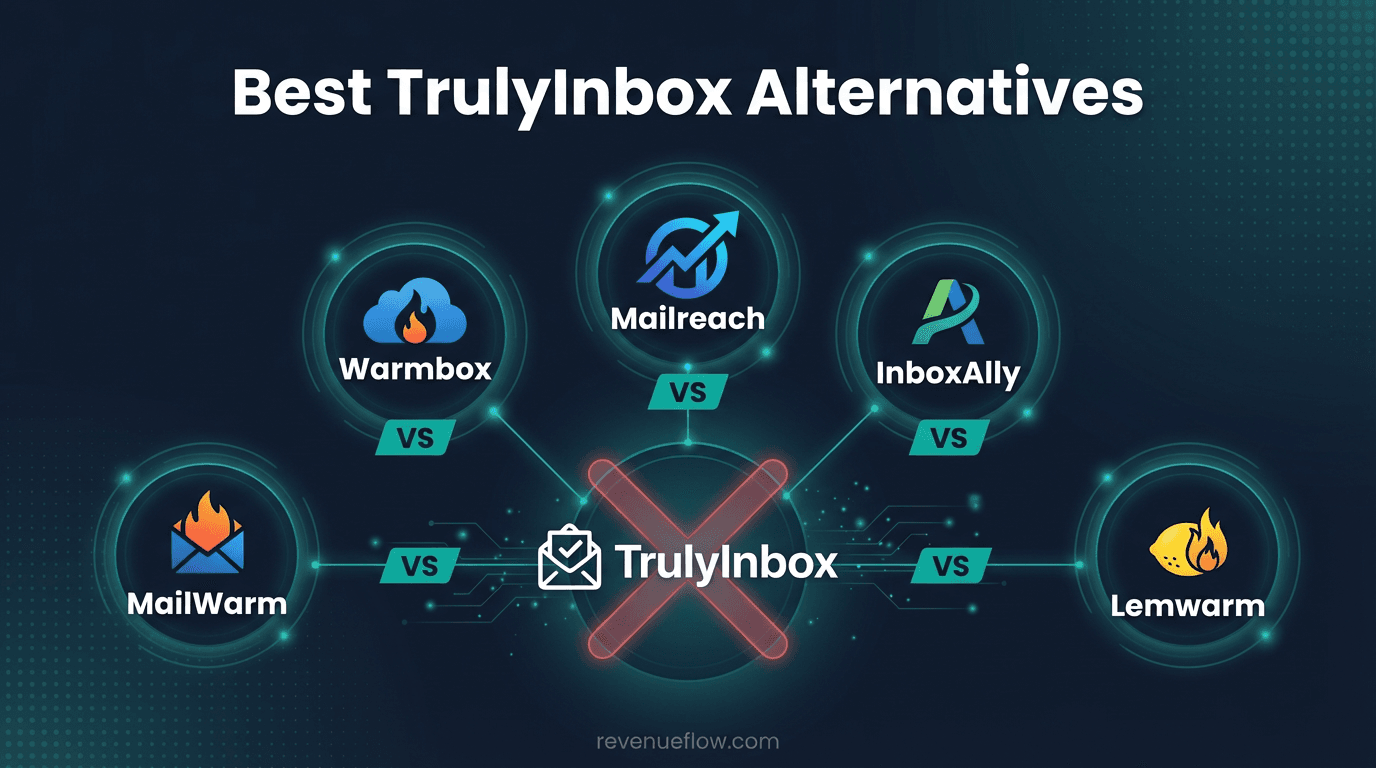
Warmbox, Mailreach, Lemwarm and InboxAlly are the main TrulyInbox alternatives. Warmbox is cheapest for one or two inboxes at $19/month, Mailreach bundles spam testing at $19.50 per mailbox, Lemwarm suits teams already sending from lemlist, and InboxAlly uses seeded engagement from $149/month.
Key takeaways
- TrulyInbox's Starter tier is $22/month billed annually or $29/month billed monthly for 200 warmup emails a day across unlimited connected accounts.
- Warmbox, Mailreach and InboxAlly all price per sender or mailbox, so their cost multiplies with inbox count while volume pricing does not.
- TrulyInbox's free tier covers one account at 10 warmup emails a day, which is an evaluation allowance rather than a working plan.
- Warmup-only pricing looks cheaper than it is when spam testing and blacklist monitoring have to be bought as separate products.
Reviewed and updated August 28, 2026
Best TrulyInbox Alternatives in 2026
TrulyInbox is built around one commercial idea: charge for warmup emails sent, not for inboxes connected. Its pricing page says so in the headline. That makes it the cheapest option in this category at agency scale, and it puts it in an odd position for anyone running a comparison, because the tools it competes with are priced on a completely different unit.
Per Inbox, Per Mailbox, or Per Warmup Email
Every tool in this roundup does roughly the same mechanical thing: generate engagement signals so mailbox providers see a sending address behaving like a real one. What separates them commercially is what they count.
Warmbox and InboxAlly count senders. Warmbox's Solo tier is $19/month on monthly billing for one inbox at 50 warmup emails a day. InboxAlly's Starter tier is $149/month for one sender profile sending to 100 seed mailboxes a day. Both are honest deals for a single sender, and both multiply directly by inbox count.
Mailreach counts mailboxes, at $19.50 a mailbox per month, which is the same shape at a lower unit price.
TrulyInbox counts warmup emails. Its Starter tier is $22/month billed annually, or $29/month billed monthly, for 200 warmup emails a day across as many accounts as you care to connect.
For a solo sender, the per-inbox tools are cheaper. For a programme running twenty sending addresses, the volume model is the one that does not scale linearly with the thing you are deliberately scaling. That is the whole comparison, and the starting-price column in the table below hides it completely. The cold email hierarchy is worth reading alongside it, because warmup spend only earns anything once the list and the infrastructure underneath it are sound.
Why Consider Alternatives to TrulyInbox
TrulyInbox fits the case it was designed for, and there are real reasons to look at something else.
The deliverability tooling is thin. Warmup is the product. Spam testing, blacklist monitoring and DNS checking are things some competitors bundle and TrulyInbox largely leaves to you, so the consolidated bill can end up higher than the warmup line suggests.
The free tier is a demo. One account at 10 warmup emails a day is enough to see the interface and not enough to warm a real sending pool. Anyone treating it as a permanent free plan will be disappointed by the ramp.
A damaged domain wants a different mechanism. Peer-network warmup maintains reputation. It does not reliably recover a domain providers have already learned to filter, which is where seeded engagement earns its price.
Volume pricing can be the wrong shape. A team with two inboxes and heavy per-inbox warmup volume can pay more here than on a per-inbox plan. The model is not universally cheaper, it is differently shaped.
Top TrulyInbox Alternatives

- Automated email warmup with AI-powered interactions
- Customizable warmup recipes and strategies
- Spam score monitoring and blacklist checks
- Real-time analytics and reporting dashboard
- and 4 more listed below
- Smart AI warming algorithm with dozens of parameters
- Automated spam testing with 20+ credits included
- MailReach Co-Pilot AI deliverability assistant
- Blacklist, SPF, DKIM, and DMARC monitoring
- and 4 more listed below
- Automated email warmup with human-like interactions
- Warm-up network of 20,000+ domains across 100+ countries
- Industry-tailored warmup clusters for natural patterns
- Deliverability score out of 100
- and 4 more listed below
1. Warmbox
Starting Price: $19/mo | Website: www.warmbox.ai
AI-powered email warmup tool that automates inbox warming with customizable recipes, spam score monitoring, and detailed analytics dashboards to improve cold email deliverability.
Key Advantages over TrulyInbox:
- Broader integration ecosystem (8 vs 7 integrations)
- Unique capabilities: Automated email warmup with AI-powered interactions, Customizable warmup recipes and strategies, Spam score monitoring and blacklist checks
Considerations:
- Higher starting price ($19/mo vs Free)
Notable Features: Automated email warmup with AI-powered interactions, Customizable warmup recipes and strategies, Spam score monitoring and blacklist checks, Real-time analytics and reporting dashboard, DNS checker (SPF, DKIM, DMARC)
Integrations: Gmail, Google Workspace, Outlook, Microsoft 365, Yahoo Mail, Amazon SES, SMTP, Zoho Mail
2. Mailreach
Starting Price: $19.50/mailbox/mo | Website: www.mailreach.co
Email warmup and deliverability platform that uses a smart algorithm with dozens of parameters to generate positive engagement signals, paired with built-in spam testing and DNS monitoring.
Key Advantages over TrulyInbox:
- Broader integration ecosystem (9 vs 7 integrations)
- Unique capabilities: Smart AI warming algorithm with dozens of parameters, Automated spam testing with 20+ credits included, MailReach Co-Pilot AI deliverability assistant
Considerations:
- Higher starting price ($19.50/mailbox/mo vs a free tier)
Notable Features: Smart AI warming algorithm with dozens of parameters, Automated spam testing with 20+ credits included, MailReach Co-Pilot AI deliverability assistant, Blacklist, SPF, DKIM, and DMARC monitoring, Reputation tracking dashboard per inbox
Integrations: Gmail, Google Workspace, Outlook, Microsoft 365, Zoho, SMTP, Mailgun, SendGrid, and 1 more
3. Lemwarm
Starting Price: $29/mo | Website: www.lemwarm.com
Email warmup tool from lemlist that builds sender reputation using a network of 20,000+ domains across 100+ countries, with industry-tailored warmup clusters and deliverability scoring.
Key Advantages over TrulyInbox:
- Broader integration ecosystem (9 vs 7 integrations)
- Unique capabilities: Automated email warmup with human-like interactions, Warm-up network of 20,000+ domains across 100+ countries, Industry-tailored warmup clusters for natural patterns
Considerations:
- Higher starting price ($29/mo vs Free)
Notable Features: Automated email warmup with human-like interactions, Warm-up network of 20,000+ domains across 100+ countries, Industry-tailored warmup clusters for natural patterns, Deliverability score out of 100, Technical setup checker (SPF, DKIM, DMARC)
Integrations: Gmail, Google Workspace, Outlook, Microsoft 365, SMTP, lemlist (native), HubSpot (via lemlist), Salesforce (via lemlist), and 1 more
4. InboxAlly
Starting Price: $149/mo | Website: www.inboxally.com
Enterprise-grade email deliverability platform that uses real seed emails and user-level engagement simulation to train ISPs to place your emails in the primary inbox.
Key Advantages over TrulyInbox:
- Broader integration ecosystem (9 vs 7 integrations)
- Unique capabilities: Real seed email engagement (opens, replies, scroll depth), SmartRank optimization with per-ISP reputation scoring, Inbox simulation mimicking genuine user behavior
Considerations:
- Higher starting price ($149/mo vs Free)
Notable Features: Real seed email engagement (opens, replies, scroll depth), SmartRank optimization with per-ISP reputation scoring, Inbox simulation mimicking genuine user behavior, Custom content control for warmup emails, DKIM, SPF, and DMARC verification with correction guidance
Integrations: Gmail, Google Workspace, Outlook, Microsoft 365, SendGrid, Mailgun, Amazon SES, SMTP, and 1 more
Quick Comparison Table
| Tool | Starting Price | Features | Integrations |
|---|---|---|---|
| TrulyInbox (original) | Free | 8 features | 7 integrations |
| Warmbox | $19/mo | 8 features | 8 integrations |
| Mailreach | $19.50/mailbox/mo | 8 features | 9 integrations |
| Lemwarm | $29/mo | 8 features | 9 integrations |
| InboxAlly | $149/mo | 8 features | 9 integrations |
Reading the Roster: What Each Option Trades
The roster above lists what each tool does. What follows is what each one costs you in something other than money.
Warmbox is the cheapest paid entry here, and its pricing page is explicit about what the money buys: the Solo tier is $19/month on monthly billing or $15/month on yearly, for one inbox warmup at 50 emails a day. It covers the questions a sender asks in the first month, with configurable warmup recipes, spam score monitoring, blacklist checks and a DNS checker for SPF, DKIM and DMARC. The depth stops there. On a domain that has already been filtered hard, it is a maintenance tool rather than a recovery tool.
Mailreach meters per mailbox, at $19.50 a mailbox per month on its pricing page, and bundles spam-test credits with the warmup. The unit matters more than the sticker. An agency running 40 sending inboxes pays forty times over, where a volume-priced tool would not care how the same sending was split up. In exchange, the spam tester and the DNS monitoring sit inside the same product, which is one fewer subscription and one fewer dashboard to reconcile every month.
Lemwarm puts the warmup and the sending in one account. Its own site lists an Essential plan at $29 per email address per month, dropping to $24 on the yearly billing toggle, and the warmup runs across lemlist's peer network of domains. The pricing unit is the catch as much as the benefit: cost scales with email address count, which is the number a cold outbound programme grows fastest, and the tie to lemlist is worth nothing to a team sending from something else.
InboxAlly starts at $149/mo on its pricing page, and that tier buys one sender profile sending to 100 of its seed mailboxes a day. The mechanism is different from the rest of this list: seeded engagement from accounts the vendor controls, with per-ISP reputation scoring, rather than a peer network of senders trading messages with each other. Teams reach for it when a domain is already in trouble and ordinary warmup has stopped moving anything. On a healthy domain the price is hard to justify as routine maintenance.
- Warmbox Solo: $19/month on monthly billing, one inbox at 50 emails/day
- InboxAlly Starter: $149/month, one sender profile at 100 seed emails/day
- Cost multiplies by the number of sending inboxes
- Predictable per inbox, expensive at agency scale
- $19.50 per mailbox per month on the pricing page
- Spam-test credits bundled with the warmup
- Scales linearly with inbox count
- One product covers warmup plus spam testing
- Starter: $22/month billed annually, $29/month billed monthly
- 200 warmup emails a day across unlimited accounts
- Inbox count does not change the bill
- Deliverability tooling bought separately
When Moving Off TrulyInbox Is Worth It

You are running two or three inboxes, not twenty. The volume model earns its keep at scale. Below that, a per-inbox plan is usually cheaper and simpler, and Warmbox's Solo tier is the obvious comparison.
You want one bill for warmup plus spam testing. Mailreach bundles spam-test credits and DNS monitoring with the warmup. Buying those separately alongside TrulyInbox can cost more in total while feeling cheaper per line.
Your sending already lives in lemlist. Lemwarm removes a subscription and a login, which is worth something even when the arithmetic is close.
Ordinary warmup has stopped working. If reputation has been flat for weeks on a domain that is properly authenticated and sending sensible volume, more peer-network warmup is not the answer. That is the case for seeded engagement, or for looking upstream at the list entirely.
When Staying on TrulyInbox Wins
If you run a real sending pool, the volume model is the one that does not punish you for growing it, and no competitor on this list matches it on that axis. Adding five inboxes next month costs nothing extra, which is a genuinely different planning position to be in.
Staying is also right when the thing that changed is not your warmup at all. A reply-rate drop that arrived with a new list, a new offer or a doubled send volume has a cause no warmup vendor addresses. Diagnose before you migrate.
Running the Switch Without a Reputation Dip
Warmup is a continuous signal, so the risk in a migration is the gap.
Baseline first. Run an inbox placement test and a domain reputation check on each sending domain and write the numbers down, because without the before reading the after reading proves nothing. Overlap the two tools for about a week instead of cancelling on signup day. Ramp the new tool from a low daily volume rather than starting at the plan ceiling, since a sudden change in sending pattern is itself something providers score.
Re-verify SPF, DKIM and DMARC after any DNS change the new tool asks for. Then wait three weeks before judging anything, because reputation moves on that timescale and an early read measures noise.
How This Comparison Was Put Together
Prices and tier details here come from each vendor's own pricing page, read on the day of writing and kept as a dated snapshot. Where a page carries a monthly and an annual billing toggle, both figures are given rather than the flattering one. Feature lists are the vendors' own descriptions of their products.
No deliverability testing was run for this article, and nothing here is ranked by measured inbox placement. Warmup outcomes depend on the domain, the list, the offer and the sending volume behind them, so a league table presented as a measurement would be invented. Read this as a map of what each vendor sells, what mechanism sits behind it, and what its meter will do to your bill at your inbox count.
The Short Version

Warmbox is the cheapest sensible option for one or two inboxes. Mailreach is the consolidation play, warmup plus spam testing in one subscription, at a per-mailbox price that works below a certain scale. Lemwarm is the right answer if lemlist is already the sequencer. InboxAlly is the tool for a domain that is genuinely in trouble, and overpriced for one that is not.
If none of those describes you, staying on volume pricing is the sane default for a growing sending pool. Spend the attention on the list and the sending setup instead, which is where the reply rate actually lives.
Related Reading
- Mailreach vs TrulyInbox: Email Warmup Tool Comparison
- InboxAlly vs TrulyInbox: Email Warmup Tool Comparison
- Lemwarm vs TrulyInbox: Email Warmup Tool Comparison
If you would rather have this run for you, RevenueFlow books qualified meetings on a pay-per-meeting basis and publishes client results.
Pricing and features are taken from the vendors' own pages. Verify current terms with the vendor before relying on them.
Frequently asked questions.
Frequently asked questions- Is TrulyInbox cheaper than the alternatives?
- At scale, usually. It charges for warmup emails sent rather than accounts connected, so a team running twenty inboxes pays what a team running three pays. Below about five inboxes the per-inbox tools tend to win, and Warmbox at $19/month on monthly billing is the obvious comparison to run.
- What does the TrulyInbox free plan actually include?
- Its pricing page lists one account at 10 warmup emails a day with basic deliverability tracking and no credit card required. That is enough to see how the product behaves and nowhere near enough to warm a real sending pool, since a single cold outbound inbox typically wants a warmup ramp measured in tens of emails a day.
- Which alternative includes spam testing?
- Mailreach bundles spam-test credits with its warmup and adds blacklist, SPF, DKIM and DMARC monitoring, which is the most complete single subscription in this group. Warmbox includes spam score monitoring and a DNS checker, though a full seed-account placement test is a separate product there.
- When is it worth paying for InboxAlly instead?
- When a domain is already damaged. InboxAlly sends to seed mailboxes it controls and scores reputation per provider, so it can target the specific provider filtering you. If placement is fine and the domain is authenticated correctly, that precision is buying something you are not using, at a $149/month starting price.
About the author.

Tim Carden is CMO / CTO at RevenueFlow, which builds and operates outbound revenue engines for B2B companies. Studied at McGill University.
Tim Carden · CMO / CTO
Connect on LinkedIn →Explore more.
Ready to scale your outreach?
We build GTM engines that book real meetings. See the receipts.
Related articles.
Growbots vs MailHeat: Cold Email Platform vs Email Warmup Tool Comparison
Compare Growbots (cold email platform) and MailHeat (email warmup tool) side by side. See pricing, features, and integrations to decide which one, or both, your stack needs.
Best PhantomBuster Alternatives in 2026
Looking for alternatives to PhantomBuster? Compare the top data enrichment tools by pricing, features, and integrations.
Best Kixie Alternatives in 2026
Looking for alternatives to Kixie? Compare the top sales engagement platforms by pricing, features, and integrations.
Chili Piper vs LeanData: Form-First Against CRM-First
Chili Piper publishes a seat floor and bundles scheduling and chat; LeanData prices by Salesforce object and sells scheduling separately. Both read 18 September 2026.
Zoom Revenue Accelerator vs Gong: An Add-On vs a Platform
Zoom's support centre documents Revenue Accelerator as a licence on a Zoom account in two classes; Gong sells a platform per user plus a platform fee. Neither has a rate.
Cognism vs Upcell: A Data Provider Against a Data Layer
Cognism sells compliance-first contact data by quote and credit; Upcell sells a layer that runs your providers, Cognism included, through one record. Read 18 Sep 2026.