5 Marketing Workflows You Can Run Entirely From the Terminal
Personalised outbound, content repurposing, competitive intelligence, SEO gap analysis, and creative testing. Five jobs that span four tools each, run by one agent instead of a person switching tabs.
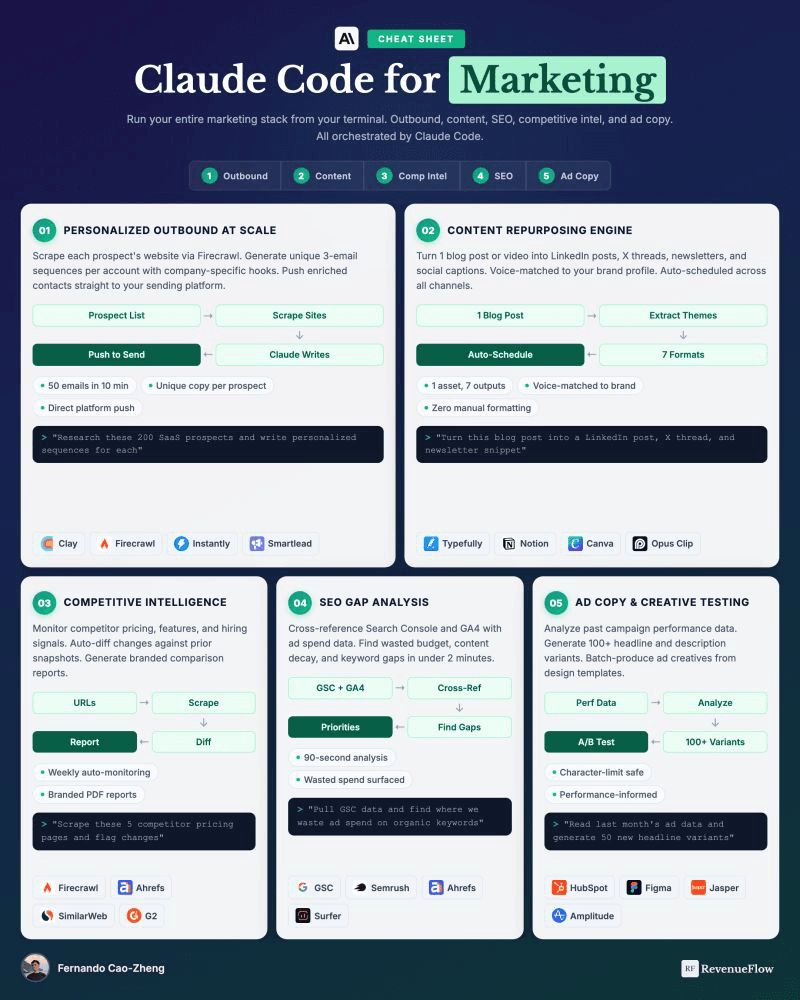
Five marketing workflows can run end-to-end from a terminal by connecting tools through agents: personalised outbound combining Clay, Firecrawl, and email platforms; content repurposing using Opus Clip, Canva, Notion, and Typefully; competitive intelligence pulling from Ahrefs, Firecrawl, G2, and SimilarWeb; SEO gap analysis joining Search Console, Semrush, and Surfer; and ad testing linking HubSpot, Jasper, Figma, and Amplitude. These workflows eliminate context-switching across multiple tools.
Key takeaways
- Content repurposing and competitive intelligence workflows offer the lowest setup effort, fastest payback, and lowest risk compared to the five workflow types examined.
- Personalised outbound workflows crawl actual company websites with tools like Firecrawl to produce specific observations rather than generic merge-field personalisation.
- SEO gap analysis reveals two high-value targets: pages that previously ranked but are decaying unnoticed, and page-two rankings for terms never deliberately targeted.
- The most common implementation mistake is starting with customer-facing workflows like personalised outbound rather than internal-use cases like competitive intelligence where errors are caught before reaching prospects.
- Cost comes from three sources in descending order of magnitude for small teams: the underlying product subscriptions, API calls to those products, and model usage.
Reviewed and updated September 5, 2026
5 Marketing Workflows You Can Run Entirely From the Terminal
Every one of these tasks is easy. That is exactly why they never get done.
They are repetitive, they span three or four tools that have no reason to talk to each other, and they are the first things to fall off the list when the week gets busy. Competitive intel becomes a quarterly panic. Content repurposing becomes something you meant to set up. SEO maintenance becomes a project you keep deferring.
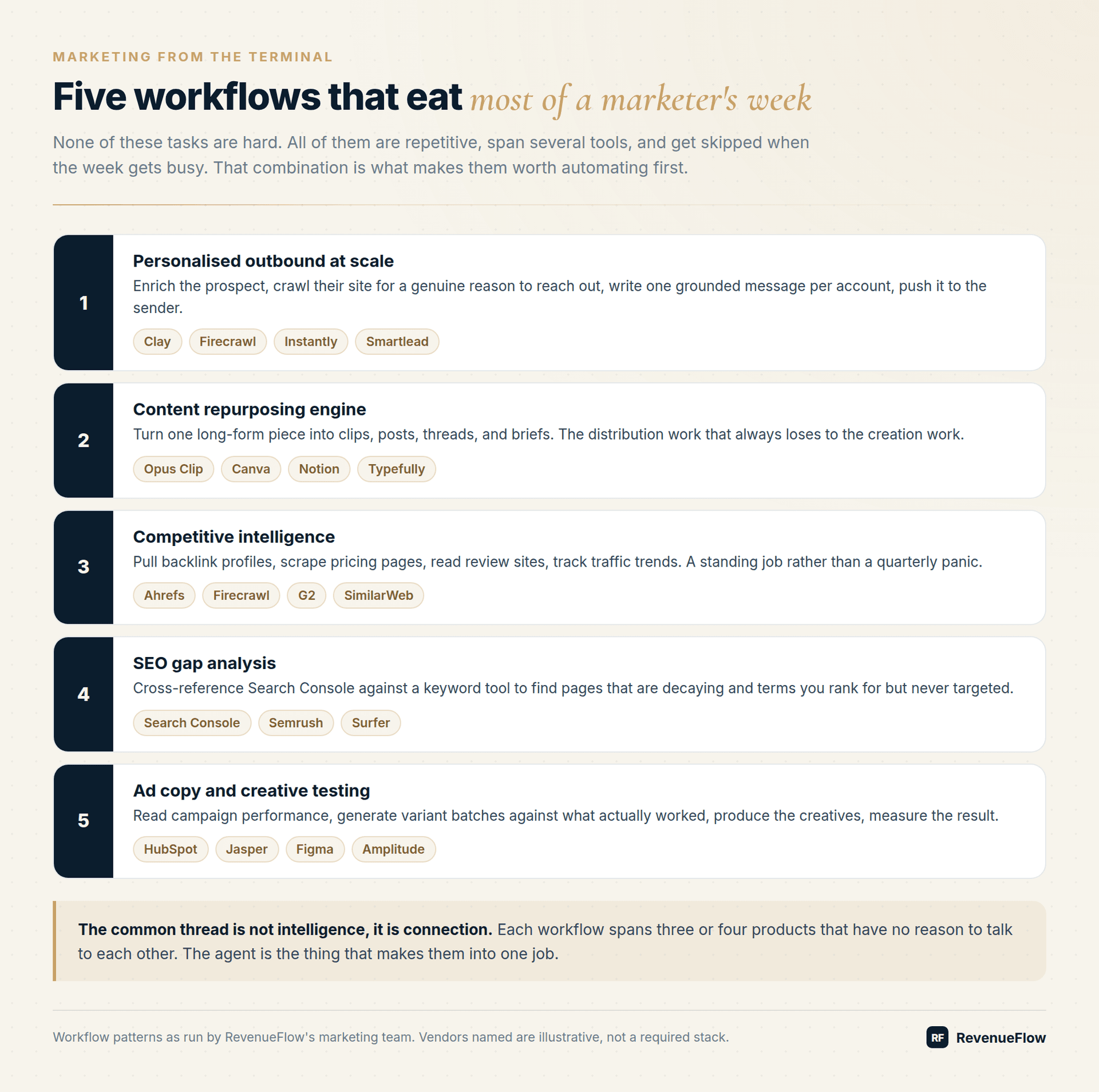
1. Personalised Outbound At Scale
Enrich prospects with Clay. Crawl each company's site with Firecrawl. Write a sequence per account. Push it to Instantly or Smartlead.
The part that matters is the crawl. Most "personalisation" is a merge field with a company name in it, which prospects recognise instantly. Reading the actual website produces a specific observation, and a specific observation is the only thing that reliably distinguishes your email from the other forty.
Worth being realistic: this is slower per account than a mail merge and the output still needs review. What it buys you is a reason to send that survives contact with a sceptical reader.
2. Content Repurposing Engine
Turn one blog post into seven outputs. Cut clips with Opus Clip. Design with Canva. Draft in Notion. Schedule through Typefully.
Distribution loses to creation in almost every marketing team, because creation feels like the job and distribution feels like admin. The result is a library of good work that reached one audience once.
Automating the mechanical half of repurposing changes the ratio without requiring anyone to become more disciplined.
3. Competitive Intelligence
Pull backlink profiles from Ahrefs. Scrape competitor pricing pages with Firecrawl. Check review movement on G2. Track traffic on SimilarWeb.
Run as a standing weekly job, this turns competitive intel from a document that goes stale into a diff you actually read. The useful output is not the full picture, it is the change: a competitor quietly dropped a pricing tier, or started ranking for a term you own.
4. SEO Gap Analysis
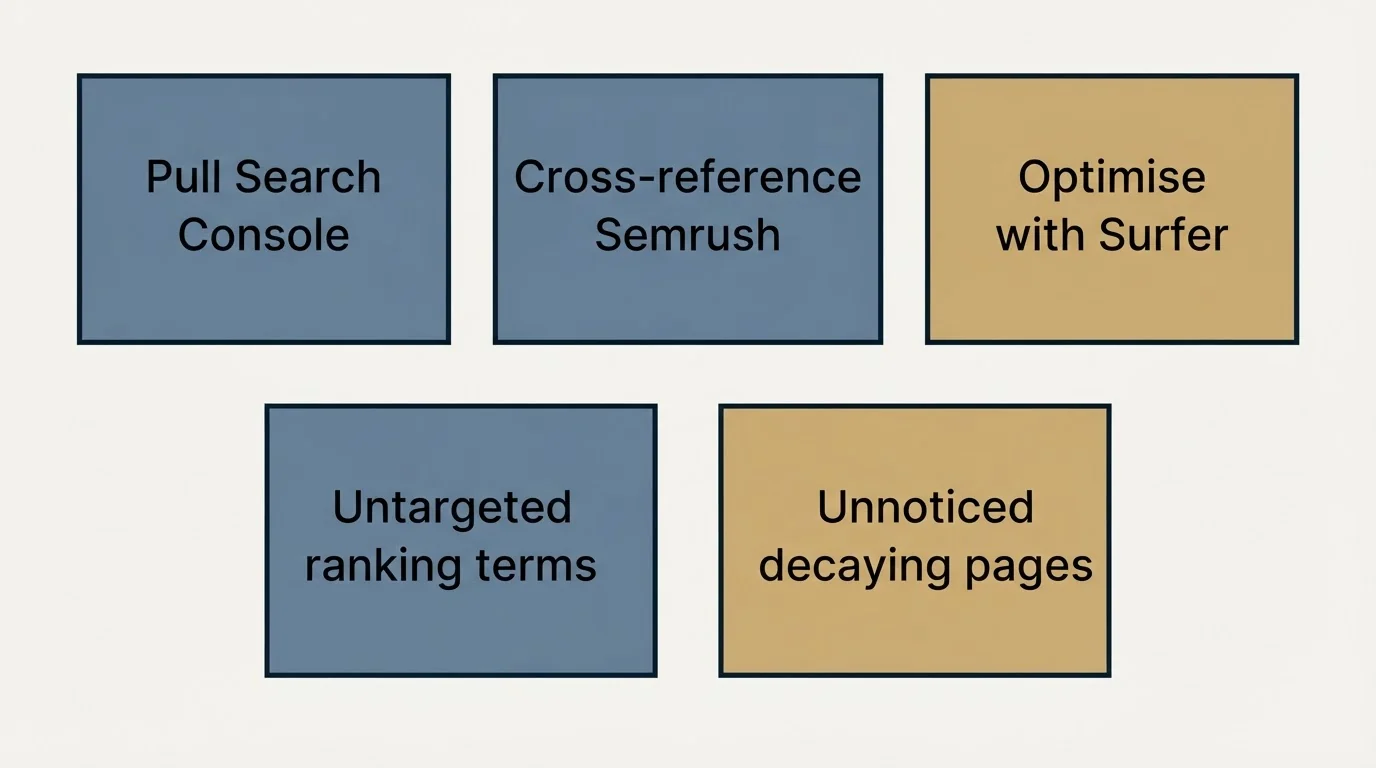
Pull Search Console data. Cross-reference against Semrush. Optimise with Surfer.
Two findings come out of this reliably. Pages that used to rank and have been decaying without anyone noticing, and terms you already rank for on page two that you never deliberately targeted.
The second category is usually the fastest win available to a content team, and it is invisible unless someone joins the two data sources.
5. Ad Copy And Creative Testing
Analyse campaign data from HubSpot. Generate variant batches with Jasper. Produce creatives in Figma. Measure in Amplitude.
The leverage is in generating variants against what actually performed rather than against a blank page. Feeding last month's winners back in as context makes each round better than the last, which is difficult to sustain manually because nobody has the previous rounds loaded in their head.
The Common Thread
None of these workflows require a clever model. They require something that can hold credentials for four products at once and treat them as a single job.
Once you see the value in treating tools as one job, it helps to read how one team organised dozens of skills built for revenue work at RevenueFlow.
That is the actual gap. Your tools are fine. There is just nothing between them except a person with a calendar.
What To Expect Realistically
The first workflow will take longer to set up than it would take to do by hand. That is normal and it is not a reason to stop, because the second one reuses the credentials, the context about your business, and the patterns you established.
Output still needs review. An agent will confidently produce a competitive summary based on a pricing page it misread. Keep a human in the loop on anything customer-facing until you have watched the same workflow run correctly several times.
And these tools cost money. API calls, model usage, and the underlying products all bill. The trade is usually strongly favourable against the alternative of a person doing it, or more commonly against the alternative of it never getting done.
Where To Start
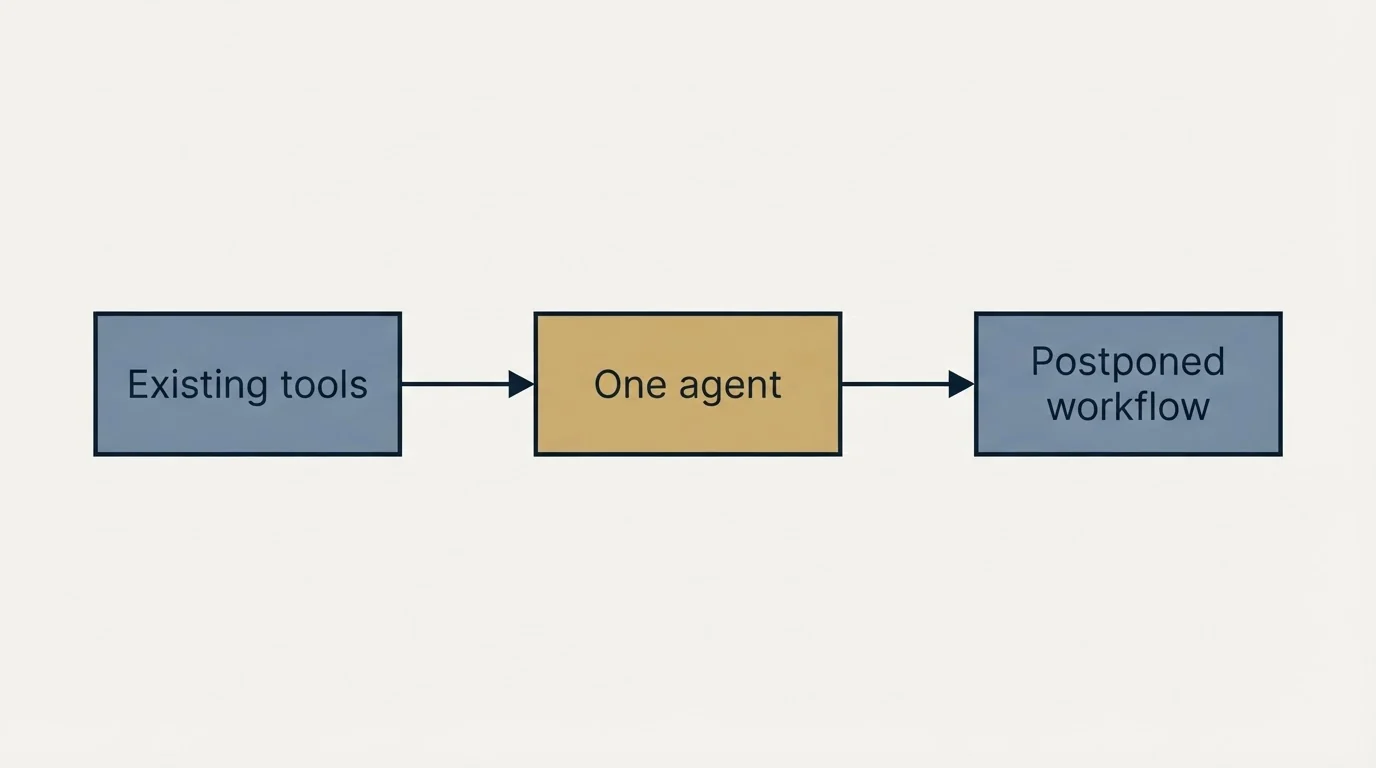
Pick the workflow you have been meaning to set up for six months and never have. That procrastination is a reliable signal that the task is both valuable and annoying, which is the ideal profile.
You do not need more tools. You need one agent that ties the ones you have together.
Which Workflow To Build First
| Workflow | Setup effort | Payback speed | Risk if output is wrong |
|---|---|---|---|
| Content repurposing | Low | Fast | Low, you review before posting |
| Competitive intelligence | Low | Fast | Low, internal document |
| SEO gap analysis | Medium | Medium | Low, produces a to-do list |
| Ad copy and creative testing | Medium | Fast | Medium, spend is involved |
| Personalised outbound | High | Slow | High, it reaches customers |
Frequently Asked Questions
Do I need engineering help to set these up?
For most of them, no. The work is describing the workflow precisely and supplying API keys for tools you already pay for. What helps far more than coding ability is having written down how you currently do the task, including the exceptions.
How much does running these actually cost?
Three things bill: the underlying products, API calls to them, and model usage. For a small marketing team the model spend is usually the smallest of the three. The honest comparison is not against zero, it is against the cost of a person doing it or the cost of it never getting done.
What is the most common mistake?
Starting with the customer-facing workflow. Personalised outbound is the most exciting and the worst first project, because errors reach prospects. Start with competitive intelligence or campaign reports, where a mistake is caught internally.
How do I stop it producing generic output?
Give it real inputs. A competitive teardown built from crawled pages is specific. One built from the model's prior knowledge is generic and often out of date. Every workflow above is designed around feeding in actual data rather than asking for recall.
Can these run without me starting them?
Yes, on a schedule, and that is where most of the value sits. The workflows that matter are the ones you keep meaning to do. Once they run weekly without being triggered, they stop competing with everything else for your attention.
Related Reading
- The Gap Between a Chat App and an Engineer: 5 B2B Marketing Workflows
- 5 RevOps Workflows You Can Run Entirely From the Terminal
- Anthropic Ran Its Entire Growth Marketing Function With One Person. Here's the System.
We build AI-native pipeline systems and you pay per qualified meeting, not a retainer. No paying for activity. You only pay when we book you a qualified sales meeting. See if you qualify.
Frequently asked questions.
Frequently asked questions- Do I need engineering help to set up terminal marketing workflows?
- For most workflows, no. The work involves describing the workflow precisely and supplying API keys for tools you already pay for. What helps more than coding ability is having written documentation of how you currently perform the task, including exceptions and edge cases.
- Which marketing workflow should I automate first?
- Start with the workflow you have been meaning to set up for six months but never have. That procrastination signals the task is both valuable and annoying, making it ideal for automation. Content repurposing and competitive intelligence are best first projects because they have low setup effort, fast payback, and low risk since output is reviewed internally before any external use.
- How much does it cost to run automated marketing workflows from the terminal?
- Three things bill: the underlying product subscriptions, API calls to those products, and model usage. For small marketing teams, model spend is typically the smallest of the three costs. The relevant comparison is not against zero cost, but against the expense of a person manually performing the work or the opportunity cost of the task never getting completed.
- Why is personalised outbound the worst first workflow to automate?
- Personalised outbound has high setup effort, slow payback, and high risk because errors reach prospects directly. It is the most exciting workflow but the worst first project. Start instead with competitive intelligence or campaign reports where mistakes are caught internally before any customer impact occurs.
About the author.

Fernando Cao is CEO at RevenueFlow, which builds and operates outbound revenue engines for B2B companies. Previously at Accenture Strategy. Studied at University of Bath.
Fernando Cao · CEO
Connect on LinkedIn →Explore more.
Ready to scale your outreach?
We build GTM engines that book real meetings. See the receipts.
Related articles.
Chat App or Engineer: 5 B2B Marketing Workflows
Competitor teardowns, campaign reports, a versioned brand voice file, SEO refresh, and ABM briefs. Five workflows that read real files, run real scripts, and write finished artifacts to disk.
Anthropic Ran Its Entire Growth Marketing With One Person
Paid search, paid social, app stores, email, and SEO for a company valued in the hundreds of billions. One non-technical marketer, four systems, and a memory layer that made each cycle better than the last.
Claude Code Is the Best GTM Tool of 2026
Your GTM stack is fine. The problem is that you are the integration layer holding it together. Here is what changes when an agent with API access takes that job instead.
Claude Code for RevOps: 5 Workflows to Run From the Terminal
Five recurring RevOps jobs run from the terminal with Claude Code: pipeline hygiene, forecasting, deal intelligence, lead routing and attribution, and the team setup.
Claude Code Has 50+ Features Most People Never Discover
The commands, configuration layers, and one workflow habit that changes everything. Written for people using it 8 hours a day who suspect they are using 10% of it.
AI Sales Agents: 6 Jobs They Do Well and 4 They Fail At
Agents plan and act, copilots suggest, workflows follow a fixed path. Here are the six sales jobs agents handle today, the four they fail, and the buying test.