Cognism vs Outreach: Cross-Category Comparison
Cognism covers sourcing while Outreach covers sending and follow-through. Which gap to close first, what a year costs, and whether a team needs both.
Cognism vs Outreach is a data tool against a sending platform. Cognism reveals and verifies contacts on credits, with 5 seats in each Sales Prospecting package, and exports straight into Outreach through a native integration. Outreach runs sequences on seats plus AI credits. Neither publishes a price, so close the data gap first when the list runs out.
Key takeaways
- Cognism's pricing page meters credits: one credit reveals, enriches or exports a contact, viewing it again is free, and a credit is spent again only if that contact changes jobs.
- Outreach publishes four Amplify packages and no price, with AI credits the only public number: 10,000 on Essentials rising to 100,000 on Pro.
- Cognism's help centre documents a native Outreach integration: an admin connects it once, each user logs in with their own Outreach credentials, and contacts export singly or in bulk.
- Data first, sending second, because a sending platform bought onto a thin list delivers the same thin list faster and hides the cause in its own reporting.
Reviewed and updated September 19, 2026
Cognism's pricing page publishes packages and no figures, and publishes something more useful instead: one credit reveals, enriches or exports one contact, viewing an already revealed contact costs nothing, and the same credits work across prospecting, enrichment and the API. Outreach sits on the other side of that line and names no price on its own pricing page, only four Amplify packages and an AI credit allowance. Reading those two shapes together is what a Cognism vs Outreach comparison is for.
Cognism vs Outreach: the short answer
Cognism vs Outreach is a data tool against a sending platform, so most teams need one first and eventually both. Cognism reveals and verifies contacts on credits, with 5 seats included in each Sales Prospecting package. Outreach runs sequences and deal workflows on seats plus AI credits. Neither publishes a price, and Cognism exports straight into Outreach through a native integration.
What Each Side Actually Does in a Cold Outbound Run
A cold outbound run has a fixed shape, and these two categories sit in different parts of it. Targeting comes first, and that is a decision about who is worth writing to rather than a piece of software. Then the list gets built and a mailbox gets resolved for every person on it. That half belongs to Cognism: search filters, an extension over a profile, a spreadsheet pushed back through enrichment, and a verification pass that discards anything the provider could not confirm.
Sending is Outreach's half. Sender accounts, sending windows, the daily cap on each mailbox, reply detection and the record of who answered all live there. RevenueFlow runs one message per campaign, so nothing on that side is a bump step or a thread reply waiting to fire. A prospect who stays quiet gets re-approached later through a new campaign with a different angle, never with a second message stacked under the one they ignored, and on LinkedIn that second message does not get sent at all.
The last stage belongs to neither product. Somebody reads the reply and somebody books the meeting, and the meeting counts only against qualification criteria written down before launch. A tool can route a reply into a queue. It cannot decide what a qualified meeting is.
Pricing Comparison

Cognism Pricing
| Package | Price | What it carries |
|---|---|---|
| Sales Prospecting Standard | Contact Sales | Core prospecting workflows, 5 seats included |
| Sales Prospecting Pro | Contact Sales | Adds premium mobile data, on-demand verification and intent |
| CRM Enrichment | Contact Sales | Sold standalone or alongside a prospecting package |
| Data-as-a-Service | Contact Sales | Priced on data volume and delivery method |
Cognism publishes a credit rule rather than rates: one credit reveals, enriches or exports one contact, and its FAQ adds that a credit is only used again if that contact changes jobs.
Source: Cognism Pricing
Outreach Pricing
| Package | Price | AI credits |
|---|---|---|
| Amplify Essentials | Request pricing | 10,000 AI Credits |
| Amplify Core | Request pricing | 25,000 AI Credits |
| Amplify Plus | Request pricing | 50,000 AI Credits |
| Amplify Pro | Request pricing | 100,000 AI Credits |
Outreach sets out on the same page that it prices on a combination of seats and AI credit consumption.
Source: Outreach Pricing
Reading the Two Price Shapes Together
Cognism publishes packages and no figures on that page. It lists Sales Prospecting in Standard and Pro packages, each with five seats included, alongside CRM Enrichment and Data-as-a-Service, and every one ends at a form. What it does publish is the metering rule, which is more useful than a headline: one credit reveals, enriches or exports one contact, viewing an already revealed contact costs nothing, and the same credits work across prospecting, enrichment and the API. Pro is where the premium mobile filter, on-demand verification and intent data sit.
Outreach publishes packages and no prices on that page. It lists Amplify Essentials, Core, Plus and Pro, each behind a Request pricing button, and it states there: "Outreach uses a combination of seat-based pricing and consumption-based pricing powered by AI credits." The credit allowance is the one public number: 10,000 on Essentials, 25,000 on Core, 50,000 on Plus and 100,000 on Pro. Seat count and AI usage therefore move a quote independently.
Cognism
- Credits: one per contact revealed, enriched or exported
- Seats: 5 included in Standard and in Pro
- Add-ons: CRM Enrichment and Data-as-a-Service
- API access requires a Prospecting seat
Outreach
- Seats plus consumption on AI credits
- AI credits: 10,000 on Essentials to 100,000 on Pro
- Extra credit packs can be bought at any time
- Add-ons: Data Sharing, Connectors, Additional Instances, Listener Licenses
So both halves are quotes, which means nothing about this stack can be budgeted from public pages. Outreach's own FAQ says a team that needs more credits can "purchase additional credit packs at any time", and lists Data Sharing, Connectors, Additional Instances and Listener Licenses as add-ons; Cognism's page notes that API access requires a Prospecting seat. The way to make two quotes comparable is to arrive with the same volume assumption for both and ask each vendor what happens when that volume doubles.
What One Year of This Stack Actually Costs
Neither side of this pair publishes a price, so the arithmetic that matters happens before the calls. Cognism's page gives the units even though it withholds the rate: one credit per contact revealed, no repeat charge for a contact already revealed, and one credit pool shared across prospecting, enrichment and the API.
Take an invented case. A team working 2,000 new contacts a month needs 24,000 credits a year plus whatever the CRM enrichment backfill consumes, and a credit is spent again only when one of those contacts changes jobs, and five seats come included in each Sales Prospecting package. Credits a year, seats in use and enrichment volume are what a Cognism quote is built from, so a buyer who arrives with them gets a number instead of a range. Ask for the per credit rate the quote implies, because it is the only figure that makes two vendors on this shelf comparable.
The Outreach side of that year cannot be added, which is the finding rather than a gap in the research. Outreach's pricing page carries four packages and a Request pricing button on each, so any figure in a plan for it is a placeholder until a quote lands.
Feature Highlights
Both pages list capabilities per package, and reading them that way is more useful than a merged feature grid. Cognism's pricing page lists company revenue, headcount and technology usage, emails, mobiles and work history, hiring, funding and job-change signals, AI company research and CSV enrichment on Standard, and adds a premium mobile filter, on-demand mobile verification and intent data on Pro. Its intent data is Bombora's Company Surge, with up to 12 topics chosen from a library of over 11,000.
Outreach's pricing page lists Multi-Channel Engagement & Sequences from its Core package, conversation intelligence, deal health alerts and pipeline management across its packages, an integrated dialer called Outreach Voice, and forecasting tools on Pro. It also lists Data Enrichment among its AI capabilities.
Where the Two Actually Overlap
Cognism's pricing page lists no sending feature. Its capabilities are data, signals and enrichment, and it integrates with the sending layer rather than replacing it. Outreach lists data enrichment among its Amplify capabilities, so the overlap runs in both directions and the useful question is which product a team wants to be the source of record for a contact.
Both lists are the vendors' own wording, so the honest reading is that Cognism lists these capabilities and Outreach lists those. A feature named on a plan card is a claim about scope rather than a measure of quality, and the overlap that matters in practice is the export from Cognism into Outreach, where both products touch the same contact.
How to integrate Cognism with Outreach
Cognism's help centre documents a native integration that is admin-led: an admin connects it once under Settings, Integrations, Outreach, Connect Integration, then each user logs in with their own Outreach credentials. After that, contacts export to Outreach singly or in bulk from the Cognism web app or its Chrome extension, and field mappings are set up separately.
Settings, Integrations, Outreach, Connect Integration, then sign in to Outreach.
Settings, Integrations, Outreach, Log in, with their own Outreach credentials.
Decide which Cognism fields land in which Outreach fields.
Singly or in bulk, from the web app or the Chrome extension.
Removing the integration disconnects Outreach for every user at once, so it is an admin decision rather than a personal setting. Beyond Outreach, Cognism's integrations page lists Salesforce, HubSpot, Salesloft, Pipedrive, Microsoft Dynamics, Bullhorn and Zapier. Outreach's pricing page names a Slack app and meeting integrations with Zoom, Microsoft Teams, Google Meet and Cisco Webex, and its site runs comparison pages against Gong, Salesloft and Clari.
When to Choose Which
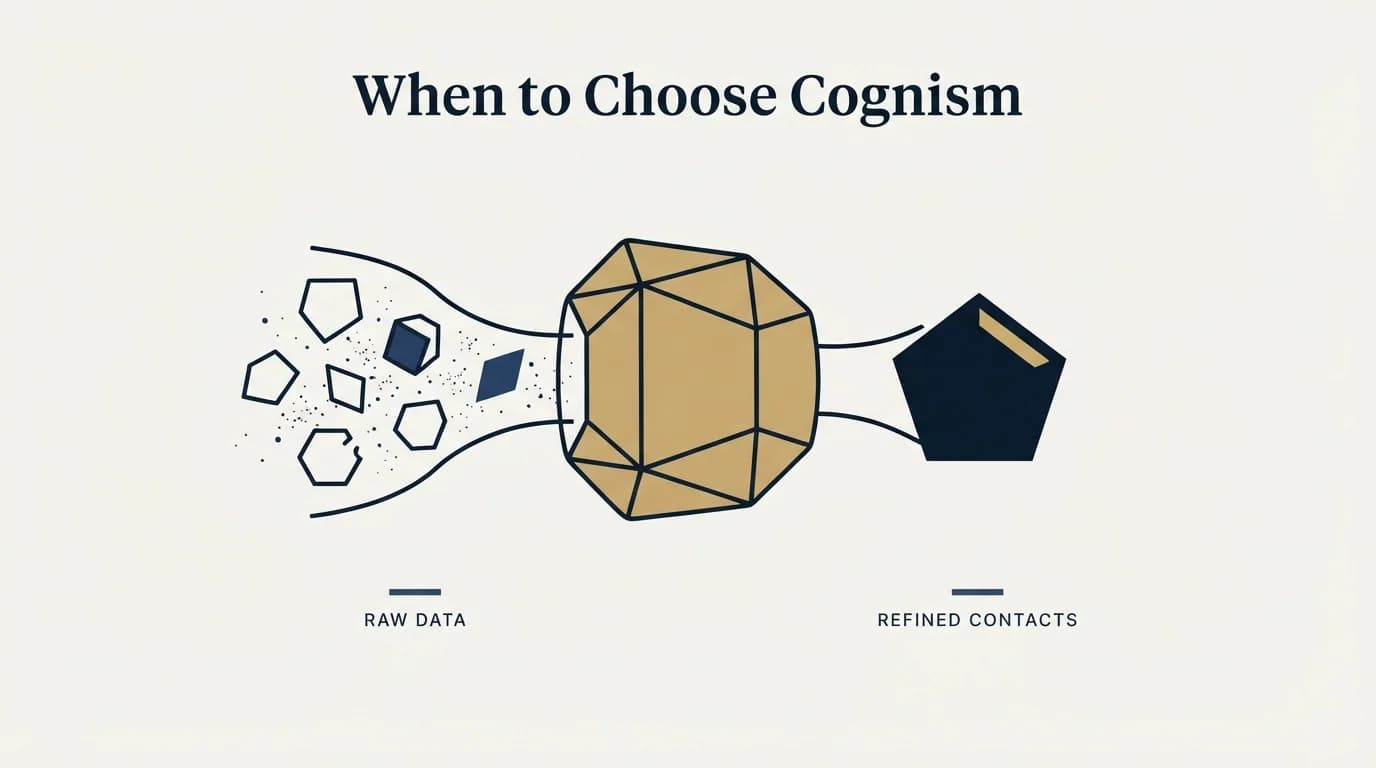
Read that split as a question about which gap is open rather than about which product is better. Cognism answers a sourcing question and Outreach answers a sending one, and a team that names the wrong gap buys a capable tool that changes nothing.
Do You Need Both, and in Which Order?
These two genuinely do different jobs, so the question is order rather than either. Cognism decides who receives the message and Outreach decides how the team works once messages are going out, and a team with neither has a list problem before it has a workflow problem.
The order that works is data first, sending second, for reasons of measurement rather than preference. A sending platform bought onto a thin list delivers that list faster and its reporting will blame the quiet quarter on copy. A list deep enough to keep a wave fed shows its problems within one campaign, and those problems are the brief for the sending purchase.
One case honestly reverses it. A team already booking meetings and losing them to disorganised follow-through has a workflow gap rather than a data gap. Outreach fits that case, because its packages list deal and pipeline management and deal health alerts alongside sequencing.
Whichever way round, the two connect directly: Cognism's native integration exports contacts into Outreach, and that export is the surface to test during a trial rather than after one. A handoff needing a CSV in the middle is a handoff somebody stops doing in week three.
Using Both Together
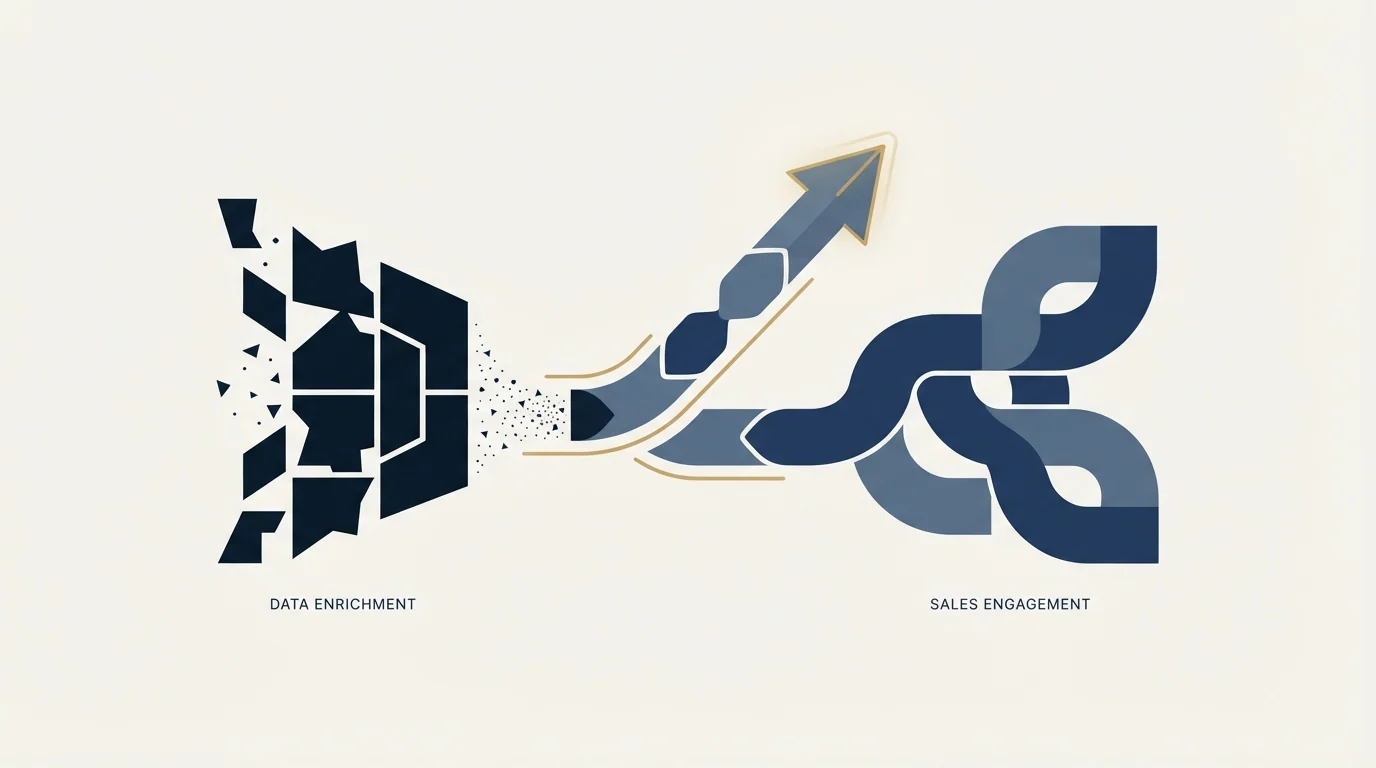
Many sales teams use both a data enrichment tool and a sales engagement platform as part of their complete workflow. Cognism handles lead sourcing and data while Outreach covers outreach orchestration.
Cognism exports into Outreach through its native integration, so connecting them is an admin setting rather than a project.
Rolling It Out Without Breaking the Run
Start with Cognism only after the target list is defined, because a Cognism trial is a coverage test and a coverage test needs a segment. Ask for a sample on named accounts already being worked, count verified mobiles and emails against the accounts that matter, and treat the vendor's own sample as marketing. Outreach lands second in almost every case, because its quote scales with seats and AI usage together and neither number is knowable until a wave has actually run.
Whichever order the two arrive in, keep the sending inventory out of it. Sender domains, mailbox warmup and daily caps are their own project, and a stack change made in the same week as a sending change leaves nothing to attribute a bounce rate to. Change one layer, let a full wave run, then change the next.
Two habits save real money. Trial on accounts already worked rather than on a fresh list, because the only coverage question that matters is coverage on the segment being sold to. And export what the incumbent already found before a subscription lapses: records bought once are cheap to keep and expensive to buy twice.
Decision Framework
- Name the gap before naming a tool. Write down which stage is costing meetings: a list that runs out, addresses that bounce, or messages that never go out on time. A decision made without that sentence is a preference.
- Check what the existing stack already covers. Overlapping spend is the normal failure here, and it is invisible because the two products sit under different budget lines.
- Price the whole year, not the entry tier. Seat minimums, annual billing and per-credit top-ups move the real number more than the headline does.
- Trial on the accounts being sold to. Coverage is a property of a segment rather than of a database, so a sample drawn from the target list is the only test worth running.
- Measure at the pipeline, not per tool. Both products feed one funnel, so the honest measure is meetings booked against criteria fixed in advance.
The Short Version
- Cognism publishes packages and no rate, so budget it as a quote built from credits a year and seats in use.
- Outreach names no price on its own pricing page, so the Outreach line in any budget is a quote until a call happens.
- Neither product replaces the other, so the choice is which gap gets closed first rather than which vendor wins.
- Buy the data side first when the list runs out, and the sending side first when meetings are being lost after the reply.
- Measure the change in meetings booked against criteria fixed before launch, because that is the only number both products are trying to move.
Related Reading
- Best Cognism Alternatives in 2026
- Best Outreach Alternatives in 2026
- Apollo.io vs Cognism: Data Enrichment Tool Comparison
- Cognism vs ZoomInfo: Data Enrichment Tool Comparison
- Outreach vs Salesloft: Sales Engagement Platform Comparison
If you would rather have this run for you, RevenueFlow books qualified meetings on a pay-per-meeting basis and publishes client results.
Pricing and features are taken from the vendors' own pages. Verify current terms with the vendor before relying on them.
Frequently asked questions.
Frequently asked questions- How do you integrate Cognism with Outreach?
- Cognism's help centre describes an admin-led native integration. An admin connects it under Settings, Integrations, Outreach, Connect Integration and signs in to Outreach; each user then logs in with their own Outreach credentials. Contacts export singly or in bulk from the Cognism web app or Chrome extension, and field mappings are configured separately.
- Do I need both Cognism and Outreach, or will one do?
- Most teams start with one. Cognism answers a sourcing question and Outreach answers a sending and follow-through question, so the honest test is which one is currently costing meetings. A list that runs out mid-wave is a data problem. Meetings booked and then lost to disorganised follow-up is a workflow problem, and only that second case justifies buying the sending side first.
- How much does Cognism cost?
- Cognism publishes Standard and Pro Sales Prospecting packages, each with 5 seats included, plus CRM Enrichment and Data-as-a-Service, and no figures, so the answer arrives on a call. The page does give the units: one credit per contact revealed, no charge for viewing it again, and one credit pool shared across the platform, Enrich and the API.
- Why does Outreach not publish a price?
- Outreach's pricing page says pricing depends on team size, workflows and usage of AI-powered and Agent capabilities, combining seat-based and consumption-based charges. It publishes four Amplify packages with AI credits the only public number, 10,000 on Essentials rising to 100,000 on Pro. To compare quotes, give each vendor the same seat count and volume assumption.
About the author.

Tim Carden is CMO / CTO at RevenueFlow, which builds and operates outbound revenue engines for B2B companies. Studied at McGill University.
Tim Carden · CMO / CTO
Connect on LinkedIn →Explore more.
Ready to scale your outreach?
We build GTM engines that book real meetings. See the receipts.
Related articles.
AroundDeal vs Leadspicker: Data Enrichment Tool vs Sales Engagement Platform Comparison
Compare AroundDeal (data enrichment tool) and Leadspicker (sales engagement platform) side by side. See pricing, features, and integrations to decide which one, or both, your stack needs.
Gong vs NeverBounce: Sales Engagement Platform vs Data Enrichment Tool Comparison
Gong vs NeverBounce: what Gong's own pages say about enrichment, what NeverBounce's API returns about an address, and how each vendor prices.
ContactOut vs Luru: Data Enrichment Tool vs Sales Engagement Platform Comparison
Compare ContactOut (data enrichment tool) and Luru (sales engagement platform) side by side. See pricing, features, and integrations to decide which one, or both, your stack needs.
Enrich Layer vs La Growth Machine: Data Enrichment Tool vs Sales Engagement Platform Comparison
Compare Enrich Layer (data enrichment tool) and La Growth Machine (sales engagement platform) side by side. See pricing, features, and integrations to decide which one, or both, your stack needs.
Leadspicker vs NeverBounce: Sales Engagement Platform vs Data Enrichment Tool Comparison
Compare Leadspicker (sales engagement platform) and NeverBounce (data enrichment tool) side by side. See pricing, features, and integrations to decide which one, or both, your stack needs.
11x vs Adapt.io: Sales Engagement Platform vs Data Enrichment Tool Comparison
Compare 11x (sales engagement platform) and Adapt.io (data enrichment tool). See pricing, features, and integrations to decide which one, or both, your stack needs.