The Emailable API: Rate Limits, Batch Behaviour, Caching
Emailable stops returning per-address results five days after a large batch finishes. That one documented behaviour decides the shape of any integration worth building.
The Emailable API verifies single addresses and batches of up to 50,000 from api.emailable.com/v1. Published rate limits are 25 requests per second on verify and 5 per second on batch and account. Per-address batch results are dropped after five or thirty days, so integrations must store verdicts themselves.
Key takeaways
- Rate limits are published per endpoint: 25 requests per second on verify, 5 per second on batch and account, with custom limits for enterprise accounts.
- Batches take up to 50,000 addresses, and callback results are retried hourly for up to three days until your endpoint returns a 200, so the receiver must be idempotent.
- Per-address results leave the API after 30 days for batches up to 1,000 addresses and after 5 days for larger ones, leaving aggregate counts only.
- The documentation warns that disabling the SMTP step significantly reduces accuracy and that disabling retries increases unknown results, so both defaults are worth keeping.
Reviewed and updated September 1, 2026
The Emailable API: Rate Limits, Batch Behaviour, and What to Cache
Emailable's batch endpoint stops returning your per-address results five days after a large batch finishes. Batches of a thousand addresses or fewer keep theirs for thirty days. After those windows the API returns aggregate counts only, and the individual verdicts you paid for are gone from the response.
That single documented behaviour decides the architecture of any integration worth building. You are not calling a verification API and reading the answer. You are calling it, storing the answer somewhere you control, and treating the vendor's copy as a cache that expires.
Data Enrichment APIs: Rate Limits, Credits, and What to Cache examines how a request-rate ceiling and a separate credit balance fail in different ways, a split worth understanding via this guide to enrichment API limits.
Here is what the API publishes, checked against Emailable's own documentation in mid-2026.
The basics
The base URL is https://api.emailable.com/v1/. Authentication is an API key passed as a URL parameter or as POST data, or an OAuth access token. Emailable's documentation describes two key types, one of which is meant for contexts where the key will be exposed publicly, such as JavaScript running in a browser, and that path pairs with a captcha response parameter.
Official client libraries exist for Ruby, Node.js and Python, all published under the vendor's own GitHub organisation. The documented endpoints are small in number: verify a single address, create a batch, check a batch, and read your account.
- Step 1POST /v1/batch
Up to 50,000 comma-separated addresses, optionally with a callback URL
- Step 2Wait for the callback
Results are POSTed to your URL on completion; a non-200 response is retried hourly
- Step 3GET /v1/batch
Poll by batch id if you did not supply a callback, or to read progress
- Step 4Store the verdicts
Per-address results leave the API after 5 or 30 days depending on batch size
Rate limits, published per endpoint
Emailable publishes its rate limits rather than gating them behind support, which is less common than it should be.
Standard accounts get 25 requests per second on /v1/verify, 5 per second on /v1/batch, and 5 per second on /v1/account. Enterprise accounts are documented as custom, and the docs say higher limits may be requested.
Rate-limited responses carry headers describing the window: ratelimit-limit for the maximum requests allowed in the current window, ratelimit-remaining for how many are left, and ratelimit-reset for the timestamp when the window resets. Exceeding the limit returns a 429 with the message "Rate Limit Exceeded".
The practical read: single verification is generous and batch creation is deliberately not. Twenty-five per second on the single endpoint is enough for form-time validation at real traffic. Five per second on batch creation is a strong hint that the vendor expects you to send large batches rather than many small ones, which is also the cheaper way to use it.
The parameters that trade accuracy for latency
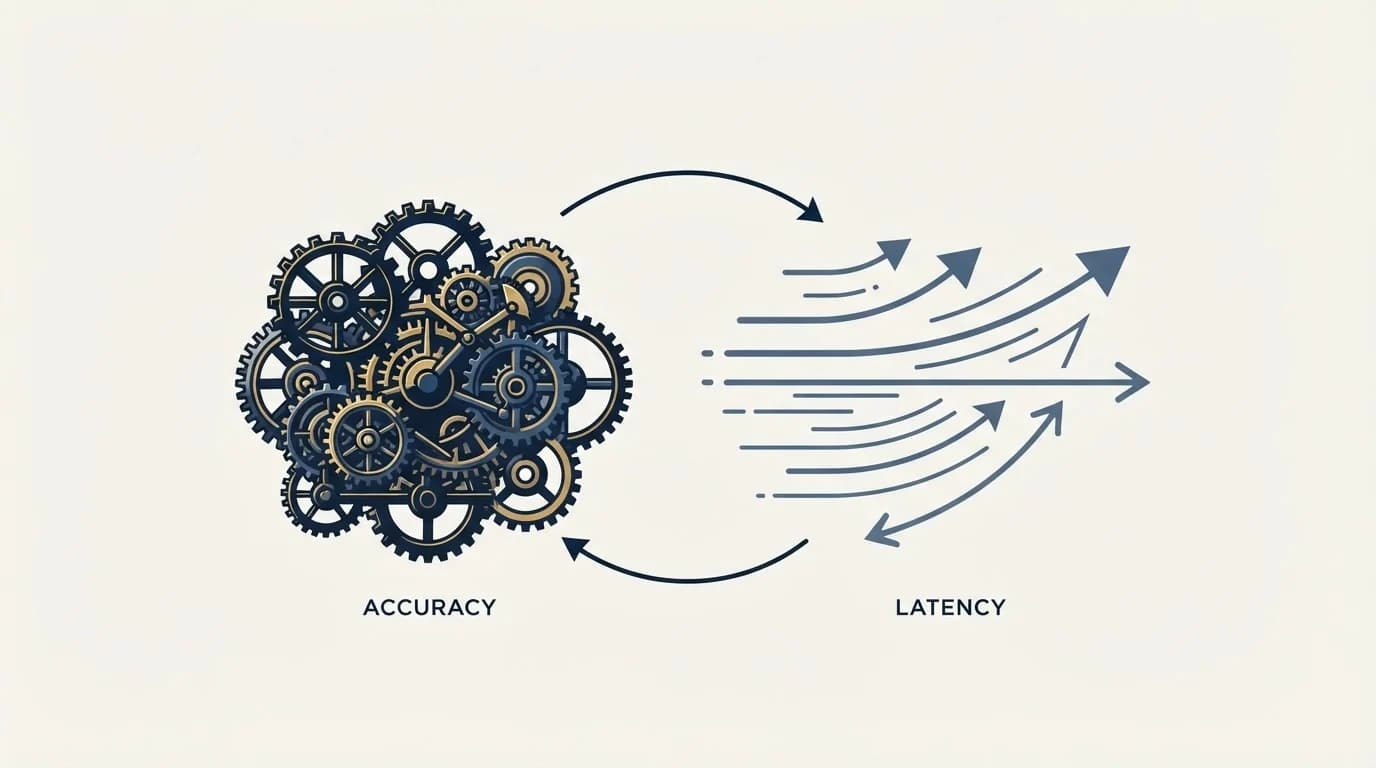
Three documented parameters on the single-verify endpoint change what you get, and two of them carry warnings from the vendor.
smtp defaults to true. Emailable's documentation says the SMTP step takes up the majority of the response time and that disabling it will significantly decrease verification accuracy. That is the vendor telling you not to turn off the only check that confirms a mailbox exists. Leave it on.
accept_all defaults to false, and the docs note it heavily impacts response time. This is the check that tries to resolve whether a catch-all domain can be pinned down to a concrete verdict, so for B2B lists it is the parameter that decides whether your enterprise contacts come back usable or come back labelled Risky.
timeout accepts a minimum of 2 seconds, a maximum of 10, and defaults to 5. Alongside it, the documentation states that if a verification takes longer than the timeout you may retry the request for up to five minutes without it counting again against your usage, and that after five minutes further requests do count. A slow verification also returns a 249 status code with a message asking you to send the request again.
On the batch endpoint, retries defaults to true and automatically retries verification when certain mail-server responses come back. The docs are explicit that disabling it speeds things up and may increase the number of unknown responses, which for a B2B list means more addresses you cannot act on. Greylisting is exactly the behaviour those retries exist to survive.
Batch is the endpoint you actually want
The batch endpoint documentation states that up to 50,000 addresses can be sent per batch, comma-separated, with larger batches available to enterprise accounts on request. The data can be form-encoded, multipart, or JSON, and the docs are firm that parameters belong in the request body rather than the query string.
Supply a url and Emailable POSTs the results to it when the batch completes, with a body identical to the batch status response. The retry behaviour on that callback is worth designing for: if your endpoint returns anything other than a 200, the results will continue to be sent hourly until a 200 comes back or until three days have passed since the batch finished verifying. Three days of hourly retries is a generous window, and it is also a duplicate-delivery guarantee rather than an exactly-once one, so make the receiver idempotent and key it on the batch id.
response_fields lets you narrow the payload to the attributes you want, from a documented list that includes state, reason, score, accept_all, disposable, role, free, mailbox_full, did_you_mean, mx_record, smtp_provider and the name-guess fields. Partial results while a batch is still running are available only for batches of up to 1,000 addresses.
What to cache, and why the retention windows force it
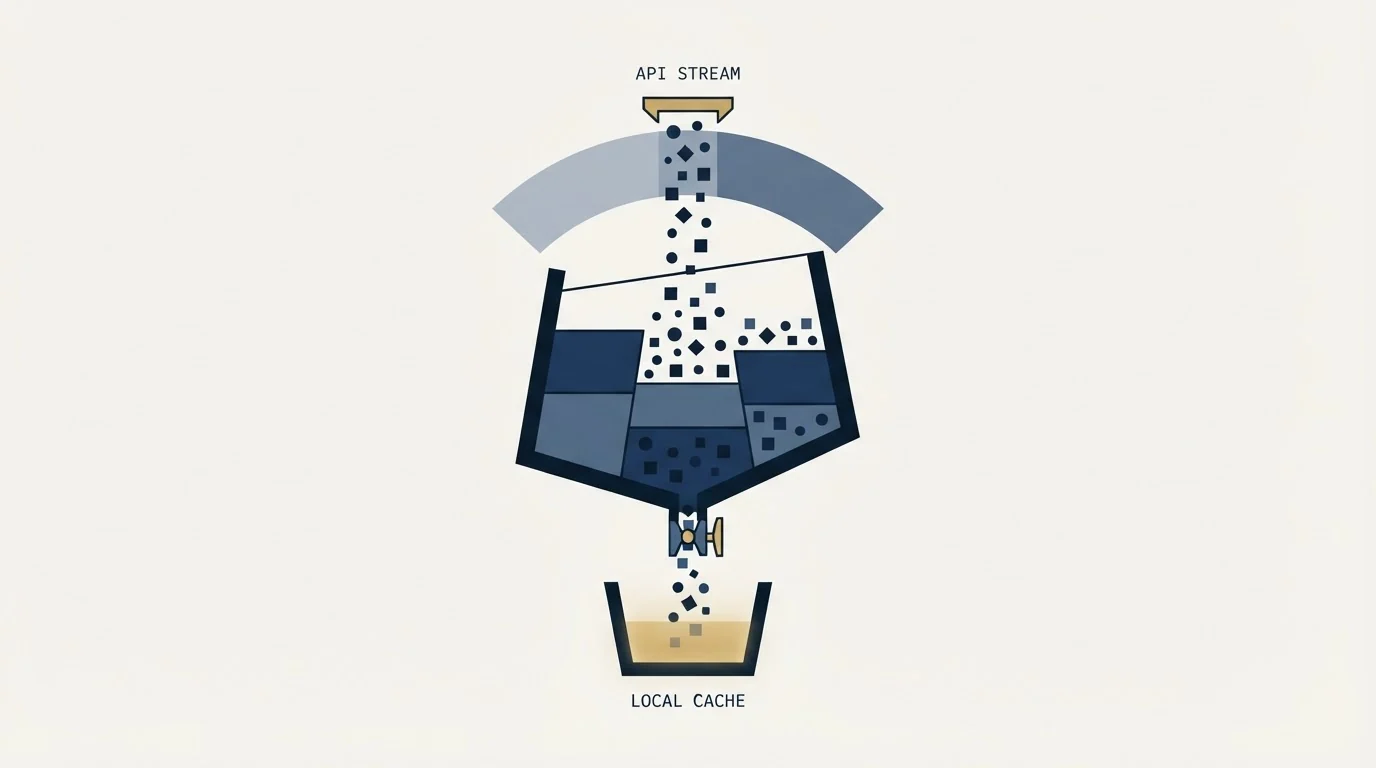
Store every verdict you receive, keyed by address, with the timestamp of the verification. The reasons stack up quickly.
The API drops per-address results after five days for batches over a thousand and after thirty days for batches at or below it. A verdict you did not persist is a verdict you will pay to obtain again.
Duplicate detection is list-scoped rather than account-scoped. Emailable's documentation says duplicates are identified within a single uploaded list, and that the same address appearing in two separate lists is treated as two separate addresses. Your own store is therefore the only place that can stop you paying twice for the same contact across two campaigns.
Where Emailable meters verification credits, Cognism's API endpoint structure meters contact discovery credits and explicitly withholds webhooks, list management and CRM sync.
Verdicts decay. A mailbox confirmed today can be closed next quarter, so cache with an age and re-verify close to send rather than trusting an old row. The same caching questions come up with any credit-metered enrichment API, and the pattern is the one described for the Apollo.io API: store the result, store the cost, and never let a retry loop pay twice for an answer you already have.
Cache the reason alongside the state, not just the state. A timeout and a no_connect are both Unknown, and only one of them is worth retrying tomorrow.
Watch the balance from the same code that spends it. The documented /v1/account endpoint returns account information including remaining credits, which is the cheapest way to stop a batch job discovering mid-run that it cannot pay for the rest of the list. Read it before a large batch rather than after a failure, and alert on it rather than on the invoice, since a batch that stalls on credits is a launch that slips by a day.
- Yes: Persist every verdict with its timestamp before you act on it
- Yes: Make the batch callback receiver idempotent, since retries run hourly for up to 3 days
- Yes: Keep smtp enabled, since the vendor says disabling it significantly reduces accuracy
- Yes: Enable the accept-all check on B2B lists and budget the extra response time
- No: Do not disable retries to speed up a batch, since the documented cost is more unknowns
Verifying addresses on your own forms
The widget is the same meter as everything else. Emailable prices Bulk, Verifier, API and Widget identically at one credit per verification, so validating an address at the moment somebody types it into a signup or demo-request form costs exactly what checking it in a monthly list clean would.
That equal pricing is what makes point-of-capture validation worth wiring up. Catching a typo while the person is still on the page fixes the record at the only moment the person can confirm it, and the did_you_mean attribute exists for precisely that case, returning a suggested correction for a common misspelling. The alternative is discovering the typo weeks later in a bounce report, when nobody is around to fix it.
If you are integrating through the API rather than the drop-in widget, the public key type and captcha parameter described in the authentication docs are the documented path for browser-side calls, since a standard key in client-side JavaScript is a key you have published.
Where this sits in an outbound stack

An API integration only earns its complexity if the verdicts change what gets sent. Ours do: addresses that come back unresolved are held rather than mailed, and volume is replaced by sourcing more contacts we can confirm rather than by relaxing the gate. We send one message per campaign, never a bump or a thread reply, and a contact nobody can evidence is a contact we re-source.
Wire the verdict into the upload boundary, not into a report. A verification result that arrives in a dashboard nobody reads before launch has cost credits and prevented nothing, and the bounce rate benchmarks that follow are the number the gate exists to protect. The comparison of how the different vendors in this category handle the hard cases sits in our email verification tools breakdown, and the role-based address question is worth settling in the same pass, since the API flags those separately and the right policy differs by ICP.
Want the verification gate built into a campaign rather than bolted onto one? Get a free campaign plan and we will show you where it sits in the build.
Pricing and features verified as of mid-2026. Verify current terms with the vendor before relying on them.
Frequently asked questions.
Frequently asked questions- What are the Emailable API rate limits?
- The documentation publishes them per endpoint. Standard accounts get 25 requests per second on the verify endpoint and 5 per second on both the batch and account endpoints, with enterprise limits described as custom. Exceeding a limit returns a 429, and responses carry headers giving the limit, the remaining requests and the reset timestamp.
- How many emails can one Emailable batch hold?
- Up to 50,000 addresses per batch, sent as a comma-separated list in the request body rather than the query string, with larger batches available to enterprise accounts on request. Partial results while a batch is still processing are only offered for batches of up to 1,000 addresses.
- How long does Emailable keep my verification results?
- For batches up to 1,000 addresses the individual results stop being returned after 30 days. For batches over 1,000 the downloadable results file stops being returned after 5 days. In both cases the endpoint continues to return aggregate counts, so anything you need per address has to be stored on your side.
- Should I turn off the SMTP check to make verification faster?
- The documentation advises against it in its own words, saying the SMTP step takes the majority of the response time and that disabling it will significantly decrease verification accuracy. That step is the one that confirms a mailbox exists, so turning it off removes the reason to run verification at all.
About the author.

Tim Carden is CMO / CTO at RevenueFlow, which builds and operates outbound revenue engines for B2B companies. Studied at McGill University.
Tim Carden · CMO / CTO
Connect on LinkedIn →Explore more.
Ready to scale your outreach?
We build GTM engines that book real meetings. See the receipts.
Related articles.
The ZeroBounce API: Auth, Rate Limits and What to Store
ZeroBounce publishes three different answers to its own rate-limit question. Here is which one to build against, plus the statuses no API can decide for you.
The NeverBounce API: What It Automates and Hands Back
NeverBounce refuses automated requests on its marketing pages and renders its docs in JavaScript. Here is the v4 API, read from surfaces that answer a fetcher.
ZeroBounce Pricing: The Three Things Buyers Miss
What the ZeroBounce pricing page actually publishes, which billing state it shows by default, and the credit rules that decide what a buyer really pays.
BriteVerify: What It Verifies and the Price to Ask For
BriteVerify checks email, phone and postal address under Validity, and publishes no rate card on any surface that returns a page. What that means for buyers.
NeverBounce Under ZoomInfo: What Buying Verification Changes
NeverBounce serves no pricing page to automated requests, so here is what its own surfaces do show, and what changes when your verifier belongs to a data platform.
How Lemwarm Works: The Network, the Ramp and the Score
What lemwarm's pool of real inboxes does, how the ramp is sized in the vendor's own numbers, what the score is made of, and where the tool stops.