DKIM on Google Workspace: One Key Per Domain
Google holds the private key and your DNS host holds the public one. Between those two systems there is no error channel, which is why four failures look like nothing.

Generate the DKIM key in the Google Admin console under Apps, Google Workspace, Gmail, Authenticate email. Publish it as a TXT record at google._domainkey on your DNS host, then click Start authentication. Every domain needs its own key from the console, and nothing inherits between domains.
Key takeaways
- Google generates and holds the private key while your DNS host holds the public half, and neither system reports an error when the handoff between them goes wrong.
- Google recommends 2048-bit keys where the DNS provider supports them. RFC 8301 requires at least 1024 bits and recommends 2048, and records that 1024 persists because older DNS software handles only a single 256-octet string in a TXT record.
- Google documents that the Authenticate email page may keep asking you to update DNS records for up to 48 hours after you correctly published the key, and that this message can be ignored.
- Google states that setting up DKIM for more than one domain requires a unique key per domain from the Admin console, so a fleet of sending domains is the whole procedure repeated with no inheritance.
Reviewed and updated September 1, 2026
A team connects thirty domains to Google Workspace for an outbound programme, generates a DKIM key for each in the Admin console, pastes each one into DNS, and a week later a third of them are still failing authentication at Gmail. Nothing in the console said anything was wrong. On several of them, the console is still showing a warning that the DNS records need updating, which is documented behaviour and means nothing.
Half the difficulty with DKIM on this platform is that the work happens in two places and only one of them reports errors. Google generates and holds the private key. Your DNS host holds the public half, under a name that has to match exactly what a receiving server will ask for. Between those two systems there is no error channel at all.
DNS configuration mistakes extend beyond DKIM records, since the Google Workspace MX record setup explains why the same hostname confusion trips up incoming mail routing.
One naming note before the procedure, because it accounts for a lot of search traffic and no technical difference. G Suite was renamed Google Workspace, so guidance written for G Suite DKIM and guidance written for Google Workspace DKIM describe the same product and the same records. The console layout has moved since then; the record shape has not.
Generating the key, and the two choices in the dialog
The key is generated inside the Admin console under Apps, then Google Workspace, then Gmail, then Authenticate email, then Generate New Record. Two settings appear in that dialog and both are decisions rather than defaults to click through.
Key length. Google offers 2048 and 1024 bits, and its guidance is unambiguous about which to prefer: select 2048 "if your domain provider supports 2048-bit keys", because "longer keys are more secure than shorter keys". Take the longer key. The reason 1024 still exists at all is a DNS limitation rather than a cryptographic one, and RFC 8301 records the history: widely used DNS configuration software "only handles a single 256-octet string in a TXT record, and RSA keys significantly longer than 1024 bits don't fit in 256 octets". The same document requires at least 1024 bits and recommends at least 2048.
The practical consequence of choosing 2048 is that the published record has to be split into multiple quoted strings that the resolver concatenates. Some DNS panels do that for you, some truncate silently, and Google flags the risk in passing: "Some domain providers limit TXT record length."
Selector prefix. Google's default prefix is google, and it recommends keeping it. The exception is stated in the same place and is the one that catches domains with a history: "If your domain already uses a DKIM key with the prefix google, enter a different prefix in this field." A second key published at a name that already holds one does not add a signer. It leaves two records at one hostname, which RFC 6376 makes explicitly undefined behaviour rather than a clean error, so the symptom is intermittent verification rather than a consistent failure.
Publishing it, and the ordering that matters
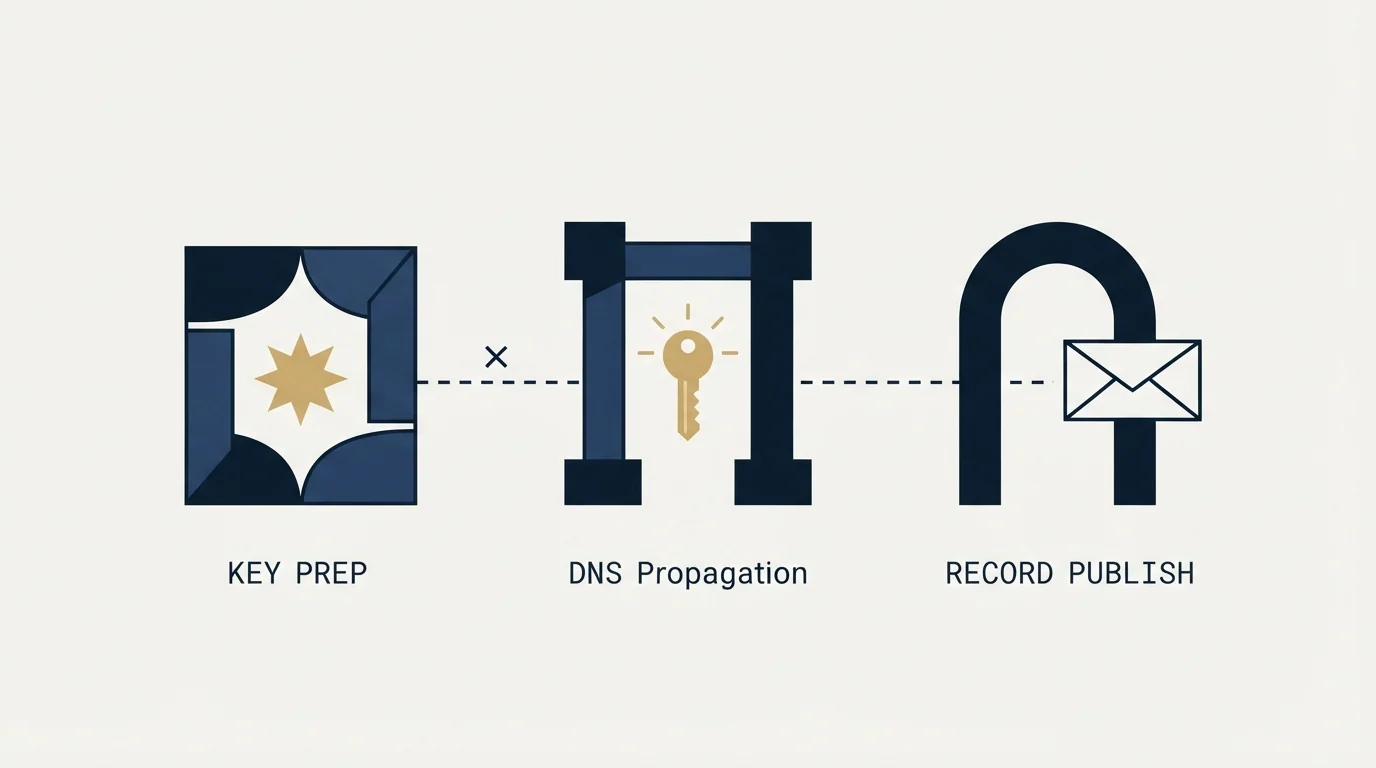
The record is a TXT record. Google's own field mapping is worth following literally: the host, which some panels call Name, Hostname or Alias, is the string ending _domainkey, and for the default prefix that reads google._domainkey. The value is the key string, starting v=DKIM1.
That hostname is fixed by the specification rather than by Google. RFC 6376 states that "All DKIM keys are stored in a subdomain named _domainkey", queried as <selector>._domainkey.<domain>, which is why the selector cannot be invented locally and why two platforms signing for one domain need two different selectors rather than one shared record.
The ordering trap is in Google's instructions and easy to read past. After generating the record, Google says plainly: "Do not click Start Authentication yet. You'll do that later." Publish the DNS record first, then return to the console and click Start authentication. Doing it the other way starts signing with a key no receiver can fetch.
- Step 1Generate in the Admin console
Apps, Google Workspace, Gmail, Authenticate email, Generate New Record. Choose 2048 bits and keep the google prefix unless it is taken.
- Step 2Publish at your DNS host
A TXT record with host google._domainkey and the generated key as the value. Read the saved record back.
- Step 3Start authentication in the console
Only after the record is published. The status changes to Authenticating email with DKIM.
- Step 4Prove it at a receiver
Send to a mailbox you hold elsewhere and read DKIM in the Authentication-Results header.
The four things that go wrong, and how each announces itself
The console keeps telling you to update DNS after you already have. Google documents this outright: the Authenticate email page "might continue to display this message for up to 48 hours: You must update the DNS records for this domain. If you've correctly added your DKIM key at your domain provider, you can ignore this message." It is the single most reported non-problem on this platform, and chasing it leads people to regenerate a key that was fine, which produces a real problem.
The host field ends up doubled. DNS panels differ on whether they want the label alone or the full hostname, and pasting google._domainkey.acme.com into a field that appends the zone for you publishes at google._domainkey.acme.com.acme.com, which resolves to nothing and looks perfectly normal in the interface. Read the saved record back rather than trusting the form.
The key was truncated on save. A 2048-bit key exceeds what fits in one DNS string, and a panel that quietly cuts it produces a record that is present, well formed at a glance, and cryptographically useless. The tell is a record that reads correctly and stops abruptly.
You tested by emailing yourself. Google states the limitation directly: "You can't verify DKIM is on by sending yourself a test message." Internal mail does not take the path that produces the header you are looking for. Send to an account you hold at another provider, open the full headers, and find Authentication-Results, where the DKIM result should read as a pass.
- Yes: The saved host reads google._domainkey and not google._domainkey.yourdomain.com.yourdomain.com
- Yes: The full key survived the save, with nothing lost at the end
- Yes: Exactly one DKIM record answers at that hostname
- Yes: Start authentication was clicked after the record was published, not before
- Yes: A message to a mailbox at another provider shows a DKIM pass in Authentication-Results
- No: The console warning about updating DNS was treated as evidence of a fault
- No: The test was a message sent to yourself
The per-domain tax nobody budgets for

The sentence in Google's documentation that matters most to an outbound programme is the least dramatic one on the page: "If you are setting up DKIM for more than one domain, complete these steps for each domain. You must get a unique DKIM key from the Admin Console for each domain."
There is no shared key and no inheritance. A key published on acme.com does nothing for try-acme.com, even under one Workspace account, one registrar and one sending platform. Thirty domains is thirty console visits, thirty DNS records, thirty read-backs, and thirty Start authentication clicks in the right order. Google's stated propagation allowance applies to every one of them: "After adding a DKIM key, it can take up to 48 hours for DKIM authentication to start working."
That arithmetic is the argument for treating DKIM as part of provisioning a sending domain rather than as a launch checklist item. A domain that starts sending unsigned is asking receivers to build a reputation for an identity they cannot verify, which is the slowest possible way to warm anything.
It is also the argument for reading the record from outside rather than from the console. A missing record and a working record are indistinguishable from inside the sending platform, because the platform is reporting on what it was told to do.
Where this connects to the rest of authentication
A perfect DKIM key can still leave you failing DMARC, because DMARC does not ask whether DKIM passed. It asks whether DKIM passed for the domain in the visible From header. Signing on Google's default selector for your own domain satisfies that; a third-party platform signing with its own domain does not, and that is the first entry in the six causes of DMARC failure.
DKIM is also the durable half of the pair. SPF breaks on forwarding and stops evaluating entirely once a domain crosses its lookup budget, and the signature survives both, which is what keeps DMARC passing when SPF has quietly stopped contributing. The tags inside the key record, including the two that can switch it off while looking valid, are in the DKIM record in practice, and the concept sits at DKIM. The registrar-side version of this same handoff, where the panel rather than the console is the problem, is in DKIM on GoDaddy. All three records side by side are in the SPF, DKIM and DMARC setup guide.
We authenticate every sending domain before it carries a single message and run one message per campaign, so a domain that fails DKIM does not get a second attempt at the same person under a different pretext. That makes the read-back part of launching rather than part of troubleshooting.
If you would rather not own the authentication layer across a domain portfolio, we run the sending infrastructure as part of the engagement.
The short version

Generate the key in the Admin console under Apps, Google Workspace, Gmail, Authenticate email. Choose 2048 bits, keep the google prefix unless the domain already has a key under it, and publish a TXT record with the host google._domainkey at your DNS provider. Then, and only then, click Start authentication.
Read the saved record back to catch a doubled host or a truncated key, and prove the result at a mailbox held somewhere else, because Google states you cannot verify DKIM by emailing yourself. Ignore the console's warning about updating DNS for up to 48 hours after you already have, since Google documents that message as expected. Every domain needs its own key from the console, so a fleet of sending domains is that whole procedure repeated once per domain with no inheritance anywhere.
Google Workspace procedures and recommendations are per Google's published Set up DKIM documentation, verified as of mid-2026. Specification behaviour is per RFC 6376 and RFC 8301. Verify current interface steps with the source before relying on them.
Sources: Set up DKIM, Google Workspace Admin Help, RFC 6376, RFC 8301
Frequently asked questions.
Frequently asked questions- Is G Suite DKIM different from Google Workspace DKIM?
- No. G Suite was renamed Google Workspace, so the two names describe one product. The Admin console layout has moved since the rename and older screenshots will not match, but the records are identical: a TXT record at the selector prefix followed by _domainkey, generated inside the console and published at your DNS host.
- Should I choose a 1024-bit or 2048-bit DKIM key?
- Choose 2048 where your DNS provider supports it, which is Google's own recommendation. The only reason 1024 remains on offer is that a longer key does not fit in a single DNS string and some panels mishandle the split. If you take the longer key, read the published record back and confirm nothing was truncated at the end.
- Why does the Admin console still say I need to update my DNS records?
- Google documents this as expected behaviour for up to 48 hours after a correct publication. The message is not evidence of a fault. Regenerating the key in response is how a working configuration becomes a broken one, because the new key replaces the value you already published and the DNS record no longer matches what Google signs with.
- Can I check DKIM by sending myself a test email?
- Google states that you cannot. Internal mail does not take the path that produces a meaningful result. Send to an account you hold at a different provider, open the full message headers, and read the Authentication-Results line, which reports whether DKIM passed and which domain it passed for. That domain is what DMARC alignment grades.
About the author.

Tim Carden is CMO / CTO at RevenueFlow, which builds and operates outbound revenue engines for B2B companies. Studied at McGill University.
Tim Carden · CMO / CTO
Connect on LinkedIn →Explore more.
Ready to scale your outreach?
We build GTM engines that book real meetings. See the receipts.
Related articles.
SMTP for Yahoo: The Settings and the Sender Requirements
Yahoo publishes its outgoing settings in six lines. It also publishes sender requirements enforced since February 2024, and refuses to name the volume that triggers them.
GMass SMTP Test: What a Passing Connection Cannot Prove
GMass publishes a free SMTP connection tester that anyone can use. What its four stages separate, why the last one gets misdiagnosed, and where the tool's boundary is.
Set Up DMARC on Microsoft 365: Records, Rollout and Gotchas
Microsoft manages DMARC for onmicrosoft.com domains and not for your custom ones. The records, the rollout order, and the subdomain rule that differs from SPF.
How Lemwarm Works: The Network, the Ramp and the Score
What lemwarm's pool of real inboxes does, how the ramp is sized in the vendor's own numbers, what the score is made of, and where the tool stops.
EmailBison Pricing: One Plan, Priced by Sends
EmailBison publishes a single plan and no toggle. The dated price, what it includes, the unpriced send buckets above it, and the figure the vendor's blog still carries.
Woody's SMTP Blacklist: The Delisting Route Refuses
Every page about this list tells you to file a delisting request. Measured on 2 September 2026, the operator's removal endpoint returned HTTP 403.