DKIM Record, in Practice: Every Warning Explained
A DKIM record that a checker calls valid can still be switched off. A testing flag and an empty key field both do it, and both look unremarkable.
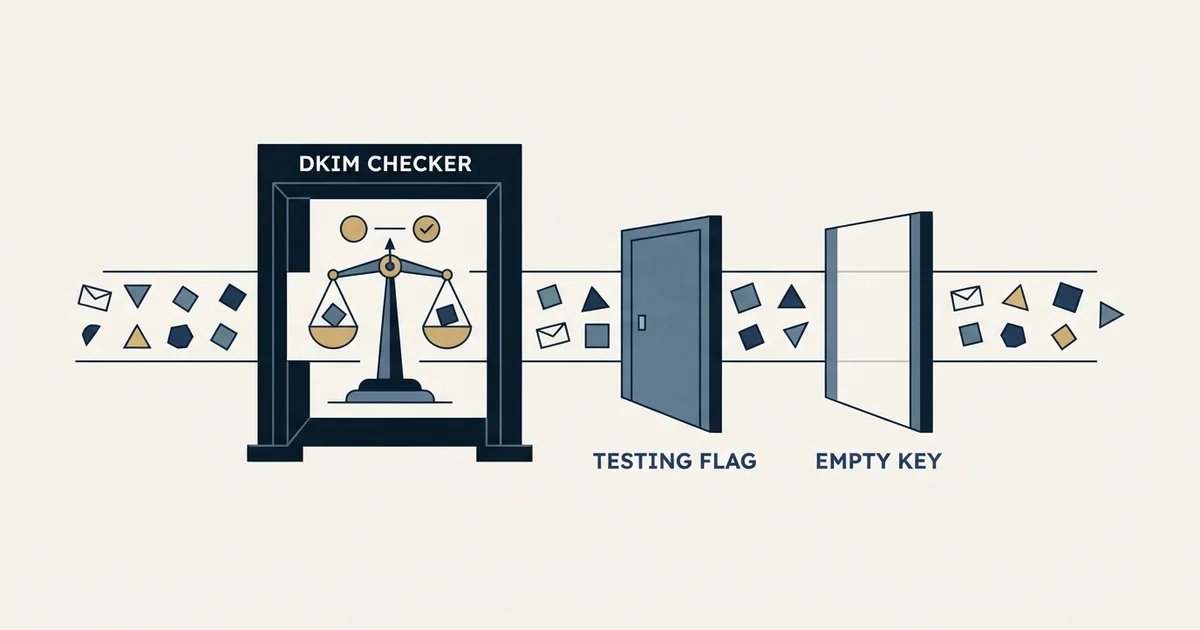
A DKIM record is a TXT record at selector._domainkey.domain holding tag-value pairs, and only p=, the public key, is required. Two well-formed records quietly disable signing: t=y tells receivers to treat mail as unsigned, and an empty p= revokes the key. A checker pass reads the record, not your mail.
Key takeaways
- RFC 6376 says verifiers must not treat mail from a signer in testing mode, t=y, differently from unsigned email.
- An empty p= value in a DKIM record means the public key has been revoked, so signatures with that key fail by design.
- RFC 8301 requires RSA keys of at least 1024 bits and recommends 2048; short keys are a real finding, not padding.
- A checker that says the record exists and the key is valid has not seen your mail: selector, signing domain and h= still need checking.
Reviewed and updated September 21, 2026
A DKIM record that a checker calls valid can still be doing nothing. When a checker reports that the DKIM record exists, the public key is valid, and the configuration follows best practices, it has read one record at one selector; it has not seen your mail. The two most common ways a valid record does nothing are a flag that tells receivers to ignore the result and an empty key field that formally revokes it, and both render as an unremarkable line of text in a DNS panel. Neither looks like a problem until you read the tags.
This is the practice layer of email authentication. If you want the concept first, the DKIM definition covers what the signature proves and what it does not. What follows is the record itself: the tags it can carry, the warnings a validator emits about them, and the ones worth acting on when you are sending outbound from more than one domain.
What is actually in the record
Searches for a DKIM key generator usually end at a web form, and that is the wrong place to make one: the private half of the pair has to stay with whatever signs your mail, so the key is generated inside Google Workspace, Microsoft 365 or your sending platform and only the public half is ever pasted into DNS.
A DKIM public key lives in a TXT record at <selector>._domainkey.<domain>, and its contents are a set of tag-value pairs defined by RFC 6376. Most records you meet carry three or four of them.
v=DKIM1 declares the version and, when present, has to come first. k=rsa names the key type, and unrecognised types are ignored by verifiers rather than treated as errors. p= carries the public key itself as base64, and it is the only required tag. Everything else is optional and defaults to something sensible.
The optional tags are where the interesting failures live. t= carries flags, and the flag y means the domain is testing DKIM. The specification is blunt about the consequence: verifiers "MUST NOT treat messages from Signers in testing mode differently from unsigned email, even should the signature fail to verify." A record with t=y is not a working DKIM record, it is a rehearsal, and platforms sometimes leave it set after an onboarding wizard finishes.
s= constrains the record to a service type, with email and * as the defined values. n= is a free-text note for administrators that no program interprets, which makes it a good place to record which platform owns a selector and a bad place to put anything load-bearing.
One retired tag still turns up in old records. g= once narrowed a key to particular local-parts, and it meant opposite things in the two older specifications: RFC 6376 records that a null "g=" value in DomainKeys is valid for all addresses in the domain, while in the original DKIM specification, RFC 4871, a null "g=" value is not valid for any address. The current specification deprecates the tag, so verifiers must now ignore it, and advises signers not to include it because some RFC 4871 verifiers remain in use. If a record you inherited still carries g=, remove it.
The revocation case deserves its own sentence because it is silent. Per the specification, on the p= tag, "An empty value means that this public key has been revoked." So v=DKIM1; k=rsa; p= is a syntactically perfect record that instructs every receiver on the internet to fail signatures made with that key.
| Record | What receivers do | What it means for you |
|---|---|---|
Workingv=DKIM1; k=rsa; p=MIIB... | Fetch the key and verify | The signature can align for DMARC |
Testing modet=y; p=MIIB... | Treat the message as unsigned | A pass counts for nothing; usually left over from setup |
Revokedp= | Fail signatures made with the key | Looks identical to a truncated paste |
The DKIM record exists and the public key is valid: what that check proves
A checker that prints this has done one thing well: it queried the selector you gave it, found a TXT record, parsed the tags and decoded a key long enough to pass its rules. That is necessary and not sufficient. It has not read a message, so it cannot say whether your mail is signed with that selector, whether the signing domain is yours, which headers the signature covers, or whether a body length limit leaves part of the message unprotected. The sections below take those gaps one at a time, starting with the warnings such checkers emit.
The warnings, and which ones matter
A DKIM test online tells you what a receiver would see from the outside, which is the only view that settles an alignment argument, and the warnings below are what those checkers are actually reporting.

No record found at that name. Almost always a selector mismatch rather than a missing record. The checker asked about the selector you typed; the signature is being made with a different one. Read the DKIM-Signature header on a real message, take the s= value from it, and query that.
The key is shorter than 1024 bits. Treat this as real. RFC 8301 requires that "Signers MUST use RSA keys of at least 1024 bits for all keys" and recommends at least 2048. Short keys exist because older DNS tooling could not fit longer ones into a single string, which the same document explains: the software "only handles a single 256-octet string in a TXT record, and RSA keys significantly longer than 1024 bits don't fit in 256 octets."
Multiple TXT records at one name. A DNS name answering with two DKIM records is ambiguous, and the resolver returns both. This happens when a platform is re-onboarded and publishes a second record instead of replacing the first. Delete the one you are not using rather than leaving the receiver to choose.
Syntax error, usually at the end of the key. A truncated base64 value is the signature of a copy-paste that hit a field length limit, or of a long key published as one string when the panel needed several. The tell is that the record looks right and stops abruptly.
Testing mode enabled. Covered above. It is a genuine finding and takes one edit to clear.
No key type specified. Safe to ignore. The default is RSA and verifiers apply it.
No service type specified. Also safe to ignore, for the same reason: the s= tag defaults to matching all service types, so its absence is the ordinary case rather than an omission. A validator that lists it alongside genuine findings is padding the report, and learning which warnings a given checker pads with is worth ten minutes the first time you use it.
Confirm
- The selector matches a real message's DKIM-Signature header
- p= carries key material, not an empty value
- t=y is absent
- Exactly one DKIM record answers at the name
- The signing domain in the header is yours, not the platform's
Not enough on its own
- A validator called the record well-formed
- A key that decodes but was never used to sign
- A pass on the platform's own domain
The half of DKIM that is not in the record
The key record is only one side. The other side is the DKIM-Signature header your platform writes on each message, and two of its tags change what a pass actually proves.
h= lists the header fields covered by the signature. Anything absent from that list is unsigned, so it can be altered in transit without breaking verification. A signature that covers from, to, subject and date is asserting something meaningful about those fields and nothing at all about the rest.
l= is the body length count, described in RFC 6376 as "the number of octets in the body of the email after canonicalization included in the cryptographic hash." Where it appears, only that many octets are protected, and the specification's own security discussion is the reason to care: content appended after the counted length still arrives under a passing signature. Most platforms omit the tag, which is the safe default, and its presence in a header is worth a question to whoever set the platform up.
Neither tag is something you configure in DNS, which is exactly why they get missed. A perfect key record and a narrowly scoped signature will both report as a DKIM pass in an Authentication-Results header, and only one of them is doing much work.
Rotation is the part nobody plans

Keys are meant to be replaced. The mechanics are simple and the coordination is not: publish the new key under a new selector, switch the platform to sign with it, confirm real mail is carrying the new selector, and only then remove the old record. Deleting first is what causes an outage, because mail already in flight was signed with the old key and receivers will still ask for it.
Leave the old record in place.
One domain at a time across a portfolio.
Read s= in a delivered message's header.
After mail signed with the old key has cleared.
Two things make this harder for outbound teams than for a company with one domain. Keys published as TXT records have to be rotated everywhere you publish them, so a portfolio of sending domains turns one task into as many tasks as you have domains. And a platform that gave you a CNAME instead of a TXT record has taken rotation out of your hands entirely, which is a genuine convenience as long as you know that is the arrangement.
Where DKIM records fail for cold email specifically
A record can be perfect and still leave you failing DMARC, because DMARC does not ask whether DKIM passed. It asks whether DKIM passed for your domain.
DMARC's alignment requirement, and what a passing check actually protects against, is covered in full in the guide to what DMARC verification really proves.
Most sending platforms will sign with their own domain by default, which produces a valid signature that aligns with nothing. The fix is to publish the platform's key on your domain and have it sign as you, which is exactly what the CNAME or TXT record they hand you is for. Our walkthrough of why DMARC fails puts unaligned third-party signing at the top of the list, and the combined SPF, DKIM and DMARC setup shows the records side by side.
The second cold-email-specific point is that DKIM is the durable half of authentication. SPF breaks when a message is forwarded, because the forwarding server is not in your SPF record, and it breaks when a domain accumulates enough senders to cross the ten-lookup limit that SPF records for cold email covers. DKIM survives both, because the signature travels with the message. On a portfolio of sending domains, a correct DKIM record is what keeps DMARC passing when SPF stops contributing.
Teams chasing a deliverability failure back to its cause often need to confirm the sending address is not the problem, and checking IP reputation status explains what that lookup actually returns.
None of this is a reason to run more sending domains than you need. It is a reason to treat each one as a real domain with real records, verified once at setup and read back after every platform change. We maintain more sending capacity than a campaign consumes for related reasons, and every domain in that inventory carries its own authentication rather than inheriting anything.
If you would rather have the authentication layer built and monitored for you, that is part of how we run campaigns.
The short version

The record is a small set of tags and two of them can silently disable it: t=y tells receivers to ignore the result, and an empty p= revokes the key outright. Query the selector that real messages actually name, insist on at least 1024 bits and prefer 2048, keep exactly one record per name, rotate by adding a new selector before removing the old one, and check that the signature is being made on your domain rather than your platform's, because that alignment is what DMARC grades.
Specification behaviour checked against RFC 6376 and RFC 8301. Verify current key and selector handling with your sending platform before relying on it.
Frequently asked questions.
Frequently asked questions- What does "the DKIM record exists, the public key is valid" mean?
- A checker found a TXT record at the selector you queried, parsed its tags and decoded a key that met its rules. It has not seen a message, so it cannot tell whether your mail is signed with that selector, whether the signing domain is yours for DMARC, or which headers the signature covers. Read a real message's DKIM-Signature header too.
- What is RFC 6376?
- RFC 6376 is the DKIM specification, DomainKeys Identified Mail (DKIM) Signatures, published in September 2011. It defines the key record's tags, including v=, k=, p=, t=, s= and n=, the DKIM-Signature header and its h= and l= tags, and how verifiers treat testing mode and revoked keys. RFC 8301 later raised the minimum RSA key size to 1024 bits.
- How is a blank g= tag handled in DomainKeys and in DKIM?
- They disagreed. RFC 6376 records that a null g= value in DomainKeys is valid for all addresses in the domain, while in the original DKIM specification, RFC 4871, a null g= value is not valid for any address. The current specification deprecates g=, so verifiers must ignore it, and it advises signers not to include the tag at all.
- What DNS record type is a DKIM record?
- A TXT record, published at the selector name followed by ._domainkey and your domain. Some sending platforms hand you a CNAME instead, which points that name at a TXT record they host; that takes key rotation out of your hands, which is convenient as long as you know that is the arrangement you have.
About the author.

Tim Carden is CMO / CTO at RevenueFlow, which builds and operates outbound revenue engines for B2B companies. Studied at McGill University.
Tim Carden · CMO / CTO
Connect on LinkedIn →Explore more.
Ready to scale your outreach?
We build GTM engines that book real meetings. See the receipts.
Related articles.
How Lemwarm Works: The Network, the Ramp and the Score
What lemwarm's pool of real inboxes does, how the ramp is sized in the vendor's own numbers, what the score is made of, and where the tool stops.
Woody's SMTP Blacklist: The Delisting Route Refuses
Every page about this list tells you to file a delisting request. Measured on 2 September 2026, the operator's removal endpoint returned HTTP 403.
SPF Softfail vs Hardfail: Which One to Publish
Google recommends the soft fail qualifier and Microsoft recommends the hard one for the same two characters. What each claims, and what a hard fail hides.
Suomispam Reputation: Read the Code Before You File
Suomispam publishes four zones and four listing classes, and the response code names which one you have. Two pieces of common delisting advice will not move it.
Backscatterer Blacklist: Two Causes, One Four-Week Clock
Backscatterer lists addresses for misdirected bounces and for sender callouts, never for spam. The listing expires after four weeks, so the work is finding the system.
Why Your DMARC Is Failing: The Six Causes
Six causes of DMARC failure, ordered by how often they occur, with the symptom in reports and the fix for each. Alignment accounts for most of them.