SPF Records for Cold Email: The 10-Lookup Limit
SPF permits ten DNS lookups. Exceed it and evaluation returns permerror, so SPF contributes nothing and DMARC rests entirely on DKIM. How to count and fix yours.
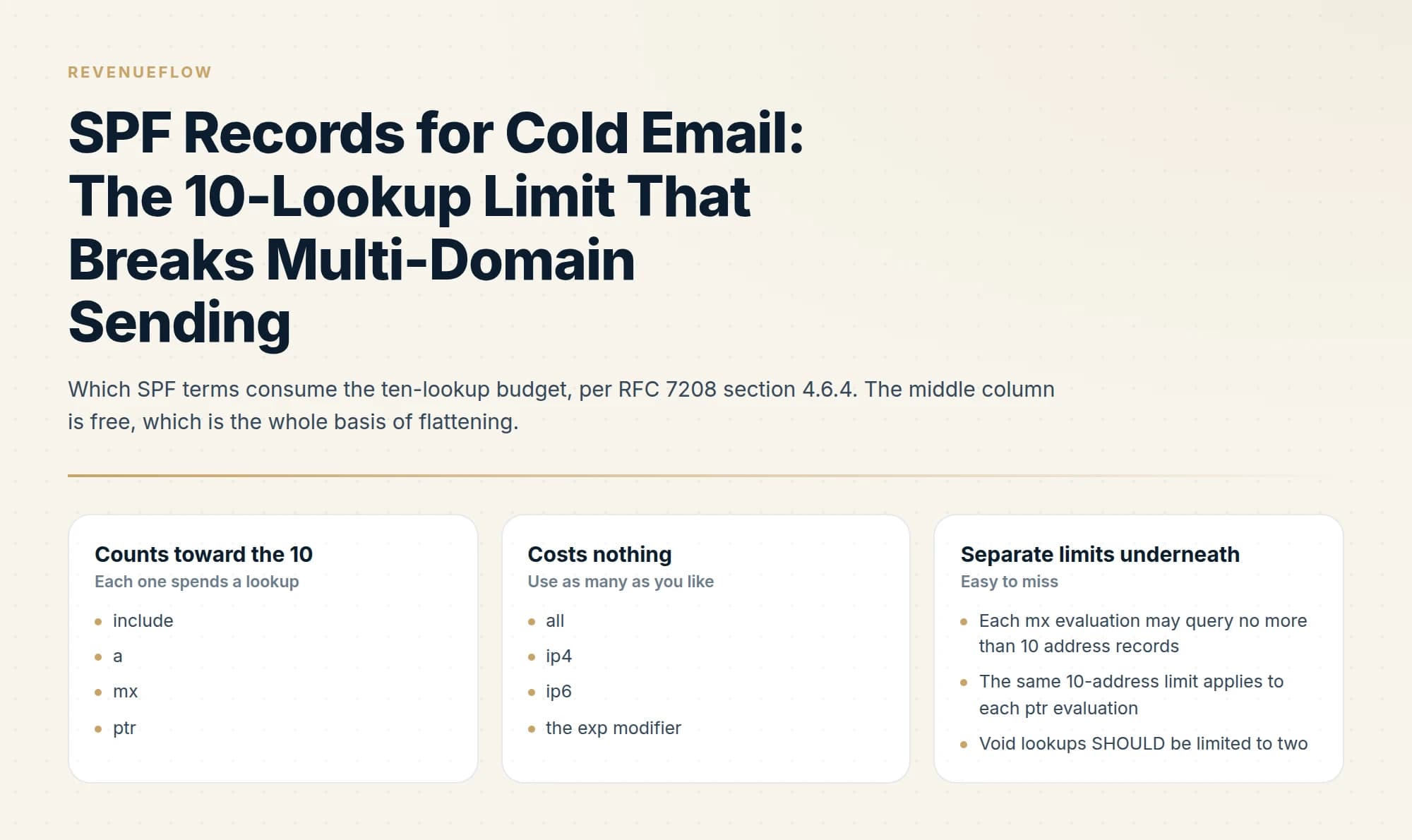
RFC 7208 requires SPF evaluation to stop after ten DNS-querying terms. The include, a, mx, ptr and exists mechanisms plus the redirect modifier all count toward that limit, while ip4, ip6, all and exp do not. Exceeding it returns permerror, meaning SPF passes nothing.
Key takeaways
- The limit is ten DNS-querying terms, and include, a, mx, ptr, exists and redirect all count while ip4, ip6, all and exp do not.
- Exceeding the limit returns permerror rather than a soft failure, so SPF contributes nothing to DMARC and alignment depends entirely on DKIM.
- The specification also caps each mx and each ptr evaluation at ten address records, and recommends limiting void lookups to two.
- Cold email senders hit this most often because each tool adds an include, and nobody prunes the ones belonging to retired tools.
Reviewed and updated September 1, 2026
A sending domain that authenticated cleanly in March starts failing SPF in July, and nobody on your team edited the SPF record. Somebody at one of your vendors edited theirs. The limit that governs SPF counts DNS lookups performed during evaluation, including every lookup inside every record yours points at, so the budget gets spent by other people's records as much as by your own.
That budget is ten. It is the most common structural failure in cold email authentication, and it stays invisible until you go looking, because a record that blows through the limit still looks perfectly ordinary in a text editor.
What the specification actually says
The rule lives in RFC 7208, section 4.6.4, and it is one sentence: "SPF implementations MUST limit the total number of those terms to 10 during SPF evaluation."
Everything depends on which terms are "those terms", and the split is precise.
Counting toward the ten: the include, a, mx, ptr and exists mechanisms, plus the redirect modifier.
Costing nothing at all: the all, ip4 and ip6 mechanisms, plus the exp modifier.
- include
- a
- mx
- ptr
- exists
- the redirect modifier
- all
- ip4
- ip6
- the exp modifier
- Each mx evaluation may query no more than 10 address records
- The same 10-address limit applies to each ptr evaluation
- Void lookups SHOULD be limited to two
Two further limits sit underneath the headline one. Each mx evaluation must not query more than 10 address records, and the same 10-address limit applies to each ptr evaluation. Separately, the specification puts a ceiling on failed queries: "SPF implementations SHOULD limit 'void lookups' to two." A void lookup is a query that comes back with nothing, which in practice means a mechanism pointing at a hostname that stopped resolving, usually a vendor you cancelled and never removed.
Breach the term limit and the evaluation returns permerror. Breach the mx address limit and it returns permerror as well. A permerror is a hard evaluation failure, meaning the receiving server abandoned the evaluation before reaching any verdict about your sending IP.
The void lookup ceiling deserves its own mention because it is the one people never audit. Two failed queries is a small allowance, and a domain that has been through a few tool migrations can spend both without anyone noticing, since a dead include: produces no visible symptom until the third one arrives. The practical reading is that stale entries burn two budgets at once, the headline ten and this much tighter parallel allowance of two.
Why cold email hits this before anyone else
The ten-lookup limit was written for a domain with a handful of senders. Cold email programmes are structurally the opposite of that, in four ways that compound.
Every tool wants an include. The CRM, the marketing automation platform, the helpdesk, the invoicing system, the calendar scheduler and the sending platform each hand you an include: and each one is reasonable on its own. Six vendor includes is already six of your ten before you have counted what is inside them.
Includes are recursive, so the visible count lies. An include: costs one term, and then the record it points at is evaluated against the same budget of ten. A vendor whose record contains four includes of its own costs you five, not one. This is why a record with three visible includes can sit at eleven.
Nobody prunes. Sending stacks accumulate. A tool retired two years ago leaves its include behind, still costing a lookup on every evaluation, and if the vendor has since decommissioned the hostname it is also burning one of your two permitted void lookups.
The record gets copied. This is the specific failure that catches multi-domain senders. A team spins up new sending domains, needs an SPF record for each, and pastes the primary company domain's record onto all of them. That record carries a decade of accumulated vendors, none of which send from the new domain, and every one of them counts. Twenty sending domains inherit one bloated record, and nobody audits twenty DNS records.
Counting your own lookups
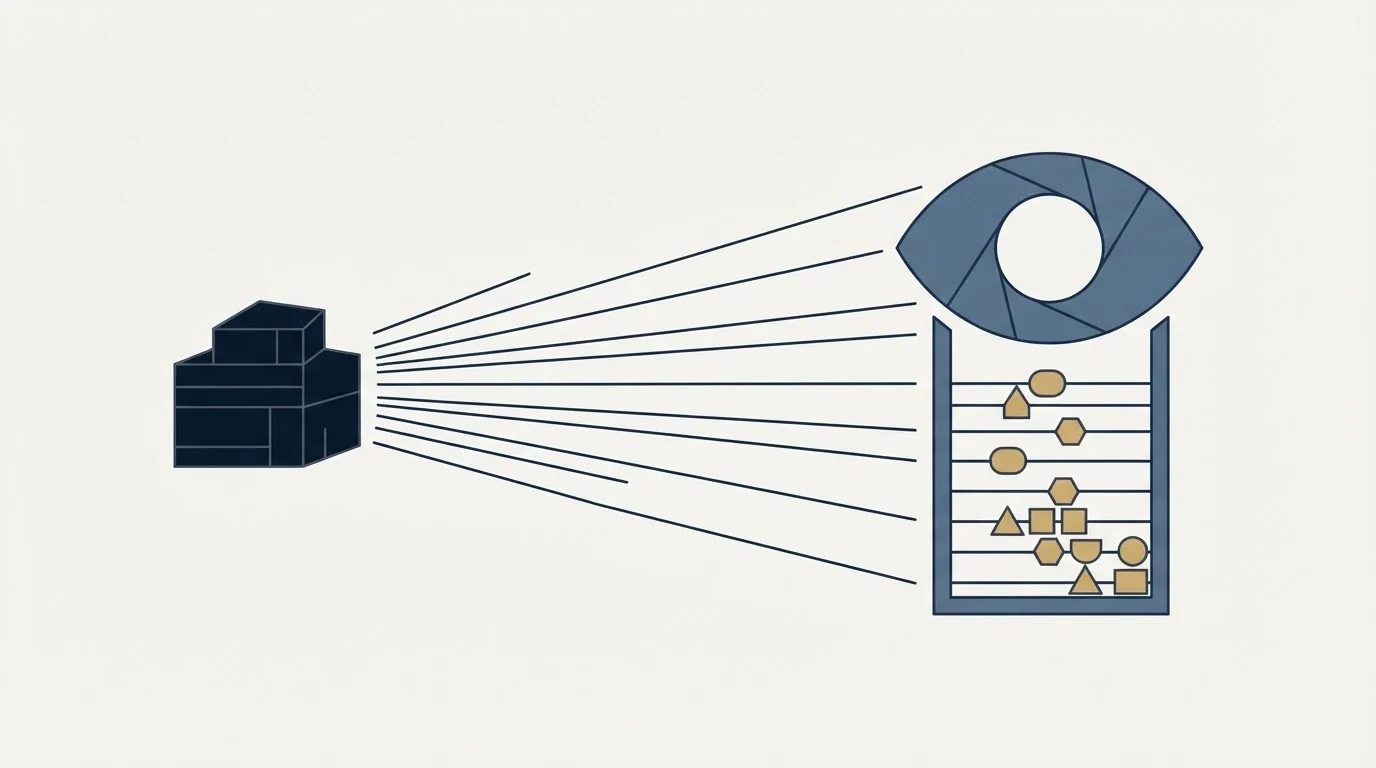
The count is arithmetic, and doing it by hand once is worth more than any tool, because it shows you which vendor owns most of your budget.
Most SPF best practices lists reduce to this count and the three fixes under it, which is why doing the arithmetic once by hand is worth more than adopting somebody else's checklist.
- Step 1Write out the record
List every mechanism and modifier in the TXT record published at the root of the sending domain.
- Step 2Cross off the free terms
Remove all, ip4, ip6 and exp from the count. They never cost a lookup.
- Step 3Expand every include one level down
Fetch the record each include points at, count its terms the same way, and repeat until nothing is left to expand.
- Step 4Add it up and leave headroom
Exactly ten passes today and breaks the moment any vendor adds a term to their own record.
That last point is the one to internalise. A count of ten is compliant and fragile. Your vendors change their SPF records without telling you, and the change lands on your domain the moment DNS caches expire. Treat eight as the working ceiling so that somebody else's routine expansion does not take you over.
Public SPF checkers will do the expansion for you, and the MXToolbox diagnostic suite is the usual starting point. Read the expanded tree rather than the pass or fail verdict, because the tree is what tells you which include to remove.
What a permerror actually costs you
This is where the lookup limit stops being a DNS curiosity and starts costing you inbox placement.
DMARC passes when either SPF or DKIM passes and aligns with the domain in the visible From header. It does not need both. That redundancy is normally a safety net. A permerror removes half of it.
With SPF in permerror, SPF is not passing for anything, so it cannot be the aligned pass that DMARC needs. Your entire DMARC result now rests on DKIM alone: one signature, one selector, one key. If that signature breaks during a key rotation, or the sending platform starts routing through a service that strips or invalidates it, DMARC goes from passing to failing with nothing left to catch it. The failure modes and how to tell them apart in reports are covered in why your DMARC is failing.
The other reason it matters is diagnostic. A permerror does not look like a broken record when you skim it. In aggregate reports it shows up as an SPF failure alongside a DKIM pass, which is the same signature that ordinary forwarding produces, so it gets waved through as forwarding noise. Reading the report properly separates the two.
The three fixes, in the order worth trying them
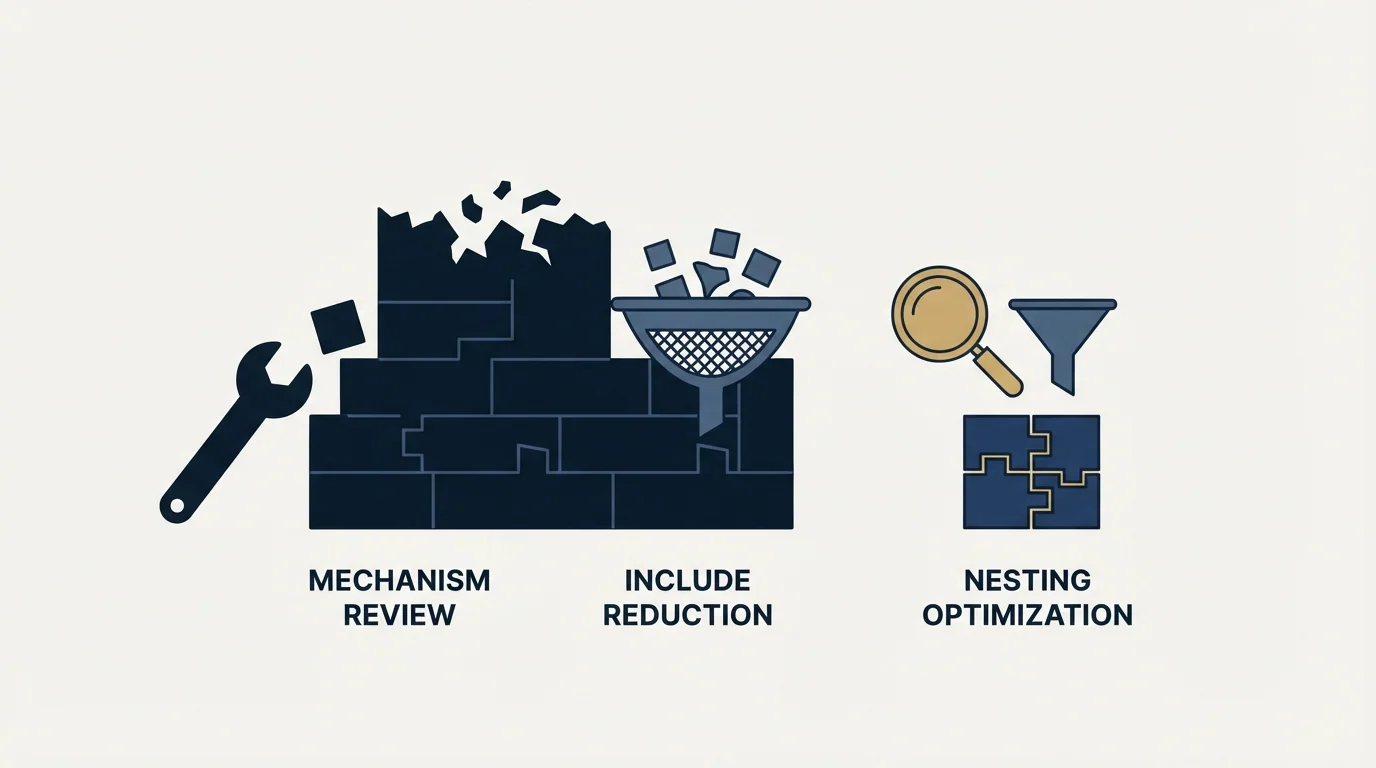
Remove what does not send. Cheapest, safest, and usually sufficient. Go vendor by vendor and ask whether that service ever sends mail using this specific domain in the envelope sender. On a dedicated cold email sending domain the honest answer for almost everything is no. A sending domain frequently needs one include, for the platform that sends from it, and nothing else. This alone takes most inherited records from eleven or twelve down to two.
Beyond authentication, deciding how an email validation API handles catch-all domains and cached verdicts is a separate integration challenge worth exploring in the five decisions behind email validation APIs.
Flatten, and accept the maintenance. Flattening means resolving an include down to the ip4 and ip6 ranges it currently expands to and publishing those ranges directly. Since ip4 and ip6 cost nothing, the lookup count collapses. The cost is that you have frozen a snapshot of somebody else's infrastructure. When they renumber, add a data centre, or move providers, your record still lists the old ranges and their new sending IPs fail SPF, silently, with no error anywhere on your side. Flattening is a legitimate technique with an owner and a recurring re-check attached to it. Flattening as a one-off edit by whoever was on the ticket is a time bomb.
Split senders across subdomains. The ten-term budget applies per record evaluated, so giving each sending platform its own subdomain gives each one its own budget. Marketing mail from one subdomain, transactional from another, cold outbound from a separate domain entirely. Records stay small, and a change by one vendor cannot push another vendor's record over the limit.
- Yes: Every include belongs to a service that genuinely sends using this domain
- Yes: Includes for retired tools have been deleted
- Yes: No mechanism points at a hostname that fails to resolve
- Yes: The fully expanded count sits at eight or below
- No: The record was pasted over from the primary company domain
- No: ptr appears in the record, costing a lookup plus its own 10-address limit
- Depends: A flattened record has a named owner and a scheduled re-check
The multi-domain angle
Running outbound from separate domains rather than your primary company domain is the right call for reputation reasons, so that a problem on one cannot reach the other. It also happens to solve the SPF lookup problem by construction, because a purpose-built sending domain has one sender and therefore one include.
A domain with one sender is also the one case where the closing qualifier is a real decision, and SPF softfail against hardfail covers what each one claims about your record and what a hard fail hides from your reports.
The discipline it demands is that each of those domains gets its own record, written for its own purpose. Not a copy. The moment the primary domain's record is treated as a template, every sending domain inherits the accumulation problem at once, and you have multiplied a single-domain issue across the entire fleet. The underlying record mechanics, including how DKIM and DMARC sit alongside SPF, are in our SPF, DKIM and DMARC setup guide, and the policy layer above them is covered in DMARC policy not enabled.
The short version
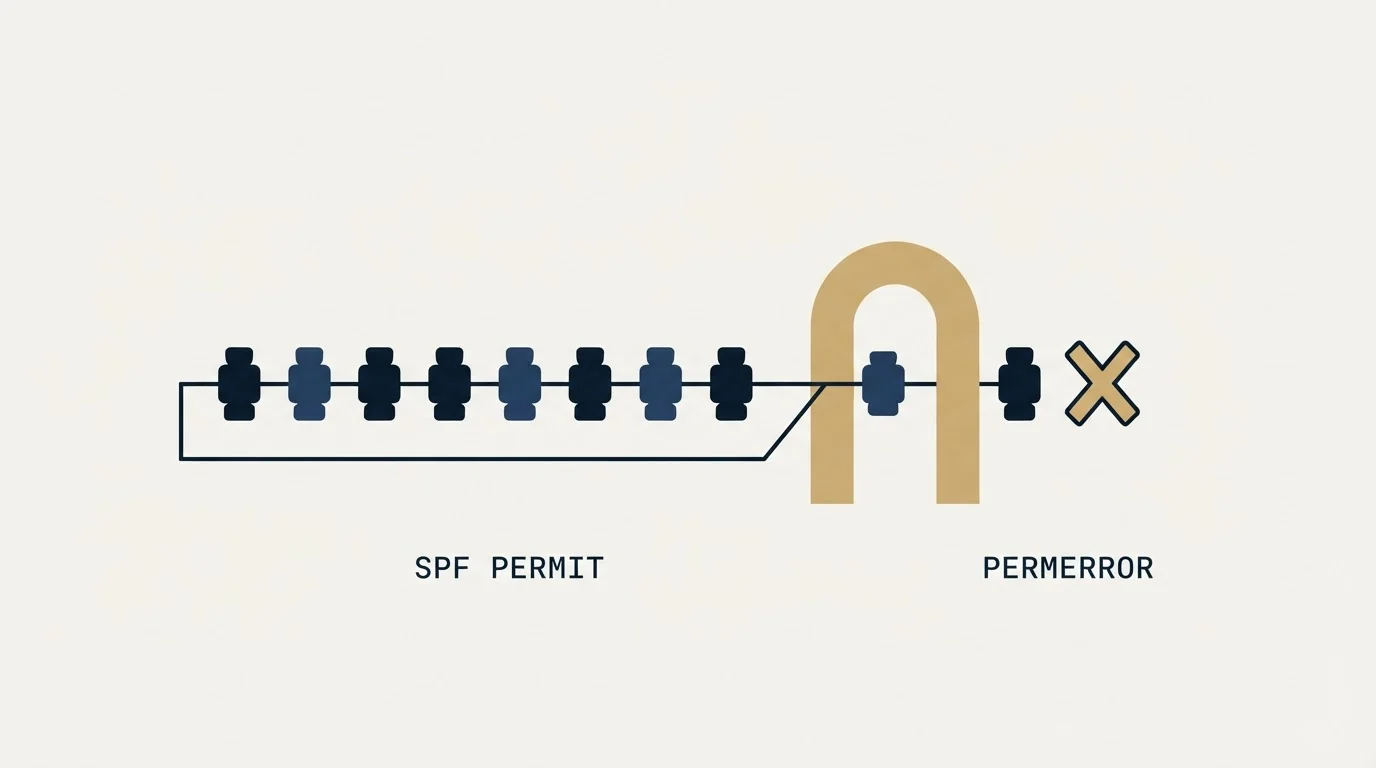
SPF permits ten DNS-consuming terms per evaluation, per RFC 7208 section 4.6.4. The include, a, mx, ptr and exists mechanisms and the redirect modifier all count, while all, ip4, ip6 and exp are free. Each mx and each ptr evaluation carries its own separate 10-address limit, and void lookups should be held to two. Exceed the term limit or the mx address limit and evaluation returns permerror, which means SPF is not passing at all and DMARC then depends entirely on DKIM.
Cold email programmes hit the limit early because includes are recursive, tools accumulate, retired vendors linger, and bloated primary-domain records get copied onto new sending domains. Count the expanded record by hand, keep it at eight to leave room for vendor changes, delete before you flatten, and give every sending domain a record written for that domain alone.
We run sending infrastructure, domains and authentication as part of our outbound engagements, which is one of the more sensible layers to hand over given that it needs continuous attention rather than a single setup pass. You can see what a campaign would look like for your market.
SPF behaviour is quoted from RFC 7208 as published by the IETF. Verify against the current specification before making DNS changes.
Frequently asked questions.
Frequently asked questions- What is the SPF 10 lookup limit?
- RFC 7208 requires SPF implementations to limit evaluation to ten DNS-querying terms. The include, a, mx, ptr and exists mechanisms plus the redirect modifier each count toward it. Exceeding the limit produces a permerror result, which means SPF authentication fails rather than degrading gracefully.
- Which SPF mechanisms count toward the lookup limit?
- include, a, mx, ptr and exists mechanisms count, as does the redirect modifier. The ip4, ip6 and all mechanisms and the exp modifier do not, because they require no DNS query. Nested includes count cumulatively, which is why a single include can consume several lookups.
- What happens if SPF exceeds 10 lookups?
- Evaluation returns permerror. That is a hard failure rather than a neutral result, so SPF contributes nothing toward DMARC and your alignment rests entirely on DKIM. If DKIM is also unaligned, DMARC fails and your policy decides what receivers do with the message.
- How do I reduce SPF lookups?
- Remove includes for tools you no longer use, which is usually the largest and easiest win. Replace includes with explicit ip4 or ip6 entries where the sender publishes stable addresses, accepting the maintenance burden that creates. Splitting senders across subdomains also gives each its own record and its own budget.
About the author.

Tim Carden is CMO / CTO at RevenueFlow, which builds and operates outbound revenue engines for B2B companies. Studied at McGill University.
Tim Carden · CMO / CTO
Connect on LinkedIn →Explore more.
Ready to scale your outreach?
We build GTM engines that book real meetings. See the receipts.
Related articles.
SPF Softfail vs Hardfail: Which One to Publish
Google recommends the soft fail qualifier and Microsoft recommends the hard one for the same two characters. What each claims, and what a hard fail hides.
Why Your DMARC Is Failing: The Six Causes
Six causes of DMARC failure, ordered by how often they occur, with the symptom in reports and the fix for each. Alignment accounts for most of them.
Blacklist IP Search: Whose IP the Lookup Is Checking
The address your browser reports is almost never the one a receiving server refused. What a blocklist lookup queries, and which IP to run it against.
Email Address Capitalization: What It Changes for Senders
Capitalization in an email address does not decide delivery. It decides whether two rows are one person, and that is where a suppression list quietly fails.
Graymail vs Spam: What the Difference Costs a Sender
Graymail is a claim about a sending pattern. Spam is a claim about intent. They respond to different repairs, and confusing them sends teams to rewrite copy.
Kickbox Pricing: The Ladder and the Opt-In Rule
Kickbox publishes a complete thirteen-step verification ladder, and an anti-spam policy that rules out purchased and harvested lists entirely.