Reading MXToolbox Like a Deliverability Engineer
What each MXToolbox check actually inspects, what a failure implies, and which findings are urgent versus cosmetic for a cold email sender specifically.
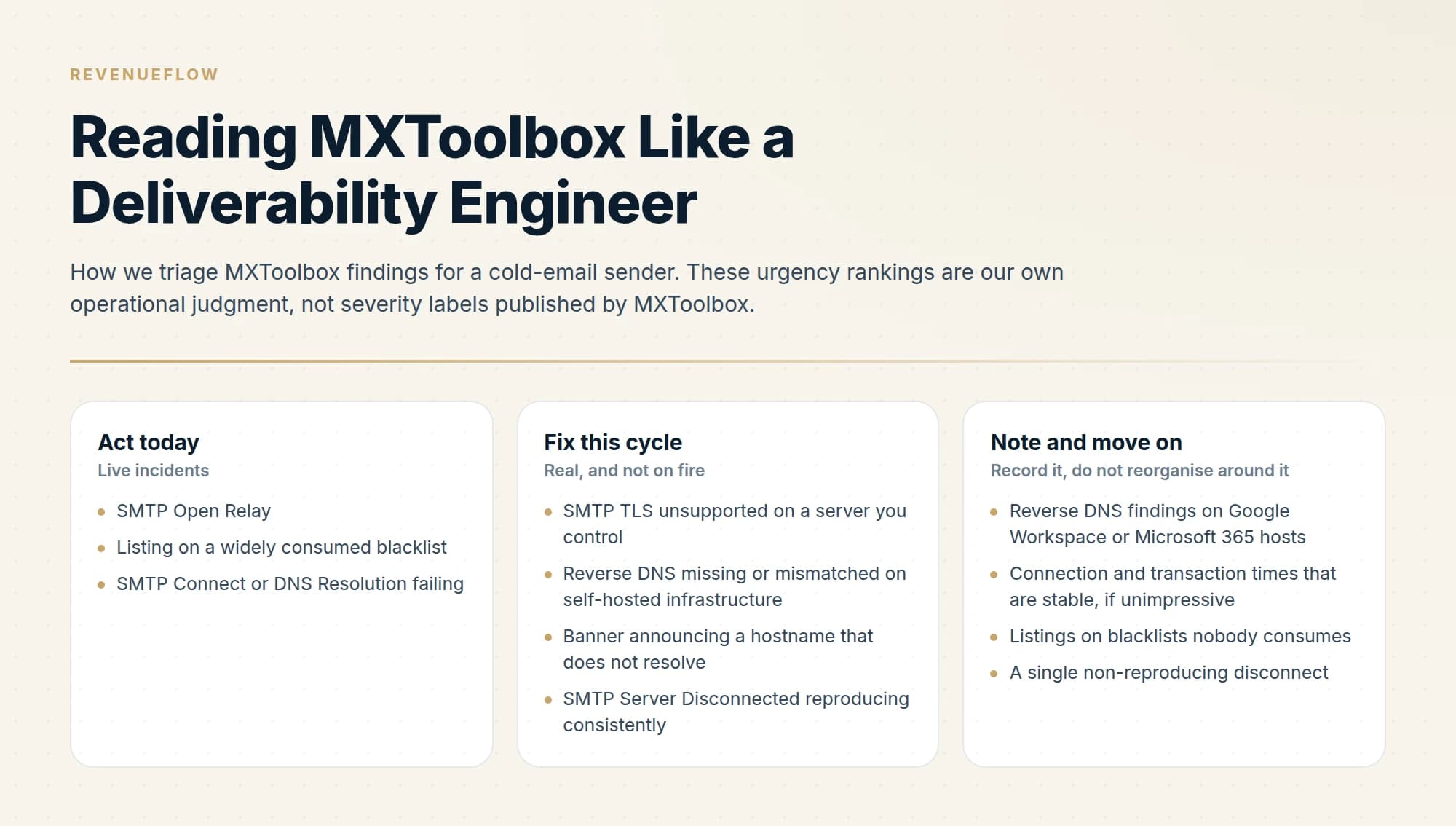
MXToolbox runs SMTP diagnostics covering connection, DNS resolution, open relay, banner, reverse DNS and TLS, plus a blacklist check across more than 100 lists. Reading it well means knowing which failures block delivery today and which are cosmetic for your particular sending setup.
Key takeaways
- An open relay finding is the one to treat as urgent, because an open relay attracts abuse and gets the host blacklisted quickly.
- Reverse DNS mismatch matters far more for self-hosted senders than for anyone sending through Google Workspace or Microsoft 365.
- The blacklist check queries more than 100 lists, and a listing on a minor list is not equivalent to a listing on a major one.
- MXToolbox does not label results by severity, so any urgency ranking is operational judgment rather than something the tool asserts.
Reviewed and updated September 5, 2026
You run a domain through MXToolbox, get back a column of green ticks with two or three flagged lines in it, and the report tells you exactly what it found without telling you which of those findings will cost you a reply this week. Some of them are live incidents. Some of them are true, uninteresting, and have been true for three years.
Sorting one from the other is the actual skill, and it depends heavily on what kind of sender you are. Here is how to read the SMTP diagnostic suite and the blacklist check the way somebody who does this for a living reads them.
That is the shape every deliverability checker returns, not just this one. The free testers hand back a list of observations and leave the ranking to you, which is the half that decides what you do on Monday. MXToolbox is simply the one most people land on first, and the ordering below is what turns any of their reports into a decision.
One disclaimer that matters, up front
MXToolbox publishes what each test does. Its diagnostic page describes connecting to a mail server over SMTP to perform an open relay test, verify the server has a reverse DNS record, and measure response times. What that page does not do is classify results into warnings versus errors, or rank them by severity.
So every urgency judgment below is ours, made specifically for a cold-email sender, and stated as such so you can disagree with it. Do not read "urgent" or "cosmetic" here as MXToolbox's own labels. What the tool gives you is an observation. What to do about it is a decision that depends on your infrastructure.
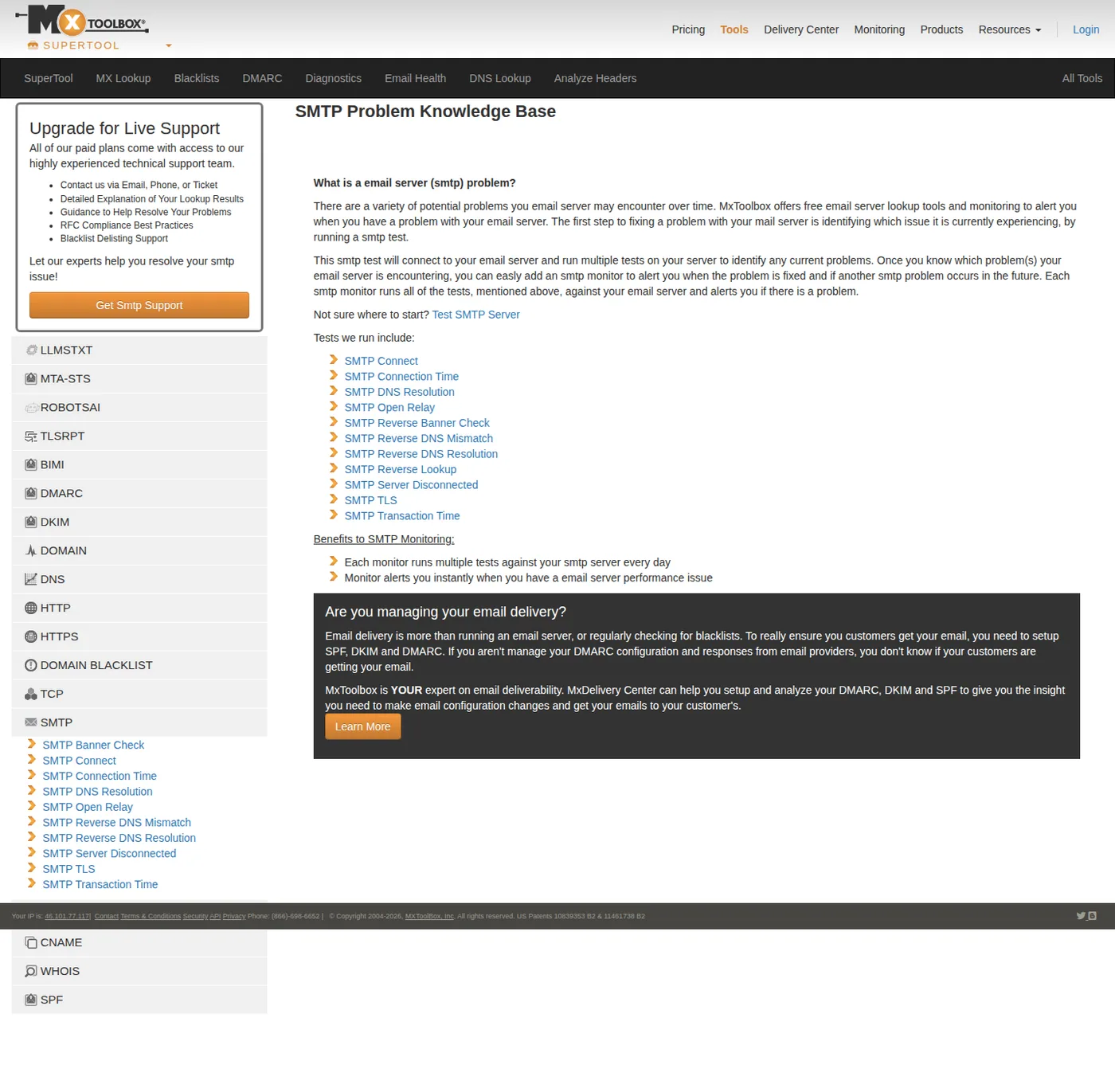
The SMTP diagnostics MXToolbox runs. Note it lists the tests without classifying any of them as warnings or errors. Captured 11 August 2026.
Establish which host you are looking at
Before interpreting any result, answer one question: is the server being tested on the path your campaigns actually go out on.
The SMTP suite tests a mail server. For a company whose outbound runs through Google Workspace or Microsoft 365 on separate sending domains, the host that answers for a domain and the path a campaign leaves by are frequently different things. That leads to two opposite mistakes, both common. One is reading a clean SMTP diagnostic as proof that outbound is healthy, when the test never touched the outbound path. The other is opening a ticket about a reverse DNS finding on a host that has nothing to do with your campaigns.
Read the hostname in the result header first. Then decide whether that host is yours to fix, your provider's, or irrelevant to the question you were asking.
- Yes: You know the exact hostname the test ran against
- Yes: You know whether that host is on your outbound sending path
- Yes: You know whether the server is self-hosted or run by a provider
- No: You are treating a clean SMTP result as proof your campaigns are healthy
The connectivity checks
SMTP Connect and SMTP DNS Resolution are the foundation. DNS resolution asks whether the hostname resolves to an address at all. Connect asks whether something answers on the SMTP port when you reach that address.
A failure in either is unambiguous and operationally serious, because it means mail addressed to that host is not being accepted. In practice these fail after somebody edits DNS, decommissions a server, or changes a firewall rule. There is nothing subtle to interpret. Fix it, and treat any other finding in the same report as unread until you have.
SMTP Server Disconnected reports that the server dropped the connection partway through the test. This one deserves more thought than its neighbours, because the most common benign cause is a server deliberately throttling connections it does not recognise, and the most common serious cause is an unhealthy or overloaded host. Run it again from a different time of day before escalating. A finding that reproduces consistently is real, and one that appears once is often rate limiting doing its job.
The identity checks
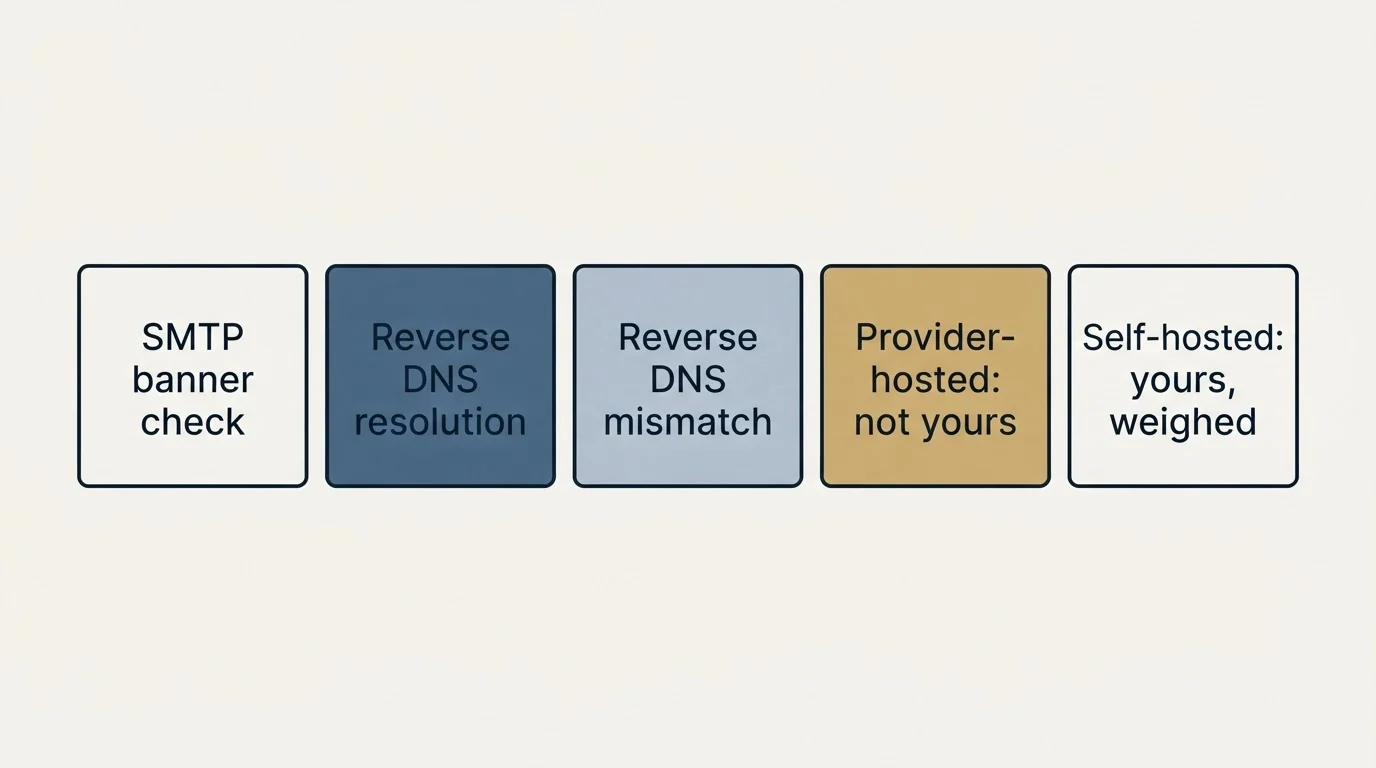
Three checks look at whether the server presents a coherent identity, and this group is where the self-hosted and provider-hosted answers diverge most.
SMTP Banner Check looks at the greeting line a server returns on connect. The operational question is whether the hostname announced in that banner is a real, resolvable name belonging to that server. A banner announcing a hostname that does not exist is the kind of small incoherence that receiving systems can factor into their assessment of a sender, and it costs nothing to correct on a server you control.
SMTP Reverse DNS Resolution asks whether the sending IP resolves to a hostname. SMTP Reverse DNS Mismatch asks whether that hostname resolves back to the same IP. The pair is one idea: the forward and reverse records should agree.
Here is the distinction that decides how much this matters to you. On Google Workspace or Microsoft 365, the provider owns the IP addresses and their PTR records, and a mismatch reported against those hosts is not something you can fix or generally need to. On self-hosted infrastructure or a dedicated IP you were sold, it is yours, it is visible to every receiver you talk to, and some receivers weigh it. Same finding, two entirely different priorities, and the deciding factor is one you already know before running the test.
The security checks
SMTP Open Relay is the one finding in the suite we would act on immediately, today, ahead of everything else in the report. An open relay accepts mail from anyone and forwards it onward, which means strangers can send mail through your server. The consequence is not theoretical: the server gets used, the volume is spam, and the IP and domain acquire a reputation earned by somebody else. A blacklist listing usually follows, and delisting is pointless while the relay is still open.
If this finding is genuine, close the relay before reading anything else. Then check the blacklists, because by the time an open relay is discovered it has often already been found by someone else.
SMTP TLS looks at whether the server supports an encrypted session. Modern receiving systems expect encryption in transit, so a server that cannot negotiate it stands out, and on a self-hosted server this is a configuration fix rather than a project. We would place it below an open relay and above everything in the performance group.
The performance checks
SMTP Connection Time and SMTP Transaction Time measure how long the server takes to answer and to complete an exchange. MXToolbox's diagnostic page describes measuring response times for the mail server, and that is what these are.
For a cold-email sender these are the most over-read numbers in the report. Slow response times affect throughput, retries and timeouts on the sending side. They are a capacity and reliability signal. Treating a slow transaction time as an explanation for landing in spam sends you rebuilding infrastructure that was never the problem, while the authentication finding two rows up stays unfixed.
The exception worth respecting: times that have degraded sharply against what the same host used to do are a symptom of something, and a host that is timing out intermittently will eventually fail the connectivity checks too.
- SMTP Open Relay
- Listing on a widely consumed blacklist
- SMTP Connect or DNS Resolution failing
- SMTP TLS unsupported on a server you control
- Reverse DNS missing or mismatched on self-hosted infrastructure
- Banner announcing a hostname that does not resolve
- SMTP Server Disconnected reproducing consistently
- Reverse DNS findings on Google Workspace or Microsoft 365 hosts
- Connection and transaction times that are stable, if unimpressive
- Listings on blacklists nobody consumes
- A single non-reproducing disconnect
The blacklist check
The blacklist check is a separate tool and the one most people arrive for. MXToolbox states it tests a mail server IP address against over 100 DNS based email blacklists.
Two things follow from that number. The first is that a hit is common and by itself means very little, because a hundred lists include several with automated listing criteria and minimal adoption. The second is that the identity of the list is the entire finding. A listing on a list major receivers actually query changes where your mail lands today. A listing on a list nobody has consulted since 2015 changes nothing, and chasing it burns the afternoon.
So read the name, then check whether the list publishes its listing criteria and a delisting process. Reputable lists publish both. That check alone separates the two categories fairly reliably.
One list fails that test in an unusual way, because Woody's SMTP Blacklist publishes expiry periods while its removal endpoint refuses every request, as the path by path measurement records.
- Step 1Name the list
Identify which specific list returned the hit and whether it publishes listing criteria.
- Step 2Find the cause
Usually one of: an open relay, a compromised mailbox, a purchased or unverified list, or a volume jump on a young domain.
- Step 3Fix the cause
Delisting while the cause is live buys days. The same listing returns, and repeat listings are harder to clear.
- Step 4Request delisting
Follow the list's own published process. Then re-run the check rather than assuming it took.
The step-2 causes are worth memorising, because they cover most listings and they are all findable in an hour. The detailed recovery path is in email blacklist check and recovery.
What MXToolbox will not tell you
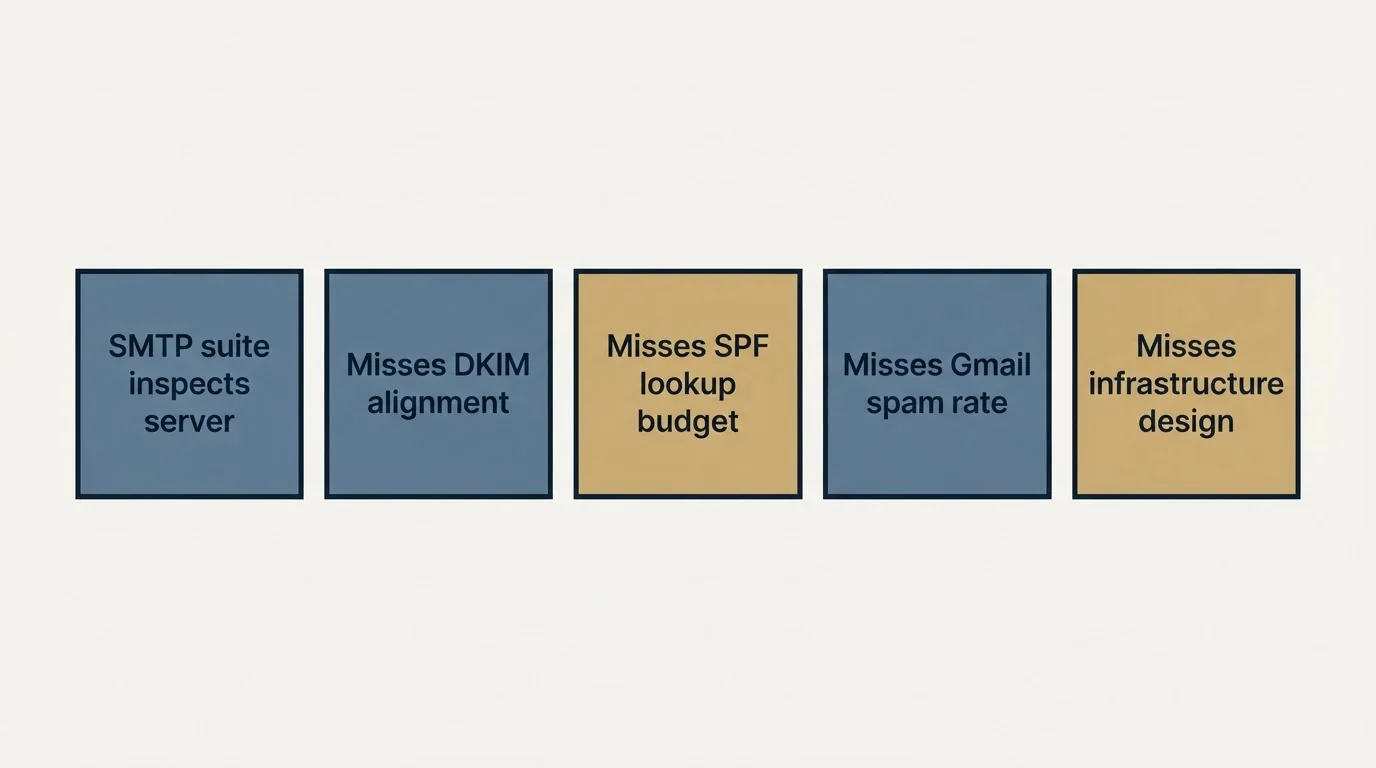
Worth being explicit about the gap, because a clean report is regularly mistaken for a clean bill of health.
The SMTP suite inspects a server. It does not evaluate whether your DKIM signature aligns with your From domain, whether your SPF record stays inside its ten-lookup budget under real evaluation, or what your spam rate looks like to Google. Those live in your DMARC reports and in Postmaster Tools, and they are the findings that most often explain a deliverability problem on a domain whose SMTP diagnostics are entirely green. The authentication side is covered in our SPF, DKIM and DMARC guide, the receiver-side view in the Google Postmaster Tools guide, and the full sequence of checks in our 14-point deliverability audit.
It also cannot see infrastructure design. A server passing every test while carrying your cold outbound on the same domain as your invoices is a correctly configured arrangement of a risk you should not be taking, and no scanner will flag it. That reasoning is in the cold email deliverability guide.
The short version
MXToolbox tells you what it observed and leaves the ranking to you, since its own page does not classify results by severity. Our operational ranking for a cold-email sender: an open relay, a live connectivity failure, or a listing on a widely consumed blacklist gets fixed today. Missing TLS, a mismatched PTR on self-hosted infrastructure, and a banner announcing a hostname that does not resolve get fixed this cycle. Reverse DNS findings against Google Workspace or Microsoft 365 hosts, stable response times and obscure blacklist listings get recorded and left alone. Before any of that, confirm which hostname was tested and whether it sits on your outbound path, because a green SMTP report on a host your campaigns never touch is not evidence of anything.
Teams that also run their drafts through a copy scorer before sending will find what copy checkers can and cannot flag a useful companion diagnostic to infrastructure checks.
We run sending infrastructure as part of our outbound engagements, and you can see what a campaign would look like for your market.
MXToolbox tool descriptions and the blacklist count are per MXToolbox's own pages, verified mid-2026. Urgency rankings in this article are RevenueFlow's operational judgment and are not published by MXToolbox. Verify current tool behaviour with the vendor before relying on it.
Sources: MXToolbox SMTP diagnostics, MXToolbox blacklist check
Frequently asked questions.
Frequently asked questions- What does MXToolbox actually check?
- Its SMTP diagnostics cover connection and connection time, DNS resolution of the mail host, open relay status, the SMTP banner, reverse DNS resolution and mismatch, unexpected disconnections, TLS support and transaction time. Separately, its blacklist check queries more than 100 DNS-based blacklists at once.
- Which MXToolbox warnings actually matter?
- An open relay finding is urgent because it invites abuse and rapid blacklisting. Blacklist hits on major lists matter immediately. Reverse DNS problems matter for self-hosted senders. Connection and transaction timing findings are usually informational unless they are severe enough to cause timeouts.
- Do I need to fix a reverse DNS mismatch?
- It depends who sends your mail. If you run your own mail server, many receivers expect forward-confirmed reverse DNS and a mismatch can cost you delivery. If you send through Google Workspace or Microsoft 365, the provider owns that infrastructure and the finding is not yours to fix.
- Is being on one blacklist a serious problem?
- It depends entirely which list. The major lists used by large mailbox providers can affect delivery immediately, while many smaller lists have negligible reach and some are effectively abandoned. Identify which list flagged you and whether major receivers actually consult it before reacting.
About the author.

Tim Carden is CMO / CTO at RevenueFlow, which builds and operates outbound revenue engines for B2B companies. Studied at McGill University.
Tim Carden · CMO / CTO
Connect on LinkedIn →Explore more.
Ready to scale your outreach?
We build GTM engines that book real meetings. See the receipts.
Related articles.
Email Warmup Pricing in 2026: What 20 Tools Charge, and What 10 Mailboxes Cost
Email warmup tools start at a median of $29 a month, but warming ten mailboxes costs from $7.50 to $1,190 depending on how the vendor prices a mailbox.
MailReach Pricing: The Headline Rate Is the Second Band
MailReach prices warmup on a slider with four mailbox bands and two billing states. Every band at both states, and why the printed rate is not the entry rate.
Warmup Inbox Pricing: Per Inbox, Annual Loads First
Warmup Inbox prices per inbox and its page opens on the annual switch. Both states for all three plans, the reply ceiling meter, the trial and how a fleet bill is built.
Mailwarm Pricing: The Page Opens on Its Yearly Tab
Mailwarm's pricing tabs open on yearly and the plans meter daily volume rather than mailboxes. Both tabs, the overage rate, the no-trial rule and the per-mailbox cost.
SMTP Ports: What 25, 465, 587 and 2525 Are Registered For
Three of the four ports in circulation are registered to mail and one is not. What the IANA registry and the RFCs say, and why none of it moves placement.
Email Deliverability Services: What They Cannot Fix
Deliverability services fix authentication, reputation and infrastructure. They cannot fix a bad list or an offer nobody wants, which is the usual real problem.