Lusha API: Rate Limits by Plan and What a Call Costs
Lusha publishes API rate limits by plan, and the spread runs from 100 calls a day to 50,000. That row, not the endpoint list, decides what you can build.
The Lusha API gives programmatic access to Lusha's contact and company data, and its documentation treats V3 as current, with V2 in a six-month sunset. Rate limits run from 100 requests a day on Free and Starter to 50,000 on Scale, and calls cost credits: 1 per email, 5 per phone, plus a request charge.
Key takeaways
- Lusha's user guide caps Free and Starter keys at 40 requests a minute and 100 a day, Pro at 1,500 a day, Premium at 18,000 and Scale at 50,000, enforced per API key.
- The V3 migration guide treats V3 as current, maps GET /v2/person to POST /v3/contacts/search-and-enrich, and says V2 endpoints stop responding when its six-month sunset ends.
- An API call costs 1 credit per email, 5 per phone and 1 per company, plus 1 credit per single result or per 1 to 25 bulk results, so batching to 25 roughly halves the cost of email reveals.
- Every user now gets their own API key on every plan including Free, and Data Waterfall, which falls through to third-party providers in an order Lusha sets, is available on Pro plans and above.
Reviewed and updated September 21, 2026
Lusha publishes its API rate limits by plan, and the table is the first thing worth reading. A Free or Starter key is capped at 40 requests a minute and 100 a day. Pro allows 50 a minute, 150 an hour and 1,500 a day, Premium 300, 1,800 and 18,000, and Scale 300 a minute, 5,000 an hour and 50,000 a day.
That is a five-hundred-fold spread in daily throughput between the bottom and the top of the same product. Any Lusha API integration design that does not start from which row you are on is guesswork, because a nightly enrichment job that is trivial on Scale is mathematically impossible on Starter.
What the Lusha API Is, and Which Version Is Current
The Lusha API is programmatic access to Lusha's contact and company data for enrichment, prospecting and sales intelligence: requests over HTTPS, responses in JSON, and an API key passed in the request header. Its documentation treats V3 as current. V3 splits the API into four building blocks, Search, Enrich, Signals and Lookalike, under resource-first /v3/ paths with stable contact and company IDs.
Three generations still appear in Lusha's own documentation, and they do not do the same things.
- V1 is gone. The Person API V1 deprecation tutorial set January 14, 2025 as the date and moved callers to
GET https://api.lusha.com/v2/person, which accepts a name plus a company name or domain, an email, or a LinkedIn URL, and returns metadata such as email type, confidence levels and do-not-call flags. - V2 is in its sunset period. The V3 migration guide runs V2 and V3 in parallel for six months, says V2 stays fully live until 18 November, and that after that date V2 endpoints stop responding. V2 responses carry a Sunset header in the meantime, and warnings go out 60 and 30 days before the cut-off.
- V3 is the current build.
GET /v2/personbecomesPOST /v3/contacts/search-and-enrich,GET /v2/companybecomesPOST /v3/companies/search-and-enrich, and prospecting moves to/v3/contacts/prospectingand/v3/companies/prospecting. Signals and Lookalikes do not change.
The guide's own case for V3 is credit control: search 500 contacts cheaply, filter to your ICP, then enrich only the 80 that matter. The two-step flow, POST /v3/contacts/search then POST /v3/contacts/enrich, is what makes that possible, and the newest enrichment feature, Waterfall Reveal, runs on the enrich step.
The practical instruction is the same one that applies to the Apollo.io API and every other vendor running two generations in parallel: before writing a line of code, confirm which version the documentation page you are reading describes, and confirm it again against the response shape you actually get back. Sample code found in a blog post is the least reliable artefact in this whole category.
Getting a key, and who is allowed to
Authentication is an API key passed in the request header, found in the API Hub inside the product. The rules around keys have changed, and older write-ups get them wrong. The user guide now says every user gets their own API key by default, on every plan including Free, and that API access is no longer limited to Admins and Managers. A key authenticates as its owner and draws from the account's shared credit pool. Users get one key each; Admins and Managers can generate as many as they need.
Admins and Managers can also switch a user's API access off from Account Settings, which suspends that user's key rather than deleting it, and the key of a user who leaves the account transfers to an Admin and keeps working.
Multiple keys are the feature to use deliberately. Rate limits are enforced per key, so giving each integration its own Admin-generated key is what stops a runaway Zapier automation from consuming the throughput your production enrichment job needs.
Lusha API Pricing: What a Call Costs
The Lusha API costs credits rather than a separate fee. An email costs 1 credit, a phone number 5 and company information 1, plus a request charge of 1 credit per single result or per 1 to 25 bulk results. Credits come with the plan: Pro, the first card on the pricing page to list the API, is $52.45 a month billed yearly for 7,200 credits a year.

It charges by data point and by result, and the two combine.
The data points, as published: an email is 1 credit, a phone number is 5, and company information is 1. The request charge sits on top: a single request costs 1 credit per result returned, while a bulk request costs 1 credit per 1 to 25 results. A minimum of 1 credit applies per request even when nothing comes back, and re-querying a contact does not recharge for data points already revealed.
The vendor's worked example is a good one to internalise: revealing an email and a phone for one contact costs 7 credits, being 5 for the phone, 1 for the email and 1 for the request. Signals carry their own prices, with a hiring surge or headcount growth signal at 1 credit per company and a job change signal at 1 credit per contact.
Credits come from the plan. Lusha's pricing page, in US dollars, lists Starter at $37.45, Pro at $52.45 and Premium at $299.95 a month billed yearly, with 4,800, 7,200 and 40,800 credits a year granted upfront. On monthly billing the same plans are $49.90, $69.90 and $399.90, with 400, 600 and 3,400 credits a month, and the yearly option is labelled 25% off. Pro's card is the first to list the API and Premium's lists API Advanced; the Free plan carries 40 credits a month.
What the API adds to that picture is the batching rule. At 1 credit per 1 to 25 results, a bulk request returning 25 rows costs the same request charge as one returning a single row. Here is the arithmetic, illustrative only: revealing 1,000 work emails one contact at a time costs 2,000 credits, 1,000 for the emails and 1,000 for the requests, while bulk requests of 25 cost 1,040. At the Pro plan's yearly rate, about $0.087 a credit, that is roughly $175 against $91. Batching to the 25-result boundary is free efficiency, and the hard ceiling is 100 contacts or companies per request.
Teams weighing whether Lusha fits alongside their sales stack may find it useful to see how it complements rather than competes with a CRM in this Freshsales comparison.
| Plan | A minute | An hour | A day |
|---|---|---|---|
| Free | 40 | none | 100 |
| Starter | 40 | none | 100 |
| Pro | 50 | 150 | 1,500 |
| Premium | 300 | 1,800 | 18,000 |
| Scale | 300 | 5,000 | 50,000 |
| Legacy accounts | 300 | 600 | 6,000 |
| Credit Usage endpoint | 5 | not stated | not stated |
The last row catches people out. The endpoint that tells you how many credits you have left is itself rate-limited to 5 requests a minute, so a design that checks the balance before every enrichment call will hit a limit on the accounting endpoint long before it hits one on the data endpoints. Poll it on a schedule, not per call.
The per-key credit cap, and the error it generates
How a key's spending is capped depends on who generated it. A key an Admin or Manager generates can carry its own monthly credit limit, set independently of their personal one. A key a User generates for themselves has no limit of its own: it is capped only by that user's personal credit limit, and uncapped if they have none.
That split is behind the most confusing failure mode in the documentation, which Lusha writes up explicitly: API calls rejected with a credit limit error while the account still has credits. For an Admin or Manager key, check the key's own limit under API Hub, Manage API Keys. For a User key, the block is that user's credit limit under Settings, Team Management. Only Admins and Managers can see or change either, and if neither limit is set, the shared balance itself may be exhausted.
Build for that. An integration that surfaces "out of credits" to its users without distinguishing the cases will generate support tickets that go to the wrong team.
Credit governance aside, Lusha's enrichment data typically feeds into a CRM rather than replacing one, a distinction explored in a cross-category comparison with Copper.
Waterfall Reveal, and the part you do not control
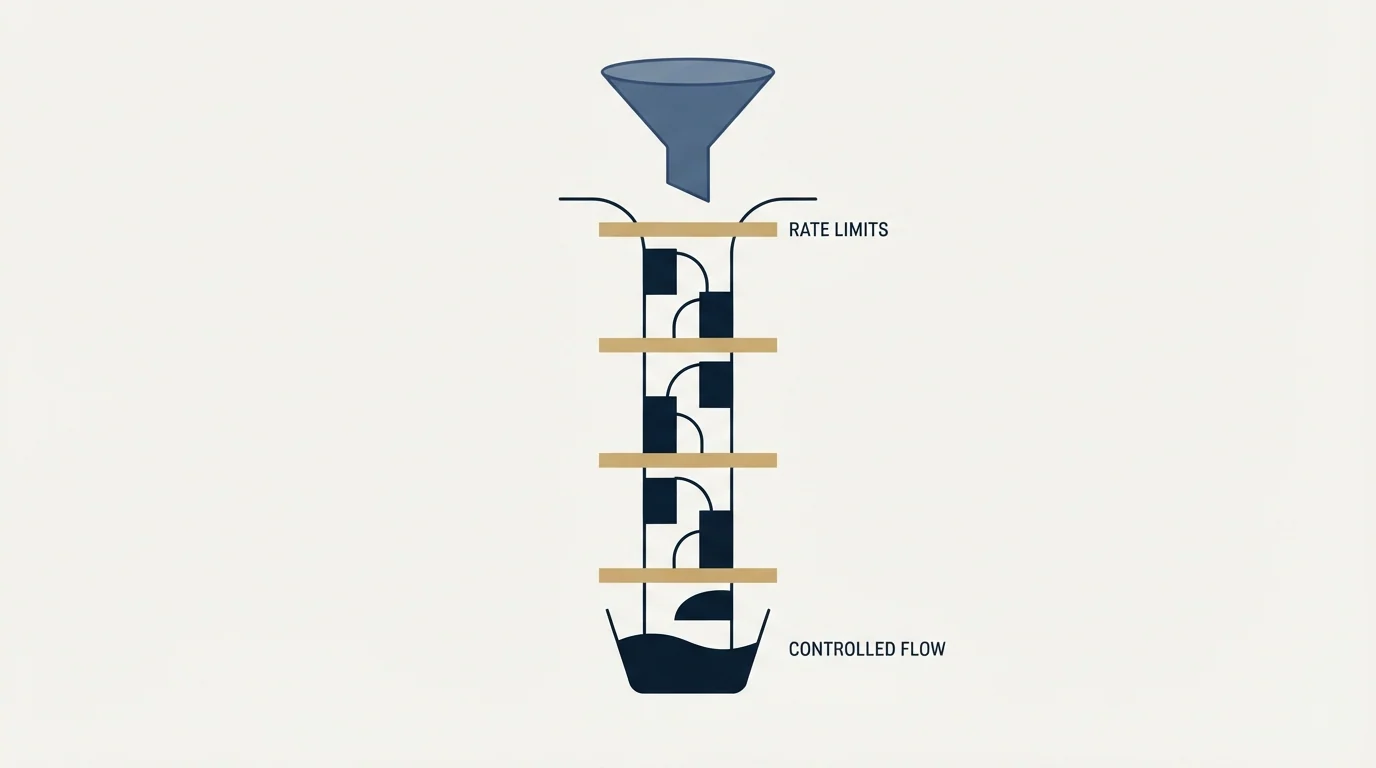
The newest and most consequential feature for anyone building a serious pipeline is Waterfall Reveal. When Lusha's own data has no match for a field you asked to reveal, the request falls through to third-party providers you have enabled, and fills the gap.
Groove vs Lusha explains how enrichment data feeding a pipeline like this gets used once it reaches a sales engagement platform, in this case Groove, whose product pages now redirect to Salesloft.
The mechanics, as documented: an account admin turns Data Waterfall on under Account Settings, Waterfall, chooses which providers it can use and can disable any of them. Once enabled, it runs automatically on every eligible POST /v3/contacts/enrich request, with no extra configuration in the call. Lusha checks its own data first, falls through to the enabled providers for a missing email or phone, and stops at the first successful match. Pricing is flat across every vendor at 2 credits per work email and 8 credits per phone, charged only on a match. It works only on contacts Lusha already has, and the user guide lists it on Pro plans and above, for the API and MCP.
One line in that documentation deserves more attention than it gets: "Lusha determines the query order across providers."
For most buyers that is a convenience. For anyone who has built a provider waterfall deliberately, it is the whole argument. Provider order is the lever that decides both cost and hit rate, because the cheap high-coverage provider should be asked first and the expensive specialist last. Handing that ordering to the vendor whose own data sits at position one is a reasonable trade for simplicity and a poor one for anybody optimising cost per usable record. The 8-credit phone fall-through, against 5 credits for a native phone reveal, is the same trade expressed as a number.
Note also what the fall-through costs when it fails: nothing, because it is charged on a match only. That makes it cheap to test and hard to reason about in advance, since your bill moves with the coverage gaps in your specific market rather than with your volume.
Before you build
Two more things the documentation is clear about and integrators still get wrong. Exceeding a limit returns a 429, and the guide asks for exponential backoff rather than an immediate retry, which is the difference between a brief pause and a key that spends the hour in a rejection loop. And legacy accounts keep their old limits of 300 a minute, 600 an hour and 6,000 a day, so an inherited integration may be operating under a combination of limits that appears nowhere in the current plan table.
Where it sits

As an API, Lusha is unusually well documented on exactly the things that decide an integration: published per-plan rate limits, an explicit batching rule, a per-key governance model and a documented failure mode. That is enough to design an integration from the documentation alone. Two legal notices sit at the bottom of the same guide and belong in any design review: data brokers and other third-party platforms may not embed or expose the API, or data obtained through it, without Lusha's prior written consent, and the data may not be used to train or develop AI or ML systems, subject to the exceptions in its terms.
Lusha's enrichment focus contrasts sharply with a full outreach platform, a distinction explored in Apollo.io and Lusha compared.
The constraints are equally clear. The daily caps on the lower plans rule out bulk work entirely, provider order in the waterfall is the vendor's decision rather than yours, and the phone reveal is expensive on both the native and the fall-through meters. For an email-and-LinkedIn motion like ours, that last point is mostly academic, since the phone line item never gets touched and the useful half of the product is the 1-credit email reveal with an independent verification pass behind it. The compliance half of that decision, including the lawful basis the addresses rest on, follows the GDPR position for B2B outbound rather than anything in the API documentation.
If you would rather not build and maintain any of it, we run sourcing and outbound on a pay-per-qualified-meeting basis and carry the integration work ourselves.
Pricing and features are taken from the vendors' own pages. Verify current terms with the vendor before relying on them.
Sources: All there is to know about Lusha's API, Lusha API V3 migration guide, Data Waterfall, Person API V1 Deprecation, Lusha pricing
Frequently asked questions.
Frequently asked questions- What is the Lusha API?
- It is Lusha's REST interface to its contact and company data, used for enrichment, prospecting and sales intelligence, with requests over HTTPS, JSON responses and an API key in the request header. The documentation treats V3 as current: Search, Enrich, Signals and Lookalike building blocks under /v3/ paths, with V2 running in parallel until its sunset period ends.
- How much does the Lusha API cost?
- Calls cost credits from your plan: 1 credit per email, 5 per phone number and 1 per company, plus a request charge of 1 credit per single result or per 1 to 25 bulk results. Lusha's pricing page lists Pro, the first card to list the API, at $52.45 a month billed yearly for 7,200 credits a year, or $69.90 on monthly billing.
- What are the Lusha API rate limits?
- The user guide lists 40 requests a minute and 100 a day on Free and Starter, 50 a minute, 150 an hour and 1,500 a day on Pro, 300, 1,800 and 18,000 on Premium, and 300, 5,000 and 50,000 on Scale. Limits are enforced per API key, a request over a limit returns a 429, and the Credit Usage endpoint allows 5 requests a minute.
- Is the Lusha API V2 still working?
- For now. Lusha's V3 migration guide runs V2 and V3 in parallel for a six-month sunset period, adds a Sunset header to V2 responses and sends warnings 60 and 30 days before the cut-off, after which V2 endpoints stop responding. Moving GET /v2/person to POST /v3/contacts/search-and-enrich is close to a drop-in change.
About the author.

B2B cold email experts helping companies generate qualified leads through done-for-you outreach campaigns.
RevenueFlow Team
Explore more.
Ready to scale your outreach?
We build GTM engines that book real meetings. See the receipts.
Related articles.
Firmographic Data Providers: What Six of Them Publish
Six firmographic data providers read from their own pages: the fields each sells, the coverage each states, how the data is delivered, and who prints a price.
Bookyourdata Pricing: 25 Packs, Priced Per Contact
Bookyourdata sells credits in twenty-five packs with no subscription. The dated ladder, the per-contact rates rendered in the browser, the guarantee rule and BeSpoke.
Seamless.AI Email Finder: How It Works, What a Credit Buys
How Seamless.AI's email finder resolves a contact in real time, what one Universal Credit buys, the Total AI score on every address, and what the Chrome extension reads.
Is Clay Free? The Free Plan, the Trial and Where Each Stops
Clay's free plan, its 14-day trial and the no-charge-on-a-miss rule are three different things. What each holds and where it stops, from clay.com on 19 September 2026.
TexAu Pricing: Four Tiers, Billed Only on a Match
TexAu charges credits only when a lookup succeeds. The four tiers at both billing states, the rollover cap, and three places the page disagrees with itself.
Airscale Pricing: Three Plans, One Credit, Four Rates
Airscale prints a different credit cost on every plan, and its advertised per-email price belongs to the custom one. The dated ladder and the rollover rules.