Bitscale Pricing: Credits Per Hit, Tiers Per Integration
Bitscale prices enrichment per successful hit across four tiers. The dated ladder at both billing states, credit cost by data type, and two vendor self-conflicts.
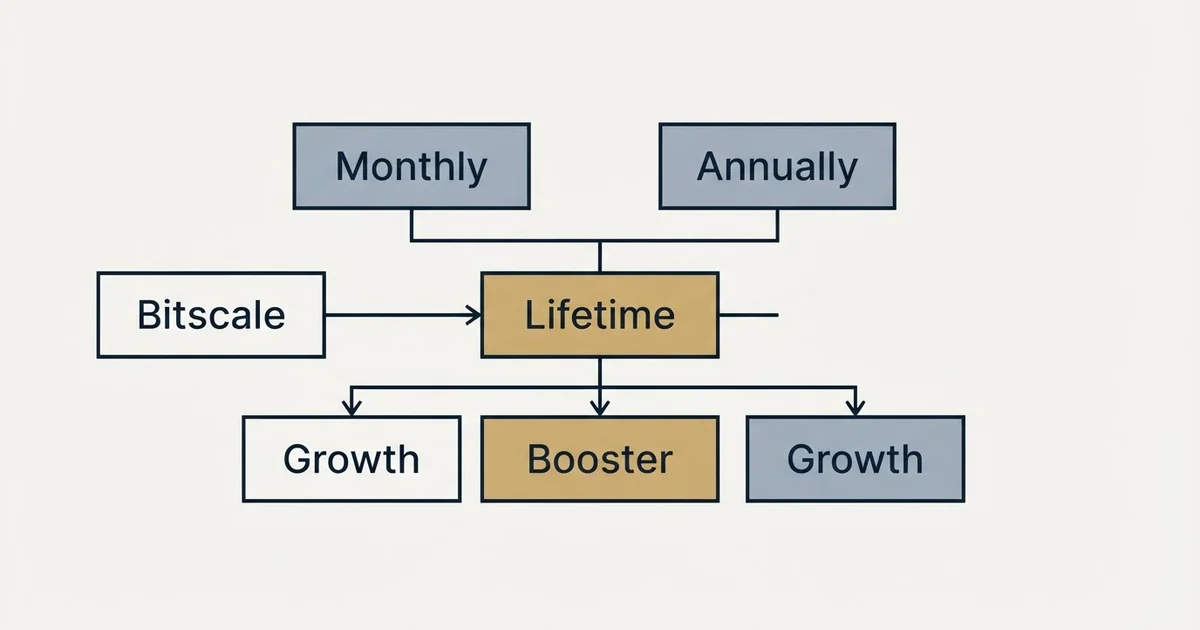
Bitscale pricing sells credits inside four tiers: Free with 200 credits, Growth at $349 a month for 15,000, Booster at $799 for 50,000, and Enterprise from $15K a year. A credit pays for one successful hit, typically 1 for an email, 3 for deep web research and 8 for a phone number, and integrations set the tier.
Key takeaways
- Bitscale's pricing page lists Growth at $349 and Booster at $799 a month billed monthly, or $314 and $719 a month billed annually.
- A credit is one successful enrichment hit: emails typically 1, AI personalization 2, deep research 3, phone numbers 8, and failed lookups free.
- HubSpot and the HTTP API start at Growth, Salesforce at Booster, and SSO and Snowflake pipelines at Enterprise, so the integration sets the tier.
- The vendor's own surfaces describe the free pool three ways, and its pricing blog names a $89 Starter tier the pricing page does not carry.
Reviewed and updated September 19, 2026
Bitscale pricing works on credits and tiers. Each paid tier, Growth at $349 a month and Booster at $799, buys a monthly pool of credits, and each credit pays for one successful enrichment: an email lookup typically costs 1 credit, deep web research 3 and a phone number 8. The integration you need usually decides the tier before the credit count does.
The pricing page also says three different things about its free plan. The Free card reads Lifetime Free with 200 credits, the page FAQ says 200 credits per month, and the vendor's own blog post on its pricing, whose figures it says were checked on 6 August 2026, says the 200 credits are lifetime and not per month. All three are live together.
That disagreement is small in money and large in what it tells you: this is a credit-metered platform whose own surfaces are not perfectly in step, so the read of each surface matters more than the headline. Everything below comes from bitscale.ai's own pages, each figure attributed to the surface it appears on.
How Bitscale pricing works: credits, research costs and integration tiers
Bitscale sells credits inside four tiers. Free carries 200 credits, Growth 15,000 a month for $349 and Booster 50,000 a month for $799, with Enterprise quoted from $15K a year. A credit is spent only on a successful hit, at typically 1 for an email, 2 for AI personalization, 3 for deep web research and 8 for a phone number.
Failed lookups, formula columns and CRM syncs cost nothing, in the words of the page's first FAQ answer. What moves a tier is the integration list: two-way HubSpot and the HTTP API start at Growth, Salesforce at Booster, and single sign-on and Snowflake pipelines at Enterprise.
The ladder, on the tab the page opens on
The pricing page carries a Monthly and Annually control, and Monthly is the pressed state when the page loads. A small label beside it, in the page's own words, advertises a 10 percent saving with annual billing.
On the monthly tab the pricing page shows Free at $0 per month billed monthly with 200 Bitscale credits and no card required, Growth is $349 per month billed monthly, and Booster is $799 per month billed monthly. Enterprise carries no monthly figure; its card reads annual billing at $15K and above, with a book-a-call button.
Switching to Annually in a browser changes the two mid-tier cards to read $314 per month billed annually for Growth and $719 per month billed annually for Booster. The credit line changes with them: the annual cards read 180,000 Bitscale credits on Growth and 600,000 on Booster, which is twelve times the monthly allowance of 15,000 and 50,000 respectively. The FAQ confirms the mechanism: on annual plans, all credits are delivered up front to use at any time in the year. The support line changes too. Where the monthly cards read Chat Support, the annual cards read 3 Hrs GTM Engineer Support on Growth, 8 Hrs on Booster and Dedicated GTM Engineer Support on Enterprise.
The annual discount the page advertises works out on the vendor's own numbers. Ten percent off $349 is $314.10, and ten percent off $799 is $719.10, both printed rounded down, which is arithmetic on the page's figures rather than a published total.
What a credit buys, by data type
The pricing page FAQ, read one accordion at a time in a rendered session, publishes the meter in a way most enrichment pages do not. One credit is one successful enrichment hit. Email lookups are typically 1 credit, phone numbers 8, AI personalization 2 and deep web research 3. Failed lookups inside a waterfall do not cost credits, and the page's own headline FAQ adds that formula columns and CRM syncs are always free.
The two things that follow from that are the same two that follow from every per-result meter in this category. First, a credit count is meaningless until the mix is fixed, because a phone-heavy list spends eight times faster than an email-heavy one out of the same pool. Second, the bill tracks your resolution rate rather than your row count, and the resolution rate is a property of your list that no vendor can promise. LeadMagic's per endpoint credit table and FullEnrich's per data point costs are the same model with different numbers attached, and the comparison between any two of them collapses unless the mix is stated first.
A worked example makes the meter concrete, and its hit rates are illustrative assumptions rather than measured figures. Take 1,000 contacts and ask for an email, a phone number and one AI-personalized line for each. Assume 70% of the email lookups and 40% of the phone lookups succeed, and every personalization runs. That is 700 email hits at 1 credit, 400 phone hits at 8 and 1,000 personalizations at 2: 700 + 3,200 + 2,000 = 5,900 credits, about 39% of Growth's monthly 15,000. The phones are 400 of the 2,100 hits and 54% of the spend.
Rollover is published. On monthly plans, credits roll over up to three times the plan limit, which the compare table prints as 3X on Growth and Booster and as nothing on Free. On Growth that caps an unspent balance at 45,000 credits, three months of the pool. On annual plans there is no monthly rollover to speak of because the year's credits arrive on day one.
There is a second allowance beside the credits that is easy to miss. Every tier carries a monthly company or people search count, at 2,000 on Free, 15,000 on Growth and 50,000 on Booster, and a rows-per-grid ceiling of 50,000 on Free and 100,000 on the two paid tiers. Searches and grid rows are not credits, so a team that builds large lists inside the platform and enriches only a fraction of them can hit the search line while the credit balance is untouched, and the reverse is true for a team that imports lists built elsewhere.
Plan changes are published too. Mid-cycle upgrades are pro-rated and apply instantly, and downgrades take effect at the next billing cycle so credits already paid for are not lost. That asymmetry is standard, and it means a tier chosen for one heavy month is paid for until the cycle ends.
The integration lines decide the tier more than the credits do
Read down the compare table and the credit allowance is the least discriminating row.
Two-way HubSpot integration, webhooks and the HTTP API start at Growth. Salesforce integration starts at Booster, along with a private Slack channel, support for custom API integration and curated scraping scripts. Custom CRM integration, role-based team access, Snowflake pipelines, single sign-on and private playbooks are Enterprise only. Outbound email integrations, source scheduling, advanced models such as Claude Sonnet, on-call support with a GTM engineer, 50+ GTM playbooks and credit reporting analytics are listed from Growth upward, and AI prompting support from Booster.
So a team that needs Salesforce is a Booster team regardless of how many credits it consumes, and a team that needs SSO or a warehouse pipeline is an Enterprise team whose card reads an annual commitment of $15K and above. The vendor's blog post says the same thing more directly: work backwards from integrations, then size credits.
Two self-conflicts, recorded rather than averaged
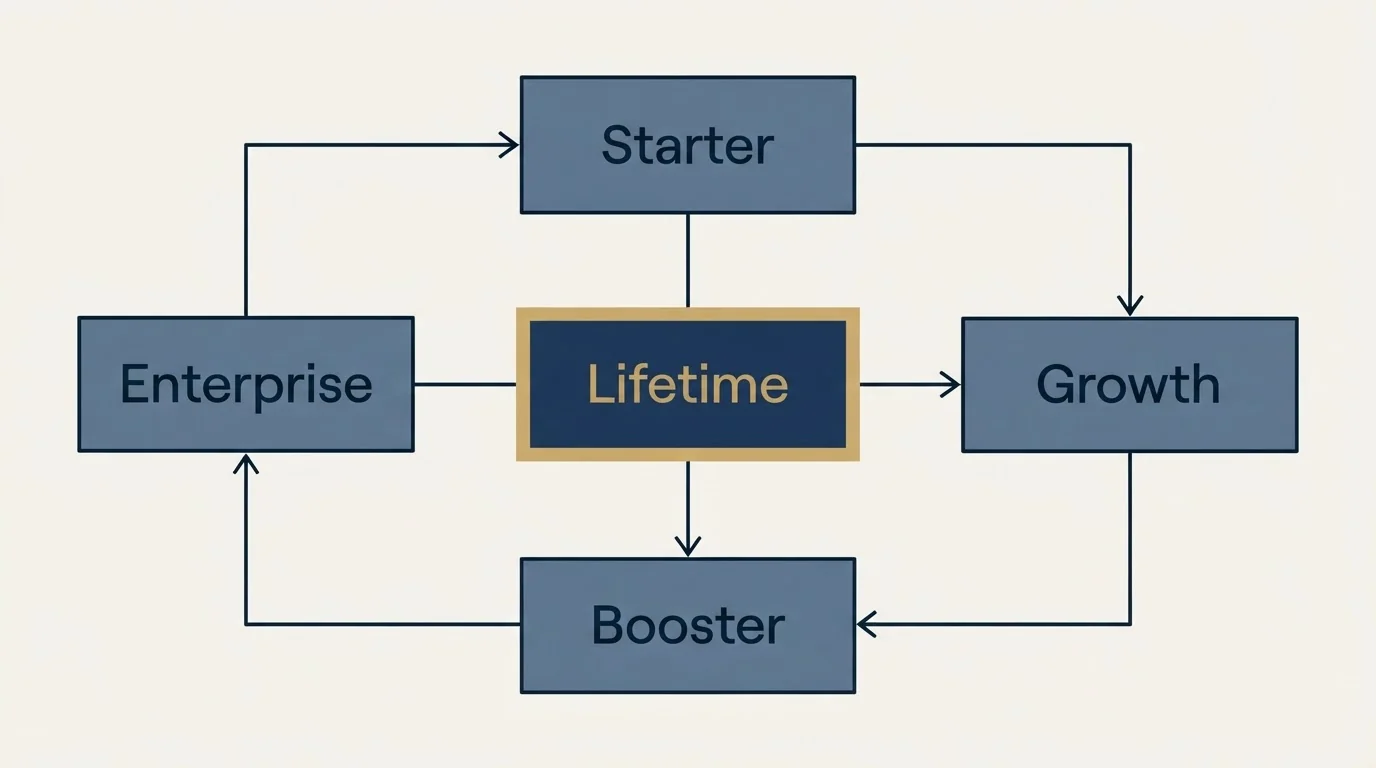
The free plan is the first. The card says Lifetime Free with 200 credits, the FAQ says 200 credits per month, and the vendor blog post dated 6 August 2026 says explicitly that the free pool is 200 lifetime credits and does not refresh. The blog post reads as the most deliberate of the three statements, but the pricing page is the surface a buyer transacts on, and it contradicts itself. Anyone planning to evaluate on the free tier should assume the pool does not refresh and be pleasantly surprised if it does.
The second is a tier that exists on one surface and not the other. The same 6 August blog post describes a Starter tier at $89 a month on annual billing and says the pricing page labels its second tier Starter. The pricing page carries no Starter tier and no $89 figure anywhere in its markup, served or rendered; the four tiers are Free, Growth, Booster and Enterprise. A vendor blog can lag a pricing page, and the pricing page wins on conflict, so the $89 tier is recorded here as something the vendor's blog publishes and the pricing page, fetched served and rendered, does not carry.
Neither conflict changes the two paid figures, which the pricing page and the blog agree on: Growth at $349 monthly or $314 annual, Booster at $799 monthly or $719 annual.
| Surface | Free plan | Second tier |
|---|---|---|
| Pricing page, Free card | Lifetime Free, 200 Bitscale Credits | Growth, $349 monthly or $314 annual |
| Pricing page, FAQ | 200 credits per month | Growth, $349 and 15,000 credits |
| Pricing blog post | 200 lifetime credits, not 200 credits per month | Starter at $89/mo, a tier the pricing page does not carry |
Who the vendor says it sells to
The case studies page describes the platform as trusted by RevOps and GTM leaders and names outbound, inbound, ABM and pipeline as the jobs. The pricing page's Enterprise section describes a four-week deployment run by a dedicated GTM engineer, mapping Salesforce, HubSpot and Snowflake syncs and configuring enrichment waterfalls and signal triggers.
That is a go-to-market buyer on every named surface, and specifically a buyer with an engineer available. The product is a grid with action columns that call data providers and models, which is the shape of tool that rewards a team able to read and change a workflow, the capability the GTM engineer role describes. A team without that capacity is paying for a workbench it will use as a spreadsheet.
Where a bought waterfall sits against one assembled from direct provider contracts is the same trade in every vendor of this shape. One contract and one meter buy the absence of a second decision, at the cost of visibility into which underlying source resolved which row. Waterfall enrichment works through the ordering that makes the assembled version cheap, and Clay against Apollo and ZoomInfo sets the most-compared workbench in the category beside two data providers on the same axes.
The short version
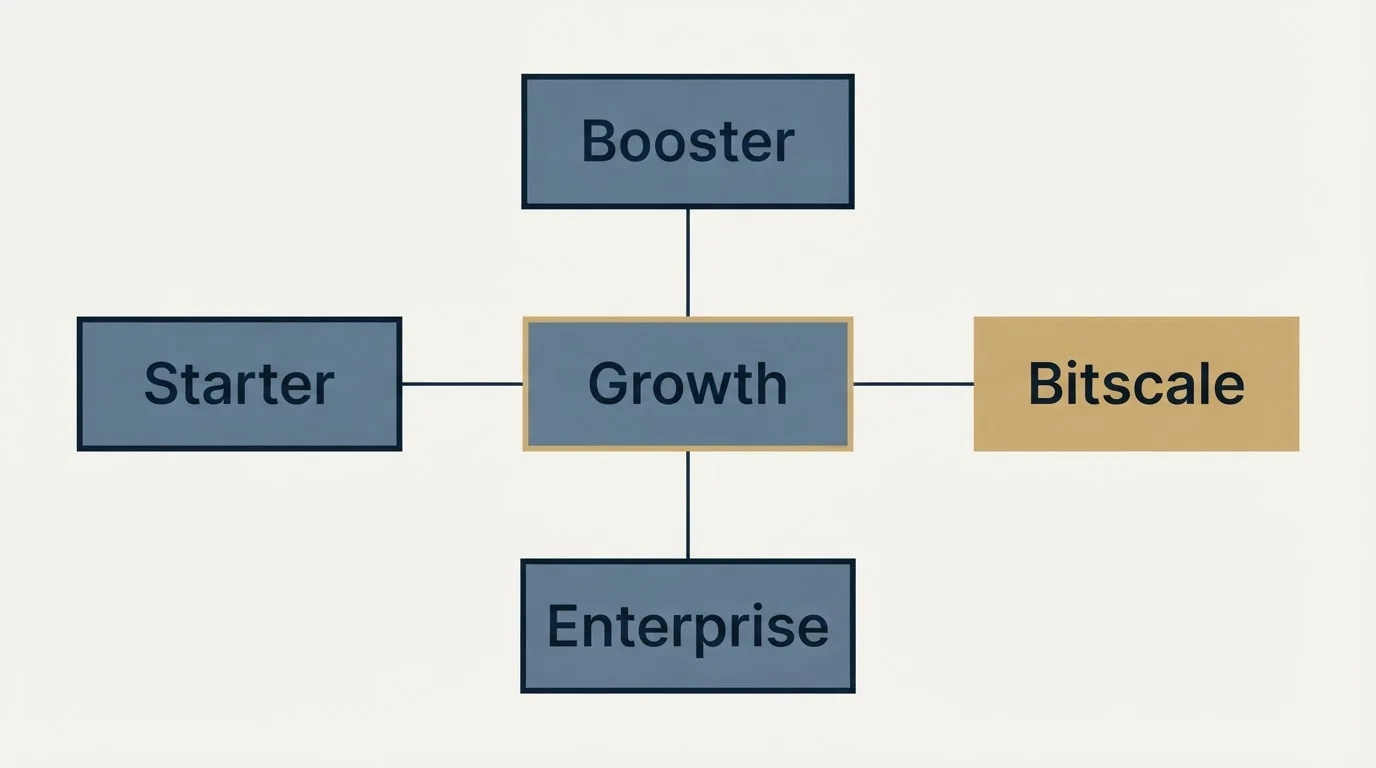
On Bitscale's pricing page, Growth is $349 a month billed monthly or $314 a month billed annually with 15,000 credits a month, Booster is $799 or $719 with 50,000 credits a month, Free is $0 with 200 credits, and Enterprise is annual billing from $15K. One credit is one successful enrichment hit, with emails typically at 1 credit, personalization 2, research 3 and phone numbers 8, failed lookups free, and monthly rollover up to three times the plan limit.
The integration you need sets the tier before the credit count does. The free pool is described three ways on the vendor's own surfaces, and the Starter tier its pricing blog post names is not on the pricing page.
If the constraint is the supply of qualified conversations rather than the supply of enriched rows, you can see what a first campaign produces on your own market.
Plan names, prices, credit allowances and FAQ answers above were read from Bitscale's own pricing page, with the billing toggle and every FAQ answer opened in a browser, and from its blog post on pricing plans. Verify current terms with the vendor before relying on them.
Frequently asked questions.
Frequently asked questions- How does Bitscale pricing work?
- Bitscale runs on credits sold inside four tiers. You pick Free, Growth, Booster or Enterprise, and each paid tier adds a monthly credit pool, higher grid limits and more integrations. Credits are spent only when a data provider returns a valid result, so failed lookups, formula columns and CRM syncs cost nothing. Growth is $349 a month and Booster $799 on monthly billing.
- What does a Bitscale credit cost in data terms?
- The pricing page FAQ states that one credit is one successful enrichment hit. Email lookups are typically 1 credit, phone numbers 8, AI personalization 2 and deep web research 3. Failed lookups inside a waterfall do not cost credits, so the bill tracks what actually resolves rather than the rows attempted, and a phone-heavy list spends much faster.
- Do Bitscale credits roll over?
- Yes on the paid plans. The pricing page FAQ states that on monthly plans credits roll over up to three times the plan limit, which the compare table shows as 3X on Growth and Booster. On annual plans all credits are delivered up front to use at any time during the year. The Free plan carries no rollover.
- Is there a Bitscale free plan?
- Yes, with 200 credits and no card required, but the vendor describes it three ways. The Free card says Lifetime Free, the pricing FAQ says 200 credits per month, and the vendor's pricing blog post says the 200 credits are lifetime and do not refresh. Plan an evaluation on the assumption that the pool does not refresh.
About the author.

B2B cold email experts helping companies generate qualified leads through done-for-you outreach campaigns.
RevenueFlow Team
Explore more.
Ready to scale your outreach?
We build GTM engines that book real meetings. See the receipts.
Related articles.
Snitcher Pricing: The $49 Table Is the Annual Rate
Snitcher's visible price table is the annual-billing ladder. The ten bands at both billing states, the unique-company meter, and the rules on a help page.
Autobound Pricing: One-Time Credit Packs, Not Seats
Autobound's pricing page sells one-time credit packs for a signal data API, not seats. The six packs, the per-endpoint meter, and what a company costs.
TexAu Pricing: Four Tiers, Billed Only on a Match
TexAu charges credits only when a lookup succeeds. The four tiers at both billing states, the rollover cap, and three places the page disagrees with itself.
Airscale Pricing: Three Plans, One Credit, Four Rates
Airscale prints a different credit cost on every plan, and its advertised per-email price belongs to the custom one. The dated ladder and the rollover rules.
Bookyourdata Pricing: 25 Packs, Priced Per Contact
Bookyourdata sells credits in twenty-five packs with no subscription. The dated ladder, the per-contact rates rendered in the browser, the guarantee rule and BeSpoke.
SalesQL Pricing: Four Plans, Priced Per Credit
SalesQL publishes four plans on a monthly-first pricing page. Here is the dated ladder, the per-profile credit meter, the seat limits, and what the page leaves out.