LeadGibbon Pricing: Three Monthly Plans, No Annual Tab
LeadGibbon publishes three monthly plans and no annual rate. The dated ladder, the verified-emails-only meter, the rollover rule, and what the page does not publish.
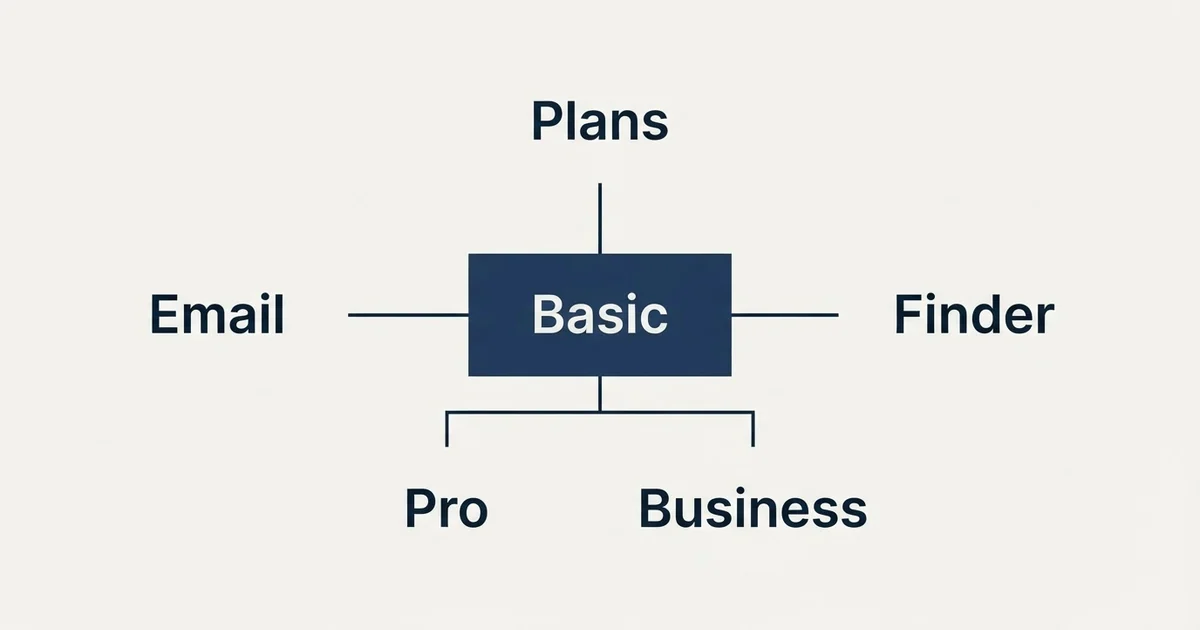
As published on LeadGibbon's pricing page on 4 September 2026, Basic is $39 a month for 1,000 verified emails and 5,000 sends, Pro is $99 for 10,000 verified emails and 25,000 sends, and Business is $299 for 30,000 verified emails and 75,000 sends. There is no annual billing, only verified emails are charged, and unused credits roll over every month.
Key takeaways
- LeadGibbon publishes three monthly plans at $39, $99 and $299 on 4 September 2026 and no annual rate anywhere in the page markup.
- Only verified emails are charged; the page states that addresses with under a 99 percent delivery chance are free.
- Unused credits roll over every month, so the monthly allowance behaves like an accumulating balance rather than a quota.
- Email sends run through a connected Gmail account under Gmail's own limits, so the send allowance is rarely the binding constraint.
Reviewed and updated September 5, 2026
LeadGibbon's pricing page has no annual tab, no annual figure and no occurrence of the word year anywhere in its markup. Three monthly plans, three numbers, and a rule that decides what the numbers mean: you pay only for verified emails, and unverified results are free.
Several review sites ranking for this query add phone-number allowances to each plan. As published on LeadGibbon's pricing page on 4 September 2026, no phone allowance appears beside any plan. Everything below comes from leadgibbon.com's own pages fetched that day, each figure attributed to the surface it appears on.
The three plans, monthly only
As published on LeadGibbon's pricing page on 4 September 2026, Basic is $39 a month with 1,000 verified emails and 5,000 email sends a month, Pro is $99 a month with 10,000 verified emails and 25,000 email sends a month, and Business is $299 a month with 30,000 verified emails and 75,000 email sends a month. Pro is marked most popular.
The page title itself carries the entry figure, reading Email Finder Plans from $39 a month, and the page's structured data records it as last modified on 28 May 2026. There is no toggle, no yearly rate and no annual discount, so the monthly figure is the only figure. That is unusual enough in this category to state plainly, because the reflex on a pricing page is to hunt for the annual state, and here there is none to find.
Every plan carries every feature. The page says so in its own words under a heading reading any plan, all features, and lists email verification, contact data enhancement, complete lead data, email pattern data, duplicate lead detection and unlimited saved searches as included on all three. The tiers differ on two numbers only: verified emails and email sends.
- 1,000 verified emails a month
- 5,000 email sends a month
- Every feature included
- Unused credits roll over
- No contract, cancel any time
- 10,000 verified emails a month
- 25,000 email sends a month
- Every feature included
- Unused credits roll over
- No contract, cancel any time
- 30,000 verified emails a month
- 75,000 email sends a month
- Every feature included
- Unused credits roll over
- Team discounts on request
The meter: verified emails only
The rule that makes the credit count meaningful is stated twice on the page. Under each plan card the line reads that you only pay for verified emails, and a section further down, in the page's own words, explains that addresses with less than a 99 percent chance of being delivered are free.
That is a pay-on-success meter with an unusually specific threshold. Most finders in the category charge on a found result and leave the verification to a separate tool or a separate credit pool. LeadGibbon's page folds the verification verdict into the meter itself: a result that does not clear its own delivery threshold is not charged. How that threshold is computed is not published, so the number to take away is the rule rather than the percentage.
The FAQ defines a credit as one revealed contact. Export fifty contacts and fifty credits are spent. A subscription adds new credits automatically every month, and, per the FAQ, unused credits roll over every month. That rollover is the second thing worth stopping on, because a monthly plan whose allowance accumulates behaves like a prepaid balance rather than a use-it-or-lose-it quota, which suits the uneven volume outbound actually produces. Whether the accumulated balance survives cancellation is not stated; the FAQ says a cancelled plan keeps access until the end of its billing cycle and that captured data in the connected Google Sheet remains available.
The same rule appears elsewhere in the category, and the differences are in the threshold and the pool. FullEnrich charges only for found data across a shared pool with different costs per data type, and LeadMagic charges its finder credit only on a valid email with validation quartered against every other endpoint. LeadGibbon's version is the simplest of the three: one unit, one threshold, one pool.
The second allowance is sends, and it runs through Gmail
Each plan pairs its email allowance with an email send allowance, at 5,000, 25,000 and 75,000 a month. A line under the cards explains the mechanism: sends use your connected Gmail account, and Gmail limits still apply.
That sentence matters more than the send numbers. A 75,000-send allowance on the Business plan is a ceiling on the vendor's side, and the practical ceiling is whatever the connected Google account will actually send in a day, which is far lower for a single mailbox. The provider limits that govern that are set out in email sending limits by provider, and they mean the send allowance is rarely the binding constraint on any plan.
There is also a doctrinal point worth making about a finder that ships a sender. Sending cold email from a primary Google Workspace mailbox puts the reputation of the domain that carries invoices and support replies behind every cold campaign. The infrastructure that separates the two, secondary domains with their own warm-up and authentication, is the subject of cold email infrastructure, and it is worth having in place before any bundled sender is switched on. We run one message per campaign, with no follow-up bumps and no thread replies, so a bundled sequencer's follow-up features are described here attributively rather than recommended.
- Step 1Estimate verified emails, not rows
Only addresses that clear the vendor's delivery threshold are charged. Multiply your rows by your own measured find rate on a comparable list.
- Step 2Let rollover carry the peaks
Unused credits carry forward every month, so size the plan to the average month rather than the busiest one.
- Step 3Treat the send allowance as a ceiling, not a target
Sends run through a connected Gmail account and Gmail limits apply, so the daily practical limit is the mailbox, not the plan.
- Step 4Ask about team discounts before adding accounts
The FAQ says team discounts are available on request by email, and no per-seat price is published.
What the page does not publish
Four things a buyer will want are not on the page, and it is cleaner to name them than to leave the impression they were checked and found.
No annual billing. The markup carries no annual, yearly or year token at all, so the absence is a property of the page rather than of a tab that was not clicked.
No seat pricing. The FAQ says team discounts are available by email, which implies multiple accounts are possible, but no per-user figure or seat count appears on any plan.
No phone allowance. The review sites ranking for the query attach 25, 50 and 125 phone numbers to the three tiers. Those figures are not on the vendor page today, and contact data enhancement is listed as an included feature rather than as a metered one, so the phone story is not one the page tells.
No overage rate. The FAQ answers the credits question by pointing at an upgrade: if more credits are needed, upgrade the monthly plan. No per-credit top-up price is published.
The free trial and the audience
The page states a free account receives 15 free credits per week, with no card required, and the FAQ says a subscription must be purchased once the trial is over. Fifteen credits a week is a small sample, but under a pay-on-verified meter it is fifteen deliverable addresses rather than fifteen attempts, which is enough to check the data on a handful of target accounts before paying.
The homepage describes a B2B lead intelligence platform built to find work emails and lists a lead database and an email enricher as its two products, with a customer strip aimed at sales teams. That is an outbound buyer on the vendor's own surfaces, and the plan sizes agree with it: a thousand verified emails a month is an individual seller's volume, thirty thousand is a small team's.
The homepage also names the two products the plans cover: a lead database, searched inside the vendor's own tool with the results captured into a connected Google Sheet, and an email enricher that resolves addresses for contacts a team already holds. The credit meter is the same for both, one revealed contact per credit, so the choice between them is about where the list starts rather than about what it costs. A team with names and companies but no addresses spends its credits on the enricher; a team starting from a filter spends them on the database.
The Google Sheet detail matters for anyone comparing this tool to a per-seat platform. The FAQ says captured lead data lives in the connected sheet and stays available after cancellation, which means the working list is a spreadsheet the buyer owns rather than a record locked inside the vendor's application. That is friendlier to a small team than an export allowance, and it is one of the reasons the plans can be seat-free.
Whether the database covers your list is a bake-off question rather than a pricing one. The test that answers it, same rows, same day, one neutral verifier, scored on cost per correct address, is set out in email finder tools, and it is the only comparison that survives the fact that every finder's coverage is a property of the list rather than of the vendor.
- Yes: Size the plan on verified emails, because unverified results are not charged
- Yes: Count on rollover, since unused credits carry forward every month
- Yes: Set up separate sending domains before using the bundled Gmail sends
- Yes: Run the 15 weekly free credits against real target accounts first
- Depends: Email the vendor about team discounts if more than one account is needed
- No: Look for an annual discount, because the page has no annual state
- No: Budget for phone-number allowances quoted on review sites
The short version
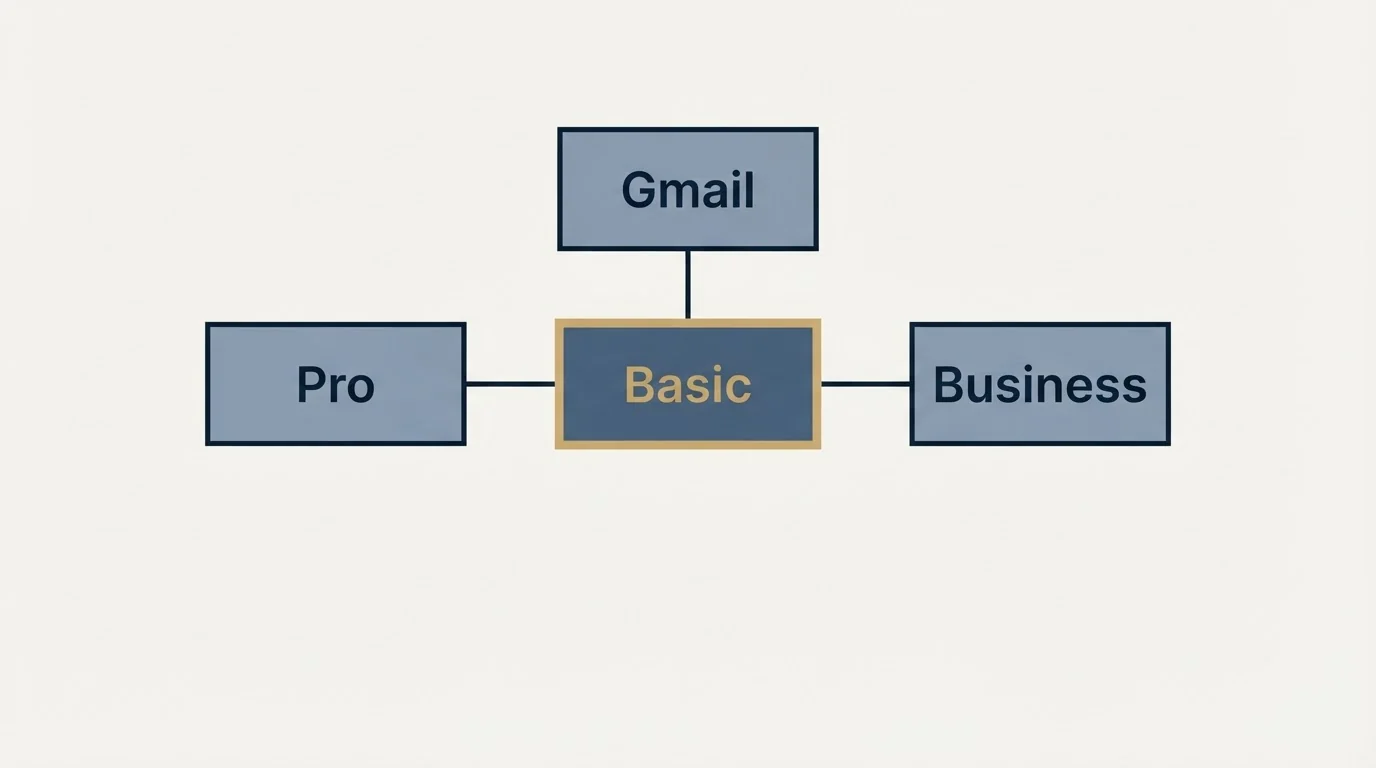
As published on LeadGibbon's pricing page on 4 September 2026, Basic is $39 a month for 1,000 verified emails and 5,000 sends, Pro is $99 for 10,000 verified emails and 25,000 sends, and Business is $299 for 30,000 verified emails and 75,000 sends. There is no annual billing, every feature is on every plan, only verified emails are charged, unused credits roll over, and sends run through a connected Gmail account under Gmail's own limits.
Size on verified emails and let rollover carry the slow months. Ignore the phone allowances and annual rates that circulate on review sites, because the vendor's page carries neither.
If the constraint is qualified conversations rather than email addresses, you can see what a first campaign produces on your own market.
Plan names, prices, allowances and FAQ answers above were read from LeadGibbon's own pricing page and homepage on 4 September 2026. Verify current terms with the vendor before relying on them.
Sources: LeadGibbon pricing
Frequently asked questions.
Frequently asked questions- How much does LeadGibbon cost?
- As published on LeadGibbon's pricing page on 4 September 2026, Basic is $39 a month with 1,000 verified emails and 5,000 email sends, Pro is $99 a month with 10,000 verified emails and 25,000 sends, and Business is $299 a month with 30,000 verified emails and 75,000 sends. All three are monthly with no contract and no annual option.
- Does LeadGibbon charge for unverified emails?
- No. The pricing page states under every plan that you only pay for verified emails and that unverified results are always free, and a further section explains that addresses with less than a 99 percent chance of being delivered are free. How that threshold is computed is not published, so the rule is the thing to rely on.
- Do LeadGibbon credits roll over?
- Yes. The pricing page FAQ read on 4 September 2026 states that unused credits roll over every month, and that new credits are added automatically each month on a subscription. A cancelled plan keeps access until the end of its billing cycle. Whether an accumulated balance survives cancellation is not stated on the page.
- Is there a LeadGibbon free trial?
- Yes. A free account receives 15 free credits per week with no card required, according to the pricing page, and the FAQ says a subscription must be purchased once the trial is over. Under the verified-only meter those are fifteen deliverable addresses a week, which is enough to test the database against a few real target accounts.
About the author.

B2B cold email experts helping companies generate qualified leads through done-for-you outreach campaigns.
RevenueFlow Team
Explore more.
Ready to scale your outreach?
We build GTM engines that book real meetings. See the receipts.
Related articles.
SalesQL Pricing: Four Plans, Priced Per Credit
SalesQL publishes four plans on a monthly-first pricing page. Here is the dated ladder, the per-profile credit meter, the seat limits, and what the page leaves out.
Enrow Pricing: Three Billing States, Two Currencies
Enrow prices per verified result across monthly, annual and pay-as-you-go tabs in euros and dollars. The ladder, the credit meter and the currency clause.
Seamless.AI Email Finder: How It Works, What a Credit Buys
How Seamless.AI's email finder resolves a contact in real time, what one Universal Credit buys, the Total AI score on every address, and what the Chrome extension reads.
Snitcher Pricing: The $49 Table Is the Annual Rate
Snitcher's visible price table is the annual-billing ladder. The ten bands at both billing states, the unique-company meter, and the rules on a help page.
Autobound Pricing: One-Time Credit Packs, Not Seats
Autobound's pricing page sells one-time credit packs for a signal data API, not seats. The six packs, the per-endpoint meter, and what a company costs.
TexAu Pricing: Four Tiers, Billed Only on a Match
TexAu charges credits only when a lookup succeeds. The four tiers at both billing states, the rollover cap, and three places the page disagrees with itself.