Clay vs UpLead: Data Enrichment Tool Comparison
Compare Clay and UpLead side by side. See pricing, features, and integrations to choose the right data enrichment tool for your needs.
Clay meters actions on a slider with unlimited seats, from $60 a month for 15,000 actions, and calls other providers including with your own API keys. UpLead meters contacts, from $99 a month for 170 credits, where one credit unlocks one contact with email and mobile included.
Key takeaways
- One UpLead credit unlocks one contact including the mobile direct dial, while one Clay action is a single enrichment step and a row usually costs several.
- Clay's free plan includes 6,000 actions a year with unlimited seats and tables and a 200 rows per table cap.
- UpLead grants the year of credits upfront on annual plans, 2,040 on Essentials and 4,800 on Plus, and publishes overage at $0.60 and $0.50.
- Clay can call a database you already pay for through your own API key, so the two often sit together rather than opposite each other.
Reviewed and updated September 1, 2026
Clay vs UpLead: Data Enrichment Tool Comparison
UpLead says exactly what a credit buys: one credit unlocks one contact. Clay says exactly what an action is and then leaves the number of actions per contact entirely up to you. That difference in definition is why these two ladders cannot be compared unit for unit.
The Quick Answer
Clay meters ACTIONS on a slider, with unlimited seats on every plan. The free plan includes 6,000 actions/year, also stated as 500 actions/mo, with a 200 rows per table cap. Paid entry points are $60/mo for 15,000 actions a month and $54/mo for 180,000 actions a year on annual billing.
UpLead meters CONTACTS: Essentials $99/mo for 170 credits, or $74/mo billed annually with 2,040 upfront; Plus $199/mo for 400, or $149/mo with 4,800; extra credits at $0.60 and $0.50.
Pick Clay if you want to assemble a row from several sources. Pick UpLead if you want the row to arrive complete.
Understanding the Core Difference
Clay prices on usage priced by action on a slider, with unlimited seats.
UpLead prices on a credit meter where one credit unlocks one contact, with the annual option granting the whole year up front.
The two tools answer opposite questions about where enrichment logic should live.
UpLead puts it inside the product. You search, it verifies in real time, and a credit returns a contact with an email and a mobile direct dial attached. Nothing has to be designed.
Clay puts it in your hands. A waterfall tries one provider, then another, then asks Claygent to research what neither returned, and each of those steps is an action. You can also bring your own API keys, which moves the data cost off the Clay bill entirely and onto your own accounts.
So the cost per usable contact on Clay is a property of your table rather than of the price list. That is the flexibility people buy it for and the reason its bill is harder to forecast than UpLead's.
Pricing Comparison
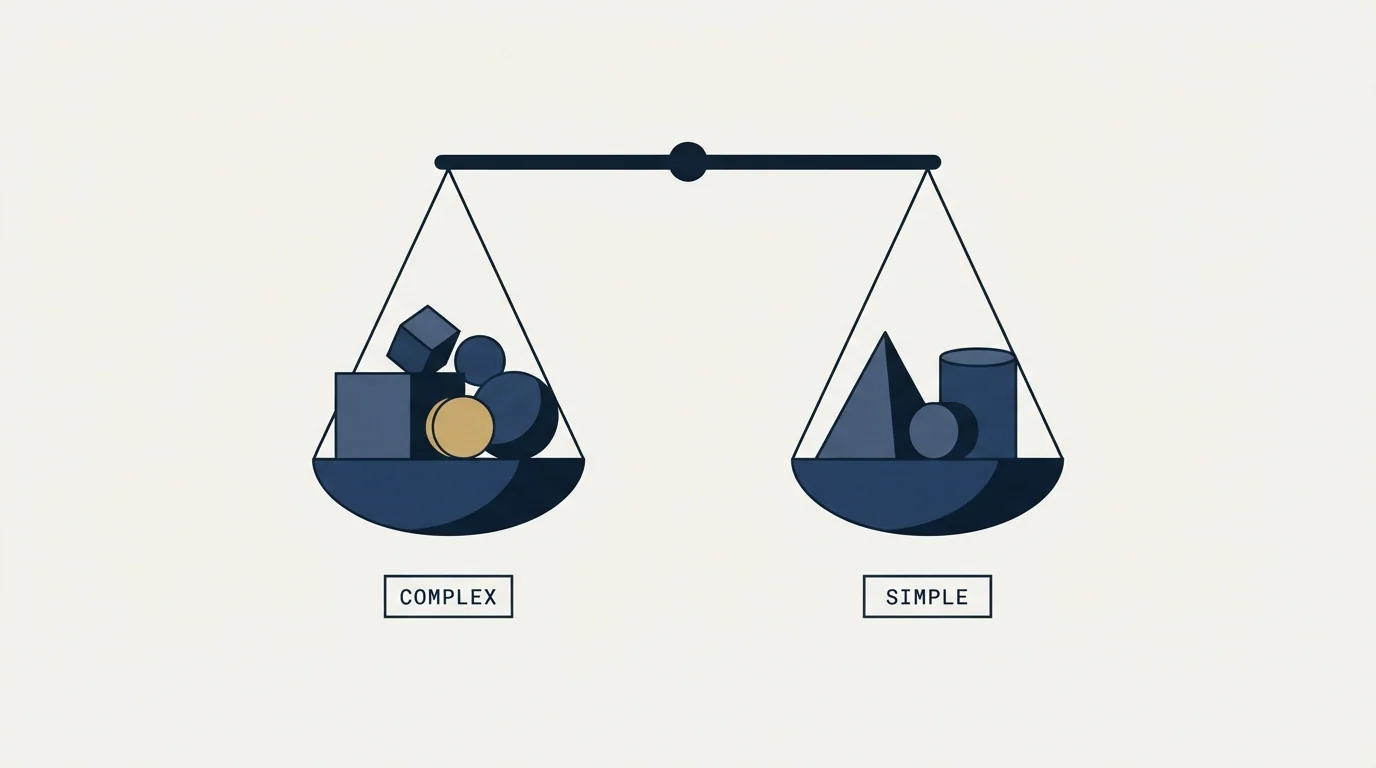
15,000 actions a month, unlimited seats
170 credits a month, one credit unlocks one contact
Clay Pricing (as published mid-2026)
| Plan | Price | Contacts |
|---|---|---|
| Launch | $185/mo | From 15,000 actions/month |
| Growth | $495/mo | From 40,000 actions/month |
| Enterprise | Contact Sales | Custom |
Clay prices by ACTION on a slider rather than by seat, so a tier name does not carry a single price the way the other ladders in this comparison do. The Free plan includes 6,000 actions/year, which the page also states as 500 actions/mo, with unlimited seats and tables and a cap of 200 rows per table. On the paid sliders the entry points are $60/mo for 15,000 actions a month on monthly billing and $54/mo for 180,000 actions a year on annual billing, and both expand from there. Paid plans carry a 14-day trial.
Source: Clay Pricing
UpLead Pricing (as published mid-2026)
| Plan | Price | Contacts | Emails |
|---|---|---|---|
| Free Trial | Free | 5 credits over 7 days | N/A |
| Essentials | $99/mo | 170 credits/month | N/A |
| Plus | $199/mo | 400 credits/month | N/A |
| Professional | Contact Sales | Custom | N/A |
Billed annually the same tiers run $74/mo for 2,040 credits a year and $149/mo for 4,800, with extra credits at $0.60 and $0.50 each, as published mid-2026.
The annual option changes the allowance as well as the rate. Monthly Essentials meters 170 credits a month; annual Essentials grants 2,040 up front, so the year's allowance is available on day one. UpLead's own definition of a credit is on the same page: one credit unlocks one contact, with the email and the mobile direct dial included.
Source: UpLead Pricing
What the two cost at a realistic volume
Take an invented but ordinary case: 400 enriched contacts a month. The arithmetic below is illustrative and uses only the list prices each page publishes.
On UpLead, 400 contacts a month is exactly the Plus allowance at $199/mo, or $149/mo billed annually with 4,800 credits granted upfront. Dividing the published figures gives about fifty cents a contact monthly and about thirty seven cents on the annual plan.
On Clay at the $60/mo monthly entry point, 15,000 actions covers 400 rows at 37 actions each, which is a very rich waterfall. At a more typical five actions a row the same plan covers 3,000 rows. Dividing the published figures gives four tenths of a cent per ACTION, and the cost per contact follows from your own table design.
Clay is therefore usually cheaper per contact at this volume and only once someone has built and tuned the table. An untuned waterfall running every provider on every row is where that advantage disappears.
Reading the price ladders against each other
Clay's ladder is a slider, so a tier name does not carry one price. Launch and Growth each start at a volume and expand, and the annual and monthly options quote different unit bases: actions per year against actions per month. Read the unit before the number.
UpLead's ladder is fixed and does something useful at the annual term: it grants the year of credits upfront rather than metering them, at 2,040 on Essentials and 4,800 on Plus. It also publishes the overage price, $0.60 and $0.50 a credit, which Clay does not need because usage simply expands.
Both carry a 14-day trial on paid plans, and UpLead offers 5 credits over 7 days before that.
Features Breakdown
- 150+ data provider integrations
- AI-powered enrichment (Claygent)
- Unlimited users on all plans
- Credit rollover
- Workflow automation
- Data waterfall enrichment
- and 3 more listed below
- 200M+ leads, AI-verified as you search
- 95%+ data accuracy guarantee
- Real-time email verification
- 50+ search filters
- Technographics for 16,000+ technologies
- Buyer intent data (Professional)
- and 4 more listed below
Clay key features
- 150+ data provider integrations
- AI-powered enrichment (Claygent)
- Unlimited users on all plans
- Credit rollover
- Workflow automation
- Data waterfall enrichment
- Custom API key support
- HTTP API integration
- Webhooks
UpLead key features
- 200M+ leads, AI-verified as you search
- A published 95% data accuracy rate
- Real-time email verification
- 50+ search filters
- Technographics across 16,000 technologies
- Buyer intent data (Professional)
- Data enrichment
- Chrome extension
- Bulk lookup
- Company news and alerts
Clay's list describes an engine: 150+ data provider integrations, multi-provider waterfalls, Claygent for AI research, custom API key support, webhooks, unlimited users, and a sequencer that can send from inside a table.
UpLead's list describes a database: a published 95 percent accuracy rate, real-time verification, technographics across 16,000 technologies, 50+ filters, plus suppression list uploads and email pattern intelligence on Plus. A Clay table can call a provider like UpLead rather than replace it, which is worth remembering before treating this as a choice.
Integration Ecosystem

Clay connects with: Salesforce, HubSpot, Pipedrive, Close, Apollo.io, Clearbit, ZoomInfo, Lemlist, Instantly, Smartlead, OpenAI, Google Sheets, Airtable, Notion.
UpLead connects with: Salesforce, HubSpot, Zoho CRM, Pipedrive, Microsoft Dynamics 365, Outreach, SalesLoft, Zapier.
The lists are different in kind. Clay's includes other data vendors as SOURCES, alongside CRMs, senders and spreadsheets. UpLead's lists the systems it writes into, and reserves bi-directional CRM sync for Professional.
If you already pay for a contact database, the cheapest Clay deployment is usually the one that calls it through your own API key rather than buying the same data twice.
Who Should Pick Which
Pick UpLead if you want a complete row with no design work. One credit, one contact, verified at search time.
Pick Clay if several sources have to be combined. Waterfalls, Claygent and your own API keys are exactly what the action meter buys.
Pick Clay if seats are the problem. Unlimited users on all plans, including the free one.
Pick UpLead if nobody will own a workflow. An unmaintained Clay table is the most expensive object in this comparison.
Where Each One Sits In A Cold Outbound Stack
Clay sits UPSTREAM of the sourcing slot as much as inside it. It runs multi-provider waterfalls, takes your own API keys, and can send through its own sequencer or hand the rows to whatever does.
UpLead sits in the sourcing slot. It resolves contacts and verifies emails, and nothing in it sends.
These two frequently sit together: UpLead or a comparable database as a source, Clay as the layer that assembles, scores and routes. Read the comparison as an either-or only when the budget genuinely allows one line.
Our own doctrine keeps the sending slot deliberately narrow whichever data vendor fills the one in front of it: one message per campaign, no bumps and no thread replies, and volume spread across many low-volume mailboxes so no single address carries too much. LinkedIn runs as its own motion rather than as a step inside an email sequence, because a second LinkedIn message lands under the one that was ignored and reads as a bump whatever the campaign structure says. Meetings are qualified against criteria agreed in writing before launch, never against budget or timing.
UpLead verifies at search time, and a Clay table can call a verification provider as one of its actions. Either way the check belongs before the sender, because a bounce costs your sending domain. See email verification tools for what to run.
Switching Between Them
Moving from Clay to UpLead trades flexibility for a predictable bill. Write down what the waterfall was doing before you turn it off, because the logic is the asset and it does not export with the rows.
Moving the other way, expect the first month to cost more than the plan suggests while tables are tuned, and cap waterfall depth until hit rates are known.
In both directions the suppression list belongs outside both tools, and any provider API keys wired into Clay need rotating when access ends.
Feature Comparison Summary
| Clay | UpLead | |
|---|---|---|
| Meter | Actions, on a slider | Credits, one credit unlocks one contact |
| Paid entry | $60/mo for 15,000 actions a month | $99/mo for 170 credits |
| Annual entry | $54/mo for 180,000 actions a year | $74/mo with 2,040 credits granted upfront |
| Free plan | 6,000 actions a year, 200 rows per table | 5 credits over 7 days |
| Seats | Unlimited on all plans | Single seat below Professional |
| Own data | No: it calls other providers, including your own keys | Yes: its own verified database |
| Overage | Usage expands on the slider | $0.60 a credit on Essentials, $0.50 on Plus |
| Sends email | Yes, through the Clay sequencer | No |
Getting Started Checklist
- Estimate actions per enriched row in your own table before comparing Clay with anything.
- Decide whether you will bring your own provider API keys, since that moves the data cost off the Clay bill.
- Name the person who will own and maintain the Clay tables.
- If demand is bursty, price the UpLead annual plan for its upfront credit grant.
- Note the UpLead overage rates as a safety net: $0.60 and $0.50 a credit.
- Verify before sending whichever route produced the list.
Final Thoughts
Clay and UpLead are not really competitors so much as different layers of the same job. UpLead sells finished rows; Clay sells the machinery for assembling them from whatever sources you choose.
If your enrichment is a repeatable recipe across several providers, Clay earns its meter and its unlimited seats. If it is a search and an export, UpLead is simpler, more predictable and needs nobody to maintain it.
Related Reading
- Best Clay alternatives
- Best UpLead alternatives
- Lead411 vs UpLead
- Apollo.io vs Clay
- Clay vs ZoomInfo
- Email verification tools
If you would rather have the sourcing and the sending run for you, RevenueFlow books qualified meetings on a pay-per-meeting basis and publishes client results.
Pricing and features are taken from the vendors' own pages. Verify current terms with the vendor before relying on them.
Frequently asked questions.
Frequently asked questions- Which works out cheaper per contact?
- Usually Clay, once the table is tuned. Dividing the published figures gives four tenths of a cent per Clay action against about fifty cents a contact on UpLead Plus. At five actions a row Clay is far cheaper; at thirty seven actions a row the two converge, so the answer depends on your own waterfall design.
- Does Clay include its own contact data?
- Clay is built around calling other providers rather than holding one database. Its page advertises 150+ data provider integrations, multi-provider waterfalls, AI research through Claygent and support for bringing your own API key, which shifts the data cost onto your own provider accounts rather than onto the Clay bill.
- How many people can use each tool?
- Clay publishes unlimited users on all plans, including the free one. UpLead Essentials and Plus are single-seat plans, with seat management arriving on the quoted Professional tier. For a team that wants several people inside the tool, that difference can matter more than the per-unit rate.
- Can I use Clay and UpLead together?
- Yes, and it is often the cheapest shape. A database supplies verified contacts and Clay orchestrates the enrichment, scoring and routing around them, frequently calling that database through an API key you already own rather than paying for the same data twice through two subscriptions.
About the author.

Tim Carden is CMO / CTO at RevenueFlow, which builds and operates outbound revenue engines for B2B companies. Studied at McGill University.
Tim Carden · CMO / CTO
Connect on LinkedIn →Explore more.
Ready to scale your outreach?
We build GTM engines that book real meetings. See the receipts.
Related articles.
Emailable vs UpLead: Data Enrichment Tool Comparison
Compare Emailable and UpLead side by side. See pricing, features, and integrations to choose the right data enrichment tool for your needs.
Apollo.io vs Proofy: Data Enrichment Tool Comparison
Compare Apollo.io and Proofy side by side. See pricing, features, and integrations to choose the right data enrichment tool for your needs.
AroundDeal vs Leadspicker: Data Enrichment Tool vs Sales Engagement Platform Comparison
Compare AroundDeal (data enrichment tool) and Leadspicker (sales engagement platform) side by side. See pricing, features, and integrations to decide which one, or both, your stack needs.
AroundDeal vs Salesflare: Data Enrichment Tool vs CRM Platform Comparison
Compare AroundDeal (data enrichment tool) and Salesflare (CRM platform) side by side. See pricing, features, and integrations to decide which one, or both, your stack needs.
Gong vs NeverBounce: Sales Engagement Platform vs Data Enrichment Tool Comparison
Gong vs NeverBounce: what Gong's own pages say about enrichment, what NeverBounce's API returns about an address, and how each vendor prices.
ContactOut vs Luru: Data Enrichment Tool vs Sales Engagement Platform Comparison
Compare ContactOut (data enrichment tool) and Luru (sales engagement platform) side by side. See pricing, features, and integrations to decide which one, or both, your stack needs.