ClickUp vs HubSpot: Which One Owns the Customer
One is a work platform whose CRM is a configuration of its task object. The other is a CRM. What each holds, how the integration behaves, and which should own the record.
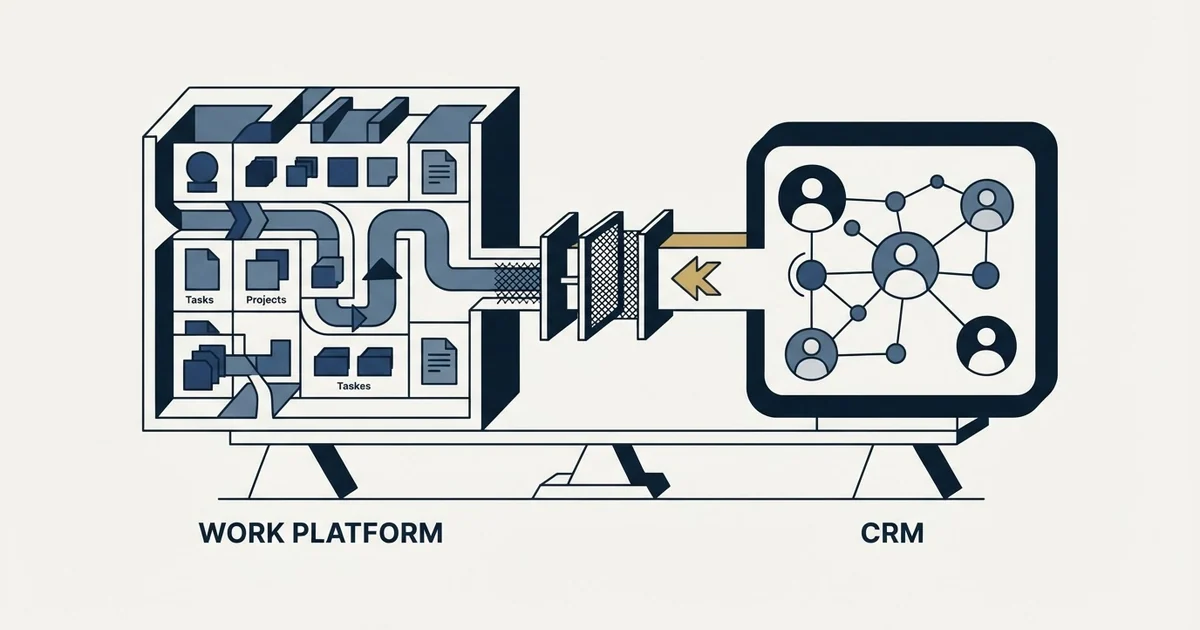
HubSpot is a CRM whose contacts, companies and deals are first-class objects. ClickUp is a work management platform whose CRM is a configuration of its task object. Most teams comparing them should run both, with HubSpot owning the customer record and ClickUp owning delivery work, because custom field mapping does not travel inside a HubSpot workflow.
Key takeaways
- ClickUp's own CRM page describes pipelines and accounts built from its standard list, board and table views, so a deal is a task and a pipeline is a set of statuses rather than a separate object model.
- ClickUp's help documentation states that the HubSpot integration requires the Unlimited plan or above, supports deal-based triggers, and does not support custom field mapping for HubSpot workflows.
- HubSpot's sales pricing page states that its published per-seat rates exclude a required one-time onboarding fee of £1,310 on Professional and £3,050 on Enterprise.
- The two pricing pages served different currencies to the same fetch, dollars for ClickUp and pounds for HubSpot, so the headline rates are not directly comparable without opening both.
Reviewed and updated October 1, 2026
Search for this pairing on Google and four of the ten results read on 2 September 2026 were not about choosing at all: ClickUp's help article for the HubSpot integration, HubSpot's marketplace listing for the ClickUp app, an agency post on wiring the two together, and a Reddit thread from somebody already running both. They are integration documentation: ClickUp's own help article for connecting HubSpot, HubSpot's marketplace listing for the ClickUp app, a partner agency's post on wiring the two together, a forum thread from somebody already running both. That split is the most useful thing about the comparison, because it says most people arriving here are not picking a winner. They are working out which of the two holds what.
These are not two CRMs. One is a work management platform that ships a CRM as a way of using its task object, and one is a CRM with marketing, service and sales software attached. Comparing them feature for feature produces a table that is technically accurate and answers the wrong question.
What each one actually is
ClickUp's own CRM page describes the offer plainly. It opens by inviting you to "Bring your CRM, pipeline, and customer collaboration into one platform", with client relationships managed through its standard views. It lists list, kanban board and table views for tracking accounts, dashboard widgets for monitoring customer lifetime value and average deal size, email integration so outreach lives beside the work, and links between tasks and documents to build what the page calls a customer database.
Read that carefully and the architecture is visible. A deal in ClickUp is a task. A pipeline is a set of statuses on a list. A contact is a task or a custom field pointing at one. No criticism is intended by that, and it explains why the free tier is genuinely usable: the CRM is a configuration of the thing the product already does rather than a separate object model.
HubSpot is the other shape. It ships a CRM as the object model itself, with contacts, companies, deals and tickets as first-class objects, and sells hubs on top for marketing, sales, service, content and data. Its sales pricing page publishes a free tier at £0 a month, marked "Free for up to 2 users. No credit card required.", then a Starter tier from £7 per seat per month billed annually or £18 billed monthly, and a Professional tier from £77 per seat per month annually or £85 monthly, in the currency that page served this fetch.
Two figures on that page matter more than the tier table. It states in a footnote that the cost shown "does not include the required, one-time Professional Onboarding for a fee of" £1,310, and carries the same sentence for an Enterprise onboarding fee of £3,050. A budget assembled from the per-seat rate alone has planned for part of year one.
ClickUp's pricing page, served in dollars, publishes a Free Forever tier, an Unlimited plan at $7 per user per month billed yearly or $10 billed monthly, and a Business plan at $12 per user per month billed yearly or $19 monthly, with Enterprise on a contact-sales basis. Its AI plans are metered separately on top.
- The task is the primary object, and a deal is a task with a status
- Pipelines are list statuses, contacts are tasks or fields
- Strong at delivery: views, docs, whiteboards, dashboards, automations
- The CRM is usable on the free tier because it is a configuration
- Weak where a CRM object model would be doing the work
- Contacts, companies, deals and tickets are first-class objects
- Pipelines and lifecycle stages are native to the model
- Strong at selling: sequencing, marketing, reporting on the record
- Free tier exists and paid tiers are per seat
- Delivery work happens somewhere else
The question that decides it
The honest test is not which product is better. It is which of two jobs is currently costing you more.
If the pain is that work after the deal is chaotic, that projects have no owner and delivery slips, the record you are short of is a work record. ClickUp is built for that and its CRM will hold a small pipeline adequately while you get the delivery half in order.
If the pain is that nobody can say what is happening with an account, that replies go unanswered because no rule says who owns them, or that the same person is being contacted from two directions, the record you are short of is a customer record. That is what a CRM object model is for, and configuring it onto a task board is work you will do badly and then maintain.
A team small enough that one person does both can genuinely run on ClickUp alone for a while, and that is the real case for it. What tends to force the change is not headcount, it is a second person needing to answer a question about an account they were not in the room for. The four objects a CRM has to carry, and why a contact with no company attached cannot be routed or suppressed, are covered in CRM basics.
What the integration actually does
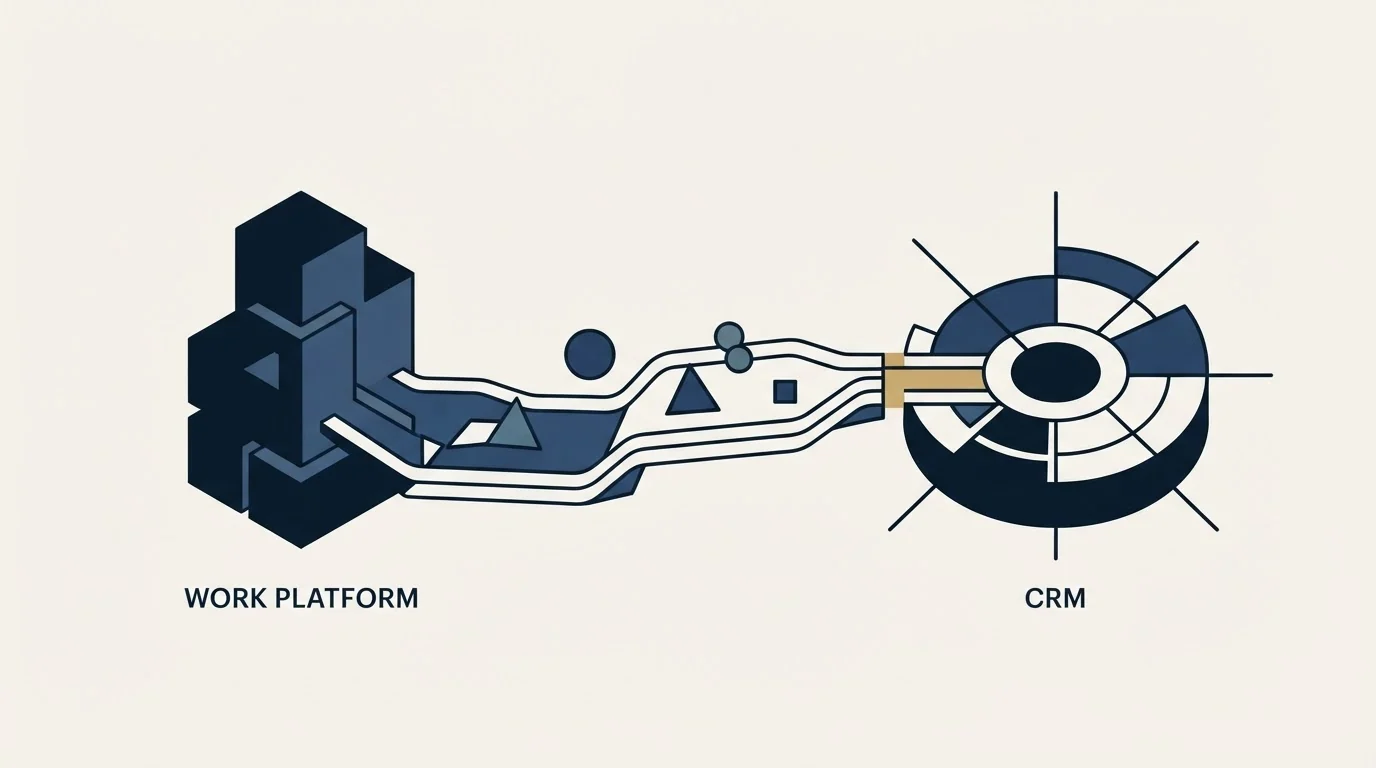
Because so much of the search intent here is integration rather than comparison, this is the section most of these pages should lead with.
ClickUp's own help documentation for the HubSpot integration is specific about the shape of it. ClickUp's help article says the integration is "available to Workspaces on the Unlimited Plan and above", while HubSpot's marketplace listing for the same app names "FREE FOREVER, UNLIMITED, BUSINESS, or Enterprise plans" as the compatible ClickUp subscriptions. The two pages disagree, both read on 2 September 2026, so check your own workspace before planning on the free tier. The same page states that "Only Workspace owners and admins can set up integrations", and that guests and limited members cannot use it. It supports deal-based triggers, with further triggers and actions available through HubSpot's own automations.
The actions a HubSpot deal trigger can initiate in ClickUp are, per that same documentation, creating a space, creating a folder or subfolder, creating a list, creating a task, or creating a task from a template. HubSpot's marketplace listing for the ClickUp app describes the same mapping from the other side, with deals, contacts and tickets in HubSpot corresponding to tasks or to a space, folder or list in ClickUp.
One line in ClickUp's documentation matters more than the rest and is easy to skim past: "Custom Field mapping is not supported for HubSpot workflows". That is the sentence to design around. It means the connection moves the fact that a deal reached a stage, and that ClickUp's documentation rules out mapping the custom fields your team put on that deal inside a HubSpot workflow, while allowing HubSpot fields to map to their equivalent ClickUp Custom Field types inside ClickUp Automations.
So the sync is closer to a handoff than to a shared record, though it does run both ways: ClickUp's page documents HubSpot triggers creating ClickUp items and ClickUp triggers creating and updating HubSpot deals, companies, contacts, tickets, products and line items. What does not travel is custom field mapping inside a HubSpot workflow, so the two systems stay in step on objects rather than on the fields your team added, and anybody planning on a shared record will be reconciling by hand within a quarter.
- Step 1Deal changes in HubSpot
A deal-based trigger fires on the stage or property change you chose
- Step 2HubSpot workflow calls ClickUp
The action creates a space, folder, list, task or task from a template
- Step 3Delivery runs in ClickUp
The work lives beside docs, dashboards and whoever is doing it
- Step 4The customer record stays in HubSpot
Custom fields do not travel inside a HubSpot workflow, so the CRM remains the place the account is described
Deciding which side owns what
Running both is a reasonable arrangement, and it works when one decision is made first: which system owns the company and contact record. Everything else follows from that, and the failure that costs money is two systems writing one field with no rule about who wins.
For this pairing the answer is nearly always HubSpot, and the integration's own limits push you there. Custom fields do not cross inside a HubSpot workflow, the richest triggers are deal-based, and only one of the two has an object model built to answer questions about an account. Let HubSpot describe the customer and let ClickUp describe the work.
The general form of that decision, including the four questions to answer in writing per connected system and why a company name is the weakest possible match key, is in Pipedrive integrations. The engineering side, meaning rate limits, authentication and the field mapping policy that decides which system is allowed to be wrong, is in CRM integration.
Reading the two price pages
Comparing the headline numbers directly is a mistake, and not only because the tiers buy different things.
The two pages served this fetch in different currencies, dollars for ClickUp and pounds for HubSpot, so a straight subtraction is comparing figures that were never in the same unit. Both vendors localise, so what a visitor sees depends on where they are asking from. Open both yourself before budgeting.
Beyond that, three things move the real cost. The billing basis differs between the yearly and monthly rates on both pages, and both render both states into one document, so a figure read out of a page is not necessarily the figure a visitor is shown by default. HubSpot's required onboarding fees sit outside the per-seat rate entirely. And the tier your workflow needs is the price you are actually paying, which for this pairing includes the fact that connecting the two at all requires ClickUp's Unlimited plan or above.
| Question | ClickUp, per clickup.com | HubSpot, per hubspot.com |
|---|---|---|
| Primary object | The task, with the CRM as a configuration of it | Contacts, companies, deals and tickets |
| Free tier | Free Forever, published | Free at £0 a month for up to two users |
| Entry paid rate | $7 per user per month billed yearly, $10 monthly | From £7 per seat per month annually, above the tier marked "Free for up to 2 users. No credit card required." |
| Next tier | ClickUp publishes $12 per user per month billed yearly, $19 monthly | HubSpot publishes from £77 per seat per month annually, £85 monthly |
| Excluded from the rate | AI plans metered separately | Required one-time onboarding of £1,310 on Professional |
| Plan needed to connect the two | Unlimited plan or above, per ClickUp's help article | The listing's Requirements block names FREE FOREVER, UNLIMITED, BUSINESS or Enterprise |
Figures read from each vendor's own pages on 2 September 2026, in the currency each page served. Verify current terms with the vendor before relying on them.
Where an outbound programme sits
Neither of these is a sending platform, and neither should be. Outbound mail belongs on separate sending domains from corporate mail, so the tool that sends is rarely the tool that stores.
What the storing system has to do is narrower and non-negotiable. It has to carry suppression as a fact on the record rather than as a setting inside a sending tool, so the campaign after next cannot contact somebody who asked not to be contacted. It has to support the exclusion join, removing existing customers and open opportunities from a target list before anything goes out. And it has to accept sends, replies, bounces and booked meetings back against the right record with the right owner and timestamp, which is what makes a programme capable of learning anything.
A task board can be made to hold some of that, and doing so means rebuilding a contact object out of tasks. That is the point at which the answer to this comparison stops being a preference.
We run one message per campaign with nothing scheduled behind it. That constraint puts more weight than usual on the record: each campaign is a clean test of one premise against one population, so the reply and meeting rates attach to a premise rather than to a blur of touches nobody can separate afterwards. A system that cannot take the outcome back cannot support that at all.
The short version
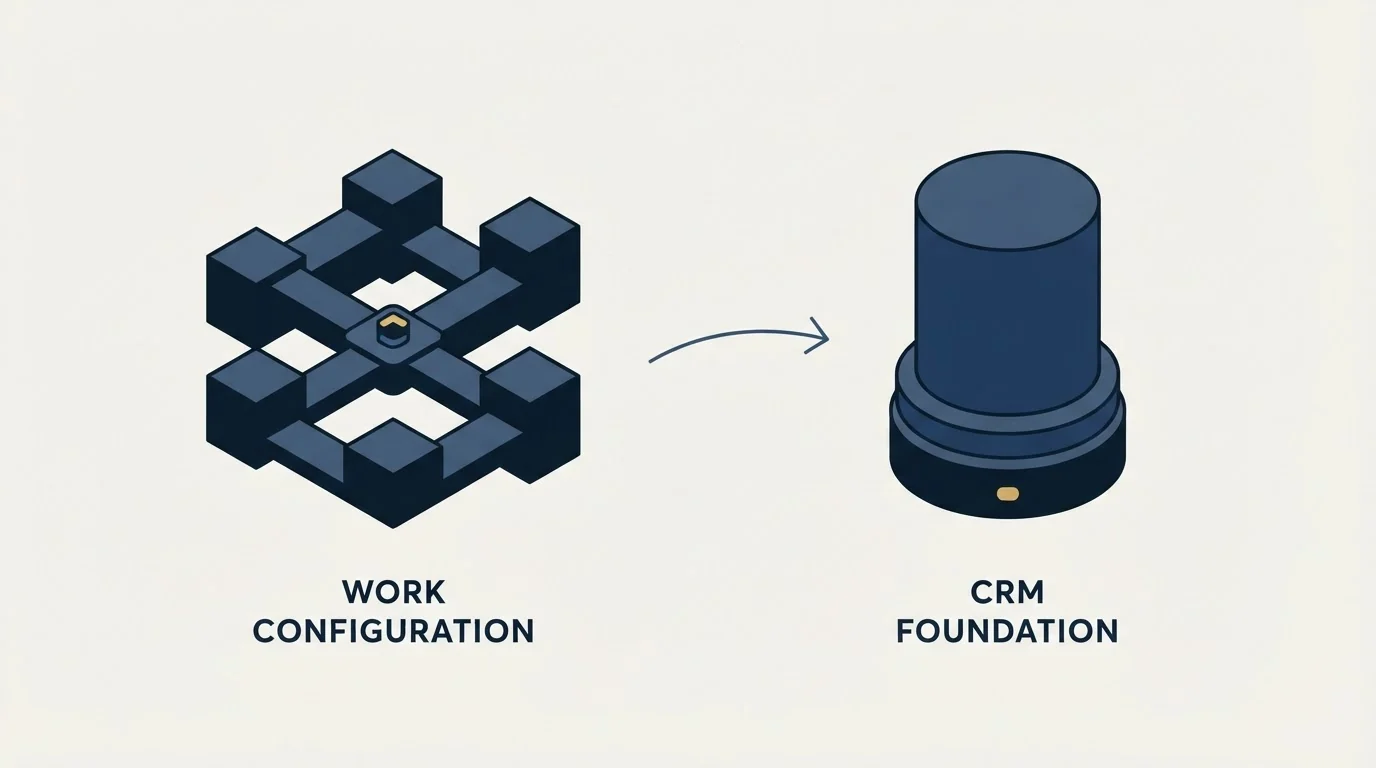
ClickUp is a work management platform whose CRM is a configuration of its task object, and it is a genuinely good answer for a small team whose real problem is delivery. HubSpot is a CRM whose object model is built for the account questions a second person will eventually ask, with hubs on top and onboarding fees the tier table does not show.
Run both if the two problems are both real. Decide before you connect them that HubSpot owns the customer record and ClickUp owns the work, because ClickUp's own documentation describes a one-directional handoff with custom field mapping ruled out, and the integration will not settle that for you.
If the shortlist is wider than these two, HubSpot CRM alternatives covers the field and HubSpot against Salesforce is the comparison larger teams run. If the pipeline is empty rather than badly recorded, no configuration of either fixes that, and we will build the first campaign against your market.
Sources: ClickUp CRM, HubSpot Sales Hub pricing, ClickUp HubSpot integration help article, HubSpot marketplace listing for ClickUp
Frequently asked questions.
Frequently asked questions- Can ClickUp replace HubSpot as a CRM?
- For a small team whose harder problem is delivery rather than selling, yes for a while. ClickUp's CRM is a configuration of its task object, so a pipeline works and costs nothing on the free tier. It stops working when a second person needs to answer a question about an account they were not in the room for, because that is what a CRM object model exists to support.
- How does the ClickUp and HubSpot integration work?
- It runs both ways: HubSpot deal-based triggers into ClickUp, and ClickUp triggers that create or update HubSpot deals, contacts, companies and tickets. Per ClickUp's own help documentation the available actions are creating a space, folder or subfolder, list, task, or task from a template, and the integration requires a workspace on the Unlimited plan or above with an owner or admin to set it up. Custom field mapping is not supported for HubSpot workflows.
- Which system should own the customer record if I run both?
- HubSpot, in nearly every case, and the integration's own limits point the same way. Custom fields do not cross inside a HubSpot workflow, the richest triggers are deal-based, and only one of the two has an object model built for account questions. Let HubSpot describe the customer and let ClickUp describe the work that follows the deal.
- Is ClickUp cheaper than HubSpot?
- The published entry rates are close and were served in different currencies, so comparing them directly is misleading. ClickUp publishes $7 per user per month billed yearly and HubSpot from £7 per seat per month billed annually. HubSpot's page also carries required one-time onboarding fees on its higher tiers that sit outside the per-seat rate entirely.
About the author.

Tim Carden is CMO / CTO at RevenueFlow, which builds and operates outbound revenue engines for B2B companies. Studied at McGill University.
Tim Carden · CMO / CTO
Connect on LinkedIn →Explore more.
Ready to scale your outreach?
We build GTM engines that book real meetings. See the receipts.
Related articles.
AroundDeal vs Salesflare: Data Enrichment Tool vs CRM Platform Comparison
Compare AroundDeal (data enrichment tool) and Salesflare (CRM platform) side by side. See pricing, features, and integrations to decide which one, or both, your stack needs.
Evaboot vs Microsoft Dynamics 365 Sales: Data Enrichment Tool vs CRM Platform Comparison
Compare Evaboot (data enrichment tool) and Microsoft Dynamics 365 Sales (CRM platform) side by side. See pricing, features, and integrations to decide which one, or both, your stack needs.
Agile CRM vs Copper: CRM Platform Comparison
Compare Agile CRM and Copper side by side. See pricing, features, and integrations to choose the right CRM platform for your needs.
Agile CRM vs LeadIQ: CRM Platform vs Data Enrichment Tool Comparison
Compare Agile CRM (CRM platform) and LeadIQ (data enrichment tool) side by side. See pricing, features, and integrations to decide which one, or both, your stack needs.
Kommo vs Luru: CRM Platform vs Sales Engagement Platform Comparison
Compare Kommo (CRM platform) and Luru (sales engagement platform) side by side. See pricing, features, and integrations to decide which one, or both, your stack needs.
Agile CRM vs Capsule CRM: CRM Platform Comparison
Compare Agile CRM and Capsule CRM side by side. See pricing, features, and integrations to choose the right CRM platform for your needs.