Copper vs Freshsales: CRM Platform Comparison
Compare Copper and Freshsales side by side. See pricing, features, and integrations to choose the right crm platform for your needs.
Copper is a Google Workspace CRM at $29, $69 and $134 per seat, with published contact limits of 2,500 and 15,000 below its top tier. Freshsales costs $9, $39 and $59 per user billed annually, meters no contacts, and publishes no free plan. Database size usually decides it.
Key takeaways
- Copper publishes contact limits of 2,500 on Basic and 15,000 on Professional, so database size alone can force an upgrade to the $134 Business tier.
- Freshsales publishes no free tier, only a 21-day trial, correcting a claim this comparison previously carried.
- Freshsales is cheaper at every comparable tier, and the gap widens from $9 against $29 at entry to $59 against $134 at the top.
- Copper's automatic contact and activity capture from Gmail is the strongest reason to pay its premium, and it only pays off in a Google Workspace company.
Reviewed and updated September 1, 2026
Copper vs Freshsales: CRM Platform Comparison
Copper's pricing page publishes a contact limit beside every tier: 2,500 on Basic, 15,000 on Professional, unlimited on Business. Freshsales' pricing page publishes no contact ceiling beside any tier. For a business that buys or builds lists, that single difference decides the comparison long before anybody counts features.
The Short Answer
Copper is the CRM for a company that lives in Google Workspace. Contacts and activity are captured out of Gmail automatically, the interface is familiar to anyone who uses Google all day, and it costs $29, $69 and $134 per seat a month.
Freshsales is cheaper at every tier, at $9, $39 and $59 per user a month billed annually, and it is more of a sales-operations tool: scoring, territories, multiple pipelines and forecasting.
A small team already inside Google Workspace will find Copper less work to adopt. A team with more than 2,500 contacts, or with routing rules, will hit Copper's ceilings and find Freshsales cheaper on the way past them.
Where They Actually Differ
Copper's design assumption is that the CRM should disappear into Gmail. Automatic contact and activity capture is the headline of that idea, and it is genuinely valuable for a team that would otherwise not update records at all.
Freshsales assumes the opposite: that sales is a defined process with stages, scoring and assignment rules, and that the CRM is where that process lives rather than a passive record of email.
The contact ceilings follow from the first assumption. A CRM built to capture what Gmail already touches expects a database roughly the size of the team's real relationships. A CRM built for outbound expects a database far larger than anybody has emailed, and Freshsales prices accordingly.
Pricing Comparison
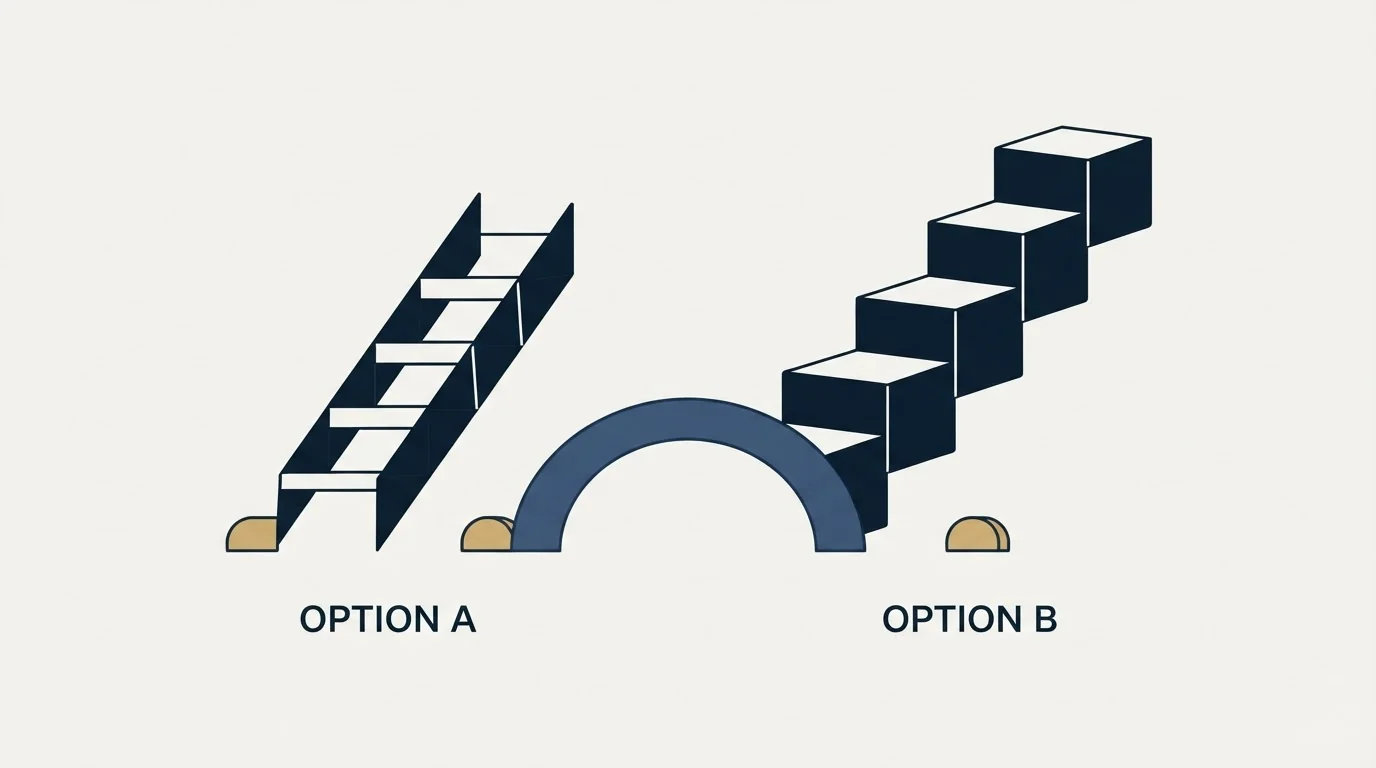
billed annually, no contact cap
2,500 contact limit
15,000 contact limit
Copper Pricing (as published on the vendor's own pricing page)
| Plan | Price |
|---|---|
| Basic | $29/mo |
| Professional | $69/mo |
| Business | $134/mo |
Source: Copper Pricing
Freshsales Pricing (as published on the vendor's own pricing page)
| Plan | Price |
|---|---|
| Growth | $9/mo |
| Pro | $39/mo |
| Enterprise | $59/mo |
Source: Freshsales Pricing
What The Ladders Actually Say
This page previously claimed Freshsales includes a free tier. It does not: the Freshsales pricing page publishes Growth, Pro and Enterprise and offers a 21-day trial rather than a free plan. The claim has been removed.
Freshsales is cheaper at every comparable tier, and the gap widens as you climb. $9 against $29 at the entry, $39 against $69 in the middle, $59 against $134 at the top. Those Freshsales figures are the annual rates its page shows by default under a Save 20% Annually toggle.
The contact limits are the number that should drive the decision. Copper's own page puts 2,500 contacts on Basic and 15,000 on Professional, so a company whose database has grown past that 15,000 ceiling is priced into Business at $134 a seat regardless of which features it wanted.
Working Out What You Would Pay
Four users and a database of 18,000 contacts. Invented figures, used to show where the ceilings bite; they describe no customer account. Every number below that is not a published price is invented.
On Copper, 18,000 contacts is past the 15,000 limit on Professional, so the account needs Business at $134 a seat. Four seats is $536 a month, and the upgrade was forced by the size of the database rather than by any feature anybody asked for.
On Freshsales, four Pro seats at $39 billed annually is $156 a month and the database size does not enter the sum. Adding Freddy AI at $49 per 100 sessions is optional and visible.
That is roughly a threefold difference driven almost entirely by one number on Copper's page. A team with 2,000 contacts sees a completely different comparison, which is why the contact count belongs at the top of the evaluation rather than the bottom.
Feature Overlap, Honestly
The chart below claimed exclusivity for each column. Both products manage a visual pipeline and both automate workflows, so several entries appeared on both sides under slightly different names. The columns now describe list membership, which is all two vendor pages can establish.
- Native Google Workspace integration
- Automatic contact and activity capture from Gmail
- Contact enrichment
- Bulk email and email templates
- Custom reporting and dashboards
- Project management and collaboration
- Published contact limits per tier
- Contact, account, and deal management
- Built-in email and phone with call recording
- Freddy AI lead scoring and deal insights
- Multiple pipeline support
- Advanced reporting and forecasting
- Territory management and auto-assignment
- Freddy AI Agent as a priced add-on
What Copper Lists
Automatic capture from Gmail is the entry that justifies Copper's price for the right team. A CRM nobody updates is worth nothing, and a CRM that updates itself from the mail people were sending anyway solves that problem at the source.
Bulk email arrives at Professional rather than Basic on Copper's own list, so a team buying the $29 tier expecting to mail its database will be disappointed by that specific gap.
What Freshsales Lists
Territory management and auto-assignment are the Freshsales entries with no Copper counterpart, and they are what a growing team reaches for once leads arrive faster than one person can triage them.
Built-in phone with call recording is on the Freshsales list across the range, which matters for teams that mix email and calls without wanting a separate dialler subscription. Freddy AI lead scoring is included in the tiers, while the Freddy AI Agent is the separately priced add-on at $49 per 100 sessions.
Since Freshsales handles pipeline tracking rather than lead sourcing, teams often pair it with a separate enrichment tool, a distinction explored in this comparison with a data enrichment tool.
Integrations
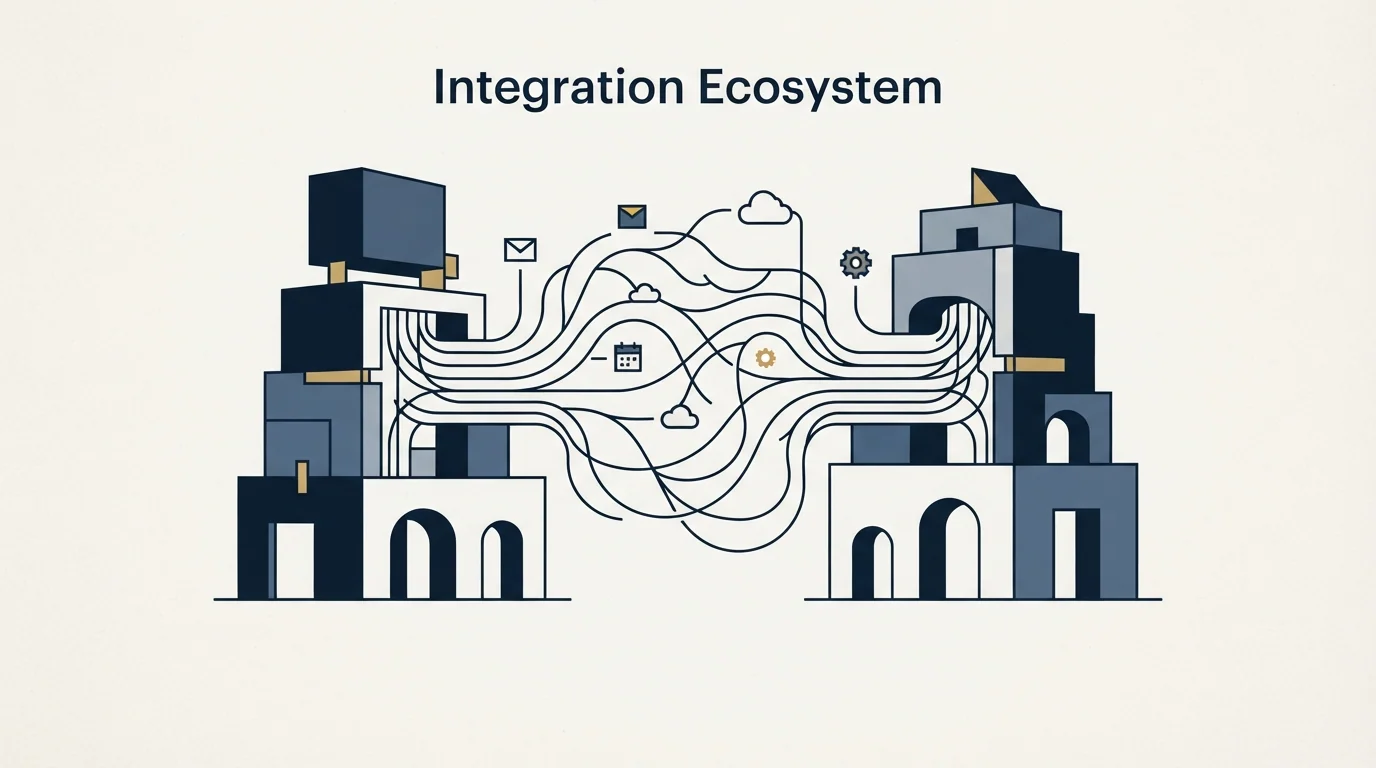
Copper publishes Google Workspace, Gmail, Google Calendar, Google Drive, Slack, Zapier, Mailchimp and Zendesk. That is a Google-first list and it is honest about what the product is for: a business on Microsoft 365 is buying against the grain.
Freshsales publishes the Freshworks Suite, Gmail, Microsoft Outlook, Slack, Zoom, Zapier, Segment and Shopify. The Outlook entry alone widens the addressable set, and the Freshworks Suite entry is the strategic one for any company already running Freshdesk.
Who Should Pick Which
Pick Copper when the company is Google-native, the team is small, and the biggest obstacle is that nobody updates the CRM. Automatic capture is a genuine answer to that, and it is the strongest reason to pay the premium.
Pick Freshsales when the database is large, the leads need routing, or the budget matters. It is cheaper at every tier and it does not meter contacts.
Pick Freshsales specifically if outbound is part of the plan. An outbound programme produces a database far larger than the team has personally emailed, and that is the exact shape Copper's contact limits are built to price.
- No: Under 2,500 contacts today and likely to stay there
- Depends: The company runs on Google Workspace
- Yes: Outbound will grow the database quickly
- Yes: Leads need routing by territory or segment
- Depends: Nobody reliably updates the CRM by hand
- Yes: More than one sales pipeline is needed
Where Each One Sits In A Cold Outbound Stack
Both of these are the record at the end of the stack rather than any part of the sending. Neither holds outbound sending domains and neither warms a mailbox, so cold volume through either one would leave via the company's own addresses.
Copper's contact ceilings are the detail that connects a CRM choice to an outbound decision, and it is easy to miss. A programme that adds ten thousand prospects in a quarter walks an account through Copper's tiers on database size alone.
RevenueFlow campaigns send one message per campaign, with no bumps and no thread replies, and meetings are qualified against criteria agreed in writing before launch. What that asks of a CRM is a clean place to record the agreed definition and the outcome against it, which both products can do. What it does not ask for is a nurture engine, so weigh that part of either feature list lightly.
Switching Between Them
Copper to Freshsales is mostly a data move plus a rebuild of automation, and the thing that surprises teams is how much lived in Gmail rather than in the CRM. Automatic capture means the record is rich and the configuration is thin, so there is less to migrate and more to design from scratch.
Freshsales to Copper is the harder direction if territories and multiple pipelines are in use, because Copper's published list carries no equivalent to either.
Check the contact count before moving either way. Arriving in Copper with a database over 15,000 rows means landing on the Business tier at $134 a seat, which is a different decision from the one most teams think they are making.
Getting Started

- Count contacts today and estimate the count in a year, since Copper meters that
- Confirm whether the company is Google-native or Microsoft-native
- Read the Freshsales prices as annual rates, because the page defaults to that toggle
- Decide whether territory routing is needed, since only one product publishes it
- Trial Freshsales inside its 21-day window using real records
- Judge on whether the pipeline is accurate a month later, not on the demo
The Bottom Line
Copper buys automatic capture and a Google-shaped experience, and charges for both with a contact ceiling on every tier below Business. Freshsales is cheaper at every level, meters no contacts, and offers routing and scoring that Copper's pricing page does not list.
Count the database first. Under a couple of thousand contacts in a Google shop, Copper is a pleasant purchase. Above fifteen thousand, the arithmetic stops being close.
Related Reading
- Best Copper Alternatives in 2026
- Best Freshsales Alternatives in 2026
- Close vs Copper: CRM Platform Comparison
- Copper vs Pipedrive: CRM Platform Comparison
- Close vs Freshsales: CRM Platform Comparison
- B2B Prospecting: How the List Gets Built
If you would rather have the pipeline filled for you, RevenueFlow books qualified meetings on a pay-per-meeting basis and publishes client results.
Pricing and features are taken from the vendors' own pages. Verify current terms with the vendor before relying on them.
Frequently asked questions.
Frequently asked questions- What happens when a Copper account passes its contact limit?
- The next tier is the answer, because the limits are published per tier: 2,500 on Basic, 15,000 on Professional and unlimited on Business. A database growing past 15,000 rows therefore moves an account onto the $134 per seat tier regardless of which features the team actually needs.
- Does Freshsales have a free plan?
- No. Its pricing page publishes Growth, Pro and Enterprise at $9, $39 and $59 per user a month billed annually, and offers a 21-day trial in place of a free tier. Comparisons that credit Freshsales with a free plan are describing an older version of the ladder.
- Is Copper worth it outside Google Workspace?
- Much less so. Its published integration list leads with Google Workspace, Gmail, Google Calendar and Google Drive, and the automatic capture that justifies the price is built on that. A Microsoft 365 company gets a normal CRM at a premium price, which is a poor trade.
- Which one suits a team running cold outbound?
- Freshsales, on two counts. It does not meter contacts, so a growing prospect database does not push the bill up, and it publishes territory management and auto-assignment for routing replies. Neither CRM should send the cold email itself, since both would use the company's own mailboxes.
About the author.

Tim Carden is CMO / CTO at RevenueFlow, which builds and operates outbound revenue engines for B2B companies. Studied at McGill University.
Tim Carden · CMO / CTO
Connect on LinkedIn →Explore more.
Ready to scale your outreach?
We build GTM engines that book real meetings. See the receipts.
Related articles.
Agile CRM vs Copper: CRM Platform Comparison
Compare Agile CRM and Copper side by side. See pricing, features, and integrations to choose the right CRM platform for your needs.
AroundDeal vs Salesflare: Data Enrichment Tool vs CRM Platform Comparison
Compare AroundDeal (data enrichment tool) and Salesflare (CRM platform) side by side. See pricing, features, and integrations to decide which one, or both, your stack needs.
Evaboot vs Microsoft Dynamics 365 Sales: Data Enrichment Tool vs CRM Platform Comparison
Compare Evaboot (data enrichment tool) and Microsoft Dynamics 365 Sales (CRM platform) side by side. See pricing, features, and integrations to decide which one, or both, your stack needs.
Agile CRM vs LeadIQ: CRM Platform vs Data Enrichment Tool Comparison
Compare Agile CRM (CRM platform) and LeadIQ (data enrichment tool) side by side. See pricing, features, and integrations to decide which one, or both, your stack needs.
Kommo vs Luru: CRM Platform vs Sales Engagement Platform Comparison
Compare Kommo (CRM platform) and Luru (sales engagement platform) side by side. See pricing, features, and integrations to decide which one, or both, your stack needs.
Agile CRM vs Capsule CRM: CRM Platform Comparison
Compare Agile CRM and Capsule CRM side by side. See pricing, features, and integrations to choose the right CRM platform for your needs.