15 Free Trial Email Templates That Convert Prospects
Five free trial offers for cold prospects, one message each, and ten lifecycle emails for the trial itself, with the expiration warning taken apart line by line.
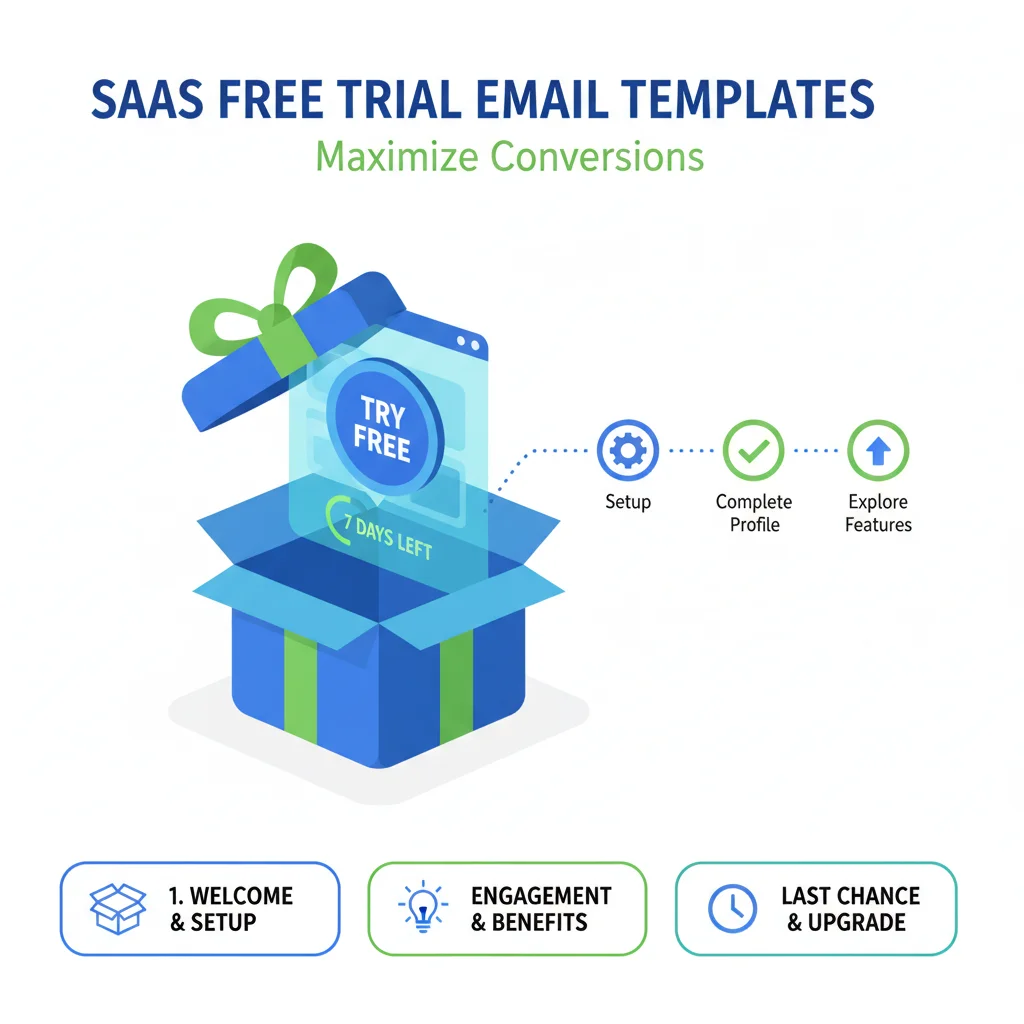
A trial expiration email goes out 24 to 48 hours before access ends. It says when the trial ends, names what the user will lose, and offers three options: continue, extend or export. The 15 templates here cover the cold offer, activation, conversion, expiration and recovery.
Key takeaways
- A trial expiration email goes out 24 to 48 hours before access ends and names the deadline, what the user loses, and the options to continue, extend or export.
- Cold trial offers are single messages that remove cost, commitment and complexity; everything after signup is the product's own lifecycle mail.
- Lifecycle mail responds to usage: a welcome with one quick win on day 0, a usage check-in on day 2 or 3, and a value summary in the final week.
- The day after expiry, a post-trial email says the account is paused, how long the work is saved, and asks what decided it.
Reviewed and updated September 21, 2026
A trial expiration email is the one message in a free trial that every user receives, and it is usually the one written last. Whether it lands depends on everything before it: an offer that made the trial easy to start, a welcome that pointed at one quick win, and check-ins that responded to what the user actually did.
This guide gives 15 free trial email templates in the order a trial runs, from the offer to the trial expiration email and the recovery messages after it. Templates 1 to 5 are cold offers, each a single message with nothing held back for a follow-up. Templates 6 to 15 are the product's own lifecycle mail to people who signed up, where a planned series is correct because the user chose the relationship.
What a free trial offer has to remove
The primary value of a free trial is risk removal: prospects can evaluate the product without a financial commitment. So the offer's job is to remove every objection that remains, cost, commitment and complexity, in a few lines.
Cold outreach that carries no trial to offer needs a different opening, and ten templates written for a single send hold nothing back for a later message.
Free Trial Offer Templates
These five introduce a free trial to cold prospects. Each is one message.
Template 1: The No-Commitment Trial Offer
Best for: cold outreach when the goal is a trial start.
Subject line: Try [Product] free for [X] days, no commitment
Hi [First Name],
[Company Name] looks like a good fit for [Product], and we'd rather show you than tell you.
We're offering [Title]s at companies like yours a free [X]-day trial: full access to every feature, no credit card, no obligation to buy, and support if you need it. Setup takes about [X] minutes.
Start here: [Trial Link]. If you'd prefer a guided 15-minute setup call first, reply and we'll book one.
[Your Name]
Why it works: it removes cost, commitment and complexity in one paragraph, and offers two paths.
Template 2: The Problem-Solution Trial Offer
Best for: prospects with a pain point you have observed.
Subject line: Solve [specific problem] this week, free
Hi [First Name],
[Observation about their company] suggests you may be dealing with [specific challenge]. We've helped [similar companies] with exactly this, and a free trial lets you check it yourself.
[X]-day access lets you [capability that addresses the problem] and [a second relevant capability]. No credit card, no sales call required: [Trial Link]
If [problem] isn't a priority, no harm done.
[Your Name]
Why it works: tying the trial to one observed problem makes it relevant, and the no-harm line lowers the pressure.
Template 3: The Results-Based Trial Offer
Best for: data-driven prospects who want evidence first.
Subject line: [Metric] in your first [X] days, in your own trial
Hi [First Name],
Teams like [Company Name] that ran a [X]-day trial of [Product] saw [result 1] and [result 2], averaged across [number] trials over [timeframe]. Your results will depend on your situation.
The trial is free, needs no credit card, and includes everything paying customers use: [Trial Link]. If case studies from similar companies would help first, reply and we'll send them.
[Your Name]
Why it works: a measured outcome gives the prospect a benchmark, provided every figure comes from your own trial data.
Template 4: The Limited-Time Extended Trial
Best for: a defined group of prospects, with a deadline that is real.
Subject line: Extended trial for [Company Name]: [X] days instead of [Y]
Hi [First Name],
Until [Date], we're offering [Industry] companies a [X]-day trial in place of our standard [Y] days, with [extended benefit] and [additional support].
Claim it here: [Trial Link]. Timing rarely lines up with vendor outreach, so if [category] isn't on your list this quarter, ignore this one.
[Your Name]
Why it works: the deadline is real and stated once, so the urgency needs no pressure.
Template 5: The Pre-Configured Trial
Best for: high-value prospects who warrant extra work.
Subject line: A [Product] trial set up for [Company Name]
Hi [First Name],
We've set up a trial environment for [Company Name] with [customization relevant to their business] and [sample data matching their use case], so you can evaluate [Product] the way you would actually use it.
It's yours for [X] days, no credit card: [Custom Trial Link]. A guided tour is available on request.
[Your Name]
Why it works: the setup is done before they log in, which is the effort a high-value prospect notices.
| Template | Best for | What it adds |
|---|---|---|
| 1. No-commitment | Cold outreach where the goal is a trial start | Full access, no card, no obligation, and a guided setup call as a second path |
| 2. Problem-solution | Prospects with a pain point you have observed | The trial tied to one problem, and no harm done if it is not a priority |
| 3. Results-based | Data-driven prospects | Outcomes from your own trial data as a benchmark |
| 4. Extended trial | A defined group, with a real deadline | More days than the standard trial, through a stated date |
| 5. Pre-configured | High-value prospects worth the extra work | An environment set up before they log in |
Trial Activation Templates
From here on, every template is lifecycle mail from the product to someone who signed up. These three get a new trial user to the first win.
Template 6: The Welcome and Quick Win Email
Best for: the moment a trial starts.
Subject line: Your [Product] trial is live: your first win
Hi [First Name],
Welcome to [Product]. Your [X]-day trial is active.
The fastest first win is one action: [specific simple action that demonstrates value]. It takes about [X] minutes and shows you [specific benefit]. Guide: [link]. Dashboard: [link].
Questions? Reply to this email.
[Your Name]
Why it works: one action in place of a tour prevents overwhelm.
Template 7: The Usage Check-In
Best for: day 2 or 3, when engagement decides the trial.
Subject line: Day [X] of your trial
Hi [First Name],
[If they have engaged: You've already [specific action]. The next step that adds the most is [specific action].] [If they have not: No problem if you haven't had time yet; this [X]-minute video shows the fastest path: [link].]
Your trial runs until [Date]. Anything we can help with?
[Your Name]
Why it works: it responds to what they actually did, so it reads as help.
Template 8: The Feature Highlight Email
Best for: mid-trial, to widen use beyond the first feature.
Subject line: Did you try [Feature] yet?
Hi [First Name],
One feature trial users often miss is [Feature Name]: [what it does], which matters for [Company Name] because [specific relevance]. Try it here: [direct link].
You have [X] days left in your trial.
[Your Name]
Why it works: it widens use before the conversion conversation starts.
Trial Conversion Templates

These two turn an engaged trial into a decision.
Template 9: The Value Summary Email
Best for: the final week of the trial.
Subject line: What you've done in your [Product] trial
Hi [First Name],
Your trial ends on [Date]. So far: [metric 1: their result], [metric 2: their result], and [what they've done in the product]. At full rollout that points to [projection for Company Name].
Three options: continue to a paid plan with no interruption [Upgrade Link], extend the trial by [X] days [Extension Request], or tell us it isn't the right fit, which is useful too.
[Your Name]
Why it works: it summarizes value from their own account and offers three honest paths.
Template 10: The Social Proof Conversion Email
Best for: engaged users who haven't converted.
Subject line: What [Similar Company] did after their trial
Hi [First Name],
Your trial ends in [X] days. [Similar Company] reached the same point after [specific parallel to this trial's usage]; after converting they saw [result 1] and [result 2] over [timeframe]. Their story: [case study link].
Continue here: [Upgrade Link], or talk it through first: [booking link].
[Your Name]
Why it works: a comparable company's outcome, tied to the prospect's own trial usage, makes the projection feel grounded.
Trial expiration email templates
A trial expiration email goes out 24 to 48 hours before access ends and does three things: says exactly when the trial ends, names what the user will lose, and gives the options, continue, extend or export. The day after, a second lifecycle message says the account is paused, how long the work is kept, and asks what decided it.
Template 11: The Trial Expiration Warning
Best for: 24 to 48 hours before the trial expires.
Subject: Your trial expires tomorrow, [First Name]
Your [Product] trial expires [tomorrow / in X hours]. 1
After that you lose access to [specific thing 1], [specific thing 2] and [any work or data you created]. 2
Continue to a paid plan: [Upgrade Link]. Your work and settings carry over, and plans start at [price] a month. 3
Need more time? Extend by [X] days: [Extension Link]. Not continuing? Export your work: [Export Link]. 4
[Your Name]
- 1The genuine deadline, stated first and once.
- 2What they will lose, named specifically rather than a list of benefits.
- 3The main path, with the one fact that removes friction: nothing is lost by upgrading.
- 4Two honest alternatives, so the email is useful even to someone who will not pay.
Why it works: the deadline is genuine, and naming what they will lose is concrete where a list of benefits is abstract.
Template 12: The Post-Trial Email
Best for: the day after expiry, when the user hasn't converted.
Subject line: Your trial ended, and your work is saved
Hi [First Name],
Your [Product] trial ended [yesterday]. The account is paused, and your work and settings are saved for [X] days before they are deleted.
If you want to continue, we can reactivate it at [offer or standard pricing]: [Reactivate Link]. If you decided against [Product], a one-line reply on what decided it, timing, pricing or the product itself, helps us.
[Your Name]
Why it works: it catches users who lapsed on timing, and the data deadline is a real reason to decide.
Trial Recovery Templates
These three re-engage users who went quiet or let a trial lapse.
Template 13: The Inactive Trial User Email
Best for: users who signed up but never engaged.
Subject line: Your [Product] trial is waiting
Hi [First Name],
You started a [Product] trial [X] days ago and haven't had a chance to dive in yet, which is normal when vendor trials compete with real work.
You still have [X] days. The fastest path: log in [Login Link], complete [single specific action], which takes about [X] minutes, and see [specific result] straight away. That one action shows whether [Product] deserves more of your time.
[Your Name]
Why it works: it acknowledges they are busy and makes re-engagement one bounded action.
Template 14: The Second-Chance Trial Email
Best for: past trial users who never converted.
Subject line: [Product] has changed since your trial
Hi [First Name],
You tried [Product] [timeframe] ago. Since then we've added [new feature 1] and [new feature 2], which address feedback from trial users like you.
A fresh [X]-day trial is yours if you'd like to see the new version, on the same terms: no credit card, no commitment. [Trial Link]
[Your Name]
Why it works: a real product change is a legitimate reason to write again.
Template 15: The Personal Demo and Trial Offer
Best for: a high-value account where a standard trial did not fit, sent as a separate campaign with its own reason.
Subject line: A [Product] walkthrough built for [Company Name]
Hi [First Name],
A standard trial may not suit a team your size, so here is a different offer: a 20-minute walkthrough built for [Company Name], covering [specific challenge relevant to their company] and results from [similar company] in your industry, then an extended [X]-day trial with [premium support or onboarding] if you want to test what we discuss.
Worth 20 minutes? [booking link]
[Your Name]
Why it works: a different offer with its own reason is what makes this a new message and never a reminder.
Best Practices for Free Trial Emails
Reduce friction at every step. Every extra field, verification step or requirement is one more reason not to start.
Set clear expectations. Tell prospects exactly what they get, how long they have and what happens when the trial ends.
Track and respond to usage. Active users need different messages from inactive ones.
Create more than one win moment across the trial, so value is not riding on a single session.
Keep the two halves apart. A cold offer is one message; the lifecycle mail from template 6 onwards is planned as one journey, from welcome to expiration, before the first user signs up.
Transform Trials into Customers
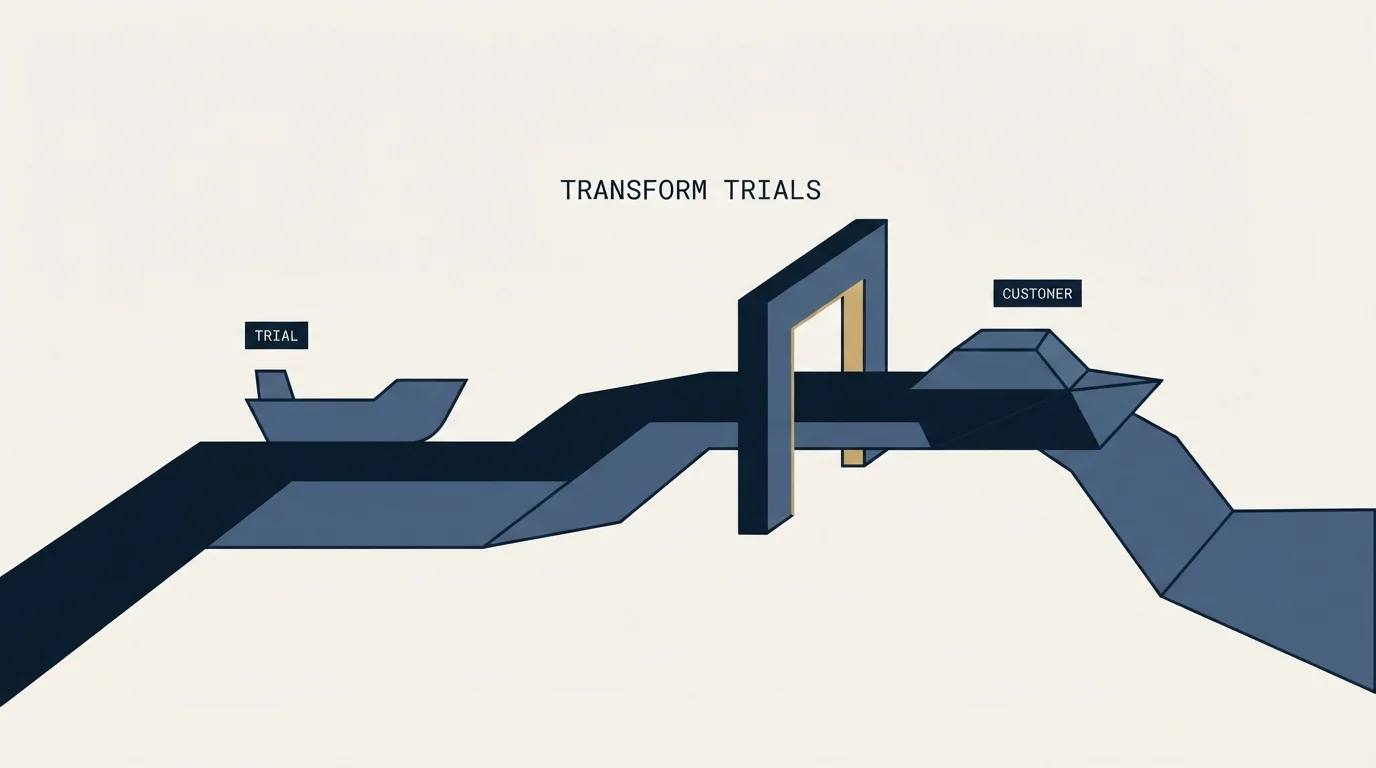
A free trial lets prospects experience value directly, and the offer, the first win and the expiration email each decide part of whether they pay. Use these templates as a foundation, customize them for your product and audience, and keep what your own trial data shows works.
If the cold offers in templates 1 to 5 are the part you would rather have run for you, start with a free cold email campaign and turn trial offers into qualified conversations.
Related Reading
Frequently asked questions.
Frequently asked questions- What should a trial expiration email say?
- Say exactly when the trial ends, name the specific things the user will lose access to, including any work they created, and give three options: continue to a paid plan with work and settings carried over, extend the trial, or export their work. Send it 24 to 48 hours before access ends, and keep the deadline genuine.
- When should trial expiration emails go out?
- The warning goes 24 to 48 hours before the trial ends. A value summary can go in the final week, before the warning, and a post-trial email the day after expiry for users who have not converted. That last one says the account is paused, how long the work is kept, and asks what decided it.
- What should a cold email offering a free trial include?
- The trial length, full feature access, no credit card and no obligation to buy, stated in one short paragraph, plus the link and an optional guided setup call as a second path. Tie it to one observed problem where you can. It is one message: if it goes unanswered, the next approach is a separate campaign with its own reason.
- How do you re-engage a trial user who never logged in?
- Acknowledge that trials compete with real work, say how many days remain, and give one bounded action: log in, complete a single specific step that takes a few minutes, and see a specific result straight away. That one action tells the user whether the product deserves more of their time, which is a fairer ask than a tour.
About the author.

Ben Carden is CRO at RevenueFlow, which builds and operates outbound revenue engines for B2B companies. Previously at Gartner Enterprise. Studied at London School of Economics.
Ben Carden · CRO
Connect on LinkedIn →Explore more.
Ready to scale your outreach?
We build GTM engines that book real meetings. See the receipts.
Related articles.
10 B2B Cold Email Templates for One-Message Sends
Ten B2B cold email templates written for a single send, with the four slot structure underneath them and the test that separates a good example from a bad one.
Cold Email Templates for Customer Success Managers
Eleven cold email templates for customer success managers, covering champion change, expansion, renewal rescue, and win-back, with subject lines and timing.
14 Renewal Email Templates That Retain Customers
Master subscription and contract renewals with 14 proven email templates. Reduce churn, lock in renewals early, and maintain customer relationships.
Follow-Up Call Scripts: Nine Calls Into a Live Conversation
Nine follow-up call scripts, each tied to the event that earns the call, from a demo to a renewal, plus the four moves they share and how each call should end.
13 Case Study Request Email Templates That Get Results
Get proven email templates for requesting case studies, video testimonials, and written reviews from your happiest customers. Includes templates for every stage from initial ask to final approval.
Email Subject Line Capitalization: What the Guides Say
What the style authorities actually rule on subject line case, what the published tests measured, and the default for a one to one sales email.