How to Automate Email Personalization at Scale With Clay AI
Stop sending 'I can help your company find more customers.' Start referencing their specific products and customer testimonials, automatically. Here's the exact Clay workflow to personalize thousands of emails with specificity that gets replies.
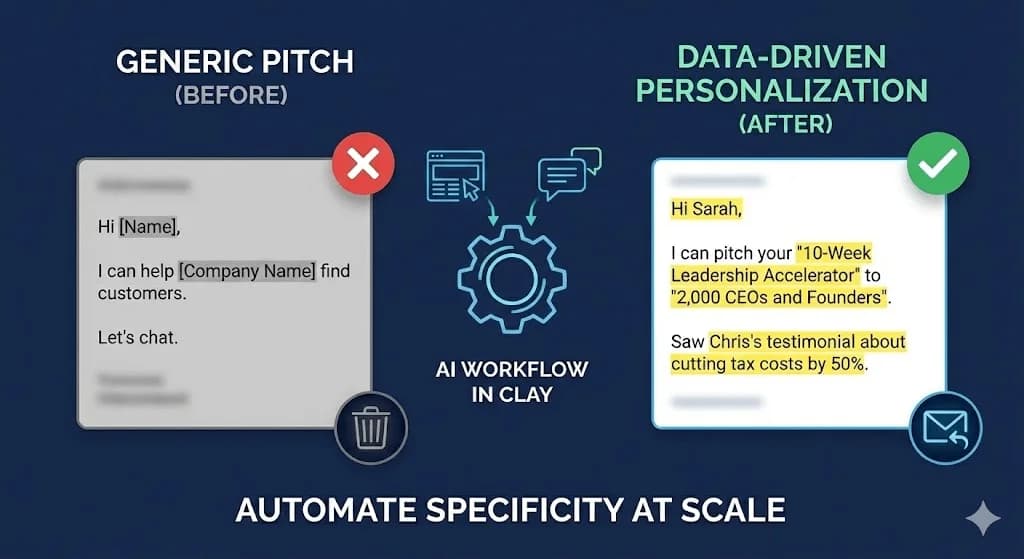
Use Clay AI to automate hyper-specific email personalization by creating two AI columns: one that scrapes each prospect's website to extract their flagship product name, and another that pulls customer testimonials with specific results. This lets you reference their exact offerings and real customer outcomes in emails, proving you understand their business without manual research. The workflow transforms generic pitches into specific messages like 'I can pitch your 10-Week Leadership Accelerator to 2,000 CEOs' backed by testimonial references.
Key takeaways
- Zero personalization emails achieve only 0.5% reply rates, while emails referencing specific products and customer testimonials generate significantly higher engagement.
- The two-column Clay workflow uses AI to automatically scrape flagship product names and customer testimonials from prospect websites without manual research.
- Effective email personalization proves business understanding by naming specific products, customers, and results rather than using shallow LinkedIn-stalking tactics.
- Clay's AI columns require fallback logic for empty results since not every website contains clear product names or testimonials.
- The personalized email structure includes the flagship product in the opening line and adds testimonial references in a P.S. to demonstrate genuine website research.
Reviewed and updated September 10, 2026
How to Automate Hyper-Specific Email Personalization at Scale Using Clay AI
Stop saying "I can help your company find more customers."
It's lazy. It's generic. And it gets deleted.
Start saying: "I can pitch your 10-Week Leadership Accelerator to 2,000 CEOs and founders."
The difference in response rate is astronomical.
Why? Because you're taking their specific product and putting it directly into the copy. It proves you know who they are without doing gimmicky "I saw you went to Ohio State" personalization that everyone ignores.
Here's the exact workflow we're using to automate this at scale.
Why Generic Personalization Fails
- I can help [Company Name] find more customers.
- This gets a 0.5% reply rate because it could be sent to literally anyone.
- I noticed you went to Stanford and recently posted about leadership.
- Everyone does LinkedIn stalking now. It doesn't prove you understand their business.
- I can pitch your 10-Week Leadership Accelerator to 2,000 CEOs and Founders.
- The recipient immediately knows this isn't a mass blast.
Most cold email personalization falls into two categories:
Category 1: Zero Personalization
"Hi [Name],
I can help [Company Name] find more customers.
Let's chat."
This gets a 0.5% reply rate because it could be sent to literally anyone.
Category 2: Shallow Personalization
"Hi Sarah,
I noticed you went to Stanford and recently posted about leadership.
I'd love to help your company grow."
This is slightly better but still misses the mark. Everyone does LinkedIn stalking now. It doesn't prove you understand their business.
What Actually Works: Specificity
"Hi Sarah,
I can pitch your 10-Week Leadership Accelerator to 2,000 CEOs and Founders.
Saw Chris's testimonial about how you cut his tax costs by 50%. That's exactly the kind of result that would resonate with our audience."
This works because:
- You named their specific product
- You named a specific customer
- You mentioned specific results
- You showed you actually visited their website
The recipient immediately knows this isn't a mass blast.
The Two-Column Clay Workflow
We automate this specificity using two AI columns in Clay.
- This column scrapes the prospect's website to find their flagship program, service, or product name.
- Instead of saying "your services," you can say "your 10-Week Leadership Accelerator."
- This column scrapes for customer testimonials and success stories.
- This proves beyond any doubt that you visited their website and understand their business.
Column 1: The Flagship Column
This column scrapes the prospect's website to find their flagship program, service, or product name.
What it does:
- Visits the prospect's website
- Identifies their core offering
- Returns the exact name/title they use
Example outputs:
- "10-Week Leadership Accelerator"
- "Enterprise Cloud Migration Services"
- "Revenue Operations Masterclass"
- "AI-Powered Customer Support Platform"
The prompt pattern: "Visit this website and identify the company's flagship product, service, or program. Return ONLY the exact name they use for it. If they have multiple offerings, return their primary/featured one."
Why this matters: Instead of saying "your services," you can say "your 10-Week Leadership Accelerator." The specificity is immediate and obvious.
Once Clay is enriching your prospect data like this, comparing Clay and Gong clarifies how the two tools complement each other across the sales workflow.
Column 2: The Testimonial Column
This column scrapes for customer testimonials and success stories.
What it does:
- Scans the website for testimonials, case studies, reviews
- Extracts a compelling customer name and result
- Returns a usable reference for your email
Example outputs:
- "Chris reduced tax costs by 50%"
- "Sarah at Acme Corp increased revenue by 3x"
- "Featured testimonial from John, CEO of TechStart"
The prompt pattern: "Visit this website and find customer testimonials or case studies. Return the customer's first name (or company name if no name available) and their key result or quote. Format: [Name] - [Result]. If no testimonials found, return 'None found.'"
Why this matters: You can now close your email with a P.S. that references their actual customers:
"P.S. Saw Chris's testimonial about cutting tax costs by 50%. That's exactly the kind of leader we reach."
This proves beyond any doubt that you visited their website and understand their business.
Building the Workflow in Clay
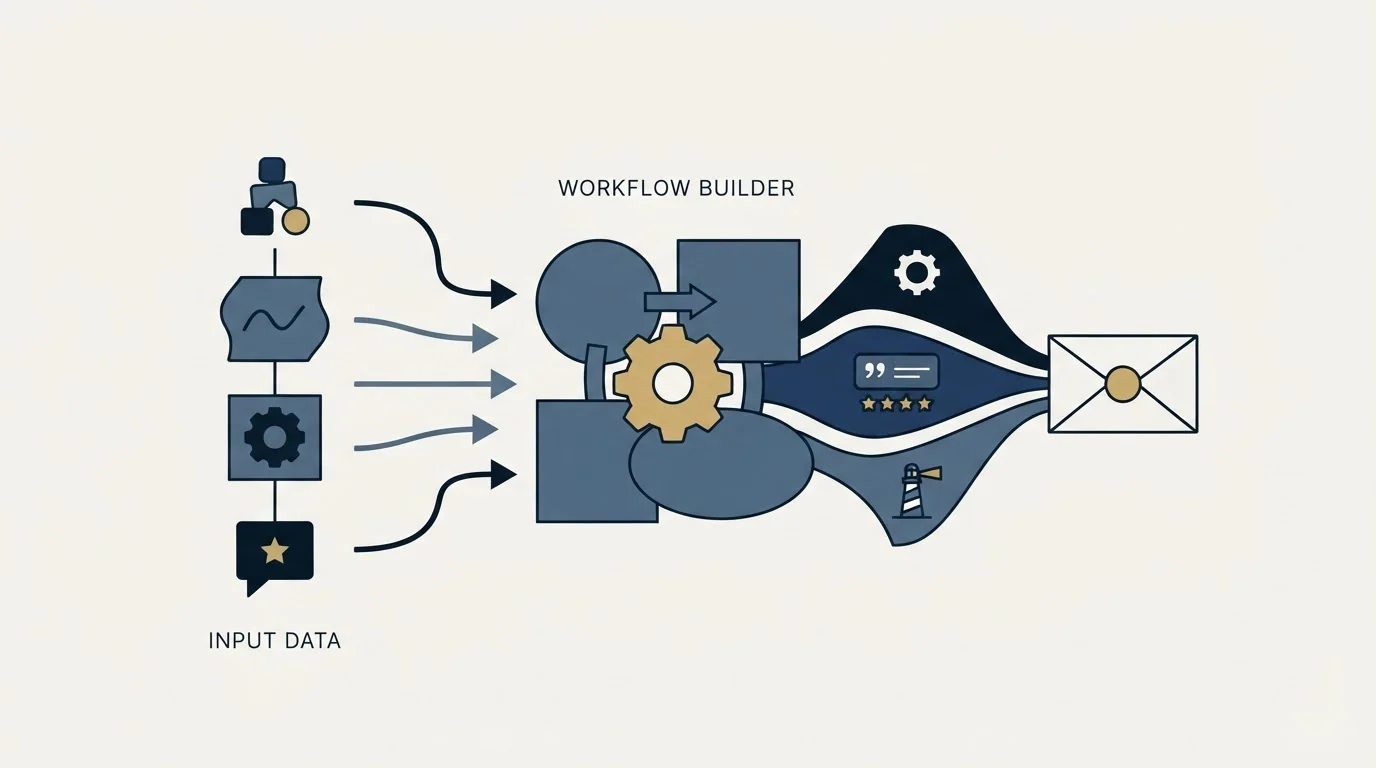
Step 1: Import Your Prospect List
Start with a list containing company websites. You can build this using:
- Clay People Finder
- Custom scraping
- Apollo or ZoomInfo exports
The key field: Website URL
Step 2: Add the Flagship Column
Add a new "AI" column in Clay.
Configure it to:
- Take the website URL as input
- Use web scraping capabilities
- Extract the flagship product name
The AI will visit the site, parse the content, and return the product name.
Step 3: Add the Testimonial Column
Add another "AI" column.
Configure it to:
- Take the same website URL
- Look specifically for testimonials/case studies
- Extract customer name and key result
Step 4: Handle Empty Results
Not every website has clear products or testimonials. Your columns will sometimes return empty.
Build logic to handle this:
- If Flagship is empty: Use their company description or category
- If Testimonial is empty: Skip the P.S. line
Your email template should have fallback versions for when data isn't available.
Step 5: Construct Your Email Variables
Create final columns that format everything for your email:
personalization_line:
- If flagship exists: "I can pitch your [Flagship] to [your audience]."
- If empty: Use alternative personalization method
testimonial_ps:
- If testimonial exists: "P.S. Saw [Name]'s testimonial about [Result]. That's exactly the kind of result that would resonate."
- If empty: Leave blank
The Email Template Structure
Here's how the final email looks:
Subject: Quick question about [Flagship]
Hi [FirstName],
[personalization_line]
[Your offer in 1-2 sentences]
Worth a quick chat?
[Your name]
[testimonial_ps]
Example filled in:
Subject: Quick question about your Leadership Accelerator
Hi Sarah,
I can pitch your 10-Week Leadership Accelerator to 2,000 CEOs and Founders.
We run a newsletter and podcast specifically for founders looking to level up their leadership, and your program is exactly what they're asking for.
Worth a quick chat?
Tim
P.S. Saw Chris's testimonial about cutting tax costs by 50%. That's exactly the kind of result that resonates with our audience.
This email took 30 seconds to personalize because Clay did the research automatically.
Why This Isn't Magic
People see this workflow and think it's some secret hack.
It's not. It's just better data applied intelligently to copy.
The components are simple:
- Data collection: Clay scrapes websites (anyone can set this up)
- Data extraction: AI parses unstructured content (commodity capability)
- Data application: Insert variables into templates (basic mail merge)
Once Clay finishes enriching prospects, teams still need somewhere to manage those relationships, which is the comparison Clay and Freshsales together explains.
Beyond CRM handoffs, the Clay versus Outreach comparison shows how enrichment work still needs a separate platform for multi-channel sequence execution.
The insight is knowing which data points actually matter for response rates.
"I saw you went to Harvard" = low value "I can pitch your specific product" = high value
We're just systematically collecting the high-value data points.
Scaling This Workflow
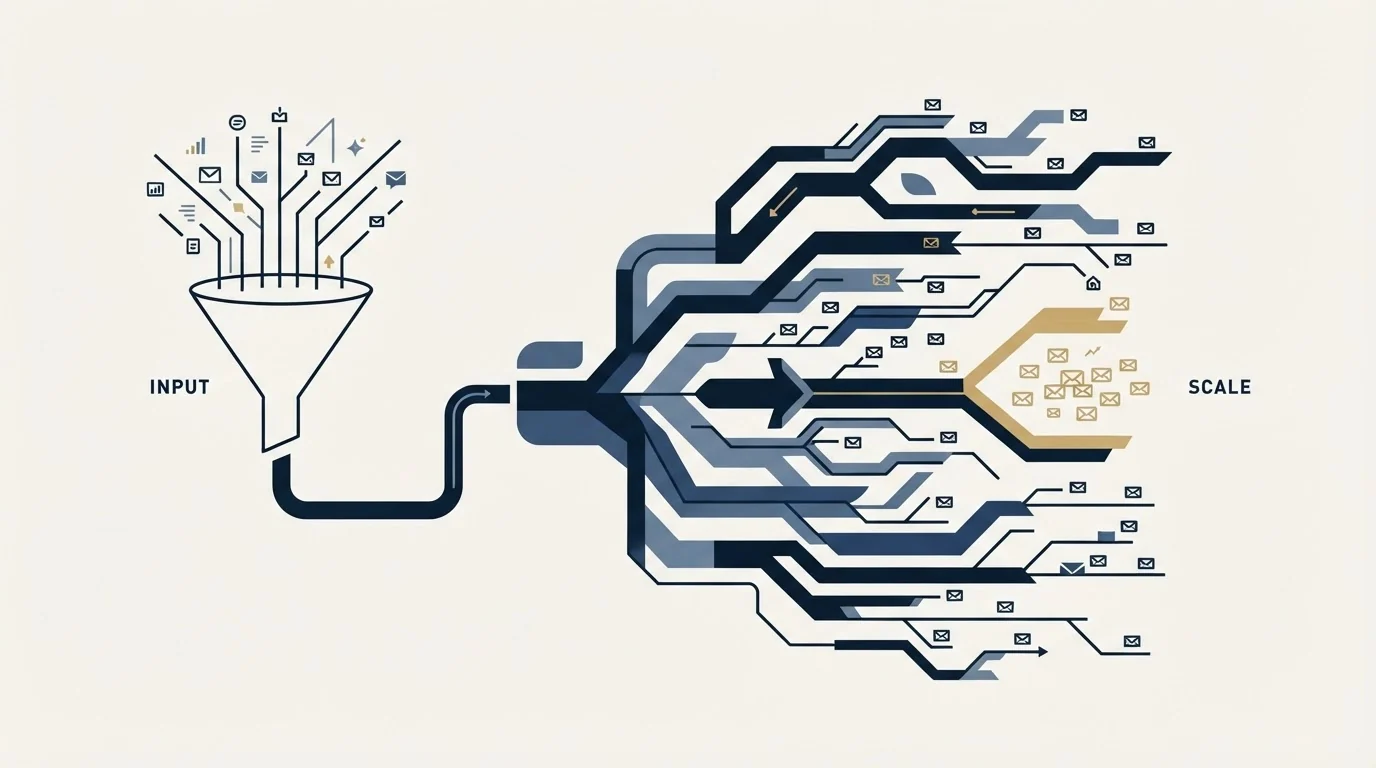
For 100 Prospects
Run this manually. Take 2 hours, get high-quality personalization.
For 1,000 Prospects
Use Clay's batch processing. Run overnight, review in the morning.
For 10,000+ Prospects
Build dedicated scraping pipelines feeding into Clay. Automate quality checks.
At every scale, the workflow stays the same. Only the automation depth changes.
Common Pitfalls to Avoid
Pitfall 1: Over-Engineering the Prompt
Don't ask for 10 data points. Ask for one or two. More focused prompts = better results.
Pitfall 2: Not Handling Empty Results
Build fallbacks. If your AI column returns nothing, your email should still be sendable.
Pitfall 3: Ignoring Context
A testimonial about B2B results doesn't help if you're pitching a B2C offer. Make sure your extracted data actually relates to your pitch.
Pitfall 4: Skipping Quality Checks
AI extraction isn't perfect. Spot-check 10-20 results before bulk sending. Fix systematic errors.
The ROI Calculation
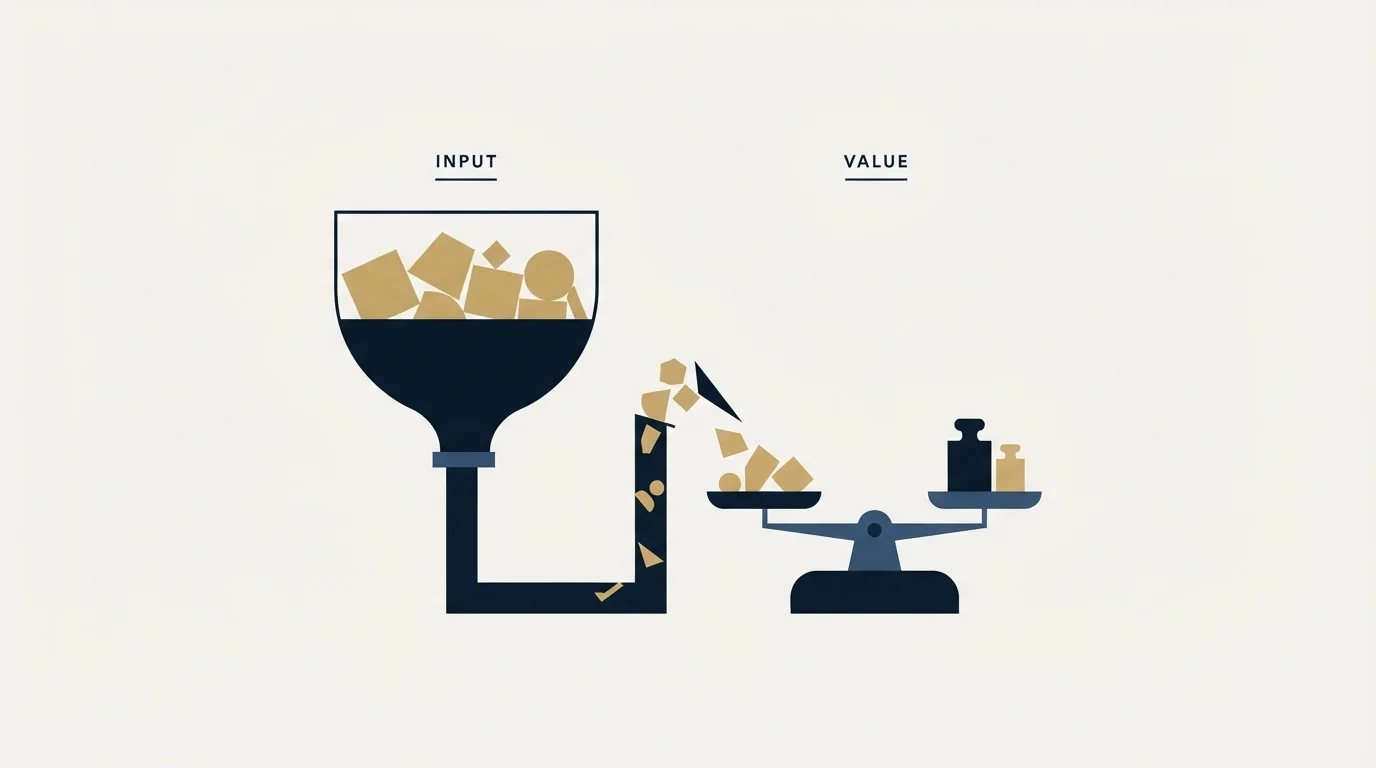
Traditional manual research:
- 5 minutes per prospect to find product name and testimonial
- 1,000 prospects = 83 hours of research
- At $50/hour opportunity cost = $4,150
Automated Clay workflow:
- 30 minutes to set up columns
- $0.01-0.05 per prospect in API costs
- 1,000 prospects = $10-50 in credits + 30 minutes setup
- Total = ~$60
Same personalization quality. 99% cost reduction. 99% time savings.
What to Do Next
-
Pick your first campaign - Start with 100-200 prospects where you need high response rates
-
Build the two columns - Flagship product and testimonial extraction
-
Test quality - Review 20 results manually before scaling
-
Write your template - Include variables and fallbacks
-
Send and measure - Track reply rates vs. your previous campaigns
The difference will be obvious. Specific, product-focused personalization dramatically outperforms generic "I can help your company" messaging.
Don't send generic emails. Use AI to find the specific details that make your offer a no-brainer.
If you would rather have this run for you, RevenueFlow books qualified meetings on a pay-per-meeting basis and publishes client results.
Ready to build your prospect list? Learn how to build custom lead databases for pennies.
Frequently asked questions.
Frequently asked questions- What makes email personalization actually work for cold outreach?
- Specificity that proves you understand the recipient's business. Instead of generic phrases like 'help your company grow,' effective personalization references their exact product names, specific customers, and concrete results. Mentioning 'your 10-Week Leadership Accelerator' and 'Chris's testimonial about cutting tax costs by 50%' immediately shows this isn't a mass email. This level of detail demonstrates you visited their website and understand what they offer, making recipients far more likely to respond.
- How does the Clay AI workflow automate email personalization?
- Clay uses two AI columns that automatically scrape prospect websites. The first column identifies and extracts the flagship product or service name by visiting the site and returning the exact terminology the company uses. The second column finds customer testimonials or case studies and extracts the customer name plus their key result. These columns feed into email template variables, letting you send thousands of highly specific emails without manual research for each prospect.
- What do I do when Clay can't find product names or testimonials on a website?
- Build fallback logic into your workflow. When the flagship product column returns empty, use the company's general description or industry category instead. When the testimonial column is empty, simply skip the P.S. line that would reference it. Your email template should have alternative versions for missing data so every email still sends with appropriate personalization, even if it's less specific than ideal.
- How do I structure the personalized email using Clay data?
- Start with a subject line mentioning their flagship product. Open with a specific value proposition using their exact product name, like 'I can pitch your [Flagship] to [your audience].' Follow with 1-2 sentences about your offer, then a simple call to action. End with a P.S. referencing a specific customer testimonial when available. This structure proves you researched their business while keeping the message concise and action-oriented.
About the author.

Tim Carden is CMO / CTO at RevenueFlow, which builds and operates outbound revenue engines for B2B companies. Studied at McGill University.
Tim Carden · CMO / CTO
Connect on LinkedIn →Explore more.
Ready to scale your outreach?
We build GTM engines that book real meetings. See the receipts.
Related articles.
Sales Enablement Statistics, Traced to Their Sources
The sales enablement figures in circulation, followed to their publishers: which state a population, which are gated, and which are quietly seven years old.
B2B Lead Lists for Travel Agencies: Registers and Gaps
The travel trade is written down in state consumer protection registers, not industry directories, and an exemption inside one decides who is missing from your file.
Sales Prospecting for Health Systems: The Public Record
Where health systems are written down in public: the Medicare cost report, the facility list a non-profit system files, and the two gates that follow qualification.
B2B Lead Lists for Aviation Companies: Build or Buy
Aviation is one of the few industries whose accounts are published by its regulator, which changes what is worth buying and what is worth downloading yourself.
Cold Calling for Chemical Companies: Who Picks Up
A chemical cold call rarely arrives first. It reaches a formulator who has already been comparing suppliers on a screen, for one of three published reasons.
Cold Calling for PPC Agencies: What You Can See First
A paid media prospect is partly readable before the call and has already been told by the platform what to do when a stranger rings about its ads.