Clay Enrichment: A Waterfall That Doesn't Waste Credits
Running every provider on every row is the most expensive way to use Clay. How to build a conditional waterfall, and the habits that stop a build burning credits.
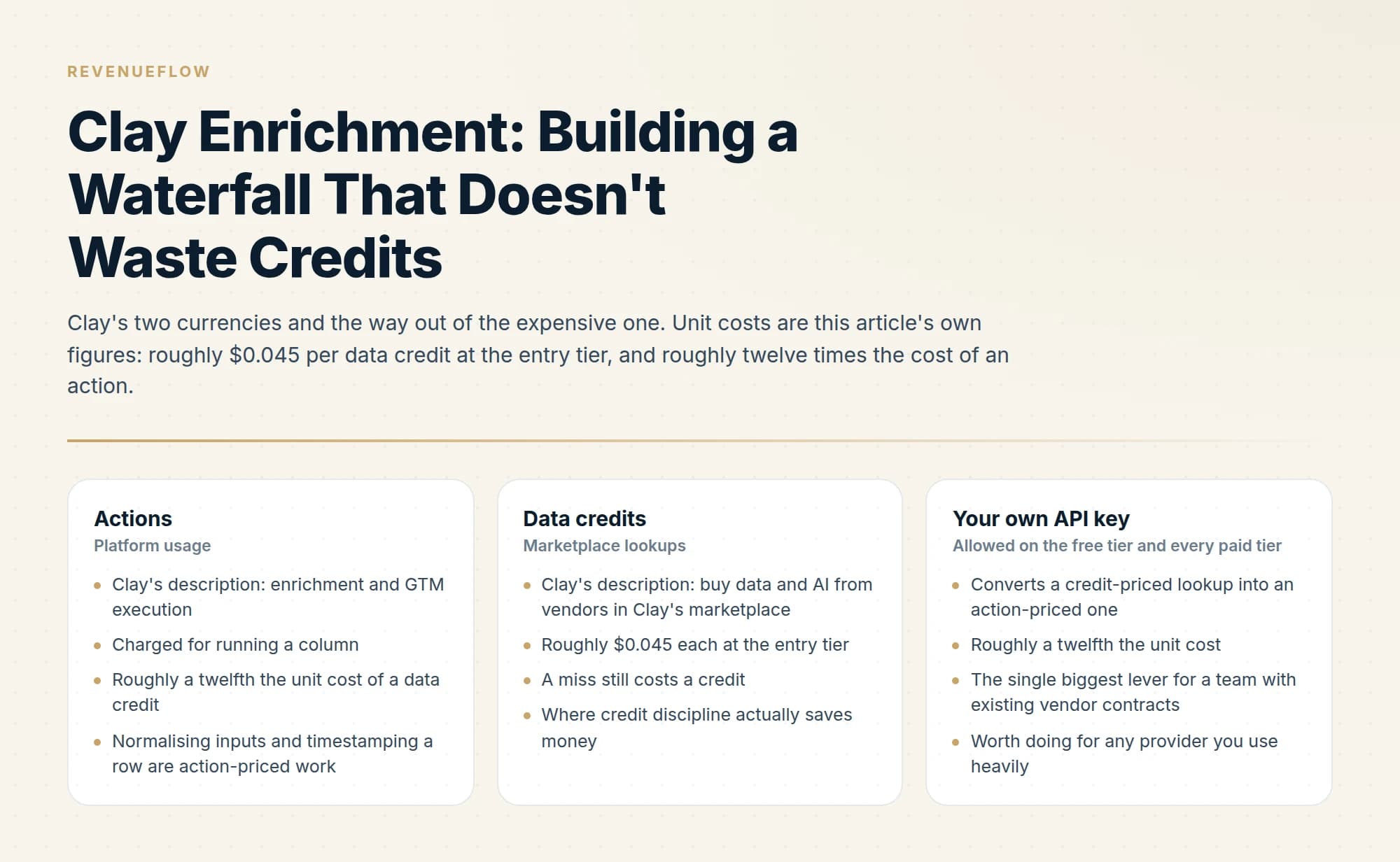
Set a run condition on every enrichment column after the first so it fires only when the previous one returned empty. Normalise inputs and deduplicate before any paid column runs, order providers cheapest first, bring your own API keys where you hold contracts, and verify once after the waterfall rather than per provider.
Key takeaways
- Condition each provider column on the previous one being empty, since providers return empty rather than erroring when they have no match.
- Deduplicating and normalising inputs before enrichment converts credit-priced failures into free ones, and is the largest saving on most imported lists.
- Bringing your own API key moves a lookup from data-credit pricing to action pricing, roughly a twelvefold difference per unit.
- Record which provider resolved each row, because that is what makes a per-provider defect rate computable rather than a guess.
Reviewed and updated September 5, 2026
A Clay table that runs every enrichment column on every row is the most expensive way to use the product. Clay bills data credits for marketplace lookups at roughly $0.045 each at the entry tier, so a five-provider column set fired unconditionally across 2,000 rows spends credits on 10,000 lookups to fill maybe 1,400 cells.
The fix is conditional execution, and Clay supports it well. This is how to build a waterfall in Clay that only pays for the rows that need paying for.
Unlike this waterfall focused purely on enrichment spend, the comparison of Clay and HubSpot CRM looks at how sourcing tools and pipeline tools divide the workflow.
Understand what you are being billed for
Clay's pricing page separates the two currencies plainly: actions "measure platform usage: enrichment & GTM execution", while data credits "buy data & AI from vendors in Clay's marketplace".
Running a column costs actions. Buying a data point through Clay's marketplace costs credits. Credits are roughly twelve times more expensive per unit than actions, so credit discipline is where the savings are. The full per-unit breakdown is in our Clay pricing analysis.
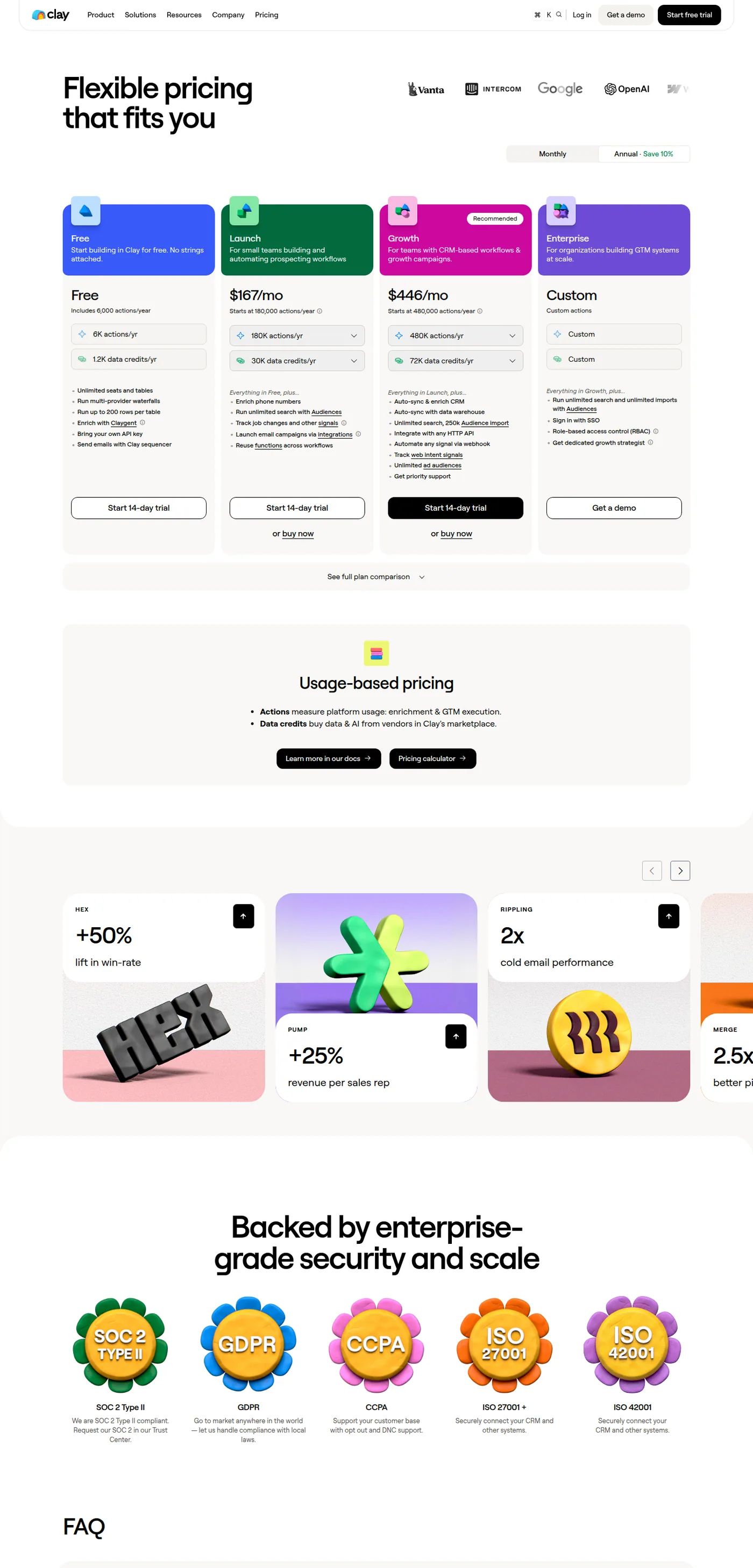
Clay's published plans and the actions versus data credits split, captured mid-2026.
The practical implication: optimise for fewer marketplace calls, not for fewer columns. A workflow with twenty conditional columns that make three marketplace calls per row is cheaper than four unconditional columns that make four.
Build the waterfall conditionally, not in parallel
The mechanism in Clay is a run condition on each enrichment column. The pattern is the same regardless of which providers you use.
- Step 1Normalise the inputs first
Clean the company domain and split the name before any paid column runs. Bad inputs produce paid misses.
- Step 2Cheapest provider, no condition
The first stage runs on everything, so it should be the lowest cost per row in your stack.
- Step 3Second provider, conditioned on empty
Set the run condition to fire only when the first column returned nothing.
- Step 4Third provider, conditioned on both empty
Same pattern, chained. Each stage sees a smaller and harder set of rows.
- Step 5Verify once, at the end
One verification pass over whatever was found, rather than one per provider.
Three details decide whether this actually saves money.
Normalise before you spend. A column that runs against a malformed domain or a name field containing a job title will miss, and a miss still costs a credit. Cleaning inputs is action-priced work that prevents credit-priced failures, which is the cheapest trade in the product.
Condition on empty, not on error. Providers return empty rather than failing when they have no match, so a condition keyed on errors will fire every subsequent stage on every row.
Deduplicate before enrichment, not after. Two rows for the same person are two full waterfalls. Deduplication is free and it is the single largest saving on most imported lists.
Order by cost, and know your own unit costs
The ordering rule is cheapest first, because every stage only sees what the previous one missed. To apply it you need the actual unit cost of each provider, which is not always the number on the plan card.
If you hold a direct contract with a provider, Clay's free tier and every paid tier allow bringing your own API key. That converts a credit-priced lookup into an action-priced one, and at roughly a twelfth the unit cost it is worth doing for any provider you use heavily. It is the single biggest lever in the product for a team with existing vendor relationships.
- Clay's description: enrichment and GTM execution
- Charged for running a column
- Roughly a twelfth the unit cost of a data credit
- Normalising inputs and timestamping a row are action-priced work
- Clay's description: buy data and AI from vendors in Clay's marketplace
- Roughly $0.045 each at the entry tier
- A miss still costs a credit
- Where credit discipline actually saves money
- Converts a credit-priced lookup into an action-priced one
- Roughly a twelfth the unit cost
- The single biggest lever for a team with existing vendor contracts
- Worth doing for any provider you use heavily
Where you do not have direct contracts, the marketplace is genuinely convenient and you are paying a margin for orchestration. That is a reasonable trade for the long tail of providers you use occasionally.
A different limitation worth understanding is scope: Clay handles enrichment while outreach orchestration sits elsewhere, a distinction laid out in this comparison of Clay and Salesloft.
Cap the damage while you are building
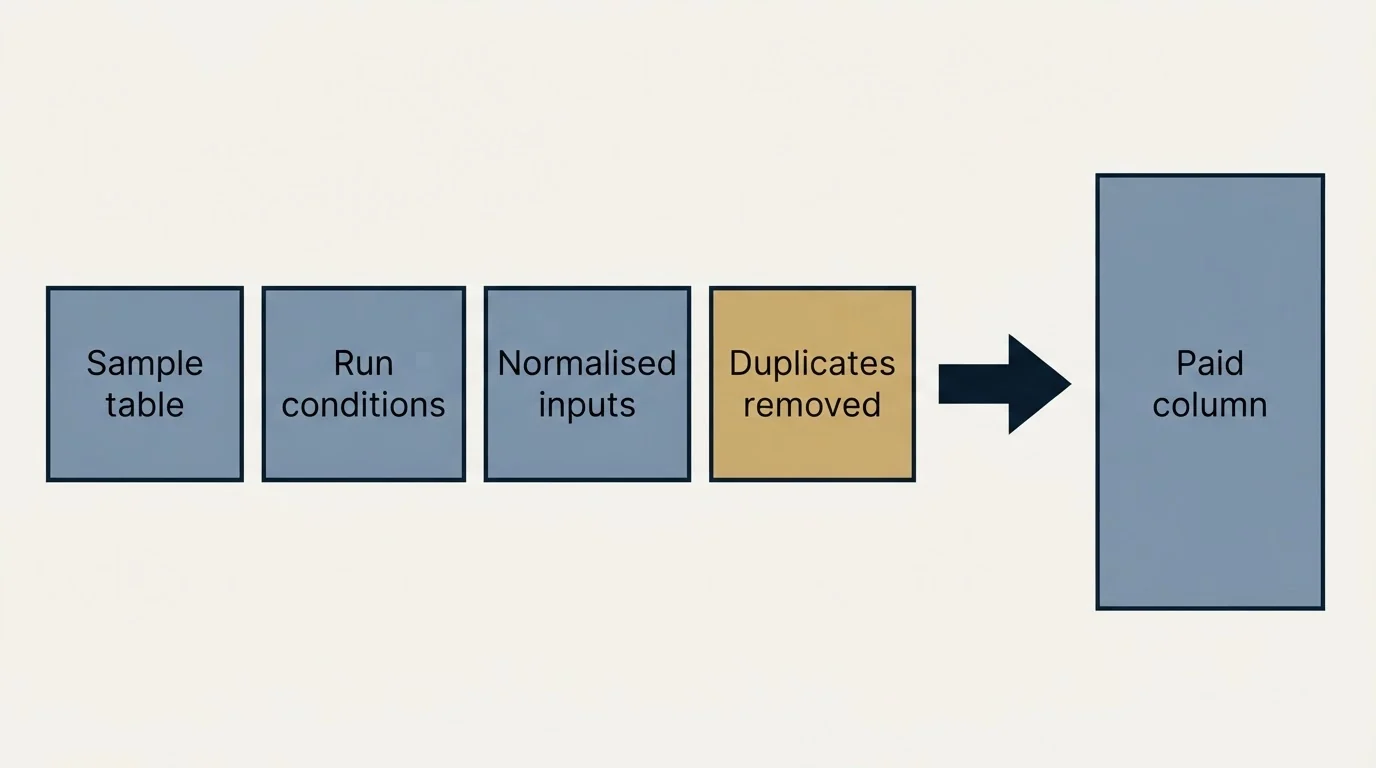
Enrichment bills are usually run up during development rather than in production, because a table gets rebuilt a dozen times while the logic is wrong.
- Yes: Develop against a 25-row sample table, not the full list
- Yes: Run conditions are set before the first paid column is enabled
- Yes: Inputs are normalised in earlier columns
- Yes: Duplicates removed before any enrichment runs
- No: Auto-update is left on during development
- No: Every provider column runs unconditionally to compare coverage
- Depends: A one-off coverage bake-off, run deliberately on a fixed sample
The last two rows are in tension on purpose. Running every provider unconditionally is the correct way to measure comparative coverage, and it is an expensive way to operate. Do it once, on a few hundred rows, decide your order from the result, then switch to conditional execution permanently.
What to verify, and when
Verify once, after the waterfall, rather than after each provider.
A returned address is a claim. Providers differ in how aggressively they guess, and some return pattern-derived addresses without checking them, so an unverified enrichment result is not a deliverable address. One verification pass at the end covers every row whatever resolved it, and verification is the cheapest step in the stack by a wide margin.
Then run the check that verification cannot do for you: compare each resolved address's domain against the company on the row. A valid mailbox at the wrong company passes verification cleanly and reaches the wrong person. We covered how we audit that, and what it found across providers, in the waterfall enrichment guide.
Providers need different inputs, and that changes the order
The cost-ordering rule has an exception worth knowing: providers do not all accept the same inputs, and a provider you cannot feed is not in the running however cheap it is.
Some resolve from a full name plus a company domain. Some want a LinkedIn URL. Some work from a company domain alone and return whoever they can find. If your source list carries LinkedIn URLs, a URL-keyed provider is likely to outperform a name-keyed one on the same rows, because it is matching on an identifier rather than on a string that might be spelled three ways.
The practical approach is to group your list by which identifiers each row actually has, and run a different chain per group. Rows with a LinkedIn URL take the URL-keyed chain first. Rows with only a name and a domain take the pattern-and-verify chain first. This is more setup than one universal waterfall, and it usually resolves more rows for less money, because every provider is being asked the question it is best at.
It also protects you from a subtle waste: feeding a URL-keyed provider rows with no URL burns a credit on a lookup that could never have succeeded.
Refresh, and knowing when data went stale
Enrichment output decays. People change jobs, companies get acquired, domains get retired, and a table enriched six months ago is quietly wrong in ways that produce bounces and wrong-person sends.
Two habits keep this manageable without re-enriching everything.
Timestamp every enriched row with the date its data was resolved. It costs one action and it turns "is this list stale" from an argument into a filter.
Re-verify rather than re-enrich. Verification is the cheap step, so running an old list back through verification tells you which rows broke, and only those rows need to go through the paid waterfall again. Re-running the whole waterfall on a list that is mostly still valid is paying full price to confirm what you already had.
For a list you work continuously, re-verifying on a rolling basis costs very little and prevents the slow accumulation of dead addresses that eventually shows up as a deliverability problem rather than as a data problem.
Where Claygent belongs in a waterfall
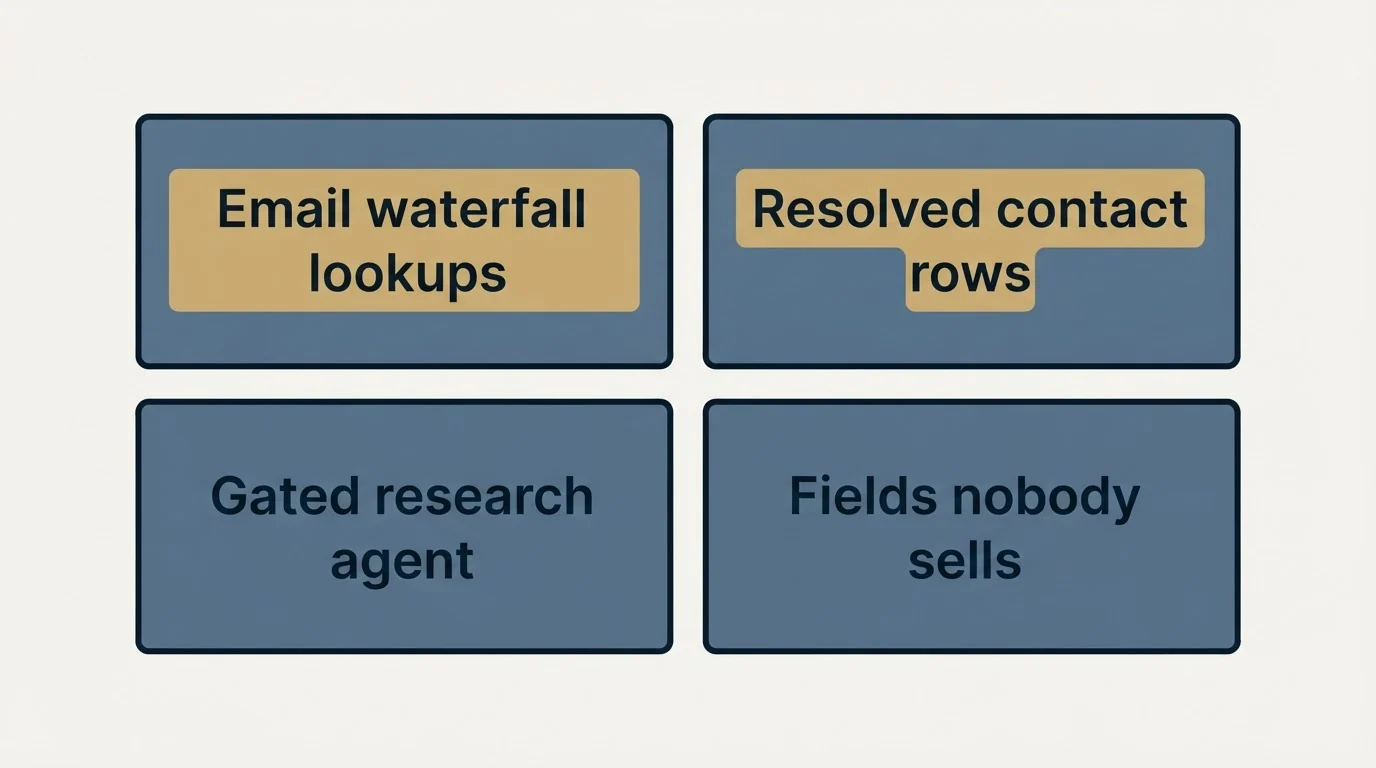
An AI research agent is not a data provider and should not sit in the email waterfall. It is slower and more expensive per row than a lookup, and for a structured field with a definitive answer, a provider is both cheaper and auditable.
Where it earns its place is the fields no provider sells: whether a company runs a particular platform, what their pricing page implies about their model, whether a recent announcement is relevant to your offer. Those are research questions rather than lookups. We cover the boundary in detail in Clay agents and where an LLM beats a data provider.
The useful pattern is to gate the agent behind the waterfall's outcome: research only the rows that resolved to a real contact, since researching a company you cannot reach anyone at is spend with no possible payoff.
A sane table structure
Column order in Clay is execution order, and a table that reads clearly also runs cheaply.
Put input normalisation first, then the conditional provider chain, then verification, then any agent research, then the fields that build your output. Keep the raw provider outputs in their own columns rather than overwriting one shared column, because you need to know which provider resolved each row when you audit accuracy later. That single habit is what makes a per-provider defect rate computable instead of guessable.
Once your waterfall produces clean, enriched rows, the next question is where that data lives day to day, a distinction covered in Clay versus Close for pipeline tracking.
Once enriched rows leave Clay for execution, how Clay and Outreach fit together explains why teams typically run both tools rather than choosing one.
Finally, write the provider name into an explicit column. It costs one action and it is the difference between "our list has a quality problem" and "our second provider has a quality problem".
The short version
Condition every stage after the first on the previous stage being empty, normalise inputs and deduplicate before any paid column runs, and order providers cheapest first. Bring your own API keys where you hold contracts, because that moves a lookup from credit pricing to action pricing. Verify once at the end, record which provider resolved each row, and keep the AI agent out of the email waterfall and on the questions no provider answers.
If you would rather receive the enriched list and the campaign than build and meter the table, you can see what a campaign would look like for your market.
Clay pricing and product behaviour verified against clay.com as of mid-2026. Verify current terms with the vendor before relying on them.
Sources: Clay pricing
Frequently asked questions.
Frequently asked questions- How do I stop Clay burning through credits?
- Condition every enrichment column after the first on the previous returning empty, so each provider only sees rows the last one missed. Deduplicate and clean inputs before any paid column runs, develop against a 25-row sample rather than the full table, and keep auto-update off while you are still changing the logic.
- What order should providers go in?
- Cheapest first, because each stage only sees what the previous one missed. Establish your real unit costs first, remembering that a provider you hold a direct contract with can be driven through your own API key at action pricing rather than credit pricing, which usually reorders the list.
- Should I verify after every provider?
- No, verify once after the whole waterfall. A returned address is a claim rather than a fact, and providers differ in how aggressively they guess, so one pass at the end covers every row whatever resolved it. Verification is the cheapest step in the stack, so a single comprehensive pass is inexpensive.
- Should Claygent be part of the email waterfall?
- No. An agent is slower and more expensive per row than a lookup, and email has a definitive answer that providers and verifiers handle better. Use the agent for fields no provider sells, and gate it behind the waterfall so you only research companies where you found a reachable contact.
About the author.

B2B cold email experts helping companies generate qualified leads through done-for-you outreach campaigns.
RevenueFlow Team
Explore more.
Ready to scale your outreach?
We build GTM engines that book real meetings. See the receipts.
Related articles.
Apollo and Clay Integration: What Connects, Who Meters What
Clay's docs list one Apollo source and eleven actions. How the account connects, which way each action moves data, and which vendor bills each step.
ABM Platforms: Demandbase, 6sense, DemandScience vs Clay
Terminus now redirects to DemandScience, none of the enterprise vendors publish a price, and the build-or-buy line has moved. What each platform actually sells.
Reply.io Salesforce Integration: The Sixteen Sync Steps
Reply's support article lists sixteen sync steps, two profiles, required field mappings and a two-hour cadence. What the native Salesforce integration moves.
Alta Pricing: No Rate Card, a Quote in Hours
Alta publishes no price. What its plans page, FAQ and blog disclose about how the platform is priced, the inputs that set a quote, and the numbers to ignore.
Gojiberry AI Pricing: One Plan, Then a Quote
Gojiberry AI publishes one plan and quotes the rest. The dated price, the meters it names, the billing terms, and the look-alike domain that is not the vendor.
CRM Setup: The Objects, Stages and Write-Back Loop
A vendor neutral CRM setup for an outbound team: the object model, stage exit criteria, the required field set, ownership rules and the campaign write-back loop.