eWebinar Pricing: Two Meters and a Level That Moves
eWebinar does not ask you to pick a plan. Published webinars set the level and registrants set the overage, and the two directions do not move on the same schedule.

eWebinar pricing has three levels in US dollars: $99 a month or $1,010 a year for 1 active webinar and 1,000 registrants, $199 or $2,030 for up to 5 and 3,000, and $299 or $3,050 for up to 15. You do not choose the level: published webinars set it, and extra registrants cost $15 a month per 5,000.
Key takeaways
- eWebinar publishes three levels at $99, $199 and $299 a month, or $1,010, $2,030 and $3,050 billed annually, which is 15 percent off at every level.
- The number of published webinars sets the level; drafts do not count, and sessions or attendees inside one webinar never add to it.
- Upgrades are charged immediately, prorated and non-refundable, while downgrades wait for the end of the billing cycle, which matters most on annual billing.
- There is a 14-day free trial and no free plan, and an account with nothing published still bills at Level 1 until it is cancelled.
Reviewed and updated September 21, 2026
Most pricing pages ask which plan you want. eWebinar pricing, on its own page at ewebinar.com, opens by telling you not to: it says there is no need to pick a plan, then "Everyone starts at Level 1. Your subscription will automatically adjust up or down based on how many active eWebinars you have."
That is unusual enough to be the whole story of what this product costs. The rate card is three lines and takes a minute to read. The mechanism that moves an account between those lines is where the money is, and it behaves asymmetrically in a way that is easy to miss.
The figures below are from eWebinar's own pricing page and help centre, alongside what the self adjusting model does to a real bill.
eWebinar pricing: the three levels, as published
The page states its currency plainly, which not every pricing page in this category does: "Prices listed in USD." It carries a Monthly and an Annual control, the annual one labelled "Save 15%", and both states render into the same document.
Level 1 on that page is $99 a month, or $1,010 billed annually. It covers up to 1 active eWebinar and 1,000 registrants per month, with all standard features, unlimited recurring sessions and unlimited team members.
Level 2 on the same page is $199 a month, or $2,030 billed annually. It covers up to 5 active eWebinars and 3,000 registrants per month.
Level 3 on the same page is $299 a month, or $3,050 billed annually. It covers up to 15 active eWebinars, and the same page adds an add-on line reading "$15/month for each additional 5,000 registrants per month".
Enterprise is quoted, with custom active webinar and registrant allowances.
A free trial runs 14 days. There is no free tier, and the help centre is direct about it: "we have a free trial, but we do not have a free plan."
The annual figures are a consistent discount on the monthly ones. Multiplying each published monthly rate by twelve and comparing gives $1,188 against $1,010, $2,388 against $2,030 and $3,588 against $3,050, which is fifteen percent at every level and matches the label on the toggle. That arithmetic is ours, computed from the vendor's published figures.
Two meters, and only one of them sets the level
The thing to understand before budgeting is that this product counts two different things, and they do different jobs.
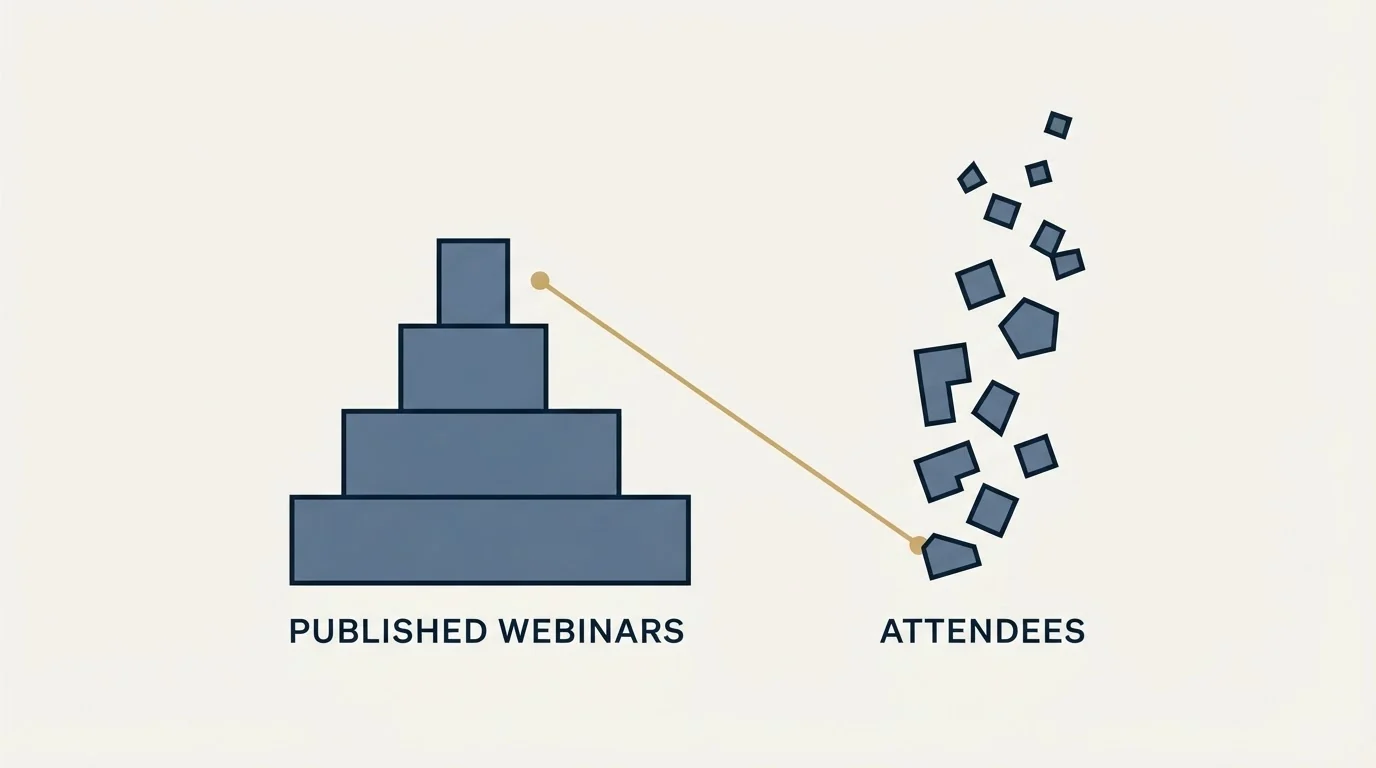
Active webinars set the level. The help centre defines the unit: an active webinar "is simply a published webinar" and "Drafts of webinars do not count toward your subscription." Volume inside a webinar is irrelevant to the count. The same page makes the point with its own operation: "hundreds of people attend our on-demand sales demo every month, with multiple sessions happening every day, and yet it still only counts as one active webinar."
Registrants set the overage. Each level includes a monthly registrant allowance, and above Level 3 the page prices additional registrants at $15 a month per block of 5,000.
The consequence for a B2B team is worth stating directly. A programme that runs one evergreen demo to a large audience stays at Level 1 on the webinar count and pays for registrants. A programme that publishes twelve short sessions, one per topic, to small audiences lands at Level 3 on the count while barely touching the registrant allowance. The library is the expensive shape, not the audience.
Active webinars set the level
- A published webinar counts; a draft does not
- Up to 1, 5 or 15 on Levels 1, 2 and 3
- Sessions and attendees inside one webinar never add to the count
Registrants set the overage
- 1,000 a month on Level 1, 3,000 on Level 2
- Additional blocks of 5,000 at $15 a month each
- Unlimited recurring sessions and team members at every level
The asymmetry, which is the part that costs money

Levels move in both directions and they do not move on the same schedule. The help centre sets out both halves.
Going up happens immediately and is charged immediately. Publishing a second webinar on Level 1 triggers a warning first, and then: "you will be charged immediately the difference in price between Levels 1 and 2 on a prorated basis for the time remaining in your current monthly or annual billing cycle." That charge is final. The same page states that "subscription upgrades are non-refundable, which means the earliest you may downgrade to a lower level is at the end of your billing cycle", and gives the worked case: unpublishing the second webinar the same week leaves the account on Level 2 for the rest of the cycle.
Going down happens at renewal and happens automatically: "We will automatically lower your pricing level at the end of your monthly or annual billing cycle, as needed, to match the number of active webinars you have at the time."
On a monthly cycle that asymmetry costs at most a few weeks. On an annual cycle it is a different proposition, because an upgrade prorated across the remaining months of a year is a large single charge and the downgrade cannot arrive until that year ends. As illustrative arithmetic on the published annual prices, a second webinar published three months into a Level 1 year is charged ($2,030 minus $1,010) times nine twelfths, or $765, at once, and unpublishing it the next week does not return it. A team on annual billing should treat publishing a webinar as a purchase decision rather than as an editorial one.
One more line worth reading before signing: an empty account still bills. "Even if you have no active webinars, you will be charged every month at Level 1" plus any subscription add-ons, until the subscription is cancelled.
Before the first session is published, settle four things: how many sessions will be live at once, since that number sets the level; registrants per month rather than attendees; that publishing on an annual cycle triggers an immediate prorated charge; and who owns the registrations, with a response window measured in hours. Do not plan to control the level by unpublishing mid-cycle, and do not keep a paused account open with nothing published.
Where the name gets confused
Two products with near identical names rank on these searches, and they price completely differently.
eWebinar, at ewebinar.com, is the product described above: three auto adjusting levels metered on published webinars and registrants, operated from Vancouver. Its own summary of itself reads "an on-demand video software with chat that lets companies reach their entire audience without anyone having to be there live", used "to scale their demos, onboarding calls, and training sessions".
EverWebinar, at everwebinar.com, is a separate product with a separate pricing model. Its pricing page sells one product at three billing cycles rather than tiers, saying "Every billing option includes complete EverWebinar access.", with a $1 fourteen day trial converting to $199 a month, a stated 30 day money back guarantee and a discount for longer billing commitments.
Neither observation is a recommendation. The point is that a figure quoted for one of them is not a figure for the other, and search results for either name return both.
Quoting different products under one search is a recurring source of disagreement, and PartnerStack publishes one model and quotes another across two separate surfaces.
Reading the attendance claims on the page
eWebinar's pricing page carries customer quotes with numbers attached, and they are the vendor's own published testimonials rather than measured comparisons: a "2x attendance rate compared to Zoom" from Flexmls by FBS, "87% Attendance" and "90% Watch time" from RealScout, "75% Onboarding questions answered" from Relatable, and "1,000+ hours delivered a year" from Gem.
Attendance figures for this format flatter it structurally, and that is a property of the format rather than a criticism of any vendor. An on-demand attendee registers and watches in one motion, so the interval between registering and attending, which is where live sessions lose the larger part of their audience, barely exists. The full version of that argument, and the number that survives it, is in on-demand webinars.
The measure that means something for a paid subscription is registrations per month at steady state, months after promotion stopped. That is what you are renting the level for, and it is also the number that decides whether Level 2 is worth its step.
Registration and attendance are metered differently across the category, and BigMarker's attendee ceiling caps live attendance while registration stays explicitly unlimited.
Whether this is the right line item at all
Two prior questions decide more than the tier does.
The first is whether the registrations get worked. An on-demand programme produces submissions one at a time, at all hours, indefinitely, and a team that reviews them weekly is treating a same-day signal as a weekly batch. The operating model that makes the format worth paying for is set out in webinar lead generation.
The second is what the recording is for. A session recorded to build familiarity should probably be ungated and costs nothing to distribute. A session recorded to identify who is evaluating a specific decision is a capture surface, and every field on its form is a price the visitor pays before knowing whether the content was worth it. That argument is in landing page lead generation.
There is a third that shapes the follow up. Our own position is one message per campaign, sent because something happened rather than because days elapsed, which for this format means the message follows a registration or a completed watch rather than a timer. The reasoning, including what it costs us, is in why we stopped using follow-ups.
The short version
eWebinar prices three levels in US dollars on its own page: $99 a month or $1,010 annually for up to 1 active webinar and 1,000 registrants a month, $199 or $2,030 for up to 5 and 3,000, and $299 or $3,050 for up to 15, with additional registrants at $15 a month per 5,000. Enterprise is priced by arrangement, the trial runs 14 days, and there is no free plan.
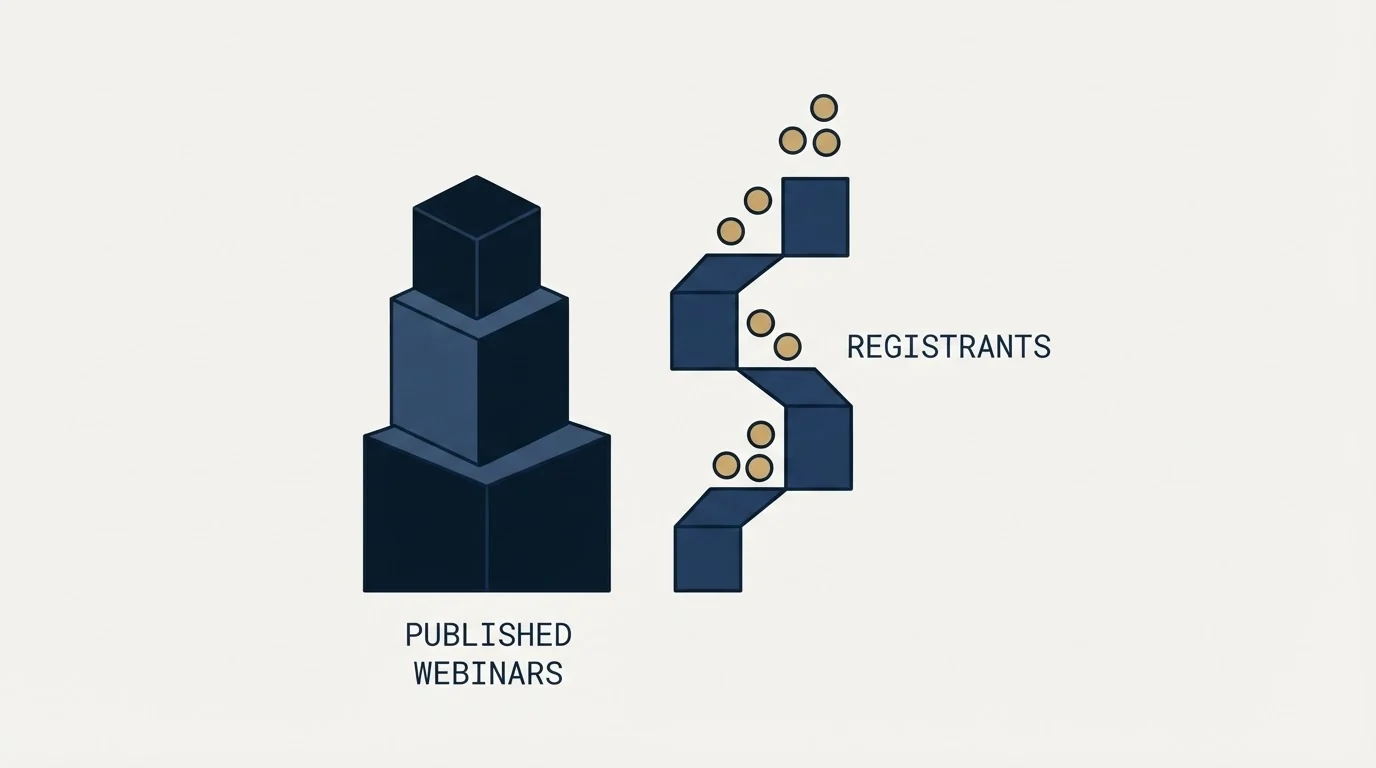
You do not choose the level. Published webinars set it, drafts do not count, and the count is read at the end of the month. Upgrades charge immediately and prorated and cannot be refunded; downgrades wait for renewal. On an annual cycle that asymmetry is the number worth modelling before anything is published.
A library of many small sessions is the expensive shape here, and a single evergreen session with a large audience is the cheap one. If the constraint is the number of qualified people arriving to register at all, see what one campaign produces against your own market.
Prices, plan contents and subscription terms above are taken from eWebinar's own pricing page and help centre, and the EverWebinar figures from that vendor's own pricing page. Verify current terms with the vendor before relying on them.
Frequently asked questions.
Frequently asked questions- How much does eWebinar cost?
- eWebinar's pricing page lists Level 1 at $99 a month or $1,010 a year for 1 active webinar and 1,000 registrants a month, Level 2 at $199 or $2,030 for up to 5 and 3,000, and Level 3 at $299 or $3,050 for up to 15. Extra registrants cost $15 a month per 5,000, and Enterprise is quoted.
- What counts as an active eWebinar?
- eWebinar's help centre defines an active webinar as simply a published webinar, and drafts do not count toward the subscription. Volume inside a webinar is irrelevant: many sessions a day and hundreds of attendees a month on one webinar still count as one, so the number of published sessions is what sets the level.
- What happens if I publish a second webinar on eWebinar's annual plan?
- The account moves up a level at once, and the difference is charged immediately on a prorated basis for the rest of the billing cycle. Upgrades are non-refundable, so unpublishing the webinar later does not return the charge, and the level only falls automatically at the end of the cycle.
- Does eWebinar have a free plan?
- No. eWebinar offers a 14-day free trial and states in its help centre that it does not have a free plan. An account with no published webinars still bills at Level 1 every month until the subscription is cancelled, so a paused programme should be cancelled rather than left open.
About the author.

Ben Carden is CRO at RevenueFlow, which builds and operates outbound revenue engines for B2B companies. Previously at Gartner Enterprise. Studied at London School of Economics.
Ben Carden · CRO
Connect on LinkedIn →Explore more.
Ready to scale your outreach?
We build GTM engines that book real meetings. See the receipts.
Related articles.
BrightTALK Pricing: What the Vendor Does Not Publish
Six BrightTALK surfaces carry no price at all. The $500 figure filling that gap is a 2022 scrape on a listing the vendor says it does not manage.
BigMarker Pricing: What the Vendor Publishes
BigMarker prints Request a Quote against all three plans. The structure it does publish, and the meter that caps attendance rather than registration.
On-Demand Webinars: What Changes When You Take the Date Away
A live webinar earns most of its value from the date. Removing it keeps the topic signal and the address, and loses the deadline, the burst and the room.
Typeform Alternatives: Read the Response Meter First
Typeform meters responses with a hard ceiling and counts seats inside the plan. What Tally, Fillout, Formbricks and Jotform count instead, from their own pricing pages.
PartnerStack Pricing: One Published Number
PartnerStack quotes its three platform plans and publishes the whole model for its self-serve product. What each tier gates, and the choice forced at the entry tier.
Foleon Pricing: No Published Price, a 24-Month Term
Foleon publishes no rate on its plans page and publishes the whole commitment behind it. The term, the notice window and what happens to the Docs after.