Folk vs Pipedrive: Where the Record Lives
One vendor puts the other's integration count at 20; the other publishes 5,000 on its own pricing page. What both agree on is the axis that decides it.
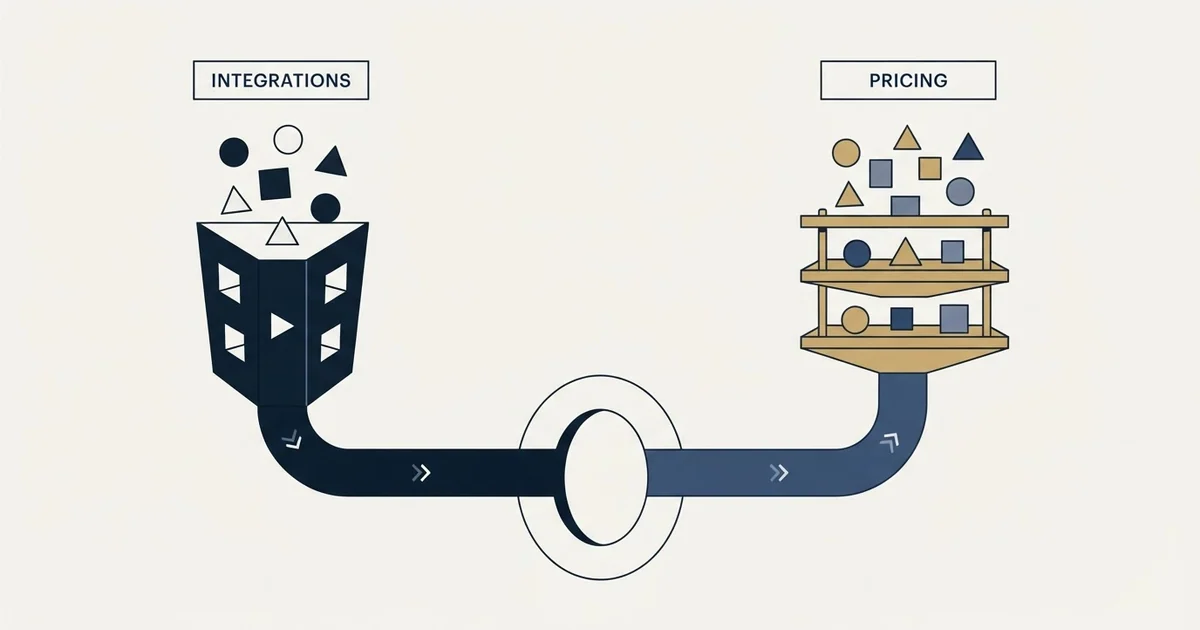
Folk vs Pipedrive comes down to the object your team maintains. Pipedrive is deal-first, from £14 a seat a month billed annually as served here, with forecasting and stages. Folk is contact-first, from $24 a member a month billed annually, with deals and email sequences one tier above its entry plan.
Key takeaways
- Folk's pricing page, in US dollars, lists Standard at $24, Premium at $48 and Enterprise from $80 a member a month billed annually, or $30, $60 and from $100 monthly.
- Pipedrive's pricing page served pounds here: Lite £14, Growth £39, Premium £59 and Ultimate £79 a seat a month billed annually, plus five add-ons.
- Pipedrive's comparison page puts folk at 20+ native integrations and itself at 400+, its pricing page says 500+, and folk's pricing page lists 5,000+.
- Folk puts pipelines, enrichment and a LinkedIn extension on Standard and custom objects, deals and email sequences on Premium, so deals are its upgrade.
Reviewed and updated October 1, 2026
Two vendors describing the same folk vs Pipedrive comparison disagree about a countable fact. Pipedrive's own comparison page for this pair on pipedrive.com puts folk's native integration count at 20 or more against its own 400 or more. Folk's own pricing page lists "5,000+ integrations" as an included feature on its cheapest paid plan. Both numbers are each vendor's claim about a category it defines for itself, and the gap between them is the clearest possible demonstration that a feature grid built from marketing pages will not settle this choice.
What both vendors do agree on is the axis. Pipedrive's own page on pipedrive.com describes folk as "Folk is primarily a contact manager for solopreneurs." Folk describes the split as managing relationships rather than managing transactions. Strip the adjectives from either sentence and the same question is underneath: is the thing your team maintains a pipeline of deals, or a record of people.
Folk vs Pipedrive: which is better?
Neither is better in general; they are built around different objects. Pipedrive is deal-first: its plans sell pipeline, automation and forecasting from £14 a seat a month billed annually, as served here. Folk is contact-first: from $24 a member a month billed annually, it puts pipelines, enrichment and a LinkedIn extension on its entry plan and deals one tier up. Choose by what your team maintains.
Both pricing pages open on annual billing. Folk's displayed US dollars here: Standard at $24 a member a month billed annually, $288 for the year, Premium at $48 and Enterprise from $80, or $30, $60 and from $100 paid monthly, advertised as a 20% saving. Pipedrive's served pounds: Lite at £14, Growth at £39, Premium at £59 and Ultimate at £79 per seat a month billed annually, advertised as saving up to 42%, with five add-ons priced on top, from £13.33 for Campaigns to £41 for Web Visitors. Only Pipedrive's annual prices are quoted here, so check its monthly toggle on its own page before budgeting. Because one page is in dollars and the other in pounds, no total below adds them.
| Plan | Per person a month | What the page puts there |
|---|---|---|
| folk Standard | $24 annual, $30 monthly | Pipelines, campaigns, enrichment, LinkedIn extension, 5,000+ integrations |
| folk Premium | $48 annual, $60 monthly | Custom objects and deals, email sequences, dashboards, API access |
| folk Enterprise | From $80 annual, from $100 monthly | Custom limits, security controls, a dedicated account manager |
| Pipedrive Lite | £14 annual | Organize your sales in one simple, intuitive workspace |
| Pipedrive Growth | £39 annual | Automate emails and follow-ups |
| Pipedrive Premium | £59 annual | Full-cycle sales tools, lead to close |
| Pipedrive Ultimate | £79 annual | The complete suite of capabilities |
Pipedrive's prices as its page opens, billed annually. It advertises saving up to 42% on annual billing, so check its monthly toggle before budgeting.
The two products answer different questions
A deal-first CRM treats the opportunity as the object that matters. Contacts exist so that a deal has somebody attached to it, stages exist so that progress is legible, and the reporting that falls out of it is about how much is likely to close and when. Pipedrive's pricing page on pipedrive.com is built entirely around that reading: its four plans are named Lite, Growth, Premium and Ultimate, and their own one-line descriptions run from "Organize your sales in one simple, intuitive workspace" on Lite to "Optimize performance with our complete suite of capabilities" on Ultimate.
A contact-first CRM treats the person as the object. Deals are one thing that can happen to a relationship rather than the reason the record exists, and the product spends its effort on capture, enrichment, deduplication and the interaction history. Folk's own pricing page shows that priority in what it gates: pipeline management, email campaigns, contact enrichment and the LinkedIn extension are on its cheapest paid plan, while "Custom objects & Deals" sits on the tier above. Deals are the upgrade, not the foundation.
That inversion is the whole comparison, and it explains why the two vendors talk past each other. Pipedrive is right that folk gates deal structure above its entry plan. Folk is right that a contact record buried under a deal view is a worse home for a relationship. Neither observation is a defect.
Who each vendor says it sells to
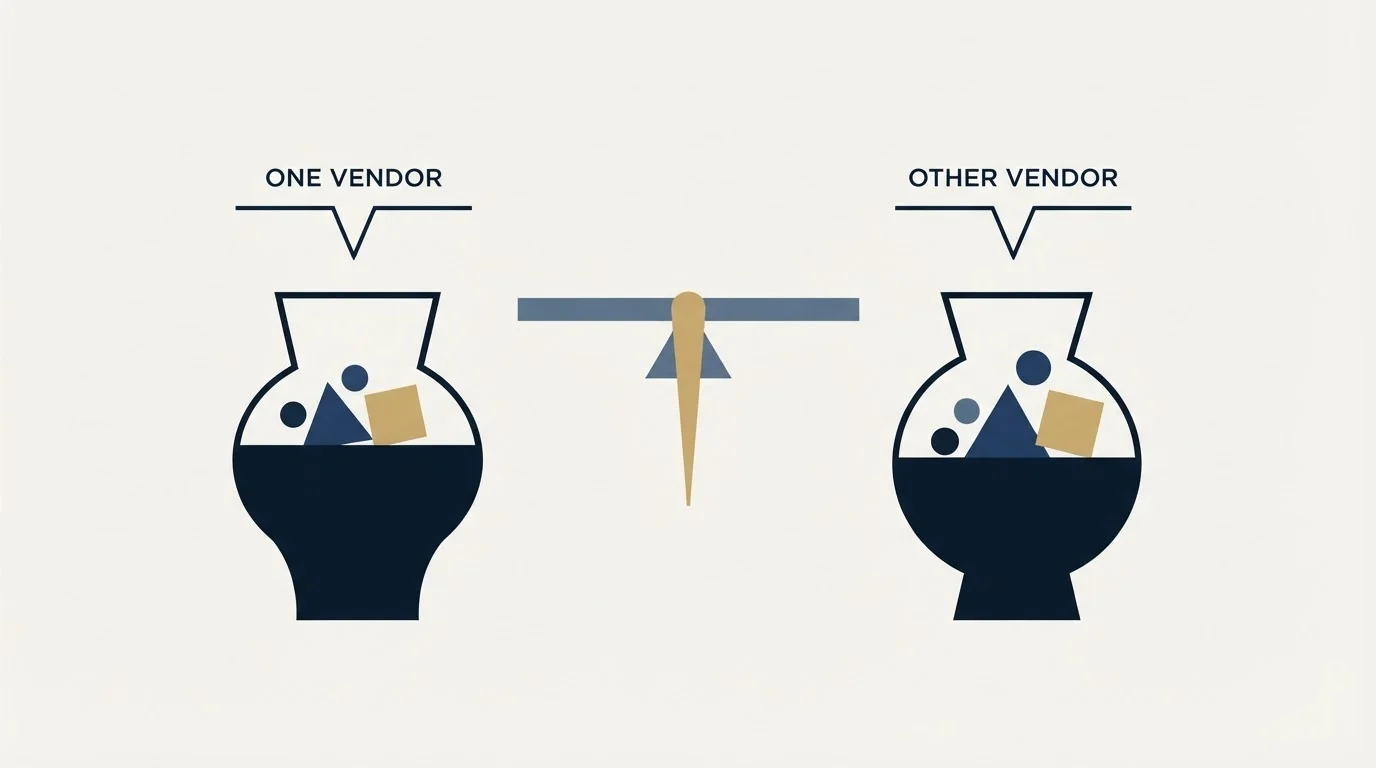
Folk's own solutions navigation names four teams: sales teams, agencies, startups and partnership teams. Its workflow pages name social selling and sales AI. That is a business-to-business go-to-market roster rather than a general productivity one, so the common characterisation of folk as a tool for solo operators is not what folk itself claims. Pipedrive's pricing page describes itself in its own footer line as a web-based sales CRM and organises its site by roles including contact managers and lead managers.
Both, in other words, are selling to a sales team. The difference is which part of that team's work the product was designed around, and the practical test is simple: if the answer to how the quarter is going is a number about deals, the deal-first product will feel natural. If the answer is a list of people who need attention, the contact-first product will.
There is a third case worth naming because it is common and neither vendor markets to it. A team whose pipeline arrives through introductions, partnerships and a founder's network genuinely has relationships as the primary object, and it will fight a deal-first CRM for a year before admitting it. A team running structured outbound has the opposite shape and will find a contact-first tool vague about the thing it actually manages.
The claims worth checking rather than believing
Each vendor's comparison page carries assertions about the other, and a buyer can check some of them and not others.
Checkable, and worth checking. Pipedrive's page gives folk "Email sequences only" in the row for sales task automations. Folk's own pricing page does list "Email sequences" as a tier-two feature, and it also lists a Workflow Assistant with a monthly allowance on both paid tiers, 1,500 a month on Standard and 10,000 on Premium, beside a Follow-up Assistant. So the row is a fair description of one feature and an incomplete description of the automation surface. Read folk's own pricing table rather than the competitor's summary of it.
Not checkable from either page, and therefore not a fact. Both sites carry review scores and customer counts from third-party directories, and neither is evidence about the product. Folk's comparison page also prints dollar figures for Pipedrive plans, $39 a seat a month for Growth and $59 for Premium; those are one vendor's account of another's rate card, and Pipedrive's own pricing page is the only place to read Pipedrive's rates. Pipedrive does not agree with itself on integrations either: its comparison page puts its native integrations at 400 or more, while its pricing page advertises 500+ integrations. Pipedrive renders regional currencies there, so the figure a reader sees depends on where the request comes from, which is one more reason to read it in a browser rather than in an article. What decides a Pipedrive bill beyond the plan rate, including the seats charged whether or not they are assigned, is worked through in the five inputs behind a Pipedrive invoice.
On pipedrive.com
- Comparison page folk: 20+ native integrations
- Comparison page Pipedrive: 400+
- Pricing page Pipedrive: 500+ integrations
On folk.app
- Pricing page folk Standard: 5,000+ integrations
- Switch page Pipedrive Growth $39, Premium $59 a seat
- Pricing page Title says Free; the table has no free tier
One more asymmetry is worth naming plainly. Folk's pricing page is titled as covering free, standard and premium plans, and its plan table carries no free tier at all: it runs Standard, Premium and Enterprise with a two-week trial. That is the vendor's own page contradicting itself, and it is the kind of thing that quietly turns into a budgeting surprise.
What an outbound programme actually needs from either one

Comparisons of this pair are usually written for a team whose pipeline arrives inbound or through referral. A team running cold outbound needs a much shorter list from a CRM, and it is worth naming because it changes which of the two wins.
It needs the meeting recorded against the account with enough structure to join it back to the campaign that produced it. A stage that exists only as a sentence in a notes field cannot be counted later, and that is a point for the deal-first product.
It needs to be the clean source of who is off limits: current customers, live opportunities, accounts somebody has asked you not to touch. That list is what the next build suppresses against, and it has to export without manual reconciliation. Getting that boundary right between the CRM and the sending tool is the subject of connecting a CRM to the sending layer.
It needs the contact record to survive a rep leaving. That is a point for the contact-first product, and folk's automatic capture of email, calendar and messaging interactions is the strongest argument in its favour for a team whose relationships currently live in individual inboxes.
What it does not need is the sequencer. Both products sell sequencing, and folk sells it hard: its pricing page lists email sequences, a Workflow Assistant and a Follow-up Assistant. Campaigns here send one message per campaign, with no bumps and no thread replies. The argument for that is in why we stopped using follow-ups, and the consequence for this comparison is that the feature both vendors compete hardest on is the one to weight least.
Running the trial so it answers something
Both vendors offer a two-week trial with no card required, which is long enough to answer one question properly and not long enough to answer four.
Pick the question first. If it is whether the team will keep the record current, load real contacts rather than sample data and watch whether anybody updates anything in week two without being asked. That single observation predicts more than any feature comparison, and it is the reason a more capable CRM that nobody maintains loses to a simpler one that everybody does.
If the question is reporting, build the one report a manager will actually open on a Monday, in both products, from the same imported data. Deal-first products make that easy and contact-first ones make it a configuration exercise, and finding that out in a trial is much cheaper than finding it out in month four.
Do not test sequencing depth. It is the part of both products that a programme sending one message per campaign will not use, and it is the part both vendors have optimised their demos around.
The short version

Folk is contact-first and gates deals and sequences above its entry paid plan. Pipedrive is deal-first, sells four per seat plans plus five separate add-ons, and puts pipeline structure at the centre of the product rather than at the top of the price list.
Choose on which object your team maintains, not on either vendor's count of the other's integrations, which differ by two orders of magnitude depending on whose page you read. If the pipeline is thin rather than badly recorded, no CRM on either side of this comparison fixes that, and seeing what a campaign built for your market produces is the cheaper first move. The wider field, including the platform options that solve a different problem again, is in the alternatives to Pipedrive worth a look.
Pricing and features are taken from the vendors' own pages. Both pricing pages carry billing toggles and render regional currencies, so verify current terms with the vendor before relying on them.
Sources: folk pricing, folk on switching from Pipedrive, Pipedrive pricing, Pipedrive on Pipedrive vs Folk
Frequently asked questions.
Frequently asked questions- Folk vs Pipedrive: which is better?
- Neither in general, because they are built around different objects. Pipedrive is deal-first, with stages and forecasting, from £14 a seat a month billed annually as its page served here. Folk is contact-first, from $24 a member a month billed annually, and puts deals one tier above its entry plan. Pick the one built around what your team maintains.
- Is folk only for solopreneurs?
- Pipedrive's comparison page describes it as primarily a contact manager for solopreneurs, but folk's own site does not. Folk's solutions navigation names sales teams, agencies, startups and partnership teams, and its workflow pages name social selling and sales AI. Read each vendor's own positioning rather than a competitor's summary of it.
- How much does folk cost compared with Pipedrive?
- Folk's pricing page lists Standard at $24 and Premium at $48 a member a month billed annually, $30 and $60 monthly. Pipedrive's pricing page served pounds here: Lite £14, Growth £39, Premium £59 and Ultimate £79 a seat a month billed annually. The currencies differ by region, so compare them in your own browser before budgeting.
- Do folk and Pipedrive have free plans?
- Neither publishes a free tier on the pages read for this comparison. Folk's pricing page is titled as covering free, standard and premium plans, yet its table starts at Standard and offers a two-week free trial with no credit card. Pipedrive publishes four paid plans with a 14-day trial and no credit card required.
About the author.

B2B cold email experts helping companies generate qualified leads through done-for-you outreach campaigns.
RevenueFlow Team
Explore more.
Ready to scale your outreach?
We build GTM engines that book real meetings. See the receipts.
Related articles.
Which CRMs and Tools the Outbound Stack Connects To: Integration Data From 342 Sales Tools
HubSpot is named as an integration by 52.3% of 342 verified sales tools, Zapier by 50.3% and Salesforce by 43.3%. Here is the full map by category.
Social Selling Tools by Job, and the Account-Risk Line
Fourteen social selling tools sorted into six jobs, split by whether each acts through your LinkedIn account or beside it, from the vendors' own pages.
Video Prospecting Tools by Job: What Each One Is For
Ten video prospecting tools sorted by the job each vendor's own page describes: record and share, personalise at volume, avatars, hosting and interactive demos.
Seamless.AI Email Finder: How It Works, What a Credit Buys
How Seamless.AI's email finder resolves a contact in real time, what one Universal Credit buys, the Total AI score on every address, and what the Chrome extension reads.
Is Clay Free? The Free Plan, the Trial and Where Each Stops
Clay's free plan, its 14-day trial and the no-charge-on-a-miss rule are three different things. What each holds and where it stops, from clay.com on 19 September 2026.
Snitcher Pricing: The $49 Table Is the Annual Rate
Snitcher's visible price table is the annual-billing ladder. The ten bands at both billing states, the unique-company meter, and the rules on a help page.