Formstack vs Jotform: Two Meters, Two Different Buyers
One counts submissions per form, the other per account. One publishes a three-seat tier, the other one seat everywhere. Compliance lands in different places too.
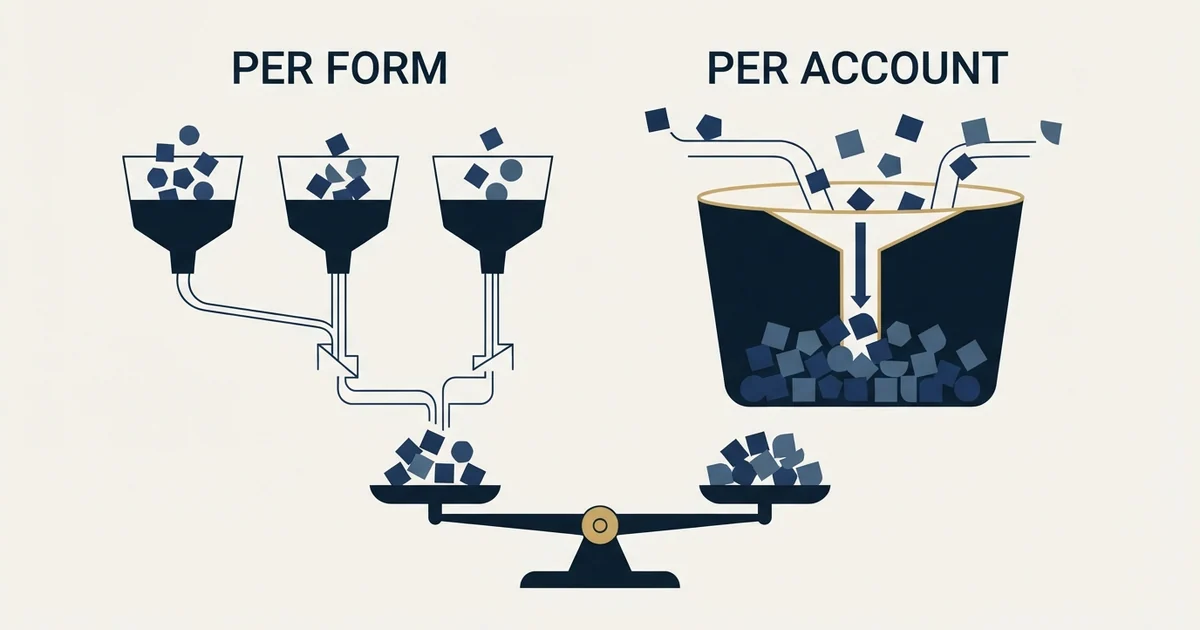
Formstack meters submissions per form, starts at one builder user and treats HIPAA as an add-on on its two published tiers, inside a Salesforce-native document and signature path. Jotform meters per account across four ceilings, puts one seat on every self-serve tier, and makes HIPAA available on its third paid tier.
Key takeaways
- Formstack states its allowance as submissions per form while Jotform states a monthly total across the whole account, so which is more generous depends on how your responses are distributed rather than on the rate.
- Both vendors start at a single seat. Formstack publishes a tier including three builder users; Jotform's route past one is a quoted Enterprise conversation.
- Formstack's own plan comparison marks matching HIPAA and compliance requirements as an add-on against both published tiers, where Jotform marks the feature available from its third paid tier upward.
- Formstack's footer now reads Intellistack, LLC, and its navigation points at a separate process automation and contract lifecycle product under that name.
Reviewed and updated September 1, 2026
Formstack vs Jotform: Two Products, Two Meters, Two Different Buyers
A B2B team shortlists both, puts the entry rates side by side, and finds one of them several times the price of the other. That looks like an easy decision until somebody notices the two plans are not counting the same thing, do not include the same number of people, and put the compliance feature in completely different places.
Both are mature no-code form builders. Both collect structured responses, integrate widely and handle payments and signatures. The differences that matter to a purchase are structural, and all of them are legible on the vendors' own pricing pages.
Here is what each one actually sells, read from those pages on 30 August 2026, and the two questions that decide it.
The published ladders
Formstack splits into a Forms product and a Suite that adds document generation and e-signature, with two further routes sold by quote. On its pricing page the Forms card reads "Starting at $83 $99 /month paid annually".
| Formstack plan | Rate as it rendered | Builder users | Forms | Submissions | Storage |
|---|---|---|---|---|---|
| Forms, per the pricing page | $83 a month paid annually, $99 monthly | 1 | 25 | 1,000 per form | 2GB |
| Suite, per the pricing page | $250 a month paid annually, $299 monthly | 3 | 100 | 5,000 per form | 10GB |
| Salesforce Solutions, per the pricing page | Custom pricing, on request | not stated | not stated | not stated | not stated |
| Enterprise, per the pricing page | Custom pricing, on request | Unlimited users and submissions | not stated | not stated | not stated |
Jotform has a free tier and three paid self-serve tiers ahead of an Enterprise route sold on request. Its plan cards rendered in pounds to the fetch made for this comparison, which is covered below, so the figures underneath are given without a symbol.
| Jotform plan | Rate as it rendered | Users | Forms | Monthly submissions | Total stored submissions |
|---|---|---|---|---|---|
| Starter, per the pricing page | Free | 1 | 5 | 100 | 500 |
| Bronze, per the pricing page | 24 a month billed annually | 1 | 25 | 1,000 | 10,000 |
| Silver, per the pricing page | 29 a month billed annually | 1 | 50 | 2,500 | 25,000 |
| Gold, per the pricing page | 89 a month billed annually | 1 | 100 | 10,000 | 100,000 |
| Enterprise, per the pricing page | Custom price, on request | Multiuser | Unlimited | Unlimited | not stated |
Formstack offers a 14-day free trial of its Forms product with no credit card and a line reading "Save 2 months with annual plans", noting separately that its nonprofit discount applies to invoices while the annual discount does not. Jotform runs a monthly and yearly toggle labelled "Save up to 20%".
The first structural difference: per form against per account
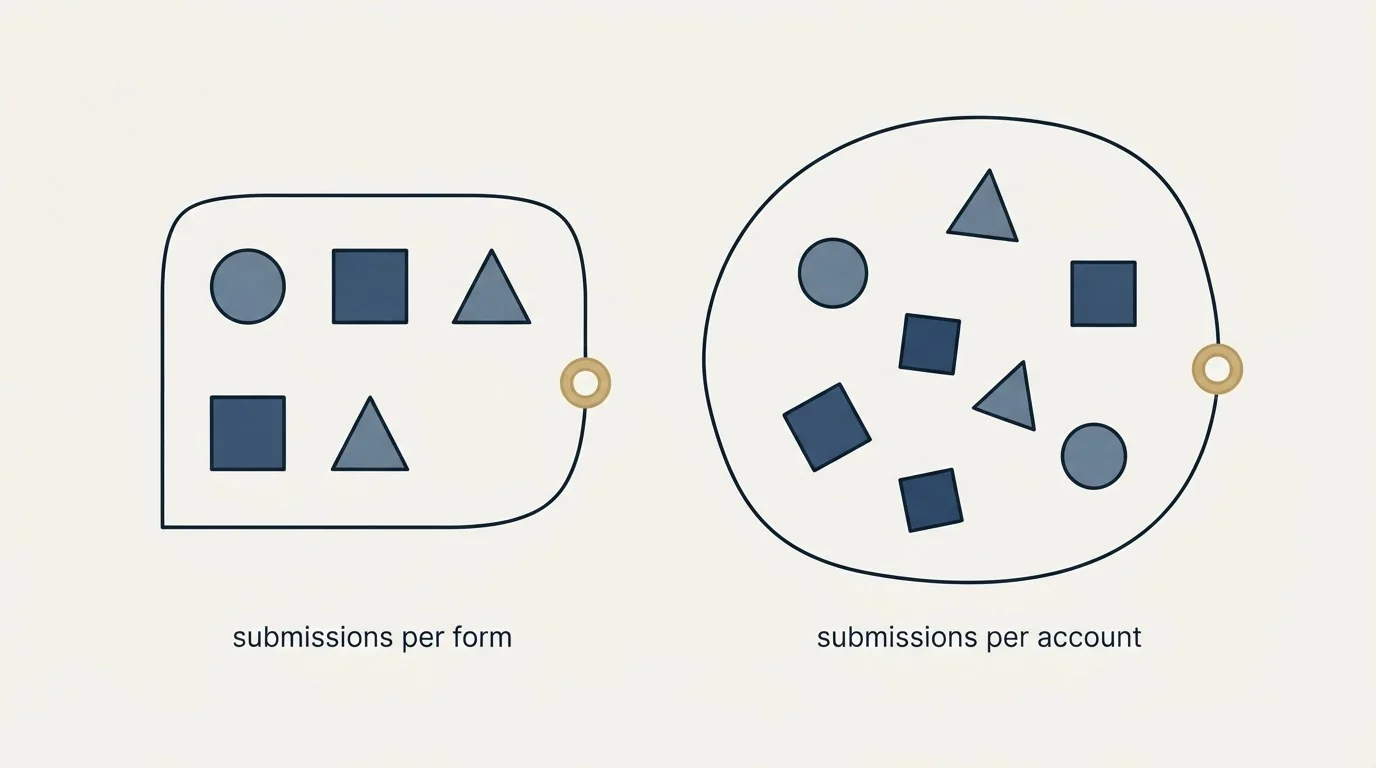
Formstack's allowance is written on its own cards as "1,000 Submissions per form" against Forms, with 25 forms beside it, and 5,000 per form against Suite with 100 forms. Jotform's allowance is per account: the whole account collects a monthly total across every form, and separately holds a "Total Submission Storage" count that does not reset.
Those two units reward opposite shapes of collection.
A team running many quiet forms, a departmental request form here and an event registration there, fits comfortably inside a per-form allowance and can concentrate nothing anywhere. The same team on a per-account meter is adding every trickle together against one ceiling.
A team running one busy form, a single campaign landing page taking most of the responses, is doing exactly what a per-form ceiling constrains and what a per-account allowance absorbs.
Neither unit is more generous in the abstract. Which is more generous depends entirely on how your responses are distributed, and that is a fact about your programme rather than about either vendor.
- Submissions per form rather than per account
- Builder users, starting at one
- Forms active at once
- Storage in gigabytes
- Document deliveries per month on Suite
- Monthly submissions across all forms
- Total stored submissions, which do not reset
- Forms active at once
- Monthly form views
- Payment submissions and signed documents
- Forms active at once
- Storage
- Payment collection
- Electronic signatures
- A quoted enterprise route
The second structural difference: who is allowed in the account
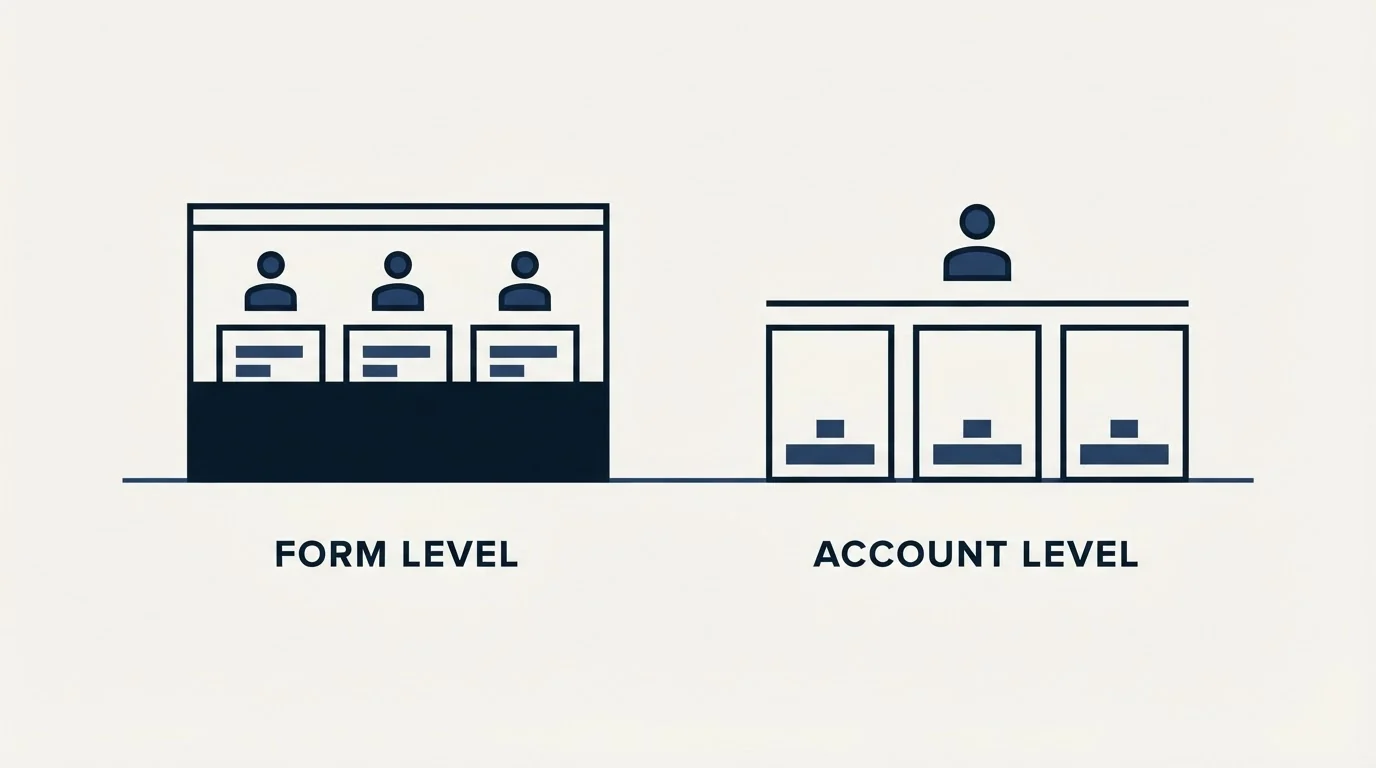
The Formstack cards read "1 Builder user" against Forms and "3 Builder users" against Suite, with "Unlimited users and submissions" named as an Enterprise characteristic. Jotform's four self-serve tiers each read "1 User Individual Plan", with "Multiuser Platform", user management and "Single Sign-On (SSO)" appearing on Enterprise.
So both start at a single seat, and they diverge on where a second one becomes available. One offers a tier including three. The other's route past one is a sales conversation.
For a solo operator none of this matters. For a marketing team it is frequently the whole decision, because a form that only one named person can edit becomes a single point of failure the first time that person is on leave during a campaign.
Where compliance sits, and it is not where either page leads
This is the difference most likely to be assumed rather than checked.
Formstack's own plan comparison marks the row "Match HIPAA and compliance requirements" as an add-on against both Forms and Suite, while its Salesforce route lists "Salesforce Shield compatible PCI/HIPAA-compliant solutions" and "Progressive data capture and dynamic prefill". So on the two rate-carrying tiers, compliance is priced beside the plan rather than inside it.
Jotform's cards read "HIPAA-Enabled Features Unavailable" on the free tier and on the first two paid tiers, and "HIPAA-Enabled Features Available" on the third paid tier and on Enterprise. So compliance there is a capability boundary partway up a rate-carrying ladder.
Two different shapes, and the practical consequence differs. A small team with a HIPAA requirement can get there on a rate-carrying tier of the second product without a sales conversation, at a level whose volume allowances it will not approach. The same team on the first is pricing an add-on or moving to a quoted route.
- Yes: You know how your responses distribute across forms, not just the total
- Yes: You counted how many people must build and read submissions
- Yes: You confirmed where your compliance requirement sits on each ladder
- Depends: You checked whether Salesforce is the system of record for this data
- No: You compared the two entry rates and stopped there
- No: You assumed compliance is included at the tier that mentions security
Where each one is clearly the stronger fit
Formstack is built around a document and signature workflow and around Salesforce. Its own navigation runs Forms, Documents and Sign as one end-to-end path under the line "Sign eSignatures, no per-envelope fees", and a dedicated Salesforce route described as "Native forms, plus docs and eSignature" with document generation from Salesforce data, Experience Cloud integration and progressive prefill. Its scale line reads "Trusted for over 18 years, by more than 32,000 organizations", and its footer now reads Intellistack, LLC, with the navigation pointing at a separate process automation and contract lifecycle platform under that name.
If that CRM is where this data has to live, and if the job runs from collection through a generated document to a signature, that is the product built for it.
Jotform is broader and cheaper at the entry, with more of the platform included per tier. Payment submissions and signed documents are metered on every tier rather than sold as a separate product, its free tier is unusually complete, its form view allowances reach "1,000,000 Monthly Form Views" partway up the ladder, and its header line reads "Trusted by over 40 million users". The full meter-by-meter read is in Jotform pricing.
If the job is lead capture at modest volume, run by one person, with payment or signature as an occasional extra rather than the point, that is the cheaper and simpler answer.
If neither is the answer: choosing a Formstack alternative on its meter
A team that arrives here is often really asking what else exists, and the honest answer is that this category has more genuinely different pricing models than it has genuinely different features. A Formstack alternative is worth choosing on its meter rather than its feature list, for the same reason the comparison above turns on units rather than rates.
Two are worth naming because they meter in ways neither product above does. Paperform counts submissions per year with overage rates and hard maximums beside them, which absorbs an event-driven spike that a monthly ceiling would treat as an upgrade. Heyflow counts responses rather than traffic, under the line "Pay for leads, not just traffic", and sells design, conversion, insights, coding, integration and security capability as separately priced bundles beside the tier. Both are read against the anchor in Jotform alternatives, which is also where to go if the shortlist needs to be wider than two.
A currency warning applies to any such shortlist. Checking these pages from one location on one day returned dollars on Formstack, pounds on Jotform and euros on Heyflow, and two of those pages announced nothing about the substitution. Confirm the symbol at checkout, from the location that will actually be billed.
Where the constraint usually sits
Neither product creates demand. Both convert intent that already arrived, so the value of choosing correctly between them is bounded by how many of the right people reach the form at all.
For an outbound-fed programme that number is small, which leaves a team inside the first paid tier either way and moves the decision to seats and compliance rather than to volume. Every field on the form is a cost the visitor bears before seeing any value, which is the argument in landing page lead generation, and judging the result against a benchmark will not settle it, for the reasons in average landing page conversion rate. A rate computed over a few dozen responses is dominated by chance, which conversion rate sets out. Where the form sits inside the wider page decision is mapped in landing page optimization tools.
The short version
Formstack meters "1,000 Submissions per form", counts builder users from "1 Builder user", treats HIPAA as an add-on on its two rate-carrying tiers, and is built around a Salesforce-native document and signature path under Intellistack ownership. Jotform meters per account across four separate ceilings, reads "1 User Individual Plan" on every self-serve tier, marks "HIPAA-Enabled Features Available" from its third paid tier, and is cheaper and broader at the entry.
Decide on the distribution of your responses and the number of people who need access, then check where your compliance requirement lands on each ladder. When the shortage is the number of qualified people reaching the form rather than the builder behind it, see what a first campaign produces against your own market.
Plans, meters, seat counts and compliance rows above were read from formstack.com/pricing, formstack.com/products/online-forms and jotform.com/pricing on 30 August 2026, in the currency and billing view each page served to that fetch. Vendor pricing moves. Verify current terms with each vendor before relying on them.
Frequently asked questions.
Frequently asked questions- Is Formstack or Jotform cheaper?
- Jotform is cheaper at the entry, but the comparison is not like for like. As served on 30 August 2026 Formstack listed Forms from $83 a month paid annually with one builder user and 1,000 submissions per form, while Jotform's paid tiers started far lower with one user and a monthly allowance across the whole account. Different units, so model your own volume first.
- Which one should a Salesforce team choose?
- Formstack is built for that case explicitly. It publishes a Salesforce Solutions route with native forms, document generation from Salesforce data, Experience Cloud integration, Salesforce Shield compatibility and progressive prefill, priced by quote. If Salesforce is the system of record for the collected data, that path is the reason to look at Formstack at all.
- Which one handles HIPAA requirements?
- Both offer a route, in different places. Formstack's plan comparison marks HIPAA and compliance matching as an add-on against Forms and Suite, and describes PCI and HIPAA-compliant solutions on its Salesforce route. Jotform marks HIPAA-enabled features unavailable on its first three tiers and available on the fourth and on Enterprise. Check which shape suits your budget and approval process.
- Can more than one person edit forms on either product?
- Formstack's Suite tier publishes three builder users, and unlimited users appear on its Enterprise route. Jotform lists one user on all four of its self-serve tiers, with multi-user access and single sign on on Enterprise. So if two people must build and read submissions, Formstack has a published tier for that and Jotform has a sales conversation.
About the author.

Ben Carden is CRO at RevenueFlow, which builds and operates outbound revenue engines for B2B companies. Previously at Gartner Enterprise. Studied at London School of Economics.
Ben Carden · CRO
Connect on LinkedIn →Explore more.
Ready to scale your outreach?
We build GTM engines that book real meetings. See the receipts.
Related articles.
Jotform Alternatives: The Meters Differ in Kind, Not in Size
Four form builders at similar headline rates count completely different things: per account, per form, per year, or per lead. That is what decides the bill.
Jotform Pricing: Four Meters, One Seat
Every Jotform plan card carries four separate ceilings, two of them about submissions. The larger one reads like the monthly limit, and it is not.
B2B Lead Generation Companies by Pricing Model: 15 Vendors
Nine of fifteen B2B lead generation vendors publish a dollar figure and six publish none. The five pricing models behind the numbers, each figure cited to its page.
Drift Competitors: What Replaced It and What Each Costs
Drift is retired and drift.com now serves a Salesloft page. What the successors publish about price, who owns them now, and which one fits which job.
Lead Verification: What Each Check Actually Proves
Lead verification covers two different jobs. One asks whether a mailbox will accept mail, the other asks whether the person behind the row is real and lawful to contact.
B2B Database: What to Test Before You Pay
Total record count is the number every vendor leads with and the one that predicts least. The test that replaces it takes a day and settles the purchase.