Jotform Alternatives: The Meters Differ in Kind, Not in Size
Four form builders at similar headline rates count completely different things: per account, per form, per year, or per lead. That is what decides the bill.
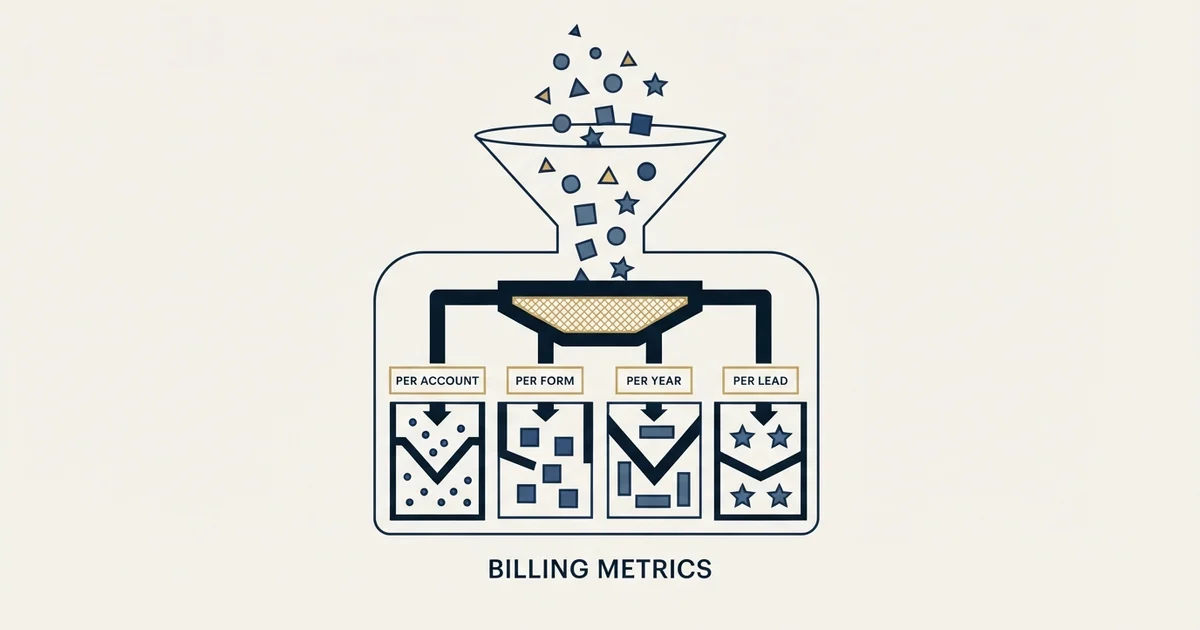
The main Jotform alternatives price on different units rather than at different levels. Formstack counts submissions per form and builder users separately. Paperform counts submissions per year with published overage rates. Heyflow counts responses rather than traffic and sells capability as separately priced bundles. Model your collection shape first.
Key takeaways
- Formstack's Forms tier states its allowance as submissions per form rather than per account, which constrains one busy form and leaves forty quiet ones untouched.
- Paperform meters submissions per year with published overage rates and hard maximums, which absorbs an event-driven spike that a monthly ceiling would treat as an upgrade trigger.
- Heyflow meters responses rather than traffic and prices Design, Conversion, Insights, Coding, integrations and Security as separate bundles beside the tier, so a fully featured build costs its tier plus its add-ons.
- Checking all four pricing pages from one location on one day returned pounds, dollars and euros, and two of the pages announced nothing about the substitution.
Reviewed and updated September 2, 2026
Jotform Alternatives: The Meters Differ in Kind, Not in Size
A B2B marketing team outgrows a free form tier and starts comparing. The shortlist comes back as four products at broadly similar monthly rates, and the decision looks like a feature preference. Six months later the bill has moved for a reason nobody modelled, because the four products were not counting the same thing.
That is the useful way into this category. Form builders are close enough on capability that a feature table separates them badly, and they meter in genuinely different units: responses per month, responses per year, responses per form, or leads. Two products at the same headline rate can differ by an order of magnitude on the same workload.
Typeform's own shortlist divides on the same axis, and what Tally, Fillout and Formbricks count instead reads each meter off the vendor's own pricing page.
Here is what each of four alternatives actually charges for, read from each vendor's own pricing page, and the question that should decide the shortlist before any feature is compared.
Start with what Jotform does well
An alternatives article that opens by attacking the anchor is not worth reading. Jotform's plan cards are generous on the dimension teams check first: form views run from "10,000 Monthly Form Views" on the free tier to ten million on the top self-serve tier, and the free tier is unusually complete rather than a stub. Payment collection and signed documents are metered on every tier rather than sold as separate products, so an order form or a light signature workflow lives in the same account. Its own header line reads "Trusted by over 40 million users".
Two structural facts push teams to look elsewhere, and neither is about price. Every self-serve tier, including the most expensive, reads "1 User Individual Plan", so a second editor means a quoted Enterprise conversation rather than a step up the ladder. And the cards carry two different submission meters, a monthly flow and a "Total Submission Storage" stock, which makes like-for-like comparison harder than it looks. Both are set out in Jotform pricing.
Formstack: metered per form, and priced for a Salesforce shop
Formstack's pricing page splits into a Forms product and a Suite that adds document generation and e-signature. As served on 30 August 2026, Forms started at $83 a month paid annually against $99 monthly, and Suite at $250 against $299, with the page offering to "Save 2 months with annual plans" and a 14-day free trial of the core Forms product with no credit card. Two further routes, a Salesforce-native solution and an Enterprise tier, are both quoted rather than published.
The meter is the interesting part. The Forms card reads "1 Builder user", 25 forms, 2GB of storage and "1,000 Submissions per form". Suite steps that to three builder users, 100 forms, 10GB and 5,000 submissions per form, plus 250 document deliveries a month and unlimited eSignatures.
Per form rather than per account is a materially different unit. A team running one busy campaign form is constrained where a team running forty quiet ones is not, which is the reverse of how a per-account allowance behaves. It rewards spreading collection across many forms and penalises concentrating it in one.
The page also carries its ownership on the footer: the copyright line reads Intellistack, LLC, and the navigation points at a separate process automation and contract lifecycle platform under that name. The product page puts its scale as "Trusted for over 18 years, by more than 32,000 organizations".
Paperform pricing: metered per year, and the page contradicts itself

Paperform notes on its own page that "All pricing is in USD, and excludes any sales taxes, including VAT", and runs a free tier at 30 submissions a month. The paid tiers on that page as it rendered on 30 August 2026 are Essentials at $24 a month "Billed as $288/year", Pro at $49 billed as $588, and Business at $99 billed as $1,188. The trial line reads "7 day free trial" with no credit card.
Its meter is annual. On the same page the Essentials card reads "1,200 / year" against submissions, Pro "12,000 / year" and Business "120,000 / year", each with an overage rate and a hard maximum beside it: Essentials adds 3,000 submissions for $7.50 a month up to 9,000, Pro adds 6,000 for $10 a month up to 30,000, and Business adds 12,000 for $10 a month up to 600,000. Forms are unlimited on every tier including the free one, and the page runs seats at one, one, three, then five, with additional users at $9 a month up to 25.
An annual allowance behaves differently from a monthly one in a way that suits event-driven B2B collection. A registration form that concentrates its responses into two weeks around a conference does not breach an annual ceiling that a monthly one would, and no upgrade is triggered by the spike.
One thing to check before quoting a figure from here: the page disagrees with itself. The plan card on that page renders Essentials at $24 a month "Billed as $288/year", while the FAQ further down says the same plan "is available for $29 per month, or $288 per year, billed annually". The annual figure is consistent across both; the monthly one is not. Disclosing that is more useful than picking a winner, and it is a reason to confirm the monthly rate at checkout rather than from the card.
- Monthly submissions that reset
- Total stored submissions that do not
- Forms active at once
- Monthly form views
- One seat on every self-serve tier
- Formstack counts submissions per form
- Formstack counts builder users separately
- Paperform counts submissions per year
- Paperform publishes overage rates and hard maximums
- Paperform leaves forms unlimited on every tier
- Responses per month rather than traffic
- Funnels and seats counted separately
- Capability sold as separately priced bundles
- A second product meters visitors instead
Heyflow: a Heyflow alternative is usually sought on the meter, not the features
Heyflow prices its lead generation product in euros with a dollar toggle, billed annually in advance under a label reading "Save up to 31%", on a 14-day trial with no credit card. As it rendered on 30 August 2026 the tiers were Starter at 49 a month with "50 responses/month", five funnels and one seat, Growth at 89 with 250 responses, ten funnels and two seats, Scale at 239 with 1,000 responses, twenty funnels and four seats, and Enterprise from 1,100 a month for more than 5,000 responses a month with unlimited funnels. A line underneath reads "Prices exclude VAT".
The meter is responses, and the selling line at the top of the page is "Pay for leads, not just traffic". That is an unusual and defensible position for a lead capture tool, because it aligns the bill with the outcome rather than with the exposure.
The second structural difference is that capability is unbundled and separately priced. Design, Conversion, Insights, Coding, Advanced integrations and Security are add-on bundles carried at their own monthly rates rather than folded into the tiers, and seats, funnels and responses each carry a unit price, the last of them listed as "€0.18 / lead per month". A build that needs custom code and A and B testing and security controls therefore costs its tier plus three bundles, which is a different arithmetic from a ladder where the top tier includes everything.
Note also that a separate e-commerce product sits on the same page metered on visitors rather than responses, with a row reading "Overage price per 1k visitors". One vendor, two meters, depending which product you land on.
The comparison that actually decides it

Two shortlist questions carry more weight than any feature difference.
The first is what shape your collection has. A steady few hundred responses a month across several forms sits comfortably almost anywhere. A single form taking a thousand responses in a fortnight around an event breaches a per-form ceiling and a monthly one while an annual allowance absorbs it without comment. Model your own shape before reading a rate.
The second is how many people need access, because seats are where these products diverge hardest and where a headline rate is least informative. One product's most expensive self-serve tier is a single seat. Another counts builder users and starts at one. A third publishes a per-seat add-on rate. Comparing monthly figures across those three is comparing different products.
- Yes: You know whether your collection is steady or event-driven
- Yes: You counted how many people need to build and read submissions
- Yes: You checked whether the allowance is per account, per form or per year
- Yes: You confirmed which currency the page served from your own location
- No: You compared two vendors by their entry monthly rate
- No: You assumed capability is included at the tier rather than sold beside it
A currency warning that applies to the whole category
Checking these four pages from one location on one day returned three different currencies across them: pounds on one, dollars on two, euros on the fourth with a dollar toggle. Two of the pages announced nothing about it.
A figure lifted from a comparison article can therefore be the right number in the wrong currency, and a like-for-like table built from several such articles can silently mix three. Confirm the symbol beside the number at checkout, from the location that will be billed, before any of it reaches a budget.
Where the constraint usually sits
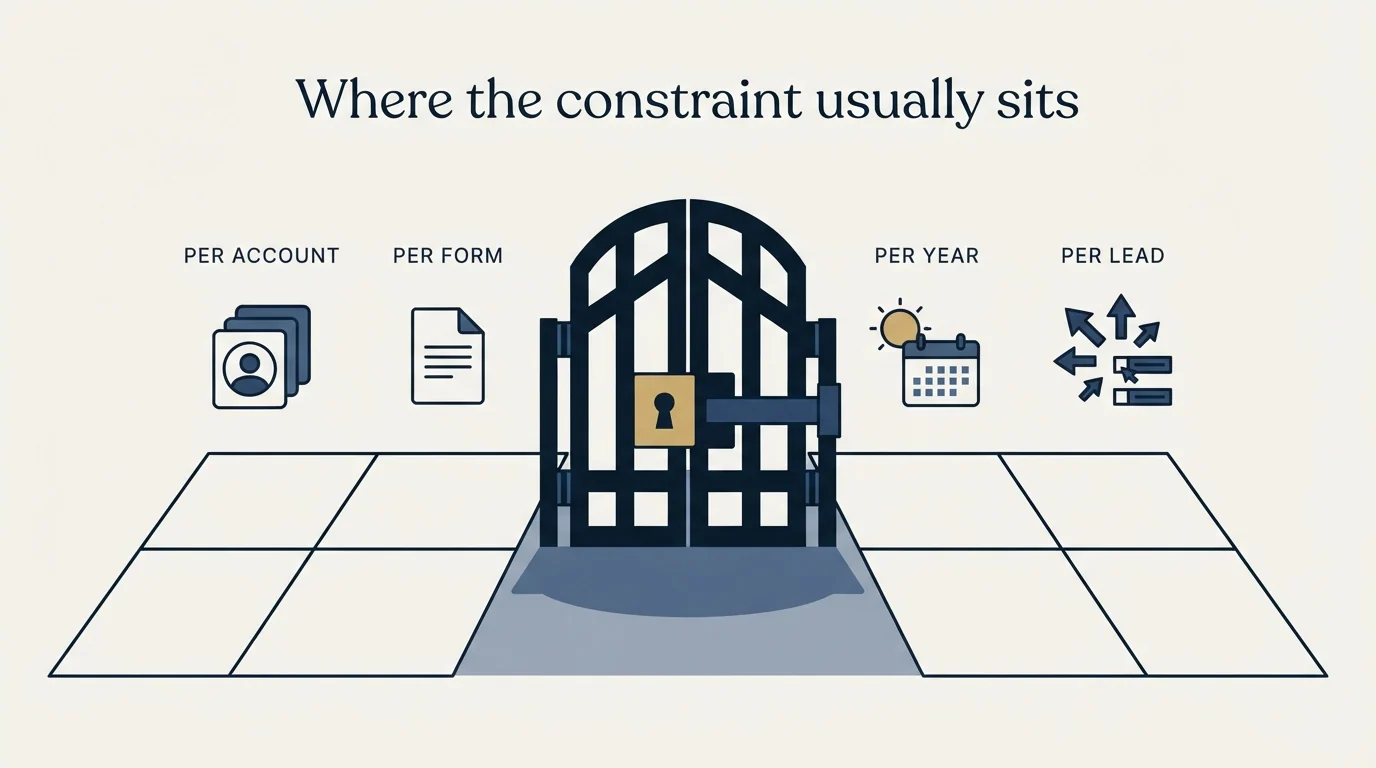
None of these products creates demand. Each of them converts intent that already arrived, so the value of moving between them is bounded by how many of the right people reach the form at all.
For an outbound-fed programme that population is small, which leaves a team well inside the first paid tier of any of the four and moves the real question upstream. Every field on the form is a cost the visitor bears before seeing any value, which is the argument in landing page lead generation. Judging the result against a benchmark will not settle it either, for the reasons in average landing page conversion rate, and a rate computed over a few dozen responses is dominated by chance, which conversion rate sets out. Testing your way to an answer at that volume runs into A/B testing a landing page when you do not have the traffic.
Where the form sits inside the wider page decision is mapped in landing page optimization tools, and the question of which bottleneck any layer of tooling can reach at all is in sales process optimization tools.
The short version
Jotform is generous on views, complete on its free tier and metered on four separate ceilings, with "1 User Individual Plan" on every self-serve card. Formstack counts "1,000 Submissions per form" and builder users separately, and sits inside a Salesforce-first and Intellistack-owned product family. Paperform counts submissions per year with overage rates and hard maximums, leaves forms unlimited on every tier, and disagrees with itself on its own entry monthly rate. Heyflow counts responses rather than traffic, under the line "Pay for leads, not just traffic", and sells capability as separately priced bundles beside the tier.
Model the shape of your own collection and count your seats before reading any rate, and confirm the currency the page served you. When the shortage is the number of qualified people reaching the form rather than the tool behind it, see what a first campaign produces against your own market.
Plans, meters and rates above were read from jotform.com/pricing, formstack.com/pricing, paperform.co/pricing and heyflow.com/pricing on 30 August 2026, in the currency and billing view each page served to that fetch. Vendor pricing moves and several of these pages localise. Verify current terms with each vendor before relying on them.
Frequently asked questions.
Frequently asked questions- What is the best Jotform alternative?
- It depends on the shape of your collection rather than on features. Formstack suits a Salesforce-centred team spreading responses across many forms. Paperform suits event-driven collection because it meters per year. Heyflow suits a lead funnel where paying per response rather than per visitor is the point. None of them is better in the abstract.
- Why do form builders at the same price cost different amounts?
- Because they count different things. One meters responses per account per month, another per form, another per year, another per lead. Two products at the same headline rate can differ by an order of magnitude on the same workload, and a feature table cannot show that. Model your own volume and its distribution across forms before reading any rate.
- How much does Formstack cost compared to Jotform?
- As served on 30 August 2026, Formstack listed Forms from $83 a month paid annually against $99 monthly, and a Suite adding documents and eSignature from $250 against $299, with Salesforce and Enterprise routes quoted. The comparison is not like for like: Formstack counts submissions per form and builder users, where Jotform counts per account with one seat on every self-serve tier.
- Do any of these publish a genuinely usable free tier?
- Jotform and Paperform both do. Jotform's free Starter tier includes five forms, 100 monthly submissions and 10,000 monthly form views, and its card is marked all features included. Paperform's free tier allows 30 submissions a month with unlimited forms. Formstack offers a 14-day trial of its Forms product rather than a free tier, and Heyflow a 14-day trial.
About the author.

Ben Carden is CRO at RevenueFlow, which builds and operates outbound revenue engines for B2B companies. Previously at Gartner Enterprise. Studied at London School of Economics.
Ben Carden · CRO
Connect on LinkedIn →Explore more.
Ready to scale your outreach?
We build GTM engines that book real meetings. See the receipts.
Related articles.
Jotform Pricing: Four Meters, One Seat
Every Jotform plan card carries four separate ceilings, two of them about submissions. The larger one reads like the monthly limit, and it is not.
Formstack vs Jotform: Two Meters, Two Different Buyers
One counts submissions per form, the other per account. One publishes a three-seat tier, the other one seat everywhere. Compliance lands in different places too.
Typeform Alternatives: Read the Response Meter First
Typeform meters responses with a hard ceiling and counts seats inside the plan. What Tally, Fillout, Formbricks and Jotform count instead, from their own pricing pages.
B2B Lead Generation Companies by Pricing Model: 15 Vendors
Nine of fifteen B2B lead generation vendors publish a dollar figure and six publish none. The five pricing models behind the numbers, each figure cited to its page.
Drift Competitors: What Replaced It and What Each Costs
Drift is retired and drift.com now serves a Salesloft page. What the successors publish about price, who owns them now, and which one fits which job.
Lead Verification: What Each Check Actually Proves
Lead verification covers two different jobs. One asks whether a mailbox will accept mail, the other asks whether the person behind the row is real and lawful to contact.