Lusha Price: How the Credit Model Prices a Record
Lusha bills by credit, and a phone reveal costs five times an email. What its documentation publishes about credits, seats and rollover, and what a record costs.
Lusha's documentation publishes credit costs rather than a public tier price. Its API section lists one credit per email revealed, five per phone number, and one per company profile. Seats run from one on Starter to unlimited on Scale. Monthly plans roll credits over to twice the limit, while annual plans grant them upfront and reset unused ones.
Key takeaways
- A phone number costs five credits against one for an email in the API credit table on Lusha's pricing-system documentation page, so a phone-heavy workflow drains a balance several times faster than an email-first one.
- Seat allocations are fixed per tier: Starter at one seat, Pro including two and expandable to ten, Premium including five and expandable to twenty-five, and Scale unlimited. Seats on Pro and Premium cannot be reduced.
- Monthly plans roll unused credits over up to twice the monthly limit, while annual plans grant everything upfront and reset whatever is unused at the end of the cycle.
- Upgrading a plan starts a new billing cycle and clears previous credits, and downgrading resets stored credits once the account lands on the Free plan.
Reviewed and updated September 1, 2026
A sales team budgets a 1,000-contact outbound wave on Lusha, buys what looks like a comfortable credit balance, and watches it empty before the list is half enriched. The cause is nearly always the same: somebody turned on phone numbers. Under Lusha's published credit costs a phone reveal is worth five email reveals, so a workflow that pulls mobiles for a fifth of the list can spend more credits on phones than on every email address combined.
That is the reason a Lusha price question is hard to answer with a tier number. The seat price sets what you pay each month. The credit model sets how fast that money turns into records, and it is the half that decides your real cost per usable contact.
Using Lusha for lead generation, and where it stops: the credit model rewards small, deliberately targeted reveals over bulk list building, so the tool earns its place as a verification and enrichment step on a list you already have rather than as the source of the list itself.
CRM and CSV enrichment draw on the same credit pool as a single reveal, which is what makes a bulk enrichment run the fastest way to spend an annual allowance without noticing.
CRM enrichment workflows raise the broader question of how Lusha fits alongside a CRM platform, a distinction covered in Copper and Lusha compared.
What Lusha's own documentation says a credit buys
Lusha's docs site publishes the mechanics in full. The page at docs.lusha.com/user-guide/plans-and-upgrades/lushas-pricing-system-2 describes a single credit balance spanning the platform, the browser extension, the AI assistant and the API, so there is one pool to plan against rather than several.
The explicit per-unit costs on that page sit under its API section, and they are the numbers worth memorising.
Charged once per contact
Five times the cost of an email
Company data is free in the platform and plugin
Charged even when no result comes back
Three details around those numbers matter more than the numbers themselves.
Data points are charged once per contact. The documentation states that if you have already revealed a contact's email or phone, later requests for those same data points do not incur a second charge. Re-enriching a list you already own is therefore cheaper than it looks, which changes how you think about refresh cycles.
Searching is free in the platform, and charged through the API. The FAQ on that page states plainly that searches throughout the platform are free, and that company data is free throughout the platform and plugin. Via the API, the same page charges 1 credit per company's full data profile, plus a result charge: 1 credit per result on a single request, and 1 credit per 1 to 25 results on a bulk request, with a maximum of 100 contacts or companies per request.
Empty requests still cost. The page lists a minimum of 1 credit per API request even if no results or data points are returned. On a low-match list, that floor is a real line item rather than a rounding error.
Signals carry their own per-unit prices on the same page: a hiring surge or headcount growth signal at 1 credit per company, and a job change signal at 1 credit per contact.
Seats are the other half of the bill
Lusha's documentation for upgrading a plan names the current tiers and their seat allocations, and the seat structure is unusually rigid.
The page at docs.lusha.com/user-guide/plans-and-upgrades/how-to-upgrade-your-plan lists Starter at 1 seat, Pro including 2 free seats and expandable up to 10, Premium including 5 free seats and expandable up to 25, and Scale with unlimited seats. It states that the number of seats in Pro and Premium is fixed and cannot be reduced, and its FAQ answers directly that you cannot buy a plan with fewer seats to get more credits per seat.
Adding seats behaves differently from upgrading, and the difference is expensive if you get it backwards. That same page states that adding seats does not start a new billing cycle and that charges are not prorated, so a mid-cycle seat is billed in full immediately. Upgrading a plan does start a new billing cycle, and the page carries an explicit warning that your previous credits do not roll over to the new plan. Downgrading is harsher still: you cancel the renewal, the account moves to the Free plan at the end of the cycle, and the page states that all stored credits reset at that point.
What we could not verify, and why no dollar figures appear here

Every request we made to www.lusha.com returned HTTP 403, including the pricing page with and without a trailing slash, the apex domain, and the contact-sales page. A blocked request is a failed fetch rather than evidence that a figure is absent, so we are not in a position to tell you whether Lusha publishes tier prices there or what they say.
That rules out quoting a dollar figure. Third-party pricing breakdowns for Lusha are plentiful and they disagree with each other, and a number copied from a competitor's comparison table is not a verified fact. Lusha's own upgrade documentation points the same way, noting that pricing may vary depending on region and applicable taxes, and recommending you compare options directly on the pricing page in your own browser.
A worked cost per usable record
The numbers below are invented to show the shape of the calculation, not measured. Only the per-unit credit costs come from Lusha's documentation; the volumes, the mix and the match rate are illustrative.
Take a wave of 1,000 target contacts. You reveal an email for all 1,000, which is 1,000 credits. You reveal a mobile number for 200 of them, which at 5 credits each is another 1,000 credits. You add a job change signal on 100 contacts, which is 100 credits. Total: 2,100 credits for 1,000 attempted contacts, or 2.1 credits per attempted contact.
Now apply an illustrative 70 percent usable rate, because not every reveal returns something you can send to. That leaves 700 usable records against 2,100 credits, or 3 credits per usable record.
The instructive part is the split. Phone numbers were 20 percent of the contacts and roughly 48 percent of the credit spend. If your team treats mobile reveals as a default rather than an exception, the credit line roughly doubles for the same list, and no change to the seat price will show you that in advance. Working out which contacts genuinely need a phone number is the single largest lever on a Lusha bill. We run email and LinkedIn rather than phone, so for our own campaigns that lever sits permanently in the off position, and the calculation collapses back to roughly 1 credit per attempted contact.
If cost per usable record is the number you are shopping on, a waterfall enrichment setup changes the arithmetic again, moving the spend from one vendor's credit model to a blended one.
Monthly and annual credits do not behave the same way
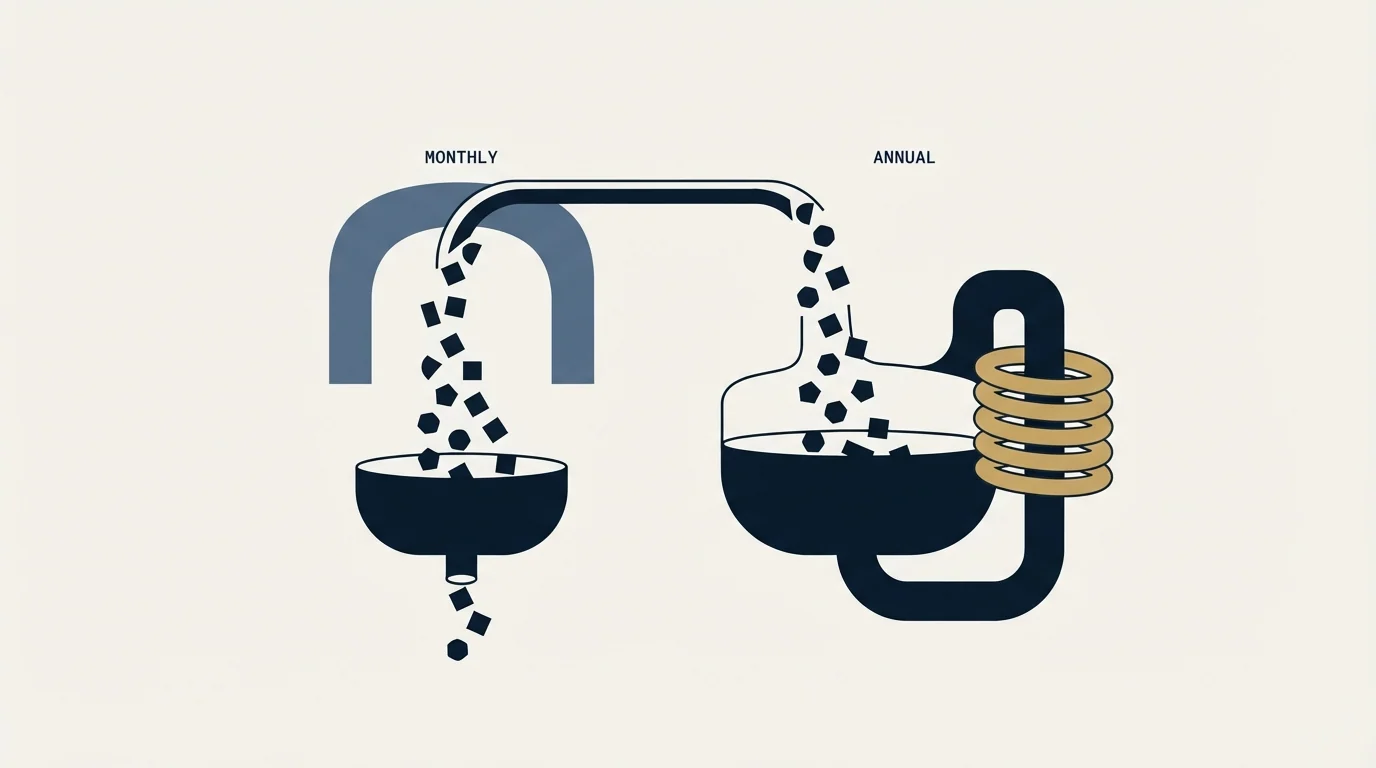
The pricing-system page draws a sharp line between the two billing shapes, and it is the trap most likely to cost you credits you have already paid for.
- Unused credits roll over up to 2x your monthly limit
- A quiet month partly funds a busy one
- The ceiling means hoarding beyond 2x is not possible
- All credits are made available at the start of the cycle
- Unused credits reset at the end of the cycle
- Under-use is a real loss, so pacing matters
An annual plan hands you the whole allowance on day one, which flatters early-quarter planning and punishes a slow year. A monthly plan carries a genuine buffer, capped at twice the monthly limit. Neither shape survives a plan change: the upgrade warning above clears previous credits, and a downgrade resets stored credits when the account lands on Free.
Lusha's docs also describe a subscription freeze, available for 1 or 2 months, twice per year, with a 3-month gap between freezes and admin access required. For a seasonal team that is a more sensible answer than downgrading and losing the balance.
Auto top-up is the spend control worth configuring early
Lusha documents an automatic credit top-up feature with real guard rails, at docs.lusha.com/user-guide/plans-and-upgrades/how-to-set-up-auto-top-up-for-credits. The page states it is available on Starter, Pro and Premium plans and is not available on Free Trial or Scale/Enterprise accounts, and that only account admins can configure it.
The controls are a trigger threshold, with a documented minimum of 200 credits that cannot be set to zero, and a cycle top-up limit with a minimum of 1 per cycle. The page notes that the interface displays an "Up to $X / cycle" figure showing the maximum you could be charged if every allowed top-up fires, which is the number to write into your budget. There is a 12-hour minimum gap between automatic top-ups as an anti-fraud safeguard, and the feature stays active at renewal unless somebody actively turns it off. That last detail is the one to diary.
What booking a Lusha demo gets you

Booking a demo is the route to the part of the commercial conversation that is not self-serve. Lusha's own documentation points that way for its largest tier: it instructs Scale customers to contact their Account Manager to make any plan changes, and the auto top-up page excludes Scale and Enterprise accounts from the self-serve top-up flow entirely. Those accounts are managed rather than configured, so the terms are negotiated.
The pricing conversation is gated for the ordinary reason: seat counts, credit volumes, region and tax all move the number, and Lusha's own docs say pricing may vary by region and applicable taxes. A published table cannot answer for a 25-seat Premium account in one country and a 3-seat Pro account in another.
- Yes: The credit cost of a phone reveal on your plan, in the platform as well as via the API
- Yes: Whether your billing shape rolls credits over or resets them at cycle end
- Yes: What happens to your stored credits if you upgrade mid-term
- Yes: Seat count included, the price of seat number N plus one, and whether seats can ever be reduced
- Yes: Match rate on a sample of your own target list, not a demo list
- Yes: Whether auto top-up is available on the tier you are being quoted
- Yes: The maximum per-cycle charge if every automatic top-up fires
The fifth item is the one to insist on. A tier price divided by a credit allowance gives cost per attempted record; cost per usable record needs a match rate measured on your list, and that is the number a demo can actually produce.
Who Lusha is and what it sells
Lusha sells B2B contact and company data, delivered through several surfaces that draw on one credit balance. Its documentation site organises the product into a platform and workspace, a browser extension, an engage and sequences area, native CRM integrations, and an API.
The API side is documented in some depth: the docs home describes generating an API key from the dashboard, making a first request to the Person Enrichment or Prospecting endpoint, and connecting through native connectors for HubSpot, Salesforce or n8n. A Lookalike API for finding similar companies and contacts appears in its popular articles, as does an AI chat feature for building a table. The signals mentioned earlier are sold as sales intelligence layered on the contact data.
That places Lusha in the same shopping basket as the other contact-data vendors rather than in a category of its own, which is why the comparison pages get the traffic. If you are weighing it against the alternatives, we have a fuller treatment in best Lusha alternatives, and head-to-head reads on Cognism vs Lusha and Lusha vs ZoomInfo.
Lusha for recruiting

Recruiters buy contact data for a different job, and the credit model treats them worse than it treats an outbound team. A recruiter's core action is reaching a candidate who is not expecting the call, which in practice means a mobile number. At 5 credits per phone reveal against 1 for an email, a recruiting workflow burns credits several times faster than an email-first sales workflow over the same number of contacts.
Teams weighing that same phone-number premium elsewhere can compare how LeadIQ prices mobile reveals against its email credit cost.
The job change signal at 1 credit per contact is the feature that genuinely fits the use case, since a role change is the event a recruiter wants to hear about first. The company-level signals are aimed at sellers.
Being honest about the boundary: recruiting sits outside our own ICP, and we have no first-hand results to offer on it. What transfers cleanly is the arithmetic. Model the phone-heavy mix before committing to a seat count, because a recruiting team on an annual plan can exhaust an upfront allowance well before the cycle ends, and the unused balance resets rather than rolling forward.
The compliance line that stays with you
Lusha's own API terms, published on its docs site, push a share of the obligation onto the customer: they require that you use the data in compliance with applicable data privacy and protection laws, that you do not use it for cookie tracking, ad exchanges, ad networks, data brokerage or spam, and that you delete personally identifiable information about an individual if that individual asks you to. A vendor being lawfully sourced answers the sourcing question and nothing beyond it, so the lawful basis for your send, the country-by-country check, and the transparency you owe in the first message all remain yours, as set out in our GDPR compliance guide.
Buying better data does not change any of that. It changes how many of your sends reach a real person. If you would rather see what a campaign built on that discipline looks like before you buy anyone's credits, take a free campaign and judge it on the replies.
Pricing and features verified as of mid-2026. Verify current terms with the vendor before relying on them.
Frequently asked questions.
Frequently asked questions- How much does Lusha cost per month?
- Lusha's tier prices live on its own pricing page, which returned HTTP 403 to our fetcher, so no dollar figure appears in this article. Lusha's upgrade documentation confirms that pricing varies by region and applicable taxes, and recommends comparing plans directly on that page. The credit costs sitting behind whatever price you are quoted are published openly.
- What does one Lusha credit actually buy?
- One credit reveals an email address, and a phone number costs five, according to the API section of Lusha's pricing-system documentation page. A company profile costs one credit through the API and is free in the platform. Data points are charged once per contact, and every API request carries a one-credit minimum even when nothing comes back.
- Do unused Lusha credits roll over?
- Monthly plans roll unused credits over up to twice the monthly limit, per Lusha's pricing-system documentation. Annual plans work the other way, granting all credits upfront and resetting unused ones at the end of the cycle. Upgrading mid-term clears previous credits entirely, and a downgrade resets stored credits once the account moves to Free.
- Is Lusha a good fit for recruiting?
- Recruiting leans on mobile numbers, and at five credits per phone reveal against one per email that burns a balance far faster than email-first sales outreach over the same contact count. The job change signal at one credit per contact fits the use case well. Model the phone-heavy mix before committing to an annual seat count.
About the author.

B2B cold email experts helping companies generate qualified leads through done-for-you outreach campaigns.
RevenueFlow Team
Explore more.
Ready to scale your outreach?
We build GTM engines that book real meetings. See the receipts.
Related articles.
Zeliq Pricing: One Seat Rate and a Credit Meter
Zeliq prices one self-serve seat in dollars with a credit meter that never expires. Both billing states, the three credit rates, the top-up ladder and the Custom floor.
Bookyourdata Pricing: 25 Packs, Priced Per Contact
Bookyourdata sells credits in twenty-five packs with no subscription. The dated ladder, the per-contact rates rendered in the browser, the guarantee rule and BeSpoke.
Salesgear Pricing: Two Ladders Under One Plan Title
Salesgear's page is titled as one plan and carries a Data ladder and an Outreach ladder. Both at both billing states, what each meters, and the two vendor-side conflicts.
Salesgenie Cost: One Published Floor, the Rest Quoted
Salesgenie's help centre publishes a starting monthly price and nine factors that move it. The billing terms decide the bill more than the floor does.
Video Prospecting Tools by Job: What Each One Is For
Ten video prospecting tools sorted by the job each vendor's own page describes: record and share, personalise at volume, avatars, hosting and interactive demos.
Autobound Pricing: One-Time Credit Packs, Not Seats
Autobound's pricing page sells one-time credit packs for a signal data API, not seats. The six packs, the per-endpoint meter, and what a company costs.