LeadIQ Pricing: What a Credit Buys and What a Phone Costs
LeadIQ publishes its plans and its credit costs. An email is one credit and a mobile is ten, which decides the budget long before the plan tier does.
LeadIQ publishes a free tier at one user and 50 credits, a Pro tier from $200 per month for 200 credits and up to five users, and an Enterprise tier on request, with a 30-day trial. Credits are the meter: an email costs one, an account enrichment three, a mobile number ten and both together eleven.
Key takeaways
- Credits rather than seats are the meter: the published costs are one credit for an email, three for an account enrichment, ten for a phone number and eleven for both.
- Pro is published at $200 per month for 200 credits and up to five users, so adding a rep does not move the published price while a rep pulling mobiles does.
- The pricing page loads with the annual toggle active at a published 25 percent discount, so the visible figure is an annual-commitment rate and the monthly one is higher.
- The self-serve slider stops at 6,750 credits and hands off to Enterprise, which is where a plan choice becomes a contract negotiation.
Reviewed and updated September 1, 2026
LeadIQ publishes a price, which already puts it ahead of most of the B2B data market. The number on the page is not the number that decides your bill, though, because the plan is a credit bundle and the credits are spent at wildly different rates depending on what you ask for.
A mobile number costs ten times what an email address costs. Everything useful about pricing this tool follows from that one published ratio.
What the pricing page publishes
LeadIQ's pricing page, fetched on 16 August 2026, carries three plan cards and a credit slider.
The Free plan is published at $0 for one user and 50 credits. The page describes it as a way to get started, with setup taking under five minutes.
The Pro plan is published at $200 per month at the slider's opening position of 200 credits per month, and the plan comparison table lists it as supporting up to five users. The slider steps through 200, 500, 1,000, 1,500, 2,000, 2,500, 3,000, 3,500, 4,000, 4,500, 5,500 and 6,750 credits before handing off to Enterprise, so the published price moves with the credit volume rather than with the seat count.
The Enterprise plan carries a contact-us call to action rather than a figure. Its card lists what it adds over Pro: AI account prospecting, governance controls for prospect data, file enrichment by CSV upload, advanced admin settings for integrations, Salesforce duplicate detection, team analytics dashboarding and reporting, custom field mappings for CRM and engagement integrations, and the Lando agent.
Across the top of all three sits a 30-day free trial on any plan.
Read the billing toggle before you quote the number
The page carries an annual and monthly billing toggle, with the annual option labelled 25 percent off. In the raw markup of the fetched page, the annual button is the one carrying the active class, so the page loads showing annual-commitment rates. The monthly figures are rendered in the browser and do not appear in the bytes at all.
That matters because $200 is therefore the discounted annual rate at 200 credits, and the monthly-billing equivalent for the same bundle is higher by whatever the published discount works out to. Anyone putting the number into a budget should confirm which toggle state their browser is showing, which is ordinary hygiene on any pricing page that renders both states into one document.
The cheapest thing the tool sells
Ten times the cost of an email
The two charges add rather than bundle
Company-level rather than person-level
What that makes a record cost
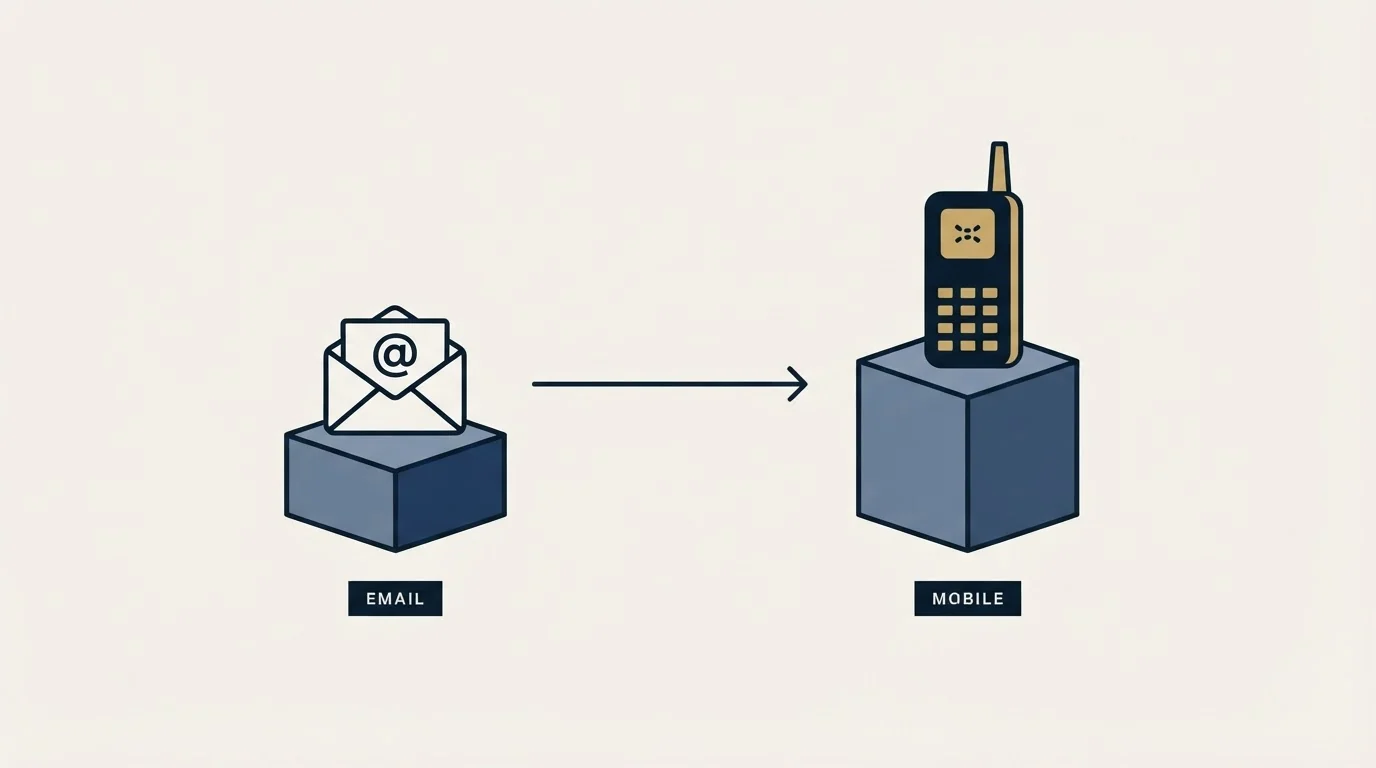
The published entry bundle is 200 credits for $200 per month, which prices a credit at one dollar at that position. The following figures are arithmetic performed here on the vendor's published numbers at the slider's opening step, not prices LeadIQ publishes, and they move as soon as you slide the bundle up.
At that entry position an email address costs a dollar, an account enrichment costs three, a mobile number costs ten, and a contact with both an email and a mobile costs eleven. The free tier's 50 credits therefore buy 50 email addresses, or four contacts with both an email and a phone number, with change.
Two consequences follow, and they point in opposite directions.
For an email-only outbound programme, this is a competitive per-record price, and it stays competitive as the bundle grows because larger bundles carry a lower per-credit rate in every seat-and-credit model of this shape. If your sequences never dial, the phone-number premium is a line item you simply never spend.
For a programme that wants a mobile number on every record, the effective price per usable contact is eleven times the email price, and the budget conversation changes completely. That is not a criticism of the pricing, which is unusually legible about exactly this. It is an argument for deciding whether you are a calling team before you size the bundle, because the same 2,000 credits are either 2,000 contacts or 181 of them.
That per-record calculus is exactly the kind of tradeoff examined in a side-by-side comparison of LeadIQ and ContactOut, which weighs credit-based pricing against a flat lookup model.
The whole bundle buys contacts
Firmographics on every row
The dialling programme's real ceiling
Credits are the meter, seats mostly are not
Most tools in this category price per seat and meter usage loosely. LeadIQ inverts that. Pro is published as supporting up to five users at whatever credit volume you buy, so adding a fourth or fifth rep to an existing bundle does not change the published price, while the same rep spending credits does.
That has a practical management consequence worth naming before it becomes a surprise. In a per-seat tool, an enthusiastic rep costs nothing extra. In a credit tool, one rep exporting mobiles for an entire target account list can consume a month's bundle in an afternoon, and nothing in the seat count predicts it. Teams that adopt credit-metered data tools usually end up putting a rule around who can pull phone numbers, and it is cheaper to write that rule at rollout than after the first overage conversation.
The slider also tells you where the self-serve relationship ends. Its top published step is 6,750 credits, and the step after that is Enterprise rather than a number. At the entry per-credit rate that ceiling is a few thousand contacts a month, which most single-team outbound programmes will not reach on email alone and a dialling programme will reach quickly. Knowing where the handoff sits is useful before you start, because a team that expects to cross it is negotiating a contract rather than picking a plan, and the leverage in that conversation comes from having measured your own consumption during the trial.
One further detail from the fetched page: the Free and Pro plan cards list the same feature names as each other in the page markup, so the cards themselves do not show what upgrading buys. The plan comparison table further down is where the seat and credit differences are actually stated, and it is the section worth reading rather than the cards.
Where it sits against the alternatives
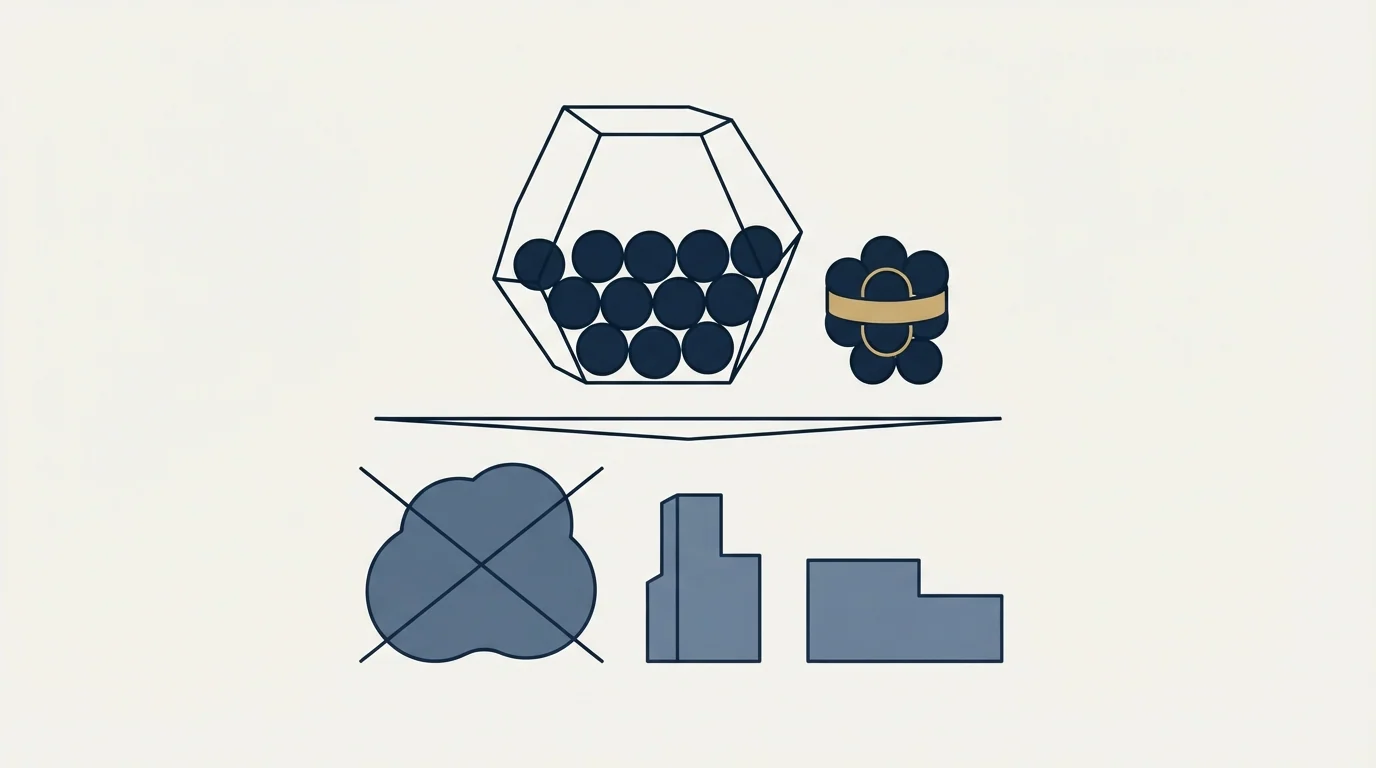
LeadIQ's published positioning is prospecting from LinkedIn into a CRM, and the plan cards name the Chrome extension, database search, job-change tracking, signals such as filings, hiring and podcast mentions, CRM enrichment and webform enrichment. That shape puts it in a specific comparison set rather than against the whole data market.
Deciding whether LeadIQ fits your stack often depends on the CRM beside it, and pairing a CRM with LeadIQ explains why the two tools serve different workflow stages.
If your workflow starts on a LinkedIn profile, the relevant cost comparison includes the LinkedIn licence underneath it, and our breakdown of Sales Navigator pricing covers that half. If your workflow starts from a list of companies, the comparison is against the finder tools in our roundup of email finder tools and the direct swaps in our LeadIQ alternatives guide.
The structural answer for most teams running volume is that no single vendor covers a list. Running two or three providers in sequence and paying each only for what the previous one missed is waterfall enrichment, and credit-metered pricing suits that pattern better than seat pricing does, because unspent credits on a vendor you use second are not wasted seats.
What to measure before you commit
Two numbers decide whether any of the prices above are good, and neither is on the pricing page.
The first is match rate on your own accounts. A dollar per email is only a dollar per email if the tool returns an address for the people you actually want. On a list where it finds contacts for half your targets, the real cost per usable record doubles, and the published price has not changed at all. Run the 30-day trial against a sample of accounts you know well and count.
The second is deliverability of what comes back. Our documented practice is that every address is verified independently before it enters a campaign, whatever it cost and wherever it was bought, because the sending reputation at risk is ours rather than the vendor's. A record that bounces was bought twice, once in credits and once in domain reputation.
Put those two together and the honest cost per contacted prospect is the credit price divided by the match rate, plus verification, plus whatever share of the remainder bounces. That arithmetic is the same for every vendor in the category, which is what makes it a fair way to choose between them, and it is the denominator side of our guide to cost per lead in B2B.
The short version

LeadIQ publishes a free tier at one user and 50 credits, a Pro tier from $200 per month for 200 credits and up to five users, and an Enterprise tier priced on request, with a 30-day trial on any of them. Credits are the meter: an email costs one, an account enrichment three, a mobile number ten, and both together eleven. The page loads on the annual toggle at a published 25 percent discount, so confirm the billing state behind any figure before it reaches a budget, and settle the match rate on your own list before you settle the bundle size.
If you would rather see a campaign built and sent against your ideal customer profile before you commit to a data vendor at all, start a free campaign and we will handle the list, the copy and the sending.
Pricing and features verified as of mid-2026. Verify current terms with the vendor before relying on them.
Frequently asked questions.
Frequently asked questions- How much does LeadIQ cost?
- The pricing page publishes a Free plan at $0 for one user and 50 credits, and a Pro plan from $200 per month at its opening bundle of 200 credits for up to five users. Enterprise is quoted on request. The price rises with the credit bundle you select rather than with the number of seats you add.
- Does LeadIQ have a free version?
- Yes, and it is a permanent tier rather than a trial. The page publishes it at $0 for one user with 50 credits. At the published credit costs that buys 50 email addresses, or four contacts with both an email and a mobile number. There is also a separate 30-day free trial available on any plan.
- Why do phone numbers cost more in LeadIQ?
- Mobile numbers are harder to source and verify than work email addresses, and the pricing reflects that directly. LeadIQ publishes a phone number at ten credits against one for an email, so a contact with both costs eleven. A dialling programme therefore consumes a bundle roughly eleven times faster than an email-only programme does.
- Is LeadIQ cheaper than ZoomInfo?
- The published entry price is far lower, but the comparison only holds once match rate is measured on your own accounts. A cheaper per-credit price on a tool that finds contacts for half your targets costs more per usable record than a dearer one that finds most of them. Run both against the same sample list and count.
About the author.

B2B cold email experts helping companies generate qualified leads through done-for-you outreach campaigns.
RevenueFlow Team
Explore more.
Ready to scale your outreach?
We build GTM engines that book real meetings. See the receipts.
Related articles.
Zeliq Pricing: One Seat Rate and a Credit Meter
Zeliq prices one self-serve seat in dollars with a credit meter that never expires. Both billing states, the three credit rates, the top-up ladder and the Custom floor.
Salesgear Pricing: Two Ladders Under One Plan Title
Salesgear's page is titled as one plan and carries a Data ladder and an Outreach ladder. Both at both billing states, what each meters, and the two vendor-side conflicts.
Bookyourdata Pricing: 25 Packs, Priced Per Contact
Bookyourdata sells credits in twenty-five packs with no subscription. The dated ladder, the per-contact rates rendered in the browser, the guarantee rule and BeSpoke.
Video Prospecting Tools by Job: What Each One Is For
Ten video prospecting tools sorted by the job each vendor's own page describes: record and share, personalise at volume, avatars, hosting and interactive demos.
The Real Cost per 1,000 Emails, Verifications and Data Credits in 2026
Unit prices computed from verified vendor plans: $1.00 per 1,000 emails sent, $2.00 per 1,000 verifications and $19.60 per 1,000 enrichment credits.
Airscale Pricing: Three Plans, One Credit, Four Rates
Airscale prints a different credit cost on every plan, and its advertised per-email price belongs to the custom one. The dated ladder and the rollover rules.