Salesforge Pricing: Where the Meter Actually Sits
Salesforge charges nothing per mailbox and meters five other things instead. What the two plans cost, how the credit pools drain, and where the inbox bill reappears.
Salesforge connects unlimited mailboxes on every paid plan and meters five other things: contacts active in a sequence, emails sent, personalization credits, validation credits and LinkedIn social actions. Its pricing page renders annual rates by default, showing Pro at $40 and Growth at $80 per month. Mailbox seats and domains are billed separately.
Key takeaways
- Salesforge charges no per-inbox fee on either paid plan, so the constraint that sizes a plan is concurrency: how many contacts sit inside a live sequence at one time, not how many exist in storage.
- The pricing page renders annual billing by default, with the monthly labels hidden in the served markup. Pro shows $40 per month annually while the page title advertises $48, which is the same plan billed monthly.
- Four separate credit pools drain on four different actions, and the LinkedIn pool is the tightest: the vendor estimates 400 to 500 social actions a month per profile at capacity, against 300 included on Pro.
- Mailboxes are free in the platform and not free in reality. Seats, domains and authentication are sold as separate Forge Stack products, so a plan price is the software cost rather than the sending cost.
Reviewed and updated September 2, 2026
Salesforge charges nothing for mailboxes. Every paid tier connects unlimited email accounts and warms all of them, and the meter sits somewhere else entirely: on how many contacts are moving through a sequence right now, on how many emails leave per month, and on four separate credit pools that drain at different rates for different actions. Working out what the tool costs means working out which of those five meters your programme actually pushes against.
That is a different evaluation from the one most sending tools ask for, and it is worth doing carefully, because the per-inbox line that dominates the budget on other platforms is genuinely absent here and reappears somewhere less obvious.
Everything below is verified against salesforge.ai/pricing, fetched 15 August 2026. We run Email Bison for sending and HeyReach for LinkedIn, so this is a documentation read rather than an operator's account, and no performance figures from our own campaigns appear anywhere in it.
The two plans, and which billing state the page shows you
Salesforge publishes two self-serve tiers plus an AI agent sold separately. The pricing page carries a monthly and an annual figure for each one in the same document, which is worth flagging before any number is quoted: the annual state is the one the page renders by default, because the monthly labels are marked hidden in the served markup. Read a figure off that page and you are reading the annual rate unless you clicked the toggle.
Vendors at the other end of the disclosure range change what preparation means, and Amplemarket's single published tier turns the evaluation into a sales conversation rather than a spreadsheet.
| Plan | Rendered rate | Active contacts in sequence | Emails per month | LinkedIn senders | Users |
|---|---|---|---|---|---|
| Pro | $40 per month, billed annually | 1,000 | 5,000 | 1 | 1 |
| Growth | $80 per month, billed annually | 10,000 | 50,000 | Unlimited | Unlimited |
The page's own title advertises the product as starting at $48 per month, and that figure is the monthly-billing rate for the same Pro plan rather than a third tier. The gap is consistent with the toggle's promise of two free months on an annual commitment: twelve months of value paid across ten. Both figures are live on the same page at the same time, which is ordinary for a pricing toggle and worth knowing before somebody quotes the cheaper one into a budget that will be billed the dearer one.
Agent Frank, the AI SDR sold alongside the platform, publishes $499 per month on an annual term, with a quarterly term as the alternative billing state. The page states a rate of $0.25 per contact above 2,000 contacts a month.
Where the meter actually sits

Four credit pools sit underneath the plan, and each one is spent by a different action.
Active contacts are the headline constraint and the least intuitive. Salesforge's own definition is that one credit is consumed per contact currently in an active sequence and moving through its steps, which makes the number a measure of concurrency rather than of volume. Contacts sitting in storage cost nothing, and storage is unlimited on both plans. A programme that loads fifty thousand prospects and works them in waves of eight thousand is a Growth-plan programme; a programme that activates all fifty thousand at once is not.
Another contrast worth weighing is how Woodpecker's contacted-prospect pricing model ties the monthly email allowance to prospects reached rather than to active-sequence concurrency.
Email credits are simpler: one per email sent within a sequence. Because the platform is built around multi-step sequences, the vendor's own credit arithmetic notes that the total depends on the number of steps as well as the number of contacts, which is the mechanism by which a sequence-shaped programme burns its monthly allowance several times faster than a single-message one.
Personalization credits are spent per generation. One credit per AI preview in an AI sequence, two if the account uses the mode Salesforge calls Overdrive, and three per AI-drafted reply inside its unified inbox. Regeneration is free, which is an unusually sane pricing decision: the cost of iterating on a bad output is zero, so nobody is incentivised to ship the first draft.
Email validation credits are spent one per contact validated. Social action credits cover LinkedIn behaviour, meaning profile views, connection requests and message sends, and the vendor's own guidance is the useful part of that line: at full capacity it expects a single LinkedIn profile to need four to five hundred social actions a month. Pro includes 300 of them and one LinkedIn sender, so the entry tier's LinkedIn allowance is under one profile running at capacity.
- Contacts active in a sequence at one time, 1,000 on Pro and 10,000 on Growth
- Emails sent within sequences, 5,000 and 50,000 a month
- Personalization credits, 1 per AI preview and 3 per AI-drafted reply
- Email validation credits, 1 per contact validated
- Social action credits, spent on LinkedIn views, requests and messages
- Mailboxes connected, with no per-inbox charge
- Premium warm-up across every connected mailbox
- Contacts held in storage outside an active sequence
- Workspaces, for separating projects or clients
- Users, on the Growth tier
The sending architecture, described as the vendor describes it
Two mechanisms are worth naming because they are the reason a tool of this shape exists.
Smart mailbox rotation distributes a campaign's sends across every connected mailbox automatically. That is the feature the unlimited-inbox pricing is built to encourage, and the reasoning behind it holds regardless of vendor: mailbox providers respond to per-mailbox volume and per-mailbox behaviour, so twenty mailboxes sending twenty-five a day present a very different profile from five mailboxes sending a hundred, even though the two produce identical throughput. Removing the per-inbox fee removes the commercial reason to concentrate volume, which is the correct incentive.
Dynamic IPs rotate the sending addresses behind those mailboxes. Salesforge describes this as automatic rotation rather than as a placement guarantee, and the distinction is worth preserving when reading any deliverability feature: rotation and isolation change the blast radius when something goes wrong, and no vendor mechanism decides where a message lands.
ESP matching, which appears on the Growth tier, pairs the sending mailbox's provider to the recipient's. The published rationale is deliverability. Treat it as a routing preference rather than as a measured effect, because the measurement that would support it is not published.
Where the per-inbox cost actually lives
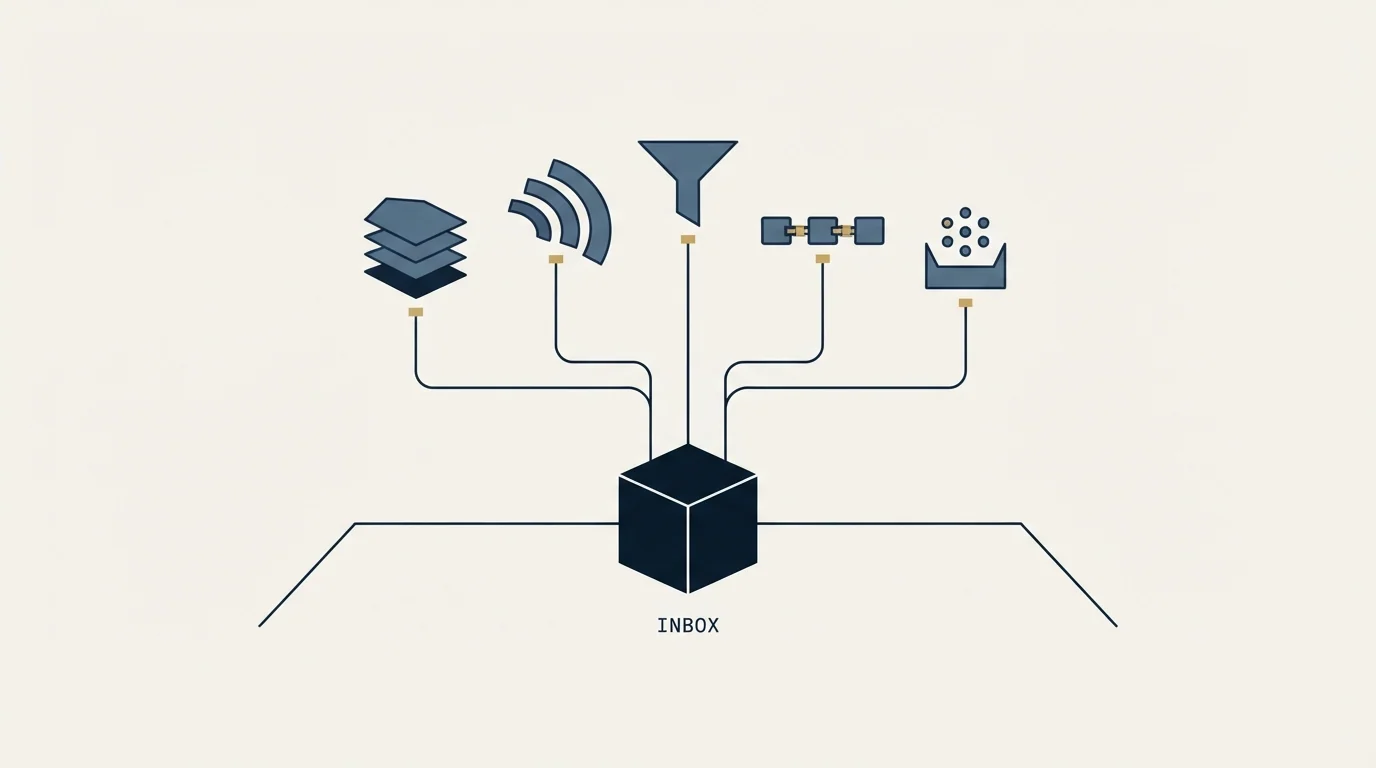
The platform charges nothing per mailbox, and that is a real saving rather than a repackaged one. It is also not the whole bill.
Every mailbox in a rotation is a real Google or Microsoft seat, on a real domain, that somebody buys, authenticates and maintains. Salesforge sells that layer as separate products in what it calls the Forge Stack: Primeforge for Google and Microsoft 365 accounts, Infraforge for private email infrastructure, Mailforge for distributed infrastructure, and Warmforge for deliverability. None of those prices appear on the platform pricing page, so an evaluation that stops at $40 or $80 a month has priced the software and not the sending.
The practical shape of that is worth stating plainly. On a platform with per-inbox fees, the mailbox count is a line item you can see and will therefore argue about. On a platform without them, the mailbox count is a line item somewhere else, and the risk runs the other way: a plan advertising unlimited accounts quietly encourages acquiring more mailbox infrastructure than the list justifies. The constraint that should size a rotation is how many verified prospects genuinely fit the offer, and the platform's pricing gives that constraint no help at all.
- Step 1Count the concurrency
How many prospects will be inside a live sequence at one time, not how many exist
- Step 2Multiply by the steps
Email credits are spent per send, so a multi-step sequence multiplies the monthly draw
- Step 3Price the mailboxes separately
The platform charges nothing per inbox; the seats, domains and authentication are a different invoice
- Step 4Add the credit pools
Validation, personalization and social actions each drain on their own action
- Step 5Check the LinkedIn allowance
One profile at capacity is 400 to 500 social actions a month by the vendor's own estimate
What the Growth tier adds beyond the limits
The jump from Pro to Growth is ten times the contacts and ten times the sending volume for twice the price, which is the usual shape. The feature difference matters more than the ratio for anyone evaluating seriously.
A different limitation shapes Yesware's plans, where outbound only becomes workable once you reach the tier detailed in Yesware's pricing breakdown.
Growth carries the API, an MCP and CLI interface for driving the platform from an AI assistant, multi-language sequences, A/B testing, ESP matching, and the CRM and intent-tool integrations. It also lifts users from one to unlimited and LinkedIn senders from one to unlimited. Anything operating as a team, and anything that intends to script the platform rather than click it, is a Growth-tier programme from the first day.
The unified inbox, which Salesforge calls Primebox, appears on both tiers, as do sentiment analysis on replies, mailbox rotation, dynamic IPs and premium warm-up. That is a more generous entry tier than the price suggests.
Where this sits against how we run outbound
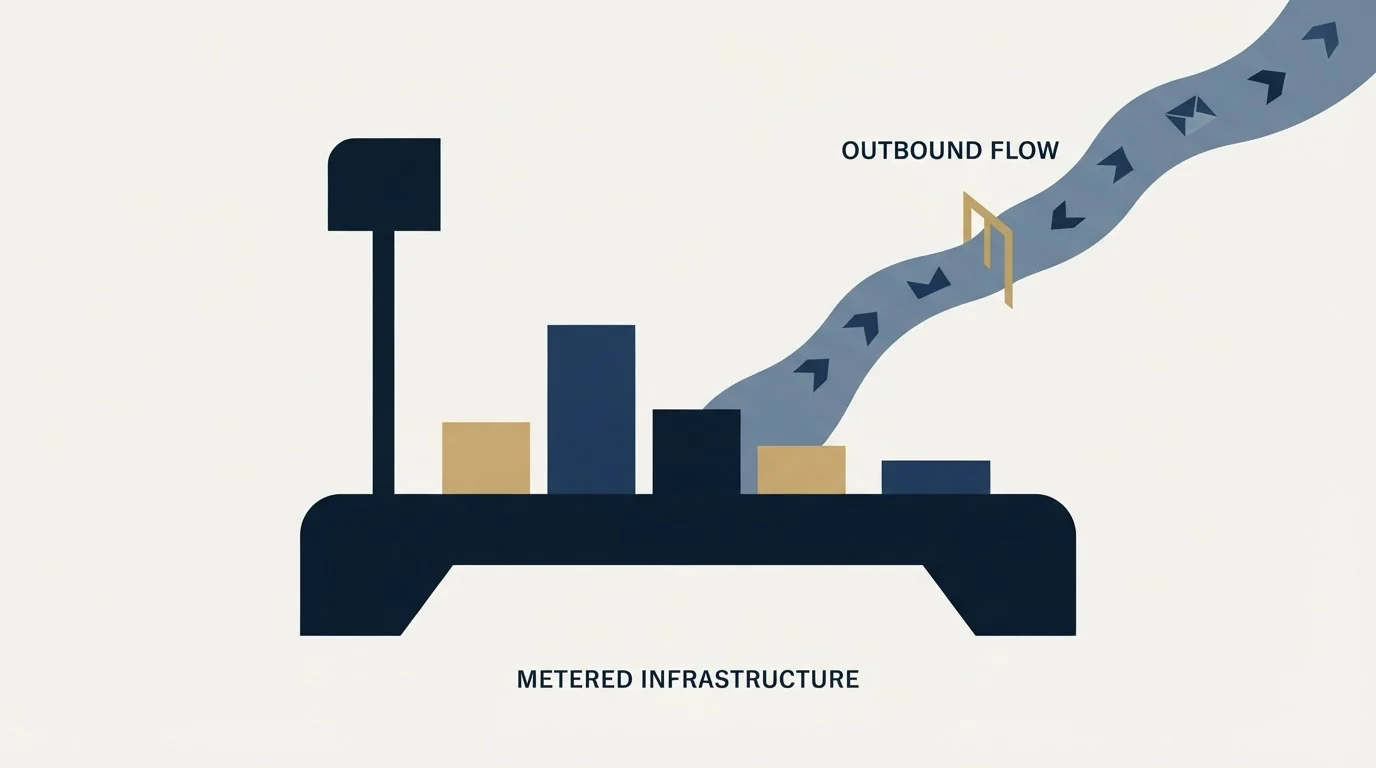
Salesforge is a multi-step sequence engine, and its credit model assumes sequences: the email-credit arithmetic on its own pricing page depends on the number of steps. That is a description of the product rather than a recommendation, and our own practice is different. We send one message per campaign and never bump or thread-reply, so a second touch at RevenueFlow is a new campaign with a genuinely new angle rather than a follow-up under the first. Anyone applying the sizing above to a single-message programme should divide the email-credit draw accordingly, which usually means a smaller plan than the tool's own examples imply.
Two neighbours are worth reading beside this one. Cold email software is the category comparison this vendor sits inside, and the Instantly.ai review covers the other major platform built on unlimited inboxes, where the meter lands on contacts and monthly volume in a similar shape. For the mailbox layer the pricing page leaves out, cold email infrastructure sets out what a rotation actually requires, and email warmup services covers the warm-up half that Salesforge bundles. On the identity side, sender reputation explains why per-mailbox volume is the number that matters to a provider.
If a rotation of your own sounds more useful than a comparison table, see what a first campaign looks like.
Pricing and features verified as of mid-2026. Verify current terms with the vendor before relying on them.
Frequently asked questions.
Frequently asked questions- How much does Salesforge cost?
- Its pricing page renders annual billing by default and shows two self-serve plans: Pro at $40 per month and Growth at $80 per month, both billed annually. The page title advertises $48, which is Pro billed monthly rather than a separate tier. Agent Frank, the AI SDR, is priced separately at $499 per month on an annual term.
- Does Salesforge charge per inbox?
- No. Both paid plans connect unlimited mailboxes with no per-inbox fee, and warm-up is included across all of them. The mailboxes themselves are still real Google or Microsoft seats on real domains, and Salesforge sells that layer as separate products, so the inbox cost moves to another invoice rather than disappearing.
- What are active contacts in Salesforge?
- Salesforge defines an active contact as one currently inside a sequence and moving through its steps, so the limit measures concurrency rather than list size. Contacts held in storage outside a sequence are unlimited on both plans. A large list worked in waves therefore fits a smaller plan than the same list activated all at once.
- What is the difference between the Pro and Growth plans?
- Growth raises active contacts from 1,000 to 10,000 and monthly emails from 5,000 to 50,000, and lifts users and LinkedIn senders from one to unlimited. It also adds the API, MCP and CLI access, A/B testing, multi-language sequences, ESP matching and the CRM integrations, which makes it the practical floor for a team.
About the author.

Ben Carden is CRO at RevenueFlow, which builds and operates outbound revenue engines for B2B companies. Previously at Gartner Enterprise. Studied at London School of Economics.
Ben Carden · CRO
Connect on LinkedIn →Explore more.
Ready to scale your outreach?
We build GTM engines that book real meetings. See the receipts.
Related articles.
Mixmax Pricing: Sequences Cost $20 More Than the Headline
Mixmax sells four products that share an inbox. The rates in both billing states, which tier actually sends sequences, and the add-ons the seat price leaves out.
SMTP Reply Codes: What Each Class Instructs
The digits are a verdict and the text is the reason. Separating an address failure from a policy refusal before reacting is what decides whether the fix works.
Email Tracking Software: Six Tools, Priced and Capped
Streak, Mailsuite, Right Inbox, Mixmax, Yesware and HubSpot compared on free-tier caps and published prices, plus what an open event still proves.
SURBL Blacklist: What It Lists and How to Get Removed
SURBL tests the domains inside your message rather than your sending IP. Which of its six lists fired, what the bitmask means, and the fix that works.
Saleshandy Connect: The Extension, the Credits, the Reveal
Saleshandy Connect reveals a verified email from a profile in view. What it costs in credits, why a phone costs seven times an email, and where it stops fitting.
Amplemarket Publishes One Price: What to Ask
Amplemarket's pricing page names $600 a month for two users and Custom for everything above. What that tier includes, and the six questions the page leaves open.