Woodpecker: What Pricing per Contacted Prospect Assumes
Woodpecker prices by contacted prospect and derives your email allowance by multiplying it by sixteen. That multiplier encodes an assumption about campaign length.
Woodpecker prices by contacted prospect rather than by mailbox or seat, starting at seven dollars per hundred contacted prospects. Monthly email allowance is derived by multiplying contacted prospects by sixteen, the maximum campaign steps, and stored prospects by four. Team seats and email verification are included.
Key takeaways
- Woodpecker's pricing page derives your monthly email allowance by multiplying contacted prospects by sixteen, which it describes as the maximum number of campaign steps, so the price is built around a long sequence.
- A sender running single-message campaigns uses a fraction of that allowance, which means per-prospect pricing has to be converted to real sending volume before it can be compared with per-mailbox tools.
- Email verification is included and runs through Bouncer, and team members are free rather than per seat, so the headline price displaces two subscriptions other vendors charge for.
- LinkedIn outreach at twenty-nine dollars per connected account, extra warm-ups at five dollars per email account and dedicated servers at fifty-nine dollars per server are priced on top, and are the components volume tends to require.
Reviewed and updated September 1, 2026
Woodpecker's pricing page prices the product by the number of people you contact rather than by the number of emails you send. The rate shown when the calculator opens is "$7.00 per 100 Contacted prospects", and the page states that the higher the tier, the better the per-prospect rate.
Underneath that headline sits a conversion rule that tells you more about the product's assumptions than any feature list does. The page explains that your monthly email allowance is derived, not chosen: emails per month is calculated by "multiplying the number of Contacted Prospects by 16, which is the maximum number of campaign steps".
Sixteen. The pricing model is built on the assumption that a contacted prospect will receive up to sixteen messages.
What a per-prospect price actually buys
Most tools in this category price per sending mailbox or per user seat. Woodpecker prices the unit that outbound teams actually plan around, which is a defensible choice and makes budgeting unusually legible: you decide how many people you want to reach this month, and the price follows.
Two further derived limits sit alongside the email allowance. The page states that stored prospects is calculated by multiplying your contacted-prospect limit by four, described as ensuring you always have enough room to store the prospects you plan to contact. So a plan sized for a given number of contacts carries four times that in storage and sixteen times that in monthly sends.
The team dimension is priced at zero. Woodpecker's page makes the comparison itself, noting that where other tools charge per seat, inviting team members is free, so a five-person team pays one subscription rather than five. For an agency or a small sales team, that removes a cost line that scales awkwardly everywhere else.
Described on the page as the maximum number of campaign steps
Headroom for prospects you plan to contact
Unlimited seats included rather than priced per user
The sixteen-step assumption, and why it matters more than the price

A multiplier of sixteen is not an arbitrary ceiling. It is the maximum campaign length the product supports, converted into a billing allowance, which means the pricing model and the product design agree that a normal campaign is a long sequence.
That assumption is the default across the category, and it is the one we do not share.
Our documented practice is one message per campaign. We do not send bumps and we do not send thread replies, because a second message landing under an unanswered first reads as a bump whatever the tool calls the step. When we want to reach someone who did not reply, we build a new single-message campaign with a different angle rather than extending the original sequence. The reasoning and what changed when we made the switch are in why we stopped using follow-ups, and the benchmark context is in cold email follow-up benchmarks.
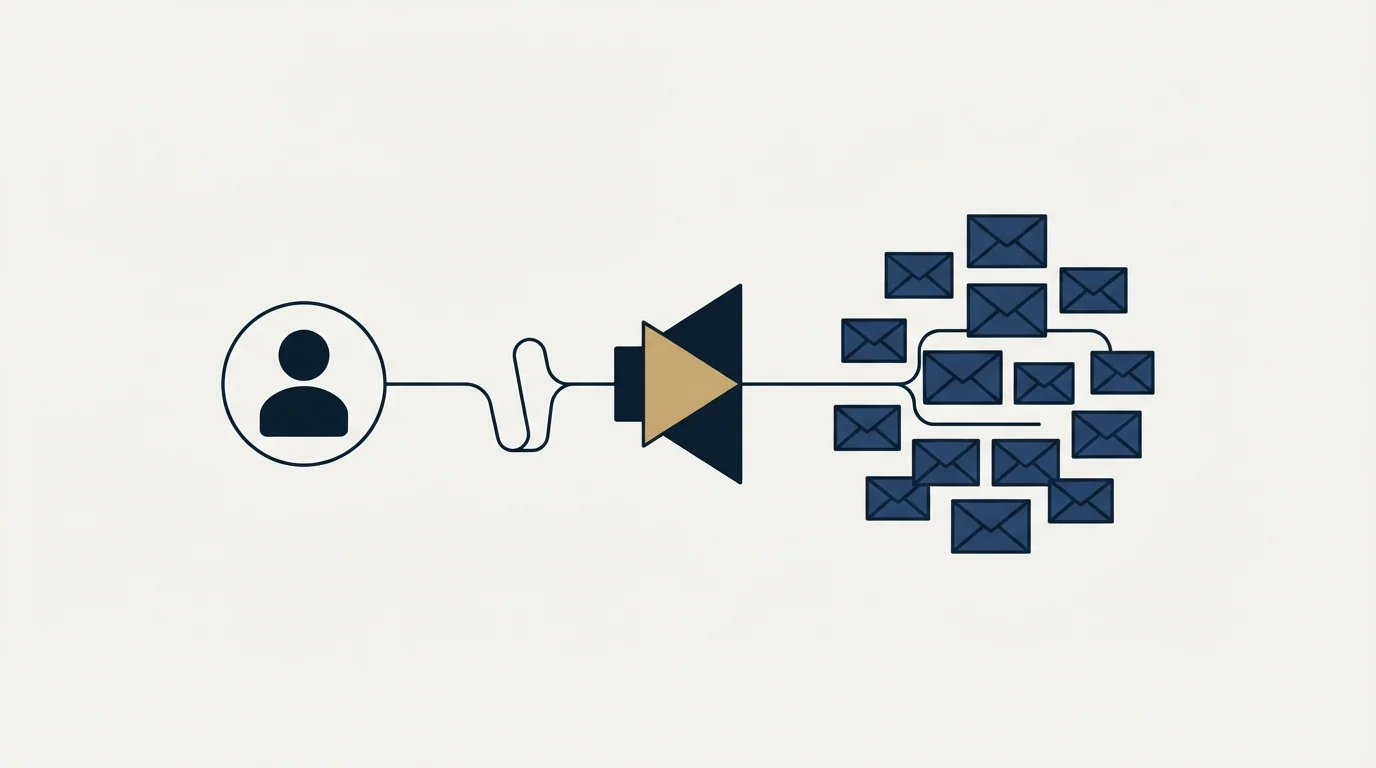
Read the multiplier through that lens and the economics change direction. If your campaigns are one message, you use one sixteenth of the sending allowance the price assumes, and you are paying for headroom you will never touch. The per-prospect price is the price of the sequence-shaped campaign the model expects, and a single-message sender is buying a plan sized for someone else's method.
This is worth being fair about. Nothing in the product forces a long sequence, and a shorter campaign is not penalised beyond the unused allowance. The point is narrower: when comparing per-prospect pricing against per-mailbox pricing, the comparison only works if you convert both to the volume you will actually send, and the conversion rate here is set by an assumption about campaign length that may not be yours.
What is included, and what is an add-on
The pricing page separates a set of capabilities that other vendors sell as separate products, and it is worth knowing which side of the line each falls on before comparing headline prices.
Email verification is included at no additional cost. The page describes automatic verification against expired, fake or misspelled addresses to avoid domain blacklisting, states the verification runs through Bouncer, and frames the saving explicitly against buying a separate verification tool. For a team that currently pays a verifier separately, that is a real line item removed rather than a bundled feature nobody uses.
Several things are priced on top. LinkedIn outreach is charged at "$29 /monthly per LinkedIn account connected". Additional warm-ups beyond what a plan includes are "$5 /monthly per email account". Dedicated sending servers, listed on the page under the Infraforge name, are "$59 /monthly per server", described as putting you on a server where you are the only sender rather than sharing deliverability exposure with other senders. Domains and mailboxes carry their own small per-unit monthly prices.
Deciding whether warm-up belongs inside the platform or as a separate tool matters, and InboxAlly compared with Woodpecker explains how the two serve different stages of outreach.
The dedicated-server line is the one worth reading carefully at volume. Shared sending infrastructure means other senders' behaviour affects your delivery, which is a real risk and one that grows with the size of the shared pool. Whether it is worth paying to escape depends on how much you send and how much a bad week costs you, and the arithmetic is the same one covered in our cold email deliverability guide.
- Email verification, run through Bouncer
- Unlimited team members at no per-seat cost
- Stored prospects at four times the contacted limit
- A monthly email allowance at sixteen times the contacted limit
- LinkedIn outreach, per connected LinkedIn account
- Additional warm-ups, per email account
- Dedicated sending servers, per server
- Extra domains and mailboxes, per unit monthly
Sending architecture, and what the per-domain lines tell you
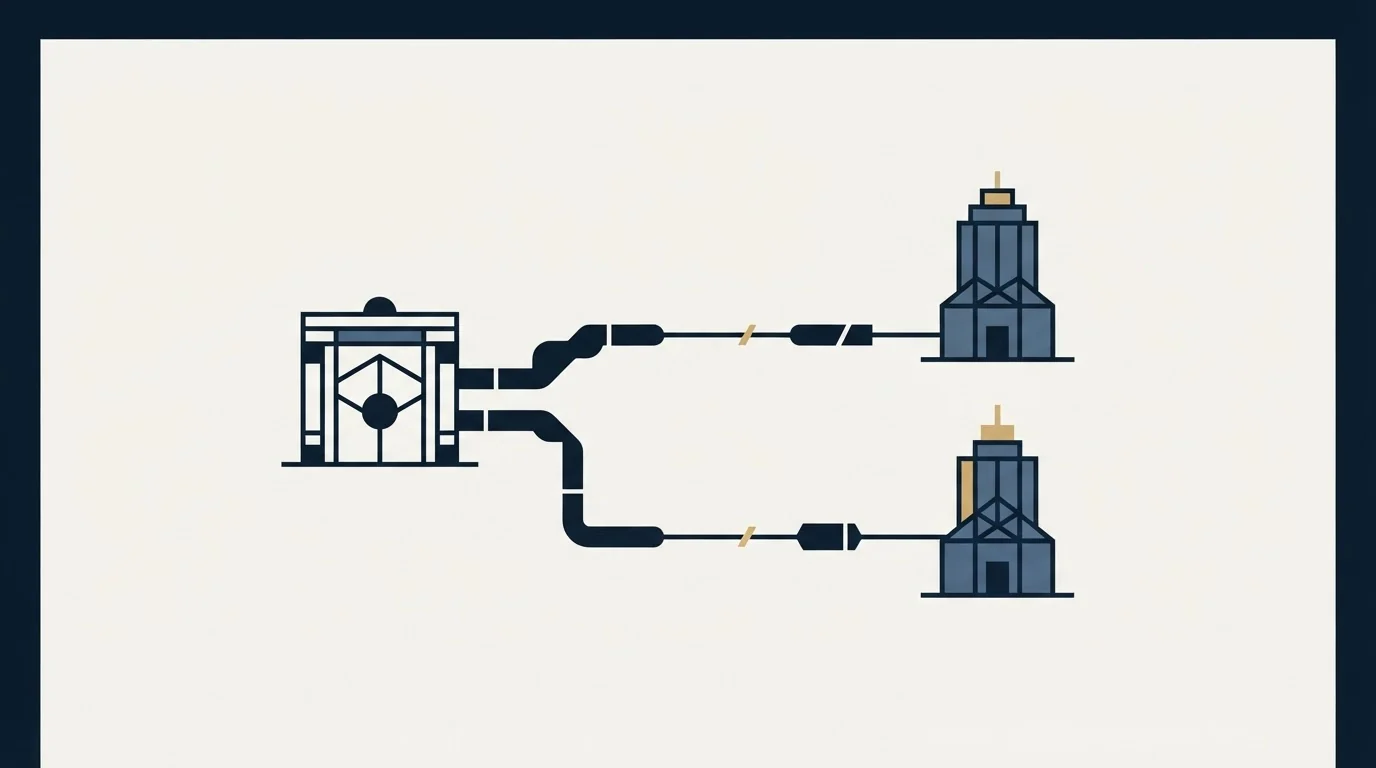
The add-on list is also a description of how the product expects you to send, and it is worth reading that way rather than as a price list.
Domains and mailboxes are priced per unit per month, and warm-ups are priced per email account. That structure exists because sending cold volume from a single mailbox on a single domain does not work for long. Mailbox providers apply per-sender limits, and reputation is tracked at both the domain and the individual sending address. A campaign that would take one mailbox weeks to deliver gets spread across many, each staying under the thresholds that trigger filtering.
The consequence for cost is that the mailbox count, not the prospect count, often ends up driving the real bill at volume. A plan sized for a large number of contacted prospects implies a number of mailboxes capable of delivering to them at a safe daily rate, and those mailboxes carry their own per-unit prices plus warm-up costs. Working out that number before choosing a tier is the difference between a budget that holds and one that grows quietly.
The dedicated-server option addresses the layer below that. On shared infrastructure the reputation of the sending IP is affected by every other sender using it, which is a form of exposure you do not control and cannot audit. Paying to be the only sender on a server removes that variable. Whether it is worth the monthly cost is a function of volume and of what a filtered week costs your pipeline, which is a calculation rather than a principle.
None of these are unusual to this vendor. They are the cost lines that any serious cold sending setup carries, made visible on a pricing page instead of discovered later. A comparison that includes them for one tool and excludes them for another will pick the wrong tool.
Reading the calculator honestly
Slider-based pricing pages are harder to compare than tier tables, and they reward a specific kind of care.
The number you slide is contacted prospects, so the first thing to establish is what your real monthly contacted-prospect figure is, rather than your list size. Those differ by more than people expect once suppression, bounces and exclusions are applied. Sizing a plan off a raw list produces a tier you do not need.
The second thing is to convert the price into the unit you compare everything else in. If you run single-message campaigns, divide the monthly cost by the number of people you will actually contact and compare that against per-mailbox tools converted the same way. If you run sequences, the sixteen-step allowance is genuinely worth something and the comparison flips.
The third is to add the add-ons before comparing. A headline per-prospect rate with LinkedIn, extra warm-ups and a dedicated server layered on top is a materially different number, and those are the components most likely to be needed at the volume where the tool starts to matter.
- Step 1Count real contacted prospects
Take the figure after suppression and exclusions, not the size of the list you sourced.
- Step 2Decide campaign length first
One message or a sequence changes which pricing model is cheaper, so decide method before tool.
- Step 3Add the add-ons you will use
LinkedIn seats, extra warm-ups and dedicated servers are priced separately and are the ones volume tends to require.
- Step 4Subtract what it displaces
Included verification removes a separate subscription; free seats remove a per-user line.
- Step 5Compare in cost per contacted person
Convert every candidate tool to that unit before deciding, because headline units differ across the category.
Where Woodpecker sits
Woodpecker is a long-standing sending platform aimed at teams running outbound themselves, with a pricing model that suits an agency or a small team more than it suits a single heavy sender. The free seats, the included verification and the per-prospect unit all point the same way: it is built for a group of people working a shared prospect pool.
Woodpecker's fit for teams executing campaigns raises a prior question of orchestration versus execution, which Apollo.io compared with Woodpecker untangles by category.
The comparison shortlist depends entirely on what you are optimising. For teams weighing it against the rest of the category, our roundup of alternatives to Woodpecker sets out where each one is genuinely different rather than differently marketed, and the wider category view is in cold email software.
The decision that should come before the tool decision is the one this pricing page makes visible. A per-prospect price with a sixteen-times email allowance is priced for a particular way of running campaigns. Deciding whether that is your way is a bigger lever on cost, and on reply rate, than the tier you land on.
If you would rather not operate the platform at all, see what a first campaign looks like.
Pricing and product limits quoted here were verified against raw page bytes from woodpecker.co in mid-2026. Verify current terms with the vendor before relying on them.
Frequently asked questions.
Frequently asked questions- How much does Woodpecker cost?
- Its pricing page runs a calculator priced per contacted prospect, opening at seven dollars per hundred contacted prospects, with the per-prospect rate improving at higher tiers. Because the unit is people contacted rather than mailboxes or seats, the monthly cost follows how many prospects you plan to reach rather than how large your team is.
- What does contacted prospects mean in Woodpecker's pricing?
- It is the number of distinct people you reach in a month, and it is the number the pricing slider moves. Two other limits are derived from it: stored prospects at four times that figure, and monthly emails at sixteen times it. Size a plan on your figure after suppression and exclusions rather than on the size of the list you sourced.
- Is Woodpecker good value for single-message campaigns?
- The value depends on the conversion. The price includes an allowance of sixteen emails per contacted prospect, so a sender who mails each person once leaves most of that allowance unused. Convert the monthly cost into cost per person actually contacted and compare that against per-mailbox tools converted the same way before deciding.
- Does Woodpecker include email verification?
- Yes. Its pricing page describes automatic verification against expired, fake and misspelled addresses to avoid domain blacklisting, states the verification runs through Bouncer, and frames it as a saving against buying a separate verification tool. For a team already paying a verifier, that is a line item removed rather than a bundled extra.
About the author.

Ben Carden is CRO at RevenueFlow, which builds and operates outbound revenue engines for B2B companies. Previously at Gartner Enterprise. Studied at London School of Economics.
Ben Carden · CRO
Connect on LinkedIn →Explore more.
Ready to scale your outreach?
We build GTM engines that book real meetings. See the receipts.
Related articles.
Mixmax Pricing: Sequences Cost $20 More Than the Headline
Mixmax sells four products that share an inbox. The rates in both billing states, which tier actually sends sequences, and the add-ons the seat price leaves out.
QuickMail Pricing: Volume Bands, Not Seat Counts
QuickMail charges on monthly sends and stored contacts rather than seats. The three bands, the missing annual option, and the inbox billing its own pages disagree about.
Salesforge Pricing: Where the Meter Actually Sits
Salesforge charges nothing per mailbox and meters five other things instead. What the two plans cost, how the credit pools drain, and where the inbox bill reappears.
Is GMass Free? The Trial Cap and the 2026 Prices
GMass has a free trial rather than a free plan: seven days, 50 messages a day, no external SMTP. Here is what the paid plans cost per mailbox after January 2026.
Lemlist Pricing: Plan Tiers and Credit Costs vs Instantly
Lemlist prices per user with a sender cap where Instantly gives unlimited mailboxes. Which is cheaper depends on whether your constraint is headcount or mailboxes.
Email Tracking Software: Six Tools, Priced and Capped
Streak, Mailsuite, Right Inbox, Mixmax, Yesware and HubSpot compared on free-tier caps and published prices, plus what an open event still proves.