SalesRobot Pricing: Two Tabs, Yearly Opens First
SalesRobot prices LinkedIn per account and email per user on two tabs, with the LinkedIn tab opening on yearly. Both ladders at both states, quotas and credits.
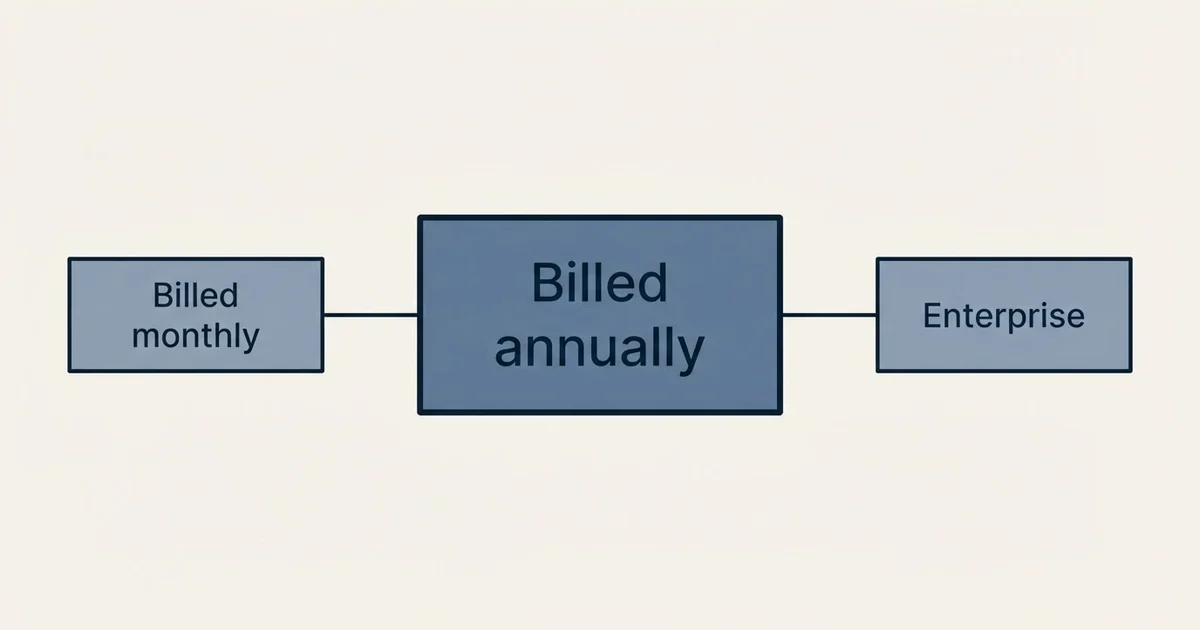
As published on SalesRobot's pricing page on 4 September 2026, the LinkedIn and Email plans are $39, $59 and $79 per LinkedIn account a month billed annually or $59, $79 and $99 monthly, with the tab opening on yearly. A separate Bulk Email tab prices three per-user plans at $47, $113 and $210 monthly or $43, $102 and $189 annually.
Key takeaways
- The LinkedIn tab opens on its yearly sub-tab and the account slider loads at four, so the first total a visitor sees is four annual Basic accounts rather than one monthly one.
- Daily connection quotas are 20 on Basic and 75 on both Advanced and Professional, so the top step buys features rather than LinkedIn volume.
- The Bulk Email tab is a second meter per user, with its own annual discount and a credit meter at three credits per address found and 225 free credits.
- The vendor's email cards carry a rival's name in their copy and print billed annually under both states, both vendor-side slips recorded rather than corrected.
Reviewed and updated September 4, 2026
SalesRobot publishes two ladders behind two tabs, and the LinkedIn ladder opens on its yearly sub-tab. As published on SalesRobot's pricing page on 2026-09-04, the LinkedIn and Email plans are Basic at $39, Advanced at $59 and Professional at $79 per LinkedIn account a month, billed annually, with the page marking the annual state as up to 35% off. Click the Monthly sub-tab and the same plans read $59, $79 and $99. A second tab, Bulk Email, carries a separate ladder per user with its own annual figures printed beside the monthly ones.
The LinkedIn meter is the connected LinkedIn account, and the page has a slider for how many, which loads at four. The email meter is the user. They are different units, and a team buying both is paying on two meters.
The LinkedIn ladder at both states
- Twenty connection requests a day
- Email and LinkedIn steps in one sequence
- The entry rate for a single account
- Seventy-five connection requests a day
- More sequence and personalisation features
- The middle tier
- Seventy-five connection requests a day
- The full feature set
- Enterprise above it is quoted
Billed annually, the state the tab opens on. On the page, Basic $39, Advanced $59, Professional $79 per LinkedIn account a month.
Billed monthly. On the page, Basic $59, Advanced $79, Professional $99.
Enterprise. Quoted.
The annual saving is 34% on Basic, 25% on Advanced and 20% on Professional, which is why the page says up to 35% rather than a single figure. The saving is largest at the bottom.
The slider above the ladder counts LinkedIn accounts and loads at four, so a visitor reading the total rather than the per-account rate sees a four-account bill. Reset it to your count before reading the total. The page does not print a volume discount table beside the slider on the fetched page, so this article does not quote one; third-party pages describe discounts past ten and twenty accounts and unlimited tiers, none of which is on the page read.
Daily quotas are printed per plan: 20 connection requests a day on Basic, 75 on Advanced and Professional. That is the number that governs how fast a LinkedIn account can work, and it is the same on the two upper tiers, so the step from Advanced to Professional buys features rather than volume.
The Bulk Email ladder
The second tab is a per-user email sending product, and its cards print both billing states side by side.
Monthly. On the page, Growth $47, Hypergrowth $113, Light Speed $210 per user a month.
Annually. Growth $43, Hypergrowth $102, Light Speed $189 per user a month, with the page marking the annual state as 10% off.
The email tab's cards carry the words billed annually under the rate in both states, which was also true on an earlier read of the page. It is a copy slip on the vendor's side; the monthly figures are the higher ones, and that is how they are recorded here.
The email product has its own credit meter for finding addresses: one email found costs three credits, every customer gets 225 free credits, and a pack of 3,000 credits is $43 per user a month billed annually. An Email Automation add-on is $15 per email account a month.
- Step 1LinkedIn accounts
Each connected LinkedIn account carries a LinkedIn plan at the annual or monthly rate. The slider sets the count.
- Step 2Email users
Each user on the Bulk Email tab carries an email plan on its own annual or monthly rate.
- Step 3Email credits
Finding an address costs three credits, with two hundred and twenty-five free and packs sold per user per month.
- Step 4Email accounts
The Email Automation add-on is priced per connected email account per month.
Pricing a team
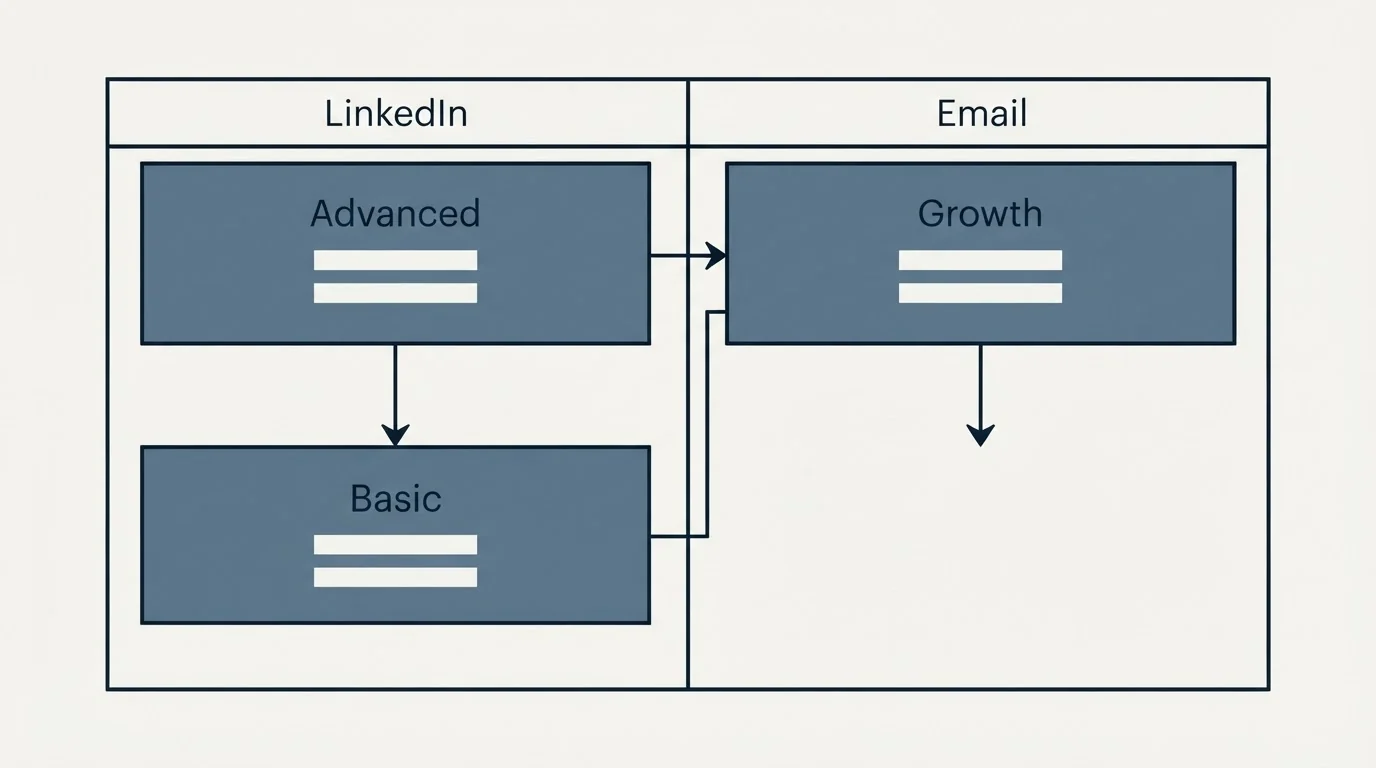
Two people, each with a LinkedIn account, on Advanced annually: $118 a month, $1,416 a year. Monthly: $158 a month. Add the Bulk Email Growth plan for both at the annual rate: $86 a month more, $204 a month combined annually. That is the bill for a two-person team running LinkedIn and email through this vendor with the email product's lowest tier.
A single founder on Basic annually is $39 a month, $468 a year, with 20 connection requests a day, which is about 400 a month at working-day volume. The same founder monthly is $59.
The four-account default on the slider makes the page's first total $156 a month on Basic annually, which is the figure a visitor sees before touching anything.
A rival's name in the vendor's cards
The Bulk Email cards on the vendor's page carry copy describing the product as for teams exploring sales outreach with Dripify. Dripify is a rival LinkedIn tool, and the sentence is on SalesRobot's own pricing page. It is a copy defect on the vendor's side rather than a statement about Dripify, and it is recorded here because a buyer reading the cards may reasonably wonder whether they have landed on the right vendor's page. They have. Our Dripify alternatives guide covers that vendor on its own terms.
LinkedIn volume and the no-reply rule
A tool that prices per LinkedIn account and prints a daily connection quota is selling LinkedIn volume, and the way that volume is spent matters more than the rate. The sequence pattern the product enables, an email followed by a LinkedIn message to whoever did not answer, is a re-target of a no-reply on a second channel, and it is the one thing an outbound program should not do. Use each channel for its own first touch, follow a reply rather than a silence, and send one message per campaign, once. Seventy-five connection requests a day spent on people who already ignored an email is seventy-five withdrawals from the account's reputation.
The trial and the terms
The page states a 14-day trial. It does not print a refund term on annual plans and does not describe proration when accounts are added or removed mid-period, so a team that expects its LinkedIn account count to change should ask how the slider's count is billed when it moves. The annual saving is largest on Basic, and a team that expects to grow into Advanced within the year should weigh whether to commit at the lower tier's larger discount or at the tier it will end up on.
Credits on the email side
The email credit meter deserves its own arithmetic because it is priced in a way that hides the per-address cost. Three credits per email found, 225 free credits per customer, and a 3,000 credit pack at $43 per user a month billed annually. That pack is 1,000 addresses a month for $43, about four cents an address, and the free allowance is 75 addresses. A team that already has a finder pays nothing here; a team that does not is buying data at a rate that is ordinary for the category and worth checking against a standalone finder before bundling.
The account slider
The slider is the part of the page most likely to mislead, because it sets the total rather than the rate. At its default of four, the Basic annual total reads $156 a month, and a solo user who does not notice the slider will read that as the plan price. At one account the same plan is $39. The rate per account does not change with the slider on the fetched page, so the slider is a multiplier and nothing more, and the total it produces is your count times the per-account rate at the billing state selected.
Reading the third-party numbers
Reviews quote this vendor at $59, $79 and $99 per account and describe discounts after ten and twenty accounts and unlimited tiers at four-figure monthly rates. The three per-account figures are the monthly tab; the discount table and the unlimited tiers are not on the page fetched on 4 September 2026. Any SalesRobot figure without a tab and a billing state beside it is a cell from a page that has four states.
Where it sits
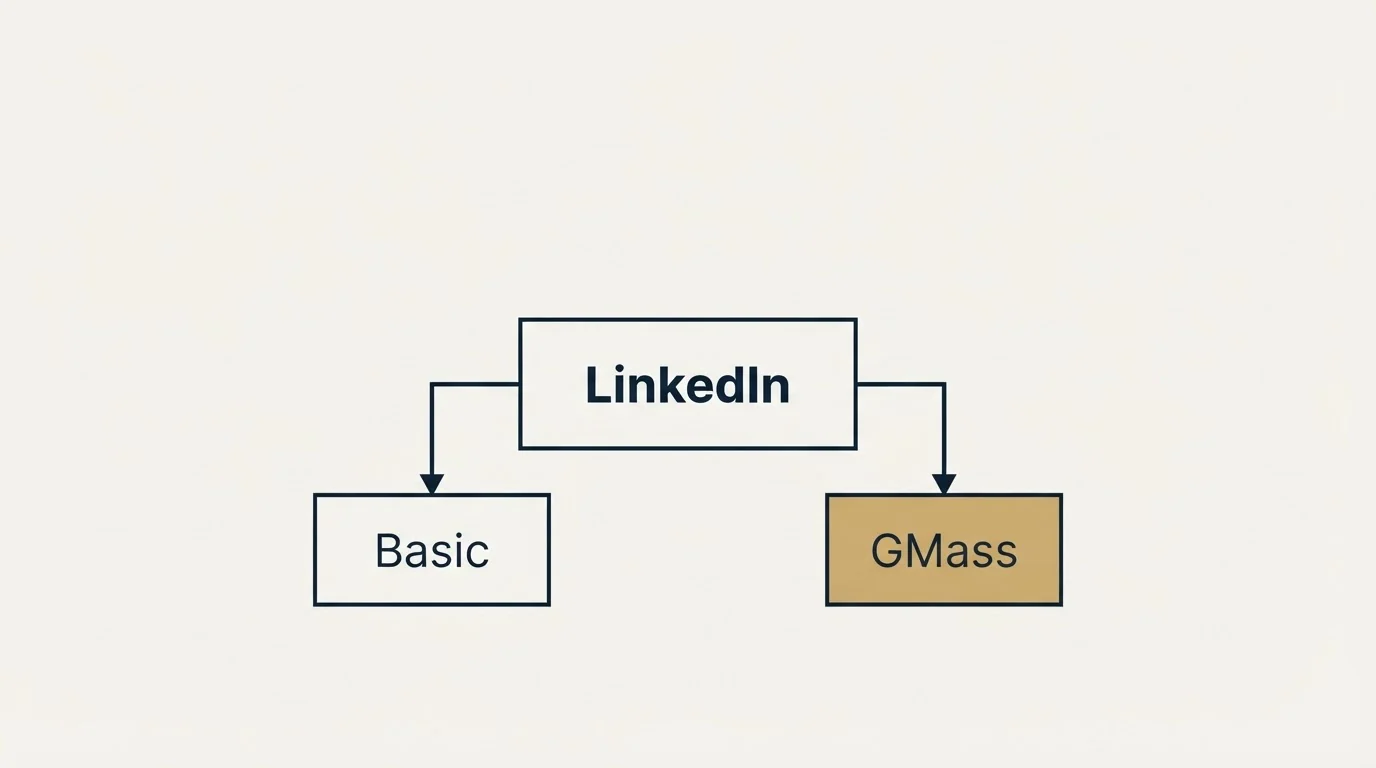
Against per-seat LinkedIn tools, SalesRobot's annual Basic at $39 sits near the low end and its monthly Basic at $59 near the middle of the set in the LinkedIn automation tools guide. The vendor also publishes GMass reviews and other comparison content, which is how it appears in our GMass review; that is the vendor as publisher rather than as product. The vendor's nearest alternatives are mostly per-seat LinkedIn tools without a separate email ladder, so compare on the LinkedIn tab alone unless you would buy the email product too.
- Yes: Which tab and which sub-tab you read, since LinkedIn opens on yearly
- Yes: The account slider, which loads at four and multiplies the total
- Depends: Whether you need the email product, which is a second meter per user
- Yes: Daily connection quota per plan, the same on the two upper tiers
- Depends: Email credit needs, at three credits per address found
- Depends: Volume discounts past ten accounts, described elsewhere and not printed on the page
The short version
As published on SalesRobot's pricing page on 4 September 2026, with the LinkedIn tab opening on yearly and the account slider at four: LinkedIn and Email at $39, $59 and $79 per LinkedIn account a month annually or $59, $79 and $99 monthly, with 20 or 75 connection requests a day; Bulk Email at $47, $113 and $210 per user a month or $43, $102 and $189 annually; email credits at three per address with 225 free; Email Automation at $15 per account a month; Enterprise quoted; a 14-day trial.
If the LinkedIn and email program is something you would rather have run than priced, we operate outbound as a campaign engagement, and you can see what one would look like for your market.
Every price above is as published on SalesRobot's pricing page on 2026-09-04, read on both tabs and both billing sub-tabs, with the LinkedIn tab opening on its yearly state and the account slider at its default of four. The rival name in the email cards is on the vendor's page as read. Prices change; check the page before you buy.
Frequently asked questions.
Frequently asked questions- How much does SalesRobot cost?
- As published on the vendor's pricing page on 4 September 2026, the LinkedIn and Email plans are $59, $79 and $99 per LinkedIn account a month billed monthly, or $39, $59 and $79 billed annually, with Enterprise quoted. The separate Bulk Email plans are $47, $113 and $210 per user a month monthly or $43, $102 and $189 annually. A 14-day trial is stated.
- What does SalesRobot charge per LinkedIn account?
- The LinkedIn plans are priced per connected LinkedIn account, and the page's slider for account count loads at four. Basic is $39 a month annually with 20 connection requests a day; Advanced is $59 and Professional $79, both with 75 requests a day. Monthly the three are $59, $79 and $99. Volume discounts past ten accounts are described on third-party pages but not printed on the page read.
- Does SalesRobot include email sending?
- The LinkedIn and Email plans include email steps in a sequence. A separate Bulk Email tab prices a per-user email product at $47, $113 and $210 a month or $43, $102 and $189 annually, with email finding at three credits per address, 225 free credits, a 3,000 credit pack at $43 per user a month annually, and an Email Automation add-on at $15 per email account a month.
- Is SalesRobot cheaper billed annually?
- Yes, by 34% on Basic, 25% on Advanced and 20% on Professional, which is why the page says up to 35% off. The LinkedIn tab opens on the yearly sub-tab, so the annual figures show first. On the Bulk Email tab the annual saving is about 10%, and the cards print both states side by side rather than behind a toggle.
About the author.

B2B cold email experts helping companies generate qualified leads through done-for-you outreach campaigns.
RevenueFlow Team
Explore more.
Ready to scale your outreach?
We build GTM engines that book real meetings. See the receipts.
Related articles.
La Growth Machine Pricing: Per Identity, Euros First
La Growth Machine prices per identity and loads in euros on annual billing. The full matrix from the page's own script: four periods, three currencies, three plans.
Airscale Pricing: Three Plans, One Credit, Four Rates
Airscale prints a different credit cost on every plan, and its advertised per-email price belongs to the custom one. The dated ladder and the rollover rules.
Twain Pricing: Credits per Lead, Three Research Modes
Twain sells credits, not seats, and a lead costs 1 to 14 of them depending on the research mode. The two ladders, the four expiry clocks and the cap.
What Cold Email and Sales Tools Actually Cost in 2026: Pricing Data From 386 Vendors
RevenueFlow's verified dataset of 386 sales tools puts the median starting price at $39.98 a month. Here is the spread by category, tier and billing model.
Autobound Pricing: One-Time Credit Packs, Not Seats
Autobound's pricing page sells one-time credit packs for a signal data API, not seats. The six packs, the per-endpoint meter, and what a company costs.
Lavender Pricing: Two Products, No Pricing Page
Lavender has no pricing page. The Email Coach ladder per seat at both billing states, the free routes, and the separate per-agent price for Ora.