Dripify Alternatives: The Per-Seat Problem and What Fixes It
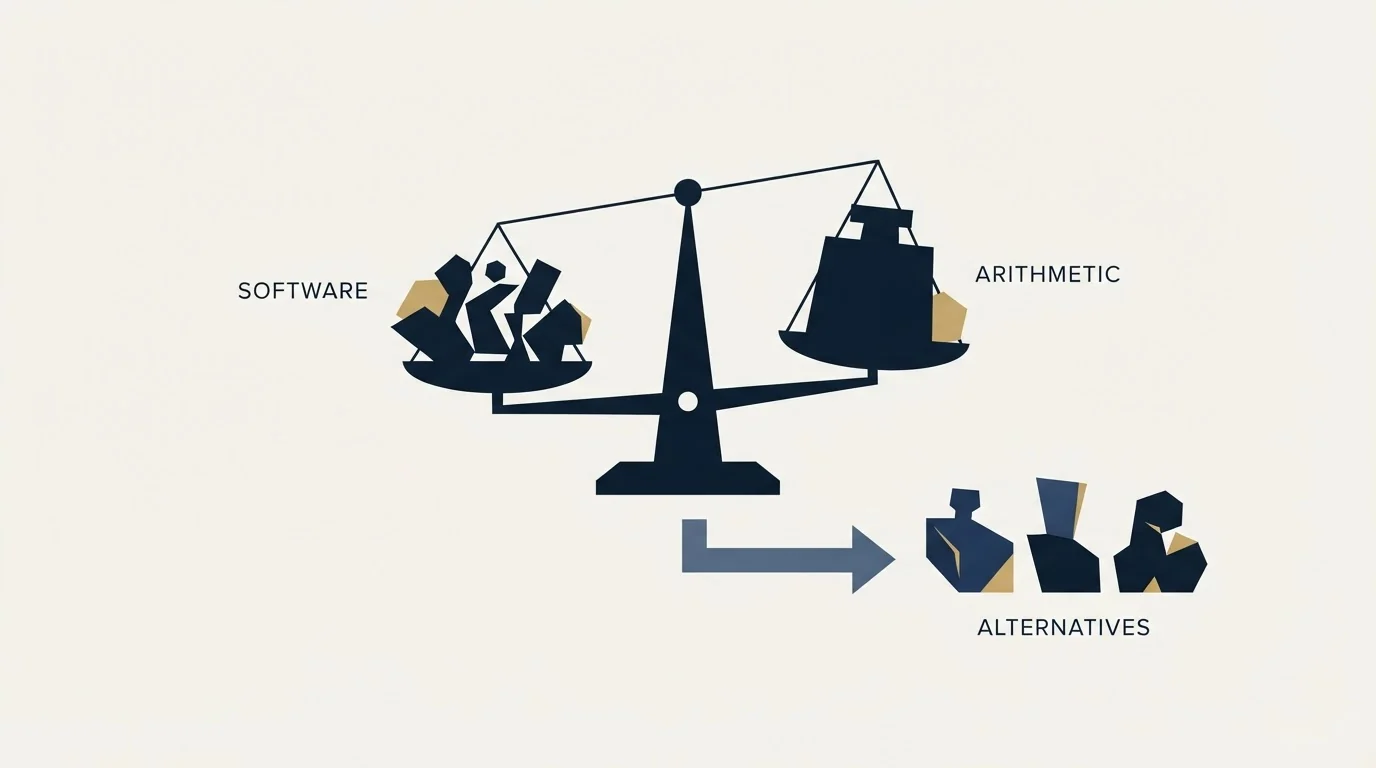
Most people leaving Dripify are unhappy with the arithmetic rather than the software. That diagnosis decides which alternatives are actually alternatives.
The usual reason for leaving Dripify is per-seat pricing multiplied by account count, since a seat is a LinkedIn account. That points at three substitute classes: cheaper browser-resident tools, other cloud sequencers at similar rates, and platforms priced around sender count rather than software seats.
Key takeaways
- Browser and desktop tools published far lower rates on 16 August 2026: Octopus CRM from $6.99 and Linked Helper from $15 a month.
- Other cloud sequencers sit in the same band as the incumbent: Expandi at $99 monthly, Meet Alfred from $59 and Skylead at $100 per seat.
- Skylead publishes the only agency-shaped figures in the set, at $999 for 50 seats and $1,999 for unlimited seats.
- No product in this category is permitted by LinkedIn, so switching brand changes architecture and cost rather than permission.
Reviewed and updated September 2, 2026
Most people looking for a Dripify alternative are not unhappy with the software. They are unhappy with the arithmetic. Dripify is priced per user, a user is a LinkedIn account, and the safest way to run this channel is many accounts each doing a little. Those two facts multiply against each other, and the invoice is where it shows up.
That diagnosis matters, because it decides which alternatives are actually alternatives. If the problem is per-seat cost at account count, a cheaper per-seat tool is a smaller version of the same problem rather than a solution.
Start by naming which problem you have
- Yes: Per-seat cost multiplied by account count: look at architecture, not features
- Yes: Running many client accounts: you need a multi-sender product, not a sequencer
- Yes: You mainly need scraping and data extraction: you need a different category
- Yes: You want it cheaper for one account: a browser-resident tool costs a fraction
- No: You want more sending from one account: switching tools will not fix this
- No: You want a tool LinkedIn approves of: no such tool exists
The last two are worth stating plainly. No vendor in this category is approved by LinkedIn. Its User Agreement, effective 3 November 2025, prohibits using "software, devices, scripts, robots or any other means or processes (such as crawlers, browser plugins and add-ons or any other technology)" to scrape or copy the service and using bots "or other unauthorized automated methods" to add contacts or send messages. Its help page on prohibited software states that members using such tools risk having accounts "restricted or shut down". Switching brands does not change that, and any comparison implying otherwise is selling you something.
The four real classes
The substitutes divide by architecture, and architecture is what governs both the cost curve and the account exposure. Feature lists mostly do not.
- Expandi: $99 a month, $79 annual, per seat, dedicated country-based IP
- Meet Alfred: $59 Basic, $99 Pro, $79 Team, per user per month, adds email and X
- Skylead: $100 per seat per month
- Runs without your machine on
- Costs multiply with account count
- Requires a stable address per account
- Octopus CRM: $9.99 to $39.99 monthly, $6.99 to $24.99 annual
- Linked Helper: $15 or $45 local storage, $29.90 or $59.90 cloud storage
- Waalaxy: EUR 19, 49 or 69 per user per month, hybrid extension and cloud
- IP consistency is native, nothing to configure
- Stops when the machine stops
- Poor fit for many accounts at once
- Priced around senders rather than around software seats
- Sender rotation across one campaign
- Per-client separation and a unified inbox
- Skylead's agency tier: $999 for 50 seats, $1,999 unlimited
- This is the shape we run client LinkedIn outreach on, through HeyReach
- Overkill for a single seller
There is a fourth class that is not a sequencer at all. If what you actually need is extraction and workflow automation rather than campaigns, that is PhantomBuster territory, and using a sequencer for it means building data plumbing out of the wrong parts.
Comparing on things that are actually published

Dripify's most useful published fact is its per-plan daily action quota table: 20 connection requests a day on Basic against 75 on Pro and Advanced, 30 messages against 100 or more, 10 Sales Navigator InMails against 30, 100 profile views against 200 or more.
Very few competitors publish an equivalent. Waalaxy publishes monthly invitation allowances instead, 300 on its entry plan and 800 above it, which is a different unit measuring the same thing. Most others publish nothing.
That absence is worth understanding rather than penalising. A vendor quota is a statement about what the software will permit, not about what the platform tolerates, and LinkedIn publishes no numeric daily or weekly action ceiling on its own help pages at all. So a published quota is useful for planning your own rate and useless as a safety guarantee.
The comparison that does mean something is architecture: whether actions originate from your own connection or from vendor infrastructure, and if the latter, whether the address is dedicated, country-matched and stable. That is the one property LinkedIn can actually observe.
Reading the alternatives pages that rank for this term
Worth knowing before you read further afield: a large share of the pages ranking for this query are published by competing vendors, and one of them is published by PhantomBuster, a product in a different category altogether.
That does not make them worthless. A vendor comparison is usually accurate about its own product's features and unreliable about everything else, particularly prices, which get copied between comparison tables until no original remains. Two of the figures in wide circulation for tools in this category are billing states nobody sees by default, because monthly and annual both render into one page and whoever copied it did not say which.
The same bias shapes the search API category, where SERP API comparisons written by their own vendors are the only ones ranking for the query.
The workable habit is to read competitor comparisons for the questions they raise and to verify every number on the vendor's own page with a date attached. Prices in this category move quarterly.
There is a structural bias worth naming too. Alternatives lists rank tools by how well they substitute for the incumbent, which quietly assumes you want the same shape of product. If your actual problem is that the shape is wrong, every entry on the list is the wrong answer arranged in order of preference.
The question that decides everything
Before comparing any two tools, settle the operating rate you intend to run per account, and settle it against your list rather than against a plan tier.
That number determines the account count, the account count determines which architecture is affordable, and the architecture determines the shortlist. Done in that order the tool choice is nearly automatic. Done in reverse, the tier gets chosen for its quota, the quota gets used because it was paid for, and the account absorbs the consequence.
LinkedIn's own help page on invitation restrictions describes the triggers qualitatively and attaches no numbers: many invitations sent in a short amount of time, many invitations ignored or left pending or marked as spam, and a statement that suspected use of an automation tool can itself lead to suspension. It also states that a restriction typically lasts a week, cannot be shortened by support, and is not lifted by withdrawing pending invitations.
That is the whole published picture, and it means no tool comparison can be settled on safety claims. It can be settled on architecture, on cost at your account count, and on whether the product is shaped like the job.
What migrating actually costs
The tool is the cheap part of a switch. Three things carry real cost.
Campaign history and reply threads generally do not move. Conversations live in LinkedIn, so those survive, but the campaign state, tagging and step analytics usually do not, and anything you were measuring resets.
Sender accounts do not benefit from a change of tool, and they may suffer from it briefly. A cloud tool that assigns a new address to an account with established history is introducing exactly the inconsistency the architecture is supposed to prevent, so a migration is a moment to slow down rather than to resume at rate.
And a per-seat annual commitment does not follow you. If the reason for leaving is cost, check what remains on the term before counting the saving.
There is a fourth cost that is easy to miss because it is not paid in money. Whoever configured the sequences, the tagging and the integrations built knowledge that does not transfer, and rebuilding it in a new tool takes the same person the same week it took the first time. On a small team that is the largest single cost of a migration, and it is the reason switching for a marginal saving rarely pays.
The version that does pay is switching architecture rather than switching brands. Moving from one cloud sequencer to another cloud sequencer buys a slightly different feature list and the same cost curve. Moving from a per-seat cloud tool to a browser-resident one, or to something priced around senders, changes the shape of the bill permanently, and that is worth a rebuild week.
What actually reduces the bill

Three moves, in order of how much they help.
Cut the account count to what your list can support. Volume beyond the size of a well-defined ICP is invitations to people who will ignore them, and LinkedIn's own restriction triggers include invitations ignored, left pending or marked as spam. Excess accounts cost money and raise risk at the same time.
Move to an architecture that matches your shape. One or two accounts belongs on a browser-resident tool at a tenth of the price. Ten or more belongs on something priced around senders rather than software seats.
Agencies weighing an unlimited-seat tier against per-account pricing can see how that trade plays out in Skylead's agency pricing breakdown.
Fix the list before adding volume. Acceptance rate is the metric that governs whether accounts survive, it is a property of targeting rather than tooling, and no tier upgrade in any product improves it.
The one to check first
For most people leaving Dripify over cost with one or two accounts, a browser-resident tool is the honest answer and it costs between a tenth and a third as much. The trade is that the machine has to be on, which is a real constraint and a smaller one than most people expect for anyone who works at a desk during the hours their prospects are also at one. Sending overnight is rarely the advantage it sounds like on a channel where the recipient reads in the morning either way.
For anyone running accounts across multiple clients, the sequencer category is the wrong shelf entirely and the multi-sender model is what fits, which is the reasoning set out in our HeyReach review.
The architecture comparison across all of these sits in LinkedIn automation tools, the product being replaced is covered in Dripify, and the cost detail that usually prompts the search is in Dripify pricing.
If the underlying goal is booked meetings rather than a cheaper subscription, get a free campaign plan and we will map the channel to your ICP before anything sends.
Pricing and features verified as of mid-2026. Verify current terms with the vendor before relying on them.
Frequently asked questions.
Frequently asked questions- What is the best Dripify alternative?
- It depends which problem you have. For one or two accounts wanting lower cost, a browser-resident tool at a tenth of the price is the honest answer. For many accounts across clients, a platform priced around senders rather than seats fits. Another cloud sequencer at a similar per-seat rate rarely solves anything.
- Is there a LinkedIn tool that will not get my account restricted?
- No. LinkedIn's User Agreement prohibits using software, scripts, robots, crawlers, plugins or add-ons to scrape the service or automate activity on it, and its help page states members using such tools risk restriction or closure. What varies between vendors is architecture and operating rate, never permission.
- What does switching actually cost?
- Rebuild time for sequences, tagging and integrations, which on a small team is usually the largest cost. A ramp period if a cloud tool assigns a new address to an established account. A measurement reset, so the first month after a switch cannot be compared to the month before it. And whatever remains on an annual term.
- How do I compare these tools fairly?
- On architecture and cost at your account count, not on feature lists. Whether actions originate from your own connection or from vendor infrastructure, and if the latter whether the address is dedicated, country-matched and stable, is the one property the platform can actually observe. Everything else is workflow preference.
About the author.

B2B cold email experts helping companies generate qualified leads through done-for-you outreach campaigns.
RevenueFlow Team
Explore more.
Ready to scale your outreach?
We build GTM engines that book real meetings. See the receipts.
Related articles.
SalesRobot Pricing: Two Tabs, Yearly Opens First
SalesRobot prices LinkedIn per account and email per user on two tabs, with the LinkedIn tab opening on yearly. Both ladders at both states, quotas and credits.
Humanlinker Pricing: Euros First, Two Users for One
Humanlinker's Pro plan is priced in euros on a user slider where two users cost the same as one. Every slider step, the annual factor, and how the dollar figure is made.
La Growth Machine Pricing: Per Identity, Euros First
La Growth Machine prices per identity and loads in euros on annual billing. The full matrix from the page's own script: four periods, three currencies, three plans.
The Real Cost per 1,000 Emails, Verifications and Data Credits in 2026
Unit prices computed from verified vendor plans: $1.00 per 1,000 emails sent, $2.00 per 1,000 verifications and $19.60 per 1,000 enrichment credits.
Snitcher Pricing: The $49 Table Is the Annual Rate
Snitcher's visible price table is the annual-billing ladder. The ten bands at both billing states, the unique-company meter, and the rules on a help page.
What Cold Email and Sales Tools Actually Cost in 2026: Pricing Data From 386 Vendors
RevenueFlow's verified dataset of 386 sales tools puts the median starting price at $39.98 a month. Here is the spread by category, tier and billing model.