Dripify Pricing: Per-User Billing at Real Account Counts
Dripify answers its own pricing question in a FAQ, which saves the usual archaeology over a billing toggle. The unit is where the real cost hides.
Dripify prices per user across three published tiers. Its own pricing FAQ states $39, $59 and $79 per user a month billed annually, and $59, $79 and $99 billed monthly, with a quote-only Enterprise tier above them. A user in this model is a LinkedIn account.
Key takeaways
- The vendor states both billing states in its own pricing FAQ, which removes the usual ambiguity about which figure a quote came from.
- Three Pro seats on monthly billing is $237 a month and ten is $790, by our own arithmetic on the published rates.
- Additional email finder credits are published at $29 for 1,000, $49 for 2,000, $69 for 5,000 and $99 for 10,000, on top of 100 included per tier.
- The Basic to Pro step is a quota decision rather than a feature one: 20 daily connection requests against 75, with the other features secondary.
Reviewed and updated September 1, 2026
Dripify's pricing page answers its own pricing question in a FAQ at the bottom, which saves everyone the usual archaeology over a billing toggle. Its exact words: "Dripify costs $39/user/month on Basic, $59/user/month on Pro, and $79/user/month on Advanced when billed annually. On monthly billing, Dripify costs $59/user/month on Basic, $79/user/month on Pro, and $99/user/month on Advanced." Fetched 16 August 2026.
Three tiers, two billing states, and a per-user unit. The unit is where the real cost lives, and it is the part the headline figure hides.
The published figures
- One drip campaign
- Limited daily quotas
- LinkedIn and email sequences
- 100 email finder credits
- Advanced analytics and reports
- Sequence templates
- Compatibility with all LinkedIn account types
- 24/7 live support
- Unlimited drip campaigns
- Full daily quotas
- Dedicated inbox
- CSV export
- Webhook integration
- HubSpot integration
- Everything in Basic
- Multi-team management
- Advanced LinkedIn protection
- Lead tagging and step analytics
- Evergreen leads
- A/B testing
- Everything in Pro
- Enterprise above this is quote only
Every paid tier includes 100 email finder credits a month. Additional credits are published separately: 1,000 for $29, 2,000 for $49, 5,000 for $69 and 10,000 for $99.
Enterprise publishes no figure and is described as adding premium onboarding, dedicated technical support and a customer success manager. A quote-only top tier is normal in this category and it means the published ladder is the self-serve ceiling rather than the real one.
What a seat actually is
A user in this pricing model is a LinkedIn account. That single definition governs the entire cost curve, and it works against the operating model this channel rewards.
Safe sending on LinkedIn comes from spreading volume across many warmed accounts at low per-account rates rather than pushing one account hard. That is the consensus operating shape and it is what the platform's own restriction triggers push you toward: LinkedIn's help page names many invitations in a short time, and many invitations ignored or marked as spam, as reasons an account gets restricted.
So the cheapest safe configuration is more accounts each doing less, and the cheapest Dripify configuration is fewer accounts each doing more. Those pressures point in opposite directions, and the invoice is where they meet.
Our arithmetic: 3 x $79
Our arithmetic: 3 x $59
Our arithmetic: 10 x $79
The vendor's published add-on figure, per month
That third figure is where the model stops working for a lot of buyers. Ten accounts is a modest multi-sender setup, well within what one operator can run, and it costs more per month than most people expect a LinkedIn tool to cost per year.
The annual decision

Annual billing saves $20 a month per user on Basic and Pro and $20 on Advanced, which is a discount of roughly a third at the bottom of the range and a fifth at the top.
The question is not whether that is a good discount. It is whether a twelve-month commitment fits a channel where a single account can be restricted at any time, for reasons LinkedIn declines to disclose. Its help page states that support cannot disclose the type or reason for a restriction and cannot shorten the wait.
A restricted account still has a seat attached to it, and the subscription does not pause itself. So the annual saving is real and it is priced against a risk the annual term does not remove. The reasonable version is to commit annually for the seats you know will run and stay monthly on the ones you are still warming.
Where the tier boundary actually sits
Reading the feature lists side by side, the Basic to Pro step is not about features. It is about quota.
Basic caps daily actions at 20 connection requests, 30 messages, 10 Sales Navigator InMails and 100 profile views. Pro and Advanced raise those to 75, 100 or more, 30 and 200 or more. That is the difference, and the unlimited campaigns and dedicated inbox on Pro are secondary to it.
Which makes the upgrade decision unusually clean. If your intended rate is inside 20 connection requests a day per account, Basic is the correct plan and Pro buys you nothing you will use. If you are upgrading in order to send more from one account, that is the decision worth examining rather than the price, because per-account intensity is precisely the variable that costs accounts.
The Pro to Advanced step is different in kind. Multi-team management, lead tagging, step analytics and A/B testing are genuine team features, and the quota is the same as Pro. That upgrade is about operating several people rather than sending more.
The email credits, priced properly
100 credits a month included is a demonstration allowance. A single campaign against a real list exhausts it.
The published add-on ladder prices a found email between roughly 2.9 cents at the 1,000-credit tier and roughly 1 cent at the 10,000-credit tier, by our own arithmetic on the vendor's figures. That is competitive with standalone finders, and it is worth checking one thing before treating it as settled: what happens to a credit on a lookup that returns nothing.
That question decides the real rate rather than the published one, and it is the single most useful thing to establish about any credit-metered data feature. The related question is whether a found address is verified before or after the charge, because a found email and a deliverable email are not the same thing and a credit model prices them identically. The general shape of that problem is in email verification tools.
Cost per meeting, and why the subscription is the wrong number
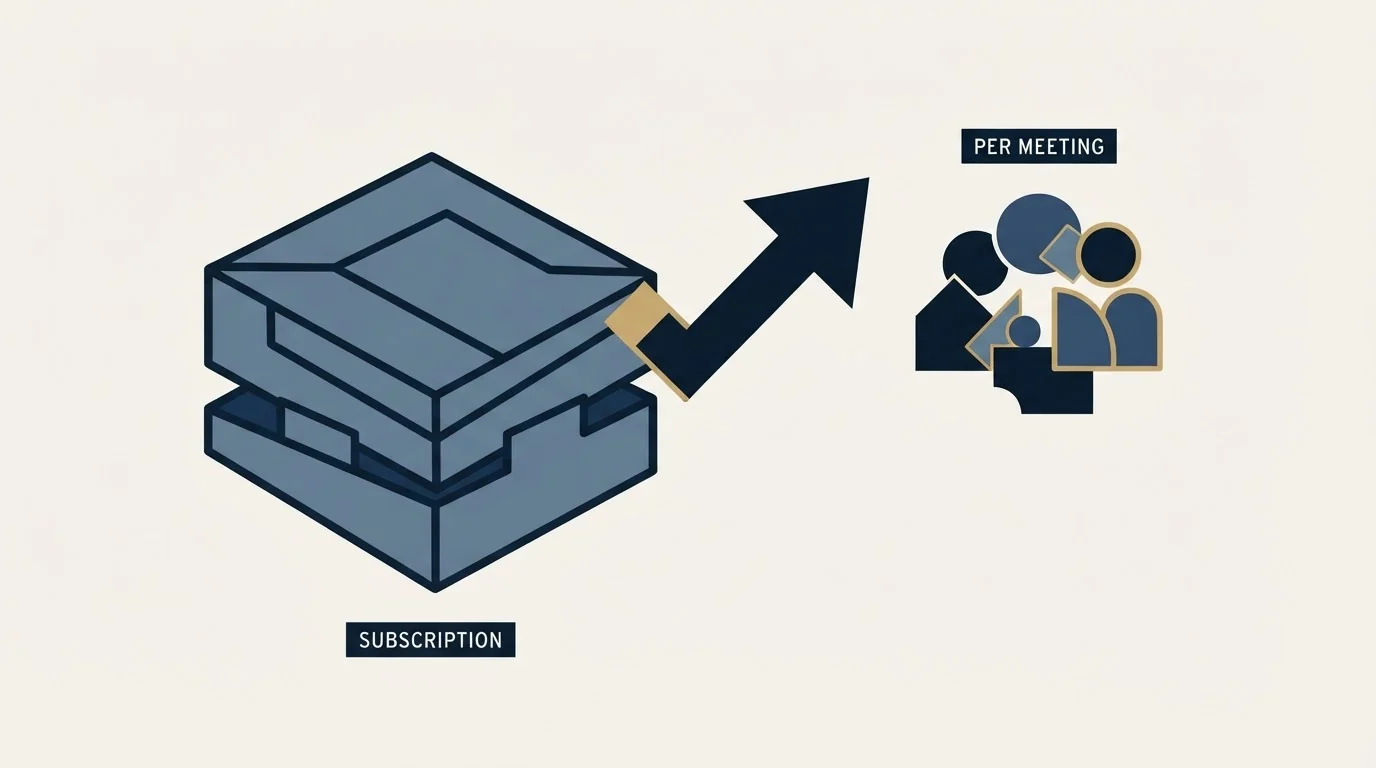
The tool price is rarely what decides whether this channel pays, and it is worth putting the subscription in proportion before optimising it.
Work backwards from the only output that matters. A channel producing a handful of qualified conversations a month has to cover the seats, the Sales Navigator licences, the email infrastructure and the time of whoever writes the copy and answers the replies. Against that total, the difference between $59 and $79 a seat is noise.
What is not noise is the number of accounts, because that term multiplies everything. Ten seats plus ten Sales Navigator licences plus the email side is a real monthly commitment, and it is the configuration a safe operating model pushes you toward. Anyone comparing tools on headline price alone is optimising the smallest term in that sum.
Tool stacking across vendors is exactly what changes when platforms merge, as the Clari and Salesloft merger shows for account teams, support and renewal terms.
The variable that actually moves the outcome is list quality, and it does so twice over. A tightly-defined list raises acceptance and reply rates, which is the return side. It also lowers restriction risk, because LinkedIn's own restriction triggers include invitations being ignored, left pending or marked as spam, which is a list-quality measurement wearing a safety label.
Since list quality depends on knowing who is actually engaging, it is worth understanding how account-level signals work before trusting them, as explained in ZoomInfo's reverse IP lookup tool.
So the honest order of operations is to fix targeting first, choose the operating rate second, count the seats that implies third, and pick the tier last. Done in that order the pricing page is the final small decision. Done in reverse, the tier gets chosen for its quota, the quota gets used, and the account pays for it.
What is not in the price
Sales Navigator, if the InMail steps matter to you, which is usually the second line item on this channel and the one most often over-bought. That cost sits in Sales Navigator pricing.
Sending infrastructure for the email half. A sequencer schedules email; it does not supply authenticated, warmed domains configured for cold sending, and running cold email from your main domain through a LinkedIn tool is a reliable way to damage a domain that was working.
The accounts themselves. Warmed, complete LinkedIn profiles with real connection bases are the actual input to this channel, and they are the thing that takes time rather than money.
Reading a quoted Dripify price elsewhere

Third-party pricing roundups for this vendor disagree with each other, which is normal and worth guarding against.
The vendor's own FAQ states both billing states in plain sentences, which removes the usual ambiguity about which set a figure came from. When a roundup quotes a single number without saying monthly or annual, it is a coin flip which one it copied.
Check the date too. Repricing in this category is frequent, and a figure without a fetch date is a figure with an unknown expiry.
The product-level evaluation, including what the published quotas do and do not tell you, is in Dripify. The substitutes worth pricing against it are in Dripify alternatives, and the architecture comparison across the category is in LinkedIn automation tools.
What to settle before paying
Count the seats you actually need at your intended daily rate, not at the rate the tier permits, and price that number.
Decide monthly against annual per seat rather than for the whole account, so warming accounts stay flexible.
Establish the failed-lookup rule on email credits before buying an add-on pack.
And check whether the tier you are choosing is being chosen for its quota or its features, because those are two different purchases and only one of them carries account risk. If you would rather have the sender infrastructure and ramp discipline already running, get a free campaign plan and we will map the channel to your ICP before anything sends.
Pricing and features verified as of mid-2026. Verify current terms with the vendor before relying on them.
Frequently asked questions.
Frequently asked questions- What is the real cost of Dripify at team size?
- Multiply the per-user rate by the number of LinkedIn accounts you intend to run. Three Pro seats on monthly billing is $237 a month and ten is $790, by our arithmetic on the published figures. Email finder credits sit outside that, and the included 100 a month will not survive a first real campaign.
- Should I pay annually?
- Annual saves $20 a month per user, which is roughly a third at the bottom of the range. It also commits you for twelve months on a channel where an account can be restricted without warning and support will not explain why. Commit annually for warmed producing accounts and stay monthly on ones still ramping.
- Is the Pro upgrade worth it?
- Only if you intend to use the quota. The difference between Basic and Pro is mainly daily allowance: 20 connection requests against 75, plus unlimited campaigns and a dedicated inbox. If your intended rate fits inside 20 a day, Basic is the correct plan and Pro buys capacity you will not use.
- How should I price the email credits?
- The published ladder works out between roughly one and three cents per found email by our own arithmetic on the vendor figures. Before treating that as settled, establish what happens to a credit on a lookup that returns nothing, and whether verification happens before or after the charge. Those answers decide the real rate.
About the author.

B2B cold email experts helping companies generate qualified leads through done-for-you outreach campaigns.
RevenueFlow Team
Explore more.
Ready to scale your outreach?
We build GTM engines that book real meetings. See the receipts.
Related articles.
SalesRobot Pricing: Two Tabs, Yearly Opens First
SalesRobot prices LinkedIn per account and email per user on two tabs, with the LinkedIn tab opening on yearly. Both ladders at both states, quotas and credits.
La Growth Machine Pricing: Per Identity, Euros First
La Growth Machine prices per identity and loads in euros on annual billing. The full matrix from the page's own script: four periods, three currencies, three plans.
Humanlinker Pricing: Euros First, Two Users for One
Humanlinker's Pro plan is priced in euros on a user slider where two users cost the same as one. Every slider step, the annual factor, and how the dollar figure is made.
The Real Cost per 1,000 Emails, Verifications and Data Credits in 2026
Unit prices computed from verified vendor plans: $1.00 per 1,000 emails sent, $2.00 per 1,000 verifications and $19.60 per 1,000 enrichment credits.
Lavender Pricing: Two Products, No Pricing Page
Lavender has no pricing page. The Email Coach ladder per seat at both billing states, the free routes, and the separate per-agent price for Ora.
TexAu Pricing: Four Tiers, Billed Only on a Match
TexAu charges credits only when a lookup succeeds. The four tiers at both billing states, the rollover cap, and three places the page disagrees with itself.