ZoomInfo WebSights: What a Reverse IP Lookup Cannot Tell You
WebSights promises person-level visitor intelligence and its own FAQ describes a reverse IP lookup that resolves to a company. That gap decides how to use it.
WebSights is ZoomInfo's visitor identification product. Its own FAQ describes a reverse IP-address lookup that matches a visitor to a company, so the signal is account-level rather than person-level despite the page's person-level headline. Use it to prioritise targeting, measure accuracy on sessions you can verify, and keep the visit out of the message.
Key takeaways
- ZoomInfo's WebSights page advertises real-time person level visitor intelligence while its own FAQ describes a reverse IP-address lookup that matches the address to a company, which is an account-level fact.
- The same FAQ states that a visitor working from home or a coffee shop will still be recognised as a company, which is where false positives come from and why a surprising account should be checked before anyone acts on it.
- Automatic Traffic Filtering now splits the dashboard into Company Traffic (Real People) and Automated Traffic (Bots), so counts before and after that change measure different things and no historical baseline survives it.
- Match rate is the number vendors publish and accuracy is the number that matters. Test accuracy on thirty sessions where you independently know who visited, and never reference the visit in the outreach itself.
Reviewed and updated September 1, 2026
ZoomInfo's WebSights page makes two claims that cannot both be describing the same instrument. The headline offers "real-time, person level visitor intelligence" and promises to uncover "the companies and decision-makers exploring your site". Further down, its own FAQ explains the mechanism: the software "does a reverse IP-address lookup to identify otherwise anonymous website visitors", and "the visitor tracking tool then matches the IP address to a company".
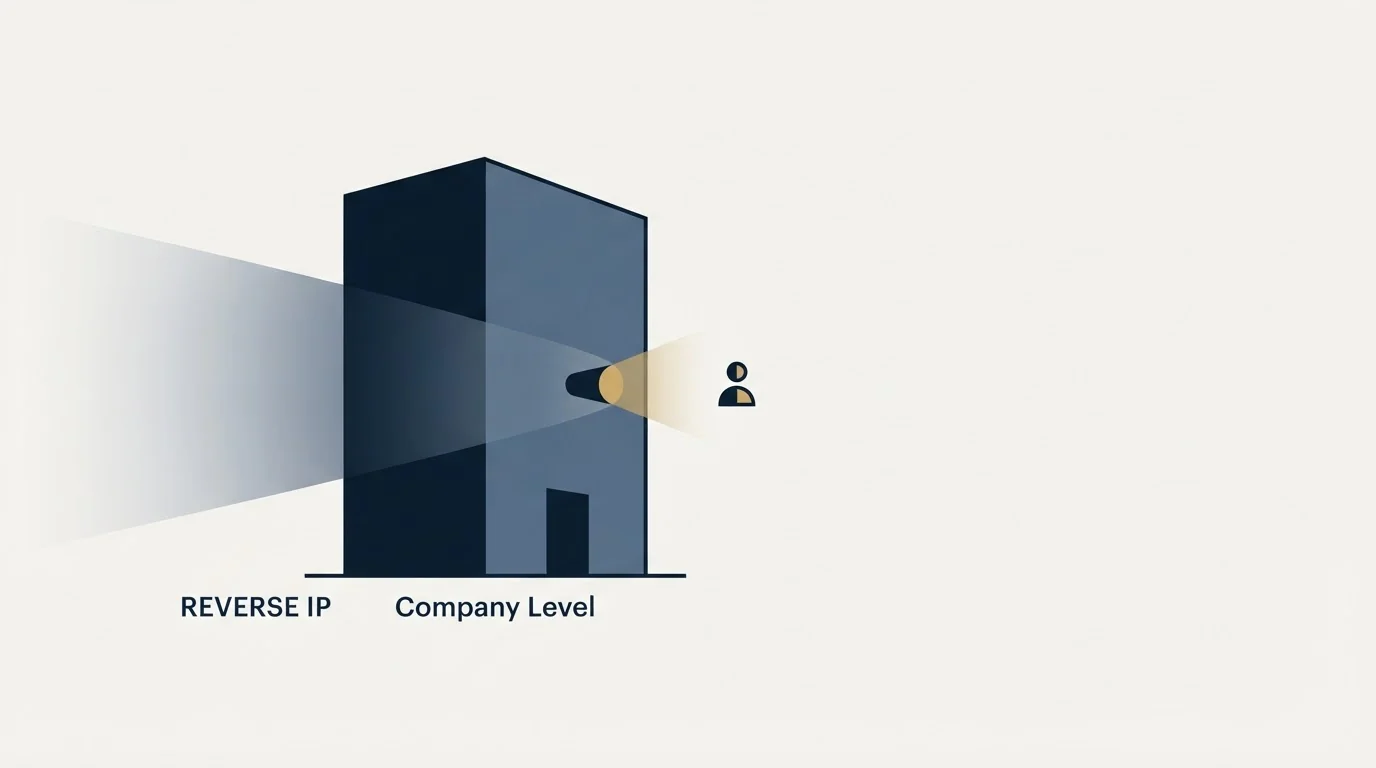
A reverse IP lookup resolves to an organisation. It does not resolve to a person. Everything that makes this product useful, and every way it misleads a sales team, follows from that gap between what the marketing promises and what the mechanism can do.
WebSights is ZoomInfo's visitor identification product, sitting in the marketing half of the platform alongside the form and chat products. This is a practitioner's read of what the signal is worth, where it breaks, and what to do with it once it fires.
What it is actually measuring
The vendor is unusually candid about the plumbing. Asked how ZoomInfo knows a business's IP address, its FAQ answers that ZoomInfo "knows a business's IP address by creating a link between the IP address and website domain". That link is the whole product. Someone visits your site, their traffic arrives from an IP address, and the platform looks that address up against a mapping of addresses to companies.
When the mapping is right, you learn that somebody at a named company read three pages. That is a genuinely useful thing to know and it is an account-level fact. Who at the company visited is not in the data, and the people the interface then shows you are the contacts ZoomInfo holds at that account, ranked by whatever it thinks makes them relevant. Presenting that as decision-makers exploring your site is a description of an inference dressed as an observation.
The distinction is not pedantic, because it decides what you may honestly do next. An account-level signal supports a decision about who to contact. It does not support a sentence claiming you know what a specific person read.
The remote-work answer, quoted in full, is the part to internalise

The most useful paragraph on the page is the one addressing what happens when employees work from home, and it is worth reading exactly as written. B2B visitor identification, ZoomInfo says, "works by creating a link between a remote worker's IP address and their company domain when employees are not working in the office", and "whether a website visitor is working off-site at a Starbucks or from their home office, your website visitor identification software will recognize the visitor as 'a company'".
Read the last clause literally. The tool will recognise the visitor as a company. It says nothing about recognising them as the right company, and the confidence of the sentence is doing work that the mechanism cannot support. Residential and shared addresses are the hard case for every vendor in this category, because a home connection has no reliable relationship to an employer and a coffee shop has no relationship to anything.
That is where false positives come from, and it is why a WebSights report showing interest from an account your team has been chasing deserves a second look before anyone acts on it as news.
- An organisation associated with an IP address visited
- Which pages were viewed, and how often
- A change in visit frequency over time
- A prioritisation input for accounts you already target
- Which individual was at the keyboard
- That the named contact shown is the one who visited
- That a home or shared connection belongs to the mapped company
- Anything specific enough to quote back to a prospect
The bot filter is an admission worth reading as one
The page's current headline feature is Automatic Traffic Filtering. It says WebSights "now helps you understand which visitors are real people and which are automated traffic that only appears real", and that the analytics dashboard displays two metrics: "Company Traffic (Real People)" and "Automated Traffic (Bots)". It states that, with the filter, "Only verified human visits from identified companies are included in your follow-up data."
Take that seriously in both directions. As a feature it is a real improvement, because crawlers, scanners and preview bots generate a large share of traffic to a typical B2B site and some of them resolve to corporate IP ranges perfectly well. As a statement about the past it says that follow-up data previously included visits that were not people.
The practical consequence lands on anyone comparing periods. If identified visits drop after the filter is enabled, the honest reading is that the earlier number was inflated rather than that interest fell. Any baseline, target or forecast built on pre-filter counts is measuring a different thing from the post-filter counts, and nobody will flag that for you in a dashboard.
The page also carries a customer testimonial claiming a 150% increase in MQLs. That is a quoted claim by the customer named, on a page the vendor wrote, about an outcome with no method attached. Treat it as marketing rather than as a benchmark, in the same way you would treat any vendor-hosted number.
- Step 1Visit
A request arrives from an IP address, which may be an office, a home, a coffee shop, a VPN exit or a bot
- Step 2Resolve
The address is matched to a company through ZoomInfo's address-to-domain mapping, or it is not matched at all
- Step 3Filter
Automatic Traffic Filtering separates company traffic from automated traffic, so the count you see is smaller and cleaner than the raw one
- Step 4Attribute
Contacts at that account are surfaced from the database. This is a lookup against the company, not a record of who visited
- Step 5Act
Someone decides the account is in market. The signal supports targeting; it does not support claiming knowledge of a person's behaviour
Two numbers to measure before you build a programme on it
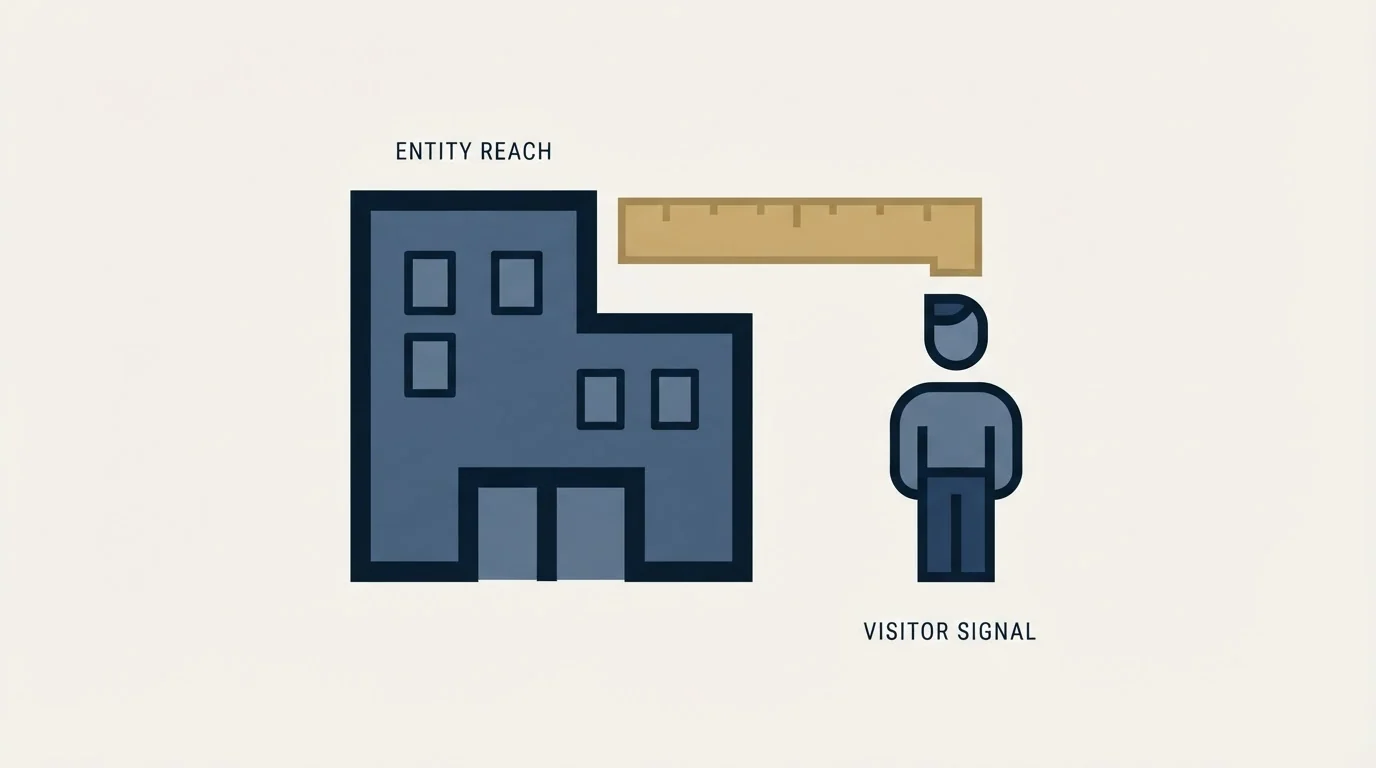
Vendors in this category talk about match rate, which is the share of traffic resolved to a company. It is the number on every comparison page and it is the less important of the two.
Match rate tells you how much of your traffic the mapping covers. Accuracy tells you how often the company it named was the right one, and nobody publishes it because it is specific to your traffic mix. A tool with a high match rate on a market where most visitors browse from home is confidently wrong more often than a conservative tool that resolves less and misses less.
Both are measurable on your own site without a contract argument. Take the accounts where you already know who visited, because a named contact filled in a form, replied to a campaign or joined a call in the same window, and check what the tool said about that session. A sample of thirty gives you a better estimate of accuracy than any published figure, and it takes an afternoon during a trial.
The second measurement worth running is a decay check on the contacts the platform surfaces alongside the visit. A correctly identified account paired with a person who left last year produces a confident, useless action, and that failure belongs to the contact database rather than to the identification layer. Testing that on your own market rather than reading a coverage claim is the method set out in Apollo versus ZoomInfo on data accuracy, and the underlying decay is defined in the data decay entry.
What to do when it fires, and what never to do
The rule that keeps this signal useful is that it changes targeting and never changes wording.
A visit tells you an account is looking at the category. That is a legitimate reason to move it up a list, to include it in the next campaign, or to tell a rep who already owns the relationship to make a call. It is not a reason to write a message that references the visit, and the temptation to do that is the single most common way teams turn a useful signal into a memorably bad first impression.
Three reasons, in order of how badly each one bites. The identification may be wrong, so the message opens with a false premise. The person receiving it may not be the person who visited, which is likely given the mechanism, so it reads as surveillance of a colleague. And even when both are right, telling a stranger you have been watching their browsing is not a strong opening; buyers who research quietly do it deliberately.
- Yes: Treat a resolved visit as an account-level input to targeting
- Yes: Measure accuracy on sessions where you independently know who visited
- Yes: Re-baseline any historical comparison against post-filter counts
- Yes: Verify surfaced contacts before they enter a campaign, whatever the platform says about them
- No: Referencing the visit in the message itself
- No: Treating an identified company as a named person's intent
- No: Sending a second message because the first one following a visit got no reply
That last line is our documented policy rather than a preference about this product. We run one message per campaign, with no bumps and no thread replies. A signal that fires again later is a reason for a new campaign on a fresh angle, not a follow-up under a message somebody already ignored, and meetings are qualified against criteria agreed in writing before launch rather than against how many pages an account viewed.
Where it fits in the platform, and against the alternative
WebSights is one of three ways ZoomInfo tries to capture your own traffic, alongside its web form product and its website chat product. It is closest in spirit to the intent module, and the difference is worth keeping straight: the intent product measures research happening elsewhere on the web, while WebSights measures research happening on your own pages. First-party signals are the stronger of the two by a wide margin, for the ordinary reason that somebody reading your pricing page is closer to your business than somebody reading an industry article. The general case for reading these signals carefully is in our B2B intent data guide, the integration side is in intent signal APIs for outbound, and the account-programme context these signals usually feed is in ABM content strategy. No price is published for this module on its own, and the wider field is in the ZoomInfo alternatives roundup.
A cross-category comparison of Copper and ZoomInfo explains how a CRM tracking deals and a data enrichment tool sourcing leads tend to complement rather than replace each other.
Another useful contrast is how ZoomInfo pairs with a sales engagement platform, covered in comparing Salesloft and ZoomInfo, where enrichment feeds outreach execution rather than replacing it.
The honest fit test is traffic volume. Visitor identification pays for itself when enough of the right companies already visit and nobody is acting on it. On a site with modest traffic, the tool identifies a handful of accounts a week, most of which were already on the target list, and the constraint was never identification.
If the actual constraint is that not enough of the right companies are reaching you at all, the answer sits upstream of any signal product. RevenueFlow builds and runs the outbound and charges per qualified meeting, which you can see on your own market with a free campaign.
Product claims and mechanism descriptions here were verified against raw page bytes from zoominfo.com in mid-2026. ZoomInfo publishes no separate price for WebSights. Verify current terms with the vendor before relying on them.
Frequently asked questions.
Frequently asked questions- How does ZoomInfo WebSights identify website visitors?
- Its FAQ describes creating a link between an IP address and a company domain, then performing a reverse IP-address lookup on incoming traffic and matching the address to a company. Contacts shown alongside the visit come from ZoomInfo's database for that account rather than from any record of who was actually at the keyboard.
- Does it work when people are working from home?
- Less well, and the vendor says so. Its FAQ states that whether a visitor is working from a coffee shop or a home office, the software will recognise the visitor as a company. Residential and shared connections have no reliable relationship to an employer, so that is exactly where a confident but wrong identification comes from.
- What changed with Automatic Traffic Filtering?
- ZoomInfo's page states WebSights now distinguishes verified company traffic from automated system traffic, showing both as Company Traffic (Real People) and Automated Traffic (Bots), and that only verified human visits from identified companies flow into follow-up data. Identified visits may fall after enabling it, which means the earlier figure was inflated rather than that interest dropped.
- Can I mention the website visit in a cold email?
- No, for three reasons in ascending order of cost. The identification may be wrong, so the message opens on a false premise. The recipient probably was not the visitor, so it reads as surveillance of a colleague. And buyers who research quietly do it deliberately. Use the signal to decide who to contact, never to write the opening line.
About the author.

B2B cold email experts helping companies generate qualified leads through done-for-you outreach campaigns.
RevenueFlow Team
Explore more.
Ready to scale your outreach?
We build GTM engines that book real meetings. See the receipts.
Related articles.
Snitcher Pricing: The $49 Table Is the Annual Rate
Snitcher's visible price table is the annual-billing ladder. The ten bands at both billing states, the unique-company meter, and the rules on a help page.
Best Time to Cold Call: What the Studies Counted
The best time to cold call figures traced to their originals: one inbound study from six companies, three vendor call datasets, and what survives the read.
Best Time to Send a Sales Email: What Was Measured
The send time studies behind the midweek morning answer, what each one actually counted, and why a broadcast finding does not transfer to a sales email.
Is Clay Free? The Free Plan, the Trial and Where Each Stops
Clay's free plan, its 14-day trial and the no-charge-on-a-miss rule are three different things. What each holds and where it stops, from clay.com on 19 September 2026.
Video Prospecting Tools by Job: What Each One Is For
Ten video prospecting tools sorted by the job each vendor's own page describes: record and share, personalise at volume, avatars, hosting and interactive demos.
Seamless.AI Email Finder: How It Works, What a Credit Buys
How Seamless.AI's email finder resolves a contact in real time, what one Universal Credit buys, the Total AI score on every address, and what the Chrome extension reads.