PhantomBuster: A Scraping Platform, Not a LinkedIn Sequencer
PhantomBuster renders its prices client-side, so a scripted read returns nothing. What it does publish generously is its technical documentation.
PhantomBuster is a cloud automation and data-extraction platform running building blocks it calls Phantoms across LinkedIn and other web platforms. It is not an outreach sequencer, which is the most common reason buyers are disappointed by it, and its pricing page renders client-side.
Key takeaways
- Its pricing page returned HTTP 200 with 76 characters of visible text asking for JavaScript, so no price is quoted here and the vendor page should be read in a browser.
- The documentation hub publishes plain-Markdown twins of every page and an llms.txt index, while the vendor support centre returns HTTP 403 to scripted requests.
- The documented API spans launching and aborting agents, reading console output and status, retrieving results, and managing lead lists through a filters endpoint.
- LinkedIn's User Agreement prohibits scraping profiles and other data, separately from its prohibitions on automated messaging, and the two are detected differently.
Reviewed and updated August 28, 2026
PhantomBuster does not publish a price you can read. Its pricing page returns HTTP 200 and a body containing the sentence "Sorry, but you need to enable JavaScript to use PhantomBuster" and nothing else. Seventy six characters of visible text. Fetched twice by different methods on 16 August 2026, with the same result.
That is a statement about our fetch rather than about the vendor's prices, and the distinction matters: an empty pricing read is a failed read, never evidence that a company publishes nothing. So this article does not quote a PhantomBuster price. Check the vendor's own page in a browser, and be suspicious of any roundup that quotes a figure without saying when it was read.
What PhantomBuster does publish, generously, is its technical documentation. That is where the useful facts are.
What PhantomBuster is
PhantomBuster is a cloud automation platform rather than a LinkedIn sequencer, and the difference is the whole evaluation. It runs building blocks called Phantoms that extract data from and automate actions on web platforms, with LinkedIn as the most-used target but not the only one. Phantoms chain into Flows.
Launched in Paris in 2016, its own documentation describes it as an all-in-one scraping platform to automate websites. Its docs are organised around developer concerns: custom scripts, script directives, packages and modules, an agent module, an SDK, and how-tos for logging into a website, taking screenshots and injecting client-side JavaScript.
That framing tells you who it is for. Someone comparing it against Dripify or Expandi is comparing a toolkit against a product. The toolkit does more and requires more, and the second half of that sentence is the one people discover late.
The category boundary
- Phantoms and Flows chained into workflows
- Extraction across LinkedIn, Instagram, X, Facebook and more
- Custom scripts, SDK and an agent module
- A documented REST API with v1 and v2
- An MCP server for AI tool access
- No opinion about your outreach sequence
- Campaigns with steps and conditions
- A shared inbox for replies
- Published per-plan daily action quotas
- LinkedIn-shaped rather than general purpose
- Opinionated about the outreach motion
- Little or no scripting surface
The practical consequence is that PhantomBuster is usually the wrong answer to "which LinkedIn outreach tool should I buy" and often the right answer to "how do I get this data out of somewhere and into my stack".
The API is the real product surface
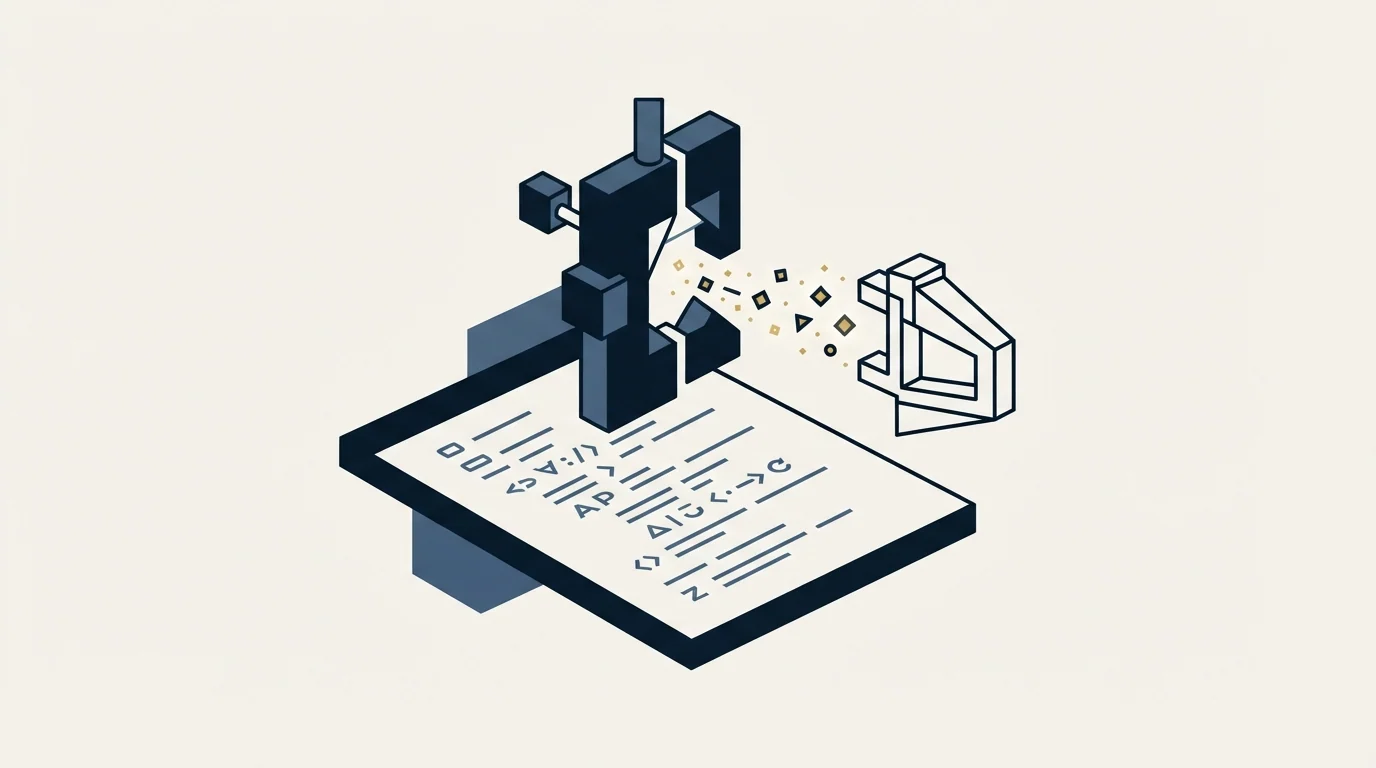
PhantomBuster's documentation hub publishes its API in full, and it is unusually accessible: the docs site serves plain-Markdown twins of every page and advertises an llms.txt index for machine reading.
The published mechanics: endpoints are formed as https://phantombuster.com/api/<version>/<path> with v1 and v2 both live and v2 current. Authentication is an API key in an X-Phantombuster-Key-1 header, or as a query parameter which the docs explicitly discourage because keys leak into logs and caches. The docs warn that the key is shown once on creation and must be copied before leaving the page. Date fields are Unix timestamps, in seconds on v1 and milliseconds on v2.
The API lets you launch and abort agents, read console output and status, retrieve results, manage lead lists through a filters endpoint, and create or update scripts. There is also a documented MCP server for giving AI tools scoped access to automations and data.
Fuller detail on that surface, including what it does and does not let you do, is in PhantomBuster API.
What LinkedIn's own documentation says about scraping
This is where PhantomBuster differs from the sequencers in kind rather than degree, and it deserves stating directly rather than softened.
LinkedIn's User Agreement, effective 3 November 2025, prohibits members from developing, supporting or using "software, devices, scripts, robots or any other means or processes (such as crawlers, browser plugins and add-ons or any other technology) to scrape or copy the Services, including profiles and other data from the Services". It separately prohibits copying, using, displaying or distributing information obtained from the service "whether directly or through third parties (such as search tools or data aggregators or brokers), without the consent of the content owner", and overriding or circumventing "any access controls or use limits of the Services (such as search results, profiles, or videos)".
LinkedIn's help page on prohibited software and extensions states that it does not permit third-party software that scrapes, modifies the appearance of, or automates activity on the site, that using such tools puts a member in violation of the User Agreement, and that they "risk having their accounts restricted or shut down".
Profile extraction at volume is named in those clauses independently of the messaging prohibitions, and it is detected differently. That produces the single most important operating rule for this tool: never run extraction from an account you also send from. A restriction earned by scraping takes the sending account with it, and there is no way to unwind that afterwards.
- Yes: Extraction runs from an account that is not a sending account
- Yes: Store the API key once, out of query strings and logs
- Yes: Treat every LinkedIn extraction as covered by the scraping prohibition
- No: Read a JavaScript-only pricing fetch as evidence about prices
- No: Run extraction volume through the profile your pipeline depends on
- No: Expect a vendor's safety language to change LinkedIn's position
The pricing problem, and how to solve it yourself
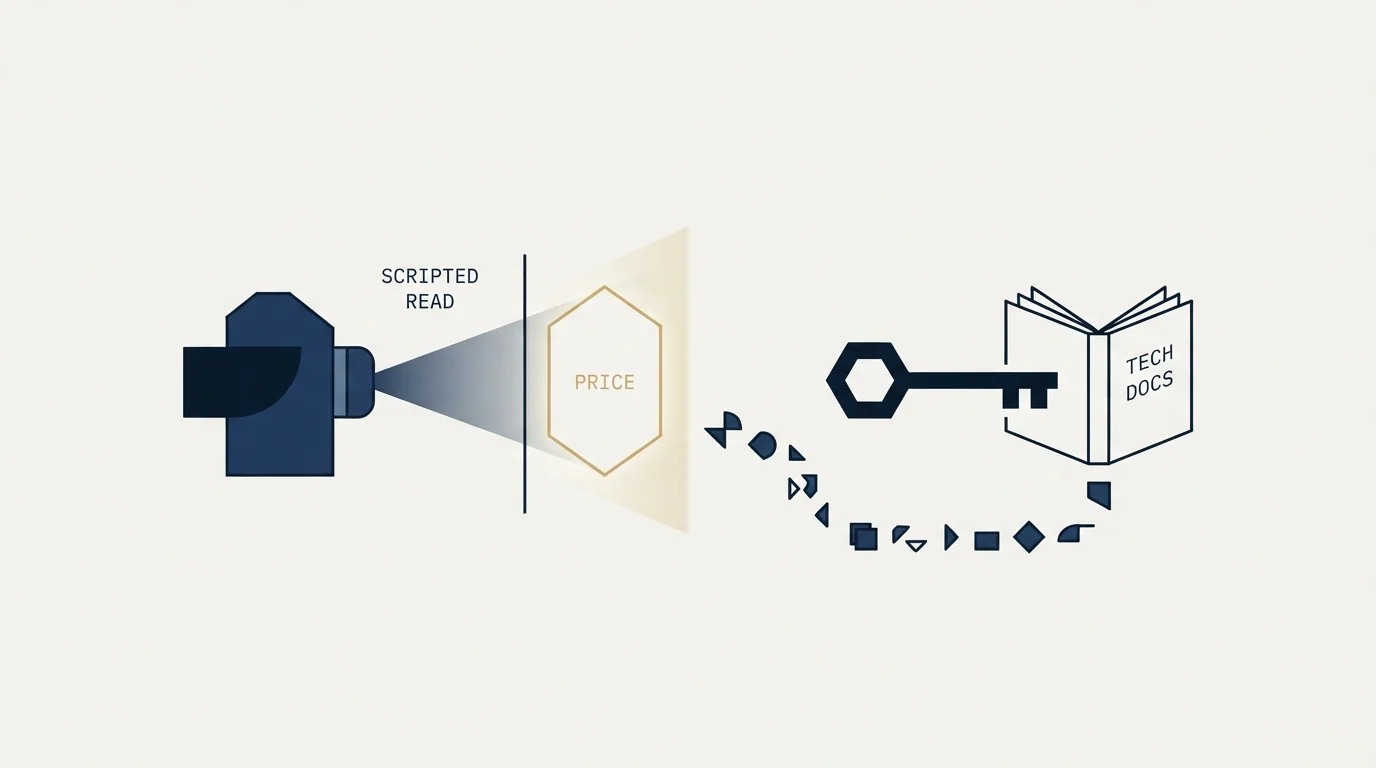
Since this article will not quote a figure, it is worth explaining what to do instead, because the same situation recurs across this category.
A pricing page that returns a full-size, well-formed HTML document with zero currency figures in it is rendering its prices client-side. The page arrived; the prices did not, because they are assembled by JavaScript after load. Nothing in the response announces this, which is why undated figures propagate through roundups unchecked.
Three things follow for anyone trying to verify a price. Open the page in an actual browser rather than fetching it, because that is the only view that matches what a buyer sees. Note the billing toggle state, since monthly and annual almost always both exist and only one is showing. And write down the date, because in this category quarterly repricing is normal and a figure without a date is a figure with an unknown expiry.
The same discipline applies in reverse. A vendor that quotes a competitor's price in a comparison table has usually copied it from another comparison table, and the chain has no original in it. Two of the alternatives pages ranking for this tool's name are published by the vendor itself, which is fine and worth knowing when reading their numbers.
The honest position on any figure that cannot be read first-hand is to say so and point at the vendor's page. That is less satisfying than a number and it is the only version that stays true next quarter.
The Demandbase vs ZoomInfo comparison works through the same unpublished-pricing problem, weighing coordinated account coverage against a shortage of contactable people.
Where it genuinely earns its place
There is a real use case, and it is not outreach.
Data that exists somewhere and needs to be somewhere else is what this tool is good at, and the breadth across platforms means one system rather than five. Enrichment inputs, list building from sources that are not LinkedIn, monitoring, and workflow glue between tools that do not otherwise talk are all reasonable jobs for it.
The scripting surface is what separates it from a no-code scraper. Custom scripts, an SDK and external Node dependencies mean a workflow that does not fit a template can be built rather than abandoned, which is why it persists in technical teams' stacks long after they have bought a sequencer for the sending.
The MCP server extends that in a direction worth watching. An assistant with scoped access to your automations can assemble a list, trigger a run and read the result without a human moving files, which removes the step where most data workflows actually break.
Where it does not

It is not a sequencer and using it as one means building campaign logic, reply handling and a shared inbox out of parts. Teams that try this generally end up with a fragile system and no view of their replies.
It is not a low-maintenance choice. Automations built against platform interfaces break when those interfaces change, and LinkedIn's own documentation says prohibited tools may become non-functional without notice. That is a maintenance commitment rather than a purchase, and the cost of it lands on whoever built the workflow rather than on the vendor. A team without someone who can fix a broken Phantom will discover the dependency at the worst moment, which is usually the week a list was due.
For teams that want the LinkedIn channel to work without owning that surface, the sequencer comparison is in LinkedIn automation tools, the multi-sender model we run client work on is in our HeyReach review, and the direct substitutes are in PhantomBuster alternatives.
What to settle before buying
Read the current pricing in a browser rather than trusting a roundup, since the page renders client-side and the figures in circulation are undated.
Decide which side of the boundary you are buying for. Extraction and workflow automation is what this does well; outreach sequencing is not, and buying it for the second reason is the most common mistake in this category.
Deciding which category a tool belongs to matters just as much when choosing between an account-based platform and a database, a distinction drawn out in the comparison of an ABM platform against a contact database.
Separate the accounts before the first run, not after. That is the rule that costs nothing in advance and cannot be applied retroactively.
If the actual goal is booked meetings rather than a data pipeline, get a free campaign plan and we will map the channel to your ICP before anything sends.
Pricing and features verified as of mid-2026. Verify current terms with the vendor before relying on them.
Frequently asked questions.
Frequently asked questions- How much does PhantomBuster cost?
- Its pricing page renders prices client-side, returning a full page with no figures to a plain fetch. That is a failed read rather than evidence the vendor publishes nothing, so no figure is quoted here. Check the vendor page in a browser and note the date, since repricing in this category is frequent.
- Is PhantomBuster a LinkedIn outreach tool?
- Not really. It is an automation and extraction platform whose building blocks can act on LinkedIn among many other platforms. Using it as a sequencer means building campaign logic, reply handling and a shared inbox out of parts, which generally produces a fragile system and no view of replies.
- Is scraping LinkedIn allowed?
- No. LinkedIn's User Agreement prohibits using software, scripts, robots or crawlers to scrape or copy the service including profiles and other data, and separately prohibits distributing information obtained from it without the content owner's consent. Its help page states members using such tools risk having accounts restricted or shut down.
- What is the one rule to follow with it?
- Never run extraction from an account you also send from. Profile extraction is prohibited separately from messaging and is detected differently, so a restriction earned by collecting data takes the sending account with it. That rule costs nothing to apply at the start and cannot be applied retroactively.
About the author.

B2B cold email experts helping companies generate qualified leads through done-for-you outreach campaigns.
RevenueFlow Team
Explore more.
Ready to scale your outreach?
We build GTM engines that book real meetings. See the receipts.
Related articles.
Outbound Lead Generation Tools, Layer by Layer
Outbound tools do six jobs and price on different units: contacts, credits, seats, sends. Thirteen vendors read from their own pages on 18 September 2026, by layer.
SalesRobot Pricing: Two Tabs, Yearly Opens First
SalesRobot prices LinkedIn per account and email per user on two tabs, with the LinkedIn tab opening on yearly. Both ladders at both states, quotas and credits.
Humanlinker Pricing: Euros First, Two Users for One
Humanlinker's Pro plan is priced in euros on a user slider where two users cost the same as one. Every slider step, the annual factor, and how the dollar figure is made.
La Growth Machine Pricing: Per Identity, Euros First
La Growth Machine prices per identity and loads in euros on annual billing. The full matrix from the page's own script: four periods, three currencies, three plans.
Best Time to Cold Call: What the Studies Counted
The best time to cold call figures traced to their originals: one inbound study from six companies, three vendor call datasets, and what survives the read.
Best Time to Send a Sales Email: What Was Measured
The send time studies behind the midweek morning answer, what each one actually counted, and why a broadcast finding does not transfer to a sales email.