PhantomBuster Alternatives: Usually a Category Error
The commonest reason a PhantomBuster search goes wrong is that the searcher wants a different category of product and does not know it yet.
People searching for PhantomBuster alternatives usually want one of three different categories: a LinkedIn outreach sequencer, a data provider selling contacts outright, or a messaging API for building a product. Getting that diagnosis right before comparing anything saves a wasted trial.
Key takeaways
- Sequencer prices fetched on 16 August 2026 ranged from $9.99 a month on browser tools to $100 per seat on cloud platforms.
- Buying contact data instead of extracting it removes the platform relationship from collection entirely and converts maintenance into a per-record price.
- Unipile published a 49 euro or $55 monthly minimum for up to ten linked accounts, for teams building a product rather than running campaigns.
- Extraction and sending belong on different accounts in every tool in every category, because the two activities are prohibited separately and detected differently.
Reviewed and updated September 2, 2026
The most common reason a PhantomBuster search goes wrong is that the searcher wants a different category of product and does not know it yet. PhantomBuster is a hosted browser-automation and extraction platform. Most people arriving at an alternatives page want either a LinkedIn outreach sequencer or a data provider, and those are two other shelves entirely.
Getting that diagnosis right saves a wasted trial and, more often, a wasted quarter, so it is worth doing before comparing anything on this page or any other.
Which product are you actually looking for
- Yes: You want campaigns, replies and an inbox: you want a sequencer
- Yes: You want contact data without building anything: you want a data provider
- Yes: You want extraction and workflow glue you control: you are in the right category
- Yes: You want scraping at larger scale with more control: general scraping platforms fit
- No: You want the same thing but permitted by LinkedIn: no such product exists
- No: You want automations that never break: not available at any price
The two negatives are not rhetorical. LinkedIn's User Agreement, effective 3 November 2025, prohibits developing, supporting or using "software, devices, scripts, robots or any other means or processes (such as crawlers, browser plugins and add-ons or any other technology) to scrape or copy the Services, including profiles and other data from the Services", copying or distributing information obtained from the service without the content owner's consent, and overriding or circumventing "any access controls or use limits of the Services". Its help page on prohibited software states that members using such tools risk having accounts "restricted or shut down" and that the tools may become non-functional without notice.
That last clause is the one that governs maintenance. Automations built against platform interfaces break, and no competitor has solved that because it is not a solvable engineering problem.
The three substitute categories
- Dripify: $59, $79 or $99 per user monthly, $39, $59 or $79 annual
- Expandi: $99 monthly, $79 annual, dedicated country-based IP
- Waalaxy: EUR 19, 49 or 69 per user monthly, publishes monthly invite allowances
- Octopus CRM: $9.99 to $39.99 monthly, browser-resident
- Linked Helper: $15 to $59.90 monthly depending on tier and storage
- Sequences, conditions, a shared inbox, no scripting surface
- Buy contact data rather than extracting it
- No platform account carries the risk of collection
- Verification and match rates become the buying criteria
- Nothing to maintain when a page layout changes
- Costs per record rather than per automation
- The right answer far more often than people assume
- Unipile: 49 EUR or $55 minimum a month, up to 10 linked accounts
- Priced per linked identity rather than per seat
- Unified schema across LinkedIn, WhatsApp, email and calendar
- Requires engineering rather than replacing it
- Aimed at software publishers, not sales teams
The comparison that matters if you are staying in the category
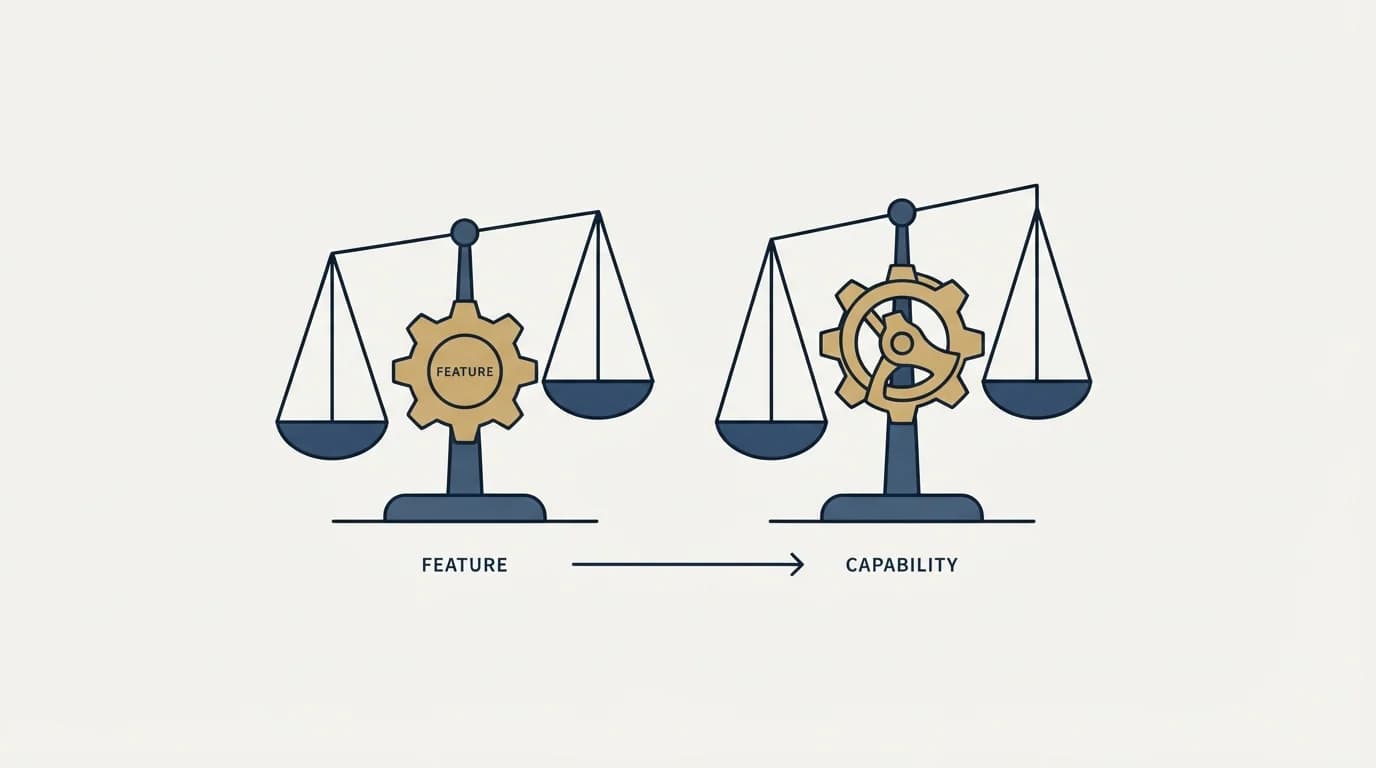
If extraction and workflow automation is genuinely the requirement, the useful axes are narrow and none of them is feature count.
Feature counts dominate elsewhere for a structural reason, and gifting vendors metering on five different units leave a comparison with grids because only one publishes a rate.
Maintenance model comes first. A hosted platform that fixes its own automations when a target changes is selling you the thing that actually costs money. A self-hosted scraper is cheaper per run and the maintenance lands on you, which is fine if you have the engineer and expensive if you do not.
Scheduling, retries and result storage come second. These are the boring parts that make a homegrown scraper a burden six months in, and a platform that has them solved is worth paying for even when the extraction itself is simple.
Escape hatch comes third. Whether a workflow that does not fit a template can be built rather than abandoned is the difference between a catalogue and a runtime. PhantomBuster's answer to that is custom scripts, an SDK and external dependencies, documented in PhantomBuster API.
Whether the vendor documents anything readable is the fourth and least glamorous axis, and it predicts your experience more than the feature list does.
It is also cheap to test before buying. Open the documentation and try to answer one specific question you already know the answer to. A vendor whose docs cannot tell you how authentication works, or what happens when a run fails, will not tell you anything harder later, and that is where the support burden comes from.
The rule that survives any switch
Extraction and sending belong on different accounts, in every tool in every category above.
Bulk profile extraction is prohibited separately from messaging in LinkedIn's terms, and it is detected differently. An account restricted for collection takes any sending it was also doing with it, and there is no way to unwind that afterwards.
This costs nothing to apply at the start and cannot be applied retroactively, which makes it the highest-value line in any migration plan. It also survives every tool change, which most configuration does not.
Who publishes the pages you are reading
Two of the highest-ranking pages for this query are published by PhantomBuster itself, comparing its own product against its alternatives. Several others are published by tools that appear on the list.
That is normal in this category and it is not a reason to ignore them. A vendor comparison is generally accurate about its own product and unreliable about everyone else's, particularly on price, which gets copied between comparison tables until the original source is gone. Figures also get lifted from whichever billing state happened to render, since monthly and annual both ship in one document across most of these pricing pages.
The more subtle bias is in the framing rather than the facts. An alternatives list ranks products by how closely they substitute for the incumbent, which assumes the incumbent was the right category. That assumption is exactly what is usually wrong here, and no ranking inside the list can surface it.
Chili Piper Alternatives untangles a similar bundling problem, separating the scheduling job from the routing job before naming any vendor.
Total cost, counted properly

The subscription is rarely the largest number in an extraction workflow, and comparing tools on it produces the wrong answer.
Count the engineer time instead. An automation that breaks once a quarter and takes half a day to fix costs more per year than most plans in this category, and it does so quietly because nobody invoices for it. A platform whose automations are maintained by the vendor is buying down exactly that line, which is the actual product.
Count the failure cost too. A pipeline that silently produces an empty file rather than an error is the standard failure mode here, and the cost lands downstream: a campaign built on a partial list, a report with a hole in it, a week before anyone notices. Whether a tool surfaces run status and console output in a way you can alert on is worth more than any extraction feature.
And count the account. If the collection runs from a LinkedIn account you also use for anything else, the possible cost is that account, and LinkedIn's help page is explicit that a restriction can be indefinite and that support will not explain it. That is not a line item anyone budgets, and it is the largest one on the page.
The option most people skip
Buying data instead of extracting it deserves more consideration than it gets, and the reason it gets skipped is usually habit rather than analysis.
Extraction feels free because the platform account already exists and the tool subscription is small. The costs are real and they are just deferred: maintenance when layouts change, the account risk described above, and the time of whoever babysits a run that produced an empty file.
A data provider converts all of that into a per-record price, removes the platform relationship from the collection step entirely, and lets the account you send from do nothing except send. For teams whose actual requirement is a list of the right people with verified contact details, that is the shorter path, and the buying criteria become match rate and verification quality rather than automation reliability. The verification half of that problem is covered in email verification tools.
Extraction wins when the data you need does not exist in any provider's database, which is a narrower case than it feels like from inside a workflow that already works.
The genuinely uncoverable cases are real though, and worth naming so the decision is not lazy in the other direction. Signals that are current rather than catalogued, membership of a group or attendance at an event, engagement with a specific post, or any list defined by behaviour rather than by firmographics: none of those live in a provider's database, and extraction is the only route to them. That is where a platform of this shape earns its subscription, and it is a much smaller share of most teams' data needs than the tooling implies.
If you actually wanted outreach
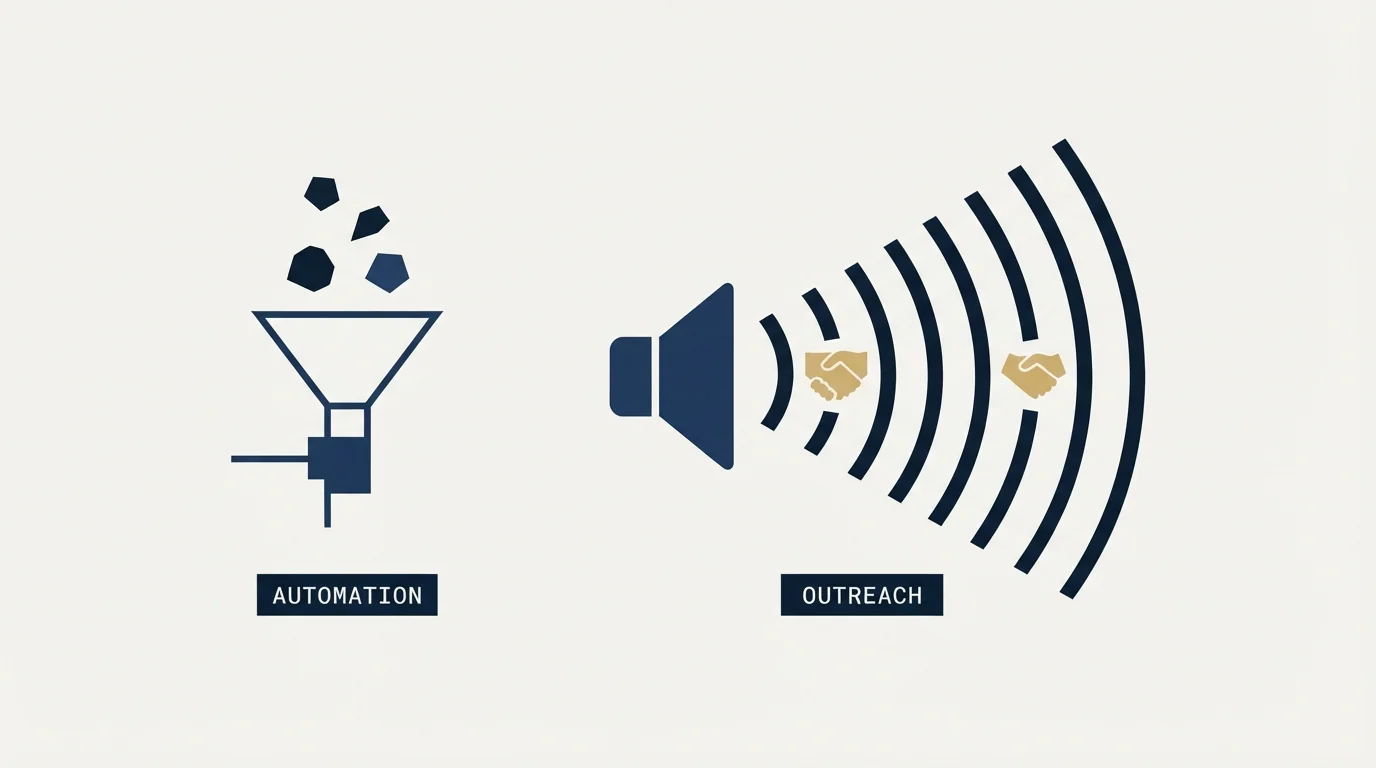
Then the shelf you want is the sequencers, and the choice there is decided by architecture and account count rather than by which product has the longer feature list.
One or two accounts belongs on a browser-resident tool at a tenth of the price of a cloud one. Many accounts across clients belongs on something priced around senders rather than software seats, which is the model we run client LinkedIn outreach on and the reasoning is in our HeyReach review. The full architecture comparison is in LinkedIn automation tools, and the product this page is about is covered in PhantomBuster.
What to settle before switching
Name the requirement in one sentence and check it against the three categories above, because most disappointment in this space is a category error rather than a product one.
Read any price you plan to act on from the vendor's own page with a date attached, and note that PhantomBuster's own pricing renders client-side so a scripted read returns nothing at all.
Plan the maintenance owner before the tool, since that is the recurring cost in this category and the one no comparison table shows.
And separate the accounts before the first run. If what you actually need is booked meetings rather than a data pipeline you maintain, get a free campaign plan and we will map the channel to your ICP before anything sends.
Pricing and features verified as of mid-2026. Verify current terms with the vendor before relying on them.
Frequently asked questions.
Frequently asked questions- What is the best PhantomBuster alternative?
- It depends which category you actually need. If you want campaigns and replies, you want a sequencer. If you want contacts without building anything, you want a data provider. If you want extraction and workflow glue you control, you are already in the right category and the comparison is about maintenance model.
- Should I buy data instead of scraping it?
- More often than people assume. Extraction feels free because the account and subscription already exist, but the costs are deferred into maintenance when layouts change, account risk, and time spent on runs that produced empty files. A provider converts all of that into a per-record price and removes the platform from collection.
- Is there a scraping tool LinkedIn permits?
- No. Its User Agreement prohibits using software, scripts, robots or crawlers to scrape or copy the service including profiles and other data, and prohibits distributing information obtained from it without the content owner's consent. Its help page states members using such tools risk having accounts restricted or shut down.
- What should I compare these tools on?
- Maintenance model first, since a platform that fixes its own automations when a target changes is selling the thing that actually costs money. Then scheduling, retries and result storage. Then whether a workflow that does not fit a template can be built rather than abandoned. Feature counts predict very little.
About the author.

B2B cold email experts helping companies generate qualified leads through done-for-you outreach campaigns.
RevenueFlow Team
Explore more.
Ready to scale your outreach?
We build GTM engines that book real meetings. See the receipts.
Related articles.
Outbound Lead Generation Tools, Layer by Layer
Outbound tools do six jobs and price on different units: contacts, credits, seats, sends. Thirteen vendors read from their own pages on 18 September 2026, by layer.
SalesRobot Pricing: Two Tabs, Yearly Opens First
SalesRobot prices LinkedIn per account and email per user on two tabs, with the LinkedIn tab opening on yearly. Both ladders at both states, quotas and credits.
Humanlinker Pricing: Euros First, Two Users for One
Humanlinker's Pro plan is priced in euros on a user slider where two users cost the same as one. Every slider step, the annual factor, and how the dollar figure is made.
La Growth Machine Pricing: Per Identity, Euros First
La Growth Machine prices per identity and loads in euros on annual billing. The full matrix from the page's own script: four periods, three currencies, three plans.
Best Time to Cold Call: What the Studies Counted
The best time to cold call figures traced to their originals: one inbound study from six companies, three vendor call datasets, and what survives the read.
Best Time to Send a Sales Email: What Was Measured
The send time studies behind the midweek morning answer, what each one actually counted, and why a broadcast finding does not transfer to a sales email.