Skylead: Priced for Agencies, With an Unlimited-Seat Tier
Skylead prices one seat at $100 and fifty at $999. That gap is the clearest statement of intent in its pricing, and it points squarely at agencies.
Skylead is a cloud platform combining LinkedIn automation and cold email in branching sequences, with a B2B database, enrichment and an AI SDR. Its pricing page published All-in-one at $100 per seat a month, and an Agency tier at $999 for 50 seats or $1,999 for unlimited seats.
Key takeaways
- Published rates on 16 August 2026 were $100 per seat on All-in-one, $999 for 50 seats and $1,999 for unlimited seats on Agency, with a quote-only annual option.
- Fifty seats at $999 is just under $20 a seat by our own arithmetic, which removes the usual tension between per-seat pricing and multi-account sending.
- The All-in-one plan publishes unlimited email accounts, 100,000 emails a month and email warm-up, which is infrastructure rather than scheduling.
- The annual option is published as paying ten months for twelve, and both the AI SDR and AI enrichment are listed as add-ons on the All-in-one tier.
Reviewed and updated September 2, 2026
Skylead prices a single seat at $100 a month and 50 seats at $999. Those two published figures are the clearest statement of intent in the tool's pricing: this is built for agencies running many client accounts, and the single-seat price exists so that solo buyers have somewhere to start. Fetched 16 August 2026.
What Skylead is
Skylead is a cloud platform combining LinkedIn automation and cold email in what it calls smart sequences, meaning branching flows where the next step depends on what the prospect did. It also ships a B2B database, account-based prospecting, AI data enrichment and, since 2026, an AI SDR that manages inbox conversations.
The published feature list on the All-in-one plan covers social automation, unlimited email automation, unlimited email accounts, 100,000 emails a month, email warm-up described as infinite, an email finder and verifier, spintax and Liquid syntax for message variation, unlimited image and GIF personalisation, API integration and localisation in seven languages.
The email side is unusually substantial for a tool sold into the LinkedIn category. Unlimited email accounts with warm-up included is an infrastructure feature rather than a sequencing one, and it is a genuine reason to look at this over a LinkedIn-only sequencer.
What it costs
- One seat
- Social automation and unlimited email automation
- Unlimited email accounts, 100,000 emails a month
- Infinite email warm-up
- Email finder and verifier
- Spintax and Liquid syntax
- Unlimited image and GIF personalisation
- API integration
- AI SDR and AI data enrichment as add-ons
- Everything in All-in-one
- Agency dashboard across all clients and seats
- Unified inbox across all client conversations
- Trainable AI SDR deployable across clients
- Granular client roles and permissions
- Client performance hub and risk alerts
- Dedicated support Slack channel
- White-label option with branded support
- Positioned for steady seat counts
- Everything in the All-in-one package
- Pay ten months and get two free
- White-label option
- Priced through a conversation rather than checkout
The agency arithmetic is the point. By our own arithmetic on those published figures, fifty seats at $999 is just under $20 a seat, against $100 for one. Unlimited seats at $1,999 means the marginal account costs nothing once you are past about a hundred, which is the pricing shape that matches how the channel actually wants to be run.
One layer down sits the plumbing itself, and the messaging API other outreach tools run on prices by linked account rather than by seat.
That matters more than it sounds. Safe LinkedIn sending means volume from sender count rather than per-account intensity, so a per-seat price is a tax on the correct operating model. A tool that stops charging per seat above a threshold removes that tension, and very few in this category do.
Teams weighing that per-seat tension might compare it with Waalaxy's invitation-allowance pricing, a hybrid tool whose published tiers hide a different volume ceiling.
The unlimited-seat tier and what it implies
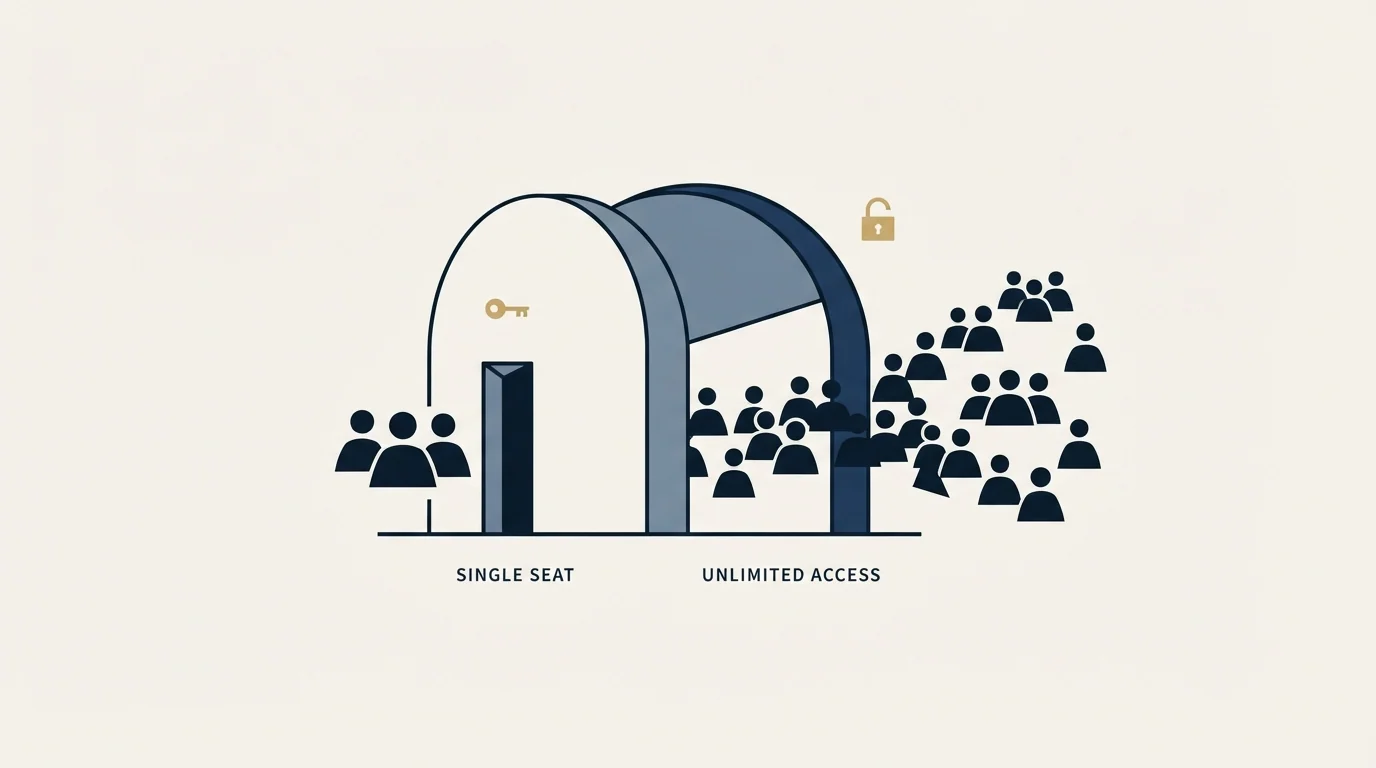
A vendor offering unlimited sender accounts for a flat fee is making an assumption about how you will use them, and it is worth being clear-eyed about it.
It is the right structure for an agency running twenty clients with five warmed accounts each. It is also the structure that makes it cheap to spin up large numbers of thin accounts, and thin accounts are the highest-risk objects in this channel regardless of what they cost.
LinkedIn's help page on invitation restrictions states that an account may be restricted when it has "sent many invitations within a short amount of time" or when many invitations are "ignored, left pending, or marked as spam", and that "if you send an excessive number of invitations and we suspect the use of an automation tool, we may suspend or restrict your account". None of that gets easier because the seats were free.
The operating discipline that makes an unlimited tier valuable rather than dangerous is the boring part: every account aged and completed before it automates anything, ramped over weeks rather than started at rate, held on a stable country-matched address, and watched on acceptance rate rather than on volume.
What LinkedIn's rules say
Skylead is a cloud tool and sits under the same rules as the rest of the category.
The User Agreement, effective 3 November 2025, prohibits members from using "software, devices, scripts, robots or any other means or processes (such as crawlers, browser plugins and add-ons or any other technology) to scrape or copy the Services", and from using bots "or other unauthorized automated methods to access the Services, add or download contacts, send or redirect messages".
LinkedIn's help page on prohibited software and extensions states that it does not permit third-party software that automates activity on the site, that members using such tools are in violation of the User Agreement, and that they "risk having their accounts restricted or shut down" while the tools themselves may become non-functional without notice.
No vendor is exempt and none is approved. The difference between vendors is architecture and operating rate.
The AI SDR, and what to ask about it
Skylead's changelog announced an AI SDR in 2026, described as managing inbox conversations to book meetings, trainable on company knowledge and available in automatic or semi-automatic modes.
That is a genuinely useful capability and it introduces a specific question worth settling before switching it on. An automated responder that replies inside a LinkedIn thread is, by construction, sending messages a person did not write to a person who replied to something else. In automatic mode it will follow up. Whether that reads as responsive or as a bot depends almost entirely on how quickly it hands off.
Our own position on this is doctrinal rather than technical. We send one message per campaign and never bump, and we do not run LinkedIn no-reply retargets, because a second message lands underneath the one they ignored and reads as a nudge whatever the campaign structure calls it. An AI responder that only ever answers a genuine reply is consistent with that. One configured to chase silence is not, and semi-automatic mode is the setting that keeps the distinction.
- Yes: Does it only respond to genuine replies, never to silence
- Yes: Does a human see the draft before it sends, at least initially
- Yes: Does it hand off cleanly once a prospect asks something specific
- No: Is it configured to follow up on non-repliers
- No: Does it send from accounts you cannot afford to lose
The email infrastructure claim

Unlimited email accounts with warm-up included is the feature most likely to be over-read. Warm-up inside a sequencer is a real thing and it is not the same as sending infrastructure that has been set up properly.
Authentication, domain separation from your main brand, sensible per-inbox volumes and a list that is actually verified all sit upstream of any warm-up feature. A tool that warms an inbox on a misconfigured domain warms a problem. The general shape of getting that right is in email verification tools on the list side.
The 100,000 emails a month figure is likewise a ceiling rather than a target. Volume through cold email is governed by the number of healthy inboxes and the per-inbox daily rate, not by a plan allowance.
Smart sequences, and the branch that matters
Branching sequences are the feature this category advertises hardest, and most of the branches people build do not earn their complexity.
The genuinely useful branch is the channel one: if the connection request is accepted, continue on LinkedIn; if it is not, continue by email to the same person. That branch does real work, because it routes around a failure mode rather than repeating into it.
The branch that does not earn itself is the follow-up ladder. If no reply after three days, send message two; if still nothing, send message three. Every step in that ladder lands in the same thread underneath a message the recipient already chose not to answer, and the reason it feels productive is that it produces activity rather than replies.
Our position on this is fixed and it is worth stating in a review of a tool built to make ladders easy. We run one message per campaign, with no bumps and no thread replies, and we do not run LinkedIn no-reply retargets. When a segment is worth touching again, it gets a new campaign with a genuinely different angle rather than another step appended to the old one. That is a different message to a person who has not yet declined it, which is not the same act as nudging.
Which means the smart-sequence feature is worth paying for here mainly for its channel logic and its conditional targeting, and the branch depth is the part to leave unused.
Who it suits

Agencies running LinkedIn and email across many client accounts, which is what the seat pricing is built for and where it is genuinely competitive against the per-seat cloud tools.
Choosing between Skylead's seat-based pricing and rival tools comes down to knowing which pricing pages still exist, which the Zopto to Zeekeo redirect explains for buyers checking old roundups.
Teams that want both channels from one system and will use the database and enrichment rather than buying them separately.
It suits a single seller less well at $100 a month, where cheaper extension-based tools cover the LinkedIn half at a fraction of the price. The comparison across architectures is in LinkedIn automation tools, and the multi-sender model we run client work on is in our HeyReach review.
What to settle before buying
Ask how sender accounts are addressed, whether each gets a stable country-matched IP, and what happens to that address across a pause. That property is what the cloud architecture rests on.
Ask what the AI SDR and enrichment add-ons cost, since both are listed as add-ons on the All-in-one tier rather than included.
Ask what the annual tier actually prices at, because it is quote-only and the published ten-for-twelve structure is the only public detail.
Re-read on 4 September 2026, the pricing page still prints $100 per seat per month, $999 for 50 seats and $1,999 for unlimited seats, with the Annual tier still quote-only, and the page's own structured data dates its last modification to 11 August 2026.
And decide the per-account operating rate before the seat count, because unlimited seats make it easy to add accounts and no easier to keep them. If you would rather have that discipline already running, get a free campaign plan and we will map the channel to your ICP before anything sends.
Pricing and features verified as of mid-2026. Verify current terms with the vendor before relying on them.
Frequently asked questions.
Frequently asked questions- How much does Skylead cost?
- Its pricing page published All-in-one at $100 per seat a month, with an Agency tier at $999 for 50 seats or $1,999 for unlimited seats, and a quote-only annual option described as paying ten months and getting two free. AI SDR and AI data enrichment are listed as add-ons rather than included.
- Is the unlimited-seat tier worth it?
- It is the right structure for an agency running many clients with several warmed accounts each, because the marginal account costs nothing past roughly a hundred. It also makes it cheap to spin up thin accounts, which are the highest-risk objects in this channel regardless of what the seat cost.
- Should I use the AI SDR?
- Settle one thing first: whether it only ever responds to genuine replies, or whether it will also chase silence. An automated responder answering a real reply is reasonable. One configured to follow up on non-repliers is a bump under a different name, which is a shape we do not run on either channel.
- Does the email side replace sending infrastructure?
- No. Warm-up inside a sequencer is real and it is not the same as authentication, domain separation from your main brand, sensible per-inbox volumes and a verified list. Those sit upstream of any warm-up feature, and warming an inbox on a misconfigured domain warms a problem.
About the author.

B2B cold email experts helping companies generate qualified leads through done-for-you outreach campaigns.
RevenueFlow Team
Explore more.
Ready to scale your outreach?
We build GTM engines that book real meetings. See the receipts.
Related articles.
The Real Cost per 1,000 Emails, Verifications and Data Credits in 2026
Unit prices computed from verified vendor plans: $1.00 per 1,000 emails sent, $2.00 per 1,000 verifications and $19.60 per 1,000 enrichment credits.
What Cold Email and Sales Tools Actually Cost in 2026: Pricing Data From 386 Vendors
RevenueFlow's verified dataset of 386 sales tools puts the median starting price at $39.98 a month. Here is the spread by category, tier and billing model.
Annual vs Monthly Billing: How Much Sales Tools Discount for Paying Yearly
Across 112 verified sales tools with both rates on record, the median discount for annual billing is 20.0%, and it only pays off after month 9.6.
Free Tiers and Trials in Sales Tools: What $0 Gets You Across 386 Vendors
37.0% of 386 verified sales tools have a permanent free plan. The median free data tier gives 50 credits and the median free sending plan 2,500 emails a month.
SalesRobot Pricing: Two Tabs, Yearly Opens First
SalesRobot prices LinkedIn per account and email per user on two tabs, with the LinkedIn tab opening on yearly. Both ladders at both states, quotas and credits.
Humanlinker Pricing: Euros First, Two Users for One
Humanlinker's Pro plan is priced in euros on a user slider where two users cost the same as one. Every slider step, the annual factor, and how the dollar figure is made.