Warmbox: What the Pricing Page Commits To
Warmbox publishes a specific warmup plan ladder with inbox counts and daily sends attached. What those plans actually price, and the two things the page leaves open.
Warmbox's pricing page publishes three plans in its default view: Solo at $15 a month for 1 inbox, Start-up at $69 for 3, and Growth at $139 for 6, each with a daily send allowance attached. A billing toggle swaps those figures to $19, $79 and $159, and the page does not make clear which set is annual.
Key takeaways
- Warmbox's pricing page publishes three plans by default: Solo at $15 a month for one inbox and 50 sends a day, Start-up at $69 for three inboxes, and Growth at $139 for six.
- Cost per inbox is not flat across the ladder. Solo works out at $15 per inbox, while Start-up and Growth both land near $23 with the same per-inbox daily allowance.
- The published ladder stops at six inboxes. A larger programme has no published price at all and routes to a contact form.
- A billing toggle swaps the prices to $19, $79 and $159, and the page's own labelling does not settle which set is the annual rate.
Reviewed and updated September 1, 2026
A team running twelve mailboxes for cold outreach goes looking for what warmup will cost. Warmbox is one of the few vendors in the category where that question has a published answer on the page rather than behind a demo booking, and its pricing page lays out three named plans with inbox counts and daily send allowances attached to each. Then two things happen. The ladder stops at six inboxes, which is below what most real sending programmes run. And a billing toggle changes every price on the page.
Neither of those is a criticism. A vendor that publishes a specific ladder is doing something a lot of this category declines to do at all, and a published number you can check is worth more than a friendly sales call. What follows is what Warmbox's own surfaces commit to, read closely, and what they leave open.
A Warmbox review that only compares feature lists misses the question that matters, which is what the published ladder commits to and what it leaves open.
What the homepage says the product does
Warmbox's homepage describes its mechanism in unusually plain language for a warmup vendor:
Warmbox will send everyday realistic emails from your inbox, remove these emails from the spam folder, open & bookmark these emails, reply to a part of these emails and generate positive interactions with your inbox to raise your email sending reputation.
A shorter line on the same page frames it as sending mail from your inbox and interacting with it "as perfect leads would do". The homepage also claims a pool of "+35,000 inboxes ready to raise your email reputation" and says the product is "Already trusted by +5,000 companies". Both of those are vendor claims on a vendor page, and they describe the size of the network rather than any outcome from it.
That description establishes exactly one thing, and it is worth being precise about what it is. It tells you what activity the tool generates. Generated activity between pool mailboxes is not evidence about how a real recipient's filter will treat a real campaign to a real stranger, because the pool members are cooperating and your prospects are not. The broader question of why no warmup vendor publishes controlled placement data is covered in our email warmup tools breakdown, and it applies to this vendor the same as the rest.
The published ladder
The pricing page shows three priced plans plus a contact tier. As published, the default view is:
- 1 inbox warm-up
- daily allowance of 50
- 1 member
- Premium support
- 3 inbox warm-up
- daily allowance of 250
- 3 team members
- Premium support
- 6 inbox warm-up
- daily allowance of 500
- 6 team members
- Enterprise support
Above Growth there is a "Team" tier carrying "Need more?" and a "Contact Us" link rather than a price, with the page offering "flexible plans that can fit any needs, for any sending volumes".
The reason this ladder is useful is that it caps two things together. Each plan names a number of inboxes and a total daily send allowance, so you can work out both what an inbox costs and how much daily volume each inbox is allowed. Most warmup vendors publish one of those at best.
What the ladder actually prices
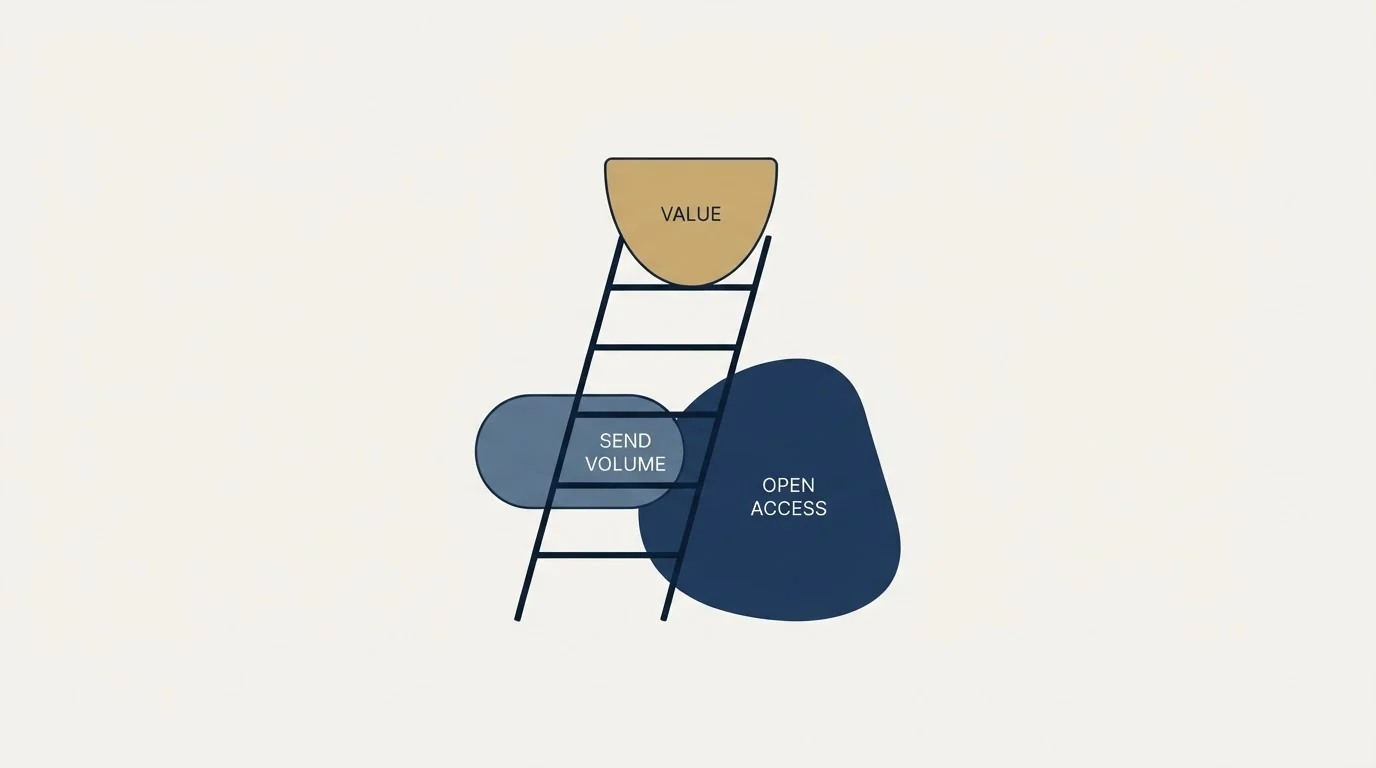
Divide the published monthly figure by the published inbox count, and divide the published daily allowance by the same number, and the shape of the ladder comes out clearly.
1 inbox, daily allowance of 50
3 inboxes, about 83 a day each
6 inboxes, about 83 a day each
Two observations follow, and the second one matters more than the first.
Solo is the cheapest inbox on the ladder at $15, and it is also the most restricted, allowing 50 sends a day for that inbox. Start-up and Growth land within seventeen cents of each other per inbox, and both allow the same roughly 83 sends per inbox per day. So above the entry plan, moving up the ladder buys you more inboxes at what is effectively a flat rate. There is no volume discount as you scale, and no additional per-inbox headroom either.
The more useful observation is where the ladder ends. Six inboxes is the top of the published pricing. A programme running twelve mailboxes, or twenty, or a hundred, has no published price at Warmbox at all and lands on the same "Contact Us" path that most of this category uses from the start. That is worth knowing before you build a comparison spreadsheet around the headline figures, because the plans you can actually read are the small ones, and the size you are likely to run is the one you have to ask about. If you are working out what daily volume your mailboxes should carry in the first place, provider ceilings are the constraint that binds, and those are covered in our guide to email sending limits by provider.
The billing toggle, which the page does not settle
The pricing page carries a toggle with two labels, "YEARLY BILLING" and "MONTHLY BILLING". Flipping it swaps the entire price set. The default view shows $15, $69 and $139. The alternate view shows $19, $79 and $159 against identical inbox counts, identical daily allowances and identical support tiers.
Here is the part to be careful with. The page does not make it unambiguous which set is the annual rate. Its underlying markup labels the default row as the monthly one and the alternate row as the yearly one, while the "YEARLY BILLING" label itself carries a class name that says monthly. Read at face value, that arrangement puts the yearly rate above the monthly rate on every plan, by $4 on Solo, $10 on Start-up and $20 on Growth, which inverts the usual convention where committing to a year costs less per month rather than more.
We are not going to pick a winner between those readings, because the page does not support one. What we can say is the useful thing for a buyer: the pricing page shows one set of numbers by default, a toggle swaps them for a second set, and the page's own labelling does not settle which commitment each set belongs to. Confirm which is which in writing before you put a card in, and confirm it against the checkout rather than the marketing page.
This is not an unusual failure. Pricing pages with monthly and annual states render both into one document, and the state a visitor sees by default is frequently not the state a scraper or a roundup writer records. It is the single most common way a published vendor price gets misreported downstream.
What the page does not commit to

Three absences are worth naming, because they define what the published ladder is evidence of.
There is no published inbox placement figure. Nothing on the pricing page or the homepage states what proportion of mail lands in the primary inbox before or after warming, under any test conditions. The plans are priced in inboxes and daily sends, which are inputs, and the output is not quantified anywhere on the page.
The only improvement figure anywhere on the site is a customer testimonial attributed to a named marketing manager, rather than a measurement the vendor performed and described. We are deliberately not repeating the number here. A testimonial is a customer's recollection of their own result under conditions nobody documented, and reproducing it as though it were a vendor benchmark is how unverifiable figures enter circulation.
On timing, the pricing FAQ does commit to something, and it phrases it this way: "it's usually took between 15-30 days of warming without any interruption to see the first results." That is quoted as published, grammar included. Note what it promises, which is a window in which first results appear, with no statement of what those results are measured in.
Where warmup sits in the order of operations
Warmup is one input to sender reputation, and it is neither the first nor the largest. Authentication has to be correct, the domain needs to be clean, the list has to be real, and the volume ramp has to be genuine rather than a number you jump to once a dashboard turns green. The order those steps go in when standing up a new sending domain is worked through in the domain warmup guide, and the wider price landscape for the category sits in the survey of email warmup services. Anyone shopping this specific tool against its neighbours will also find a list of Warmbox alternatives.
Warming runs continuously on the mailboxes we operate ourselves, and we treat it as maintenance rather than as a placement strategy. The levers that actually move inbox placement are list quality, relevance and restraint on volume. We send one message per campaign and run no thread follow-ups or bump sequences, which keeps complaint rates low for a reason no warmup pool can reproduce: fewer people are annoyed.
What to settle before you buy
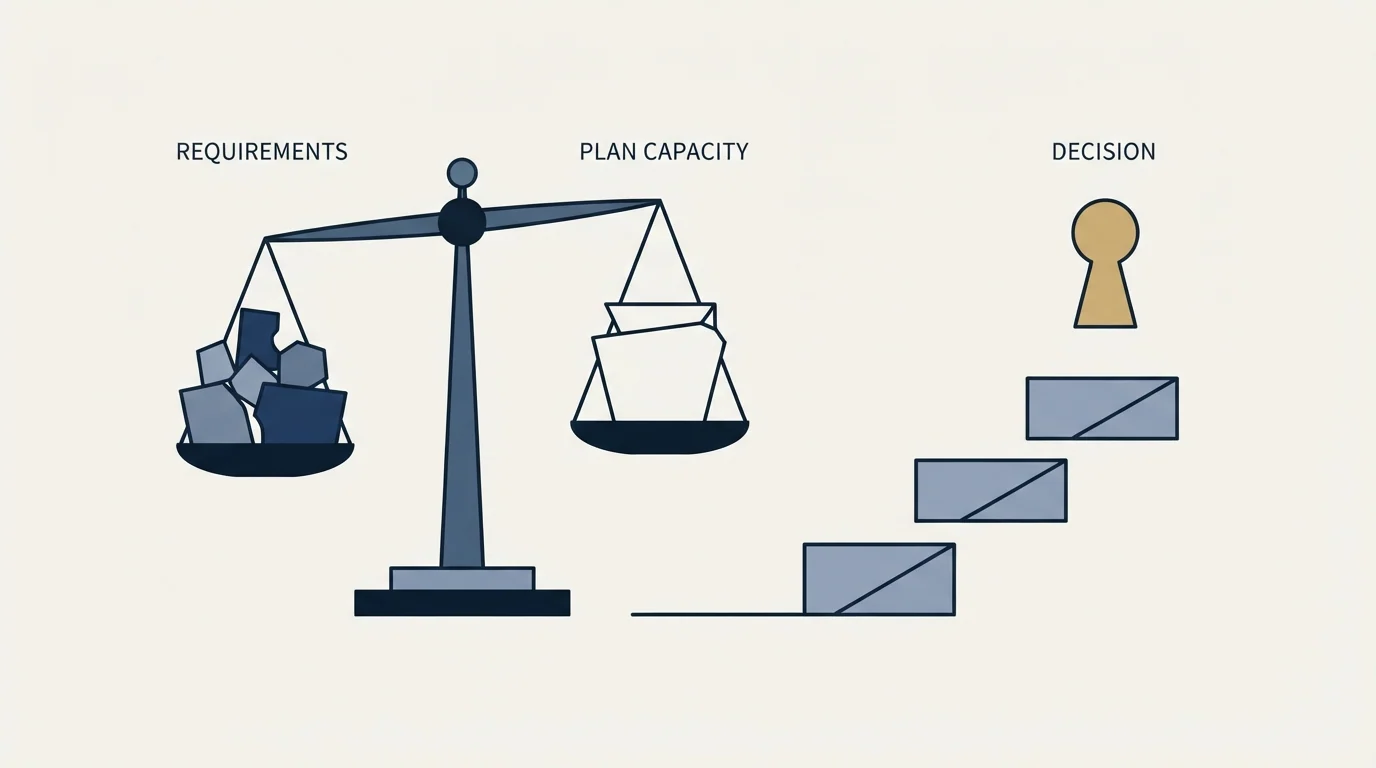
- Yes: What each plan includes in inboxes, daily sends and seats
- Yes: What a single inbox costs on each published tier
- Yes: How long the vendor says first results take
- No: Which price set is monthly and which is annual
- No: What it costs above six inboxes
- No: Any measured inbox placement figure, before or after
- Depends: Whether your sending platform already bundles warmup
The yes rows are the reason this vendor is easier to evaluate than most of its category. The no rows are the reason you still need a conversation before a programme of any real size can budget for it.
Since Warmbox handles warmup rather than outreach itself, see the outreach and warmup comparison for how it pairs with a sending platform like Klenty.
The GMass and Warmbox comparison explains why the two tools cover different stages of outreach and are typically paired rather than chosen between.
For a small programme sitting inside the published ladder, the arithmetic above is enough to make a decision without talking to anyone, which is genuinely rare here. For anything larger, treat the published figures as the floor of a quote rather than the quote, and get the toggle question answered in writing.
If what you actually want is meetings rather than a warmup dashboard, we will run the programme end to end. Prepay one qualified meeting, and if we do not book it within 30 days you get a full refund.
Sources: Warmbox homepage, Warmbox pricing
Pricing and features verified as of mid-2026. Verify current terms with the vendor before relying on them.
Frequently asked questions.
Frequently asked questions- How much does Warmbox cost?
- Warmbox's pricing page publishes three plans in its default view: Solo at $15 a month for one inbox and 50 emails a day, Start-up at $69 for three inboxes and 250 a day, and Growth at $139 for six inboxes and 500 a day. Above that a Team tier carries a contact link rather than a price. A billing toggle changes all three figures.
- Does Warmbox charge more for annual billing?
- The pricing page shows $15, $69 and $139 by default, and a toggle labelled yearly and monthly swaps them to $19, $79 and $159. The page's visible labels and its underlying markup do not settle which set belongs to which commitment, and read at face value the arrangement puts the yearly rate above the monthly one. Confirm it in writing before paying.
- What does Warmbox actually do to a mailbox?
- Its homepage says Warmbox sends realistic emails from your inbox, removes them from the spam folder, opens and bookmarks them, replies to some of them, and generates positive interactions to raise sending reputation. That describes generated activity between pool mailboxes, which is different evidence from how a real recipient's filter treats a real campaign.
- How long does Warmbox say warmup takes?
- Its pricing FAQ states it usually takes between 15 and 30 days of warming without interruption to see first results. Note what that commits to, which is a window in which results appear rather than a measure of what those results are. No inbox placement figure is published on either the pricing page or the homepage.
About the author.

Tim Carden is CMO / CTO at RevenueFlow, which builds and operates outbound revenue engines for B2B companies. Studied at McGill University.
Tim Carden · CMO / CTO
Connect on LinkedIn →Explore more.
Ready to scale your outreach?
We build GTM engines that book real meetings. See the receipts.
Related articles.
Warmy.io: The Pricing Page Publishes No Price
Warmy.io's pricing page ranks first for its own pricing and publishes no figure. What it does publish, how that absence was verified, and how to get a comparable quote.
Mailjet Pricing: What Each Tier Costs at Your Volume
Mailjet's page renders against three controls, so a quoted figure means little without them. The ladder as served, what each tier adds, and the VAT line.
Email Warmup Tools: What Actually Moves Placement
Warmup pools are now free in every major sending tool. What the mechanism actually is, why nobody publishes controlled placement data, and the levers that do work.
Email Warmup Services: What They Do and What They Cost
What warmup actually does, what the market charges, how long vendors say it takes, and why the published evidence for how much it helps is thinner than the marketing.
Migrating Cold Email Tools Without Losing Domain Reputation
Domain reputation survives a platform switch. Warmup schedules, sending caps and suppression lists do not. How to sequence a migration so mailboxes come through intact.
How Lemwarm Works: The Network, the Ramp and the Score
What lemwarm's pool of real inboxes does, how the ramp is sized in the vendor's own numbers, what the score is made of, and where the tool stops.