Migrating Cold Email Tools Without Losing Domain Reputation
Domain reputation survives a platform switch. Warmup schedules, sending caps and suppression lists do not. How to sequence a migration so mailboxes come through intact.
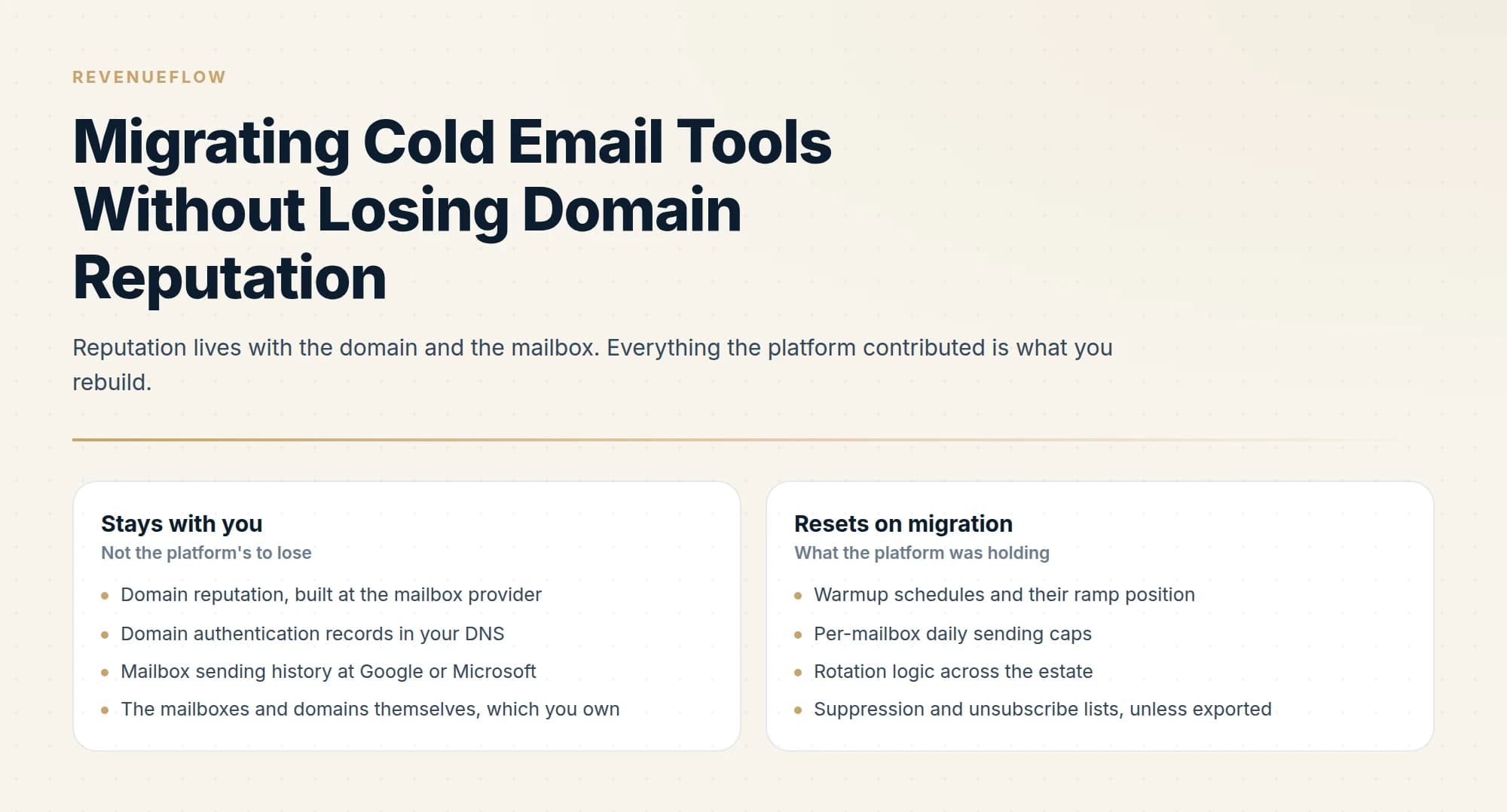
Domain reputation and mailbox history stay with you, since they live at the mailbox provider. Warmup schedules, per-mailbox caps, rotation logic and suppression lists reset. Export suppression lists before cancelling, move mailboxes in tranches, and re-ramp volume rather than resuming.
Key takeaways
- Suppression and unsubscribe lists live inside the platform, so export them before cancelling or you will re-contact people who opted out.
- Moving mailboxes in tranches of 10% to 20% means a misconfiguration hits part of the estate rather than all of it.
- Re-ramp volume after migration, because the pacing that built your reputation belonged to the old platform and the new one starts on its defaults.
- Custom tracking domains are platform-specific and are the reliable post-migration surprise, leaving links broken or pointing at old infrastructure.
Reviewed and updated September 5, 2026
Switching cold email platforms is mostly a data-export problem, and the part that goes wrong is the part nobody plans: the mailboxes. Your domains and their reputation do not belong to the sending tool, which is the good news. What belongs to the tool is the pacing, the warmup schedule and the rotation logic, and disconnecting a mailbox from one platform and reconnecting it to another resets all three at once.
Handle the mailboxes carefully and a migration is uneventful. Handle them the way most teams do, moving everything over a weekend and resuming at the old volume on Monday, and you get a deliverability dip that looks like the new tool is worse.
What actually carries over, and what does not
- Domain reputation, built at the mailbox provider
- Domain authentication records in your DNS
- Mailbox sending history at Google or Microsoft
- The mailboxes and domains themselves, which you own
- Your list, if you export it before cancelling
- Warmup schedules and their ramp position
- Per-mailbox daily sending caps
- Rotation logic across the estate
- Suppression and unsubscribe lists, unless exported
- Reply threading and conversation history
The right-hand column is the migration risk, and the last two lines are the ones with consequences beyond deliverability.
Suppression lists are the item to be paranoid about. Unsubscribes, bounces and people who asked not to be contacted live in the platform, and a migration that leaves them behind means re-contacting people who explicitly opted out. That is a compliance problem and a reputation problem simultaneously, and it is entirely preventable by exporting before you cancel. Do it first, not last, because access ends when billing does.
Reply history does not follow either. Ongoing conversations sit in the old platform's unified inbox. Either finish them there before cutting over, or accept that context is lost and brief whoever handles replies.
Sequence the cutover
- Step 1Export everything first
Suppression lists, unsubscribes, bounces, active leads, campaign copy and reply history, while the old subscription is still live.
- Step 2Run both platforms in parallel
Keep the old one sending while the new one is configured. Overlapping subscriptions for a month is cheap insurance.
- Step 3Move mailboxes in tranches
Migrate 10% to 20% at a time, re-ramping each tranche from low volume rather than resuming at the previous rate.
- Step 4Verify authentication on every domain
Re-check SPF, DKIM and DMARC after the move, including any custom tracking domain, which is frequently platform-specific.
The tranche approach is the whole discipline. Moving 20 mailboxes and watching them for a week tells you whether the new configuration is sound while 80 mailboxes are still producing pipeline on the old one. Moving all 100 at once means any misconfiguration hits your entire estate simultaneously, and you find out from a bounce rate rather than from a test.
Re-ramp rather than resume
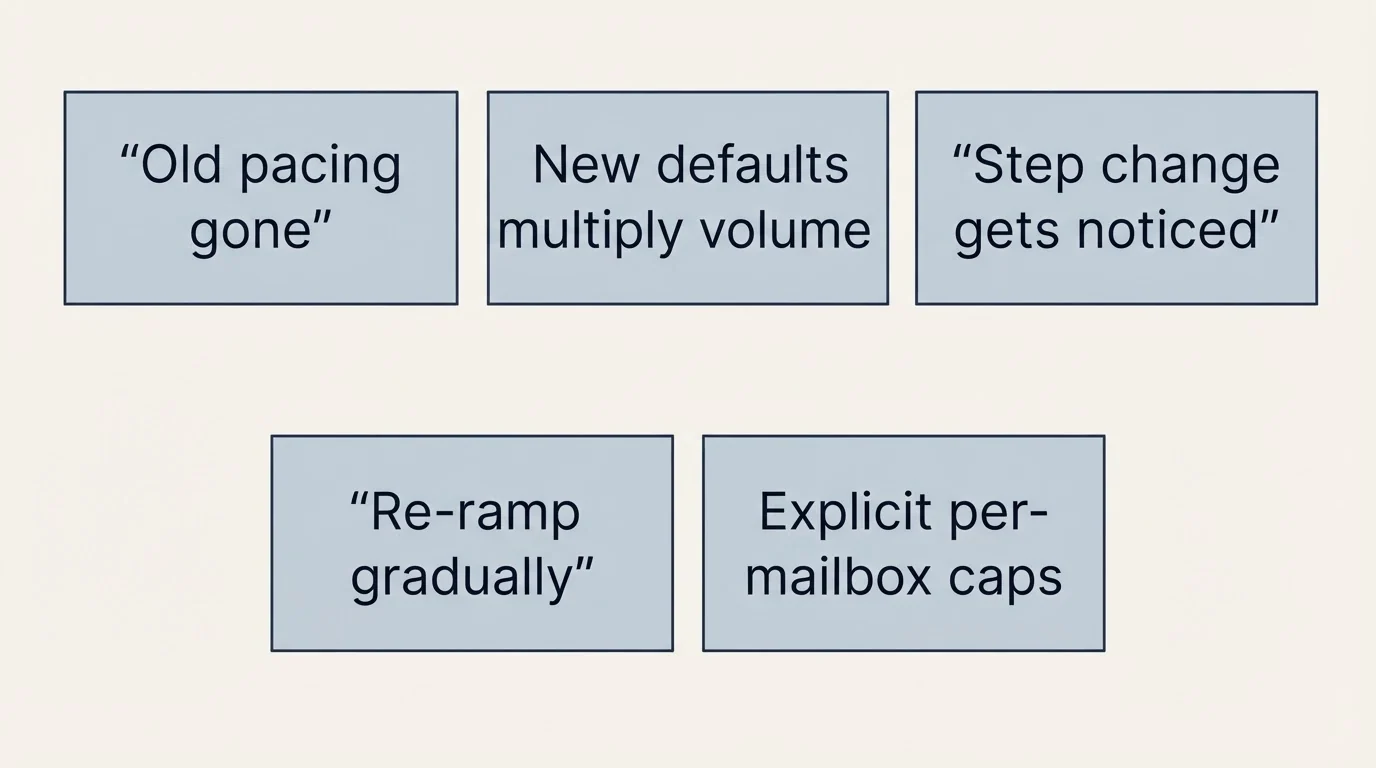
This is the single most common mistake, and the reasoning behind it is superficially sensible: the mailboxes are already warm, the domains already have history, so why start slow?
Because the pacing that produced that history is gone. The old platform was enforcing a per-mailbox daily cap and rotating in a particular pattern, and the new platform starts with its own defaults. A mailbox that was sending 25 a day inside a careful rotation can be handed 80 a day by a new tool's default configuration, and the mailbox provider sees a step change in behaviour from an address it had a stable picture of.
Sudden volume changes are exactly what reputation systems are built to notice. Re-ramping over a week or two costs very little and removes the risk entirely.
Set the new platform's per-mailbox caps explicitly rather than accepting defaults. On Smartlead the relevant account settings are warmup_enabled, max_email_per_day and daily_rampup, which are exposed through its API and can be set programmatically per account. Instantly exposes warmup enable and disable through background jobs, and both platforms include unlimited email accounts and warmup on their paid plans, so there is no cost reason to rush the ramp.
Re-verify the things that silently break
- Yes: SPF, DKIM and DMARC still pass on every sending domain
- Yes: The custom tracking domain is reconfigured and resolving
- Yes: Suppression and unsubscribe lists are fully imported and spot-checked
- Yes: One-click unsubscribe headers are present on outgoing mail
- Yes: Per-mailbox daily caps are set deliberately, not left at platform defaults
- No: Resuming at the previous send volume on day one
- Depends: Whether any mailboxes should be retired rather than migrated
The tracking domain is the reliable surprise. Custom tracking domains are configured per platform, and a CNAME pointing at your old provider either stops resolving or keeps resolving to infrastructure you no longer use. Either way, links in your emails are broken or pointing somewhere unexpected, which is both an engagement problem and a trust problem.
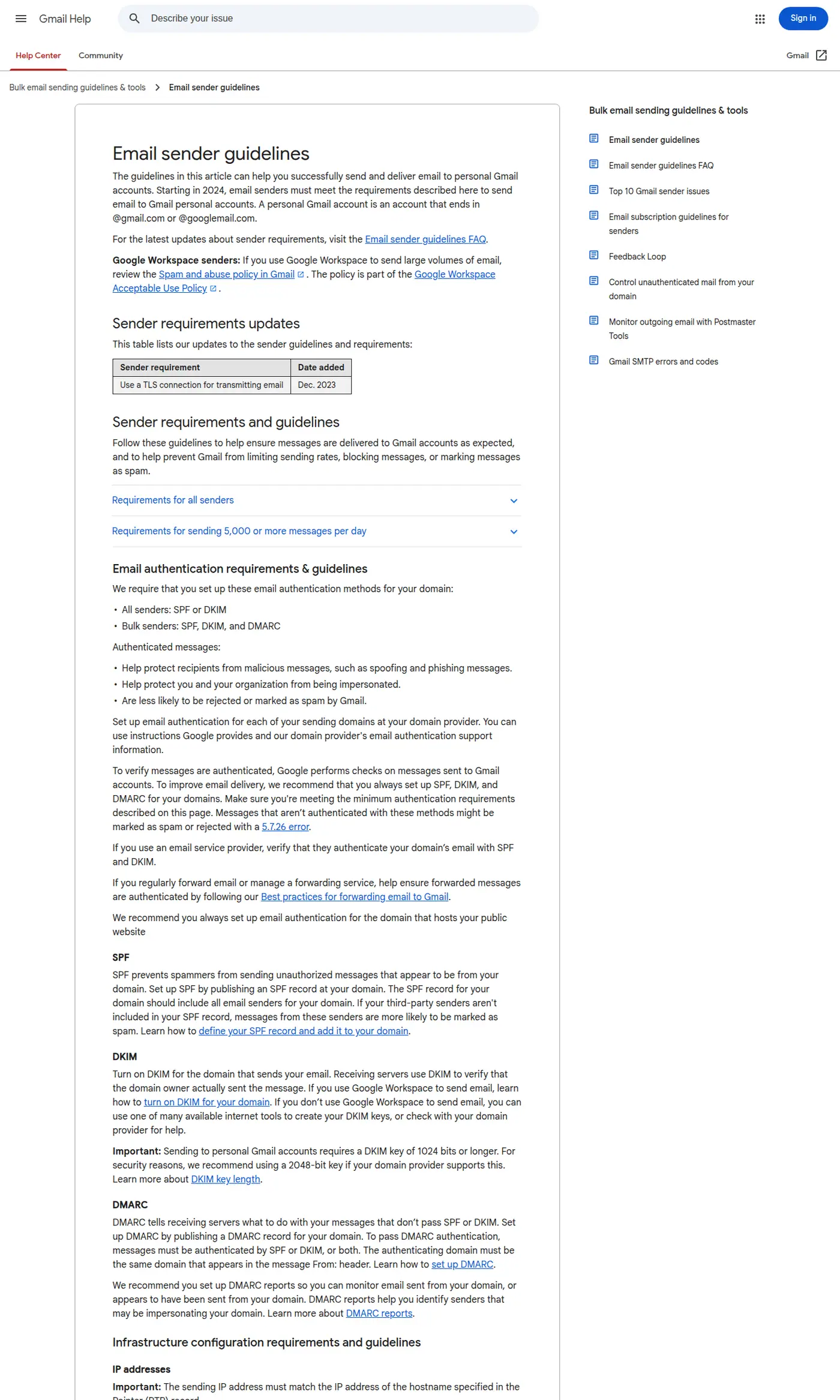
Authentication needs re-verifying even when you changed nothing, because the migration is exactly when someone edits DNS under time pressure. Google requires SPF or DKIM for all senders, valid forward and reverse DNS records, and TLS, with SPF, DKIM and DMARC all required above 5,000 messages a day to Gmail. Above that threshold, marketing and subscribed messages must also support one-click unsubscribe, implemented with the List-Unsubscribe-Post: List-Unsubscribe=One-Click and List-Unsubscribe headers. Confirm your new platform sends those. The SPF, DKIM and DMARC guide covers the setup, and Google Postmaster Tools is where you watch the result.
Rebuild the campaigns rather than porting them
The temptation is to recreate the old campaigns exactly, on the reasoning that they were working and a migration is not the time to change things.
The reasoning is sound about the mechanics and wrong about the copy. Campaign structure, sending windows and pacing should be replicated deliberately, because those are the variables you want held constant while the estate settles. Copy is different: you are already rebuilding it by hand, and this is the cheapest opportunity you will get to drop the variants that were never performing.
Pull per-campaign reply rates from the old platform before you cancel, and port the ones that earned their place. Anything that ran for months at a reply rate you would not accept from a new campaign is not worth carrying over just because it exists.
One structural note while you are rebuilding. We run one message per campaign and do not port follow-up steps, which means a migration is also the moment we would collapse a multi-step sequence into its best-performing single message. Most of the market runs sequences and will port them intact; if you do, port the pacing between steps too, because a sequence compressed by a new platform's default delays sends more mail in less time to the same people.
Treat it as a chance to retire dead weight
A migration is the cheapest moment to stop paying for mailboxes that were never working.
Most estates accumulate them: domains with a bad history, mailboxes that were provisioned for a campaign that ended, addresses on domains that have been blacklisted at some point. Migrating them means carrying that history into the new setup and paying seat costs for it indefinitely.
Pull per-mailbox performance from the old platform before you cancel. Anything with a persistently poor placement history or an unexplained bounce pattern is a candidate for retirement rather than migration. If a domain has been blacklisted, the blacklist check and recovery guide covers whether it is salvageable.
The same logic applies to the list. A migration that imports 40,000 contacts nobody has verified in six months starts the new platform with the bounce rate that ended the old one. Re-verify before the first send.
Who should not migrate right now
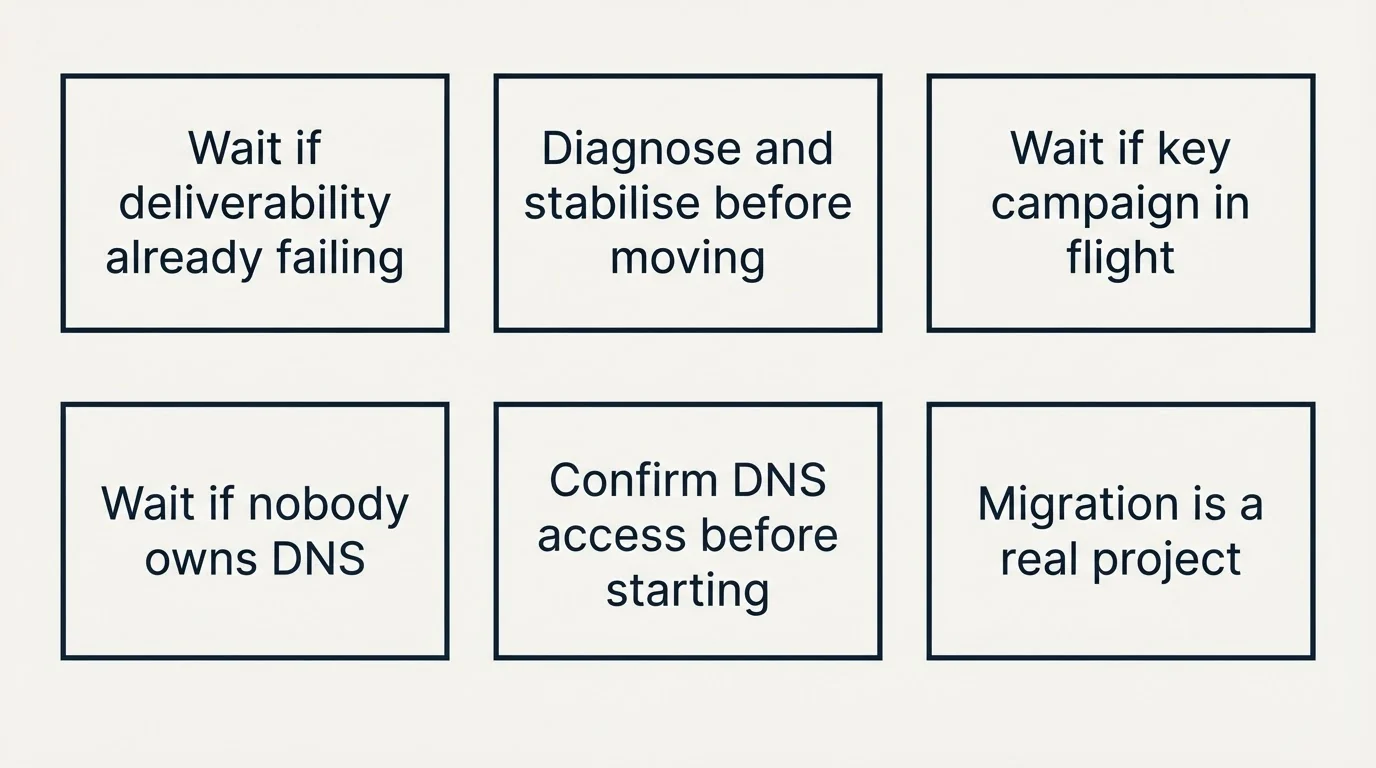
Three situations where the answer is to wait, because a migration adds a variable at the worst moment.
You are already having a deliverability problem. Moving platforms mid-problem makes the cause unknowable: you will never separate what the old setup was doing from what the new one changed. Diagnose and stabilise first, then move.
You are inside a campaign that matters. A migration costs a few weeks of reduced volume during the re-ramp. If a quarter depends on the pipeline currently in flight, finish it.
Nobody owns the DNS. If the person who can edit records is on leave or outside the company, a migration will stall at the authentication step with mailboxes half-moved, which is the worst state to sit in. Confirm access before starting rather than discovering it at cutover.
The general principle is that a migration is a project with a real cost, not an afternoon of exports. The cost is worth paying when the new platform genuinely fits better. It is not worth paying to escape a problem the platform is not causing.
Watch the right numbers afterwards
For the first two weeks, bounce rate and spam complaint rate matter more than reply rate, because they move first and they are what mailbox providers act on. Google's published threshold is spam rates in Postmaster Tools below 0.30%. Reply rate is noisy over short windows and will tell you nothing useful until volume has recovered.
If something has gone wrong, it shows up in bounces within days and in placement within a week or two. The deliverability guide covers diagnosis, and what warmup tools actually do is worth reading before you rely on a warmup score to tell you the migration went fine.
For the platforms themselves, the Smartlead review covers what one of the common destinations includes.
We run sending infrastructure as part of our outbound engagements, on a pay-per-qualified-meeting basis, which means migrations like this are our problem rather than a weekend you have to plan. You can see what a campaign would look like for your market.
Warmup and account settings are per Smartlead's and Instantly's API documentation, and plan inclusions per their pricing pages, all fetched 11 August 2026. Sender requirements, the 0.30% spam-rate threshold and the one-click unsubscribe headers are per Google's published sender guidelines, same date. Verify current requirements before migrating.
Sources: Google email sender guidelines, Smartlead email accounts and warmup, Instantly pricing
Frequently asked questions.
Frequently asked questions- Will switching cold email tools hurt my deliverability?
- Not inherently. Domain reputation and mailbox sending history live at the mailbox provider, not in the platform, so they come with you. The damage comes from resuming at full volume on the new tool's default pacing, which presents as a sudden behaviour change on mailboxes the provider had a stable picture of.
- What do I need to export before cancelling?
- Suppression lists, unsubscribes and bounces first, because re-contacting someone who opted out is both a compliance and a reputation problem. Then active leads, campaign copy and reply history. Do it while the subscription is live, since access ends when billing does and support is unlikely to restore it.
- How long should a cold email platform migration take?
- Plan for a month with both subscriptions running in parallel. Move mailboxes in tranches of 10% to 20%, watch each tranche for about a week, and re-ramp volume on each rather than resuming. The overlapping subscription cost is small against discovering a misconfiguration across your whole estate at once.
- What breaks silently after a migration?
- The custom tracking domain, most reliably, since it is configured per platform and a stale CNAME leaves links broken or pointing at infrastructure you no longer use. Then authentication, because DNS gets edited under time pressure during a cutover. Re-verify SPF, DKIM and DMARC on every sending domain afterwards.
About the author.

Tim Carden is CMO / CTO at RevenueFlow, which builds and operates outbound revenue engines for B2B companies. Studied at McGill University.
Tim Carden · CMO / CTO
Connect on LinkedIn →Explore more.
Ready to scale your outreach?
We build GTM engines that book real meetings. See the receipts.
Related articles.
Graymail vs Spam: What the Difference Costs a Sender
Graymail is a claim about a sending pattern. Spam is a claim about intent. They respond to different repairs, and confusing them sends teams to rewrite copy.
Email Warmup Tools: What Actually Moves Placement
Warmup pools are now free in every major sending tool. What the mechanism actually is, why nobody publishes controlled placement data, and the levers that do work.
Instantly.ai Review: What the Plans Include and Who It Suits
Instantly gives unlimited inboxes on every paid plan and meters contacts and send volume instead. What that changes, where each tier runs out, and who it fits.
Email Warmup Services: What They Do and What They Cost
What warmup actually does, what the market charges, how long vendors say it takes, and why the published evidence for how much it helps is thinner than the marketing.
Smartlead Review: Unlimited Mailboxes and What the Plans Cap
Smartlead includes unlimited mailboxes on every plan and bundles verification on the upper tiers. What rotation does, what it cannot do, and where the ceilings bite.
Blacklist IP Search: Whose IP the Lookup Is Checking
The address your browser reports is almost never the one a receiving server refused. What a blocklist lookup queries, and which IP to run it against.