Salesforce Webhooks: Why the Platform Subscribes
Salesforce has no box for your webhook URL. It ships an event bus you subscribe to, and the 72-hour retention window is your whole outage budget.
Salesforce does not post to a webhook URL you register. It publishes platform events to an event bus and your system subscribes over the Pub/Sub API, tracking its position with a replay ID. High-volume events stay readable for 72 hours, which sets the recovery window for any subscriber outage.
Key takeaways
- Salesforce's event bus is a time-ordered log with publish and subscribe semantics, so an integration connects outward and holds a stream rather than exposing an endpoint.
- High-volume platform events are stored for 72 hours in the event bus, and standard-volume events defined before Spring '19 are stored for 24 hours.
- Replay IDs are opaque bookmarks: Salesforce states they are not guaranteed contiguous and must never be arithmetically derived from a stored value.
- Events configured with Publish After Commit count each method execution as one DML statement against Apex limits, which is what breaks bulk publishing.
Reviewed and updated September 1, 2026
You want Salesforce to send an HTTP POST to your endpoint when a deal moves stage. You go looking for the box to paste the URL into, and there is no box. That is not an oversight in the setup menu. Salesforce's event architecture is built the other way around, and the sooner an integration accepts that, the less code gets thrown away.
The platform publishes to a bus, and your system subscribes to it
Salesforce's own Trailhead material on platform events describes the model in plain terms. There is an event producer, which publishes an event message. There is an event channel, described as a stream of events on which producers send messages and consumers read them. There are event consumers, which subscribe to a channel. Holding all of it together is the event bus, which Salesforce describes as "a multitenant, multicloud event storage and delivery service based on a publish-subscribe model," built on "a time-ordered event log."
The word doing the work there is storage. A webhook is a delivery mechanism with no memory: the sender posts, and if your endpoint was down, the event is the sender's problem to retry or to lose. An event log is a durable stream: the events sit there, in order, and a subscriber reads its way along at whatever pace it can manage.
This inverts the integration you were about to build. Instead of exposing a public endpoint and waiting, you run a client that connects outward, holds a subscription, and tracks its own position in the stream.
Salesforce's Pub/Sub API is the current interface for doing that. Salesforce's own repository for the API describes it as "a single interface for publishing and subscribing to platform events, including real-time event monitoring events, and change data capture events," built on gRPC and HTTP/2, delivering "binary event messages in the Apache Avro format." Three event families, one connection model, one wire format.
- Paste a URL into the source system
- Source POSTs on each change
- Missed events are gone unless the sender retries
- Your endpoint must be publicly reachable and always up
- Define an event, publish to the bus
- Your client connects out and holds a subscription
- Missed events stay readable for the retention window
- Position in the stream is tracked by replay ID, by you
Retention is the number that decides your recovery story

Salesforce's platform events material states the storage windows directly. High-volume platform events are stored for 72 hours in the event bus. Standard-volume events that were defined before Spring '19 are stored for 24 hours. Newly defined events are high volume by default, and standard-volume events, described as the predecessors of high-volume events, can no longer be defined.
Seventy-two hours is the entire outage budget for a subscriber. A client that dies on Friday evening and is noticed on Monday morning has been down for longer than the window, and the events in the gap are not recoverable from the bus. Every design decision about alerting on a stalled subscriber traces back to that one figure.
The mechanism for catching up is the replay ID. Salesforce's documentation describes it as a system field that identifies an event's position in the stream, notes that a subscriber can store a replay ID and use it on resubscription to retrieve events within the retention window, and adds two constraints that matter to anyone writing the client. Replay ID values are not guaranteed to be contiguous for consecutive events, and subscribers must not compute new replay IDs from a stored one to refer to other events in the stream. The ID is an opaque bookmark, and treating it as an incrementing counter is a bug waiting for a quiet week.
Subscription options follow from that. Salesforce documents a LATEST option, which receives new event messages only, and an EARLIEST option, which receives all events within the retention window as well as new ones, described as useful for catching up after a connection failure and to be used sparingly. Sparingly is the right advice: an EARLIEST resubscribe against a busy channel replays everything the window still holds, which is exactly the behaviour that turns a small outage into a large one downstream.
- Step 1Publish
Apex, Flow, or an external system inserting the event record through an API.
- Step 2Event bus
A time-ordered log holding high-volume events for 72 hours.
- Step 3Subscribe
A client connects over the Pub/Sub API and reads forward from LATEST or from a stored replay ID.
- Step 4Checkpoint
Persist the replay ID after processing, not before, so a crash replays rather than skips.
- Step 5Alert
Watch subscriber lag against the retention window, because silence and health look identical from outside.
Publishing: four routes, and one that quietly spends a governor limit
Salesforce documents several ways to get an event onto the bus, which matters because the right one depends on who is doing the publishing.
Inside the platform, Apex publishes with the EventBus.publish() method, and Flow Builder publishes declaratively, so an admin can raise an event without code. Outside the platform, external apps publish through the Pub/Sub API or through the data APIs, including REST, SOAP and Bulk. Salesforce's documentation notes that publishing an event through a data API works exactly like inserting an sObject record, using the event's API name, which carries an __e suffix.
Publishing is asynchronous. Salesforce's own wording is that a success status on the call means the publish request is queued, and that events are published from the queue when system resources become available. For most workflows that distinction never surfaces. For a workflow where somebody will ask why the downstream system had not reacted within a second, it is the answer.
The publish behaviour is configurable per event, and one choice has a cost. Salesforce documents that for events configured with the Publish After Commit behaviour, each method execution is counted as one DML statement against Apex limits. A trigger that publishes per record in a batch context is spending governor limit on every publish, which is the sort of thing that works in a sandbox with ten records and fails in production with two hundred.
Salesforce also states that the platform provides allocations for how many events an org can define and how many events it can publish per hour, with the specifics in its Platform Events Developer Guide. Read that page before designing anything that publishes per row of a nightly import, because an hourly publish allocation and a bulk job are natural enemies.
When you actually do need an outbound POST
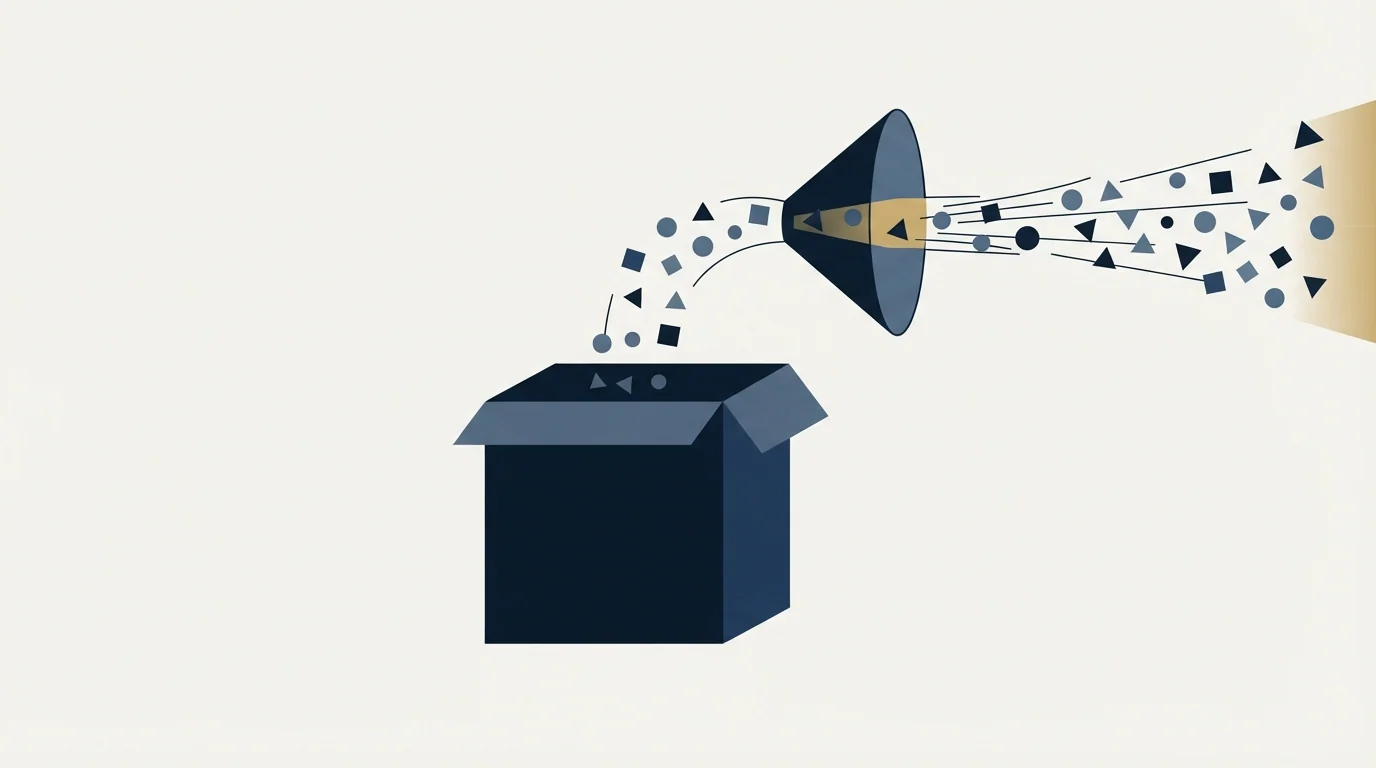
Plenty of integrations genuinely need a POST to a third-party URL, because the receiving system is somebody else's SaaS and it will not run a gRPC subscriber for you. Two honest options exist.
The Datanyze vs Salesforce comparison explains why teams often pair Datanyze's contact enrichment with Salesforce's pipeline tracking rather than treating them as rivals.
You write the call yourself, as an Apex callout fired from the platform. That gives you full control and hands you the whole of the reliability problem: retries, backoff, timeouts, ordering, and the question of what happens when the remote endpoint returns a 500 in the middle of a batch.
Or you put a small piece of middleware between the bus and the destination. The middleware subscribes once, keeps its replay position, and translates events into whatever POST the destination expects. That is more moving parts on a diagram and considerably fewer at three in the morning, because retry logic lives in a system you can restart without a deployment.
The build-versus-middleware decision usually turns on how many destinations you expect. One destination and a stable payload favours the direct callout, because the extra hop earns nothing. Three destinations, or a payload that different teams want shaped differently, favours middleware, because otherwise the fan-out logic ends up inside Apex where changing it requires a deployment and a test class.
Whichever you choose, the replay ID is the idempotency key you already have. Persist it with the processed record, and a duplicate delivery becomes a no-op rather than a second lead, a second task, or a second email. Consumers of other vendors' webhooks face the same problem from the other side, and the Smartlead API notes on webhooks and reply handling work through what a receiving endpoint has to tolerate. On the outbound side, the Apollo API guide covers the caching and rate-limit discipline that keeps a sync inside a vendor's ceiling.
- Yes: The subscriber persists its replay ID after processing each event, never before.
- Yes: Monitoring alerts on subscriber lag well inside the 72-hour retention window.
- Yes: Nothing in the code arithmetically derives one replay ID from another.
- Yes: Reconnection uses a stored replay ID rather than defaulting to EARLIEST on a busy channel.
- Yes: Publishing volume has been checked against the org's hourly publish allocation.
- Depends: Publish After Commit behaviour has been costed against Apex DML limits in bulk contexts.
- Yes: Downstream writes are idempotent on the replay ID, so a redelivery cannot duplicate a record.
What this changes about routing work
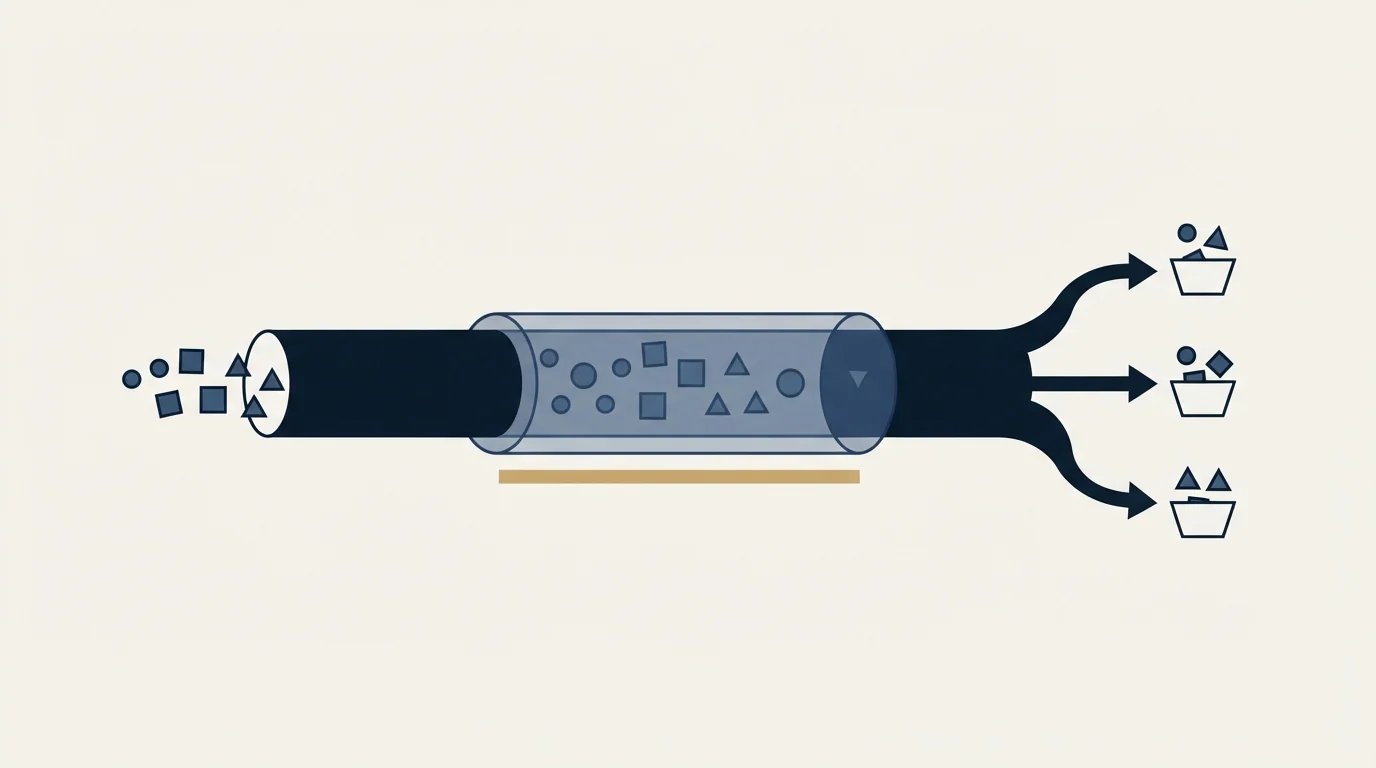
Most outbound teams reach for Salesforce events for one of three jobs: routing a new lead to an owner, reacting to a stage change, or keeping an external system's copy of an account current. All three are well served by the subscribe model once the client exists, and all three are painful to bolt on later, because the reliability work sits in the subscriber rather than in the org.
Since keeping account data current in Salesforce is only half the workflow, how Cognism complements Salesforce explains why enrichment and pipeline management solve different bottlenecks.
Teams weighing whether their lead sourcing tool overlaps with their CRM can see how LeadIQ complements Salesforce workflows rather than competing with them.
Ownership rules belong in the platform where they can be audited, not scattered across subscribers, and account-based marketing in Salesforce covers how much of that setup the native objects already carry. If the conclusion of the exercise is that the platform is heavier than the team needs, the Salesforce alternatives comparison is the cheaper conversation to have first.
For the outbound side specifically, our own rule keeps the event surface small. One message per campaign, no bumps and no thread replies, so there is a single send event and a single reply event per prospect per campaign to write back into the CRM. Fewer events, each meaning one thing, is a better integration than a complete audit trail nobody reconciles. If you would rather have that campaign built and run than wired together, our free campaign build is where to start.
Platform behaviour verified against Salesforce's published documentation as of mid-2026. Verify current terms with the vendor before relying on them.
Frequently asked questions.
Frequently asked questions- Does Salesforce support webhooks?
- Not in the register-a-URL sense that most platforms mean. Salesforce publishes platform events to an event bus, and consumers subscribe to that bus, most commonly through the Pub/Sub API over gRPC. Getting an actual outbound HTTP POST to a third-party endpoint means writing an Apex callout yourself or running middleware that subscribes and forwards.
- How long does Salesforce store platform events?
- Salesforce stores high-volume platform events for 72 hours in the event bus. Standard-volume events defined before Spring '19 are stored for 24 hours, and standard-volume events can no longer be created. Newly defined events are high volume by default, so 72 hours is the working retention figure for almost every new integration.
- What is a replay ID used for?
- A replay ID marks an event's position in the stream. A subscriber stores the ID of the last event it processed and passes it on resubscription to resume from that point, which is how a client recovers events missed during a connection failure. Salesforce warns that the values are not guaranteed contiguous and must not be computed.
- Which event types travel over the Pub/Sub API?
- Salesforce describes the Pub/Sub API as a single interface for publishing and subscribing to platform events, real-time event monitoring events, and change data capture events. It runs on gRPC and HTTP/2 and delivers binary messages in Apache Avro format, so a subscriber needs an Avro library for its language as well as a gRPC client.
About the author.

B2B cold email experts helping companies generate qualified leads through done-for-you outreach campaigns.
RevenueFlow Team
Explore more.
Ready to scale your outreach?
We build GTM engines that book real meetings. See the receipts.
Related articles.
HubSpot and Zapier: The Search Step That Decides Duplicates
Zapier's HubSpot app has one action that matches on email address and a search family that does the rest. Which you pick decides your duplicate rate.
Pipedrive Calling: Native Surfaces, Marketplace Dialers
Pipedrive's knowledge base says it has no built-in calling integration. What ships natively is a set of shortcuts to your phone, and the dialer is a second subscription.
Pipedrive and PandaDoc: The Two Plan Gates
PandaDoc places its Pipedrive integration on Business and Enterprise plans and requires each user to install it individually. Both facts precede any configuration.
Salesforce Einstein AI for Sales: The Agentforce Rename
Four products still carry the Einstein name on Salesforce's rate card. The pricing page's own data says which editions include them, and contradicts its footnote.
Reply.io Salesforce Integration: The Sixteen Sync Steps
Reply's support article lists sixteen sync steps, two profiles, required field mappings and a two-hour cadence. What the native Salesforce integration moves.
Apollo and Clay Integration: What Connects, Who Meters What
Clay's docs list one Apollo source and eleven actions. How the account connects, which way each action moves data, and which vendor bills each step.