Account-Based Marketing in Salesforce: No New Platform
Three custom fields, campaigns organised by cluster, and two reports give you a working account-based setup on Salesforce you already own. When to buy more.
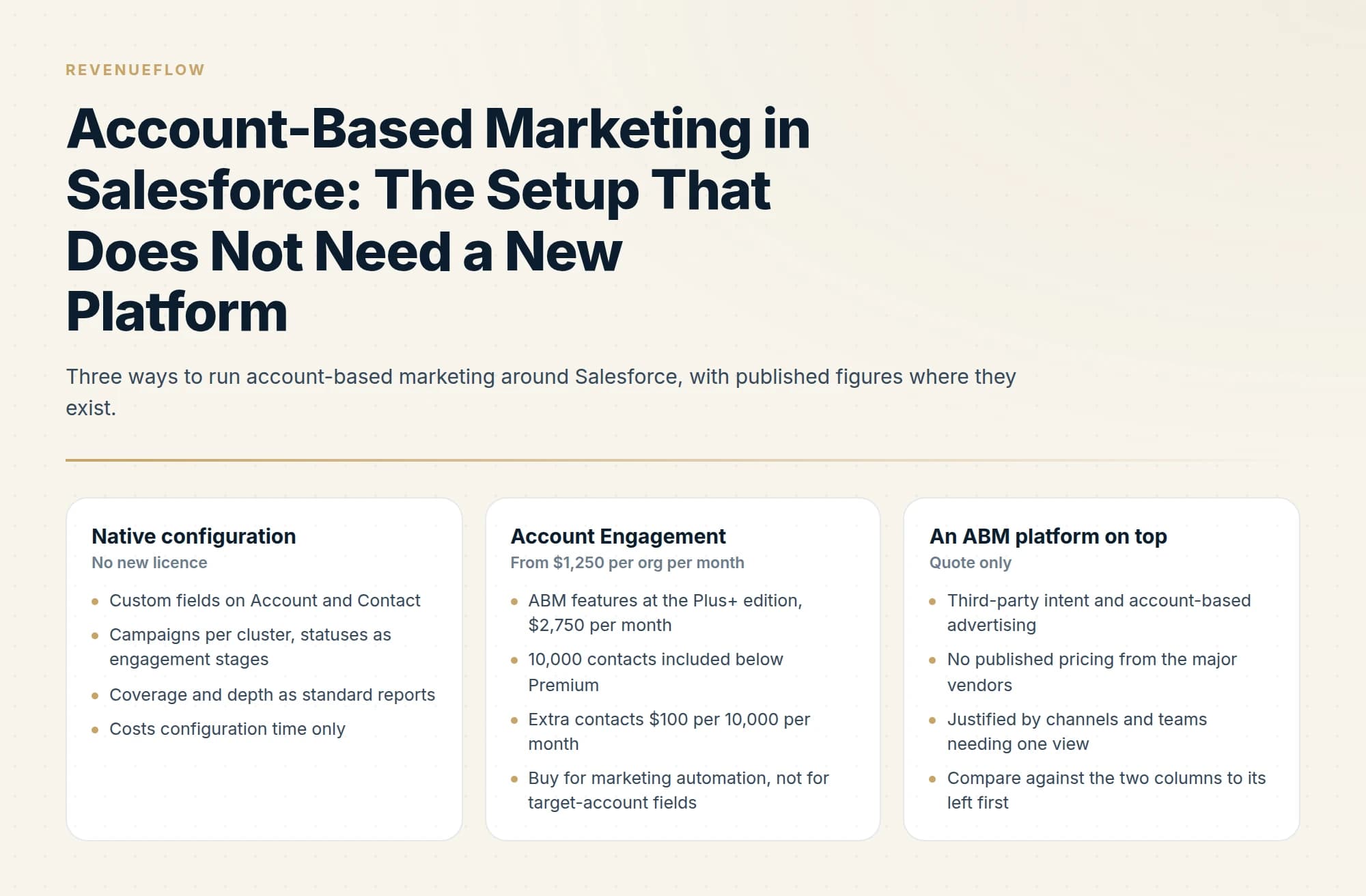
Account-based marketing in Salesforce runs on standard objects: a target account flag and tier on Account, a buying role on Contact, campaigns per cluster with member statuses as engagement stages, and two reports on coverage and depth. Account Engagement adds marketing automation, with account-based marketing named on Plus+ at $2,750 per org a month.
Key takeaways
- A working account-based setup in Salesforce needs three custom fields, campaigns organised by cluster or tier, and Campaign Member Status redefined as Targeted, Contacted, Engaged and Meeting Held.
- Account-based reporting counts distinct accounts rather than campaign members: coverage of buying roles per target account, and engaged contacts per account over time.
- Salesforce's Account Engagement pricing page lists Growth+ at $1,250, Plus+ at $2,750, Advanced+ at $4,400 and Premium+ at $15,000 per org a month, billed annually, and names account-based marketing on Plus+.
- Buy an ABM platform only for third-party intent or account-based ad activation, and price it against a native setup that already covers selection, coverage and reporting.
Reviewed and updated September 19, 2026
Salesforce publishes the price of the thing most ABM vendors will not quote. Marketing Cloud Account Engagement runs $1,250 USD per org per month for Growth+, $2,750 for Plus+, $4,400 for Advanced+ and $15,000 for Premium+, all billed annually, and Salesforce describes the Plus+ edition as the one that adds "account-based marketing and analytics" (Salesforce pricing).
That is the packaged answer. The more interesting question is how much account-based marketing you can run on the Salesforce you already pay for, and the answer is most of it. The objects, the fields and the reports are already there. What is missing is a convention that everyone follows.
What account-based marketing in Salesforce actually requires
Account-based marketing in Salesforce needs four capabilities, and Salesforce ships all four as standard objects: a flag that marks an account as a target, a record of why it qualified, the buying roles you have reached inside it, and reports that count coverage and movement by account. None of it needs a new licence, only three custom fields and an owner.
A flag that marks an account as a target, so every report can filter on it. A way to record why, meaning tier and criteria. A way to record who inside the account you have engaged, which is the buying group. A way to report coverage and movement, which is a report on the first three.
None of that needs a new licence. It needs three custom fields and an agreement about who maintains them.
In practice that is a target account checkbox and a tier picklist on Account, with values for one-to-one, one-to-few and one-to-many; a field naming why the account qualified and who signed it off; and a buying role picklist on Contact for economic buyer, technical evaluator, process owner and blocker. Campaign Member Status, covered below, carries the engagement stage.
Step three is the one people skip, and it is the one that carries the programme's most useful metric. Without a role on the contact record you can count contacts per account but not whether you have reached the people who decide, and those are different numbers.
Use Campaigns as the account-based unit
Salesforce Campaigns are the natural home for an account-based programme, with one adjustment: create the campaign per cluster or per tier rather than per channel.
A campaign called "Q3 Manufacturing Cluster" holding every contact you are working at those accounts tells you something. A campaign called "Q3 Email" holding contacts from nine unrelated segments tells you almost nothing, because the population is not a population.
Campaign Member Status is where the account-based reporting comes from. Redefine the statuses to mean stages of account engagement rather than channel events: Targeted, Contacted, Engaged, Meeting Held. Those four map cleanly onto the funnel an account-based programme actually has, and they produce a coverage report without any additional tooling.
The reporting mistake to avoid is counting campaign members. Count distinct accounts with at least one member at each status. The account is the unit.
Account-based reporting in Salesforce: the two reports that matter
Account-based reporting in Salesforce means counting accounts rather than people: target accounts split by which buying roles you hold a contact in, and distinct engaged contacts per target account over time. Both are standard reports on standard objects. Account Engagement adds Engagement History Dashboards, which Salesforce describes as a view of how each account engaged with marketing.
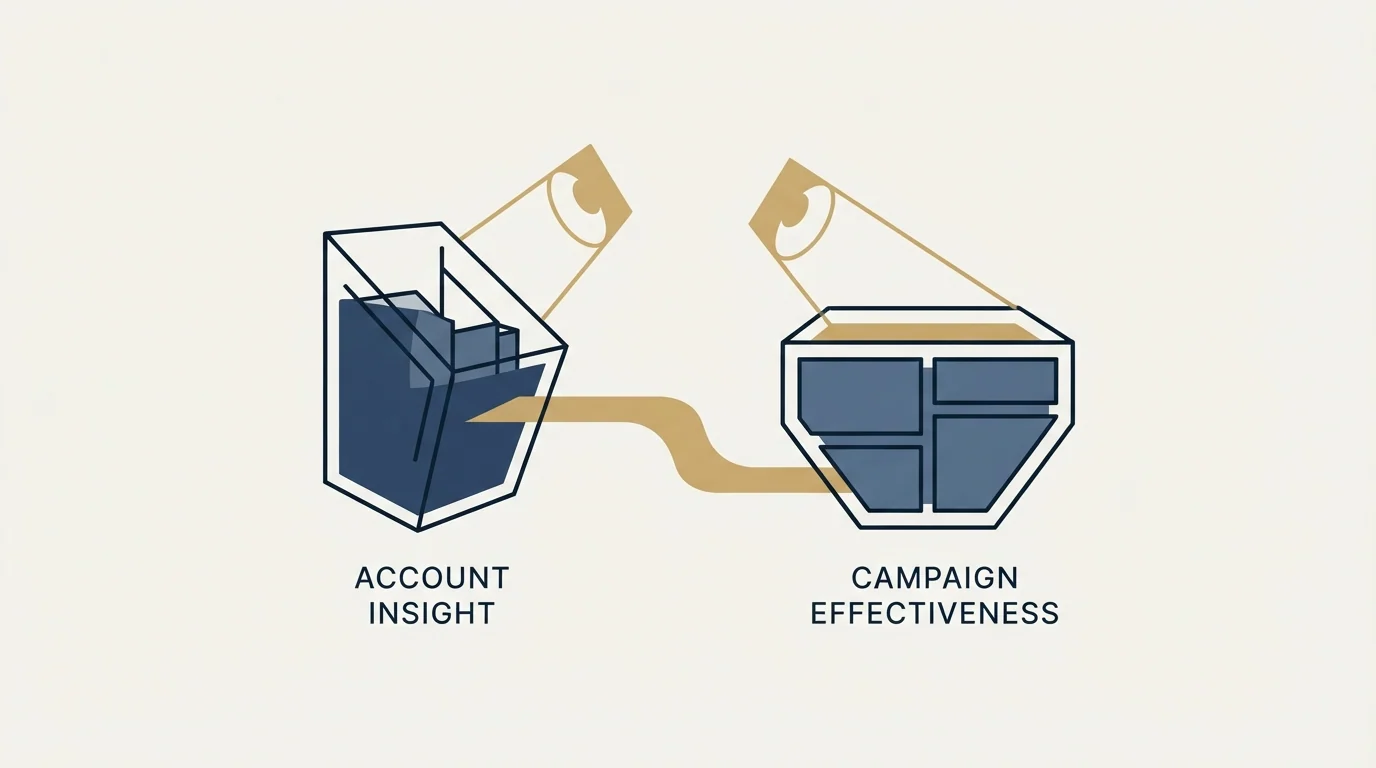
Account coverage. Target accounts, split by whether you hold a contact in each required buying role. This is the report that caps everything else, because an account with no reachable buyer is not in the programme regardless of what the list says. Run it before launch and monthly after.
Buying group depth. Distinct engaged contacts per target account, trended over time. One engaged contact at fifty accounts is a weaker position than four engaged contacts at fifteen, and depth is the earliest honest sign that a programme is working. It moves months before pipeline does.
Both are standard reports on standard objects. Neither needs Account Engagement, an ABM platform, or a dashboard purchase.
Report 1 · Account coverage
Rows: target accounts, filtered on the target account flag 1
Split: whether you hold a contact in each required buying role 2
Run before launch and monthly after
Report 2 · Buying group depth
Measure: distinct engaged contacts per target account 3
Trended over time; it moves months before pipeline does
- 1The flag belongs on the Account, which exists whether or not anyone is selling to it.
- 2An account with no reachable buyer is not in the programme, regardless of what the list says.
- 3Count distinct accounts and contacts, never campaign members. The account is the unit.
When to buy Account Engagement
The packaged product earns its fee in specific circumstances rather than as a default.
Account Engagement adds marketing automation to the CRM: nurture, scoring, landing pages, forms and B2B Marketing Analytics. Its account-based features arrive at the Plus+ tier, at $2,750 USD per org per month billed annually. Growth+ through Advanced+ include 10,000 contacts, Premium+ includes 75,000, and additional contacts run $100 USD per 10,000 contacts per month. The same comparison table allows 5 Engagement History Dashboards on Growth+, 10 on Plus+ and 20 on Advanced+ and Premium+, which is the packaged version of account-level reporting.
Buy it when you genuinely need marketing automation attached to the same account records that sales works, and when the volume of nurture justifies a platform rather than a sending tool. Do not buy it to get target account fields, because those are free, or to get reporting your two standard reports already produce.
For orientation on the CRM side, Salesforce publishes Sales Cloud at $0 for Free Suite, $25 for Starter Suite, $100 for Pro Suite, $195 for Core, $395 for Advanced and $550 for Max, per user per month (Sales Cloud pricing). Those figures are worth having in front of you when a platform vendor proposes a fee, because the comparison is rarely made.
Salesforce vs HubSpot on account-based marketing features
Salesforce names account-based marketing on one edition: its pricing page describes Plus+ as the tier for marketing automation, account-based marketing and analytics, with B2B Marketing Analytics included. HubSpot's product catalog lists ABM tools and automation, meaning company-based automation with ABM properties, templates and out-of-the-box reports, and a target accounts home dashboard for companies marked as target accounts. Its Sales Hub pricing table shows ABM tools and automation on Professional and Enterprise. The practical difference is where the target flag lives: in Salesforce it is a field you add to Account, while HubSpot's catalog describes target accounts as part of its own ABM tools.
The data model mistakes that break the reporting
Four of these recur, and each one produces reporting that looks fine and is wrong.
Duplicate account records. Engagement splits across the duplicates, so every account-level number understates reality, and the duplicates are usually created by integrations rather than by people. Deduplicate before building the reports rather than after, because a coverage report built on a duplicated account base teaches everyone to distrust the reports.
Contacts with no account. An orphan contact is invisible to every account-level report by construction. These accumulate quietly from form fills and list imports, and the count is worth checking before you trust a coverage number.
Orphan contacts often trace back to enrichment gaps, and a look at enrichment tools paired with a CRM explains why most teams run both together rather than choosing one.
The target account flag on the opportunity instead of the account. Tempting, because opportunities feel closer to revenue, and wrong, because most target accounts have no opportunity yet. The flag belongs on the Account, which is the object that exists whether or not anyone is selling to it.
Tier stored as free text. Someone types "Tier 1", someone else types "tier one", and the report groups them separately. Use a picklist, restrict the values, and resist adding a fifth tier.
None of these are exotic. They are the standard entropy of a CRM that several integrations write to, and the reason to fix them first is that the whole account-based setup is reporting rather than automation, so bad inputs surface as confident wrong answers rather than as errors.
Keeping the data honest
Two habits decide whether this setup survives contact with a sales team.
One owner for the target account flag. If any rep can tick the box, the list becomes a wish list within a quarter and the coverage report becomes meaningless. One named person edits it, with the criteria written down and the cuts recorded. Our guide to building a target list you can actually work covers the sign-off process and the revision cadence.
Buying roles populated as a condition of the pipeline review. Reps fill in fields that are looked at. If buying role is checked in the deal review, it gets populated; if it is not, it decays and the depth report becomes fiction within two quarters.
Both of these are process rather than configuration, which is why implementations that arrive as a Salesforce project and leave as a Salesforce project tend not to hold.
Feeding the account list from outside Salesforce
Two integrations matter more than the rest for an account-based programme, and both are commonly configured in the wrong direction.
LinkedIn. Target accounts should flow from the CRM to the ad platform rather than being maintained twice. HubSpot does this natively by syncing a target account segment into a LinkedIn matched audience, and the Salesforce equivalent is worth setting up deliberately rather than exporting a CSV each month, because a list maintained by hand drifts within a quarter. Bear in mind the floor on the LinkedIn side: a company list needs to match at least 300 member accounts before it can run, which many Salesforce target lists will not clear. The detail is in our LinkedIn ABM guide.
Enrichment and contact discovery. Coverage reporting only means something if contact records get created for the buying-group roles you are missing, which means an enrichment source writing into Salesforce rather than into a separate tool. The direction matters: a source that writes to the account and contact records makes the coverage report improve over time, while a source that produces exports makes the coverage report a snapshot of whatever was last imported.
Enrichment sources feeding contact records into Salesforce are exactly the kind of pairing that a comparison of contact enrichment paired with a CRM explains in more depth.
The general principle is that Salesforce should be the account list of record. Every other system reads from it. Where two systems both maintain a target account list, they diverge, and the divergence is discovered during a QBR.
Where the platforms still win
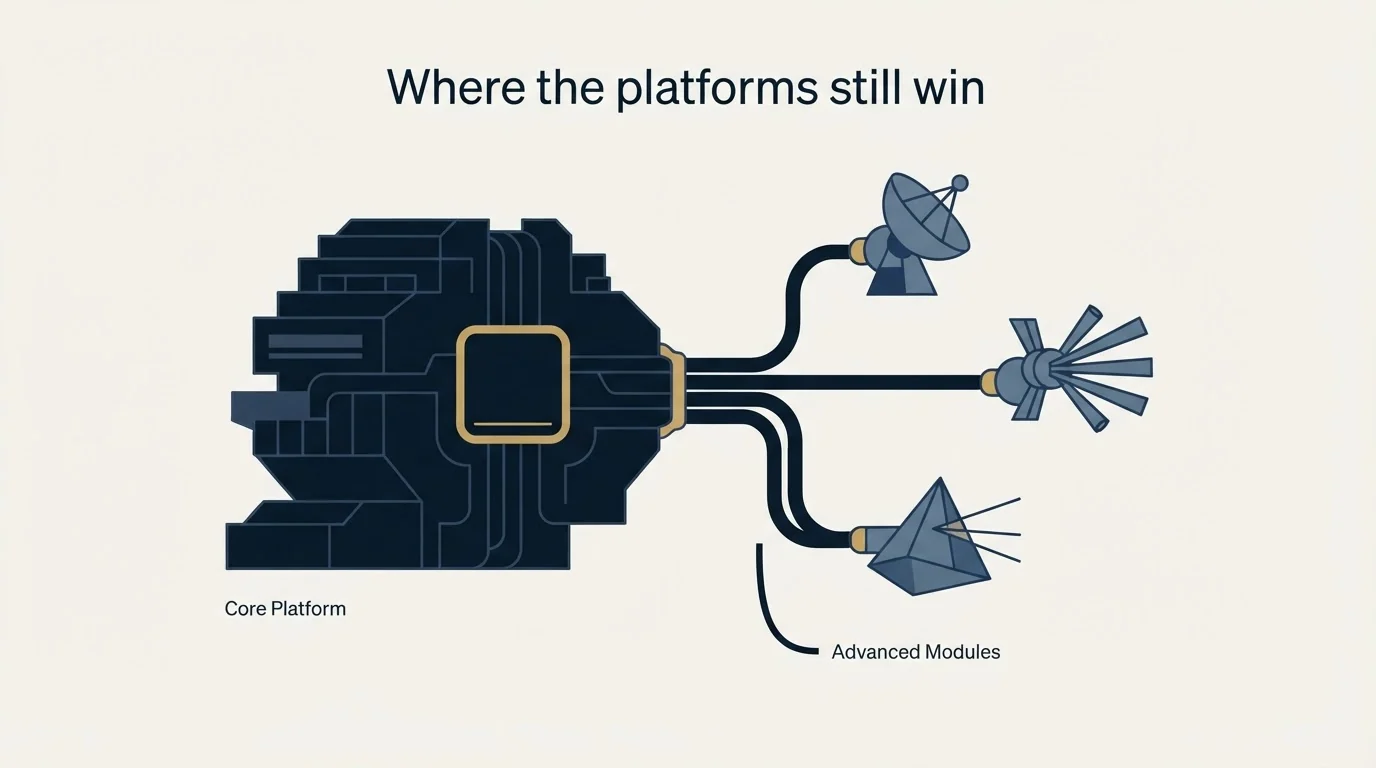
Native Salesforce gives you selection, coverage, engagement tracking and reporting. It does not give you third-party intent, and it does not give you account-based advertising activation. Those two are what the enterprise ABM platforms genuinely sell, and none of the major ones publish a price, so the comparison has to be made against a quote rather than a list price. We cover that comparison in ABM platforms compared and the tool-by-tool breakdown in the ABM tools catalogue.
The other thing Salesforce will not do is contact anyone. Coverage reports and engagement stages describe work; they do not perform it. Where that work is the gap, the choice is between hiring for it and buying it, and the ABM agency buyer's guide covers how those engagements are scoped and priced. If direct contact against your target accounts is the piece that needs to start now, that is the half we run, and you can see what a campaign against your account list would look like.
The short version
Three custom fields, campaigns organised by cluster, campaign member statuses redefined as engagement stages, and two reports give you a working account-based setup on the Salesforce you already own. Buy Account Engagement when you need marketing automation, from $1,250 per org per month and $2,750 for the tier where its ABM features live. Buy a platform when you need third-party intent or ad activation, and price it against what the native setup already does.
Pricing and features are taken from the vendors' own pages; Salesforce's Account Engagement page states that all per month products require an annual contract. Verify current terms with the vendor before relying on them.
Sources: Marketing Cloud Account Engagement pricing, Sales Cloud pricing
Frequently asked questions.
Frequently asked questions- How do you do account based marketing in Salesforce?
- Add a target account checkbox and a tier picklist to Account, record why each account qualified, and add a buying role picklist to Contact. Then run one campaign per cluster or tier, redefine Campaign Member Status as engagement stages, and build two reports: account coverage by buying role, and engaged contacts per target account. None of it needs a new licence.
- What is account-based reporting in Salesforce?
- It is reporting at the account grain. Instead of counting leads or campaign members, you count distinct target accounts at each engagement stage and the number of engaged contacts inside each one. Both reports run on standard objects. Account Engagement adds Engagement History Dashboards, allowing 5 on Growth+, 10 on Plus+ and 20 on Advanced+ and Premium+.
- Which Account Engagement edition includes account-based marketing?
- Salesforce's pricing page describes Plus+ as the edition for marketing automation, account-based marketing and analytics, at $2,750 USD per org per month billed annually, with B2B Marketing Analytics included. Growth+ costs $1,250, Advanced+ $4,400 and Premium+ $15,000. Growth+ through Advanced+ include 10,000 contacts, and extra contacts cost $100 per 10,000 a month.
- How do Salesforce and HubSpot differ on account-based marketing features?
- Salesforce names account-based marketing on its Account Engagement Plus+ edition and leaves the target flag to a field you add to Account. HubSpot's product catalog lists ABM tools and automation, with ABM properties, templates and out-of-the-box reports, plus a target accounts home dashboard, and its Sales Hub pricing table shows those ABM tools on Professional and Enterprise.
About the author.

B2B cold email experts helping companies generate qualified leads through done-for-you outreach campaigns.
RevenueFlow Team
Explore more.
Ready to scale your outreach?
We build GTM engines that book real meetings. See the receipts.
Related articles.
Salesforce Einstein AI for Sales: The Agentforce Rename
Four products still carry the Einstein name on Salesforce's rate card. The pricing page's own data says which editions include them, and contradicts its footnote.
Reply.io Salesforce Integration: The Sixteen Sync Steps
Reply's support article lists sixteen sync steps, two profiles, required field mappings and a two-hour cadence. What the native Salesforce integration moves.
CRM Setup: The Objects, Stages and Write-Back Loop
A vendor neutral CRM setup for an outbound team: the object model, stage exit criteria, the required field set, ownership rules and the campaign write-back loop.
Sales Automation Software for Small Business: Four Buys
One search returns four unrelated products, and on at least one vendor's published plan list the automation is gated above the tier a small team buys.
Salesforce API Integration: Pick the Interface, Then Code
Salesforce sells programmatic access as a line item and publishes four interfaces. Which one each job belongs on, and what breaks in production but never in a sandbox.
Sybill: The Credit Meter Is the Number to Model
Sybill meters by credits per week rather than by seat, and its pricing page carries three different figures for the same two plans. Both facts change the model.