Cloudflare and the Salesloft Drift Breach: The App's Reach
A chat widget's OAuth token opened Cloudflare's Salesforce tenant. The published accounts describe what a connected sales tool can actually read.
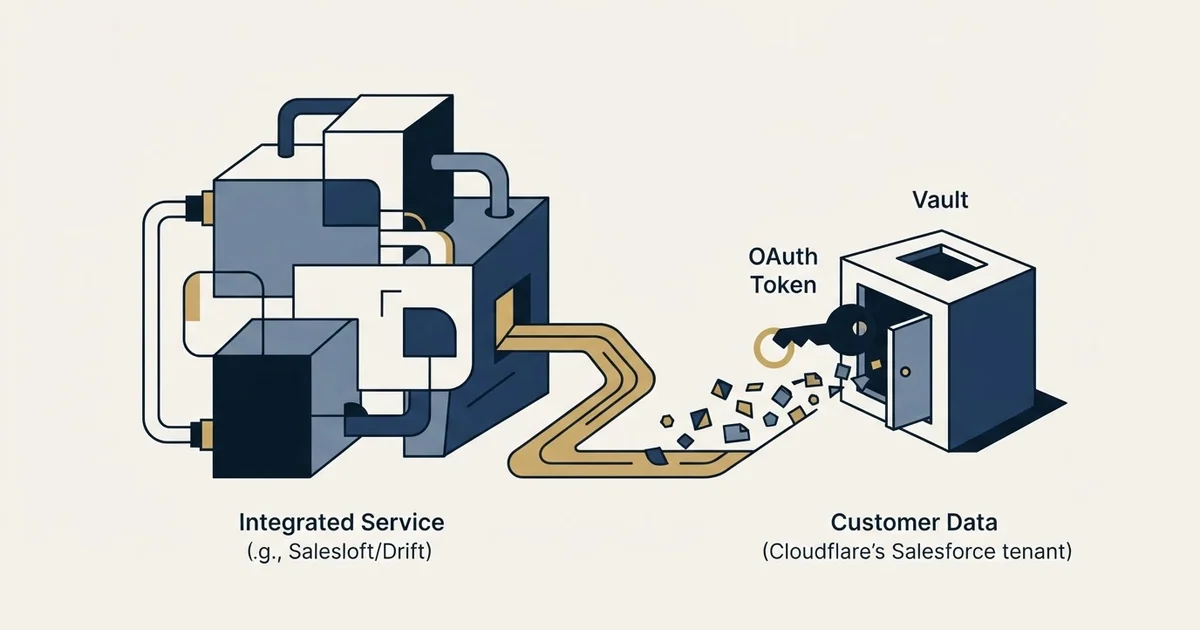
A threat actor used OAuth tokens from the Salesloft Drift application to query Salesforce tenants across hundreds of organisations in August 2025. Cloudflare's published account states the exposure was limited to Salesforce case objects, and that it found 104 of its own API tokens pasted inside support case text and rotated them.
Key takeaways
- Google's Threat Intelligence Group describes a campaign running from around 8 August to at least 18 August 2025 using compromised OAuth tokens associated with the Salesloft Drift application.
- Cloudflare reports the exposure was limited to Salesforce case objects, covering contact details, subject lines and case correspondence but not attachments.
- Cloudflare searched the compromised data for secrets and found 104 of its own API tokens inside support case text, rotating all of them despite finding no suspicious use.
- Google's advisory states the issue does not stem from a vulnerability in the core Salesforce platform, making it a supply-chain compromise of a connected application.
Reviewed and updated September 1, 2026
On 23 August 2025, Cloudflare was told that a threat actor had been inside its Salesforce tenant since the 12th. Nobody had guessed a password, exploited a Salesforce vulnerability, or phished a Cloudflare employee. The way in was an OAuth token belonging to a chat widget the marketing team had connected to the CRM years earlier.
Cloudflare published a full account of it, and that account is one of the most useful documents available to anyone buying sales tooling, because it describes precisely what a connected application can reach once it is installed.
What happened, in the order it happened
Both primary accounts agree on the shape. Google's Threat Intelligence Group, which tracks the actor as UNC6395, published an advisory describing a widespread data theft campaign running from around 8 August to at least 18 August 2025, in which the actor targeted Salesforce customer instances "through compromised OAuth tokens associated with the Salesloft Drift third-party application". Cloudflare's own incident post reconstructs its slice of that campaign from its logs.
- 9 Aug 2025Reconnaissance
An attempt to validate a Cloudflare-issued API token against the Salesforce API, using an open-source secrets scanner as the user agent. The request failed with a 404.
- 12 Aug 2025Initial access
Login to Cloudflare's Salesforce tenant using a stolen credential belonging to the Salesloft integration, followed by an API call enumerating every object in the environment.
- 13-17 Aug 2025Exfiltration
Case object schema retrieved, then the case data itself queried and taken. Cloudflare's analysis found the exposure limited to Salesforce case objects.
- 20 Aug 2025Tokens revoked
Per Google's advisory, Salesloft and Salesforce revoked all active access and refresh tokens for the Drift application, and Salesforce removed Drift from the AppExchange pending investigation.
- 23 Aug 2025Cloudflare notified
Salesforce and Salesloft notify Cloudflare that the Drift integration had been abused across multiple organisations. Cloudflare opens a company-wide incident response.
- 28 Aug 2025Scope widens
Google updates its advisory: the compromise is not exclusive to the Salesforce integration, and OAuth tokens for the Drift Email integration were also compromised.
Cloudflare's post states that the exposure was limited to Salesforce case objects, which hold customer contact details, case subject lines and the body of case correspondence, and that attachments were not included. It also states that no Cloudflare services or infrastructure were compromised.
Why support tickets were the target
The interesting part is the attacker's choice of data. Support cases are not where a company keeps its crown jewels, and that is exactly why they are valuable.
Google's advisory says the primary intent was to harvest credentials, and that after exfiltration the actor searched the data for secrets, specifically naming AWS access keys, passwords and Snowflake-related access tokens. Cloudflare ran the same search on its own compromised data and reported what it found: 104 Cloudflare API tokens sitting inside support case text. It found no suspicious activity associated with them and rotated all of them anyway.
Those tokens got there the ordinary way. A customer hit a problem, a support engineer asked for the request that failed, and the customer pasted a command with a live token in it. Every company running a support desk has some version of this in its case history, and almost none of them know how much.
Cloudflare's own framing of the consequence is worth quoting rather than paraphrasing: any information a customer shared through that channel, "including logs, tokens or passwords", should be considered compromised, and customers should rotate anything they had shared. The company also wrote: "We are responsible for the choice of tools we use in support of our business. This breach has let our customers down."
The mechanism, stated plainly
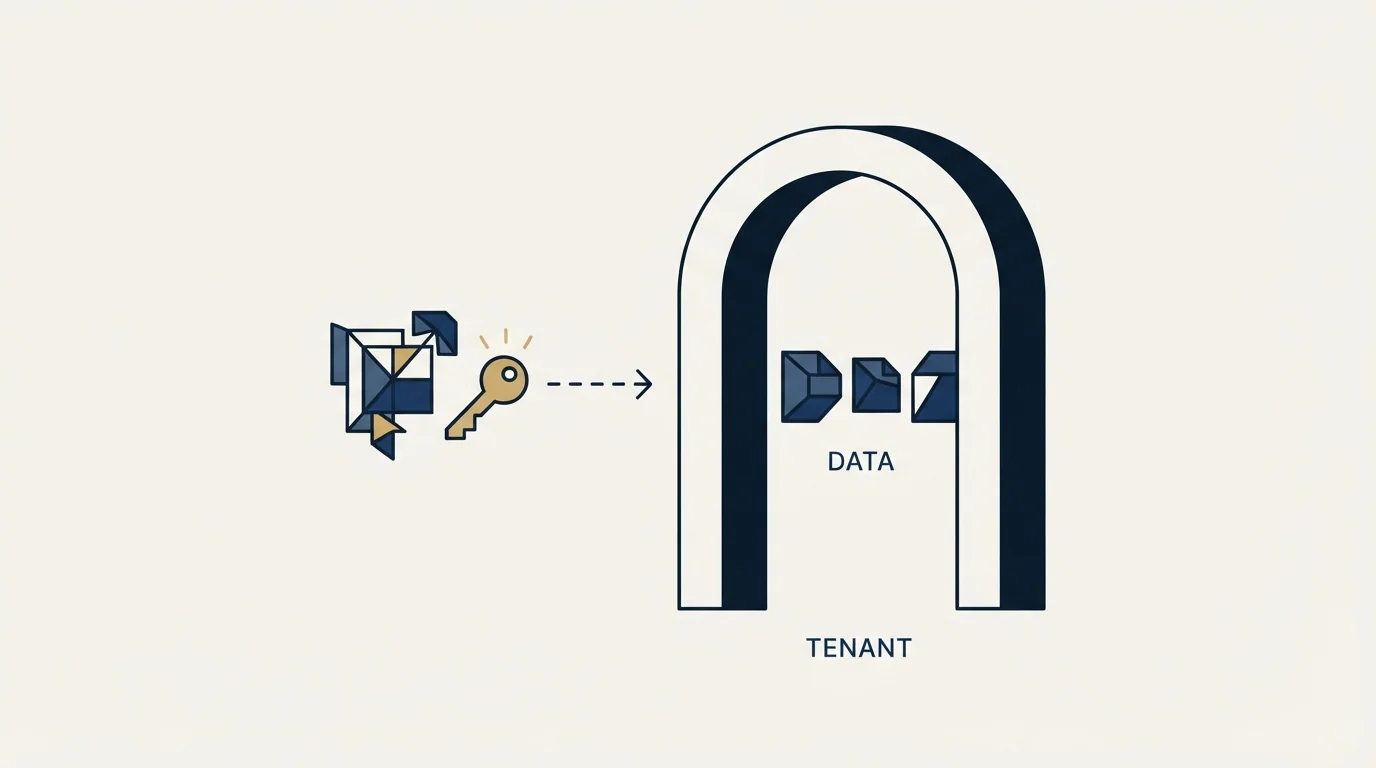
An OAuth integration between a SaaS product and your CRM is a standing credential with a scope. It does not expire when the person who installed it leaves, it does not appear in your identity provider's list of users, and it is generally invisible to the security review that covers laptops and passwords.
Readers mapping which vendor owns which stage of that CRM connection can turn to the Copper and Salesloft comparison to see how pipeline tracking and outreach orchestration actually differ.
- Step 1A tool is connected
Someone with admin rights installs an app from a marketplace and grants the scopes it asks for
- Step 2A token is issued
The app now holds an access and refresh token that authenticates as an application, not as a person
- Step 3The scope outlives the use case
The original project ends, the app stays connected, and the token keeps the permissions it was granted
- Step 4The vendor is compromised
An attacker with the vendor's tokens can query your data at API speed, with valid credentials, from anywhere
- Step 5Your logs are the only witness
The activity looks like the integration doing its job, so detection depends on volume anomalies rather than failed logins
Google's advisory adds two details that matter for detection. The actor deleted query jobs to cover its tracks, but the logs themselves were not affected, so organisations could still find evidence by reviewing them. And the advisory is explicit that the issue "does not stem from a vulnerability within the core Salesforce platform". This was a supply-chain compromise of a connected application, which is a different problem with a different fix.
What this changes about buying sales tooling
A sales engagement platform, a data enrichment tool, a chat widget and a meeting recorder all want the same thing at install time: broad read access to your CRM, because that is where the accounts, contacts and opportunities live. Buyers evaluate those tools on features and price, and the integration is treated as plumbing.
Comparing Mailmeteor with Salesloft's workflow shows how differently platforms scope their CRM access depending on whether they orchestrate outreach or simply execute campaigns.
The questions that would have reduced the blast radius here are all askable during a purchase, and none of them are exotic.
- Yes: Which CRM objects and fields does the integration actually read, and can that be narrowed
- Yes: Does it authenticate as a dedicated integration user rather than an admin account
- Yes: Can the connection be restricted by IP range or bound to a session
- Yes: Who inside your company owns the periodic review of connected apps
- Depends: What is the vendor's notification commitment if their systems are compromised
- No: Do your support and sales notes contain credentials that should not be there
Cloudflare's published recommendations run in the same direction and are worth reading in full. They include disconnecting the affected application and rotating credentials for all third-party integrations connected to Salesforce, establishing a regular rotation schedule for API keys and secrets, reviewing historical support case data for exposed credentials, enforcing least privilege so that vendor integrations do not run on admin accounts, and applying strict controls such as IP restrictions and session binding on business-to-business connections.
The last item on that list, monitoring, is where most teams have the least. Cloudflare notes that capturing third-party to third-party logs is difficult and argues it is nonetheless necessary. For a company smaller than Cloudflare, the practical version is narrower: know what is connected, know what each connection can read, and set a calendar reminder to look again.
The part that is genuinely hard for a small team
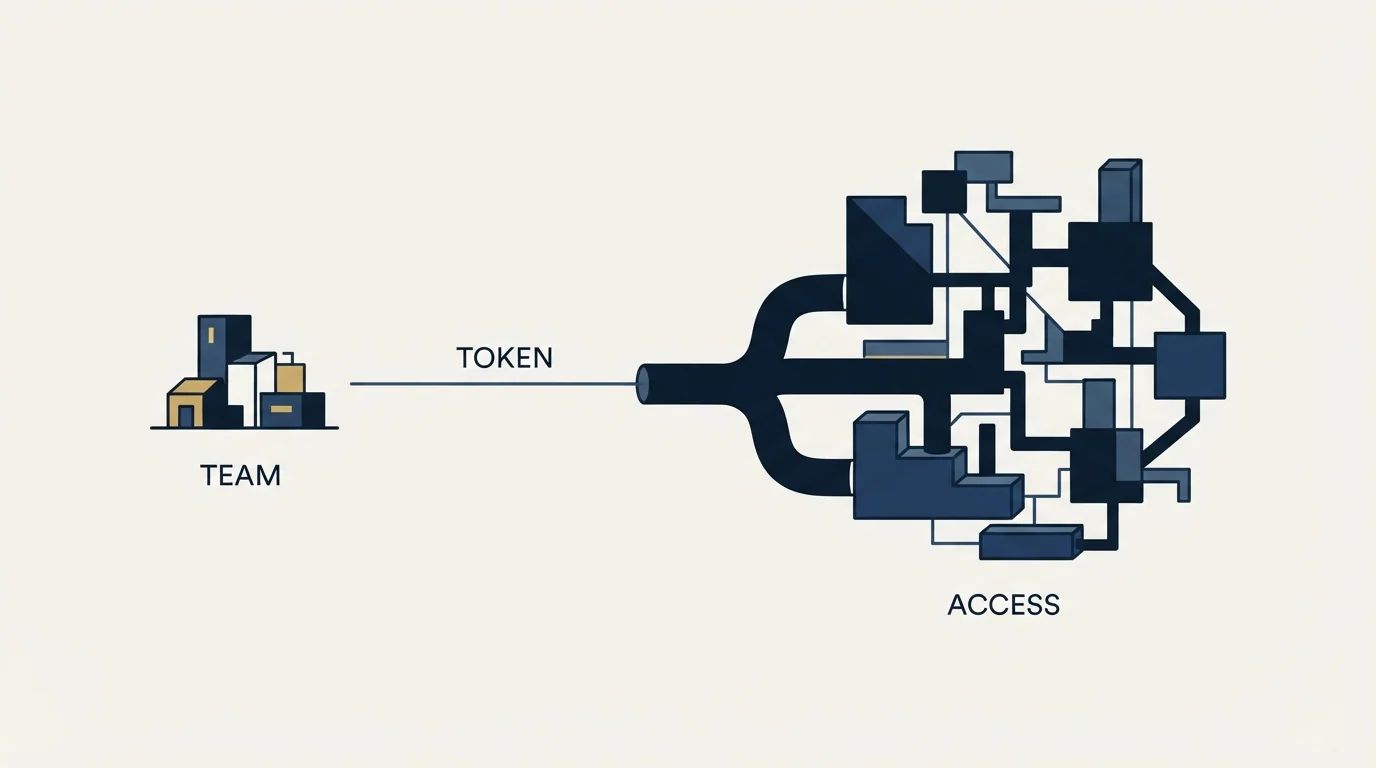
Large security organisations found this incident quickly because they were reading logs they already collected. A twenty-person company has none of that, and telling it to deploy anomaly detection on third-party API traffic is advice it cannot act on.
The version that is actionable starts with an inventory, because almost nobody has one. In Salesforce, connected applications and their OAuth usage are listed in the setup area, and the useful column is the one showing when each app last authenticated rather than when it was installed. HubSpot, Pipedrive and the other mainstream CRMs each expose an equivalent list. Reading it once, out loud, in a room with the people who installed the apps, tends to surface integrations nobody can name a current use for.
Teams auditing which connected systems hold real risk often blur CRM, execution and intelligence tools together, so the three-layer breakdown of pipeline tools clarifies which layer actually owns the problem.
Disconnecting those is free. It is also the single highest-value security action available to a company that does not have a security team, because an integration that nobody uses still holds a live credential with whatever scope it was granted at install time.
The second action is uncomfortable and cheap: search your own support and sales notes for the strings that indicate a pasted secret. Anything shaped like a key prefix, a bearer token, or a password field copied out of a config file. Cloudflare found 104 API tokens in its case data after searching for them, and Cloudflare is a company whose customers are technical enough to know better. A company selling to less technical buyers should expect a worse ratio, not a better one.
The third is a policy that costs nothing to write and prevents the next version: nobody asks a customer for a credential in a support thread, and any credential that arrives anyway gets rotated and the message deleted. That instruction fits in a support playbook in two sentences.
The obligations that follow the data
There is a compliance layer under all of this that outbound teams tend to meet from the other direction. Contact records held in a CRM are personal data, and the duties that attach to holding them do not disappear because a vendor was the point of failure. If those records include people in the EU or the UK, the lawful basis and the housekeeping that goes with it is your obligation as the controller. If they include California residents, the CCPA position on holding and sharing that data sits with you in the same way.
A vendor incident becomes your notification problem the moment your contacts are in the exported rows. Reconstructing which records a connected app could read, while a clock is running on a notification deadline, is a far worse job than writing it down at install time. The inventory is cheap in advance and expensive on demand, which is the general shape of most useful security work.
There is a procurement consequence too. Asking a prospective vendor what its notification commitment is, in days and to whom, is an ordinary question that sits comfortably in a security review, and the answer is a fact about the vendor rather than an opinion about it. A vendor that has thought about the answer tends to have thought about the rest.
Where this leaves a sales stack
None of this argues for running fewer tools out of fear. It argues for knowing what each one holds.
Our own operating position is a documented one rather than a claim about outcomes: we run outbound on email and LinkedIn, our sending sits on Email Bison and our own infrastructure, and we keep prospect data in systems we administer rather than spread across marketplace integrations we did not review. That is a smaller surface by construction, and the reason for it is exactly the one this incident illustrates.
If you are choosing between platforms, the integration surface belongs in the comparison alongside the feature list, and the wider category view is the place to start. If you are building the sending side, the layers that need to be yours rather than a vendor's are set out in cold email infrastructure. And if the immediate problem is that the pipeline is thin regardless of which tools are connected, a campaign built for your market answers that faster than a procurement review will.
Incident details verified as of mid-2026 against the primary accounts published by Cloudflare and Google Threat Intelligence Group. Both posts carry updates; check them for the current position before relying on any detail here.
Frequently asked questions.
Frequently asked questions- What was the Salesloft Drift breach?
- A threat actor obtained OAuth credentials associated with the Salesloft Drift chat application's Salesforce integration and used them to query and export data from the Salesforce instances of Salesloft customers. Google's advisory dates the activity from around 8 August 2025 and states the primary intent was harvesting credentials found inside the exported records.
- Was Salesforce itself compromised?
- No. Google's Threat Intelligence Group states explicitly that the issue does not stem from a vulnerability within the core Salesforce platform. The access came from valid OAuth tokens belonging to a third-party application that customers had connected to their own tenants, which is why the fix was revoking those tokens rather than patching Salesforce.
- Why were support tickets the target?
- Because people paste secrets into them. Google's advisory says the actor searched exfiltrated data for AWS access keys, passwords and Snowflake tokens. Cloudflare ran the same search on its own case data and found 104 API tokens that customers had shared while troubleshooting. Support case text is a credential store that nobody intends to create.
- What should a small company do about connected app risk?
- Start with an inventory rather than tooling. List the connected applications in your CRM, note when each last authenticated, and disconnect anything nobody can name a current use for. Then search your own support and sales notes for pasted credentials, and write a two-sentence policy that nobody asks a customer for a secret in a ticket.
About the author.

B2B cold email experts helping companies generate qualified leads through done-for-you outreach campaigns.
RevenueFlow Team
Explore more.
Ready to scale your outreach?
We build GTM engines that book real meetings. See the receipts.
Related articles.
Which CRMs and Tools the Outbound Stack Connects To: Integration Data From 342 Sales Tools
HubSpot is named as an integration by 52.3% of 342 verified sales tools, Zapier by 50.3% and Salesforce by 43.3%. Here is the full map by category.
What Cold Email and Sales Tools Actually Cost in 2026: Pricing Data From 386 Vendors
RevenueFlow's verified dataset of 386 sales tools puts the median starting price at $39.98 a month. Here is the spread by category, tier and billing model.
Sales Engagement Platform Pricing in 2026: What 61 Tools Charge and Which Hide It
Sales engagement platforms start at a median of $75 a month, 70.5% carry a quote-only tier, and AI SDR platforms start at $204.50. Data from 61 verified tools.
Annual vs Monthly Billing: How Much Sales Tools Discount for Paying Yearly
Across 112 verified sales tools with both rates on record, the median discount for annual billing is 20.0%, and it only pays off after month 9.6.
Best CRM for Google Workspace: What Lives in Gmail
Working with Google Workspace covers four separate integrations, and most of the category ships as a browser extension. What five vendors publish about theirs.
Is Clay Free? The Free Plan, the Trial and Where Each Stops
Clay's free plan, its 14-day trial and the no-charge-on-a-miss rule are three different things. What each holds and where it stops, from clay.com on 19 September 2026.