How to Introduce Someone on LinkedIn Without the Ambush
LinkedIn documents two routes for introducing people and no dedicated button. The sequence that keeps an introduction from landing as an imposition.
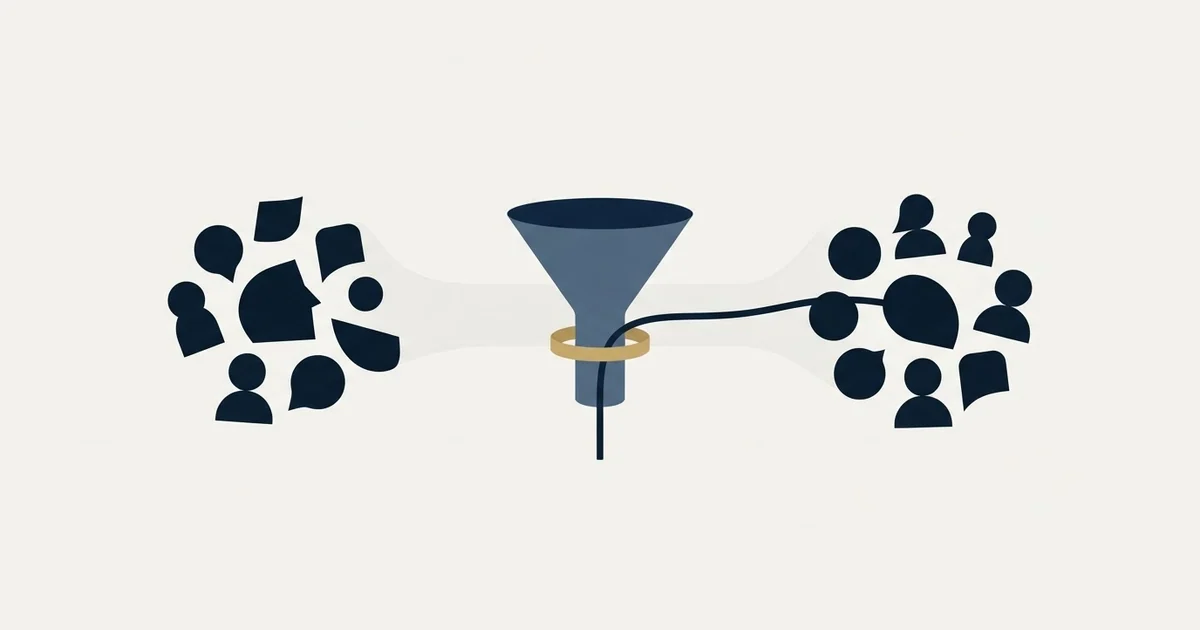
Ask both people privately before either is in a thread together. Then use Share Profile to hand one person a name, or a group chat once both have agreed. LinkedIn's help pages document both routes and name no dedicated introduction button. Describe each person in the other's terms and name who moves first.
Key takeaways
- LinkedIn's help page states the Share Profile feature exists to introduce a member to someone in your network, and it is the lower commitment of the two routes because nobody is put on the spot.
- A LinkedIn group chat starts with two or more first-degree connections and holds up to 50 members, and LinkedIn's own note says group chats are for conversations rather than mass messaging.
- The double opt-in is the whole method: ask the person whose time is being spent first, treat silence as a no, and relay a refusal honestly rather than softening it.
- Introductions cannot become an outbound channel, because throughput can only rise by lowering the quality of the match, which is the single thing making them work.
Reviewed and updated September 2, 2026
A group chat opens in two inboxes at the same moment, and both people read a name they never asked to meet. One of them is polite in public and quiet afterwards. The other waits for a reply that never arrives and concludes the introduction was made badly, which it was, though not in the way either of them thinks.
Introducing two people is a request for attention made on somebody else's behalf. You are spending time that belongs to two other adults before either has agreed to spend it. Every mechanical question about which LinkedIn control to press sits downstream of that, and the order you do things in matters far more than the button.
This page covers the routes LinkedIn's own help centre documents, the sequence that keeps an introduction from landing as an ambush, and what the message owes each side once both have agreed.
The two routes LinkedIn documents
The first is Share Profile. LinkedIn's help page on sharing a profile with connections and coworkers states plainly what the feature is for: "You can use the Share Profile feature to introduce any LinkedIn member to someone in your network who may benefit from knowing them." The same page describes the personal route, that "You can share your profile with any of your 1st-degree connections and coworkers from the introduction section on your profile", as published on linkedin.com and fetched on 2 September 2026. The mechanics are a dropdown on the profile you want to share, a new message window, and one or more connection names typed into it. The public profile URL populates the message body and you write around it.
The second is a group chat, which puts both people in one thread with you. LinkedIn's help page on creating a group chat states that "You can start a group chat with two or more of your 1st-degree connections" and that "You can add up to 50 members", as published on linkedin.com and fetched on 2 September 2026. Three further details on that page change how the thread behaves, and all three are worth knowing before you open one. LinkedIn says "Everyone in the group chat is an admin and can add or remove members, edit the conversation name, and see all past messages", that "All participants in a group chat share the same conversation history, even if they join later", and that "Group chats should be used to create conversations with your connections and not for mass messaging".
Neither of those help pages names a dedicated introduction button, which is worth stating because a good deal of writing about LinkedIn introductions still describes one. What the platform gives you today, on the surfaces it documents, is a way to send somebody's profile and a way to open a thread containing three people.
The same gap appears elsewhere on the platform, where rules LinkedIn publishes without the number get repeated as a confident monthly figure nobody can source.
- Sends a member's public profile URL into a message you write
- Goes to your own connections, one or several at once
- The recipient decides whether to act on it, in private
- Nobody is put on the spot in front of anyone else
- Costs the person being shared nothing until they are contacted
- Starts with two or more of your first-degree connections
- Holds up to 50 members, per LinkedIn's published limit
- Every member is an admin and can add or remove people
- Late joiners see the whole history, so nothing is off the record
- LinkedIn's own note says it is for conversations, not mass messaging
The choice between them is not a matter of taste. Share Profile is the low-commitment route, because it hands one person a name and leaves them free to do nothing. A group chat is the higher-commitment route, because it puts both parties in a room and creates a social obligation to respond. Use the second one only after both have said yes.
The double opt-in, and why it is the whole method
The rule that separates a useful introduction from an imposition is that you ask both sides privately before either of them is in a thread together. It costs two messages and about a day, and it removes the entire failure mode above.
Both asks matter, and they ask for different things. The person receiving the introduction is being asked for time, so their answer decides whether the introduction happens at all. The person being introduced is being asked whether the framing you intend to use is one they would put their own name to, which is a smaller question but not a trivial one, because you are about to describe them to someone whose opinion they may care about.
- Step 1Ask the busier side first
Send the person whose time is being spent a short private message naming who wants to meet them, why, and how long it would take.
- Step 2Wait for a real yes
Silence is a no. A yes that arrives with a condition attached, such as email rather than a call, is the condition you honour.
- Step 3Confirm the framing
Tell the other person how you intend to describe them and what you are asking for on their behalf, so nothing in the thread surprises them.
- Step 4Open the thread and step out
Make the introduction, name the next step, and leave the two of them to arrange it without you in the middle.
That last step is the one people skip. An introducer who stays in the thread turns a two-person conversation into a three-person one, and the two who now have to talk are both writing partly for your benefit. Say your piece, name who moves first, and stop replying.
A no at step two is a complete outcome, not a failure to be worked around. It also has to be relayed honestly. Telling the person who wanted the introduction that their target was not available this quarter, when the target simply said no, buys you a second request in three months for an answer you already have.
What each private ask has to contain
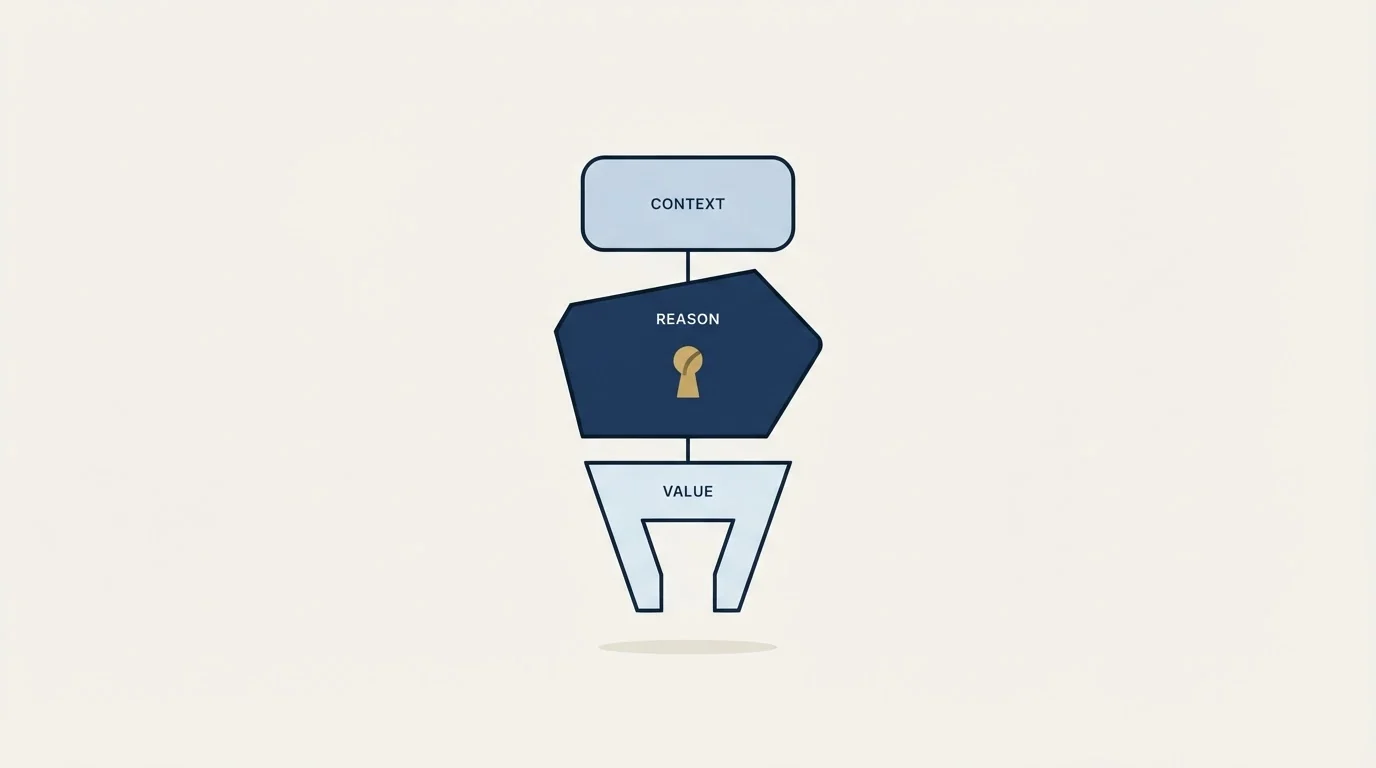
The ask to the busier side is four sentences at most, and it needs to be answerable without any research. Name the person and what they do, in a phrase rather than a biography. Say what they want, specifically, and say it in the smallest honest unit: fifteen minutes about a hiring decision reads very differently from a chat about the industry. Say why you think it is worth their time, in terms of what they are working on rather than what your contact is selling. Then make refusing easy, in your own words, so that a no arrives quickly instead of an unanswered message sitting there for a fortnight.
The ask to the other side is shorter still. You are telling them what you plan to say about them and what you are asking for. If your framing is generous in a way they would find embarrassing, they will tell you, and it is far cheaper to hear that now.
Neither of these is a LinkedIn message that needs a template, though the same structure carries over to email, and our warm introduction templates work through the wording for eleven common situations. Where no introducer exists at all, the paid route is a direct message to a stranger, and our guide to sending a LinkedIn InMail that gets answered covers what that message has to carry instead.
Writing the introduction itself
Once both have agreed, the introduction message has one job: give each person enough to write the next message without asking you a question first.
- Yes: Who each person is, described in terms the other one cares about
- Yes: Why this is happening now, rather than at some point in the past year
- Yes: The specific thing being asked for, in a unit of time or a decision
- Yes: Who moves first, named explicitly rather than left to etiquette
- Yes: Your exit, so neither of them writes their next reply for your benefit
- No: A biography of either person longer than two lines
- No: Flattery that either would be uncomfortable reading about themselves
- No: A pitch on behalf of the person being introduced
Describe each person in the other's terms. A director of engineering does not need to know that your contact is a seasoned commercial leader; they need to know that your contact has run the same migration twice and has opinions about the second one. The description that helps is the one that answers the question the other person is silently asking, which is why this conversation is worth thirty minutes of a Tuesday.
Name who moves first. An introduction that ends with a hope that the two of them will connect produces two people each waiting to be polite. One sentence fixes it, and the sentence belongs to you rather than to either of them.
The asymmetry nobody names out loud
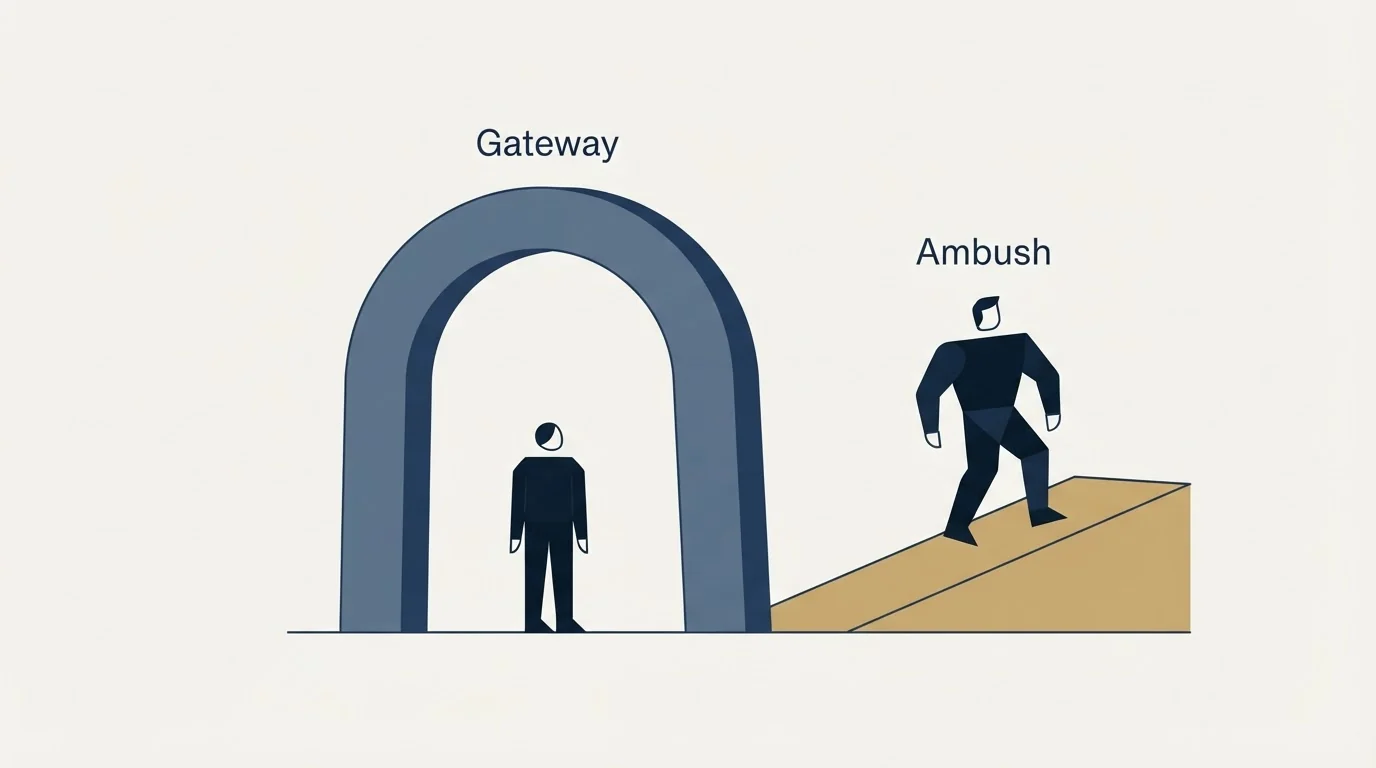
One side of an introduction receives a favour and the other receives a task. That imbalance is the reason the double opt-in exists, and it is also the reason introductions do not scale.
Your ability to make introductions rests on a stock of goodwill that each request draws down. Spend it on a bad match and you have not merely wasted one meeting, you have made the next ask more expensive. Two poorly judged introductions is usually enough for someone to start answering more slowly.
This is why an introduction cannot be an outbound channel. There is no version of it that runs at volume, no list to build, and no way to raise throughput without lowering the quality of the match, which is the only thing that makes it work. Our guide to referrals against cold outbound works through the ceiling that follows from that, and why a programme built entirely on warm paths runs out of them.
When an introduction is the wrong instrument
Three situations come up repeatedly, and in all three the honest answer is to decline.
The requester wants a sales meeting and is calling it a conversation. You will be the one who arranged it, and the person on the receiving end will remember. If your contact wants to sell to somebody, the introduction they are asking for is a lead, and a lead is not a favour you can grant on someone else's behalf.
You do not actually know one of them well. A LinkedIn connection accepted three years ago is not a relationship, and an introduction made on that basis is a cold approach with your name attached to it as collateral. The honest version is to say that you are connected but not close, and let the requester decide whether that is worth anything.
A cold approach needs a list rather than a favour, and which Boolean operators LinkedIn actually supports marks where a search string belongs in an outbound build.
You already made this introduction and nothing happened. A second attempt at the same pairing lands as a reminder that the first one was ignored. That is the same shape as a bump, and it belongs to the same class of thing as the second LinkedIn message we do not send. The rules LinkedIn publishes about invitations and message limits, covered in our LinkedIn invitations guide, sit alongside a house position that does not depend on those limits at all: a message that lands under one somebody has already ignored reads as pressure, whatever the platform permits.
If you are the one asking to be introduced
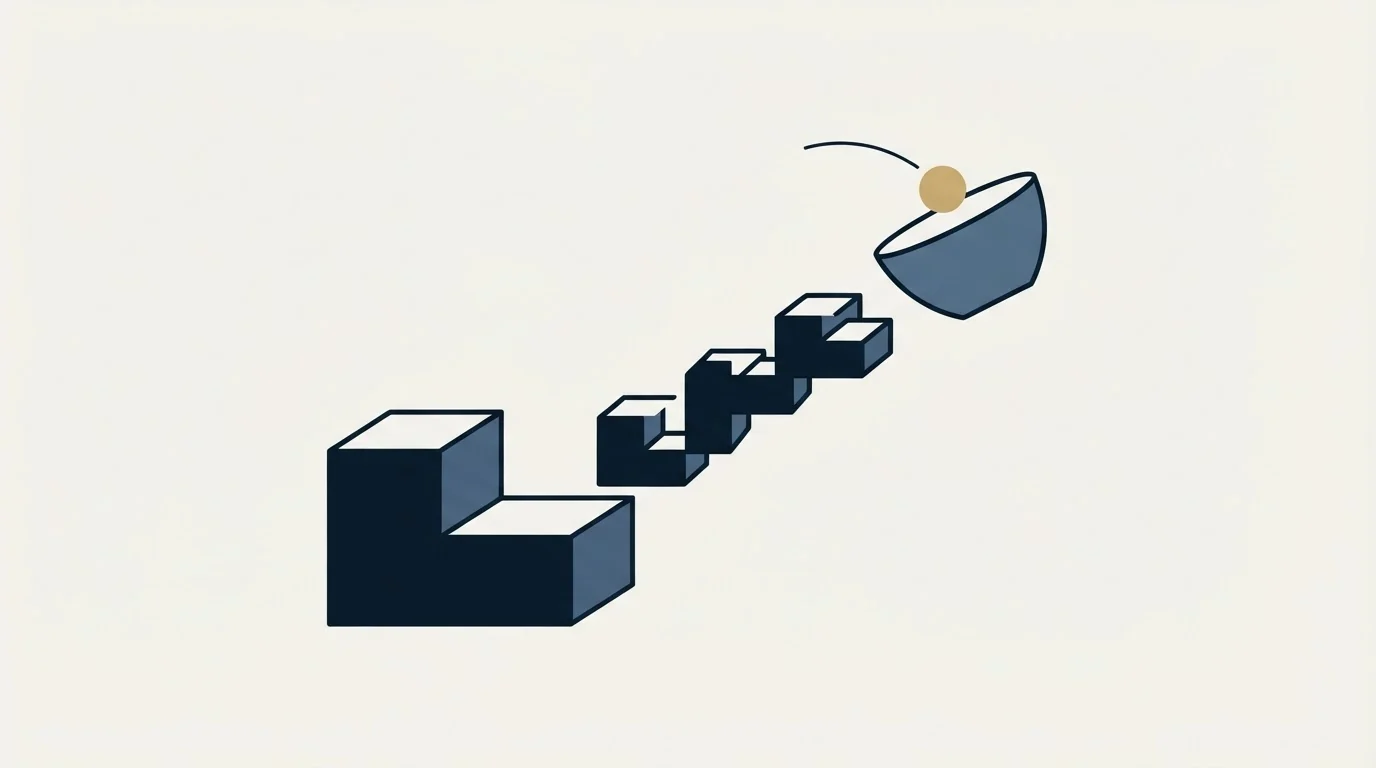
The request most people send makes the introducer do the work. It names a company, asks whether they know anyone there, and leaves them to find the person, judge the fit and write the message.
Send something they can forward instead. Name the specific person, say in one sentence why you want to talk to them, and write the two lines you would want said about you. The introducer's job then shrinks to deciding whether to press send, which is a decision they can make in twenty seconds rather than a task they postpone.
Ask for one introduction at a time, and tell the introducer what happened afterwards. The report back is what makes the second request easier than the first.
Where introductions sit next to an outbound programme
A warm introduction and a cold campaign answer different questions, and running one does not remove the need for the other. The introduction gets you a conversation with a named person whose attention you borrowed. The campaign finds the people you have no path to at all.
The house position on the cold half is that each campaign sends one message and never bumps it, so re-entry is a fresh campaign built on a new reason to write rather than a follow-up chasing an old one. That discipline applies here too. An introduction is a single, carefully aimed message; the reason it works is the same reason a bump does not, which is that somebody agreed to receive it first. Our guide to the five LinkedIn message types sets out what each route costs when it fails, and where an introduction sits among them.
If the cold half is what is missing, our free campaign build is where that gets designed against a real list rather than described in the abstract.
The short version
Ask both sides privately before either is in a thread. Use Share Profile when you are handing one person a name to consider, and a group chat only after both have agreed, remembering LinkedIn's own note that group chats are for conversations rather than mass messaging. Describe each person in the other's terms, name who moves first, and leave the thread. Treat a no as a finished answer and relay it honestly. Never make an introduction you would not want made about you, because the cost of a bad one is not the meeting, it is every introduction you were going to make afterwards.
LinkedIn help pages verified as of 2 September 2026. Verify current behaviour with LinkedIn before relying on it.
Sources: LinkedIn help, share a profile with connections and coworkers, LinkedIn help, create a group chat on LinkedIn Messaging
Frequently asked questions.
Frequently asked questions- Is there still an Introduce button on LinkedIn?
- The two LinkedIn help pages covering profile sharing and group chats name no dedicated introduction button. What they document is Share Profile, which sends a member's public profile URL inside a message you write, and a group chat, which opens one thread containing you and both people. Older writing describing a single introduction control is describing a surface those pages do not currently document.
- Should I introduce two people in a group chat or separately?
- Separately first, always. Message the person whose time is being spent, name who wants to meet them and what for, and wait for an answer. A group chat creates a social obligation to reply in front of a third party, so opening one before both have agreed converts a request into pressure. Once both have said yes, the group chat is the natural place to make the introduction.
- What do you say when you introduce two people?
- Describe each person in terms the other cares about rather than in a biography, say why the introduction is happening now, name the specific thing being asked for as a unit of time or a decision, and state who sends the next message. Then leave the thread. An introduction that ends hoping the two will connect produces two people each waiting to be polite.
- How do I ask someone for an introduction on LinkedIn?
- Send something forwardable. Name the specific person rather than the company, give one sentence on why you want to speak to them, and write the two lines you would want said about you. That shrinks the introducer's job to a twenty second decision instead of a task they postpone. Ask for one at a time, and tell them what happened afterwards.
About the author.

B2B cold email experts helping companies generate qualified leads through done-for-you outreach campaigns.
RevenueFlow Team
Explore more.
Ready to scale your outreach?
We build GTM engines that book real meetings. See the receipts.
Related articles.
LinkedIn Search Limits: What Counts and What Resets
LinkedIn publishes the rules governing its commercial use limit and not the number. What its own help pages say counts, what resets, and how to operate.
LinkedIn Boolean Search: What LinkedIn Actually Supports
LinkedIn publishes which Boolean operators work, the order they evaluate in, and a 15 operator cap on Sales Navigator. Everything else fails silently.
Cold Outreach Automation: Where the Line Sits
Cold outreach automation is seven decisions, not one purchase. Four stages automate cleanly, two produce confident nonsense, and one is the feature we decline.
CRM Setup: The Objects, Stages and Write-Back Loop
A vendor neutral CRM setup for an outbound team: the object model, stage exit criteria, the required field set, ownership rules and the campaign write-back loop.
Dialpad Pricing: Four Products, Four Ladders
Dialpad publishes four separate price ladders on one page, from $15 to $150 per user per month. Which product you are buying decides the number.
ConnectAndSell: What You Get for the Seat, and the Filings
ConnectAndSell sells conversations rather than dials, using human agents to get past gatekeepers. Its audited accounts and its sale add a second diligence question.