LinkedIn Search Limits: What Counts and What Resets
LinkedIn publishes the rules governing its commercial use limit and not the number. What its own help pages say counts, what resets, and how to operate.

LinkedIn does not publish a number for its search limit. Its help pages say the commercial use limit is calculated from your activity, that free monthly usage resets at midnight PST on the 1st of each calendar month, that you cannot see how many searches remain, and that the limit cannot be lifted on request.
Key takeaways
- LinkedIn's help pages publish the rules of the commercial use limit but no monthly figure, because the limit is calculated from each account's activity.
- Free monthly usage resets at midnight PST on the 1st of each calendar month, and the remaining allowance cannot be displayed or lifted on request.
- Profile searches, People Also Viewed and a Page's People tab count; name searches from the top bar, first-degree browsing and Jobs searches do not.
- Premium Business, Recruiter Lite and Sales Navigator raise the allowance, but Premium DACH Essentials and Job Seeker plans keep the limit.
Reviewed and updated September 21, 2026
A rep runs a search on Tuesday morning, opens the fourth page of results, and LinkedIn tells them they have reached their limit for the month. It is the second of September. Nobody on the team can say how many searches were spent, because LinkedIn does not show a counter, and the vendor blog they check on the way to standup states a confident monthly number that is not present on either of the two help pages LinkedIn publishes about the limit.
That is the whole shape of this problem. The limit is real, the rules governing it are published, and the number is not. Most of what is written about LinkedIn search limits inverts that: the number is stated as fact and the published rules are skipped.
This page works the other way round. It sets out what LinkedIn's own help pages say, what each rule means for a team running outbound, and how to operate a search-heavy motion when the meter is invisible.
LinkedIn search limits: what LinkedIn actually publishes
The rules sit on two short LinkedIn help pages, one titled "Commercial use limit" and one titled "Monthly People Search Usage", both read directly on linkedin.com. The first of them opens by saying that "If you reach the commercial use limit for searching, your activity on LinkedIn indicates that you're likely using LinkedIn for commercial use, like hiring or prospecting."
That same page adds that "You'll see a warning as you approach the limit" and that "Your free monthly usage resets at midnight PST on the 1st of each calendar month."
The second page, titled "Monthly People Search Usage", says that "People search usage limit is calculated based on your activity on LinkedIn" and that this "is used to determine if you're using LinkedIn for recruiting or generating leads."
Neither page publishes a figure. Both publish something more useful, which is the refusal: "We are not able to display the exact number of searches or views you have left and we also cannot lift the limit upon request." Two separate promises are being declined there. You cannot see the counter, and support cannot reset it for you.
Published on LinkedIn's pages
- The limit exists, triggered by hiring- or prospecting-shaped activity
- Free usage resets at midnight PST on the 1st of each calendar month
- A warning appears as you approach it
- The warning may not appear if you spend the allowance too quickly
Declined on LinkedIn's pages
- Showing the allowance you have left
- Lifting the limit on request
- A specific monthly number
The last line in the second list is the one that matters most, and it is the one every third-party page fills in for itself.
What counts, and what does not
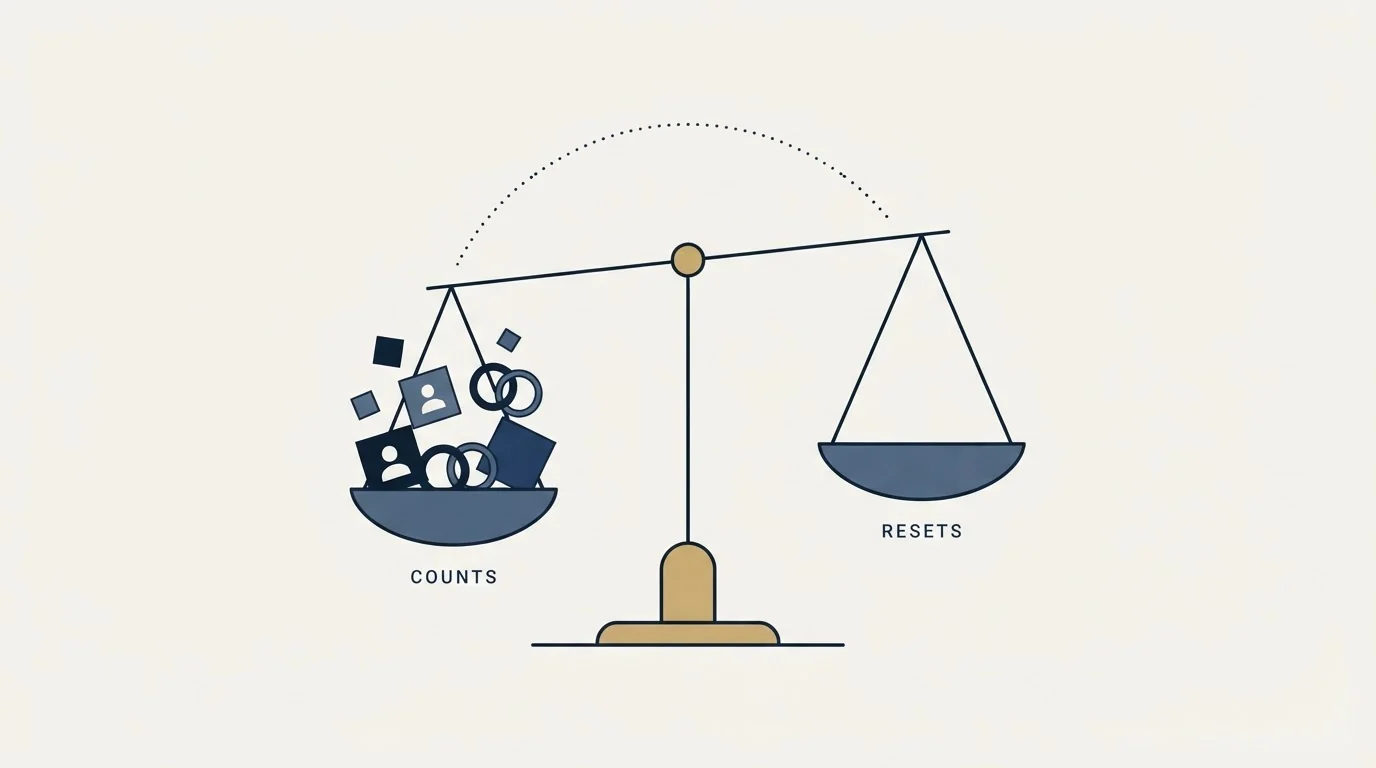
This is the part of the documentation with real operational value, and it is the part almost nobody quotes. The commercial use limit page lists the activities on each side.
Counting toward the limit: "Searching for LinkedIn profiles on LinkedIn.com and mobile", "Browsing LinkedIn profiles using the People Also Viewed section located on the right pane of a profile", and "Viewing member profiles on the People tab of LinkedIn Pages".
Not counting toward it: "Searching profiles by name using the search box located at the top of every page on LinkedIn.com", "Browsing your 1st-degree connections from the Connections page", and "Searching for jobs on the Jobs page".
Read those two lists next to each other and the logic becomes legible. The meter is not counting page loads. It is counting the behaviours that distinguish somebody building a list from somebody using the network they already have. Looking up a named person you are meeting on Thursday is free. Working through the employees of a company you have never spoken to is not.
The second help page makes the same point from the other direction, listing "Viewing lots of profiles that are not 1st-degree connections", "Searching for companies and employees of a specific company" and "Searching outside of your network (3rd-degree people searches)" as examples of what it calls habits associated with recruiting or lead generation.
| Counts toward the limit | Does not count |
|---|---|
| Searching for profiles on LinkedIn.com and mobile | Searching for a person by name from the top search box |
| Browsing profiles through People Also Viewed | Browsing your own first-degree connections |
| Viewing member profiles on the People tab of a Page | Searching the Jobs page |
| Viewing many profiles outside your first degree | Searching your own network, which a Basic account can always do |
| Third-degree people searches |
There is a practical consequence for anyone who researches accounts by hand. Opening a company page and working down the People tab is one of the fastest ways to spend the allowance, because it is explicitly named as counting. Looking up one person by name before a call is not.
Why the missing number is the honest part
It is tempting to treat the absent figure as an oversight. It reads more accurately as a description of how the system works.
LinkedIn says the limit "is calculated based on your activity", which is a statement that the threshold is derived rather than fixed. An account that has held a complete profile for eight years, connects with people it plausibly knows, and posts occasionally is not being assessed on the same terms as a two-week-old account with forty connections running third-degree searches all afternoon. A single published number would have to be either the low bound, in which case it would be wrong for most accounts, or an average, in which case it would be wrong for all of them.
The warning behaviour supports the same reading. The commercial use limit page notes that "the warning that you are approaching the limit may not display if you run through the full amount of searches or views too quickly." A system with a fixed monthly quota and a simple counter would have no reason to miss its own warning. A system evaluating a rate can be overtaken by one.
This is the same posture LinkedIn takes on invitations, where this site already works through what is published and what is not in the LinkedIn connection limit. The pattern holds across both surfaces: the rules are documented, the thresholds are not, and the reason is that the thresholds move with the account.
What the published numbers in the category are worth

Search this term and the results carry figures that do not agree with one another. Treat any of them as an observation of one account rather than a published limit.
Treat any specific monthly allowance you read as an observation somebody made on their own account at some point, which is a real thing but a different thing from a published limit. It tells you roughly what order of magnitude to plan around. It does not tell you what your account will do this month, because your account has a different history.
The test for whether a number is usable is simple. Open the page it is attributed to and find the figure there. A number that has travelled through three blog posts has lost its account context at every hop, and account context is the entire variable.
Operating without a counter
The absence of a meter changes what a search-heavy motion should look like, and the adjustments are cheap.
Do the filtering before the searching. Every profile you open to decide whether it belongs on the list is spent allowance. Every filter you apply before opening anything is free. That is an argument for building the query properly rather than browsing, and the operators LinkedIn genuinely supports are set out in LinkedIn Boolean search. A precise query returns a shorter list of better-fitting people, which is a targeting win and an allowance win at the same time.
Export once rather than browsing repeatedly. Re-running the same search to re-read the same results spends the allowance again for information you already had. Capture the result set the first time.
Do not spread the work across borrowed accounts. Sharing one person's login, or running the same search from a colleague's profile to get a second allowance, moves the risk onto an account belonging to somebody who did not agree to carry it. The account-level restrictions this leads to are covered in LinkedIn prospecting, and the honest summary is that the accounts most likely to be restricted are the ones behaving least like a person.
Expect the reset to be a date rather than a favour. Free monthly usage resets at midnight PST on the 1st. There is nothing to request and nobody to ask, because LinkedIn's own page says the limit cannot be lifted on request.
Filters and supported operators cost nothing and remove people you would otherwise open to reject.
Title, company and location are visible without opening anything.
A profile opened to confirm what the result row already said is spent allowance.
Re-running a search to re-read the same people spends the allowance twice.
There is no counter, and the reset is the 1st at midnight PST.
What a paid plan changes, and what it does not
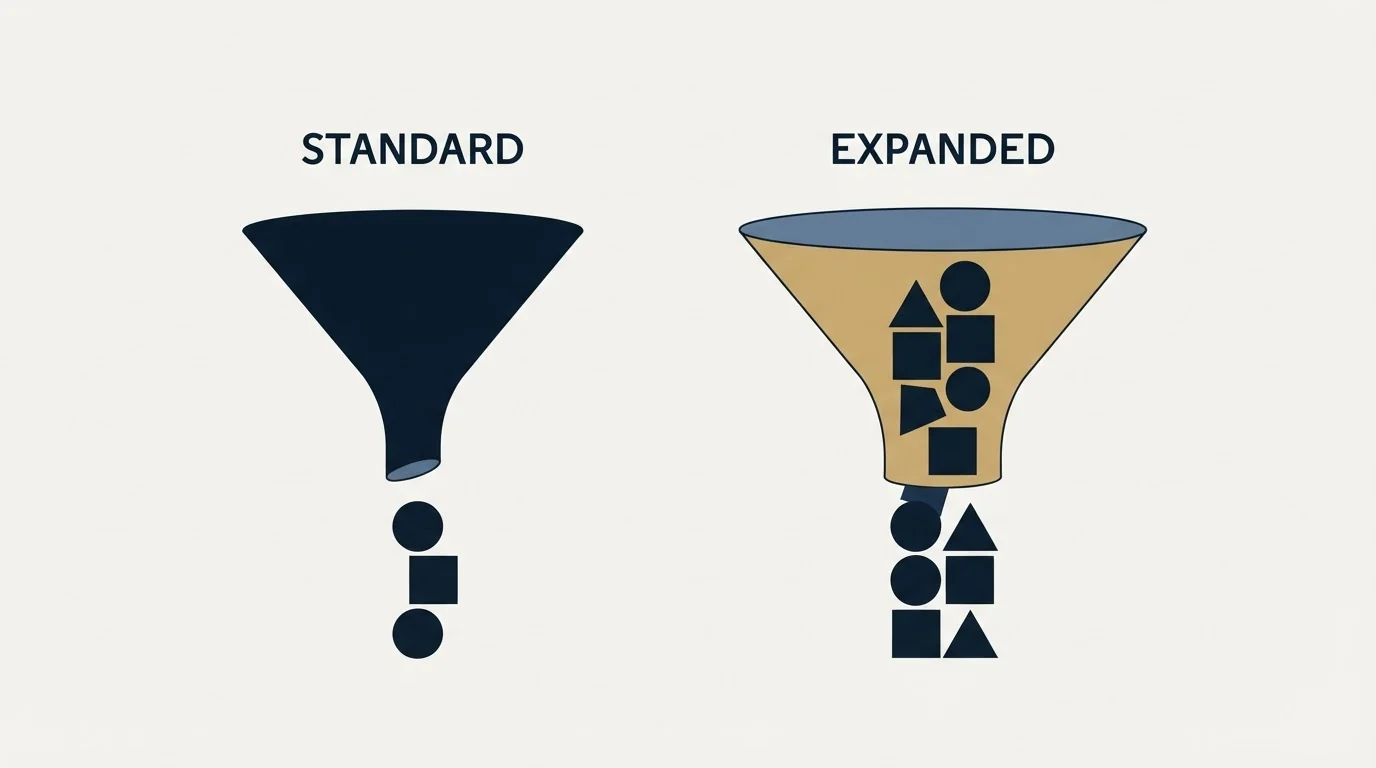
Both help pages name the upgrade path. The commercial use limit page lists "Premium Business", "Recruiter Lite" and "Sales Navigator" as plans that increase the number of profile searches and views. The people search page names Premium Business, Recruiter and Sales Navigator in the same role.
Two qualifications sit in LinkedIn's own text and both are easy to miss.
The first is that not every paid plan removes the limit. The commercial use limit page states that "Our Premium DACH Essentials plans still include the commercial use limit", and the people search page states that "Our Job Seeker plans still include the search limit." Paying for LinkedIn and paying for a higher search allowance are separate purchases, and the plan names matter.
The second concerns leaving. "If you choose to cancel your Premium subscription, you will be given the basic limit of search and profile browsing. In addition, your limit will not be reset upon cancellation." Downgrading mid-month therefore returns the account to the basic allowance with whatever has already been consumed still counted against it.
Whether the upgrade is worth buying is an arithmetic question rather than a feature question, and this site works it through in is Sales Navigator worth it. The tier comparison, which decides how much of the upgrade you actually need, is in Sales Navigator Core vs Advanced.
One thing a paid plan does not change is worth stating plainly. A higher search allowance widens the top of the funnel and does nothing to the message, the list quality or the reply rate. Teams that hit the limit and buy their way past it frequently discover that the constraint was never the searching.
Where the limit sits in a real outbound programme
For a team running outbound at any volume, the search limit should be a background fact rather than an operating constraint, and if it is not, something upstream is wrong.
Manual searching is a research instrument. It is how a person understands a segment, checks that a title means what they think it means, and reads a handful of accounts closely enough to write something specific. That work is worth doing and it does not require hundreds of profile views a week.
List building at volume is a different job and it is not a job for a person clicking through search results. It runs on filters, a data provider and verification, and the profile views it consumes are close to zero. A programme that consumes its monthly search allowance on list building has put a person where a query should be.
The line between the two is where the LinkedIn User Agreement also sits. Automated extraction of profile data is a separate question from search volume, and it is answered on its own terms in LinkedIn email scrapers. What is published about the search limit says nothing that licenses working around it, and the pages in this category promising to do so are describing an account risk rather than a technique.
The short version

LinkedIn publishes the rules governing its commercial use limit, and neither of the two help pages covering it carries a figure. The rules are that the limit is calculated from your activity, that free monthly usage resets at midnight PST on the 1st of each calendar month, that a warning appears as you approach it and may be missed if you spend the allowance quickly, that the remaining balance cannot be displayed, and that the limit cannot be lifted on request.
Searching for profiles, browsing People Also Viewed and viewing profiles on a Page's People tab all count against it. Searching for a person by name from the top search box, browsing your own first-degree connections and searching the Jobs page do not.
Premium Business, Recruiter Lite and Sales Navigator raise the allowance, but LinkedIn states that Premium DACH Essentials and Job Seeker plans still carry the limit, and that cancelling returns the account to the basic allowance without resetting what has been spent.
Operate on the assumption that there is no counter, because there is not one. Filter before you open anything, capture a result set once, and keep list building out of the search box entirely. If the limit is binding on your week, the fix is almost never a bigger allowance. See what a campaign built on a properly filtered list looks like against your market.
LinkedIn help page text is quoted from the two pages linked above, with dated snapshots retained. LinkedIn revises these pages; confirm the current wording before relying on it.
Frequently asked questions.
Frequently asked questions- When does the LinkedIn search limit reset?
- LinkedIn's help pages say free monthly usage resets at midnight PST on the 1st of each calendar month. There is nothing to request in between: LinkedIn states it cannot lift the limit on request, and cancelling Premium returns you to the basic limit without resetting what you have already used that month.
- How many profile searches does LinkedIn allow per month?
- LinkedIn does not publish a number. Its help pages say the limit is calculated from your activity and that it cannot display how many searches or views you have left. Any figure you read elsewhere is an observation of one account, not a published allowance.
- What counts toward the LinkedIn commercial use limit?
- Searching for profiles on the site and app, browsing People Also Viewed and viewing profiles on a Page's People tab all count, as do habits like viewing many profiles outside your first degree. Searching a person by name from the top bar, browsing your first-degree connections and searching Jobs do not.
- Does LinkedIn Premium remove the search limit?
- Premium Business, Recruiter Lite and Sales Navigator increase the number of profile searches and views, according to LinkedIn's help pages. Premium DACH Essentials and Job Seeker plans still include the limit, so check the plan name before paying for more searching.
About the author.

B2B cold email experts helping companies generate qualified leads through done-for-you outreach campaigns.
RevenueFlow Team
Explore more.
Ready to scale your outreach?
We build GTM engines that book real meetings. See the receipts.
Related articles.
LinkedIn Boolean Search: What LinkedIn Actually Supports
LinkedIn publishes which Boolean operators work, the order they evaluate in, and a 15 operator cap on Sales Navigator. Everything else fails silently.
How to Introduce Someone on LinkedIn Without the Ambush
LinkedIn documents two routes for introducing people and no dedicated button. The sequence that keeps an introduction from landing as an imposition.
Cold Outreach Automation: Where the Line Sits
Cold outreach automation is seven decisions, not one purchase. Four stages automate cleanly, two produce confident nonsense, and one is the feature we decline.
CRM Setup: The Objects, Stages and Write-Back Loop
A vendor neutral CRM setup for an outbound team: the object model, stage exit criteria, the required field set, ownership rules and the campaign write-back loop.
Dialpad Pricing: Four Products, Four Ladders
Dialpad publishes four separate price ladders on one page, from $15 to $150 per user per month. Which product you are buying decides the number.
ConnectAndSell: What You Get for the Seat, and the Filings
ConnectAndSell sells conversations rather than dials, using human agents to get past gatekeepers. Its audited accounts and its sale add a second diligence question.