LinkedIn Email Scraper: What These Tools Read and Guess
A prospect you have never met does not show you an email address on LinkedIn, so the tools promising one are getting it from somewhere else entirely.
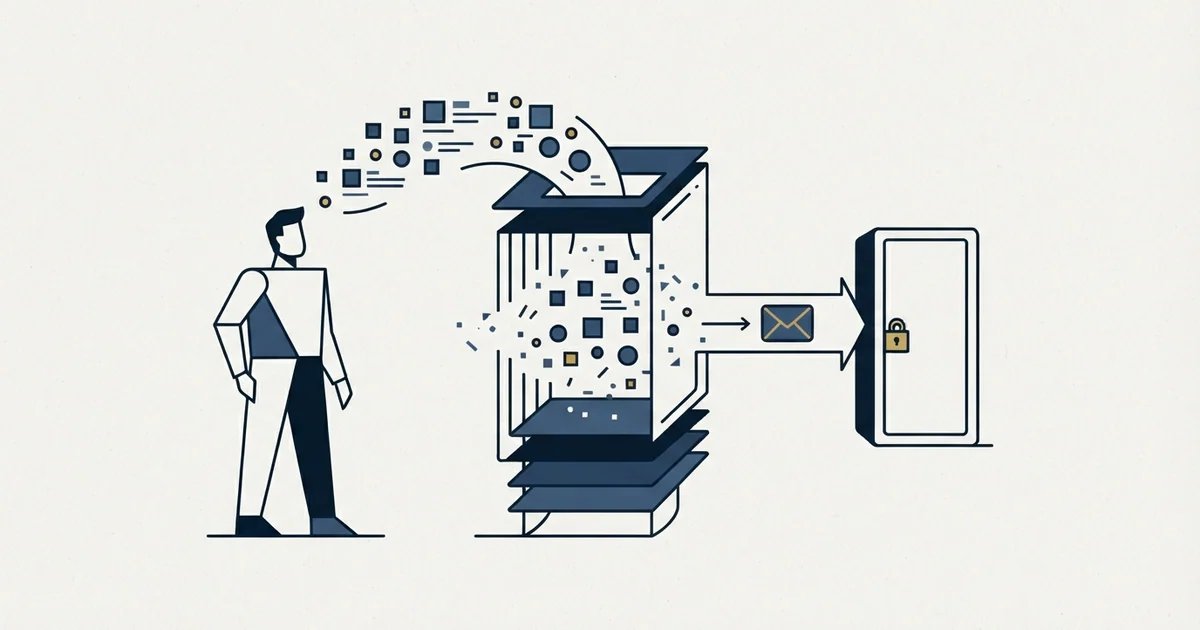
LinkedIn shows a member email address to direct connections by default, so a cold prospect renders no address to read. Tools sold as LinkedIn email scrapers mostly query a third-party database or infer the company address pattern and test it, using LinkedIn only for the name and employer.
Key takeaways
- LinkedIn states that a member primary email address is visible only to direct connections by default, and the member can narrow it to nobody or widen it to anyone.
- The address on file is the one registered with LinkedIn, which is frequently a personal address rather than the work address an outbound programme needs.
- Database lookup and pattern inference need only a name and a company domain, so the LinkedIn-shaped interface is removable without losing the result.
- User Agreement clauses reach buyers as well as builders, covering data obtained through aggregators and brokers and monetizing platform data.
Reviewed and updated September 1, 2026
The category sells itself on a simple promise: point it at a LinkedIn profile or a search result, get back a verified work email address. The promise runs into a fact about LinkedIn that most of the marketing skips. The email field these tools would have to read is, by LinkedIn's own default, visible only to that member's direct connections, and the address sitting in it is whatever they registered with LinkedIn rather than the work address you want.
So for a cold prospect, in the ordinary case, there is nothing on the page to read. Which raises the question this article exists to answer: if the address is not there, where is a LinkedIn email scraper getting one?
The answer determines both what you are buying and whose account carries the risk.
It is also the honest answer to how to get email addresses from LinkedIn, because in almost every case the address is resolved from a name and a company domain somewhere else, and LinkedIn is the interface rather than the source.
What is actually on the profile
LinkedIn publishes the visibility rules for member email addresses, and they are more restrictive than the tooling market implies.
By default, the primary email address a member registered with LinkedIn is visible only to their direct connections. The member can change that from their settings, choosing between four options: hidden from everyone, first-degree connections, first and second-degree connections, or anyone on LinkedIn. A separate control governs whether connections may download that address in their own data exports.
Two consequences follow, and both are structural rather than incidental.
The address is the one registered with LinkedIn, which is the credential the member signs in with rather than a field describing their current employer. Members carry it between jobs, and nothing in the platform requires it to be a work address at all, so even a successful read can return something you would not send a business proposal to.
And the default excludes exactly the people an outbound programme cares about. A prospect you have never met is not a first-degree connection, so the field is not rendered for you at all. A tool reading the page you are looking at reads what you can see, and what you can see is nothing.
The same distinction decides what scraped data is safe to interpolate into copy. A field read from a page the sender can legitimately see, such as a public company description or a job posting, is an observation and reads as one. A field returned by a lookup against a third-party database is an assertion about the person that nobody has checked, and putting it into a merge variable renders it to the recipient as something you claim to know about them. The failure mode is not a blank field, which is visible in testing, but a confidently wrong one, which is visible only to the prospect.
The three things a tool can actually be doing
Products in this category share a name and a promise while working in genuinely different ways. Sorting them is the most useful thing a buyer can do, because the three architectures carry different risks and different accuracy.
- A browser extension or automation harvests what is rendered to your logged-in account
- Bound by the same visibility rules you are
- Returns an address only where the member chose to expose it
- Runs inside your account, using your session and your IP
- Takes the name and company from the profile, queries a contact database
- The address never came from LinkedIn
- Accuracy depends entirely on that database's coverage and freshness
- LinkedIn is the interface, not the source
- Infers the company's address format and constructs a candidate
- Tests the candidate against the receiving mail server
- No lookup and no reading, just arithmetic on a domain
- Accuracy tracks how conventional the company's format is
Most commercial products combine the second and third, and some layer a thin reading step on top. The reason this matters commercially is that the second and third do not need LinkedIn at all. They need a name and a company domain, which you can obtain from a list you built legitimately, from a licensed product used through its own interface, or from the company's own website.
Put differently: for the majority of what this category sells, the LinkedIn-shaped interface is a convenience wrapper, and stripping it off costs you almost nothing while removing the part that carries the risk.
Which of them the User Agreement addresses
The first architecture, and any automation driving a member session, runs into clauses LinkedIn states plainly.
Section 8.2 of the User Agreement prohibits developing, supporting or using software, devices, scripts, robots or any other means or processes to scrape or copy the Services, including profiles and other data from the Services. A separate clause prohibits bots or other unauthorized automated methods used to access the Services, add or download contacts, send or redirect messages, or otherwise drive inauthentic engagement, and the phrase "add or download contacts" names this activity directly rather than by implication.
A comparable clause appears in ZoomInfo's own terms, where ZoomInfo's terms and data risks also cover why an extracted snapshot loses its verification value.
Two further clauses reach past the person running the tool. One prohibits copying, using, displaying or distributing information obtained from the Services, whether directly or through third parties such as search tools or data aggregators or brokers, without the content owner's consent. Another prohibits renting, leasing, trading, selling or otherwise monetizing the Services or related data without LinkedIn's consent. Together those cover buying the output as well as producing it, which is the part teams assume they have stepped around by purchasing rather than building.
LinkedIn's prohibited-software help page supplies the consequence in its own words: members using such tools risk having their accounts restricted or shut down, and risk the tools themselves becoming non-operational without notice. The clause-by-clause reading, including the frequently mangled hiQ outcome, is set out in what LinkedIn's terms say about scraping.
The reassurances, and what each one answers
Vendors in this space offer a consistent set of comfort lines. None of them is necessarily dishonest, and each answers a question slightly different from the one a buyer asked.
"It mimics human behaviour and respects the limits." A claim about detection, not about permission. Nothing in the clauses above turns on how closely automated activity resembles a person, and LinkedIn states it is continuously improving its defences against exactly this.
"We are cloud-based, so it is not a browser extension." The prohibition names software, devices, scripts, robots or any other means or processes, which is drafted to be architecture-neutral. Where the code runs is not the test.
"We only take public data." The distinction that matters here is contractual rather than statutory, and the third-party clause covers information obtained through aggregators and brokers regardless.
"Thousands of customers and nobody has been restricted." A statement about enforcement frequency, unverifiable from outside, and the restricted users are not the ones writing reviews.
The follow-up worth asking is always the same, and it is not about the tool: if LinkedIn restricts the account, whose account is it, and what is the vendor's remedy.
Where the risk actually lands
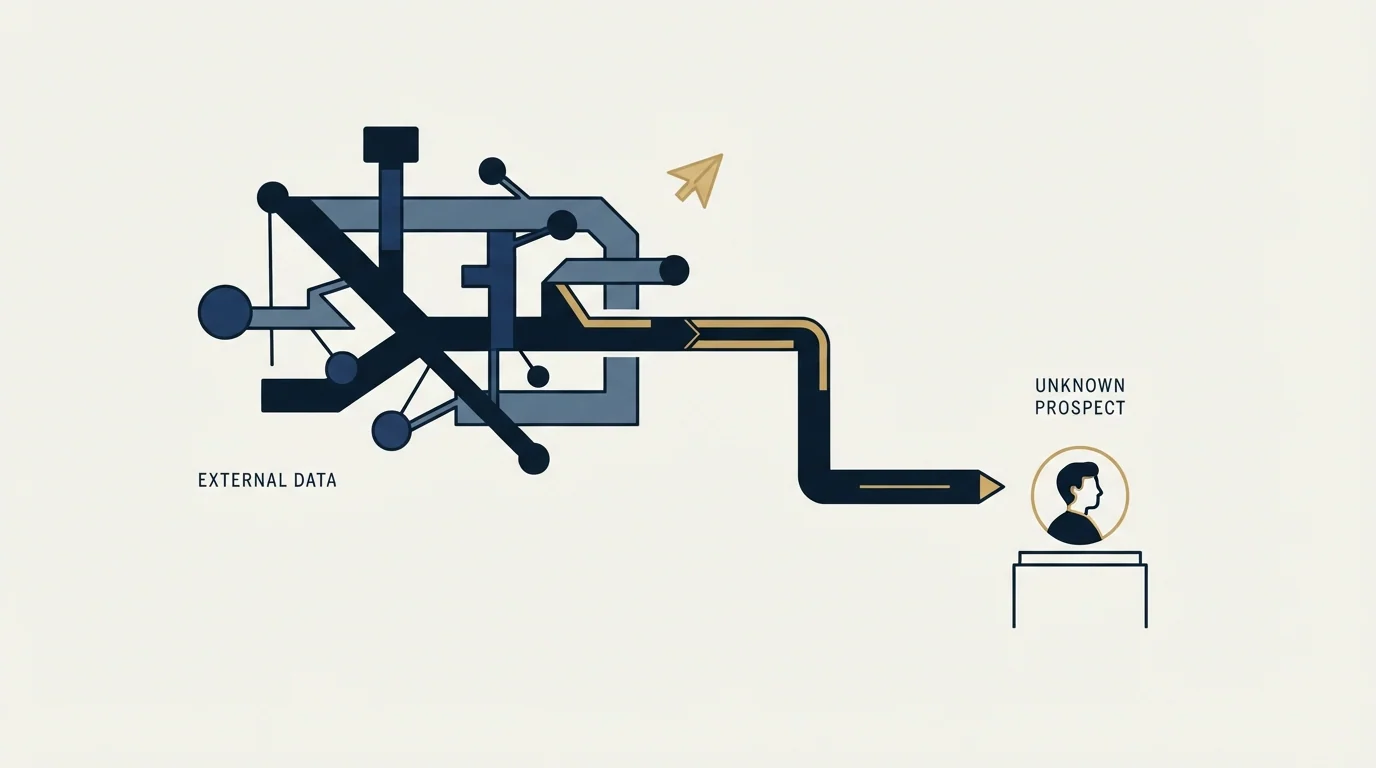
This is the part that changes the decision, because the exposure is not distributed the way the purchase suggests.
A tool that stops working has lost a product. The restriction lands on the member account running the activity, which in practice is a founder's or a senior seller's personal profile, carrying years of connections and history that cannot be rebuilt. LinkedIn's own escalation path runs from restriction to suspension with a stated end date, and repeated suspensions may result in permanent restriction. The diagnosis and recovery side is covered in what to do when an account is restricted, and the underlying triggers in the connection limit page.
A sending domain can be replaced. A long-standing LinkedIn account attached to someone whose goodwill you need cannot be, and it is usually not the account of the person who chose the tool.
The route that does not need one
If the second and third architectures are where most addresses actually come from, the honest version of this workflow just removes LinkedIn from the contact-data step entirely.
- Step 1Identify the person
Role, seniority, company and recent changes, using licensed products through their own interfaces.
- Step 2Carry the identifiers, not the contacts
Name, company and domain are the inputs an email finder needs. The address was never on the profile anyway.
- Step 3Resolve through a waterfall
Providers tried in sequence, because their coverage gaps are different and running several resolves more of a list than the best single one.
- Step 4Verify close to the send
An address found is a claim that a mailbox existed. Verification near the send is what protects the sending domain.
We run exactly that split: LinkedIn for identification, and a MillionVerifier, Prospeo and Findymail waterfall for finding and verifying addresses, with LinkedIn outreach itself running through HeyReach. The comparison of the verification layer is in email verification tools, and the Sales Navigator version of this question, where the answer is that no tier supplies addresses, is in does Sales Navigator provide email addresses.
On the outreach side we run one message per campaign, with no thread replies and no bumps, and no LinkedIn no-reply retargets at all, because a second LinkedIn message lands directly beneath the one that was ignored.
What to ask before buying one
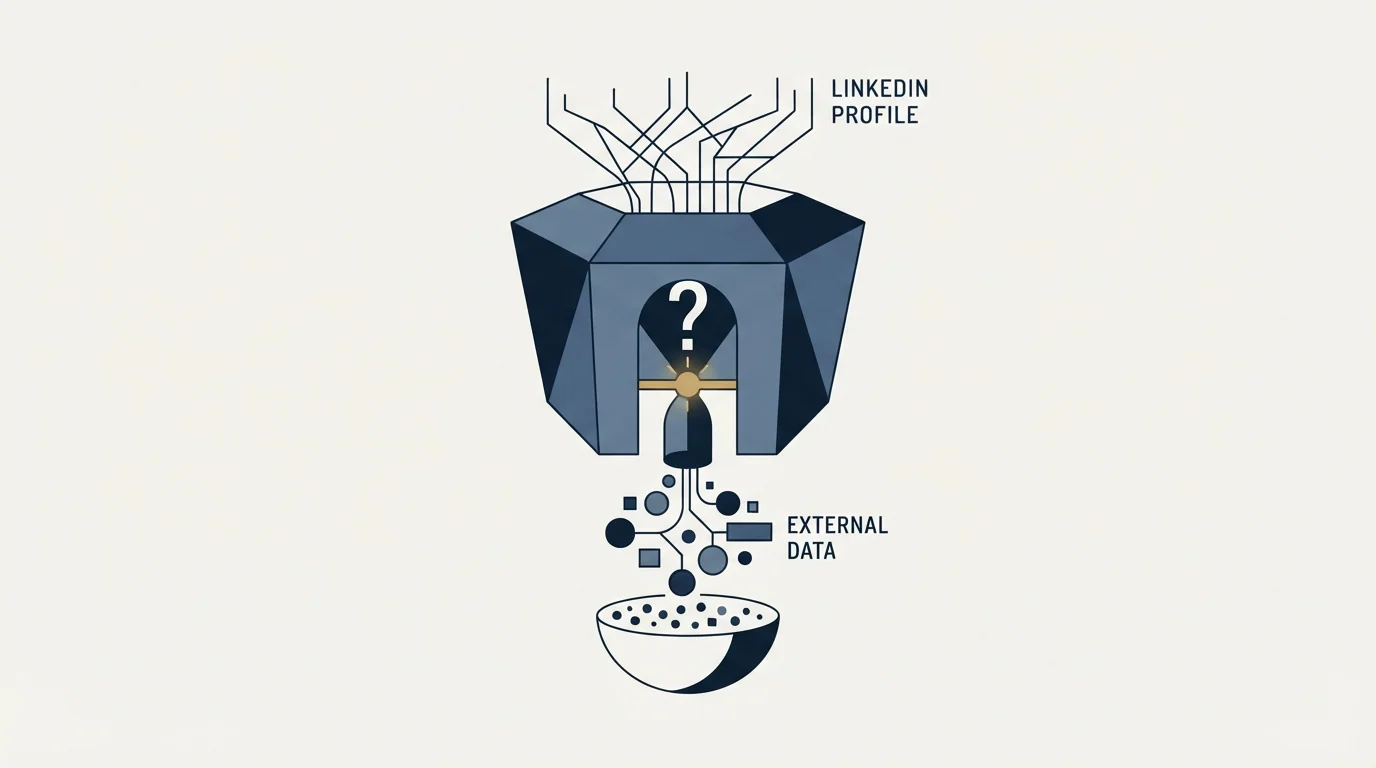
- Yes: Ask which of the three it does: reads the page, queries a database, or guesses a pattern
- Yes: Ask whose LinkedIn account the activity runs through
- Yes: Ask what the remedy is if that account is restricted
- Yes: Check whether the same result is available from a finder that never touches LinkedIn
- Yes: Ask for the verification step, since a guessed address is a hypothesis
- No: Treat a cloud-hosted architecture as evidence of permission
- No: Treat an absence of reported bans as evidence the activity is allowed
The fourth line resolves most purchases on its own. If the tool is running a database lookup or a pattern guess, a dedicated email-finding provider does the same work from a name and a domain, without a browser extension inside anyone's LinkedIn session and without the clause that follows it.
The short version
LinkedIn shows a member's registered email address to their direct connections by default, and the member can narrow that to nobody or widen it to anyone, with a separate control over data exports. For a cold prospect the field is usually not rendered at all, so tools promising emails from LinkedIn are generally querying a third-party database or inferring the company's address pattern and testing it, with LinkedIn supplying only the name and company. Those two routes do not need LinkedIn and can be run from a list you obtained legitimately. The routes that do read the page run into User Agreement clauses covering scraping, bots used to add or download contacts, data obtained through aggregators and brokers, and monetizing platform data, with account restriction or shutdown as the published consequence. The exposure lands on a real person's account rather than on the vendor.
We are paid on attended qualified meetings, so the addresses have to work and the accounts have to survive. You can see what a campaign would look like for your market.
Email visibility defaults and settings are from LinkedIn's Visibility of Your Email Address help page. Prohibitions are quoted from section 8.2 of the LinkedIn User Agreement, and enforcement consequences from LinkedIn's prohibited software and extensions help page. All three were fetched with cache-busting and verified as of mid-2026. No match rates, pricing or accuracy figures for any tool in this category are stated here, because none is published by a primary source we could verify. Verify current terms with LinkedIn.
Sources: Visibility of Your Email Address, LinkedIn User Agreement, Prohibited software and extensions
Frequently asked questions.
Frequently asked questions- Can you actually scrape emails from LinkedIn?
- Rarely, because the field is usually not rendered. LinkedIn shows a member registered email address to their direct connections by default, and members can restrict it further. A tool reading the page sees exactly what your own account sees, so for a cold prospect there is generally no address on the profile to take.
- Where do LinkedIn email finders get addresses from?
- Two places, mostly. Some query a third-party contact database using the name and employer taken from the profile, so the address never came from LinkedIn at all. Others infer the format a company uses for addresses, build a candidate and test it against the receiving mail server. Both work from a name and a domain.
- Is using a LinkedIn email scraper against the terms?
- Reading page data is addressed directly. LinkedIn prohibits software, scripts and browser extensions used to scrape or copy profiles and other data, and separately prohibits bots or unauthorized automated methods used to add or download contacts. Further clauses cover data obtained through aggregators and brokers, so buying the output is addressed too.
- What happens if LinkedIn notices?
- LinkedIn says members using prohibited tools risk having their accounts restricted or shut down, and risk the tools becoming non-operational without notice. The restriction lands on the member account running the activity, which is usually a founder or senior seller with years of connections attached, rather than on the vendor that sold the tool.
About the author.

Ben Carden is CRO at RevenueFlow, which builds and operates outbound revenue engines for B2B companies. Previously at Gartner Enterprise. Studied at London School of Economics.
Ben Carden · CRO
Connect on LinkedIn →Explore more.
Ready to scale your outreach?
We build GTM engines that book real meetings. See the receipts.
Related articles.
Drift Competitors: What Replaced It and What Each Costs
Drift is retired and drift.com now serves a Salesloft page. What the successors publish about price, who owns them now, and which one fits which job.
B2B Database: What to Test Before You Pay
Total record count is the number every vendor leads with and the one that predicts least. The test that replaces it takes a day and settles the purchase.
Lead Verification: What Each Check Actually Proves
Lead verification covers two different jobs. One asks whether a mailbox will accept mail, the other asks whether the person behind the row is real and lawful to contact.
Typeform Alternatives: Read the Response Meter First
Typeform meters responses with a hard ceiling and counts seats inside the plan. What Tally, Fillout, Formbricks and Jotform count instead, from their own pricing pages.
Webflow Pricing: The Four Lines on a Real Bill
Webflow bills a site plan, a workspace plan, seats and metered add-ons. What each line pays for, read from the vendor's own pricing page in September 2026.
Foleon Pricing: No Published Price, a 24-Month Term
Foleon publishes no rate on its plans page and publishes the whole commitment behind it. The term, the notice window and what happens to the Docs after.